

Browser-based word processor built for real-time collaboration
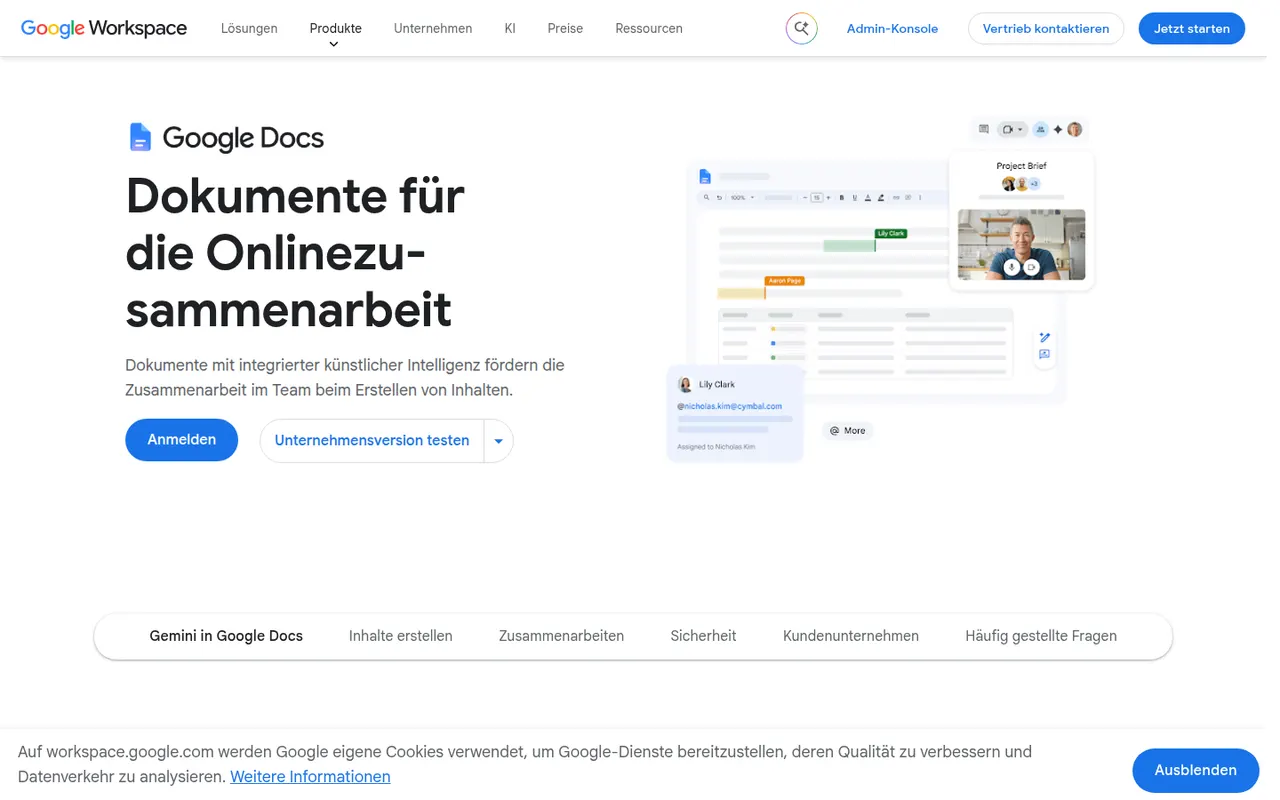
Google Docs is Google's online word processor, used for writing and editing documents together in real time. Comments, suggestion mode, version history and sharing links are built in, and files can be edited offline or exported as Word, PDF or OpenDocument. It is free with a Google account, with Gemini AI and business controls available through paid Google Workspace plans.
- features
- 6
- alternatives
- 11
- platforms
- 3
- Updated
- Oct 12, 2026
Features
Our take
Pros
- Real-time co-editing with comments and suggestion mode
- Free with a Google account and accessible from any browser
- Version history makes every change recoverable
Cons
- Fewer layout and formatting options than desktop word processors
- Offline editing has to be set up in advance
- Gemini and business controls require paid Workspace plans
Editorial assessment by the Alternatives.tools team, based on what the product is known for. Not a user review.
Best Google Docs alternatives
See all 11 alternatives Microsoft WordFreemium
Microsoft's word processor for documents, reports and letters
4.7(3M) · App Store Zoho WriterFreemium
Online word processor with document automation and e-signatures
2.9(138) · App Store ONLYOFFICEFreemiumOpen source
Open source office suite with desktop, mobile and self-hosted editors
3.6(176) · App Store LibreOfficeFreeOpen source
Free, open source office suite for Windows, Mac and Linux
4.5Kstars PagesFree
Apple's free word processor and page layout app
4.6(573.5K) · App Store NotionFreemium
Connected workspace for docs, wikis and projects
4.8(90.4K) · App Store
User reviews
No reviews yet. Be the first to share your experience with Google Docs.