Best Audio Editing & Music Production software
Record, edit and produce audio, podcasts and music.
15 apps
Top Audio Editing & Music Production apps ranked by the community
DaVinci Resolve from Blackmagic Design combines video editing, its well-known color grading tools, Fusion visual effects and Fairlight audio post-production in a single application. The free version is unusually complete, while the paid Studio version adds AI tools, higher resolutions and frame rates, and extra effects. It runs on Windows, macOS, Linux and iPad.
10 DaVinci Resolve alternativesPros
- Free version is remarkably complete for professional work
- Renowned color grading tools used in film and television
- Editing, VFX and audio post-production in a single app
Cons
- Steep learning curve, especially for color and Fusion
- Needs a powerful GPU for smooth playback
- Some AI tools and higher resolutions require the paid Studio version
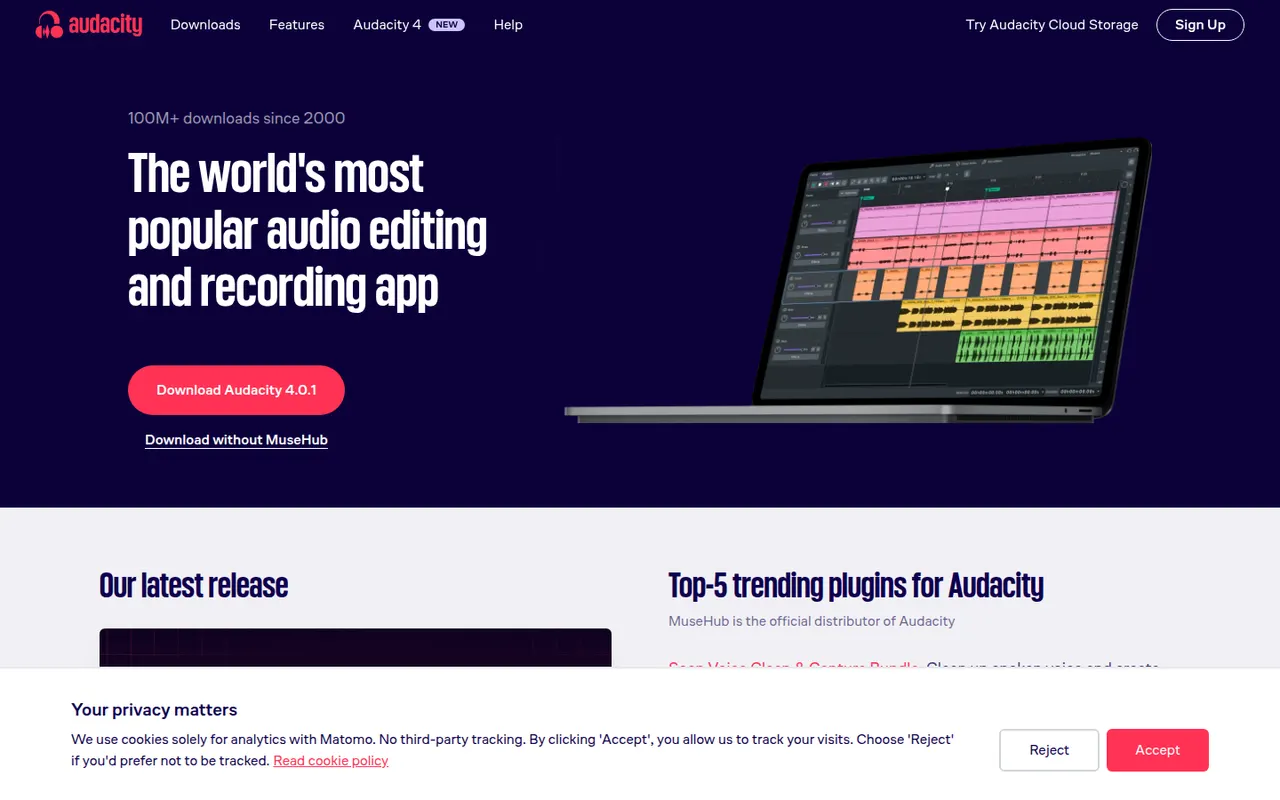
Cost / LicenseFreemiumProprietaryAudacity is a free, open source audio editor for recording and editing voice, music and podcasts. It provides multi-track editing, noise reduction, effects, spectral views and support for VST3, LV2 and Audio Unit plugins, and it runs on Windows, macOS and Linux. Maintained by Muse Group with community contributors, it can optionally save projects to audio.com.
10 Audacity alternativesPros
- Completely free and open source on Windows, macOS and Linux
- Handles recording, cutting, noise reduction and effects for everyday jobs
- Supports VST3, LV2 and Audio Unit plugins
Cons
- Interface feels less polished than commercial audio editors
- Limited multitrack mixing and MIDI tools for music production
Cost / LicenseFreeOpen sourceCategoriesAdobe Audition is a digital audio workstation for editing, mixing and restoring audio, aimed at podcasters, broadcasters and video editors. It combines waveform and multitrack editing with a spectral frequency display, noise reduction, loudness tools and Essential Sound presets. It integrates with Premiere Pro and is included in Creative Cloud for Windows and macOS.
9 Adobe Audition alternativesPros
- Spectral frequency display allows precise noise and click removal
- Strong restoration and loudness tools for podcasts and broadcast
- Smooth round-trips with Premiere Pro for video projects
Cons
- Only available by subscription through Creative Cloud
- Little support for MIDI or music composition compared with a full DAW
Cost / LicenseFree trialProprietaryCategoriesGarageBand is Apple's free app for making music and recording audio on Mac, iPhone and iPad. It includes virtual instruments, a sound library with loops, guitar amp simulations, a virtual drummer and multi-track recording, along with piano and guitar lessons on Mac. Projects open in Logic Pro when users need more advanced production tools.
8 GarageBand alternativesPros
- Free, with a friendly interface for beginners
- Virtual drummer, loops and amp simulations get ideas down quickly
- Projects open in Logic Pro when you need more power
Cons
- Apple devices only, with no Windows or Android version
- Limited mixing, automation and routing for serious production
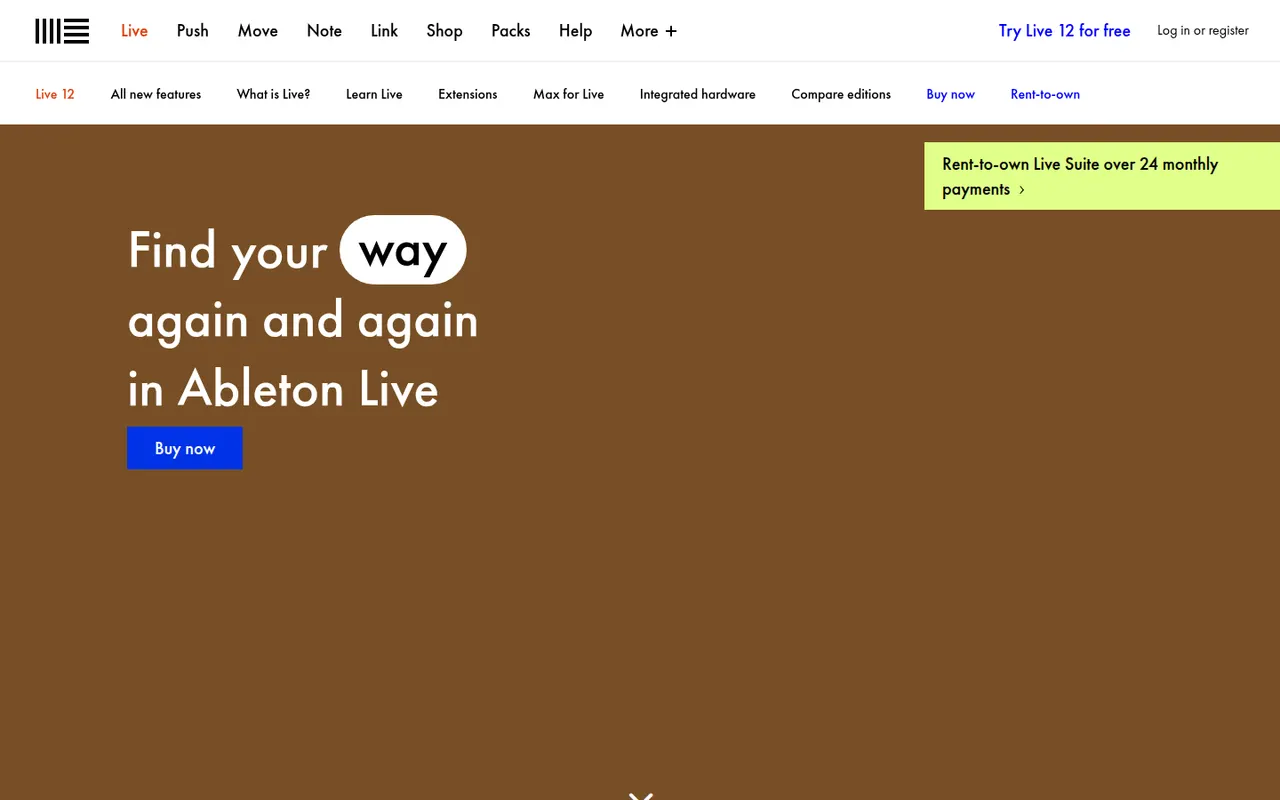
Cost / LicenseFreeProprietaryCategoriesAbleton Live is a digital audio workstation for music production and live performance, especially common in electronic music. Its Session View lets artists launch clips and loops in real time alongside a traditional arrangement timeline, with built-in instruments, effects, MIDI tools and Max for Live in the Suite edition. It runs on Windows and macOS in Intro, Standard and Suite editions, with a free trial.
8 Ableton Live alternativesPros
- Session View makes clip launching and live improvisation natural
- Fast workflow for electronic music, sampling and warping audio
- Max for Live in Suite opens up custom instruments and devices
Cons
- Suite edition is expensive compared with many other DAWs
- Intro and Standard leave out many instruments and Max for Live
- No Linux version, only Windows and macOS
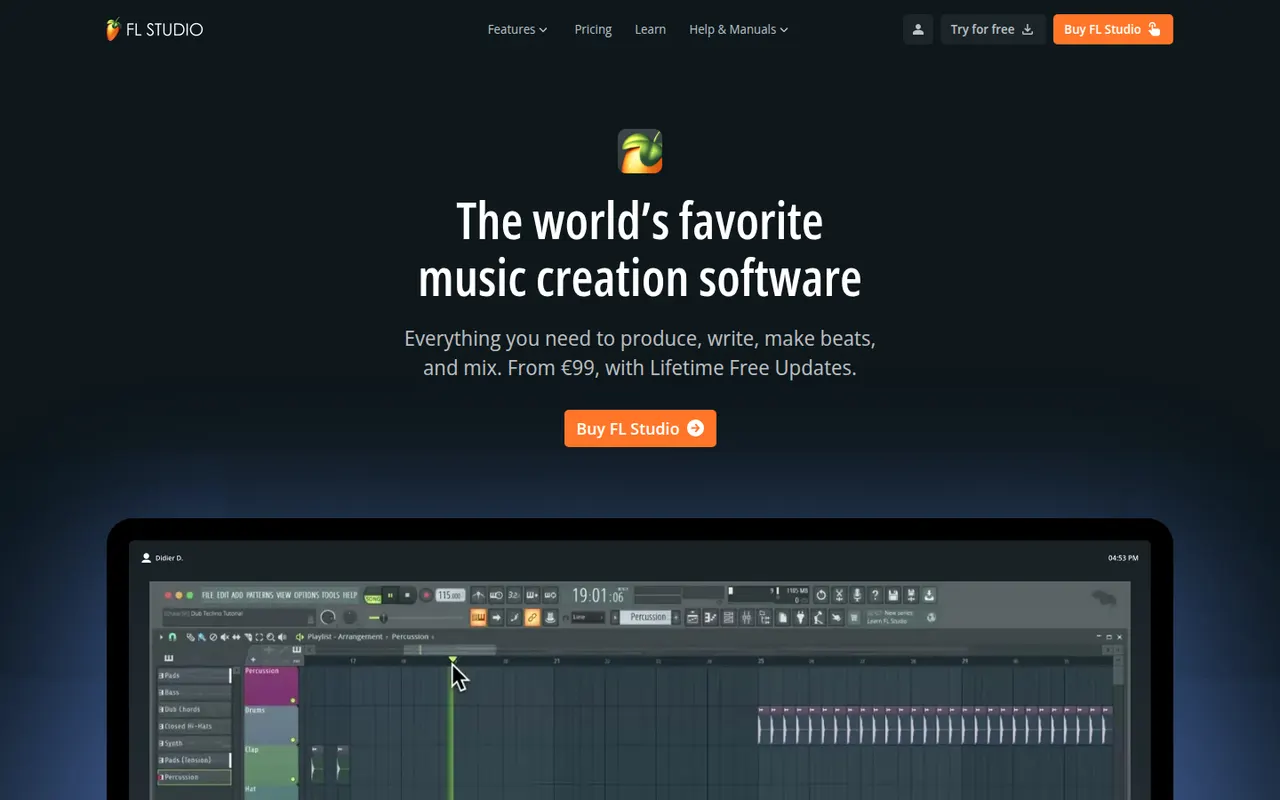
Cost / LicenseFree trialProprietaryCategoriesFL Studio is a digital audio workstation from Image-Line, known for its fast pattern-based workflow, step sequencer and piano roll, widely used by hip-hop and electronic producers. It includes many instruments and effects, supports VST plugins and runs on Windows and macOS. Every edition comes with lifetime free updates, and the trial is unlimited in time but cannot reopen saved projects.
7 FL Studio alternativesPros
- Step sequencer and piano roll make beat-making very fast
- Every edition comes with lifetime free updates
- Many instruments and effects included out of the box
Cons
- Recording and editing live instruments feels less natural than in linear DAWs
- The trial cannot reopen saved projects
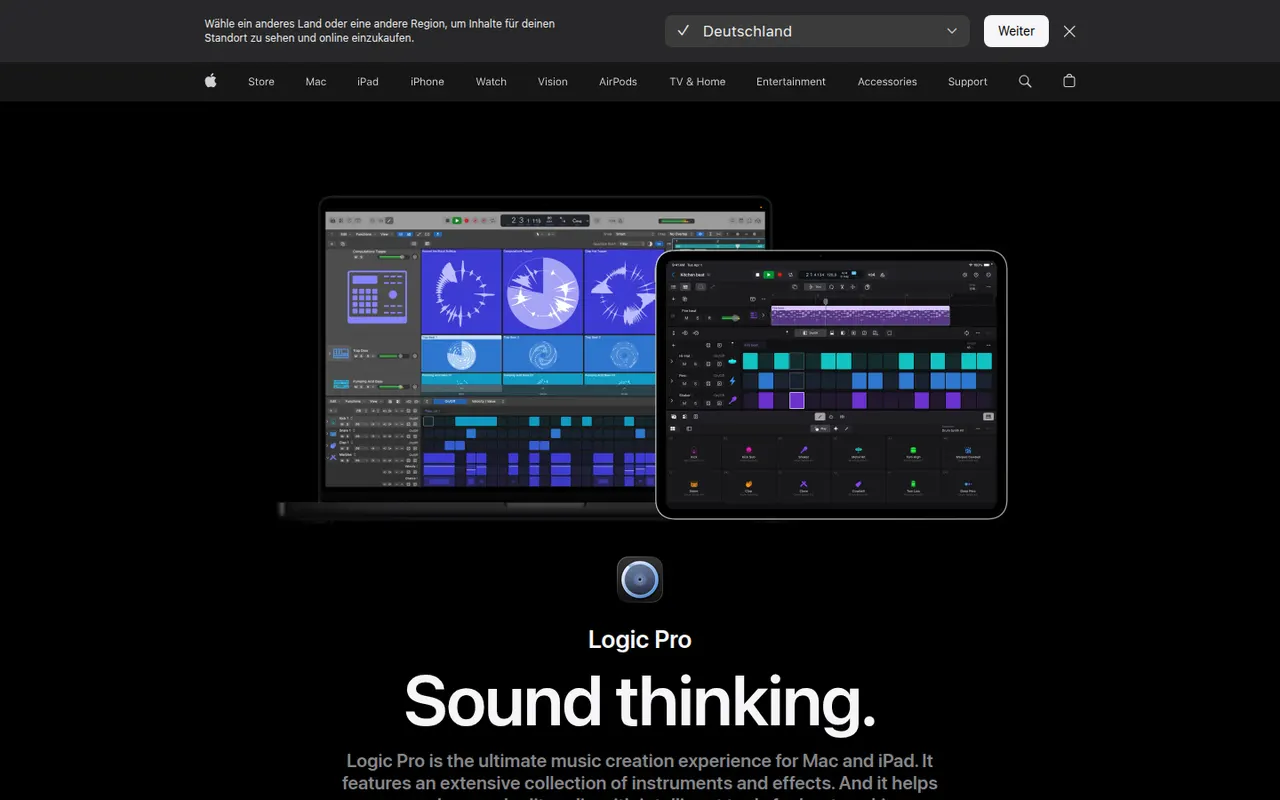
Cost / LicenseFree trialProprietaryCategoriesLogic Pro is Apple's digital audio workstation for recording, producing and mixing music on Mac, with a touch-optimized version for iPad. It ships with a large library of instruments, loops and effects, AI-assisted Session Players and stem splitting, plus Dolby Atmos spatial audio mixing. It opens GarageBand projects and is available on the App Store, with a free trial on Mac.
8 Logic Pro alternativesPros
- Huge bundled library of instruments, loops and effects
- The Mac version is a one-time purchase rather than a subscription
- Dolby Atmos mixing, Session Players and stem splitting built in
Cons
- Mac and iPad only, so projects cannot move to Windows collaborators
- Deep feature set takes time to master
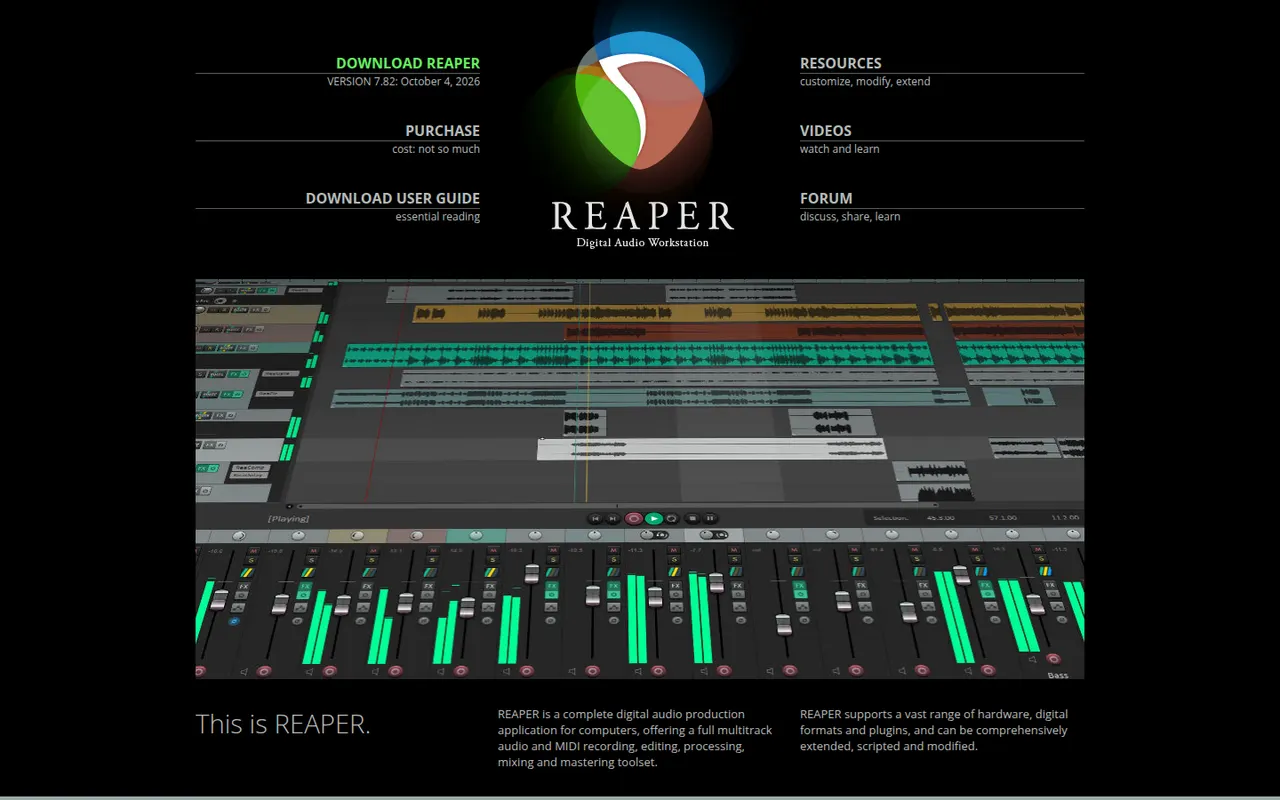
Cost / LicenseFree trialProprietaryCategoriesREAPER is a digital audio workstation from Cockos for recording, editing, mixing and mastering audio and MIDI. It is known for its small installer, efficient performance, deep customization through scripts and themes, and wide plugin support. It runs on Windows, macOS and Linux and offers a fully functional 60-day evaluation before a license is required.
11 REAPER alternativesPros
- Small, efficient app that runs well on modest hardware
- Deeply customizable with scripts, actions and themes
- Fully functional evaluation before you buy a license
Cons
- Default interface looks plain and takes setup to feel comfortable
- Few bundled instruments and sounds compared with other DAWs
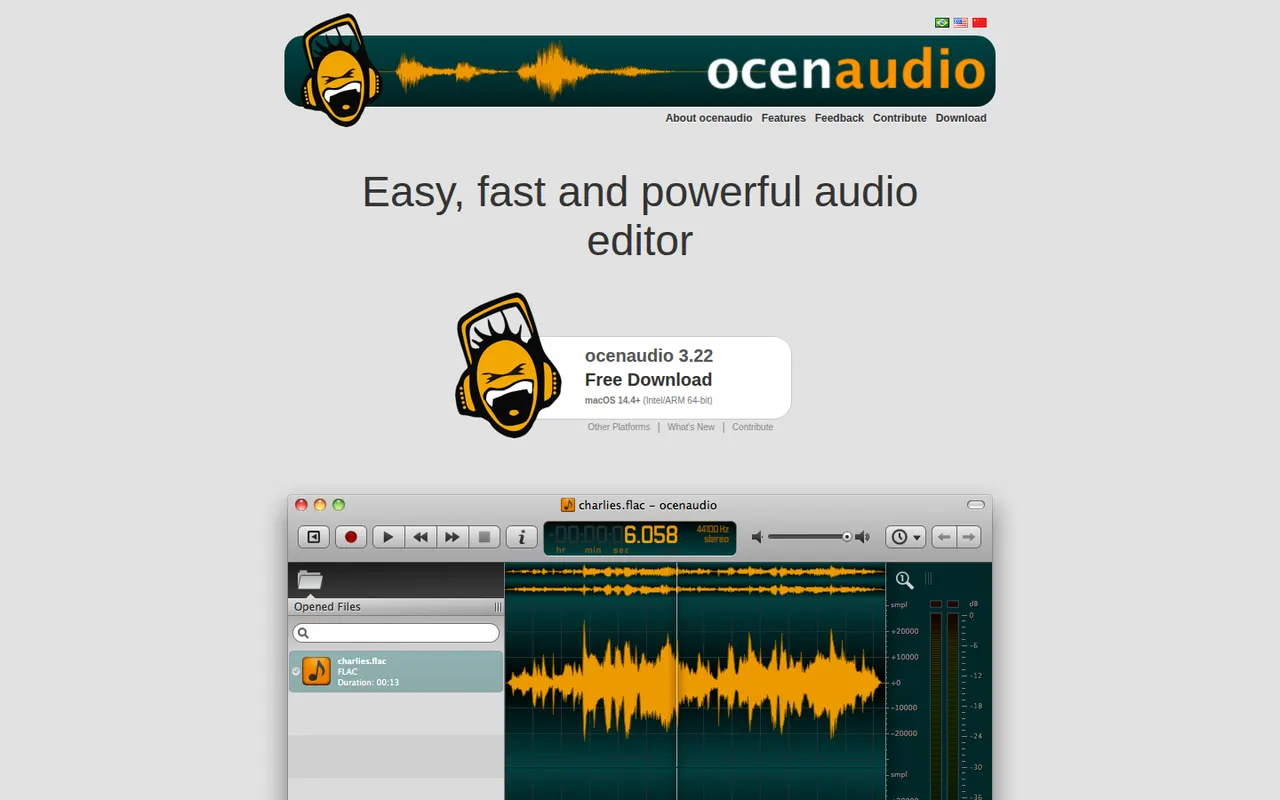
Cost / LicenseFree trialProprietaryCategoriesocenaudio is a free audio editor for Windows, macOS and Linux, intended for users who need more than a basic recorder without the complexity of a full studio. It previews effects in real time, lets you edit several selections at once, handles large files smoothly and supports VST plugins. It is a lightweight alternative to Audacity for quick edits and spectral analysis.
7 ocenaudio alternativesPros
- Real-time effect preview speeds up quick edits
- Lightweight and smooth even with large audio files
- Free on Windows, macOS and Linux with no ads
Cons
- No multitrack editing, so it is not suited to mixing
- Smaller community and fewer tutorials than Audacity
Cost / LicenseFreeProprietaryCategoriesFeaturesRiverside is an online studio for recording podcasts, interviews and video shows with remote guests. Each participant is recorded locally in high quality, so unstable connections do not ruin the result, and files upload progressively. It adds transcription, a text-based editor, background noise removal, AI clips for social media and live streaming, on the web and mobile apps.
7 Riverside alternativesPros
- Local recording keeps quality high even on shaky connections
- Transcript-based editor and AI clips speed up publishing
- Guests join from a browser link or the mobile app
Cons
- Advanced editing and AI features are reserved for paid plans
- Guests must stay connected until their local recording finishes uploading
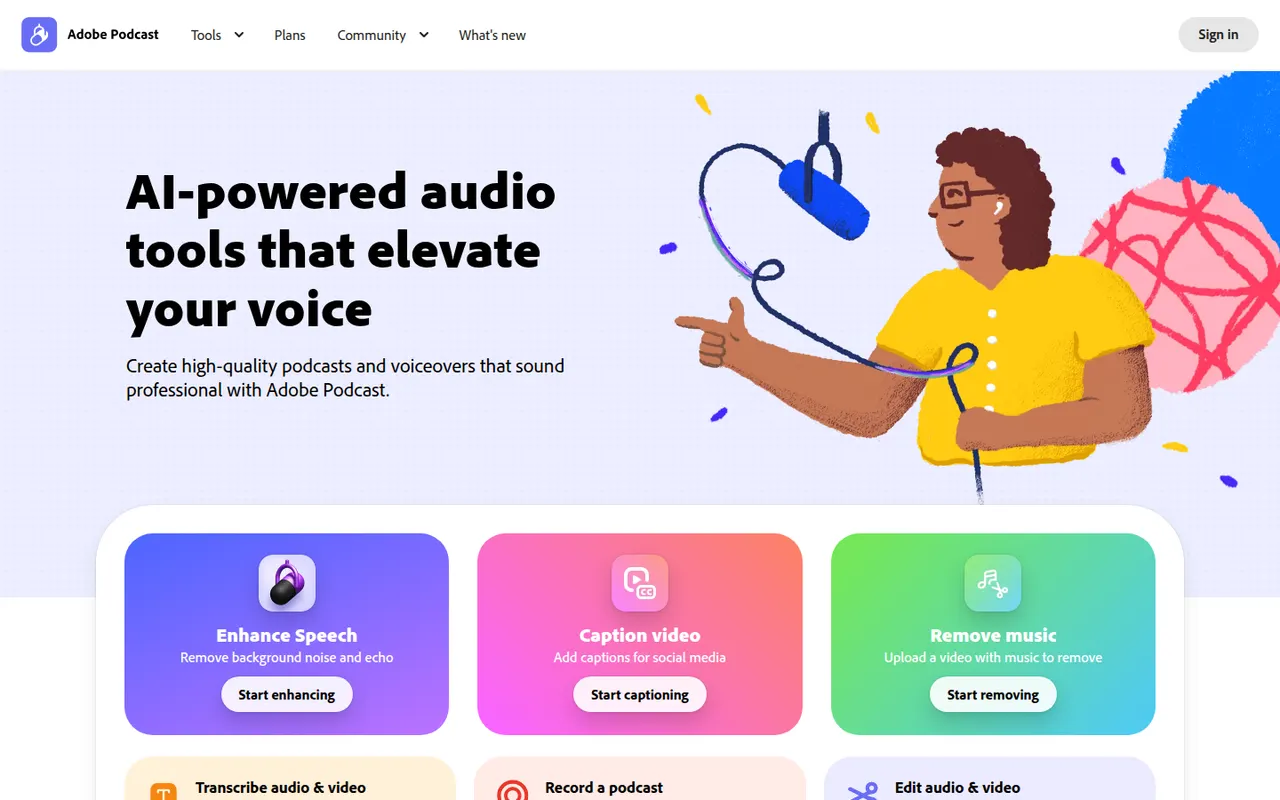
Cost / LicenseFreemiumProprietaryAdobe Podcast is a set of web-based AI audio tools for podcasters and video creators. Its most used tool, Enhance Speech, removes background noise and echo from voice recordings, while Mic Check helps set up microphones and Studio lets you record and edit audio by editing its transcript. Basic use is free, with higher limits in the premium plan.
8 Adobe Podcast alternativesPros
- Enhance Speech cleans up noisy voice recordings in one click
- Runs in the browser with nothing to install
- Transcript-based editing makes cutting speech as easy as editing text
Cons
- Enhanced audio can sound processed or artificial on some voices
- Free use is capped; higher limits require the premium plan
- Requires an Adobe account and uploading audio to Adobe’s servers
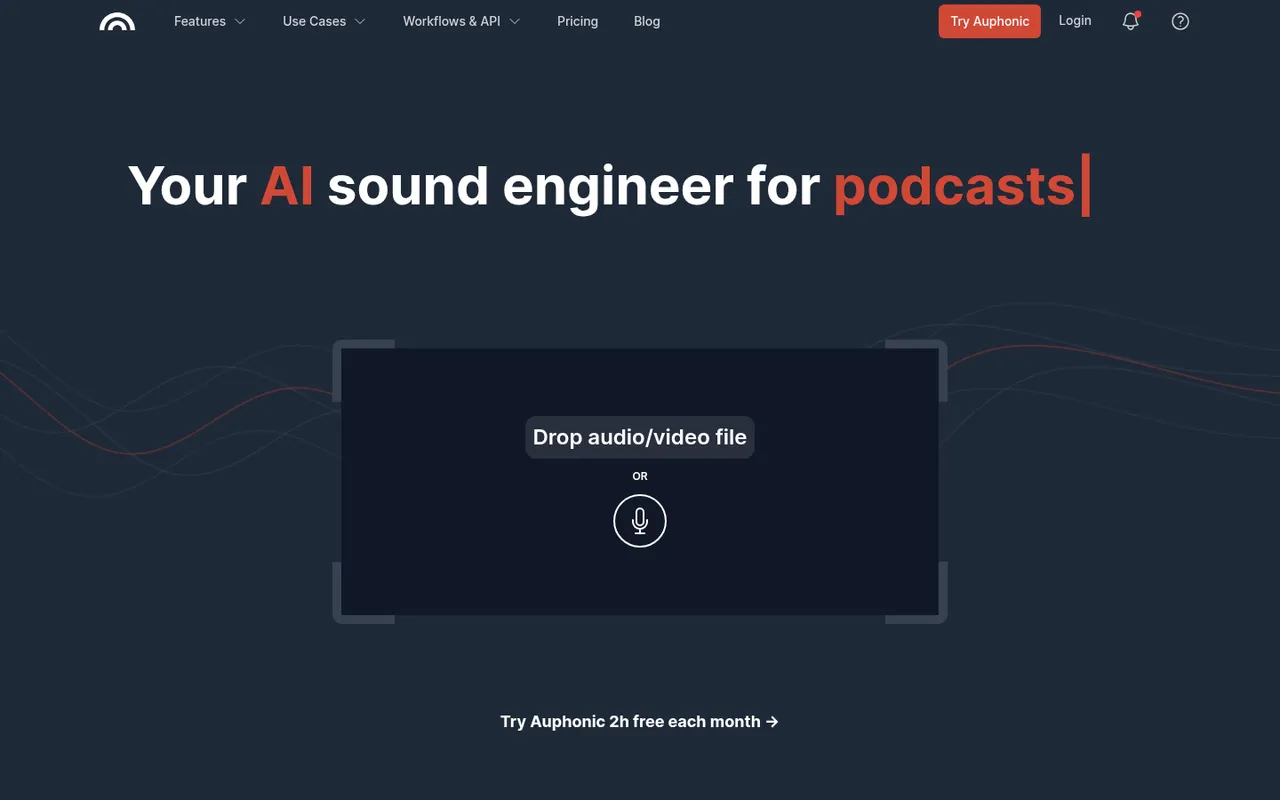
Cost / LicenseFreemiumProprietaryCategoriesPlatformsAuphonic is a web service that automatically finishes spoken audio: it balances levels between speakers, normalizes loudness to broadcast and podcast standards, reduces noise and hum, and can cut filler words and silences. It also offers speech recognition, chapter marks, direct publishing to hosting services and an API. A monthly amount of free processing time is included.
8 Auphonic alternativesPros
- Automatically levels speakers and normalizes loudness to podcast standards
- Takes repetitive post-production off your plate for recurring shows
- API and direct publishing fit into automated podcast workflows
Cons
- Little manual control compared with editing audio yourself in a DAW
- Free processing time is limited each month
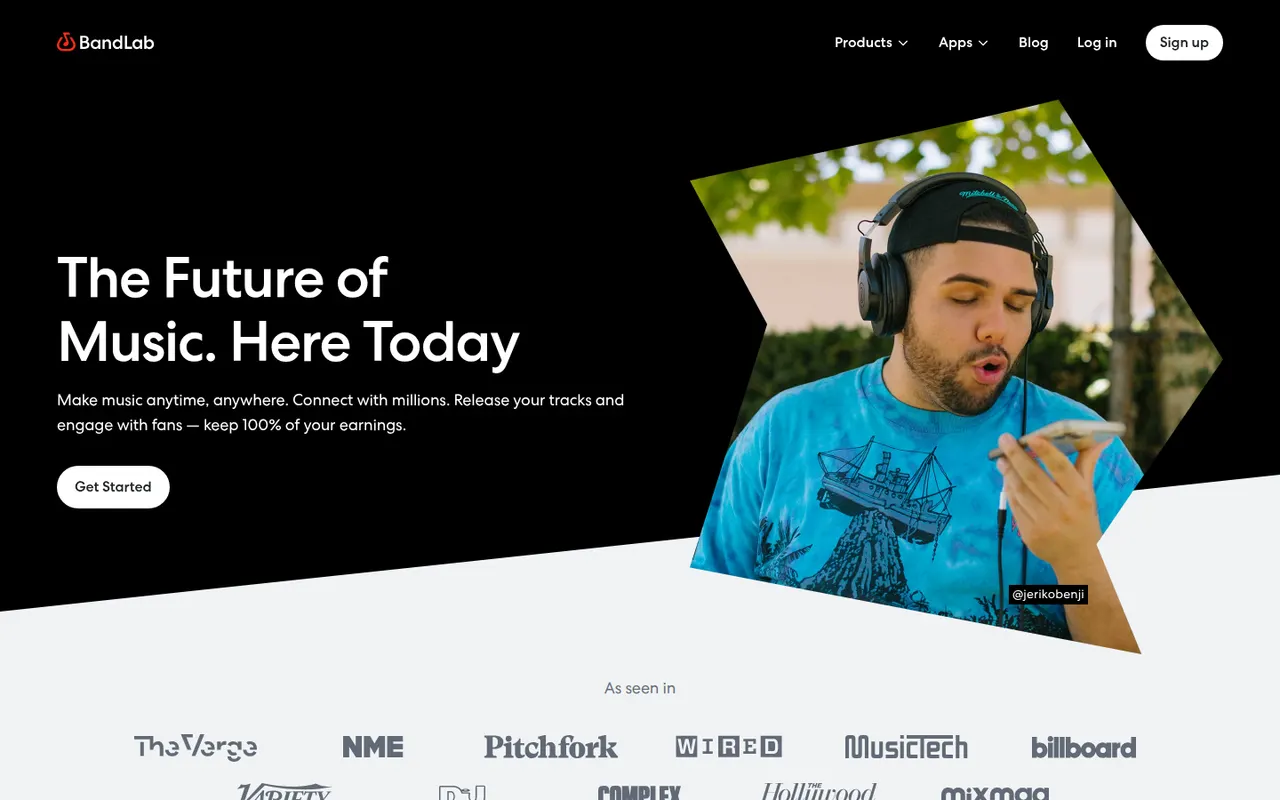
Cost / LicenseFreemiumProprietaryCategoriesPlatformsBandLab is a free, cloud-based music creation platform with a multi-track studio that works in the browser and on iOS and Android. Musicians can record, use loops and virtual instruments, collaborate on projects with others and publish songs to a built-in community. Core features are free, with an optional membership for extra tools and distribution services.
8 BandLab alternativesPros
- Free multitrack studio in the browser and on mobile
- Easy collaboration on songs with other musicians
- Built-in community to publish and discover songs
Cons
- Fewer advanced mixing and editing tools than desktop DAWs
- Cloud-based workflow depends on a good internet connection
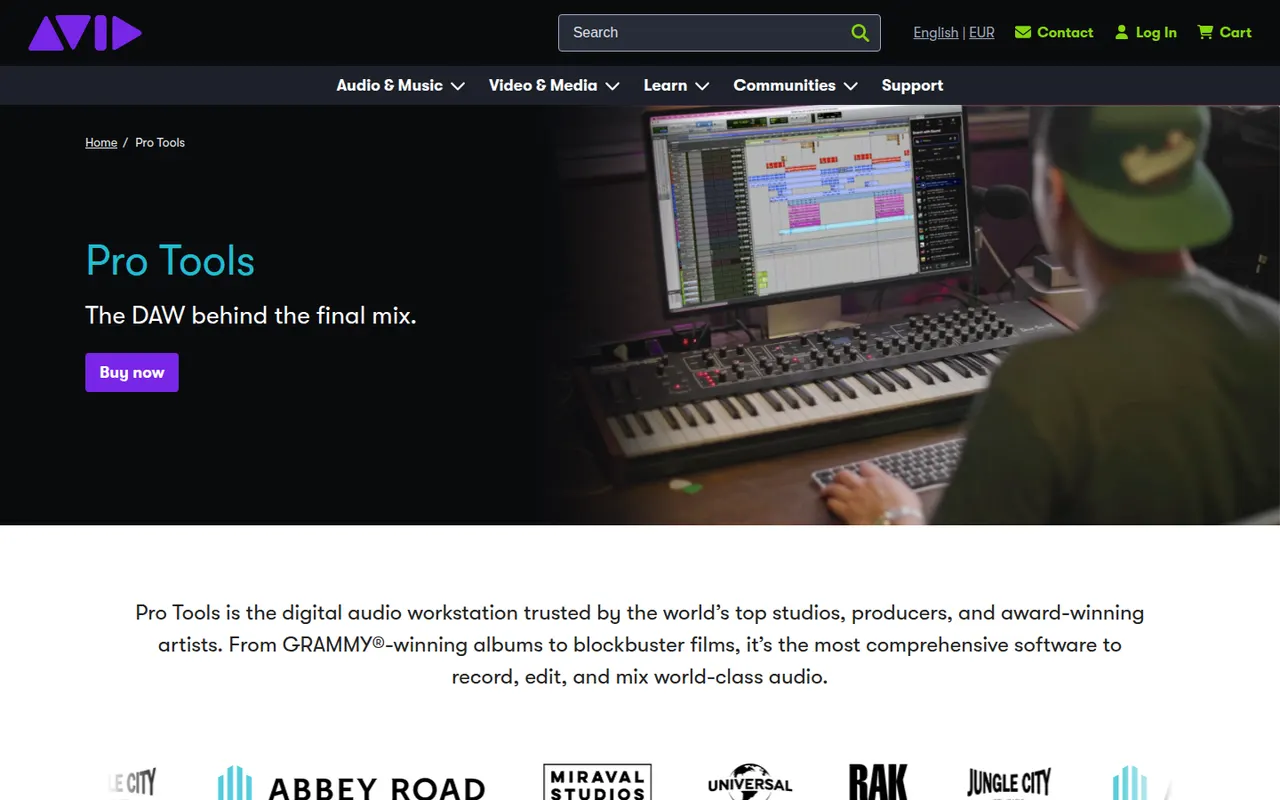
Cost / LicenseFreemiumProprietaryCategoriesPro Tools is Avid's digital audio workstation, long established in recording studios and in film and television post-production. It covers multitrack recording, precise audio editing, MIDI and mixing up to Dolby Atmos, and works with Avid control surfaces and AAX plugins. It runs on Windows and macOS, with a free Pro Tools Intro edition and Artist, Studio and Ultimate subscriptions.
6 Pro Tools alternativesPros
- Industry standard in recording studios and post-production
- Precise audio editing and a mature mixing workflow
- Tight integration with Avid control surfaces and Dolby Atmos mixing
Cons
- Paid editions are expensive, especially Studio and Ultimate
- Supports AAX plugins only, not VST
- The free Intro edition is limited in tracks and features
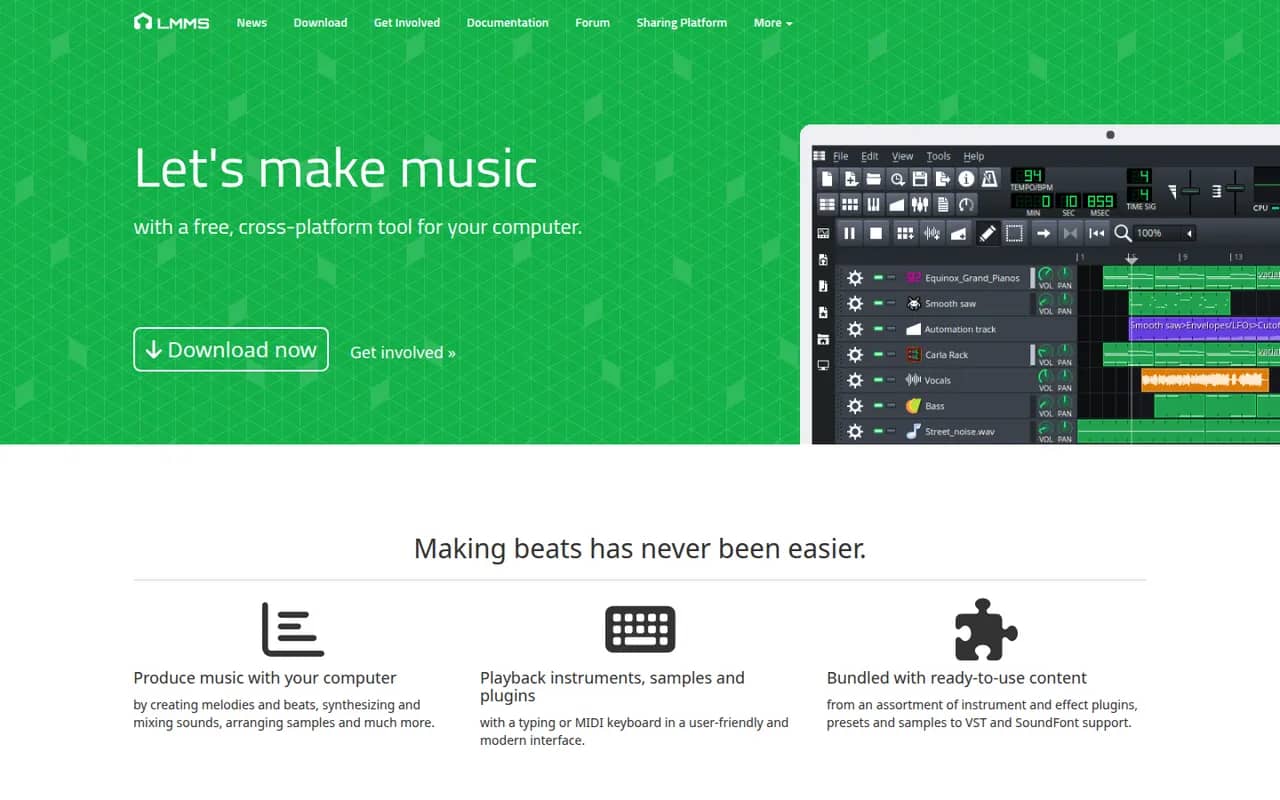
Cost / LicenseFreemiumProprietaryCategoriesLMMS is a free, open source digital audio workstation for composing music on Windows, macOS and Linux. It provides a song editor, a beat and bassline editor, a piano roll and built-in synthesizers and samplers, and it can load VST instruments on Windows and Linux. It is a common starting point for beginners and hobbyists who want a no-cost alternative to FL Studio.
8 LMMS alternativesPros
- Free and open source on Windows, macOS and Linux
- Beat and bassline editor and piano roll suit electronic music beginners
- Built-in synthesizers and samplers to start without extra plugins
Cons
- Audio recording is very limited, as it focuses on sequencing
- VST instruments are not supported on macOS
- Interface feels dated next to commercial DAWs
Cost / LicenseFreeOpen sourceCategories