LMMS alternatives
Top Audio Editing & Music Production like LMMS
The most popular alternative to LMMS is FL Studio. Other great alternatives to LMMS are Ableton Live, BandLab, GarageBand, and REAPER.
Most alternatives to LMMS are in the Audio Editing & Music Production category, compared here by price, platform and features.
All LMMS alternatives
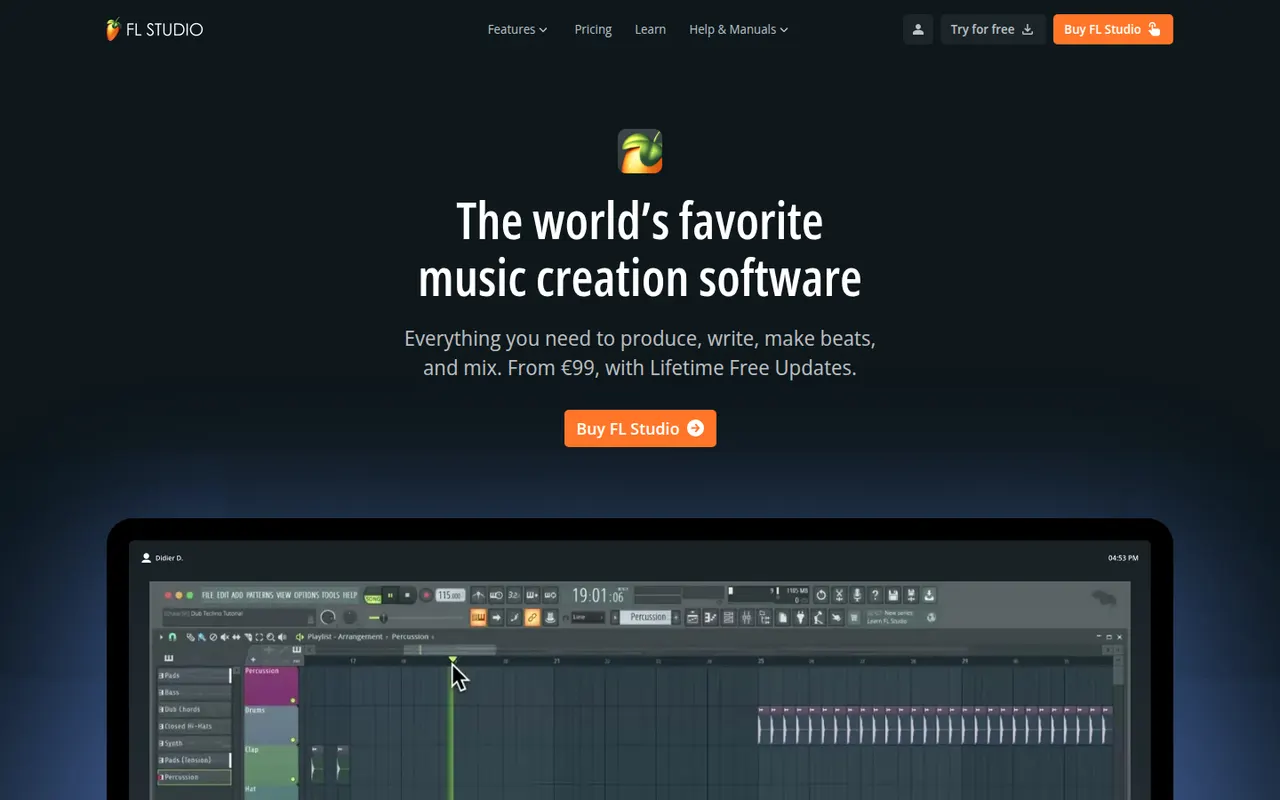
FL Studio is a digital audio workstation from Image-Line, known for its fast pattern-based workflow, step sequencer and piano roll, widely used by hip-hop and electronic producers. It includes many instruments and effects, supports VST plugins and runs on Windows and macOS. Every edition comes with lifetime free updates, and the trial is unlimited in time but cannot reopen saved projects.
7 FL Studio alternativesPros
- Step sequencer and piano roll make beat-making very fast
- Every edition comes with lifetime free updates
- Many instruments and effects included out of the box
Cons
- Recording and editing live instruments feels less natural than in linear DAWs
- The trial cannot reopen saved projects
Cost / LicenseFree trialProprietaryCategoriesAbleton Live is a digital audio workstation for music production and live performance, especially common in electronic music. Its Session View lets artists launch clips and loops in real time alongside a traditional arrangement timeline, with built-in instruments, effects, MIDI tools and Max for Live in the Suite edition. It runs on Windows and macOS in Intro, Standard and Suite editions, with a free trial.
8 Ableton Live alternativesPros
- Session View makes clip launching and live improvisation natural
- Fast workflow for electronic music, sampling and warping audio
- Max for Live in Suite opens up custom instruments and devices
Cons
- Suite edition is expensive compared with many other DAWs
- Intro and Standard leave out many instruments and Max for Live
- No Linux version, only Windows and macOS
Cost / LicenseFree trialProprietaryCategoriesBandLab is a free, cloud-based music creation platform with a multi-track studio that works in the browser and on iOS and Android. Musicians can record, use loops and virtual instruments, collaborate on projects with others and publish songs to a built-in community. Core features are free, with an optional membership for extra tools and distribution services.
8 BandLab alternativesPros
- Free multitrack studio in the browser and on mobile
- Easy collaboration on songs with other musicians
- Built-in community to publish and discover songs
Cons
- Fewer advanced mixing and editing tools than desktop DAWs
- Cloud-based workflow depends on a good internet connection
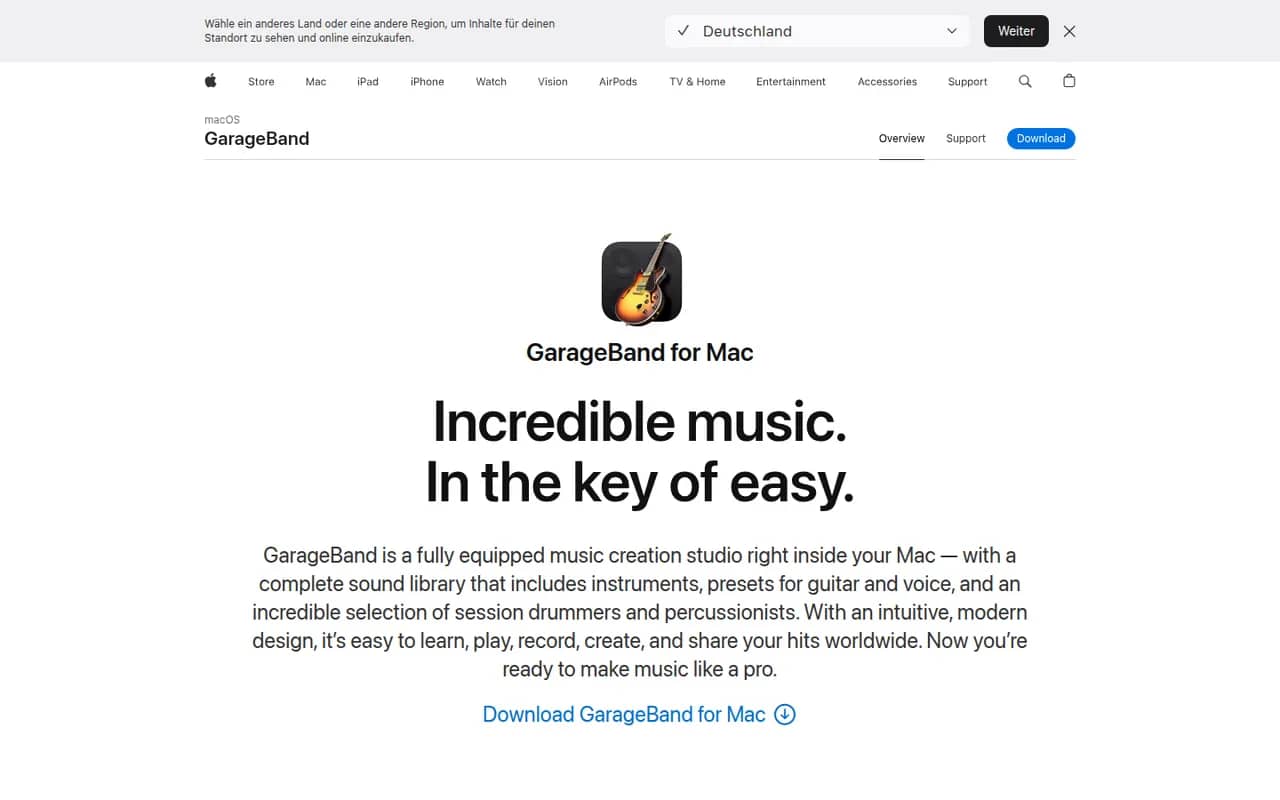
Cost / LicenseFreemiumProprietaryCategoriesGarageBand is Apple's free app for making music and recording audio on Mac, iPhone and iPad. It includes virtual instruments, a sound library with loops, guitar amp simulations, a virtual drummer and multi-track recording, along with piano and guitar lessons on Mac. Projects open in Logic Pro when users need more advanced production tools.
8 GarageBand alternativesPros
- Free, with a friendly interface for beginners
- Virtual drummer, loops and amp simulations get ideas down quickly
- Projects open in Logic Pro when you need more power
Cons
- Apple devices only, with no Windows or Android version
- Limited mixing, automation and routing for serious production
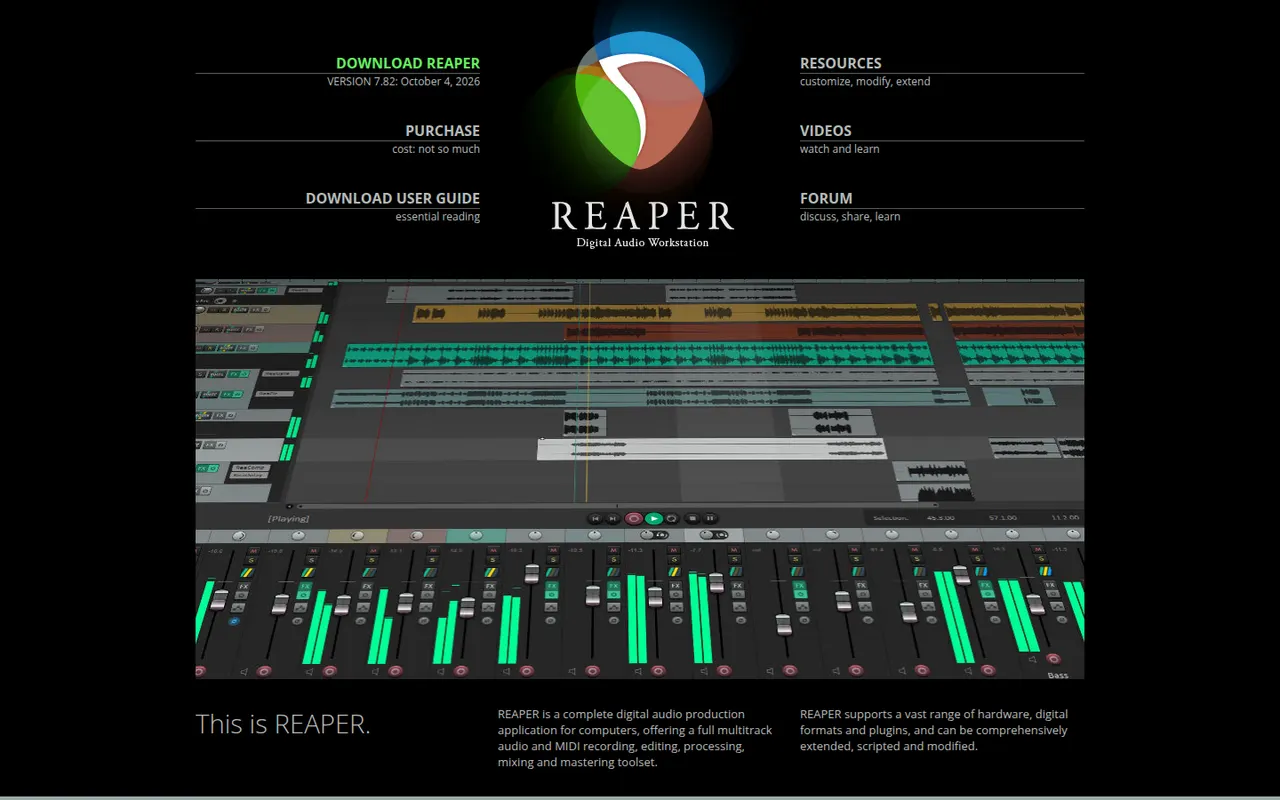
Cost / LicenseFreeProprietaryCategoriesREAPER is a digital audio workstation from Cockos for recording, editing, mixing and mastering audio and MIDI. It is known for its small installer, efficient performance, deep customization through scripts and themes, and wide plugin support. It runs on Windows, macOS and Linux and offers a fully functional 60-day evaluation before a license is required.
11 REAPER alternativesPros
- Small, efficient app that runs well on modest hardware
- Deeply customizable with scripts, actions and themes
- Fully functional evaluation before you buy a license
Cons
- Default interface looks plain and takes setup to feel comfortable
- Few bundled instruments and sounds compared with other DAWs
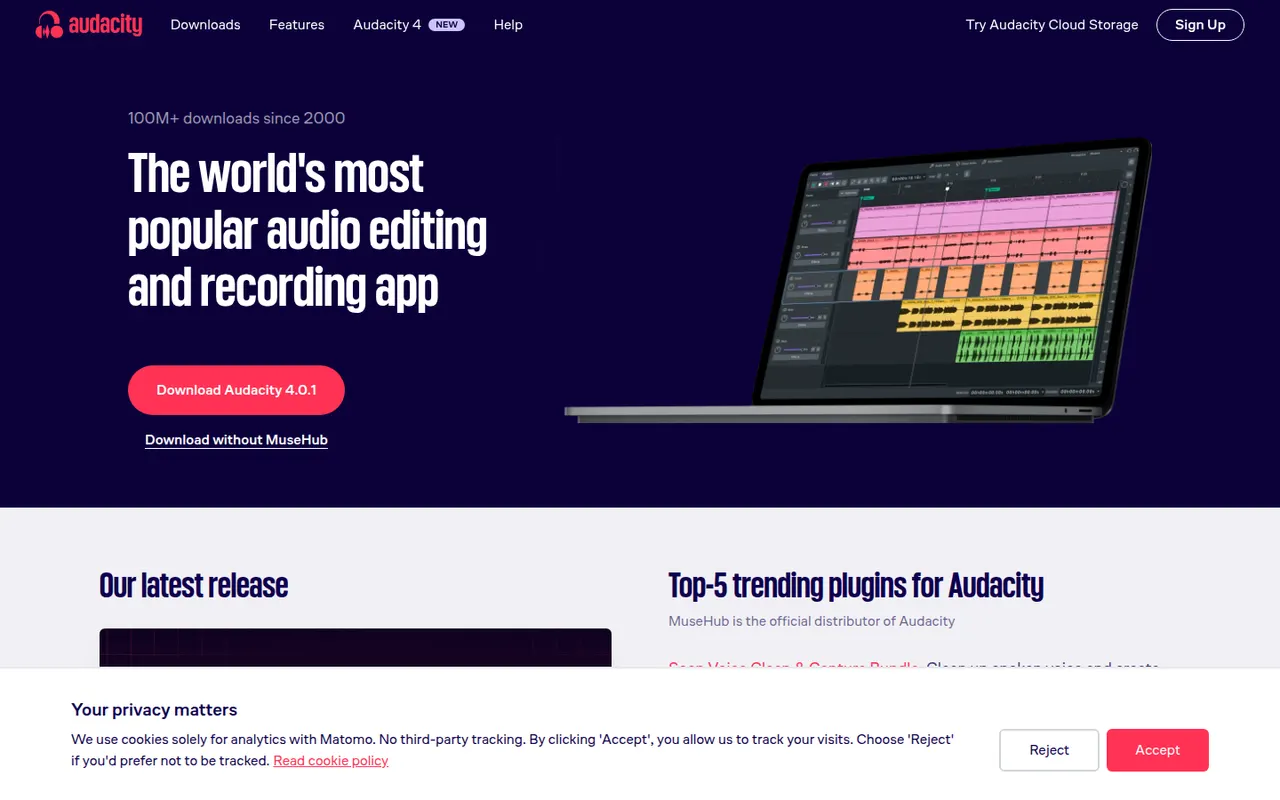
Cost / LicenseFree trialProprietaryCategoriesAudacity is a free, open source audio editor for recording and editing voice, music and podcasts. It provides multi-track editing, noise reduction, effects, spectral views and support for VST3, LV2 and Audio Unit plugins, and it runs on Windows, macOS and Linux. Maintained by Muse Group with community contributors, it can optionally save projects to audio.com.
10 Audacity alternativesPros
- Completely free and open source on Windows, macOS and Linux
- Handles recording, cutting, noise reduction and effects for everyday jobs
- Supports VST3, LV2 and Audio Unit plugins
Cons
- Interface feels less polished than commercial audio editors
- Limited multitrack mixing and MIDI tools for music production
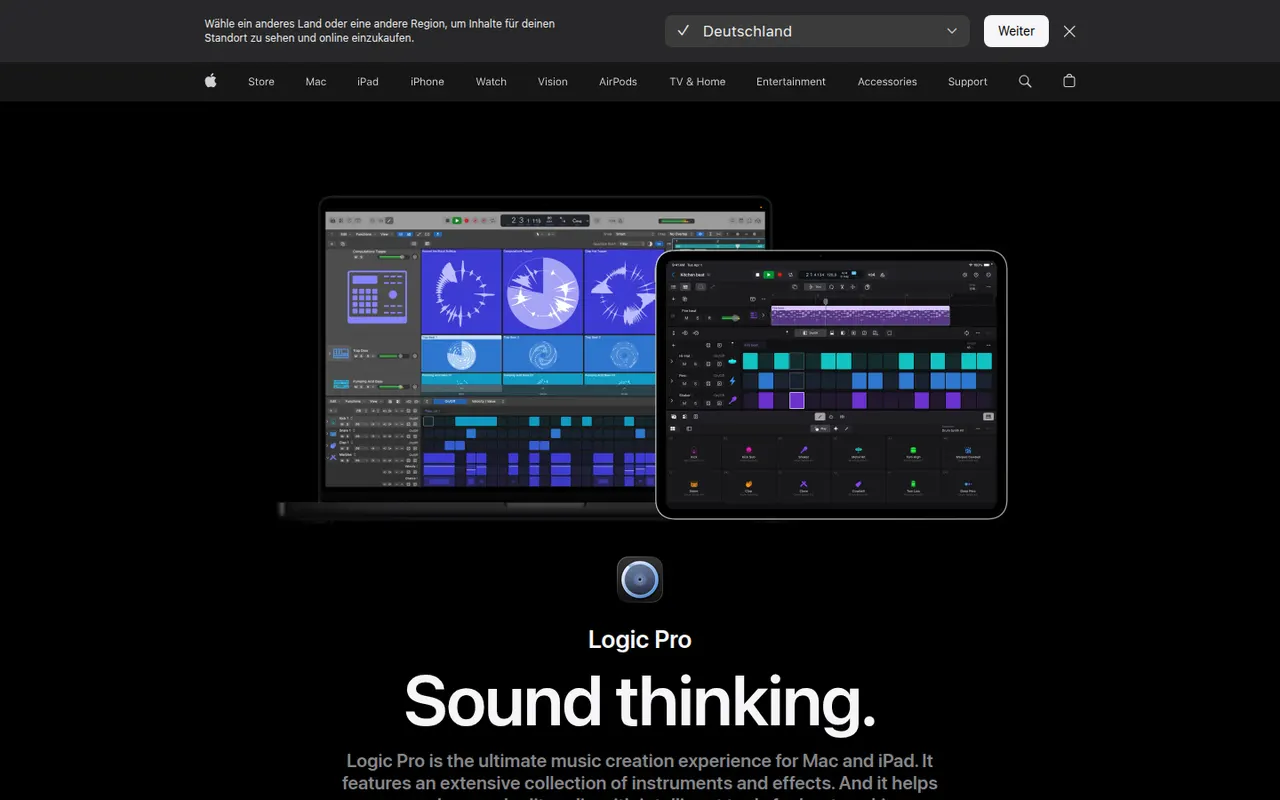
Cost / LicenseFreeOpen sourceCategoriesLogic Pro is Apple's digital audio workstation for recording, producing and mixing music on Mac, with a touch-optimized version for iPad. It ships with a large library of instruments, loops and effects, AI-assisted Session Players and stem splitting, plus Dolby Atmos spatial audio mixing. It opens GarageBand projects and is available on the App Store, with a free trial on Mac.
8 Logic Pro alternativesPros
- Huge bundled library of instruments, loops and effects
- The Mac version is a one-time purchase rather than a subscription
- Dolby Atmos mixing, Session Players and stem splitting built in
Cons
- Mac and iPad only, so projects cannot move to Windows collaborators
- Deep feature set takes time to master
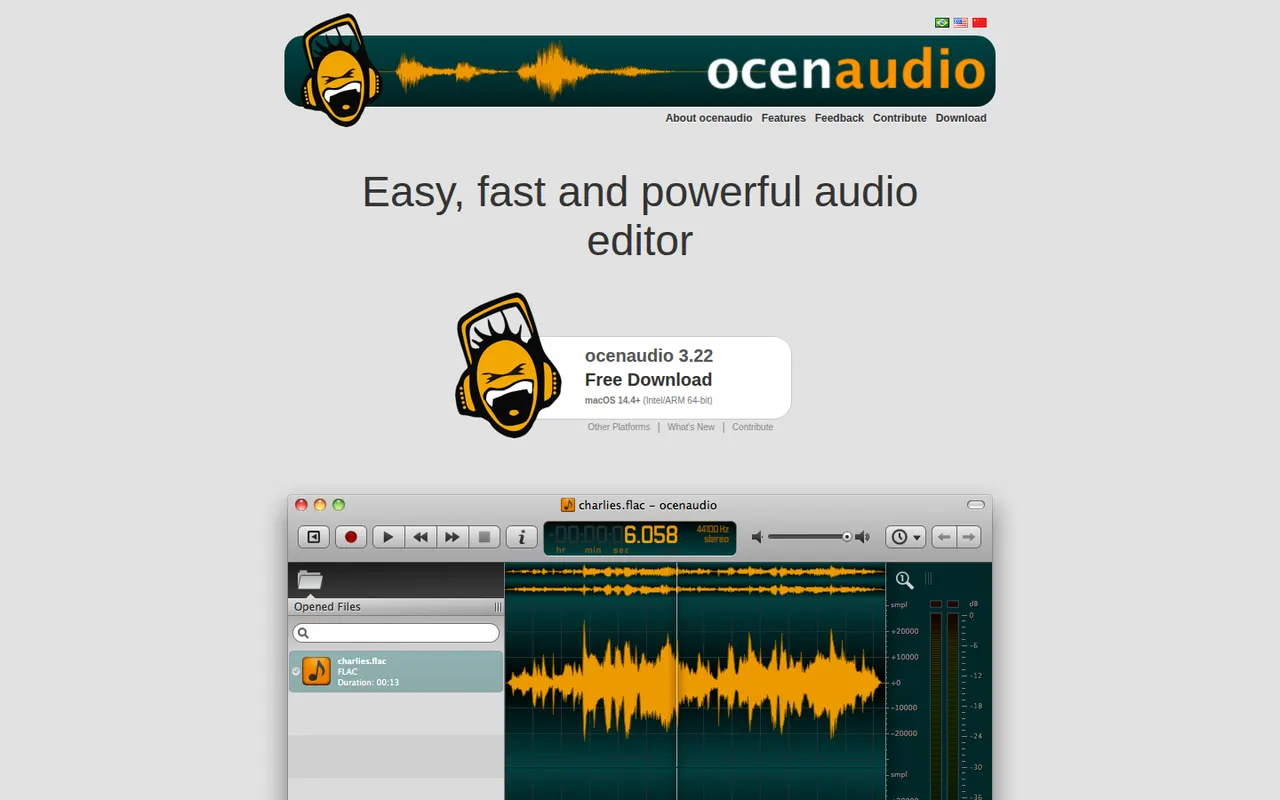
Cost / LicenseFree trialProprietaryCategoriesocenaudio is a free audio editor for Windows, macOS and Linux, intended for users who need more than a basic recorder without the complexity of a full studio. It previews effects in real time, lets you edit several selections at once, handles large files smoothly and supports VST plugins. It is a lightweight alternative to Audacity for quick edits and spectral analysis.
7 ocenaudio alternativesPros
- Real-time effect preview speeds up quick edits
- Lightweight and smooth even with large audio files
- Free on Windows, macOS and Linux with no ads
Cons
- No multitrack editing, so it is not suited to mixing
- Smaller community and fewer tutorials than Audacity
Cost / LicenseFreeProprietaryCategoriesFeatures

















LMMS vs its alternatives at a glance
Pricing, platforms and the key features of LMMS, compared with its most popular alternatives.
| App | Pricing | Platforms | MIDI support | Multi-track timeline | VST plugins |
|---|---|---|---|---|---|
| LMMS | FreeOpen source | Windows, Mac, Linux | |||
 FL Studio FL Studio | Free trial | Windows, Mac | |||
 Ableton Live Ableton Live | Free trial | Windows, Mac | |||
 BandLab BandLab | Freemium | Web, iPhone, Android | |||
 GarageBand GarageBand | Free | Mac, iPhone | |||
 REAPER REAPER | Free trial | Windows, Mac, Linux |
LMMS alternatives: frequently asked questions
What is the best alternative to LMMS?
The most popular alternative to LMMS is FL Studio: Pattern-based music production software from Image-Line. Other great alternatives are Ableton Live, BandLab, GarageBand, and REAPER.
Is there a free alternative to LMMS?
Yes, 4 alternatives are free or have a free plan, including BandLab, GarageBand, Audacity, and ocenaudio.
Is there an open source alternative to LMMS?
Yes, one open source alternative is listed: Audacity.
Is LMMS free?
Yes, LMMS is free to use.
Compare LMMS with its alternatives


Sponsored listings and products made by the publisher of this site are always labeled. How we rank · Know a good alternative? Submit it