Best AI Writing Assistants software
Grammar checkers, paraphrasers and AI copywriting tools.
15 apps
Top AI Writing Assistants apps ranked by the community
ChatGPT is OpenAI's general-purpose AI assistant. You can use it to draft and edit text, get answers backed by live web search, analyze uploaded files and data, generate images and hold voice conversations. Custom GPTs let anyone build an assistant for a specific task, and apps are available on desktop and mobile alongside the web version.
12 ChatGPT alternativesPros
- Versatile assistant for writing, analysis, coding and images
- Polished apps on the web, desktop and mobile
- Custom GPTs adapt it to specific tasks
Cons
- Can state wrong information confidently, so answers need checking
- Top models and higher limits require a paid plan
- Conversations may be used for training unless you opt out
Cost / LicenseFreemiumProprietaryClaude is an AI assistant built by Anthropic. It handles long documents and files, writing and editing, data analysis and programming help, and can search the web when needed. Projects keep related chats and reference files together, and connectors based on the Model Context Protocol link Claude to other apps. It runs on the web, desktop and mobile, and through an API.
12 Claude alternativesPros
- Handles long documents, nuanced writing and coding tasks well
- Projects keep related chats and reference files together
- MCP connectors link it to other apps and data
Cons
- Usage limits can be reached quickly, even on paid plans
- No built-in image generation
- Can still make mistakes, so answers need checking
Cost / LicenseFreemiumProprietaryGrammarly checks spelling, grammar and punctuation as you write and suggests clearer, more concise phrasing. It works in browsers, desktop apps, Microsoft Office and on mobile through a keyboard, and includes generative AI for drafting and rewriting. Its core checks are designed for English. Paid plans add tone and style rewrites, a plagiarism checker and, for teams, shared style guides and brand tones.
10 Grammarly alternativesPros
- Works in browsers, desktop apps, Microsoft Office and on mobile
- Clear suggestions for grammar, clarity and conciseness
- Shared style guides and brand tones for teams
Cons
- Core checks are designed for English only
- Tone rewrites and the plagiarism checker need a paid plan
- Text is processed in the cloud, which some companies restrict
Cost / LicenseFreemiumProprietaryCategoriesJasper is an AI writing platform aimed at marketing teams. It produces blog posts, ads, emails and social copy from ready-made templates and apps, and keeps output consistent through brand voice profiles, style guides and a shared knowledge base. A browser extension and an API bring it into other tools, and workspaces support team collaboration. There is no free plan, only a trial.
10 Jasper alternativesPros
- Brand voice profiles and style guides keep content consistent
- Templates and apps for blogs, ads, emails and social posts
- Browser extension and API bring it into other tools
Cons
- No free plan, only a trial
- Pricing is steep for solo creators
- Output still needs fact-checking and editing
Cost / LicenseFree trialProprietaryCategoriesPlatformsCopy.ai started as an AI copywriting tool and now focuses on go-to-market teams. Besides a chat interface and templates for marketing copy, it offers workflows that chain AI steps to automate tasks such as prospect research, outreach emails, content repurposing or SEO briefs. Brand voice settings, team workspaces, CRM integrations and an API are included, with a limited free plan.
9 Copy.ai alternativesPros
- Workflows chain AI steps to automate go-to-market tasks
- Brand voice settings keep copy consistent
- CRM integrations and an API for sales and marketing teams
Cons
- Its focus on GTM workflows makes it less suited to solo writers
- Free plan is limited compared with paid tiers
- Generated copy still needs editing to sound original
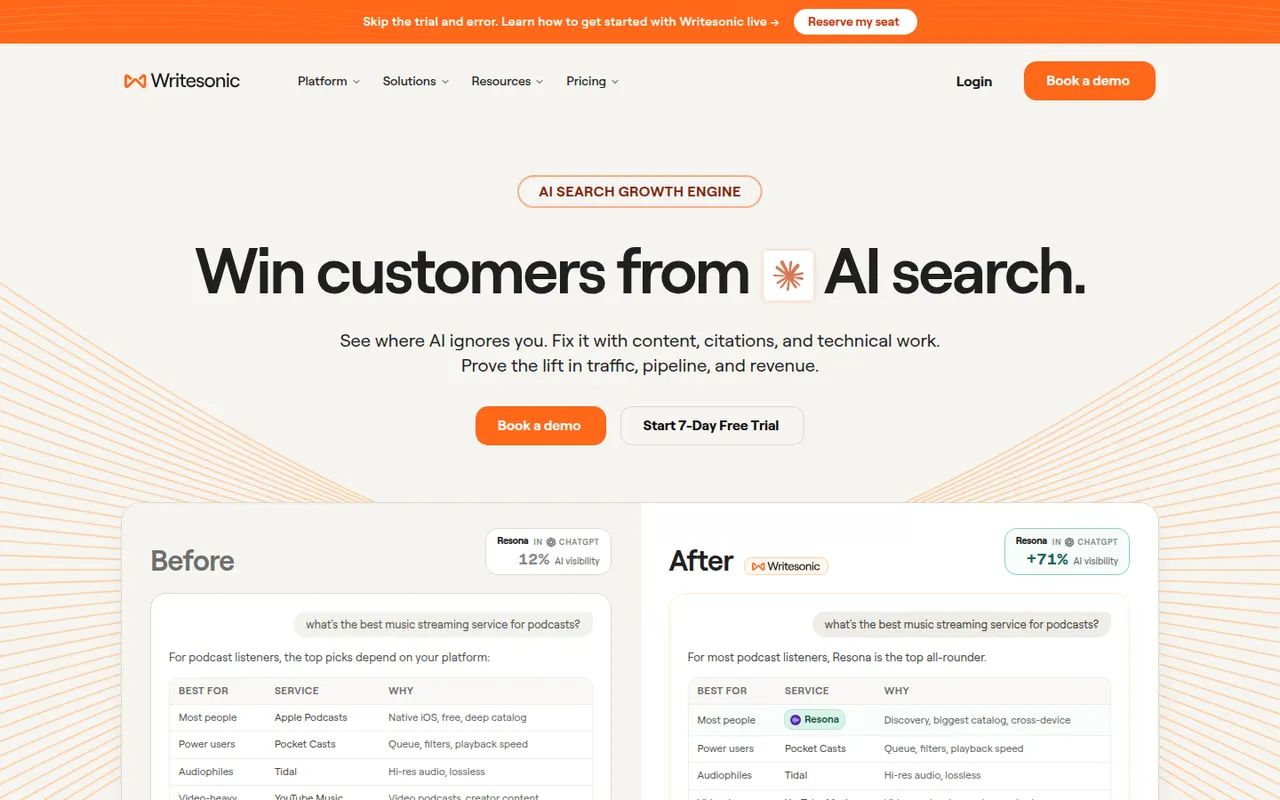
Cost / LicenseFreemiumProprietaryCategoriesPlatformsWritesonic combines an AI writer for SEO articles and marketing copy with tools for generative engine optimization. It tracks how often a brand is mentioned and cited by AI assistants such as ChatGPT, Perplexity and Google AI Overviews, compares it with competitors and suggests content fixes. Articles can follow a brand voice and be published directly to WordPress. It is aimed at marketers and SEO teams.
10 Writesonic alternativesPros
- Combines an AI article writer with AI search visibility tracking
- Tracks mentions and citations in ChatGPT, Perplexity and AI Overviews
- Publishes articles directly to WordPress
Cons
- The broad feature set can feel scattered
- Generated articles need editing and fact-checking
- No lasting free plan, only a trial
Cost / LicenseFree trialProprietaryPlatformsQuillBot is built around a paraphraser that rewrites sentences in several modes, such as fluent, formal or shorter, while keeping their meaning. The suite also includes a grammar checker, summarizer, translator, citation generator, AI detector and, on Premium, a plagiarism checker. It runs in the browser, as a Chrome extension, in Microsoft Word and as desktop apps, and is aimed at students and researchers.
11 QuillBot alternativesPros
- Paraphraser with modes such as fluent, formal or shorter
- Grammar checker, summarizer and citation generator included
- Works in Chrome, Microsoft Word and desktop apps
Cons
- Free paraphraser limits text length and available modes
- Plagiarism checker is only available on Premium
- Heavy paraphrasing can blur the original meaning
Cost / LicenseFreemiumProprietaryCategoriesPlatformsWordtune, from the Israeli company AI21 Labs, suggests other ways to phrase a sentence: more casual, more formal, shorter or expanded. It also fixes spelling and grammar, can continue or explain text, and summarizes articles, documents and videos. It works in a web editor and through a Chrome extension that adds suggestions to Gmail, Google Docs, LinkedIn and other sites, with daily limits on the free plan.
10 Wordtune alternativesPros
- Suggests casual, formal, shorter or expanded phrasings
- Extension works in Gmail, Google Docs, LinkedIn and more
- Summarizes articles, documents and videos
Cons
- Free plan has daily limits on rewrites
- Less thorough than a dedicated grammar checker
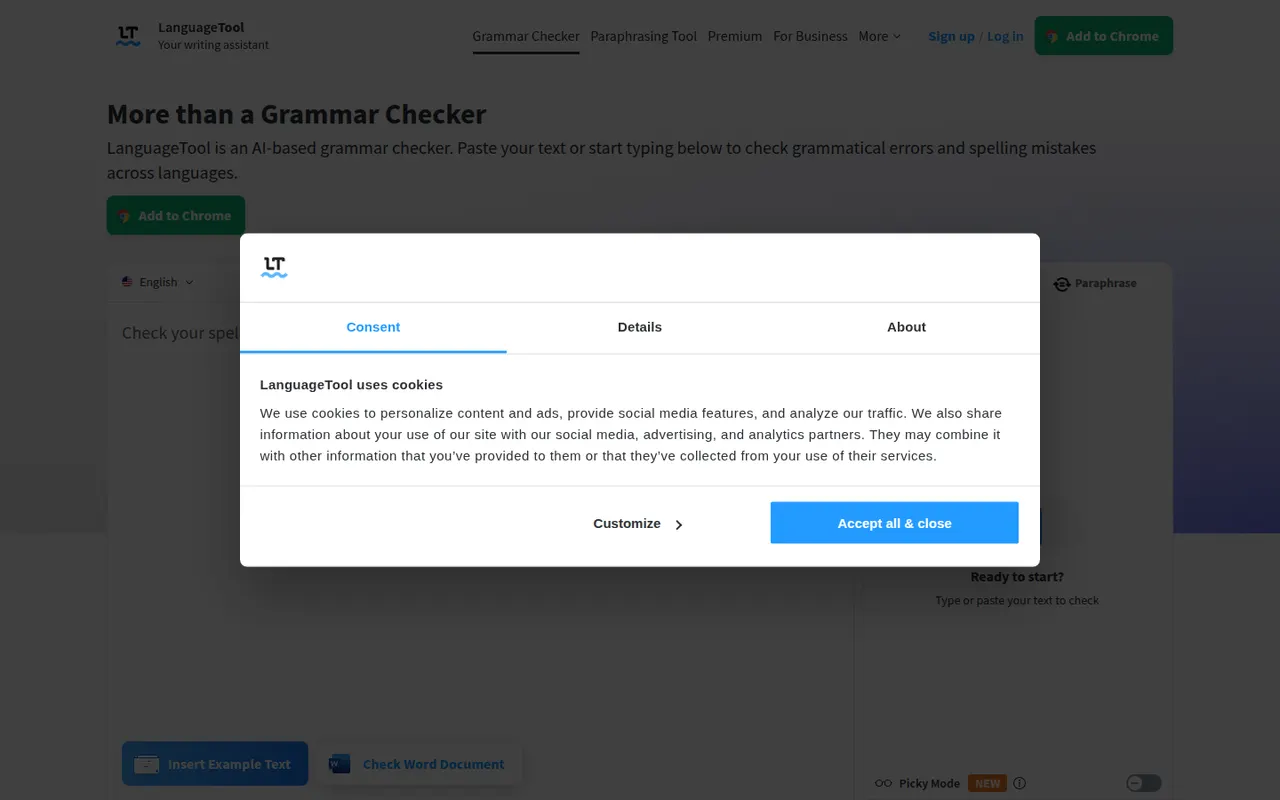
Cost / LicenseFreemiumProprietaryCategoriesPlatformsLanguageTool checks grammar, spelling, punctuation and style in dozens of languages, including English, French, German, Spanish and Portuguese. It integrates with browsers, Microsoft Word, Google Docs, LibreOffice and desktop apps, and Premium adds AI rephrasing and deeper style checks. The core engine is open source under the LGPL, so organizations can run their own server for privacy.
6 LanguageTool alternativesPros
- Checks grammar and style in dozens of languages
- Open source core can run on your own server for privacy
- Integrates with Word, Google Docs, LibreOffice and browsers
Cons
- AI rephrasing and deeper style checks require Premium
- A self-hosted server lacks the Premium checks
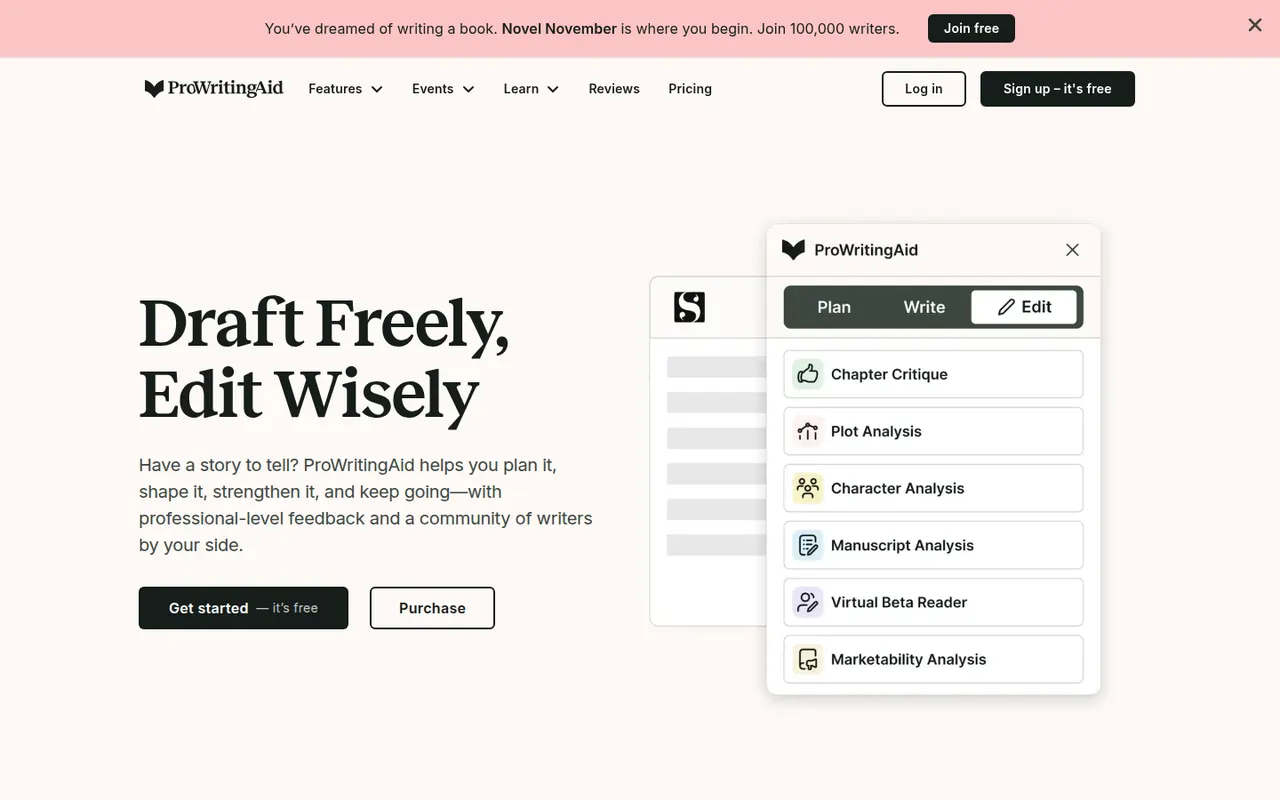
Cost / LicenseFreemiumOpen sourceCategoriesProWritingAid is a grammar checker and style editor designed for long-form English writing, from business documents to novels. Alongside real-time corrections, it produces reports on readability, overused words, repetition, sentence length, pacing and dialogue, and offers AI rephrasing and critique. It works on the web, in desktop apps, in browsers and inside Word, Google Docs and Scrivener.
7 ProWritingAid alternativesPros
- In-depth reports on readability, pacing, repetition and dialogue
- Works inside Word, Google Docs and Scrivener
- Well suited to long-form writing, including fiction
Cons
- The number of reports can feel overwhelming
- Designed for English only
- Free version limits how much text you can check
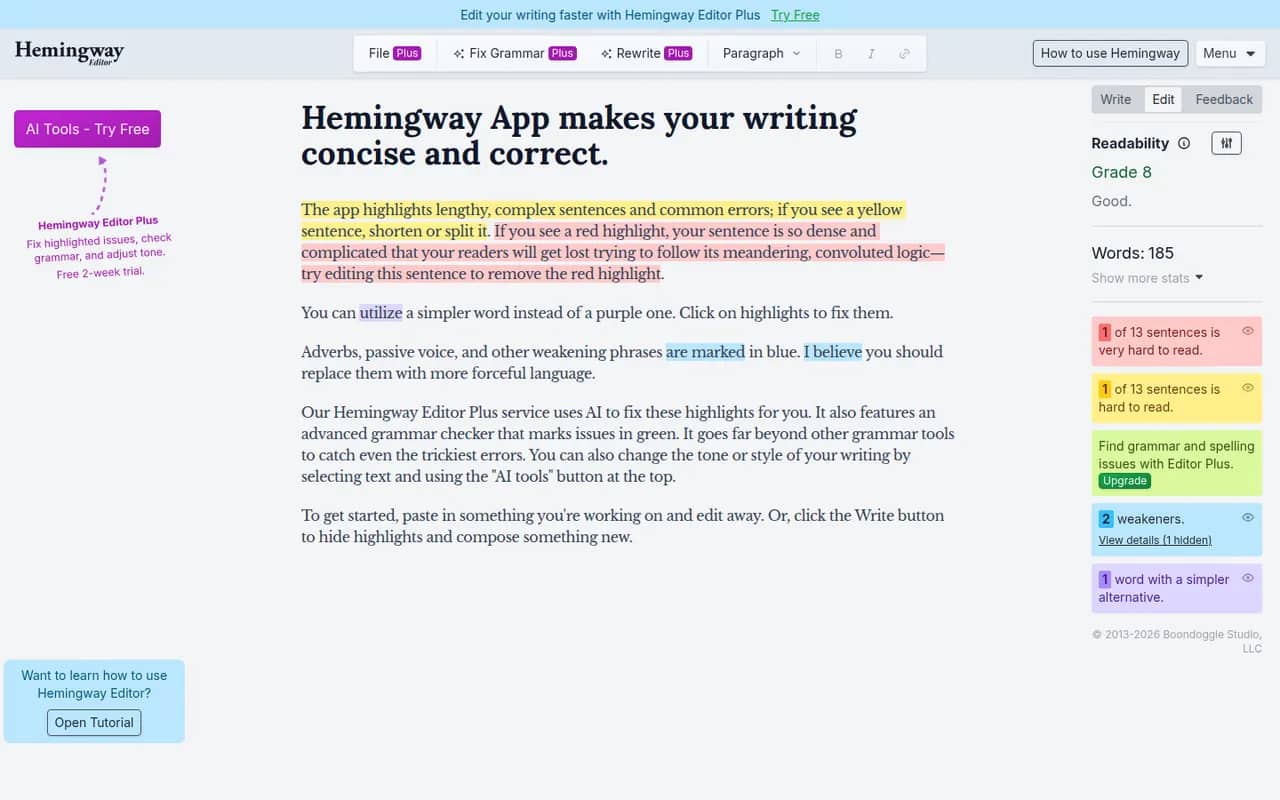
Cost / LicenseFreemiumProprietaryCategoriesPlatformsHemingway Editor highlights long and hard-to-read sentences, adverbs, passive voice and complex words, and shows a readability grade to help you simplify your writing. The free web version covers the core checks, a desktop app bought once works offline on Windows and Mac, and the Hemingway Editor Plus subscription adds AI fixes and a grammar check. It is designed for English.
7 Hemingway Editor alternativesPros
- Highlights dense sentences, adverbs and passive voice
- Readability grade gives instant feedback
- Desktop app bought once works offline
Cons
- Designed for English only
- Grammar checks and AI fixes need the Plus subscription
- Its rules can push toward overly plain prose
Cost / LicenseFreemiumProprietaryCategoriesRytr is an AI writing assistant for short-form content such as emails, product descriptions, social posts, ads and blog sections. You pick a use case, a language and a tone, then refine the draft in its editor with rewrite, expand and shorten commands. It also offers custom tones based on your own writing, a plagiarism check and a Chrome extension, with a free plan limited by monthly characters.
8 Rytr alternativesPros
- Wide range of short-form use cases, languages and tones
- Rewrite, expand and shorten commands in the editor
- Custom tones based on your own writing
Cons
- Free plan is capped by monthly characters
- Less suited to long-form articles
- Output can be generic without careful prompting
Cost / LicenseFreemiumProprietaryCategoriesPlatformsSudowrite is an AI writing tool made for fiction. It helps novelists brainstorm, expand scenes, rewrite passages, add sensory description and get feedback, while a Story Bible keeps characters, worldbuilding and outlines in one place to guide longer drafts. It can match your prose style and offers a choice of AI models. It runs in the browser, with paid plans after a free trial.
9 Sudowrite alternativesPros
- Built specifically for fiction and novel writing
- Story Bible keeps characters, worldbuilding and outlines together
- Can match the style of your own prose
Cons
- Paid plans only once the trial ends
- Credit-based usage can run short on long drafts
- Not designed for nonfiction or business writing
Cost / LicenseFree trialProprietaryCategoriesPlatformsDeepL Write is an AI writing assistant from the German company behind the DeepL translator. It corrects grammar, spelling and punctuation and suggests rephrasings of whole sentences in languages such as English, German, French, Spanish and Portuguese. Write Pro adds writing styles and tones and does not keep your texts after processing. It works on the web and in the DeepL desktop apps.
7 DeepL Write alternativesPros
- Rephrases whole sentences, not just grammar fixes
- Natural results in English, German, French and more
- Write Pro does not keep your texts after processing
Cons
- Supports far fewer languages than the DeepL translator
- No plagiarism checker or in-depth style reports
- Writing styles and tones are reserved for Write Pro
Cost / LicenseFreemiumProprietaryCategoriesSurfer is a content optimization platform that analyzes the pages ranking for a keyword and turns them into guidelines for length, headings and terms to include, with a live content score as you write. It also offers topic and keyword research, an AI article writer and audits of existing pages. Writers can work in Surfer itself or in Google Docs and WordPress through integrations.
7 Surfer alternativesPros
- Live content score guides length, headings and terms to include
- Works inside Google Docs and WordPress
- Audits existing pages against top-ranking competitors
Cons
- No free plan, paid subscriptions only
- Following term suggestions too closely can make text sound unnatural
- Based on patterns in top pages, with no guarantee of rankings
Cost / LicensePaidProprietaryCategoriesPlatforms