Best apps for Browser extension
57 apps
Top Browser extension apps ranked by the community
Loom lets you record your screen, camera and voice and share the result instantly as a link, replacing meetings and long written explanations. Viewers can comment and react, and Loom AI generates titles, summaries and chapters. Part of Atlassian since 2023, it works through desktop and mobile apps, a Chrome extension and integrations with tools like Slack, Jira and Notion.
12 Loom alternativesPros
- Record screen and camera and share instantly as a link
- AI titles, summaries and chapters save editing time
- Comments and reactions keep feedback next to the video
Cons
- The free plan limits video length and library size
- Editing is basic compared with dedicated video tools
- Per-seat pricing adds up for large teams
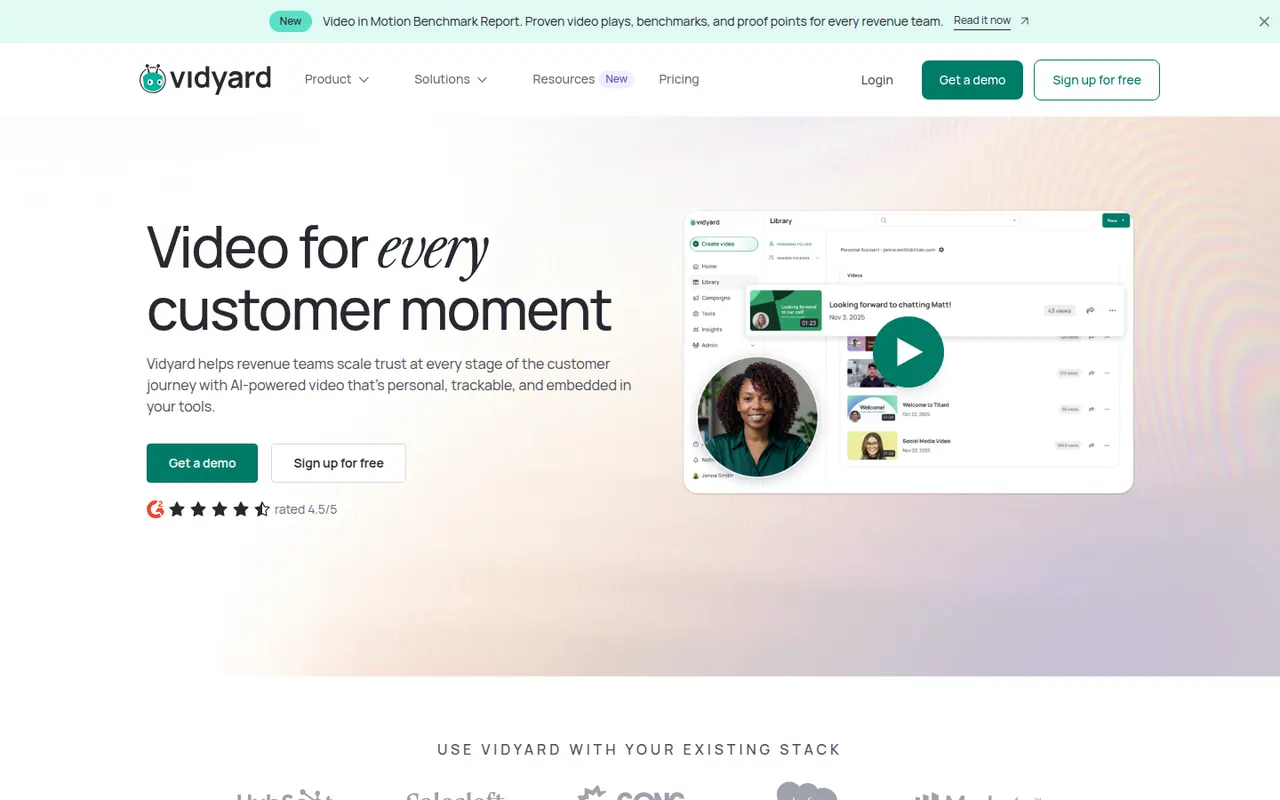
Cost / LicenseFreemiumProprietaryCategoriesVidyard helps businesses record, host and share videos, with a focus on sales outreach and marketing. Users record screen and camera messages from a browser extension or desktop app, embed them in emails, and track who watched and for how long. It integrates with CRMs such as Salesforce and HubSpot and offers a free plan for individuals alongside paid business tiers.
6 Vidyard alternativesPros
- Record screen and camera messages from a browser extension
- Shows who watched each video and for how long
- Integrates with CRMs such as Salesforce and HubSpot
Cons
- Sales-focused features are mostly in paid business tiers
- Overkill for teams that only need quick internal videos
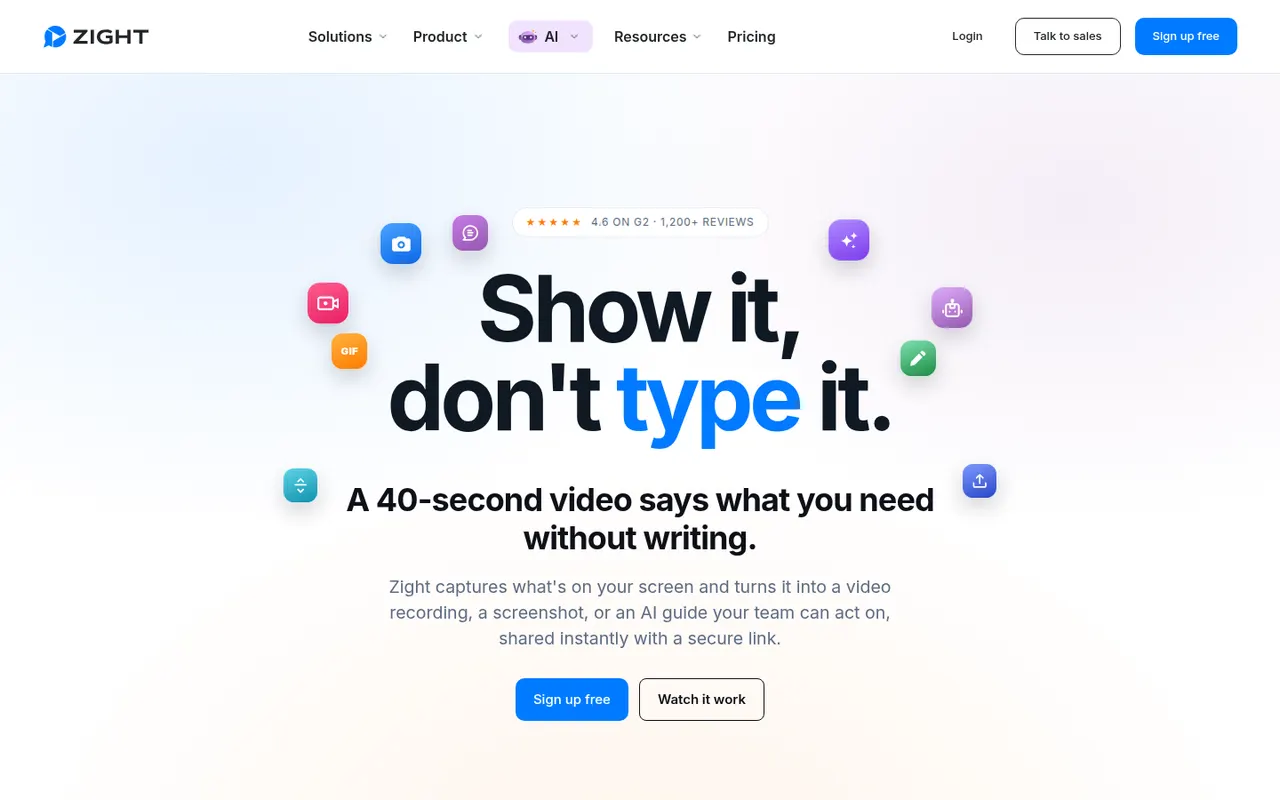
Cost / LicenseFreemiumProprietaryCategoriesPlatformsZight, formerly CloudApp, is a visual communication tool for capturing screenshots, GIFs and screen recordings with webcam, then sharing them instantly through a link. Captures can be annotated, and AI features generate titles and summaries. It is used by support, sales and product teams, works on macOS, Windows and Chrome, and integrates with tools like Slack, Jira and Zendesk.
9 Zight alternativesPros
- Screenshots, GIFs and recordings shared instantly by link
- Annotations plus AI-generated titles and summaries
- Integrates with Slack, Jira and Zendesk
Cons
- The free plan is restrictive compared with paid tiers
- Captures live in Zight's cloud, which may not suit every company policy
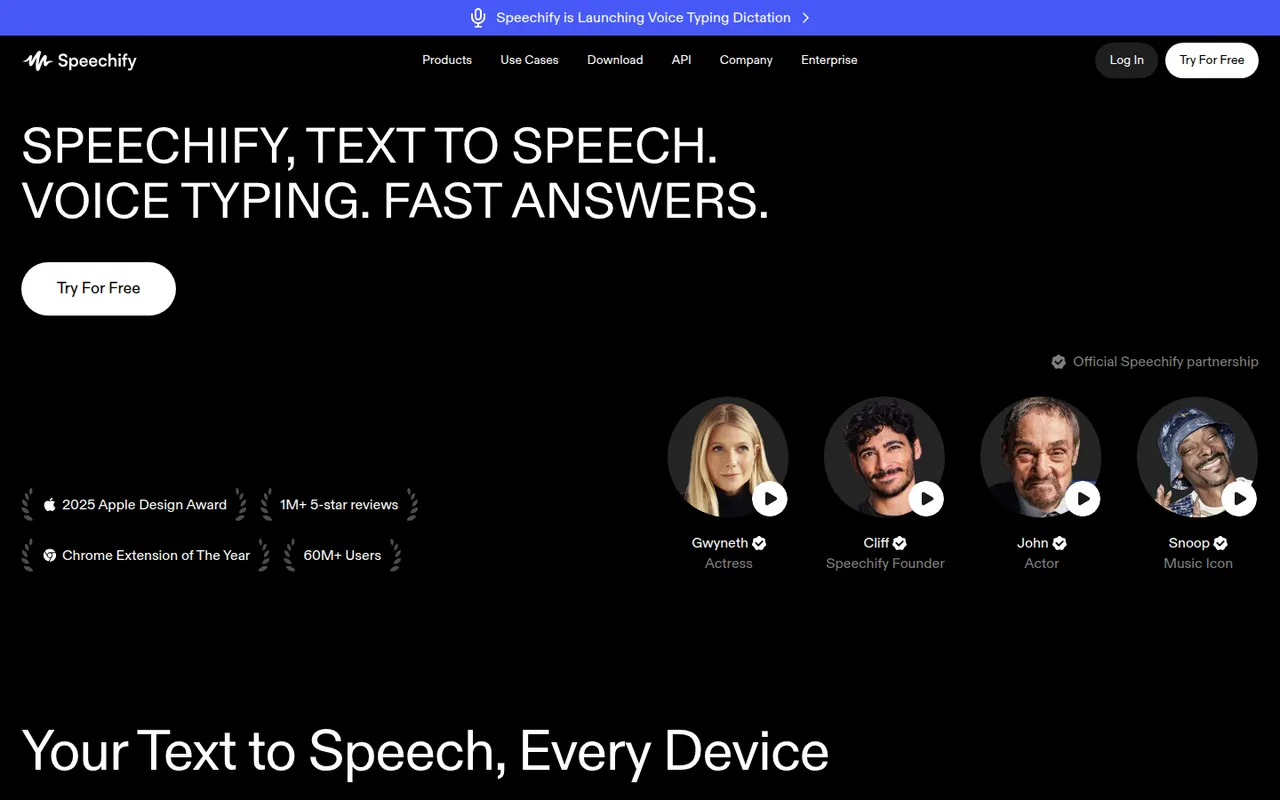
Cost / LicenseFreemiumProprietaryCategoriesPlatformsSpeechify reads text aloud from PDFs, documents, emails, web pages and scanned pages, with adjustable speed and a choice of natural-sounding voices in many languages. Used by students, people with dyslexia and busy professionals, it syncs across its mobile apps, Mac app, web app and Chrome extension. A separate studio offers AI voiceovers, voice cloning and dubbing.
6 Speechify alternativesPros
- Reads PDFs, documents, emails and scanned pages aloud
- Syncs across mobile, Mac, web and the Chrome extension
- Adjustable speed and natural voices in many languages
Cons
- Premium voices and features sit behind a pricey subscription
- Upgrade prompts are frequent in the free version
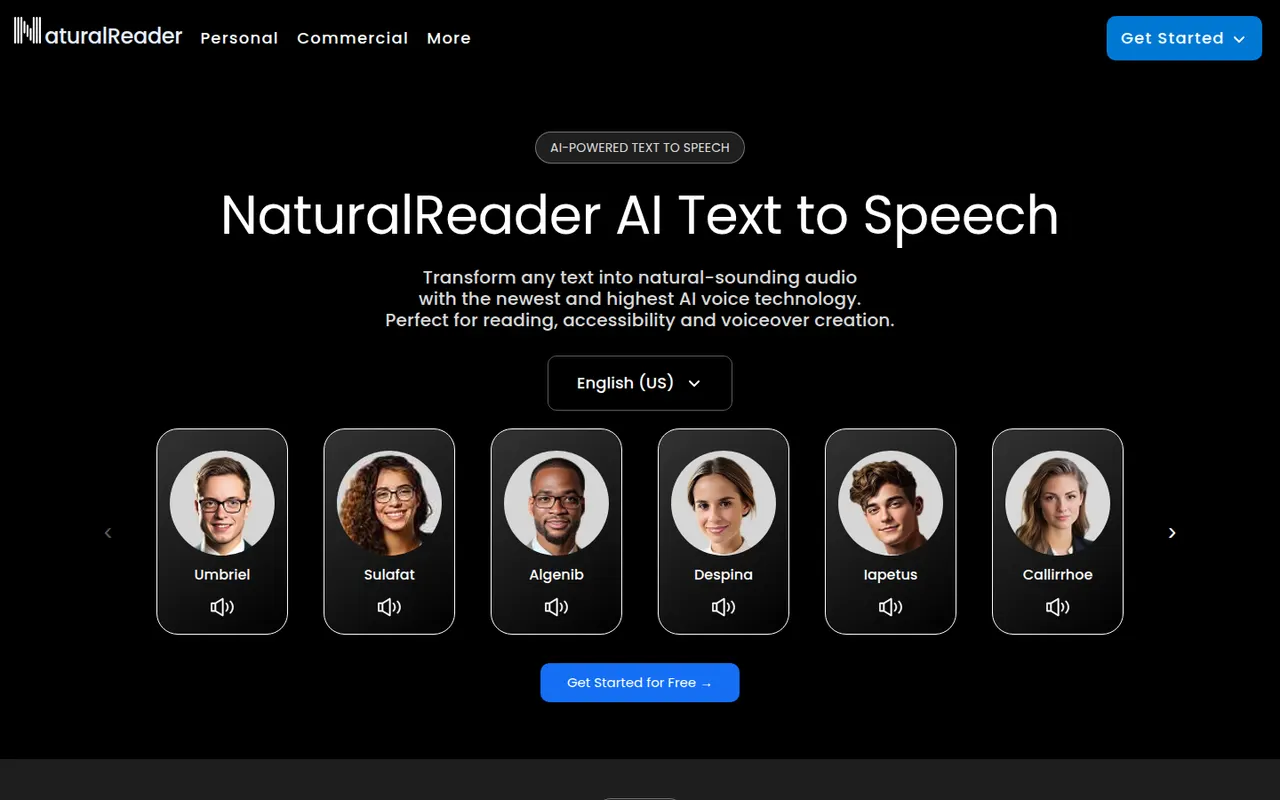
Cost / LicenseFreemiumProprietaryCategoriesPlatformsNaturalReader is a text-to-speech app that reads documents, PDFs, ebooks and web pages aloud in natural-sounding voices across many languages. It is available on the web, as desktop software, as mobile apps that can scan printed text, and as a Chrome extension. It serves students, people with reading difficulties and professionals, with a separate commercial edition for voiceovers.
5 NaturalReader alternativesPros
- Reads PDFs, ebooks and web pages aloud
- Available on web, desktop, mobile and as a Chrome extension
- Mobile apps can scan and read printed text
Cons
- The most natural voices are reserved for paid plans
- Commercial voiceovers require a separate edition
Cost / LicenseFreemiumProprietaryCategoriesPerplexity is an AI search assistant that answers questions in natural language and lists the web sources behind each answer, so claims can be checked. Follow-up questions keep context, deeper research modes run multi-step searches, and you can upload files to analyze. It runs on the web, desktop, mobile and as a browser extension, and the paid plan lets you choose between several AI models.
11 Perplexity alternativesPros
- Every answer lists its web sources for easy checking
- Deep research modes run multi-step searches
- The paid plan lets you choose between several AI models
Cons
- Summaries can misread or overstate what sources say
- The free plan limits advanced searches and model choice
- Less suited to long creative writing than general chatbots
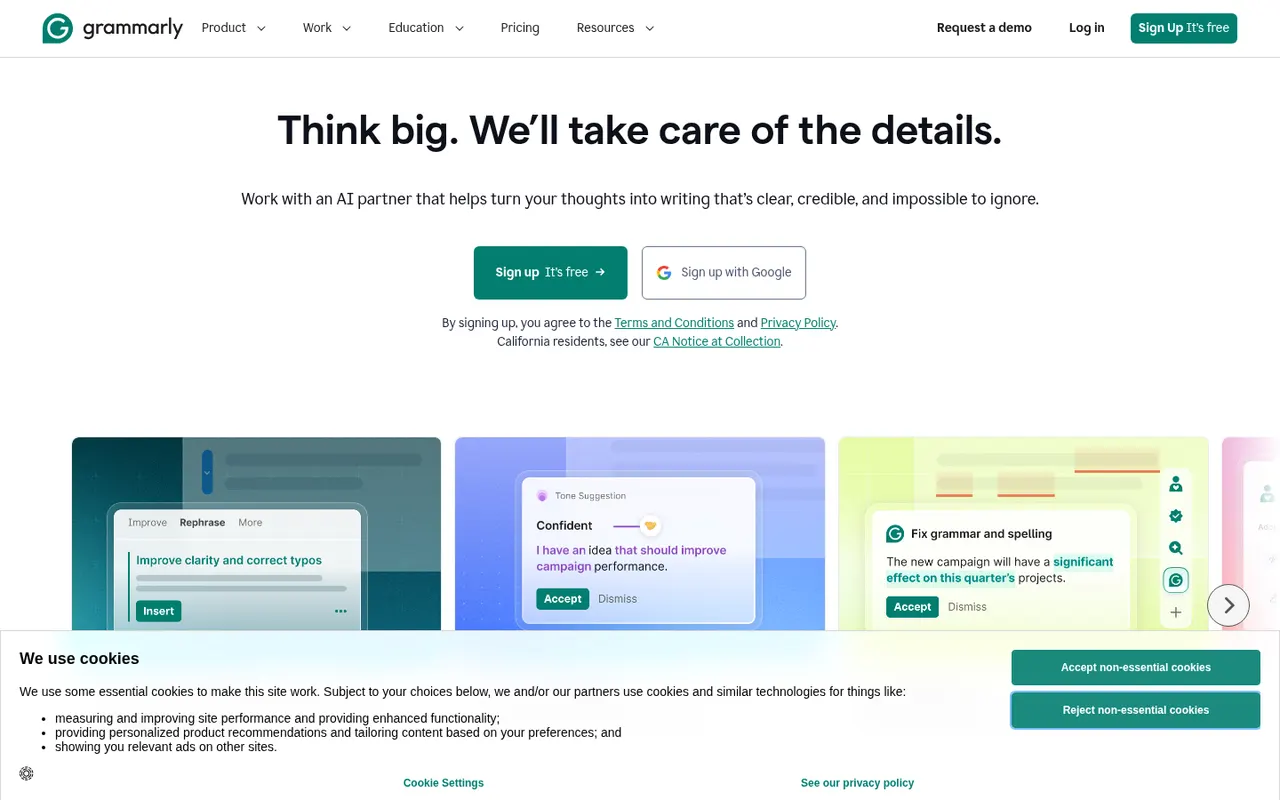
Cost / LicenseFreemiumProprietaryCategoriesGrammarly checks spelling, grammar and punctuation as you write and suggests clearer, more concise phrasing. It works in browsers, desktop apps, Microsoft Office and on mobile through a keyboard, and includes generative AI for drafting and rewriting. Its core checks are designed for English. Paid plans add tone and style rewrites, a plagiarism checker and, for teams, shared style guides and brand tones.
10 Grammarly alternativesPros
- Works in browsers, desktop apps, Microsoft Office and on mobile
- Clear suggestions for grammar, clarity and conciseness
- Shared style guides and brand tones for teams
Cons
- Core checks are designed for English only
- Tone rewrites and the plagiarism checker need a paid plan
- Text is processed in the cloud, which some companies restrict
Cost / LicenseFreemiumProprietaryCategoriesJasper is an AI writing platform aimed at marketing teams. It produces blog posts, ads, emails and social copy from ready-made templates and apps, and keeps output consistent through brand voice profiles, style guides and a shared knowledge base. A browser extension and an API bring it into other tools, and workspaces support team collaboration. There is no free plan, only a trial.
10 Jasper alternativesPros
- Brand voice profiles and style guides keep content consistent
- Templates and apps for blogs, ads, emails and social posts
- Browser extension and API bring it into other tools
Cons
- No free plan, only a trial
- Pricing is steep for solo creators
- Output still needs fact-checking and editing
Cost / LicenseFree trialProprietaryCategoriesPlatformsQuillBot is built around a paraphraser that rewrites sentences in several modes, such as fluent, formal or shorter, while keeping their meaning. The suite also includes a grammar checker, summarizer, translator, citation generator, AI detector and, on Premium, a plagiarism checker. It runs in the browser, as a Chrome extension, in Microsoft Word and as desktop apps, and is aimed at students and researchers.
11 QuillBot alternativesPros
- Paraphraser with modes such as fluent, formal or shorter
- Grammar checker, summarizer and citation generator included
- Works in Chrome, Microsoft Word and desktop apps
Cons
- Free paraphraser limits text length and available modes
- Plagiarism checker is only available on Premium
- Heavy paraphrasing can blur the original meaning
Cost / LicenseFreemiumProprietaryCategoriesPlatformsWordtune, from the Israeli company AI21 Labs, suggests other ways to phrase a sentence: more casual, more formal, shorter or expanded. It also fixes spelling and grammar, can continue or explain text, and summarizes articles, documents and videos. It works in a web editor and through a Chrome extension that adds suggestions to Gmail, Google Docs, LinkedIn and other sites, with daily limits on the free plan.
10 Wordtune alternativesPros
- Suggests casual, formal, shorter or expanded phrasings
- Extension works in Gmail, Google Docs, LinkedIn and more
- Summarizes articles, documents and videos
Cons
- Free plan has daily limits on rewrites
- Less thorough than a dedicated grammar checker
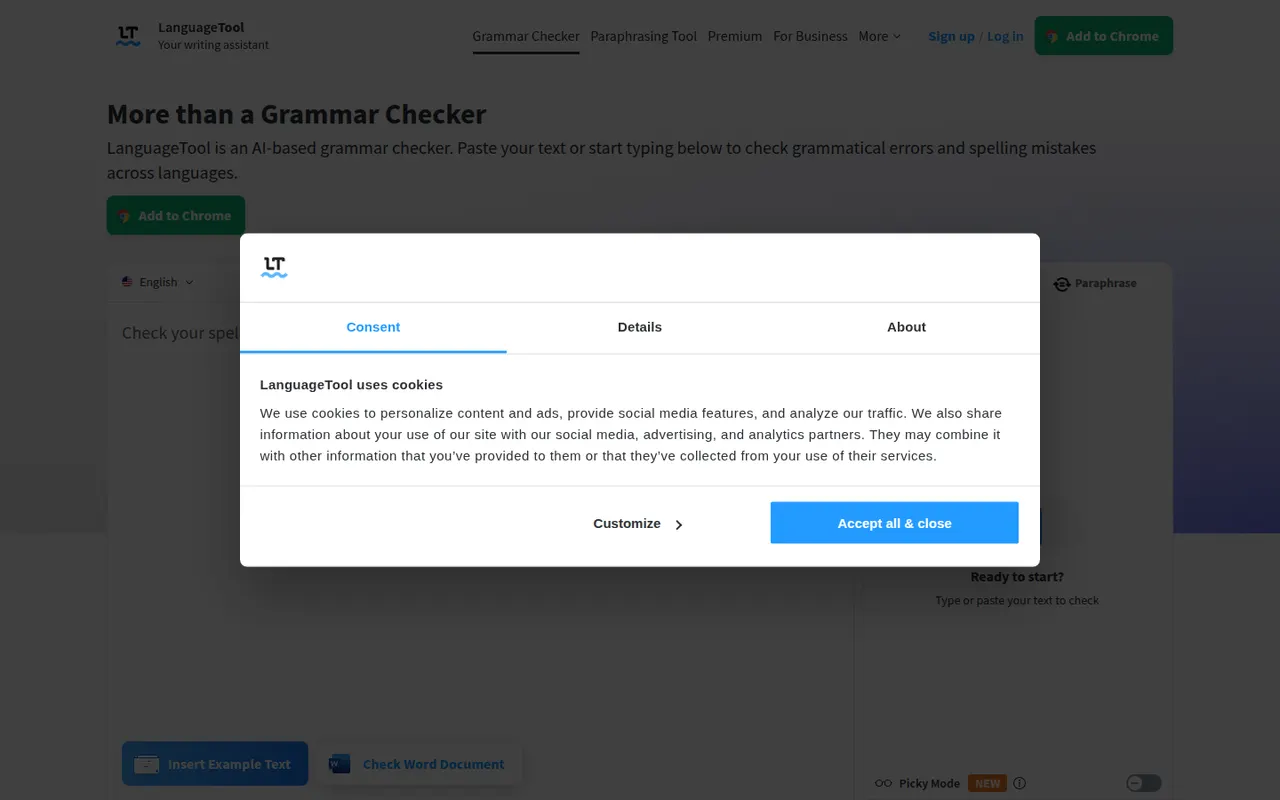
Cost / LicenseFreemiumProprietaryCategoriesPlatformsLanguageTool checks grammar, spelling, punctuation and style in dozens of languages, including English, French, German, Spanish and Portuguese. It integrates with browsers, Microsoft Word, Google Docs, LibreOffice and desktop apps, and Premium adds AI rephrasing and deeper style checks. The core engine is open source under the LGPL, so organizations can run their own server for privacy.
6 LanguageTool alternativesPros
- Checks grammar and style in dozens of languages
- Open source core can run on your own server for privacy
- Integrates with Word, Google Docs, LibreOffice and browsers
Cons
- AI rephrasing and deeper style checks require Premium
- A self-hosted server lacks the Premium checks
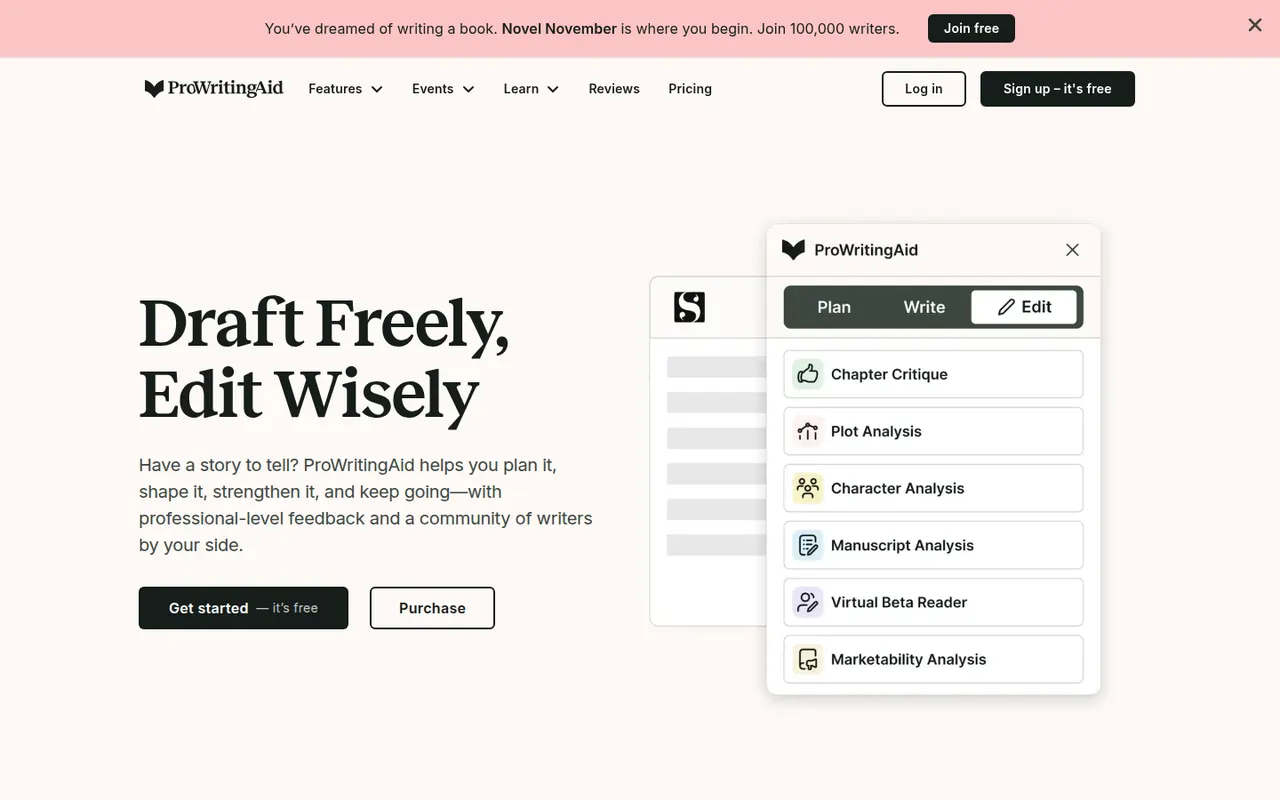
Cost / LicenseFreemiumOpen sourceCategoriesProWritingAid is a grammar checker and style editor designed for long-form English writing, from business documents to novels. Alongside real-time corrections, it produces reports on readability, overused words, repetition, sentence length, pacing and dialogue, and offers AI rephrasing and critique. It works on the web, in desktop apps, in browsers and inside Word, Google Docs and Scrivener.
7 ProWritingAid alternativesPros
- In-depth reports on readability, pacing, repetition and dialogue
- Works inside Word, Google Docs and Scrivener
- Well suited to long-form writing, including fiction
Cons
- The number of reports can feel overwhelming
- Designed for English only
- Free version limits how much text you can check
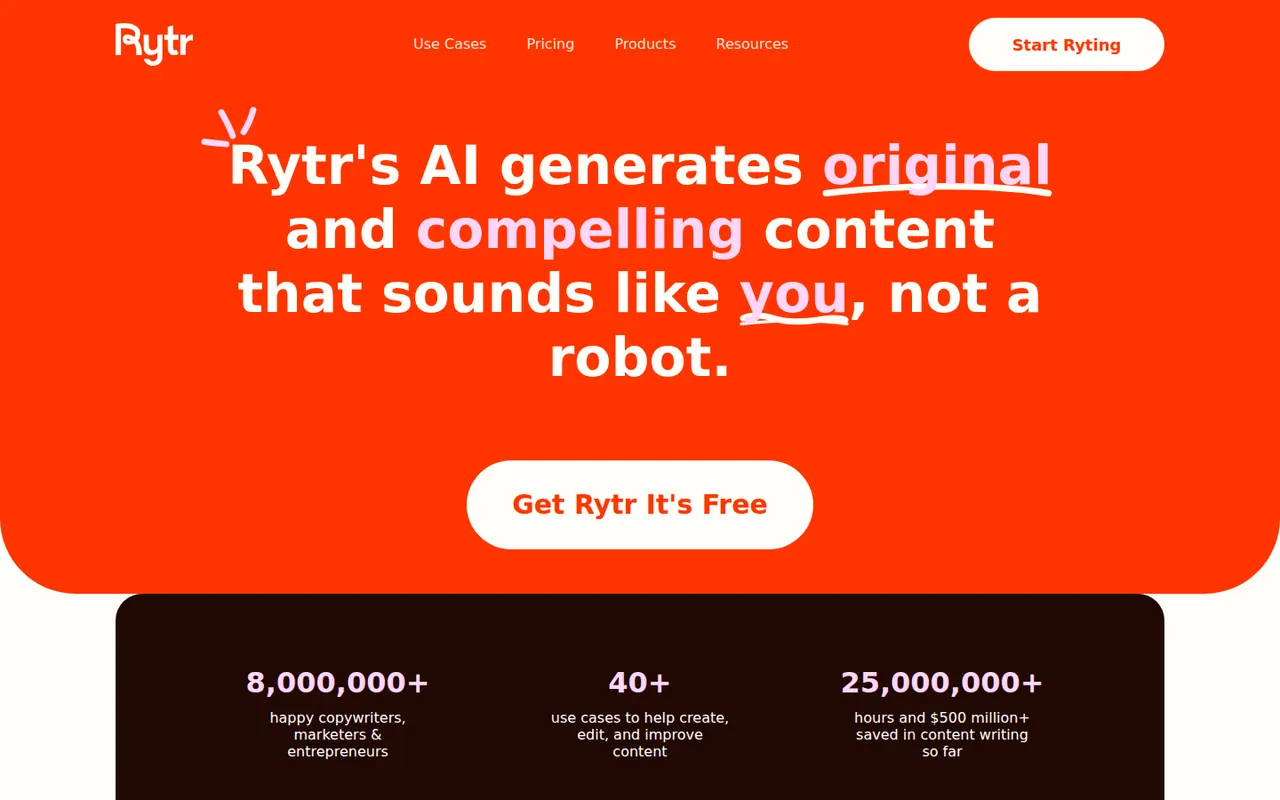
Cost / LicenseFreemiumProprietaryCategoriesPlatformsRytr is an AI writing assistant for short-form content such as emails, product descriptions, social posts, ads and blog sections. You pick a use case, a language and a tone, then refine the draft in its editor with rewrite, expand and shorten commands. It also offers custom tones based on your own writing, a plagiarism check and a Chrome extension, with a free plan limited by monthly characters.
8 Rytr alternativesPros
- Wide range of short-form use cases, languages and tones
- Rewrite, expand and shorten commands in the editor
- Custom tones based on your own writing
Cons
- Free plan is capped by monthly characters
- Less suited to long-form articles
- Output can be generic without careful prompting
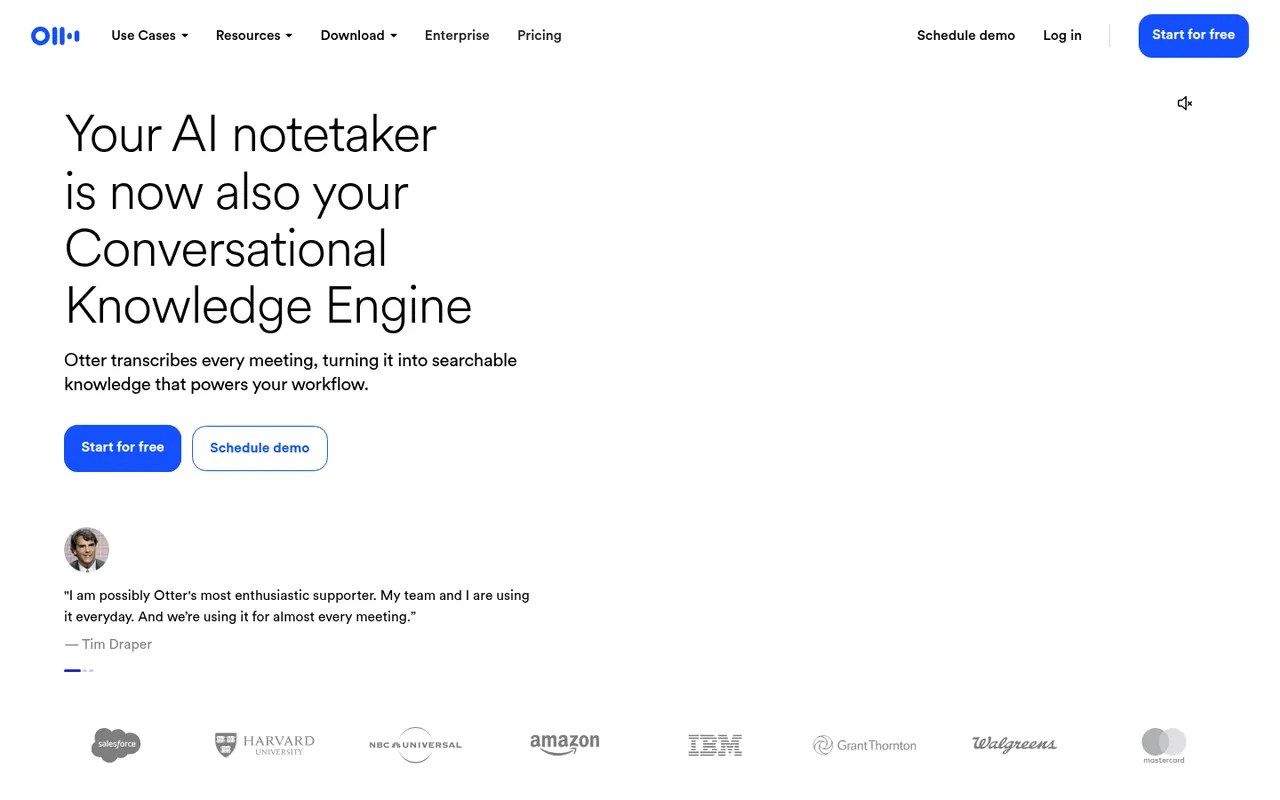
Cost / LicenseFreemiumProprietaryCategoriesPlatformsOtter.ai records and transcribes meetings in real time, either by sending its assistant to Zoom, Google Meet and Microsoft Teams calls or by recording in person from the mobile app. It generates summaries and action items, lets you search and comment on transcripts, and its AI chat answers questions across past meetings. It transcribes English, French and Spanish and has a limited free plan.
9 Otter.ai alternativesPros
- Live transcription you can follow during the meeting
- AI chat answers questions across past meetings
- Mobile app records in-person conversations
Cons
- Transcribes only English, French and Spanish
- Free plan is limited in minutes and file imports
- The assistant can join calls automatically, which may surprise attendees
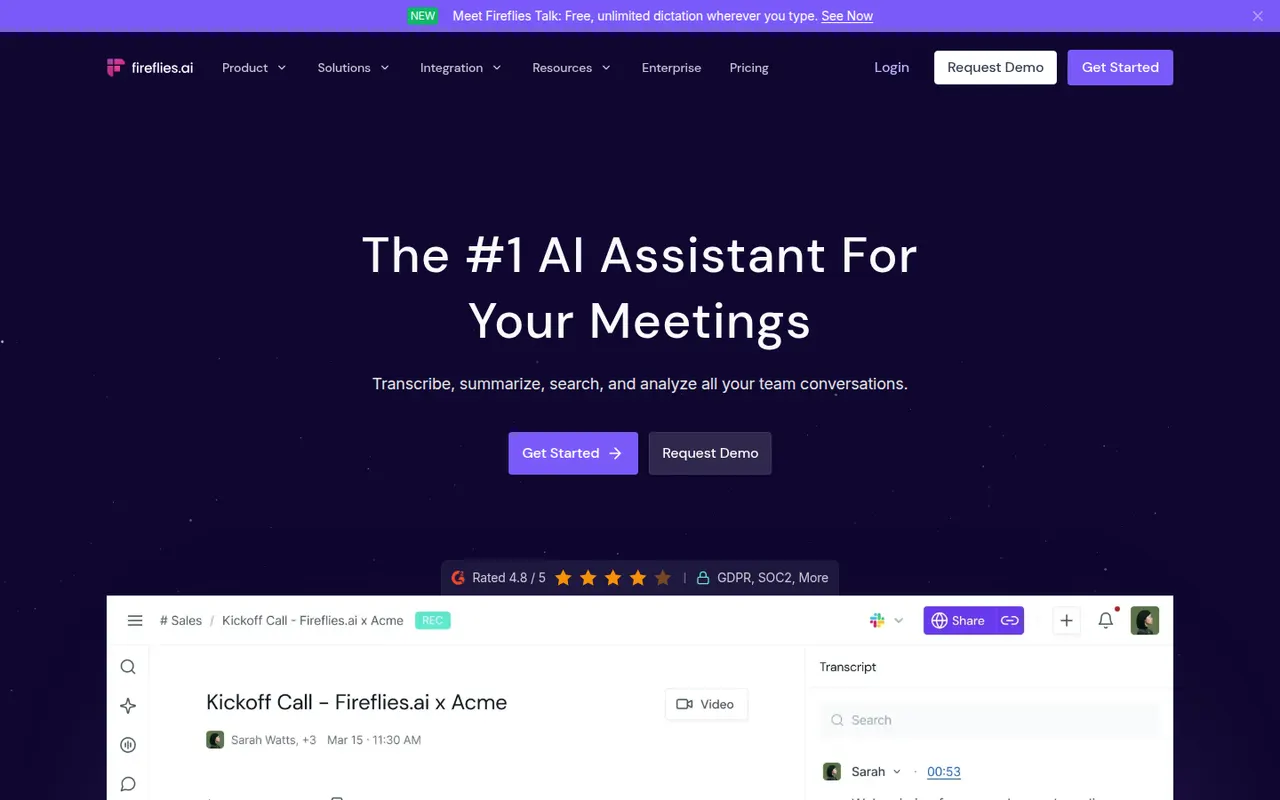
Cost / LicenseFreemiumProprietaryCategoriesPlatformsFireflies.ai joins video calls on Zoom, Google Meet, Microsoft Teams and other platforms to record and transcribe them in many languages. It produces summaries and action items, offers conversation analytics such as talk time and topic tracking, and pushes notes to CRMs like Salesforce and HubSpot or to Slack and Notion. You can search across meetings, query them with an AI assistant and start on a free plan.
9 Fireflies.ai alternativesPros
- Works across Zoom, Meet, Teams and other call platforms
- Transcribes in many languages, with search across all meetings
- Pushes notes to CRMs, Slack and Notion
Cons
- Auto-join settings can bring the bot into calls unexpectedly
- Free plan limits storage and advanced AI features
Cost / LicenseFreemiumProprietaryCategoriesPlatformstl;dv records and transcribes Google Meet, Zoom and Microsoft Teams calls and turns them into AI notes, summaries and timestamps you can share. It can produce reports across many meetings, follow sales frameworks and sync notes to CRMs like HubSpot and Salesforce or to Slack and Notion. The company is based in Germany and emphasizes GDPR compliance, and a free plan is available.
9 tl;dv alternativesPros
- Timestamped notes make it easy to jump to key moments
- Reports across many meetings, with sales framework templates
- German company with a strong focus on GDPR compliance
Cons
- A recording bot joins the call, which not everyone welcomes
- Advanced AI and CRM features require a paid plan
Cost / LicenseFreemiumProprietaryCategoriesPlatformsRead AI joins or records meetings on Zoom, Google Meet and Microsoft Teams to produce transcripts, summaries, action items and highlight reels. It also measures engagement, sentiment and talk time to help people run better meetings, and can summarize email and chat threads so you can search meetings, messages and documents in one place. A free plan covers a limited number of meetings.
9 Read AI alternativesPros
- Engagement, sentiment and talk-time metrics for meetings
- Search across meetings, email and chat in one place
- Highlight reels sum up long meetings quickly
Cons
- Engagement scoring can feel intrusive to participants
- Connecting email and chat means granting broad data access
- Free plan covers only a limited number of meetings
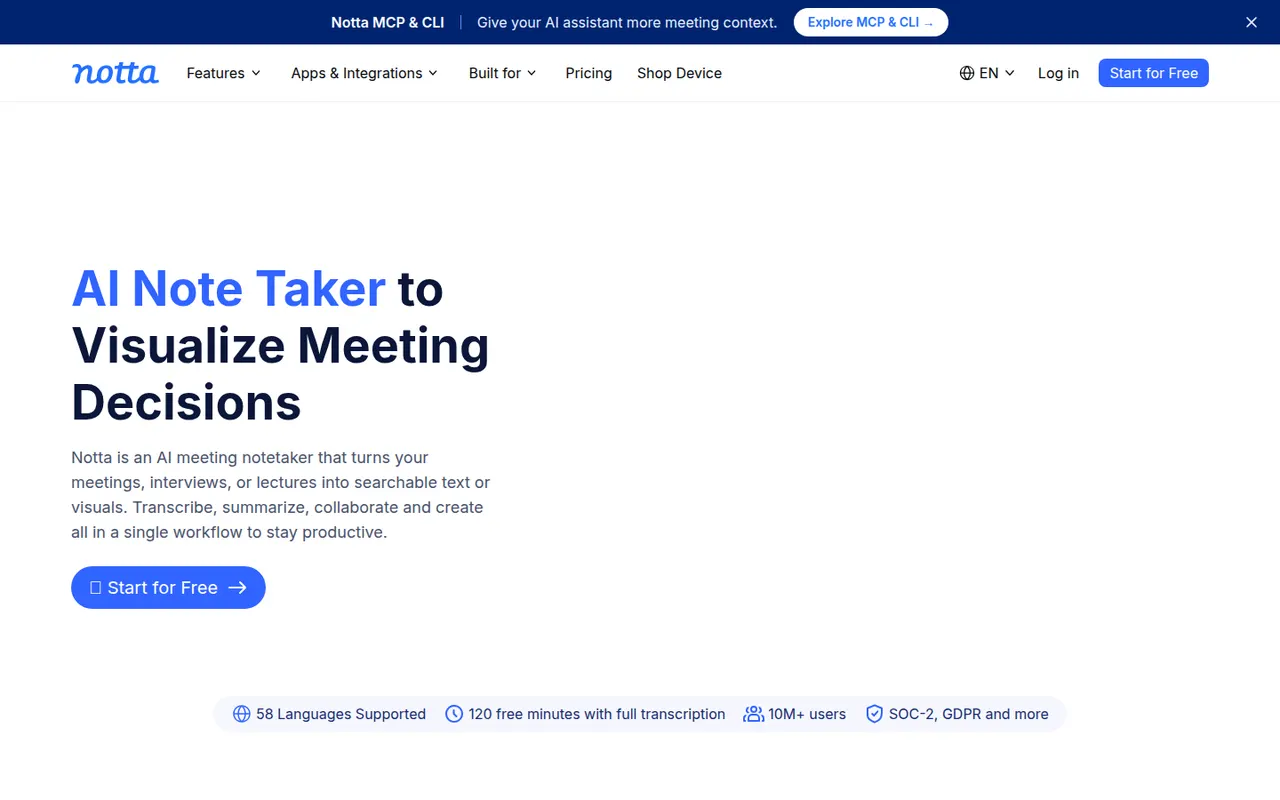
Cost / LicenseFreemiumProprietaryCategoriesPlatformsNotta transcribes meetings, recordings and uploaded audio or video files in dozens of languages, and can translate transcripts. Its bot can join Zoom, Google Meet and Microsoft Teams calls, while the mobile apps and Chrome extension record in person or in the browser. AI summaries highlight key points and next steps, and notes export to formats such as Word, PDF or SRT or to tools like Notion.
9 Notta alternativesPros
- Transcribes and translates in dozens of languages
- Records through a meeting bot, mobile apps or a Chrome extension
- Exports to Word, PDF, SRT or tools like Notion
Cons
- Free plan has tight limits on transcription time
- Fewer analytics and CRM features than sales-focused tools
Cost / LicenseFreemiumProprietaryCategoriesPlatformsTactiq is a Chrome extension that captures live transcripts of Google Meet, Zoom and Microsoft Teams calls running in the browser, without adding a bot to the meeting. During or after the call you can highlight moments, generate summaries, action items or follow-up emails with custom prompts, and save notes to Google Docs, Notion, Confluence or Slack. A free plan covers a limited number of meetings.
9 Tactiq alternativesPros
- Captures live transcripts without adding a bot to the meeting
- Custom prompts for summaries, action items and follow-up emails
- Saves notes to Google Docs, Notion, Confluence or Slack
Cons
- Only captures calls running in the browser, not desktop apps
- No mobile option for in-person conversations
- Free plan covers a limited number of meetings
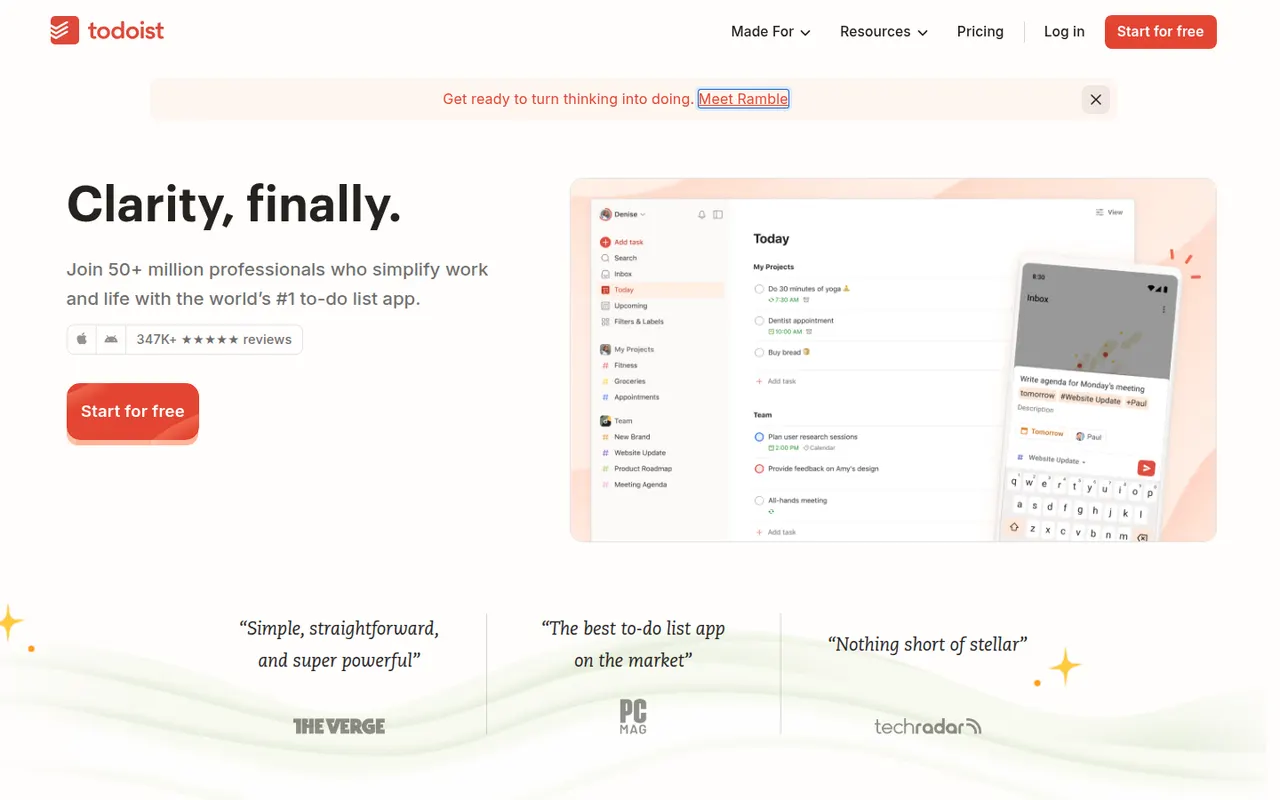
Cost / LicenseFreemiumProprietaryCategoriesPlatformsTodoist is a task manager by Doist that captures tasks quickly with natural language dates, such as every Monday at 9am, and organizes them into projects, sections, labels and filters. It runs on almost every platform, offers list, board and calendar layouts, supports shared projects for small teams and integrates with calendars, email and many other apps.
12 Todoist alternativesPros
- Fast natural language capture for dates and recurring tasks
- Runs on almost every platform with reliable sync
- Projects, labels and filters scale from simple to complex lists
Cons
- Several useful features are limited to paid plans
- Collaboration is basic for larger team projects
- No built-in time tracking without integrations
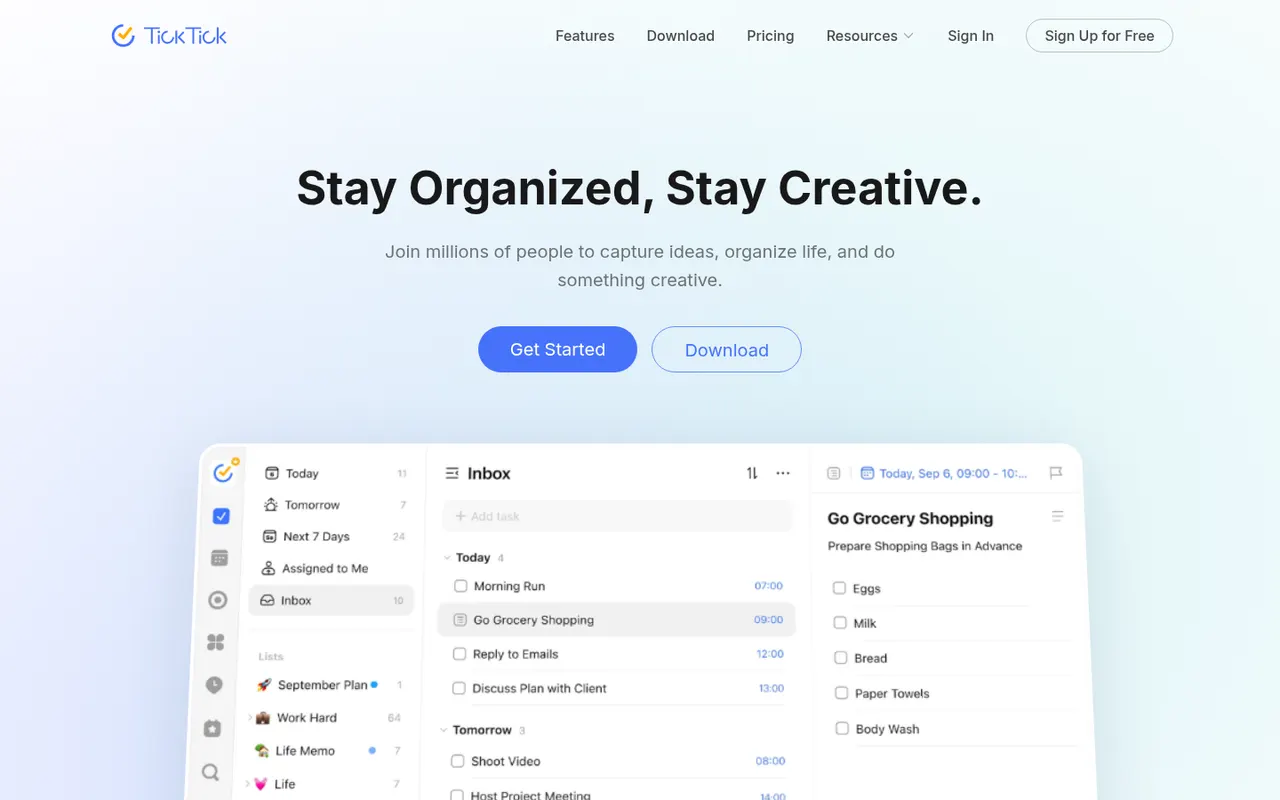
Cost / LicenseFreemiumProprietaryCategoriesTickTick is a cross-platform to-do app that combines tasks and checklists with a built-in calendar, habit tracker and Pomodoro focus timer. It understands dates typed in natural language, offers list, Kanban and timeline views, and a Premium subscription unlocks the full calendar views and higher limits.
11 TickTick alternativesPros
- Tasks, calendar, habit tracker and Pomodoro timer in one app
- Natural language dates speed up task entry
- Available on nearly every platform, including browser extensions
Cons
- Full calendar views require Premium
- The packed feature set can make the interface feel busy
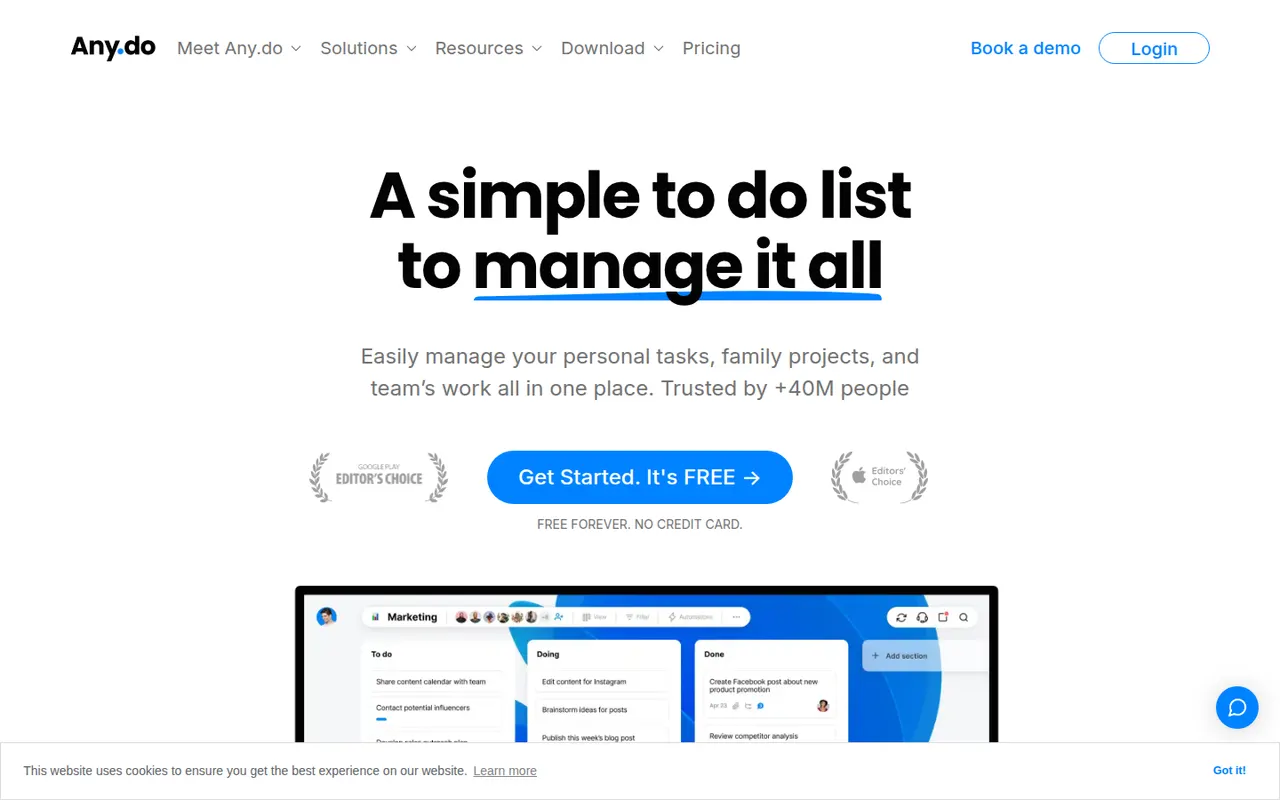
Cost / LicenseFreemiumProprietaryCategoriesAny.do is a task manager and daily planner that brings lists, reminders and a calendar together, with a planning routine to review what lies ahead each day. It syncs across mobile, desktop and the web, can send reminders through WhatsApp, and offers shared spaces for families and small teams on paid plans.
10 Any.do alternativesPros
- Lists, reminders and calendar combined in a clean app
- Daily planning routine helps review the day ahead
- Reminders can be delivered through WhatsApp
Cons
- Many useful features sit behind the Premium subscription
- Less suited to complex projects than full task managers
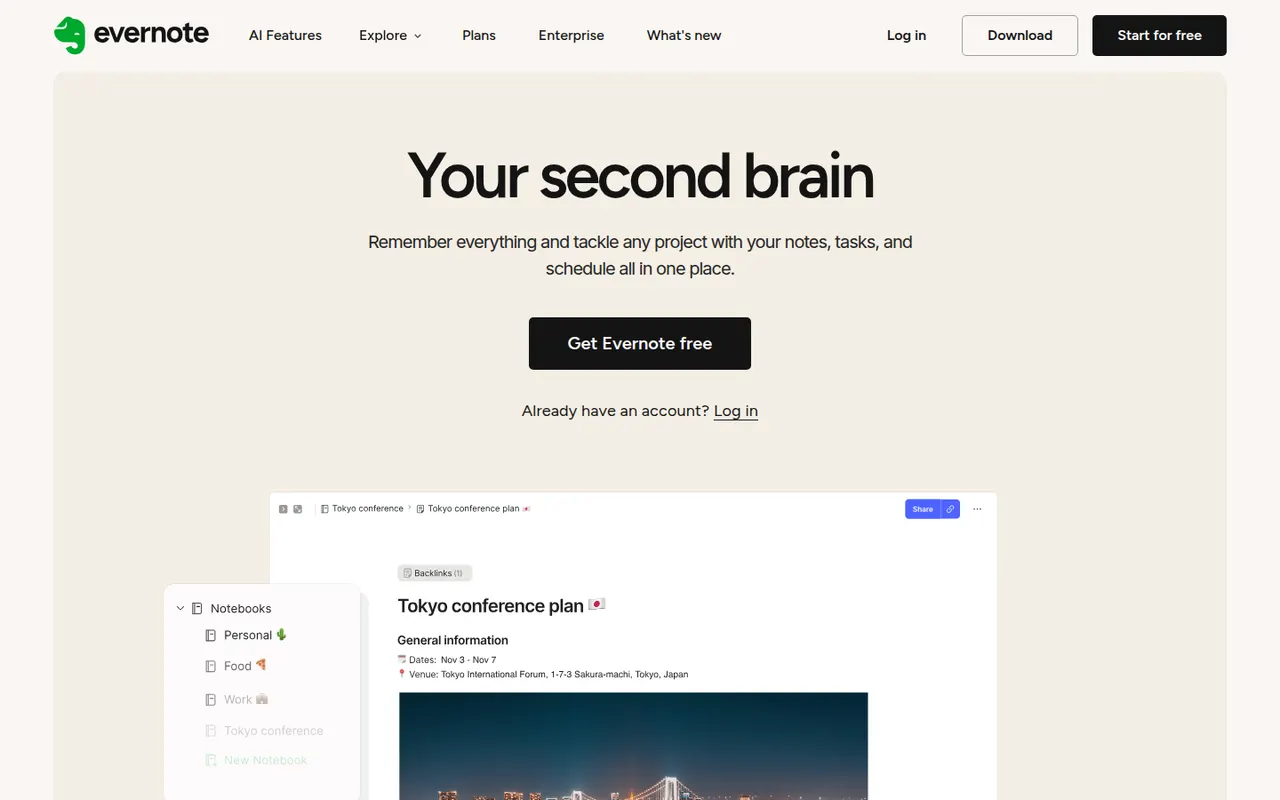
Cost / LicenseFreemiumProprietaryCategoriesEvernote is a long-standing note-taking app, owned by Bending Spoons since 2023, that stores notes, web clips, PDFs, scans and audio in notebooks with tags and full-text search, including text inside images. Recent versions add tasks, calendar integration and AI features, while the free plan has become very limited compared with the paid tiers.
12 Evernote alternativesPros
- Mature web clipper and full-text search, even inside images
- Stores notes, PDFs, scans and audio in one place
- Tasks and calendar integration alongside notes
Cons
- The free plan is very limited compared with paid tiers
- Paid plans are expensive compared with many note apps
- Apps can feel heavier and slower than lighter note tools
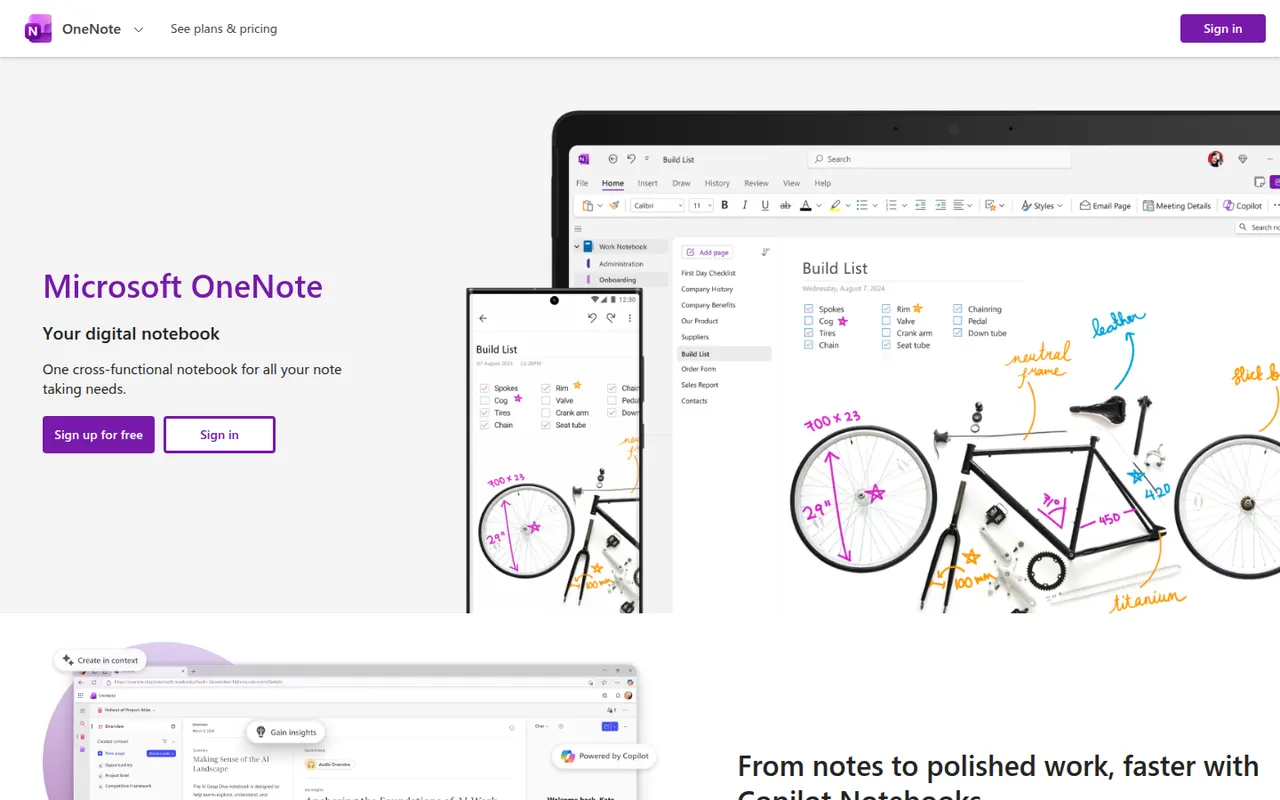
Cost / LicenseFreemiumProprietaryCategoriesMicrosoft OneNote is a free digital notebook that organizes notes into notebooks, sections and pages, where text, images, drawings and handwriting can be placed anywhere on the page. It syncs through OneDrive, supports shared notebooks for classes and teams, and works closely with Outlook, Teams and the rest of Microsoft 365.
9 Microsoft OneNote alternativesPros
- Freeform pages for text, drawings and handwriting anywhere
- Free, with OneDrive sync on all major platforms
- Works closely with Outlook, Teams and Microsoft 365
Cons
- The freeform layout gets messy and is hard to export
- Sync can lag or conflict with large notebooks
- No native app for Linux desktops
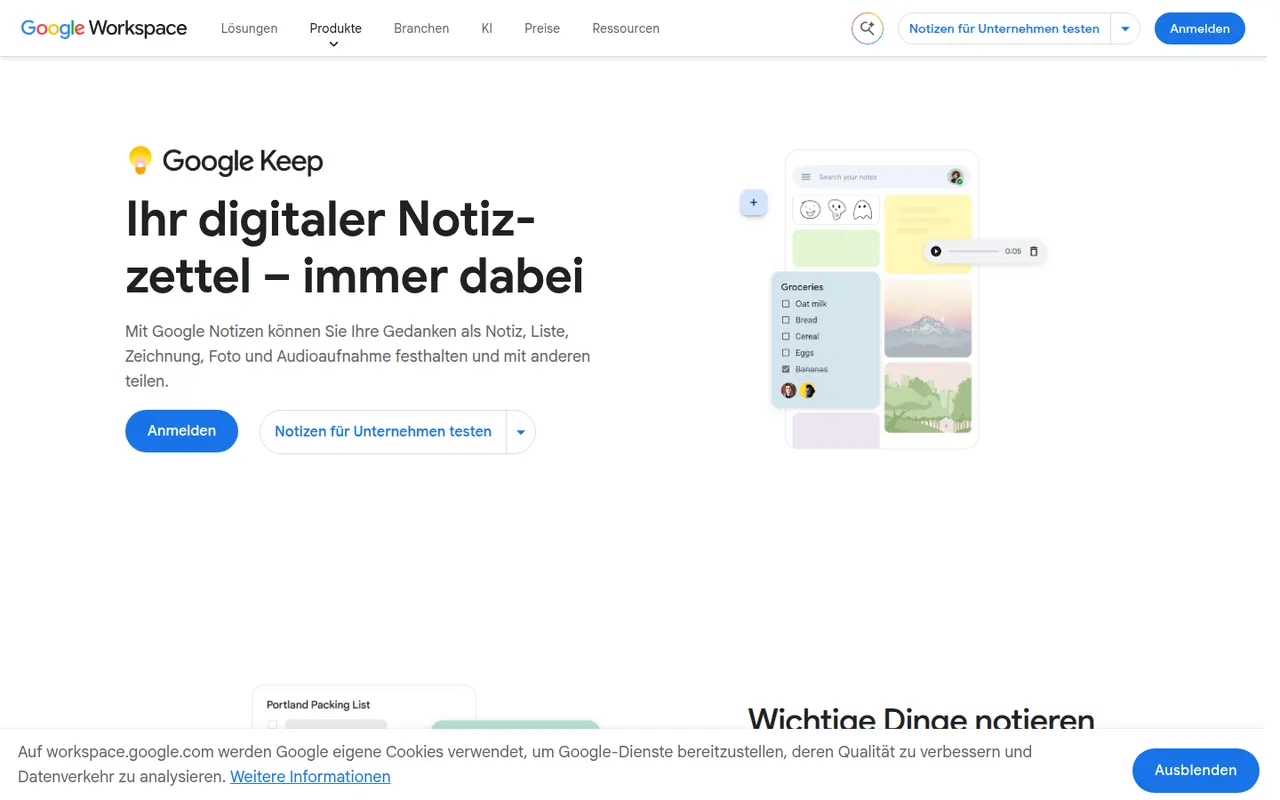
Cost / LicenseFreeProprietaryCategoriesGoogle Keep is a free note app for quick thoughts, checklists, voice memos and photos, shown as colorful cards that can be pinned, labeled and shared. Reminders can be tied to a time or a place, text can be extracted from images, and notes are available from Gmail, Google Docs and Android devices.
8 Google Keep alternativesPros
- Fast capture of notes, checklists, voice memos and photos
- Reminders tied to a time or a place
- Integrated with Gmail, Google Docs and Android
Cons
- No desktop app outside the browser
- Limited formatting makes it a poor fit for long documents
- Organization relies on labels only, with no folders or nesting
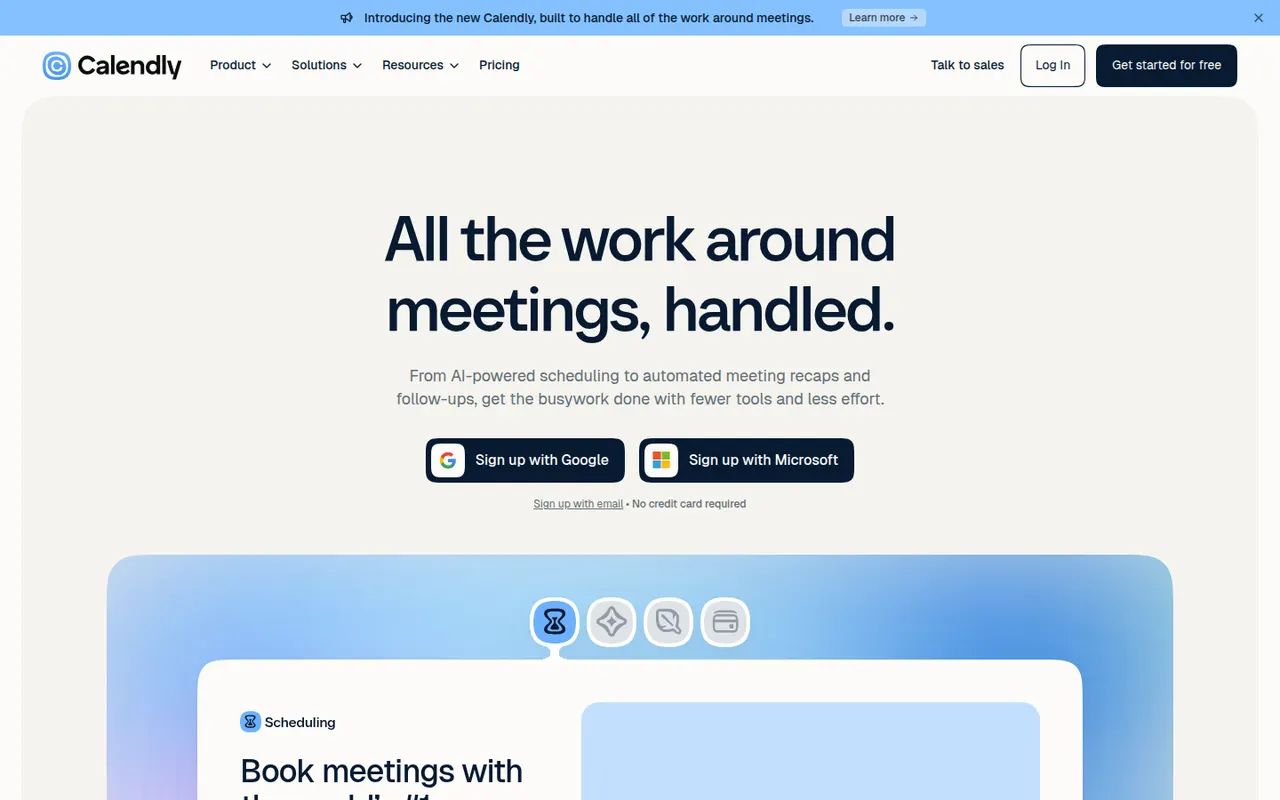
Cost / LicenseFreeProprietaryPlatformsCalendly lets people book time with you through a shareable link that reflects your real availability across Google, Outlook and iCloud calendars. Teams can distribute meetings round robin or book them collectively, collect payments with Stripe or PayPal, and send automatic reminders and follow-ups. It targets sales, recruiting and customer success teams and connects to CRMs such as Salesforce and HubSpot.
12 Calendly alternativesPros
- Booking links reflect real availability across several calendars
- Round-robin and collective scheduling for teams
- CRM integrations with Salesforce and HubSpot
Cons
- The free plan is restrictive, with key features on paid tiers
- Costs add up for teams that need routing and CRM features
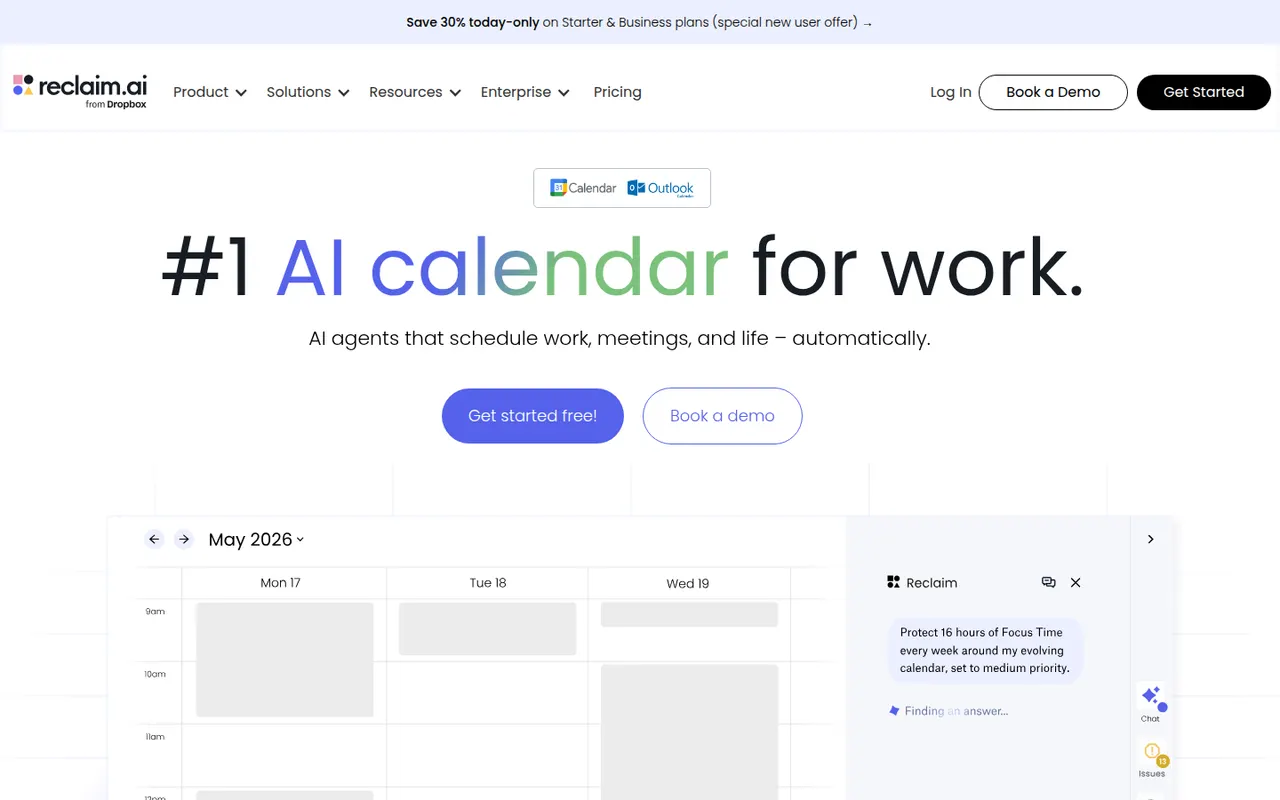
Cost / LicenseFreemiumProprietaryCategoriesPlatformsReclaim.ai is a scheduling assistant for Google Calendar and Outlook that automatically blocks time for tasks, recurring habits, focus time and breaks, then adjusts those blocks as meetings move. It syncs tasks from Asana, Todoist, Jira, ClickUp and Linear, offers scheduling links and time analytics, and has been part of Dropbox since 2024.
9 Reclaim.ai alternativesPros
- Automatically protects time for tasks, habits, focus and breaks
- Time blocks adjust automatically as meetings move
- Syncs tasks from Asana, Todoist, Jira, ClickUp and Linear
Cons
- Works only with Google Calendar and Outlook
- Heavy automatic blocking can clutter shared calendars
- Advanced features and team analytics require paid plans
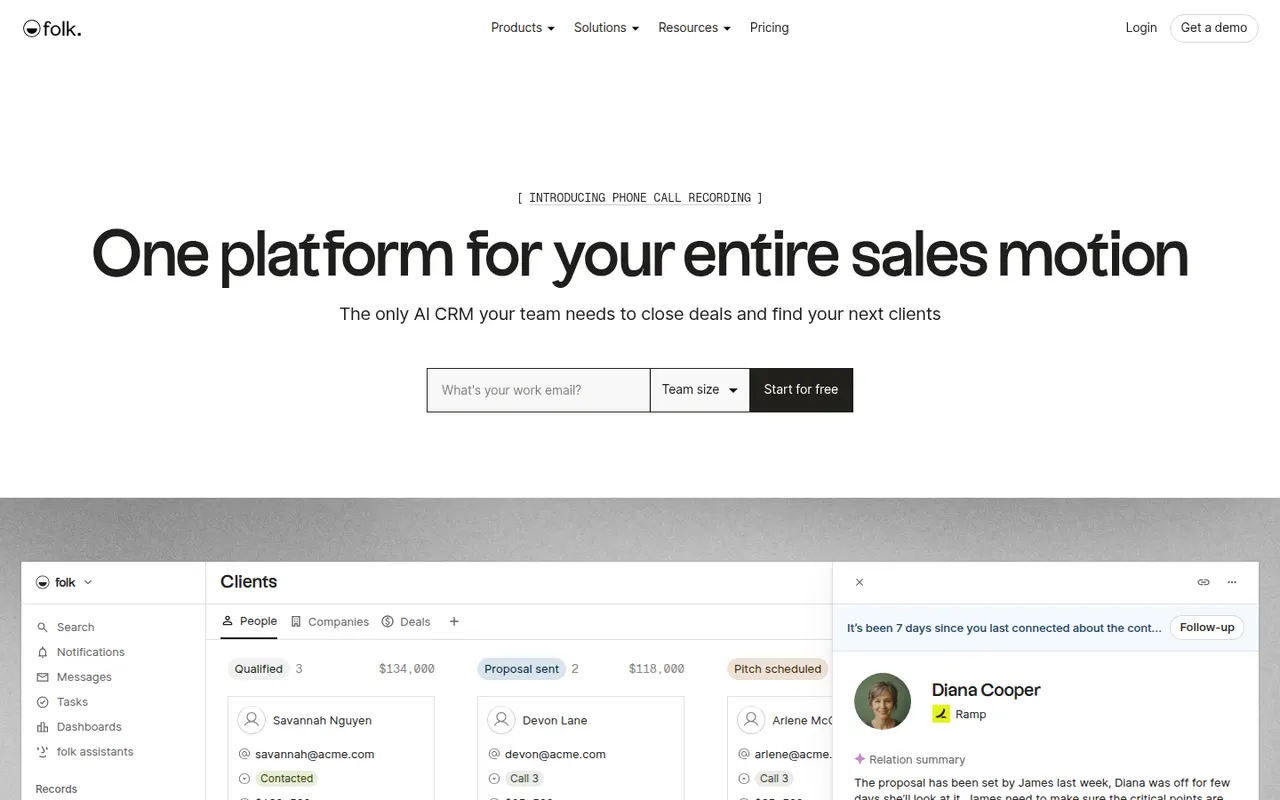
Cost / LicenseFreemiumProprietaryCategoriesPlatformsfolk is a relationship-focused CRM from a Paris-based startup, aimed at founders, agencies, recruiters and small sales teams. A browser extension imports contacts from LinkedIn and other sites, while pipelines, email sequences and AI-assisted enrichment and writing help with follow-up. Its spreadsheet-like interface keeps it simpler than traditional sales CRMs.
8 folk alternativesPros
- Spreadsheet-like interface that feels simpler than traditional sales CRMs
- Browser extension imports contacts from LinkedIn in a click
- Built-in email sequences and AI enrichment for follow-ups
Cons
- Reporting and forecasting stay basic for structured sales teams
- Smaller integration ecosystem than long-established CRMs
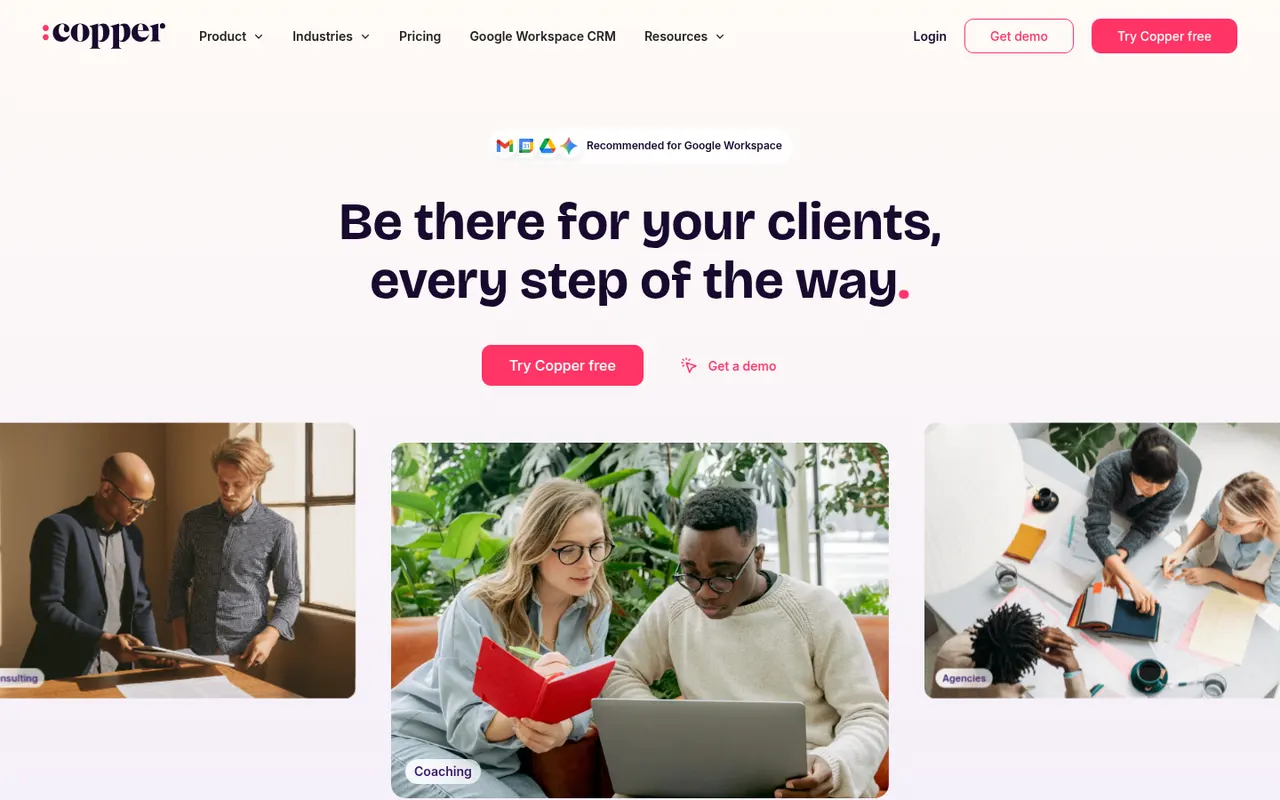
Cost / LicenseFree trialProprietaryCategoriesPlatformsCopper is a CRM built for teams that live in Google Workspace. A Chrome extension shows contacts, deals and tasks directly in Gmail, and it syncs with Google Calendar, Drive and Sheets to log activity without manual data entry. It offers pipelines, workflow automation and reporting, and suits small businesses and agencies managing relationships rather than high-volume sales.
8 Copper alternativesPros
- Works inside Gmail through a Chrome extension, so contacts sit next to email
- Syncs with Google Calendar, Drive and Sheets to log activity automatically
- Clean interface that small teams can adopt with little training
Cons
- Much less useful for teams that don’t run on Google Workspace
- Reporting and customization are shallower than in larger CRMs
- No free plan, and advanced automation sits on higher tiers
Cost / LicenseFree trialProprietaryCategoriesPlatformsPubler is a social media scheduling tool that publishes to networks such as Facebook, Instagram, X, LinkedIn, TikTok, Pinterest and YouTube. It offers a calendar view, recurring and bulk scheduling, an AI assistant for captions and images, a link-in-bio page and analytics. Its free plan covers a few accounts, which suits freelancers and small businesses.
9 Publer alternativesPros
- Recurring and bulk scheduling save time
- Link-in-bio page and AI assistant included
- The free plan covers a few accounts
Cons
- Analytics are less detailed than in agency-focused tools
- Advanced features are reserved for paid plans
Cost / LicenseFreemiumProprietaryCategoriesPlatforms