Apps with Calendar view
23 apps
Top Calendar view apps ranked by the community
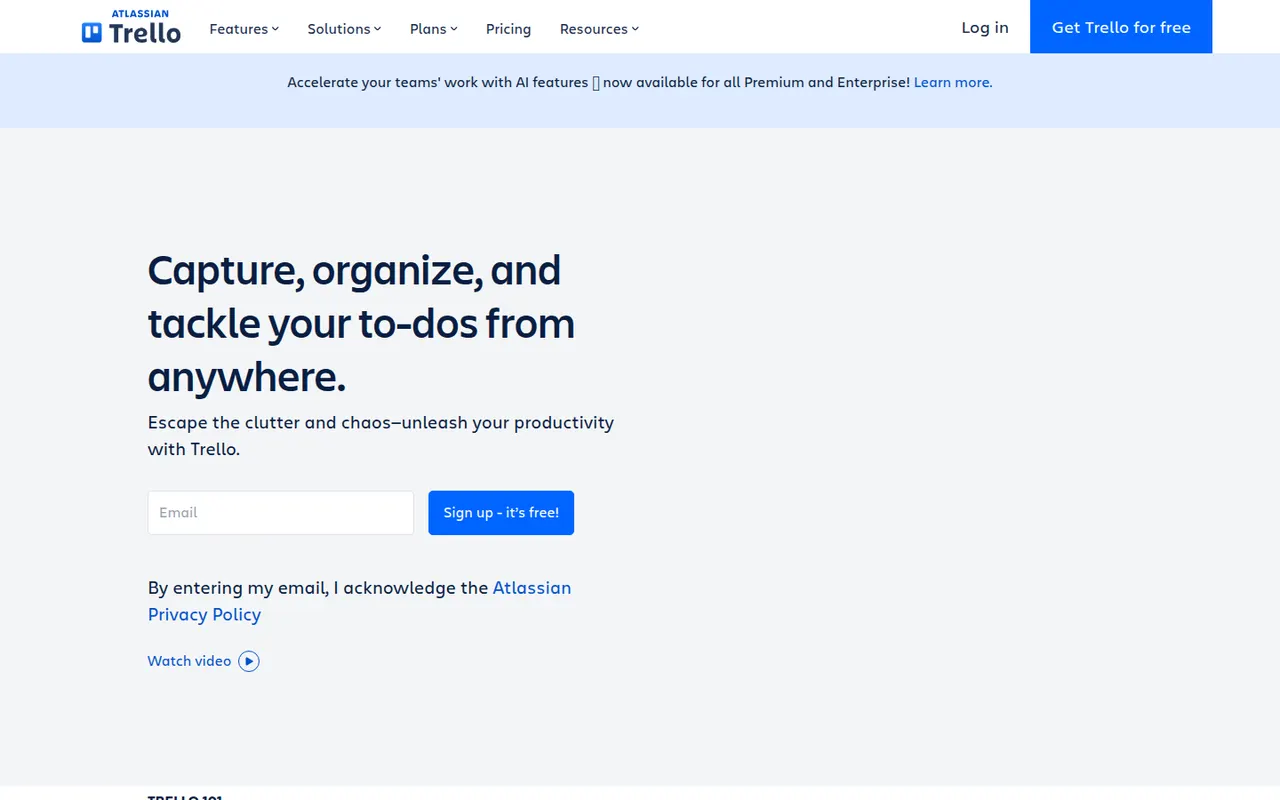
Trello organizes work on boards made of lists and cards that you drag from one stage to the next, a model that suits small teams, personal projects and simple workflows. Owned by Atlassian, it adds calendar, timeline and table views, Butler automations and Power-Ups that connect boards to Slack, Google Drive, Jira and many other tools.
12 Trello alternativesPros
- Simple card-and-list model anyone can learn in minutes
- Power-Ups connect boards to Slack, Google Drive, Jira and more
- Butler automations take care of repetitive card moves
Cons
- Gets hard to manage for large or complex projects
- Timeline, calendar and table views require a paid plan
- Reporting is limited without add-ons
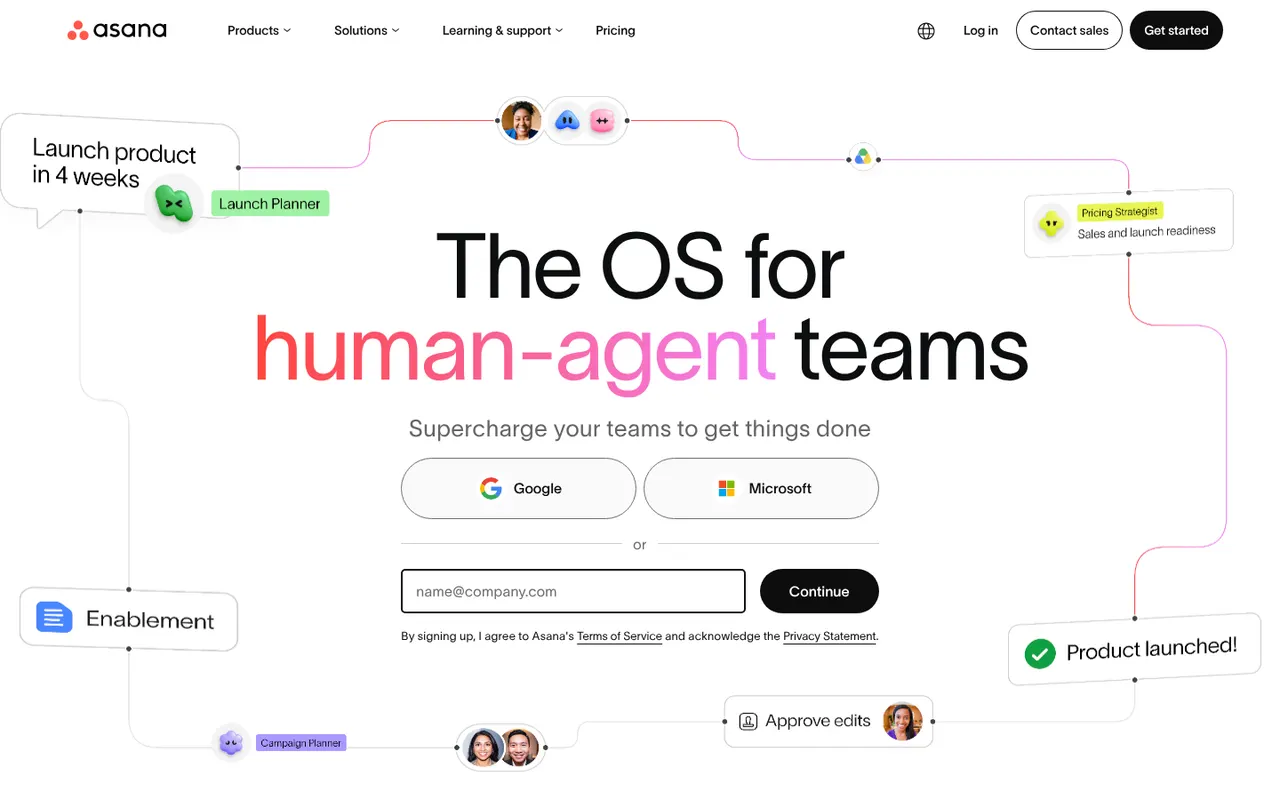
Cost / LicenseFreemiumProprietaryAsana helps teams plan projects, assign tasks and track progress in list, board, timeline and calendar views. It is aimed at cross-functional teams in mid-size and large companies, with portfolios and goals to follow work across departments, rule-based automations, a large catalog of integrations and built-in AI features.
12 Asana alternativesPros
- List, board, timeline and calendar views for the same project
- Goals and portfolios connect work across departments
- Large catalog of integrations and rule-based automations
Cons
- Per-seat pricing gets expensive as teams grow
- Timeline, goals and portfolios require paid plans
- A task can only have one assignee
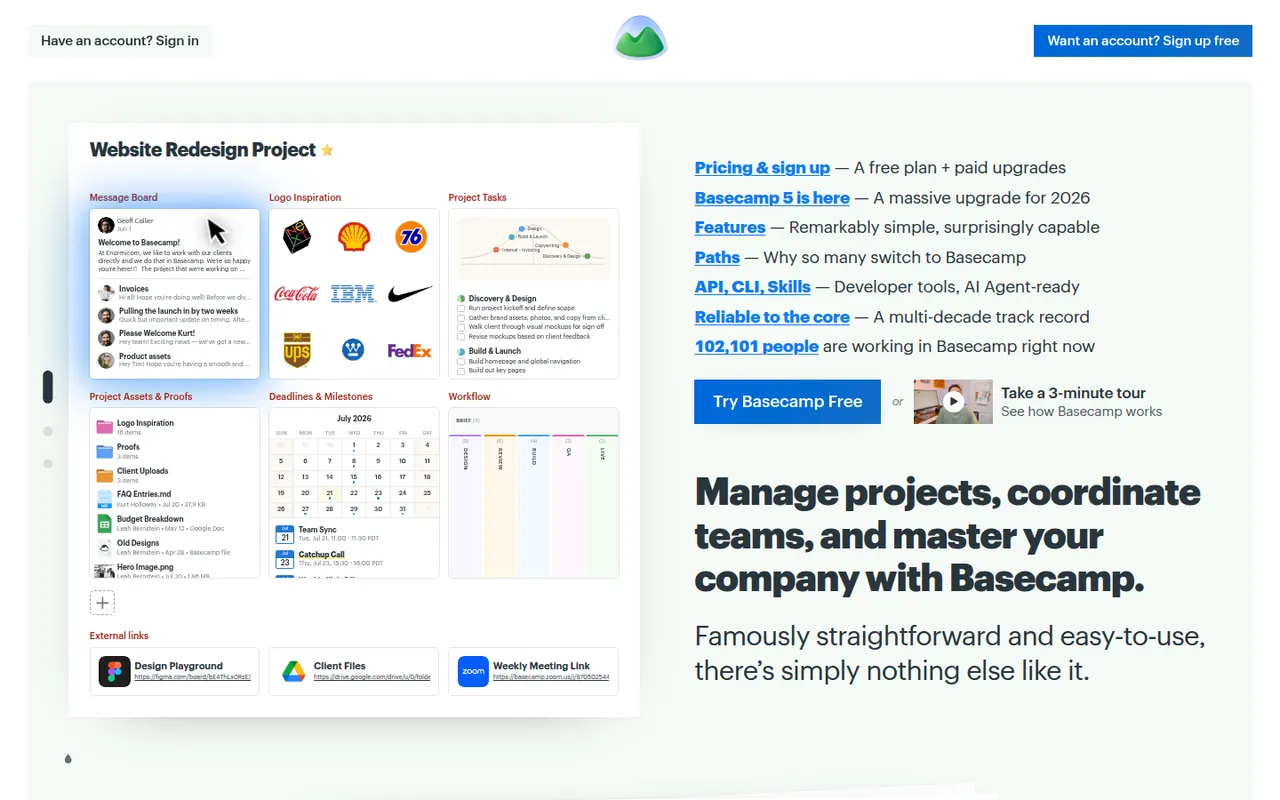
Cost / LicenseFreemiumProprietaryCategoriesBasecamp, made by 37signals, gives each project its own space with to-dos, a message board, schedule, documents, a card table and group chat, cutting down on email and status meetings. It favors calm, asynchronous communication over Gantt charts and heavy reporting, which suits agencies and small companies that work with clients.
9 Basecamp alternativesPros
- Each project gathers to-dos, messages, files, schedule and chat
- Calm, asynchronous approach cuts down on email and status meetings
- Clients can be invited into projects with controlled visibility
Cons
- No Gantt charts, task dependencies or detailed reporting
- Less customizable than tools like ClickUp or monday.com
- The free plan covers only a single project
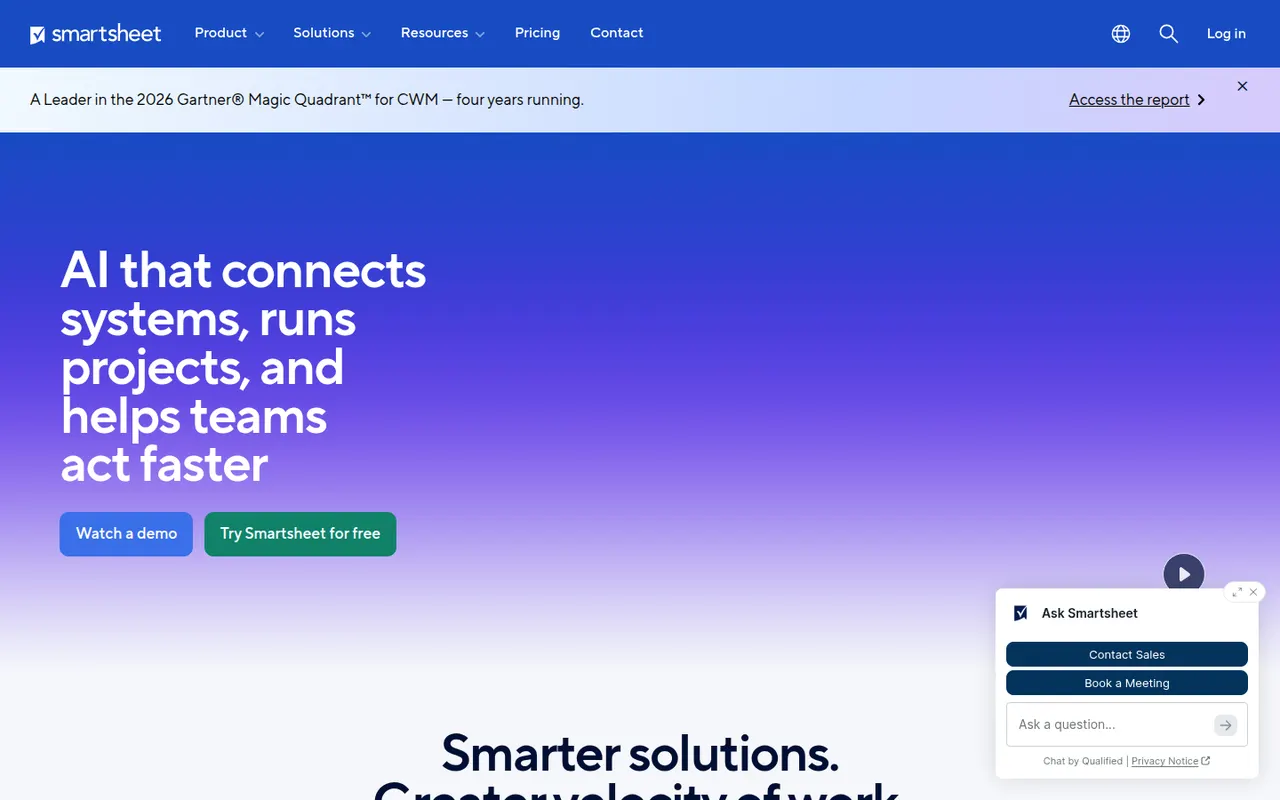
Cost / LicenseFreemiumProprietaryCategoriesSmartsheet manages projects and business processes in sheets that look like spreadsheets but add Gantt, card and calendar views, dependencies, forms and automated workflows. It targets enterprises and PMOs that need reports, dashboards and portfolio views across many projects, and connects to Microsoft 365, Google Workspace, Salesforce and Jira.
12 Smartsheet alternativesPros
- Spreadsheet-like interface feels familiar to Excel users
- Strong reports and dashboards across portfolios of projects
- Gantt views with dependencies, forms and automated workflows
Cons
- No free plan beyond the trial period
- Costs rise quickly with team size and premium add-ons
- The interface feels less modern than newer work management tools
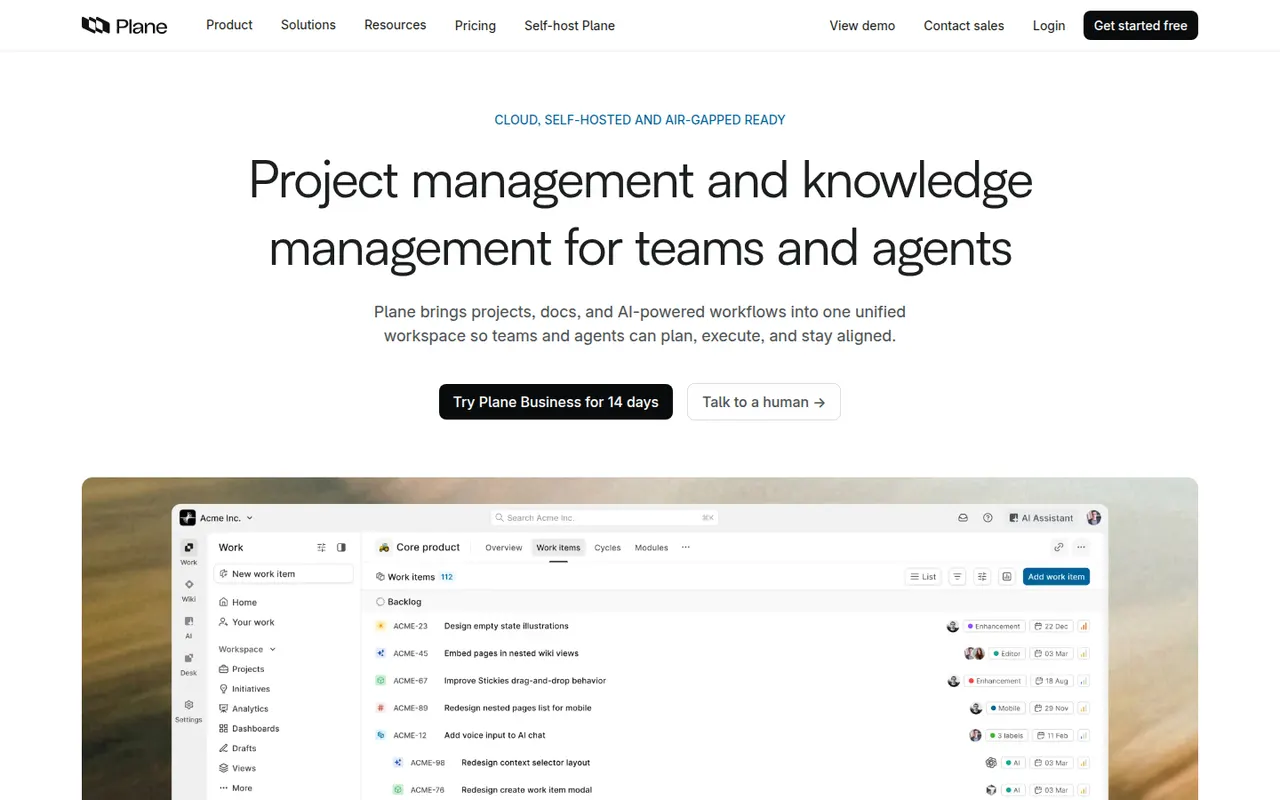
Cost / LicenseFree trialProprietaryPlane is an open source project management tool for software teams, covering issues, cycles, modules, pages and several layouts including list, Kanban, calendar and spreadsheet. It positions itself as a self-hostable alternative to Jira and Linear, and is also offered as a hosted cloud service with a free tier and paid plans.
8 Plane alternativesPros
- Open source, self-hostable alternative to Jira and Linear
- Modern interface with list, Kanban, calendar and spreadsheet layouts
- Cycles, modules and pages cover planning and docs in one place
Cons
- Younger product with fewer integrations than established trackers
- Some advanced features are limited to paid editions
- Self-hosting means handling upgrades and backups yourself
Cost / LicenseFreemiumOpen sourceCategoriesPlatformsMicrosoft Planner is the task and project planning app of Microsoft 365, usable on the web, inside Teams and on mobile. Basic plans offer Kanban-style boards, charts and a schedule view, while premium plans, which absorbed Project for the web, add timelines with dependencies, sprints and Copilot assistance.
10 Microsoft Planner alternativesPros
- Included in Microsoft 365 and usable directly inside Teams
- Simple Kanban boards that anyone can pick up quickly
- Assigned tasks also appear in Microsoft To Do
Cons
- Basic plans lack dependencies, timelines and advanced reporting
- Mainly practical for organizations already on Microsoft 365
- Premium planning features and Copilot cost extra
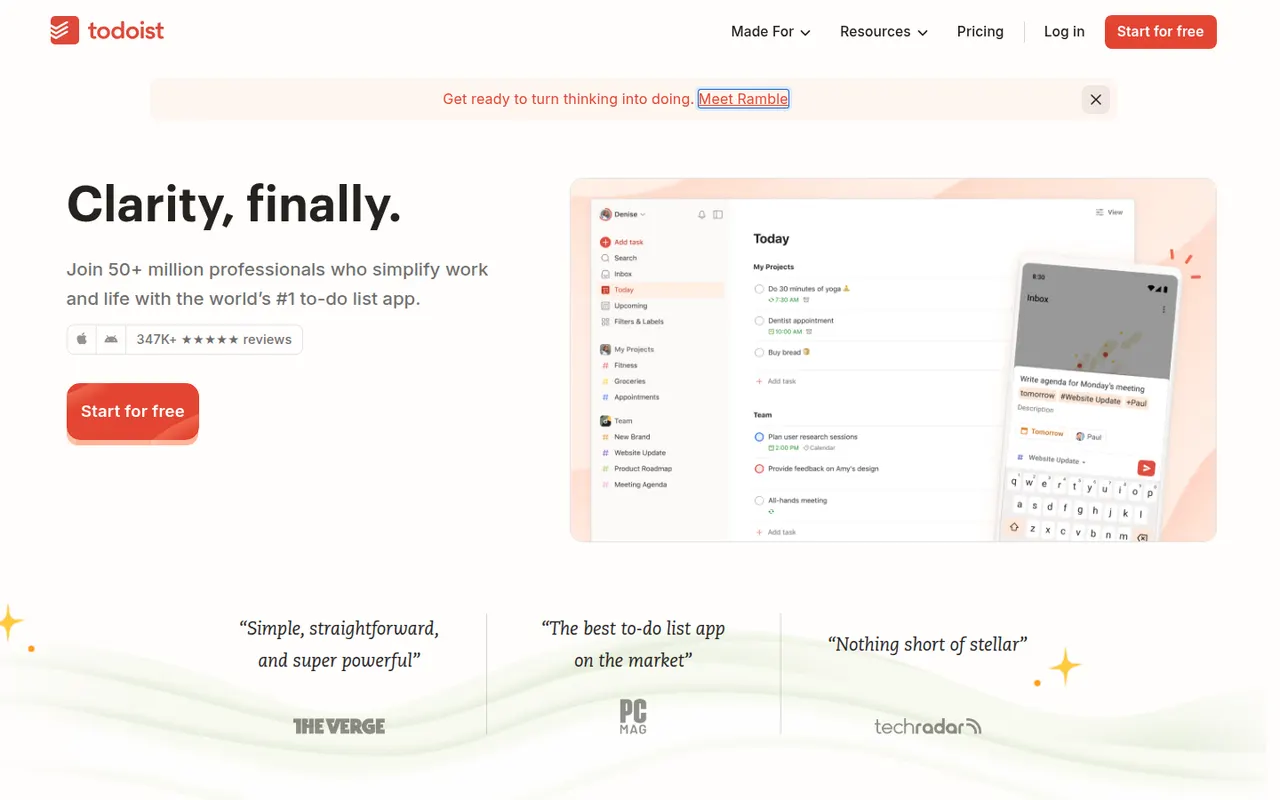
Cost / LicensePaidProprietaryCategoriesTodoist is a task manager by Doist that captures tasks quickly with natural language dates, such as every Monday at 9am, and organizes them into projects, sections, labels and filters. It runs on almost every platform, offers list, board and calendar layouts, supports shared projects for small teams and integrates with calendars, email and many other apps.
12 Todoist alternativesPros
- Fast natural language capture for dates and recurring tasks
- Runs on almost every platform with reliable sync
- Projects, labels and filters scale from simple to complex lists
Cons
- Several useful features are limited to paid plans
- Collaboration is basic for larger team projects
- No built-in time tracking without integrations
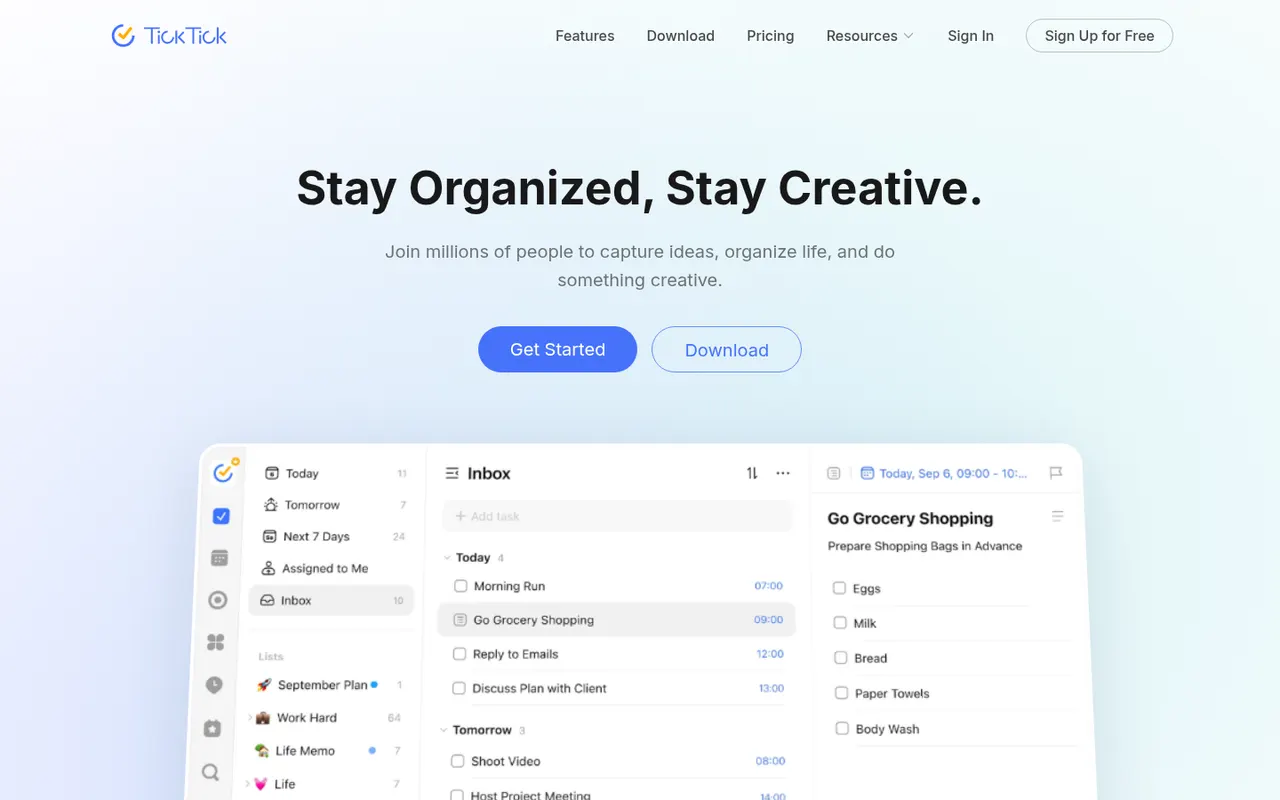
Cost / LicenseFreemiumProprietaryCategoriesTickTick is a cross-platform to-do app that combines tasks and checklists with a built-in calendar, habit tracker and Pomodoro focus timer. It understands dates typed in natural language, offers list, Kanban and timeline views, and a Premium subscription unlocks the full calendar views and higher limits.
11 TickTick alternativesPros
- Tasks, calendar, habit tracker and Pomodoro timer in one app
- Natural language dates speed up task entry
- Available on nearly every platform, including browser extensions
Cons
- Full calendar views require Premium
- The packed feature set can make the interface feel busy
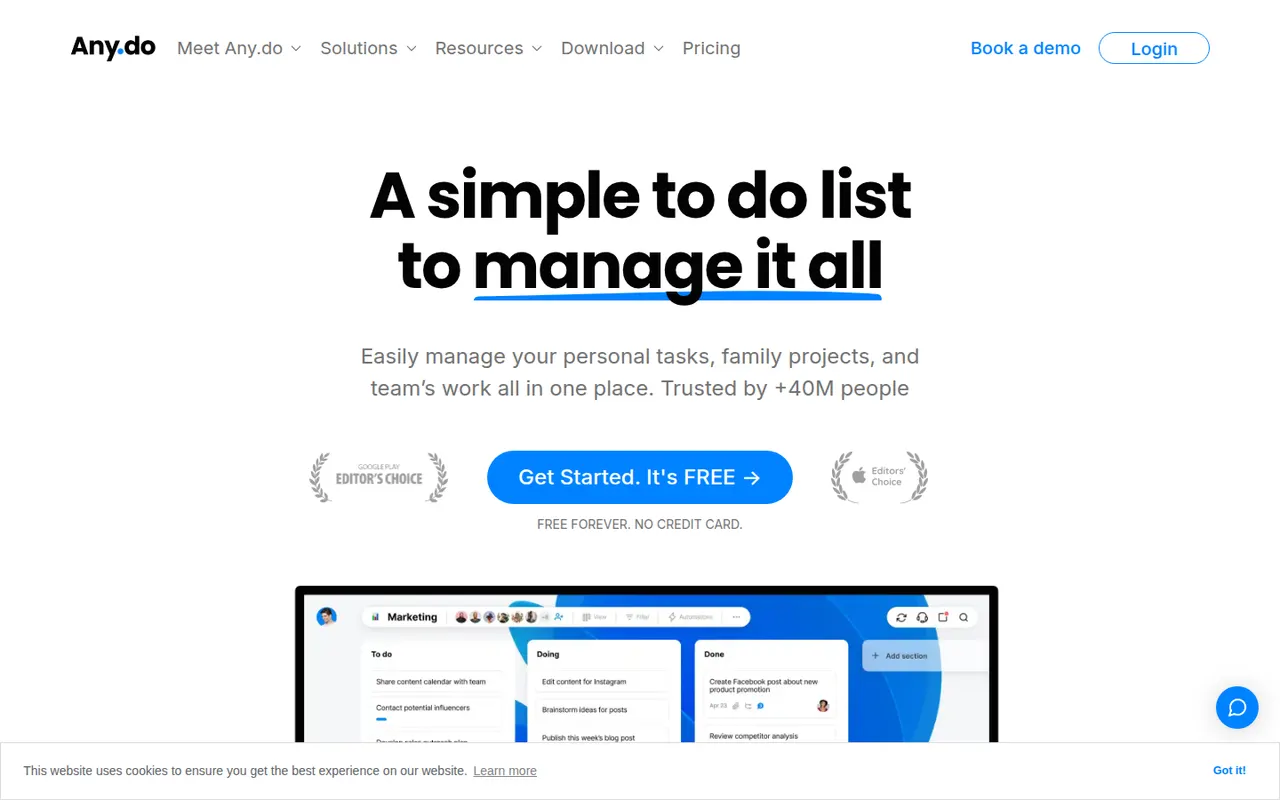
Cost / LicenseFreemiumProprietaryCategoriesAny.do is a task manager and daily planner that brings lists, reminders and a calendar together, with a planning routine to review what lies ahead each day. It syncs across mobile, desktop and the web, can send reminders through WhatsApp, and offers shared spaces for families and small teams on paid plans.
10 Any.do alternativesPros
- Lists, reminders and calendar combined in a clean app
- Daily planning routine helps review the day ahead
- Reminders can be delivered through WhatsApp
Cons
- Many useful features sit behind the Premium subscription
- Less suited to complex projects than full task managers
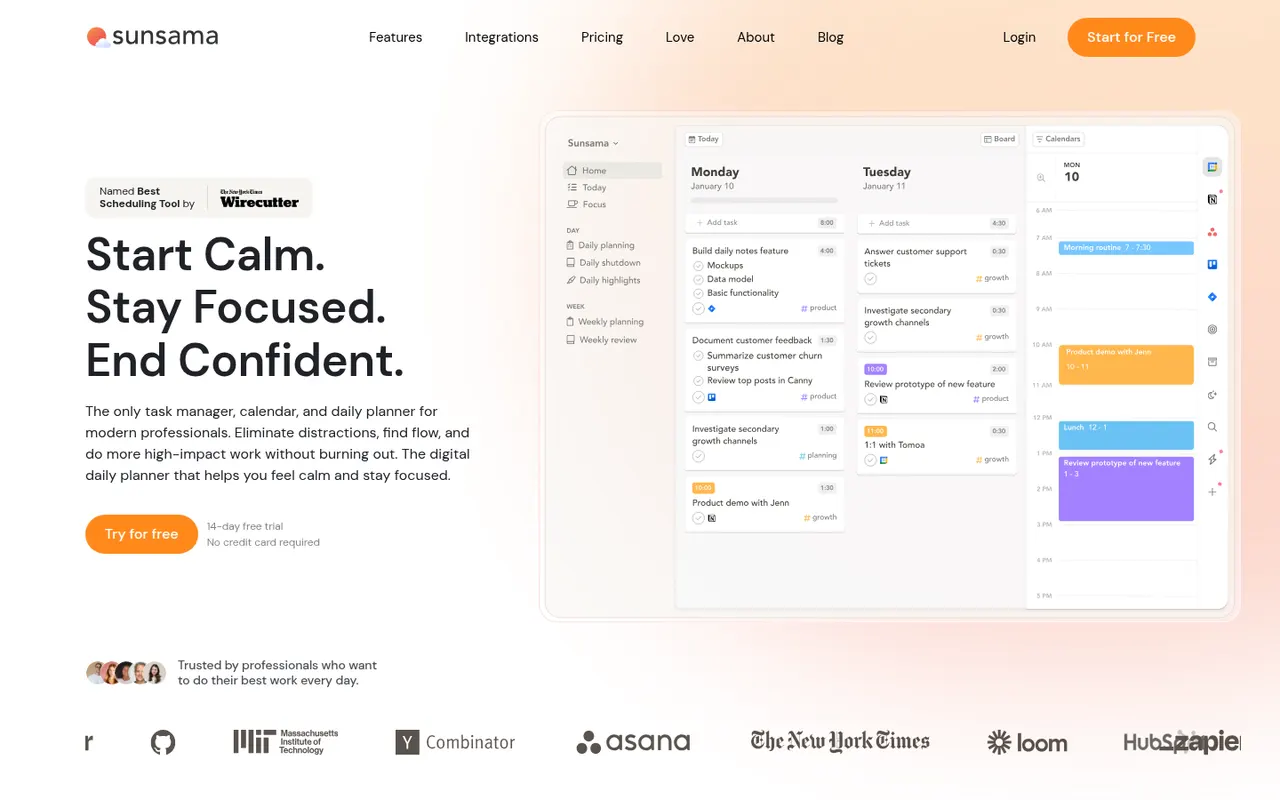
Cost / LicenseFreemiumProprietaryCategoriesSunsama is a daily planner for professionals who want a calmer workday. Each morning it walks you through picking tasks from Asana, Trello, Jira, Gmail, Slack and other tools, estimating their duration and dragging them onto your calendar, then closes the day with a shutdown ritual and a short review. There is no free plan beyond the trial.
9 Sunsama alternativesPros
- Guided morning planning ritual encourages realistic workdays
- Pulls in tasks from Asana, Trello, Jira, Gmail and Slack
- Daily shutdown and review help prevent overwork
Cons
- No free plan and a high subscription price
- The daily ritual can feel like overhead on busy days
- Built for individuals rather than team planning
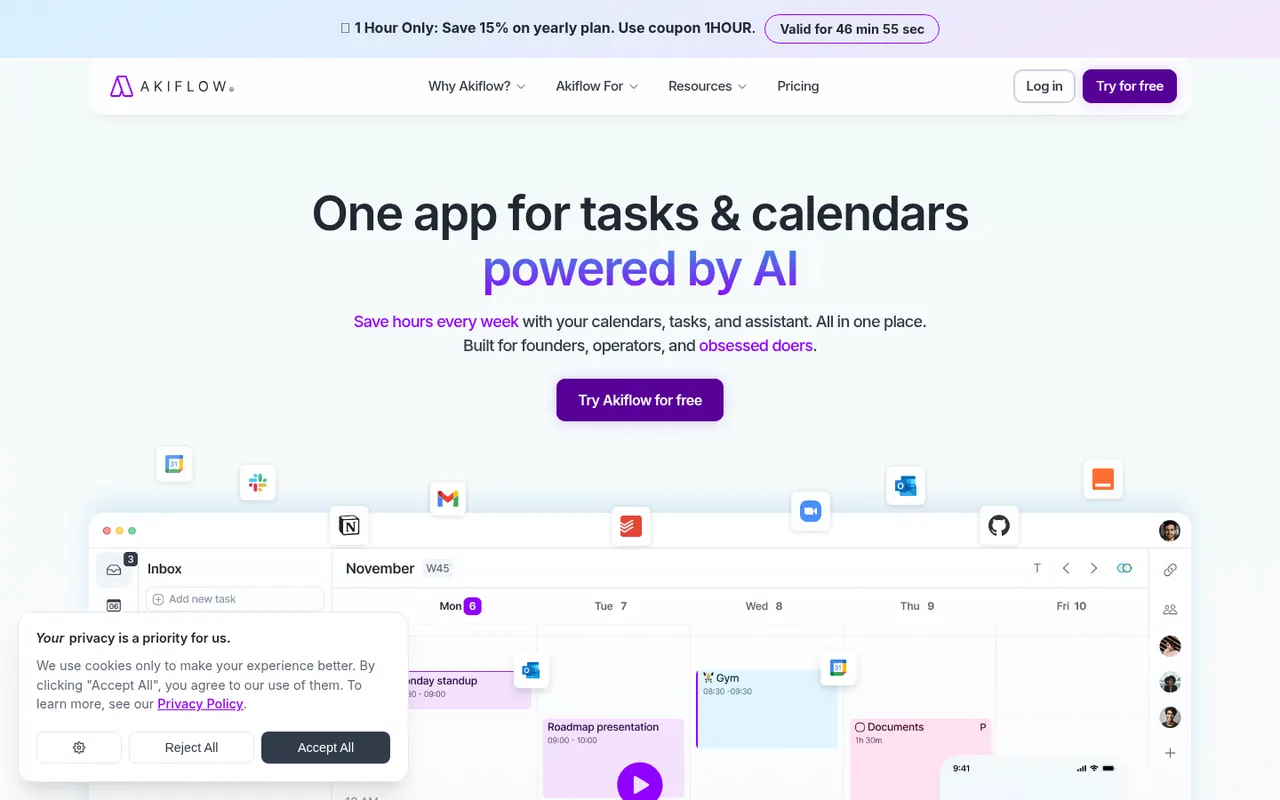
Cost / LicenseFree trialProprietaryAkiflow collects tasks from email, Slack, Notion, Asana, Todoist and other tools into one inbox, then lets you time-block them on your calendar with drag and drop. A command bar with natural language input and keyboard shortcuts suits people who live in their calendar and juggle many meetings and sources of work.
9 Akiflow alternativesPros
- Pulls tasks from email, Slack, Notion and more into one inbox
- Drag-and-drop time blocking straight onto your calendar
- Command bar and keyboard shortcuts make capture very fast
Cons
- No free plan, and the subscription is on the expensive side
- Connecting every source and building the habit takes time
- Not designed for team project management
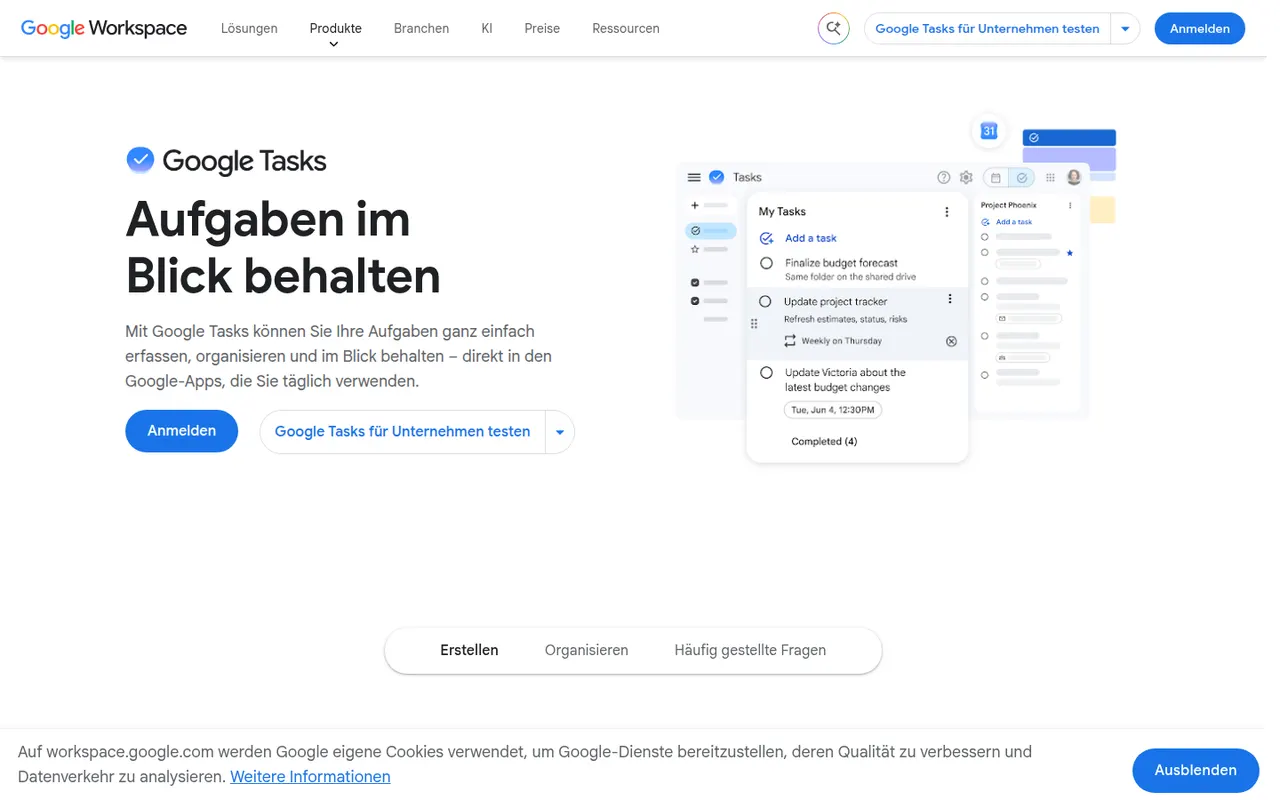
Cost / LicenseFree trialProprietaryGoogle Tasks is a free, minimal task manager tied to your Google account. Tasks can be created from Gmail messages, appear on their dates in Google Calendar and sync to the mobile apps, with support for subtasks, due dates and repeating tasks. It suits people who want basic lists inside Google Workspace rather than a full productivity system.
8 Google Tasks alternativesPros
- Free and built into Gmail and Google Calendar
- Turns an email into a task in a couple of clicks
- Minimal interface with practically no learning curve
Cons
- No labels, priority levels or advanced filters
- Very limited sharing and collaboration options
- No dedicated desktop app
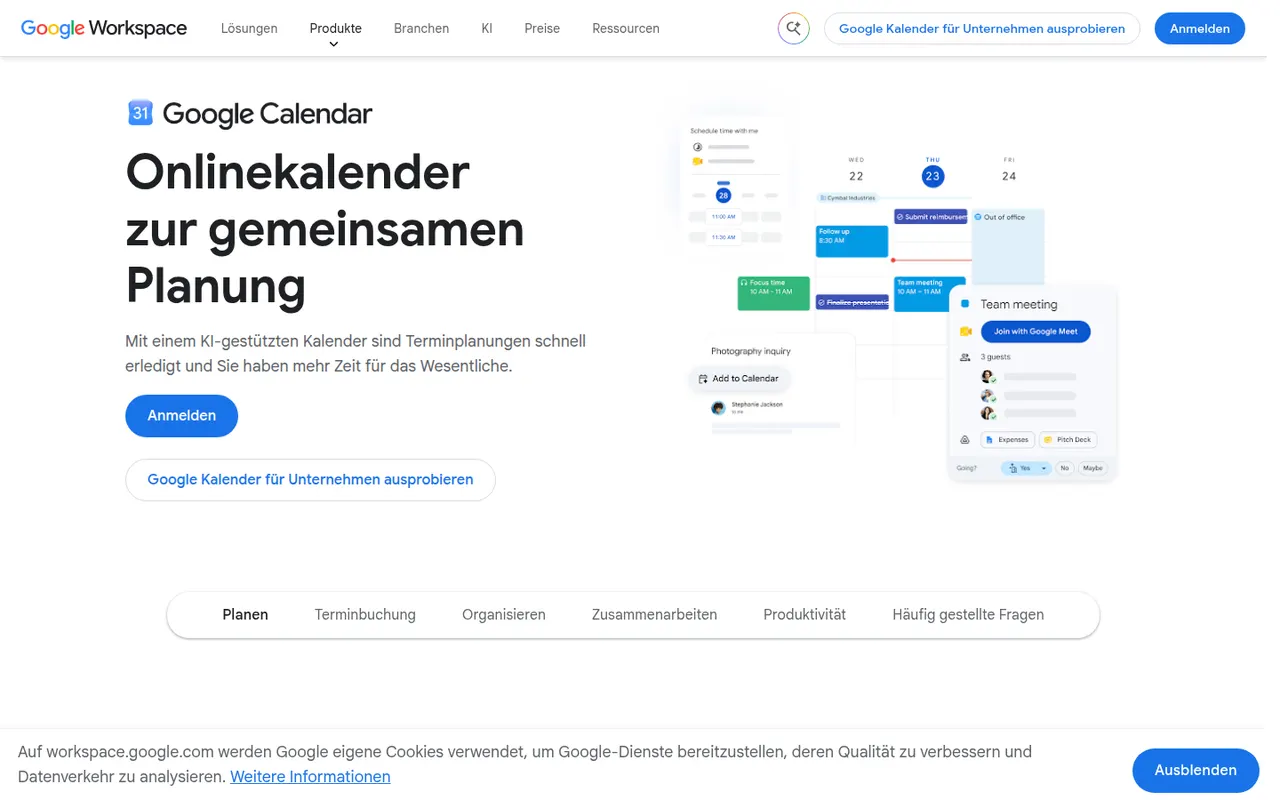
Cost / LicenseFreeProprietaryCategoriesGoogle Calendar is a free calendar service tied to your Google account, with shared calendars, event invitations, events detected from Gmail and Google Meet links added to meetings. Appointment schedules provide simple booking pages, and Google Workspace accounts add features such as focus time, working locations and room booking.
12 Google Calendar alternativesPros
- Free and tightly integrated with Gmail and Google Meet
- Calendar sharing and event invitations are easy to manage
- Appointment schedules provide simple booking pages
Cons
- Advanced appointment schedule options require a paid Workspace plan
- No official desktop app, only web and mobile
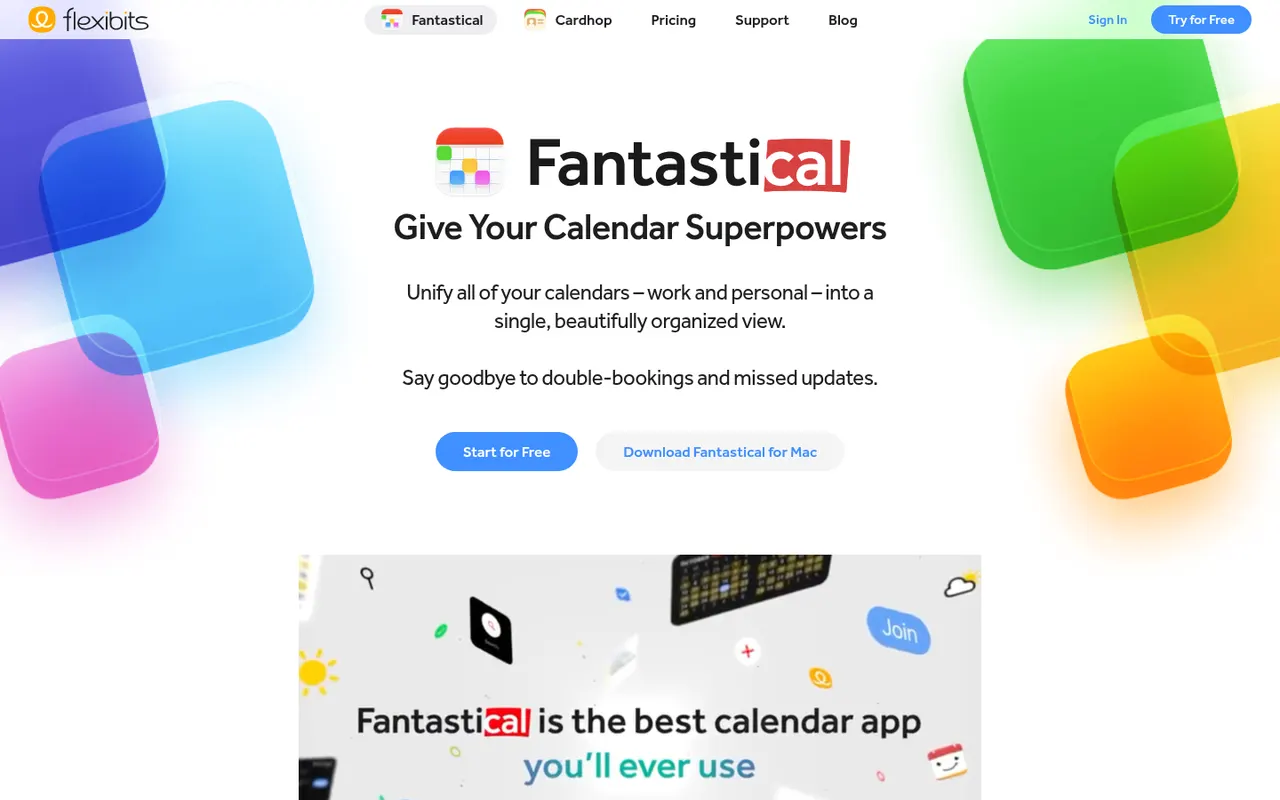
Cost / LicenseFreeProprietaryCategoriesFantastical is a calendar app from Flexibits, first built for Apple devices and now also available on Windows, that creates events and reminders from plain sentences such as lunch with Sam Friday at noon. It combines Google, iCloud and Exchange calendars, adds calendar sets, weather and meeting proposals, and a Premium subscription unlocks Openings booking pages.
8 Fantastical alternativesPros
- Natural language input turns plain sentences into events
- Combines Google, iCloud and Exchange calendars in one view
- Calendar sets switch between work and personal contexts
Cons
- Many features require a Premium subscription
- No Android app, unlike most rival calendar apps
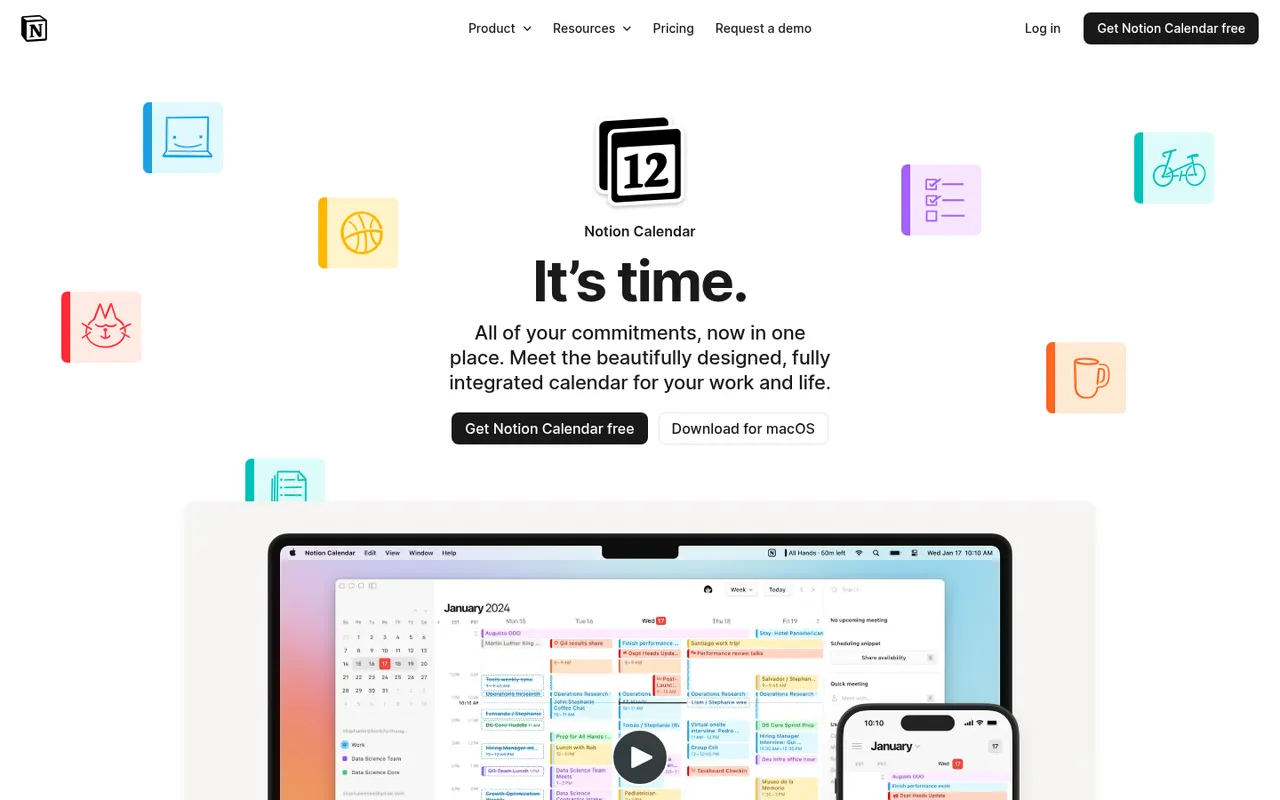
Cost / LicenseFreemiumProprietaryCategoriesNotion Calendar, formerly Cron, is a free calendar for desktop, web and iPhone that works on top of Google Calendar accounts and connects to Notion databases, so pages with dates appear next to meetings. It is designed for keyboard-heavy users, with many shortcuts, a menu bar for joining calls, multiple time zones and availability sharing.
8 Notion Calendar alternativesPros
- Free, fast and designed for keyboard use
- Shows dated Notion database pages next to meetings
- Handles multiple time zones and availability sharing well
Cons
- Built on Google Calendar accounts, a poor fit for Outlook or iCloud users
- Few planning features beyond the link with Notion
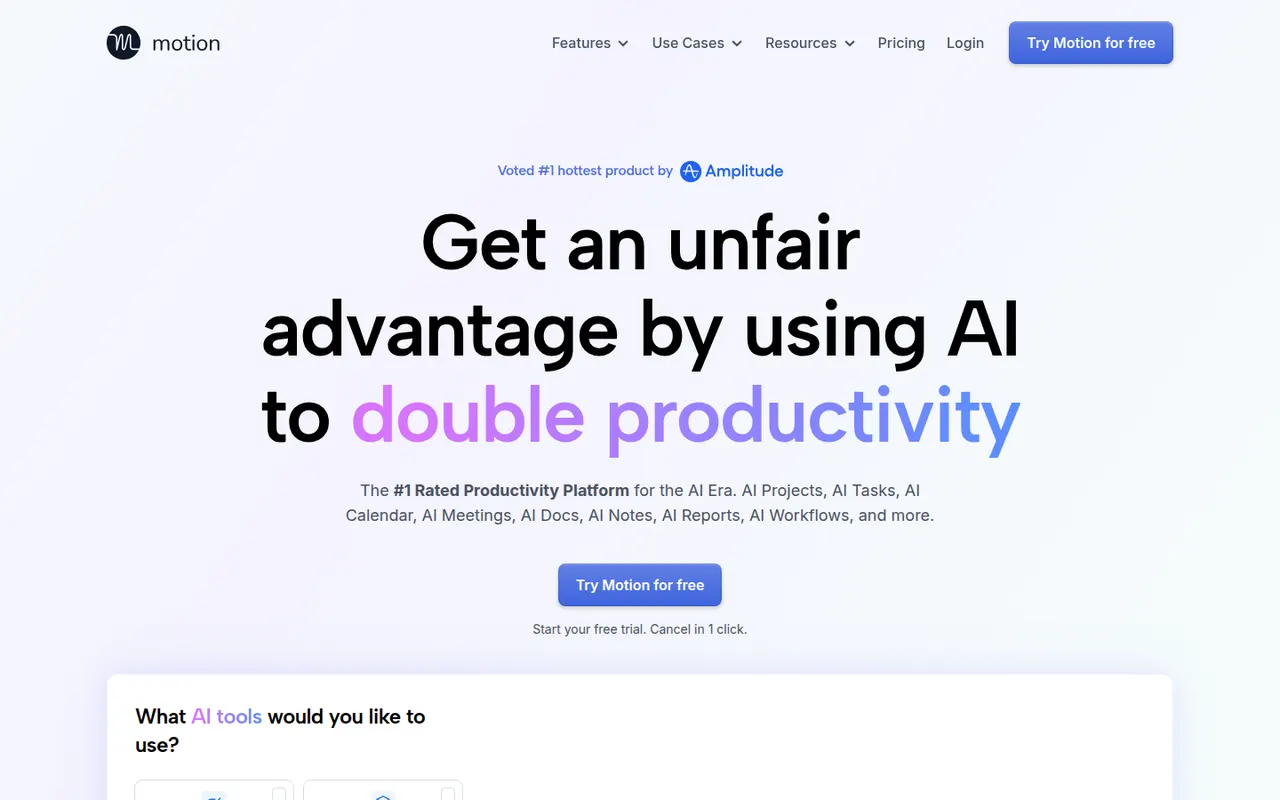
Cost / LicenseFreeProprietaryCategoriesMotion is a planning tool that uses AI to place tasks on your calendar automatically based on deadlines, priorities and meetings, and reshuffles the plan when things change. It combines a calendar, task manager, project views and booking pages, and has expanded into AI agents and docs for teams. Access starts with a free trial rather than a free plan.
11 Motion alternativesPros
- AI places tasks around meetings and deadlines automatically
- Replans the day when priorities or meetings change
- Combines calendar, tasks, projects and booking pages
Cons
- No free plan, only a trial
- Priced well above traditional calendar and to-do apps
- Handing your schedule to an algorithm can feel hard to control
Cost / LicenseFree trialProprietaryMicrosoft Outlook is an email and calendar app available on Windows, Mac, mobile and the web, used with Outlook.com, Exchange and Microsoft 365 accounts as well as Gmail and other IMAP services. It combines mail with calendars, contacts and tasks, supports shared mailboxes and scheduled sending, and integrates with Teams for meetings. Copilot can draft replies and summarize threads on eligible plans.
12 Microsoft Outlook alternativesPros
- Email, calendar, contacts and tasks in one app
- Shared mailboxes and Teams integration for businesses
- Available on Windows, Mac, mobile and the web
Cons
- The move from classic to new Outlook on Windows has been disruptive
- Free Outlook.com accounts show ads
- Copilot features require an eligible paid plan
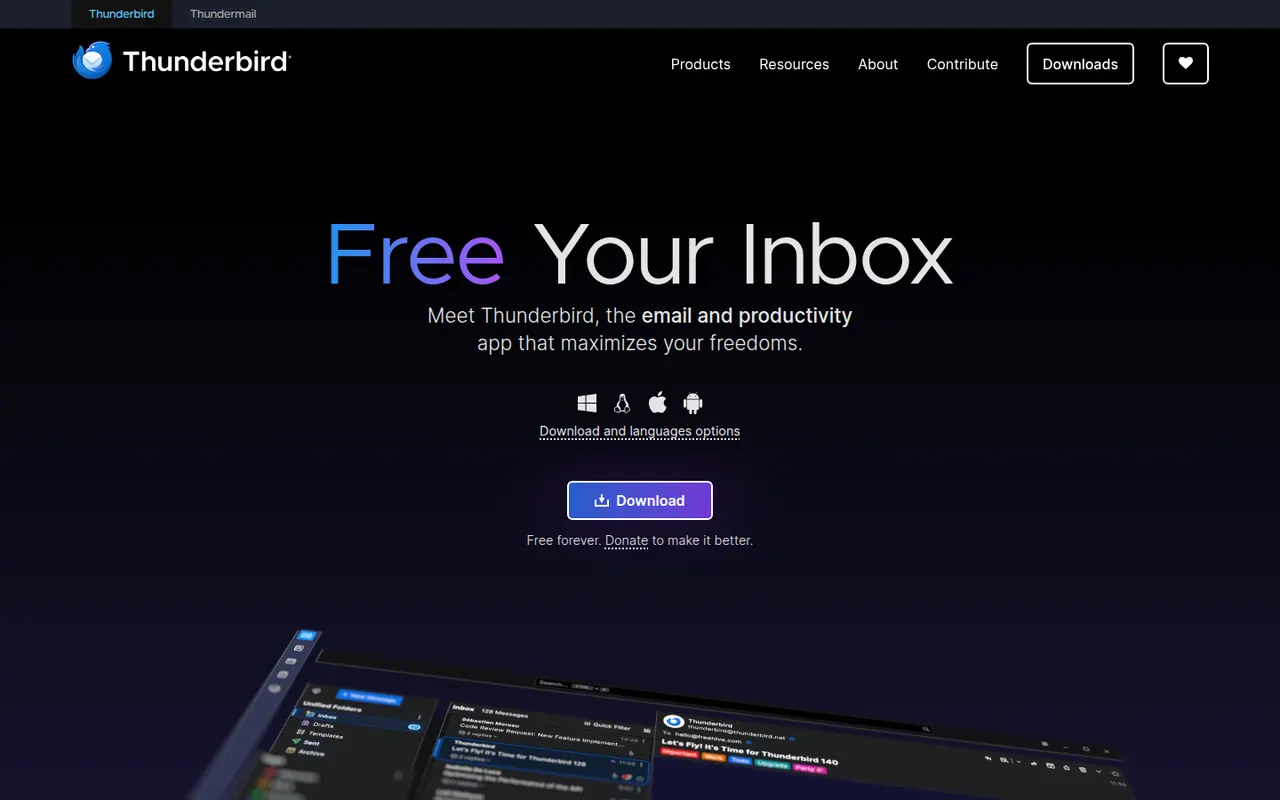
Cost / LicenseFreemiumProprietaryThunderbird is a free and open-source email client for Windows, macOS and Linux, with an Android app based on K-9 Mail. It manages multiple accounts in a unified inbox and includes a calendar, address book, chat and built-in OpenPGP encryption. Add-ons and themes customize it extensively, and it is developed by MZLA Technologies, a Mozilla Foundation subsidiary funded by user donations.
9 Thunderbird alternativesPros
- Free and open source, funded by donations rather than ads
- Built-in OpenPGP encryption, calendar and address book
- Highly customizable with add-ons and themes
Cons
- Interface feels busier than minimalist modern clients
- Getting the most out of it takes some setup and add-ons
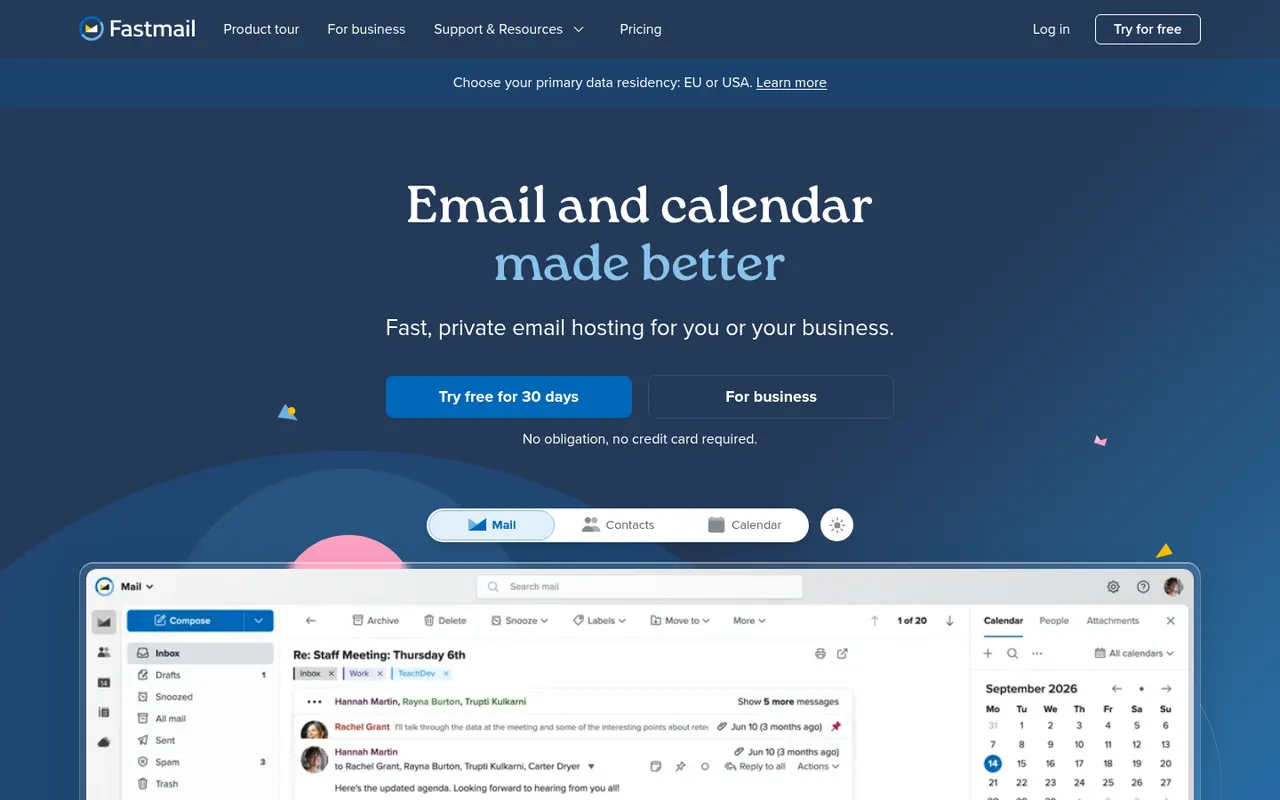
Cost / LicenseFreeOpen sourceCategoriesFastmail is an independent email provider from Australia that bundles email, calendar and contacts with no ads. It supports custom domains, aliases and Masked Email addresses generated through its 1Password integration, and works with any client via IMAP, CalDAV and CardDAV. Fastmail also led the creation of JMAP, an open standard for faster email sync. It is paid, with a free trial.
9 Fastmail alternativesPros
- Ad-free service funded by subscriptions rather than advertising
- Masked Email addresses through the 1Password integration
- Standard IMAP, CalDAV and CardDAV work with any client
Cons
- No free plan beyond the trial
- No end-to-end encryption like Proton Mail or Tuta
- Fewer collaboration tools than Google Workspace or Microsoft 365
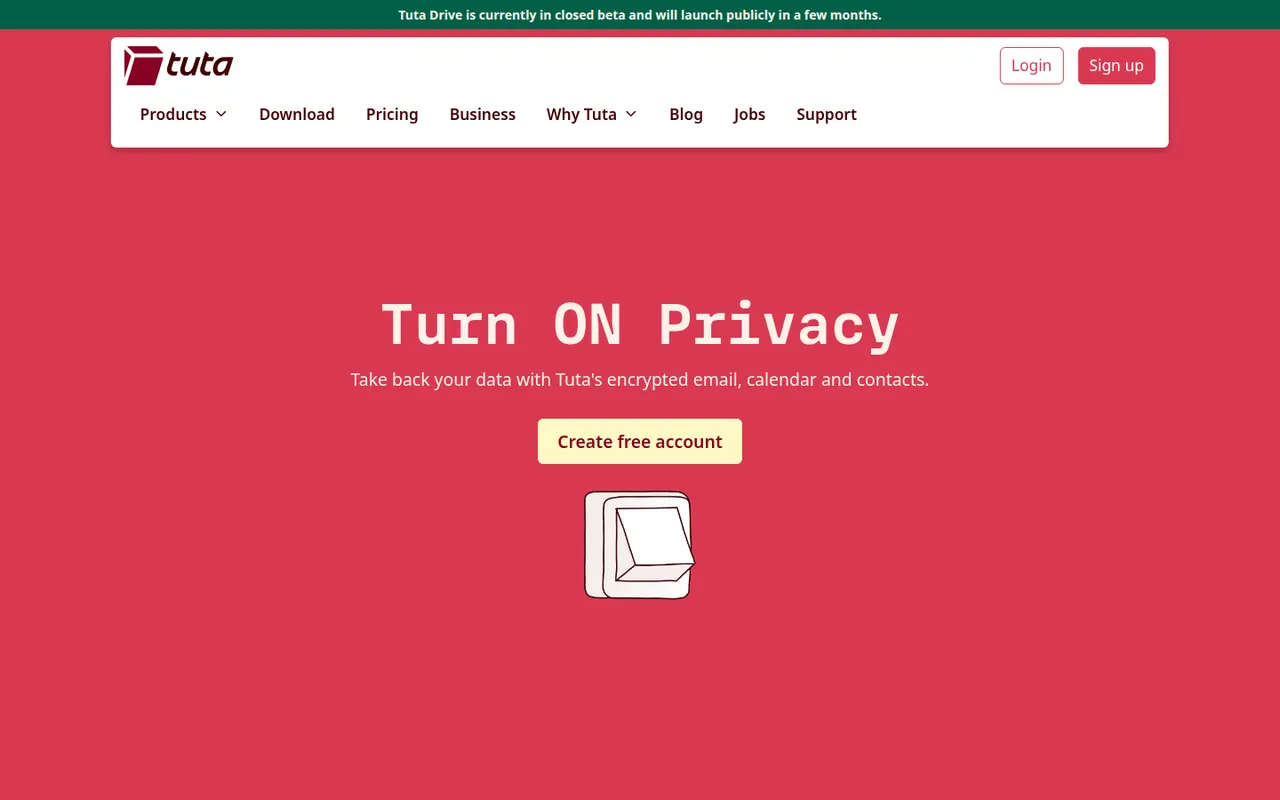
Cost / LicenseFree trialProprietaryCategoriesTuta, formerly Tutanota, is an open-source encrypted email and calendar service based in Germany. It encrypts mailbox contents end to end, including subject lines and contacts, and uses post-quantum cryptography for new accounts. Because it relies on its own encryption, it works through Tuta's apps rather than IMAP clients. A free plan exists, and paid plans add custom domains and more aliases.
7 Tuta alternativesPros
- Encrypts subjects and contacts, not just message bodies
- Post-quantum cryptography for new accounts
- Open source apps and a free plan, with servers in Germany
Cons
- No IMAP support, so you must use Tuta’s own apps
- Free plan is limited in storage and features
- Fewer integrations and features than mainstream providers
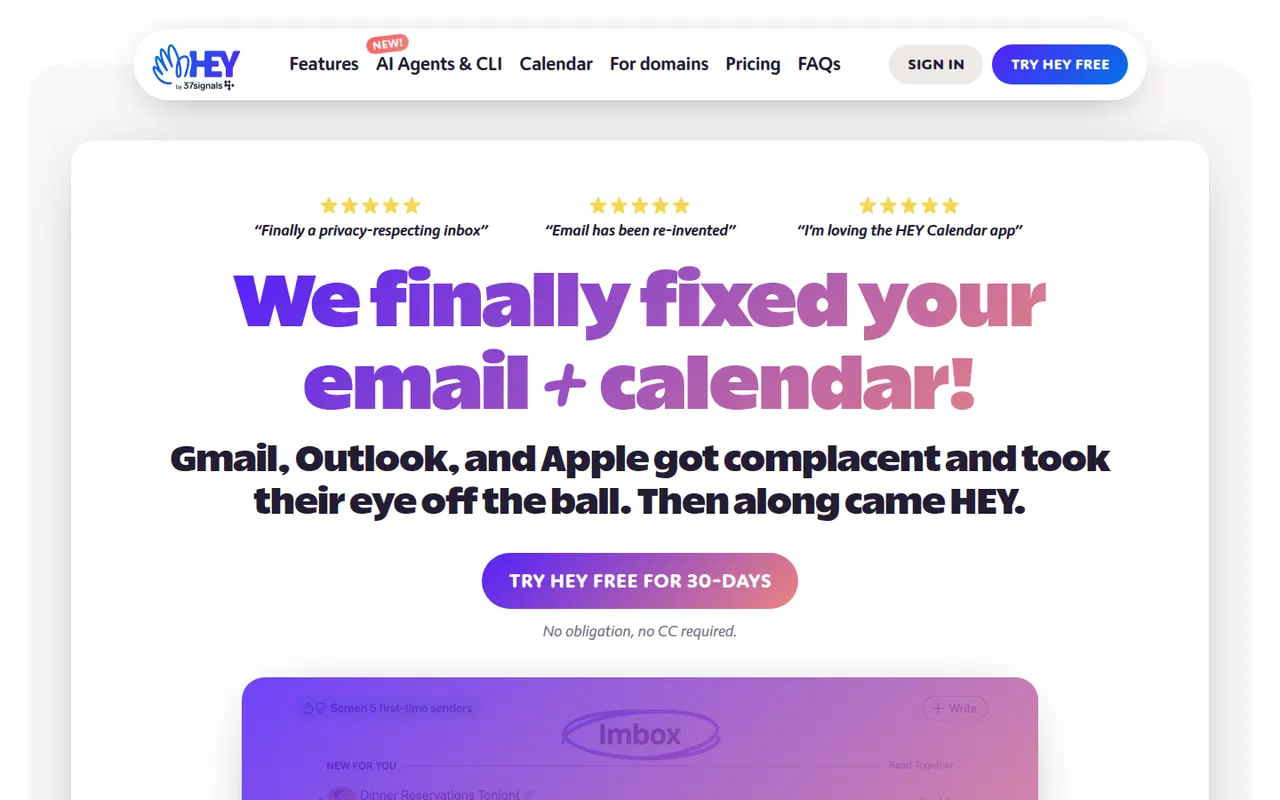
Cost / LicenseFreemiumOpen sourceCategoriesHEY is a paid email service from 37signals, the makers of Basecamp, that rethinks how mail is triaged. First-time senders must be approved in the Screener, newsletters go to The Feed, receipts to the Paper Trail, and spy pixels are blocked automatically. It includes a calendar and supports custom domains for businesses, but works only with HEY addresses rather than existing Gmail or IMAP accounts.
9 HEY alternativesPros
- Screener lets you approve first-time senders before they reach you
- Spy pixels in emails are blocked automatically
- The Feed and Paper Trail set newsletters and receipts aside
Cons
- Works only with HEY addresses, not existing Gmail or IMAP accounts
- Opinionated workflow that doesn’t suit everyone
- No free plan beyond the trial
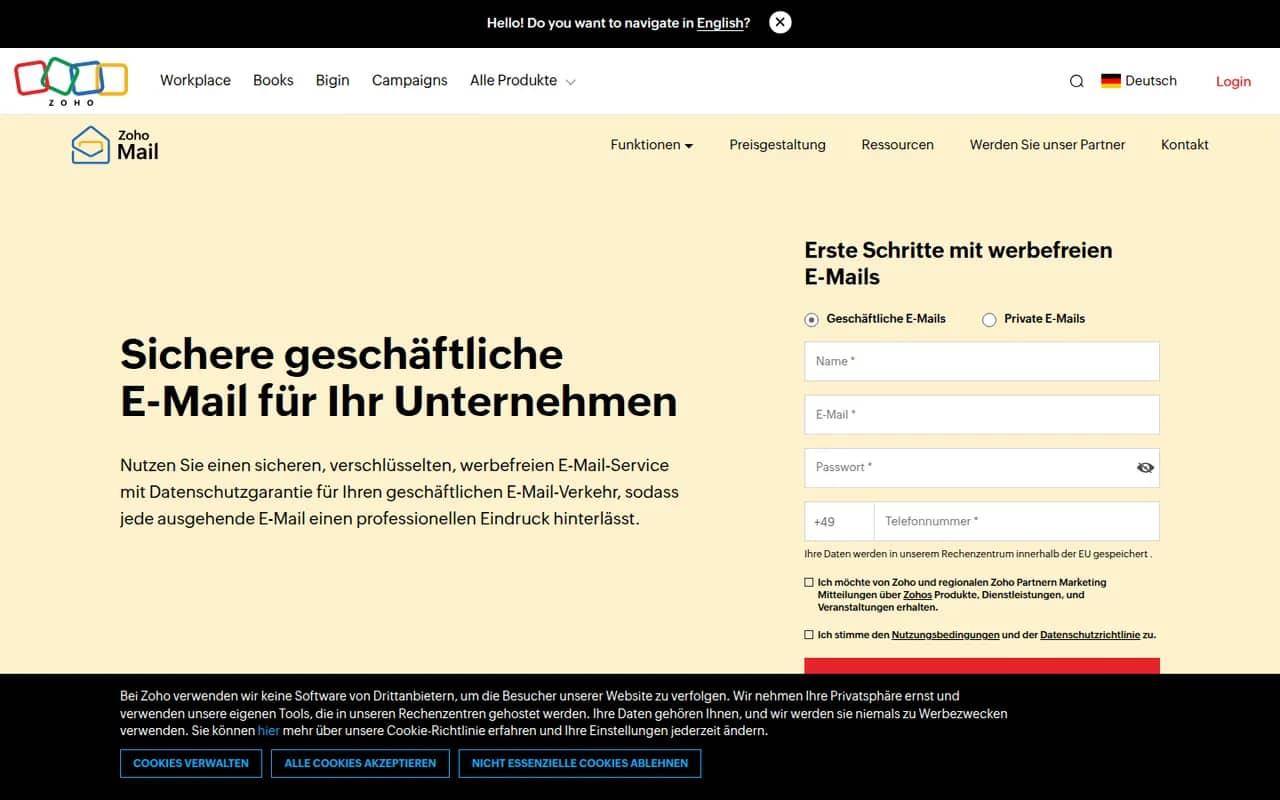
Cost / LicenseFree trialProprietaryCategoriesZoho Mail is an ad-free business email service from Zoho that hosts mailboxes on your own domain, with calendar, contacts, tasks and notes included. Admins get a control panel for users, security policies and retention, and the service integrates with Zoho's office, CRM and collaboration apps through Zoho Workplace. A free plan is available for small teams, with paid plans adding more storage and features.
8 Zoho Mail alternativesPros
- Ad-free business email on your own domain, with a free plan
- Admin console for users, security policies and retention
- Integrates with Zoho’s office, CRM and collaboration apps
Cons
- Free plan lacks IMAP and POP access for desktop clients
- Interface feels less polished than Gmail or Outlook
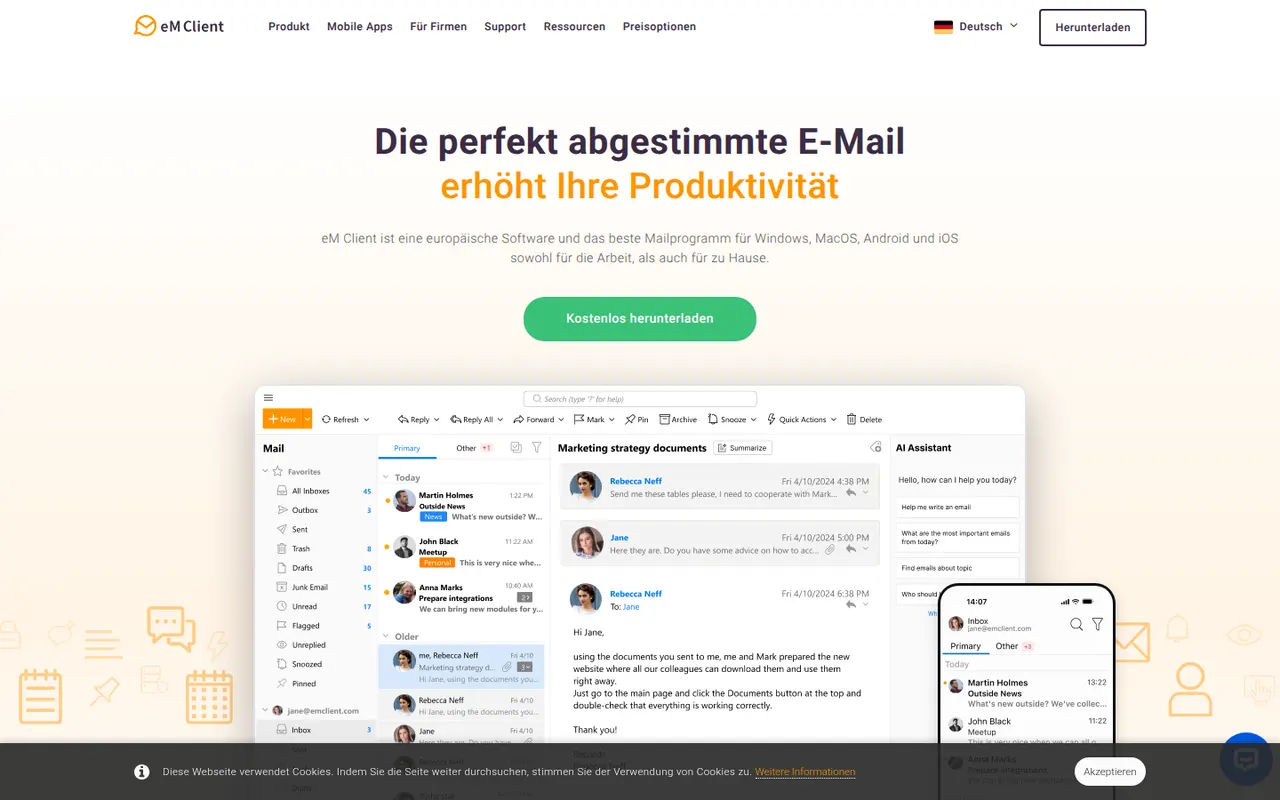
Cost / LicenseFreemiumProprietaryCategorieseM Client is a desktop email client for Windows and macOS that brings email, calendar, tasks, contacts and notes together in one app. It works with Gmail, Exchange, Microsoft 365, iCloud and IMAP accounts, and includes built-in PGP encryption, snoozing, send later and quick templates. A free version is available for personal use with a limited number of accounts, and the Pro license unlocks the rest.
7 eM Client alternativesPros
- Email, calendar, tasks, contacts and notes in one desktop app
- Built-in PGP encryption without extra plugins
- Works with Gmail, Exchange, Microsoft 365, iCloud and IMAP
Cons
- Free version is for personal use with a limited number of accounts
- No Linux version, only Windows and Mac
- Interface can feel dense because of its many features
Cost / LicenseFreemiumProprietaryCategories