Apps with Email aliases
6 apps
Top Email aliases apps ranked by the community
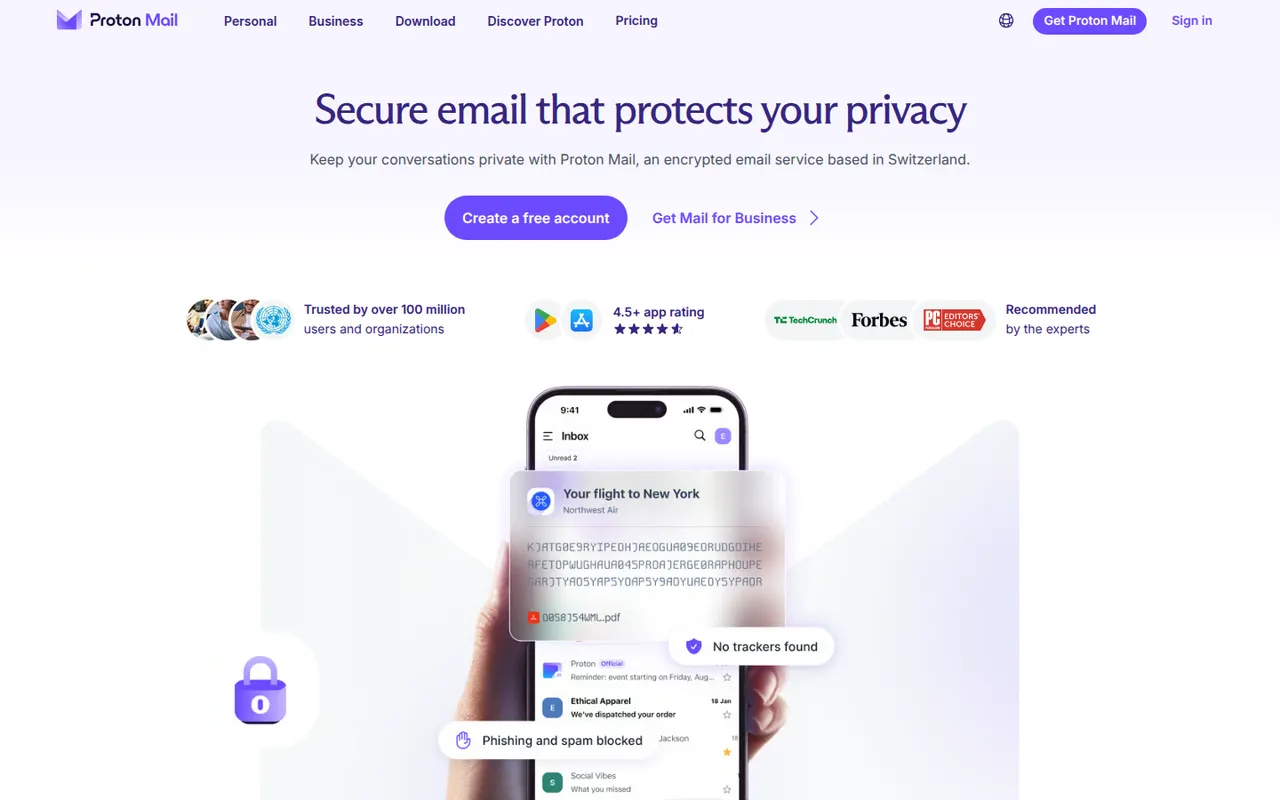
Proton Mail is an end-to-end encrypted email service based in Switzerland. Messages between Proton users are encrypted automatically, emails to others can be password-protected, and stored mail uses zero-access encryption so Proton cannot read it. Its apps are open source, paid plans add custom domains and more addresses, and it is part of a suite with Proton Calendar, Drive, VPN and Pass.
9 Proton Mail alternativesPros
- End-to-end and zero-access encryption protect stored mail
- Based in Switzerland, with open source apps
- Part of a suite with Proton Calendar, Drive, VPN and Pass
Cons
- Free plan is tight on storage and addresses
- Using IMAP clients requires Proton Mail Bridge and a paid plan
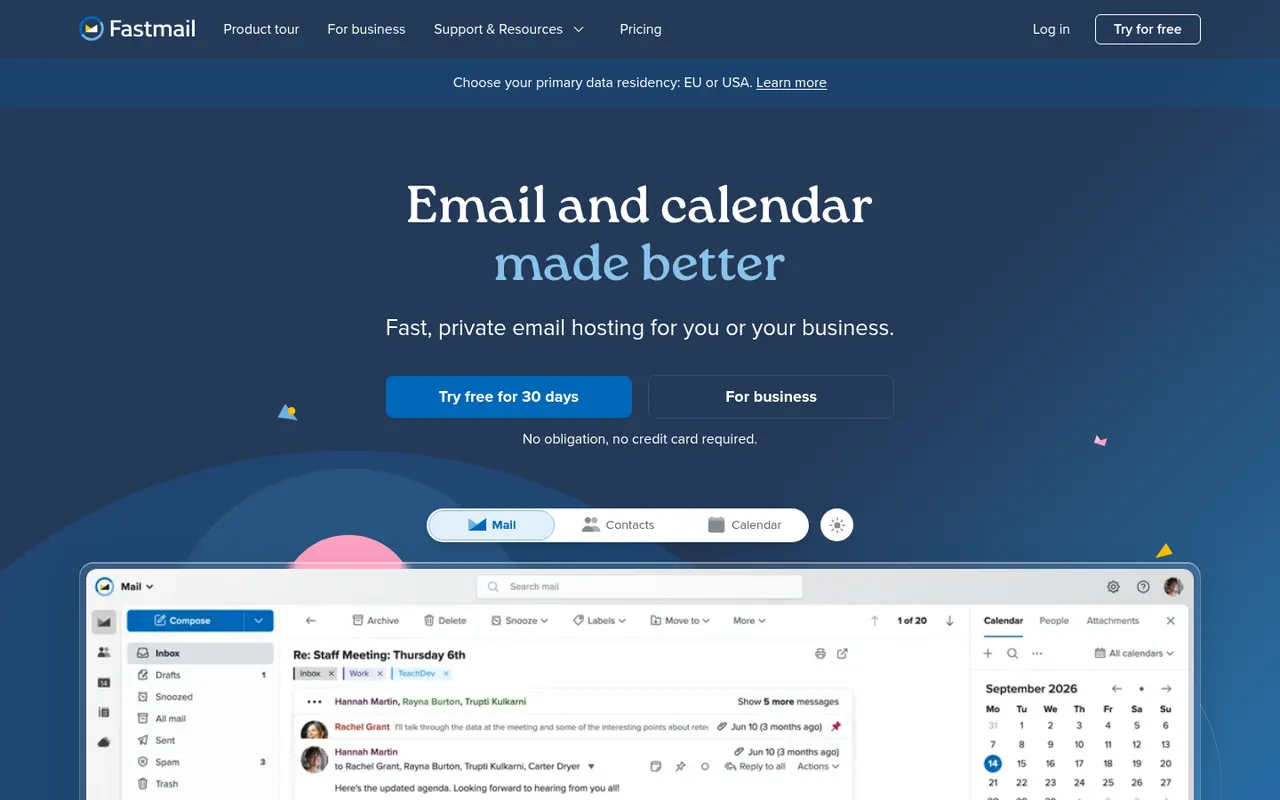
Cost / LicenseFreemiumOpen sourceCategoriesFastmail is an independent email provider from Australia that bundles email, calendar and contacts with no ads. It supports custom domains, aliases and Masked Email addresses generated through its 1Password integration, and works with any client via IMAP, CalDAV and CardDAV. Fastmail also led the creation of JMAP, an open standard for faster email sync. It is paid, with a free trial.
9 Fastmail alternativesPros
- Ad-free service funded by subscriptions rather than advertising
- Masked Email addresses through the 1Password integration
- Standard IMAP, CalDAV and CardDAV work with any client
Cons
- No free plan beyond the trial
- No end-to-end encryption like Proton Mail or Tuta
- Fewer collaboration tools than Google Workspace or Microsoft 365
Cost / LicenseFree trialProprietaryCategoriesTuta, formerly Tutanota, is an open-source encrypted email and calendar service based in Germany. It encrypts mailbox contents end to end, including subject lines and contacts, and uses post-quantum cryptography for new accounts. Because it relies on its own encryption, it works through Tuta's apps rather than IMAP clients. A free plan exists, and paid plans add custom domains and more aliases.
7 Tuta alternativesPros
- Encrypts subjects and contacts, not just message bodies
- Post-quantum cryptography for new accounts
- Open source apps and a free plan, with servers in Germany
Cons
- No IMAP support, so you must use Tuta’s own apps
- Free plan is limited in storage and features
- Fewer integrations and features than mainstream providers
Cost / LicenseFreemiumOpen sourceCategoriesApple Mail is the email app included with macOS, iOS and iPadOS, supporting iCloud, Gmail, Exchange and other IMAP accounts in a unified inbox. It offers send later, follow-up reminders, smart search and Mail Privacy Protection, which hides your IP address and stops senders from seeing when you open messages. With iCloud+, Hide My Email creates random addresses that forward to your inbox.
9 Apple Mail alternativesPros
- Free and preinstalled on Mac, iPhone and iPad
- Mail Privacy Protection hides your IP and blocks open tracking
- Unified inbox for iCloud, Gmail, Exchange and IMAP accounts
Cons
- Only available on Apple devices
- Few power-user features or extensions compared with dedicated clients
- Hide My Email requires an iCloud+ subscription
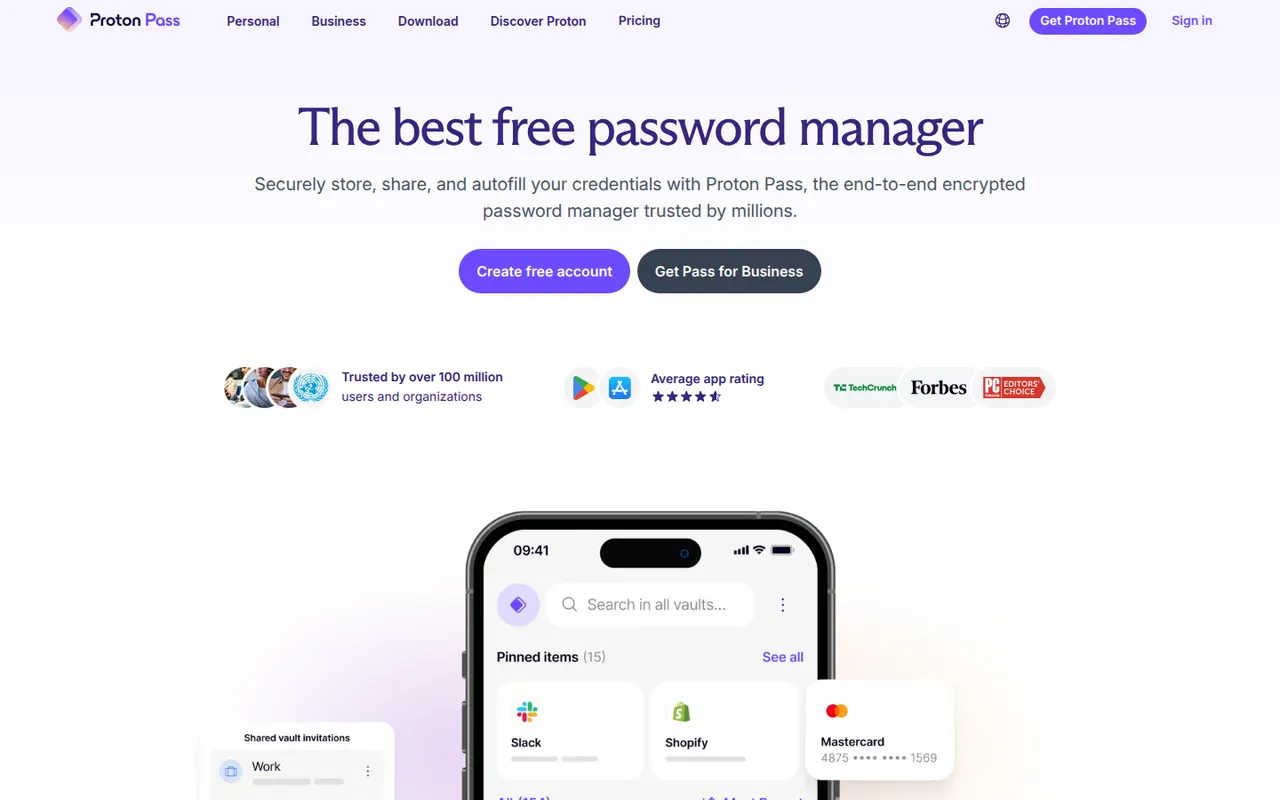
Cost / LicenseFreeProprietaryCategoriesProton Pass is the password manager of Proton, the Swiss company behind Proton Mail and Proton VPN. Everything in the vault is end-to-end encrypted and the apps are open source. It supports passkeys, has a built-in 2FA code generator and creates hide-my-email aliases that protect your real address, with a free plan that allows unlimited logins and devices.
10 Proton Pass alternativesPros
- Free plan with unlimited logins and devices
- Hide-my-email aliases protect your real address
- Open source, end-to-end encrypted apps with a built-in 2FA generator
Cons
- Younger product with fewer advanced features than long-standing rivals
- The free plan limits the number of email aliases
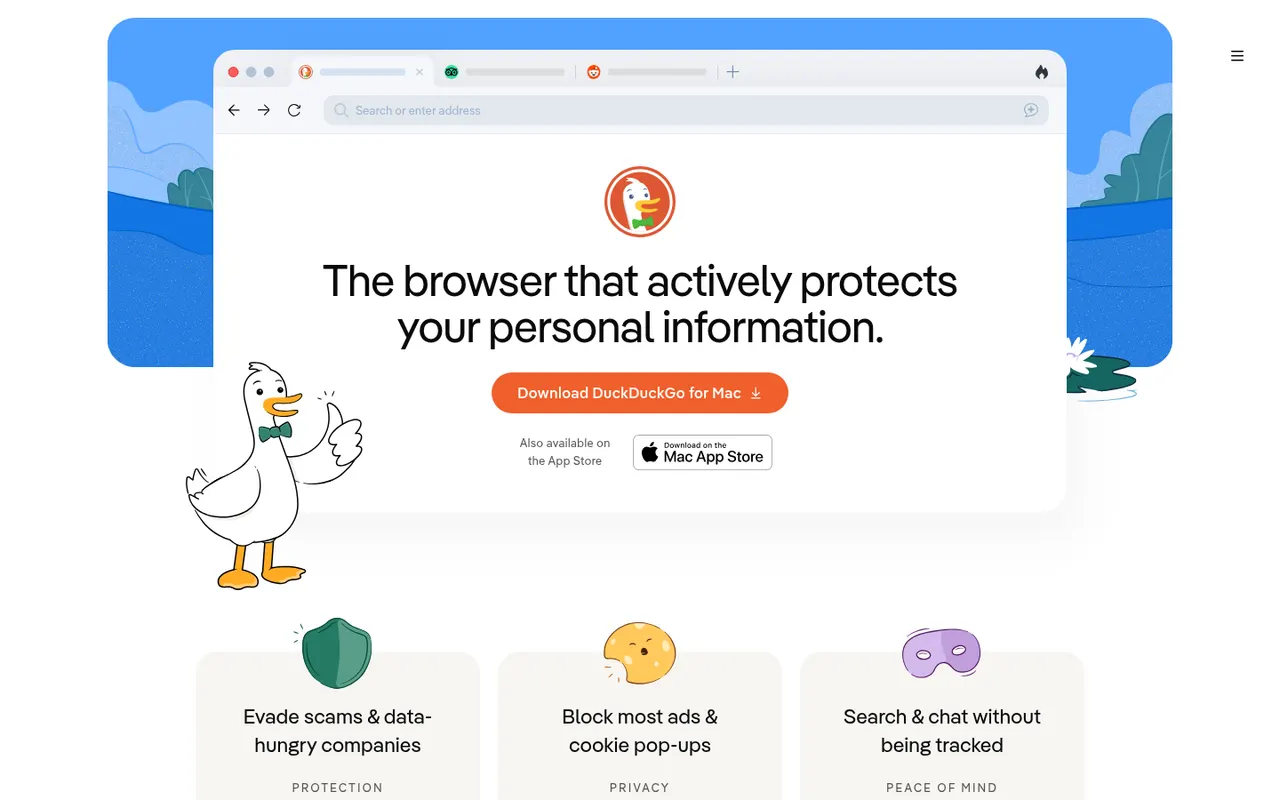
Cost / LicenseFreemiumOpen sourceCategoriesThe DuckDuckGo browser is a free, privacy-focused browser for iPhone, Android, Mac and Windows that uses DuckDuckGo search and blocks hidden trackers by default. The Fire Button clears tabs and data in one tap, Duck Player shows YouTube videos without personalized ads, and Email Protection forwards mail through @duck.com aliases. It also offers private Duck.ai chat and end-to-end encrypted sync.
8 DuckDuckGo Browser alternativesPros
- Blocks hidden trackers by default with no setup
- Fire Button clears tabs and data in one tap
- Built-in email aliases and Duck Player for YouTube
Cons
- No support for third-party extensions
- Fewer customization options than mainstream browsers
- No Linux version is available
Cost / LicenseFreeProprietaryCategories