Apps with Password generator
11 apps
Top Password generator apps ranked by the community
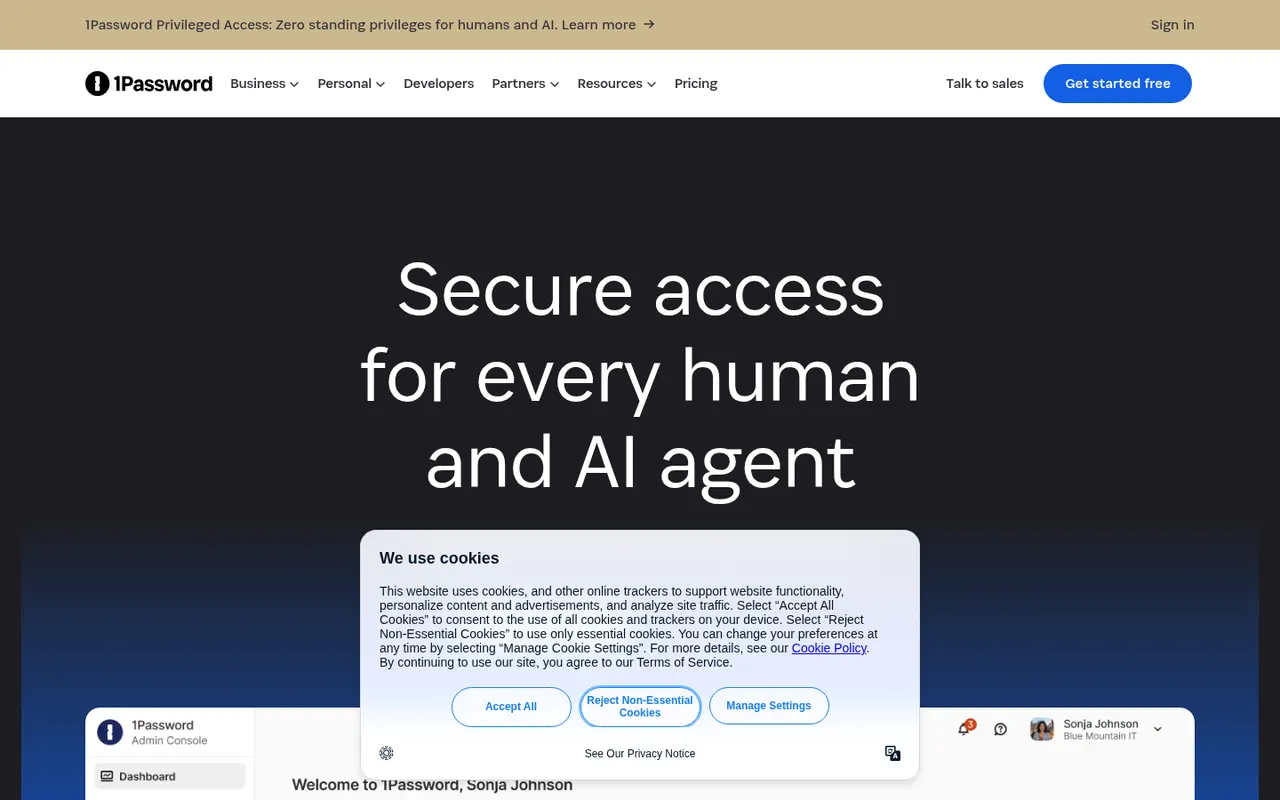
1Password stores passwords, passkeys, credit cards, secure notes and documents in encrypted vaults that sync across devices and fill into browsers and apps. Watchtower flags weak, reused or breached passwords, and shared vaults make it practical for families and teams. It is a paid service with a free trial, and it also offers developer tools such as an SSH agent and a command-line interface.
10 1Password alternativesPros
- Polished apps on every platform with reliable autofill
- Watchtower flags weak, reused or breached passwords
- Shared vaults, plus developer tools like an SSH agent and a CLI
Cons
- No free plan, only a trial before paying
- Cloud-only vaults, with no self-hosting option
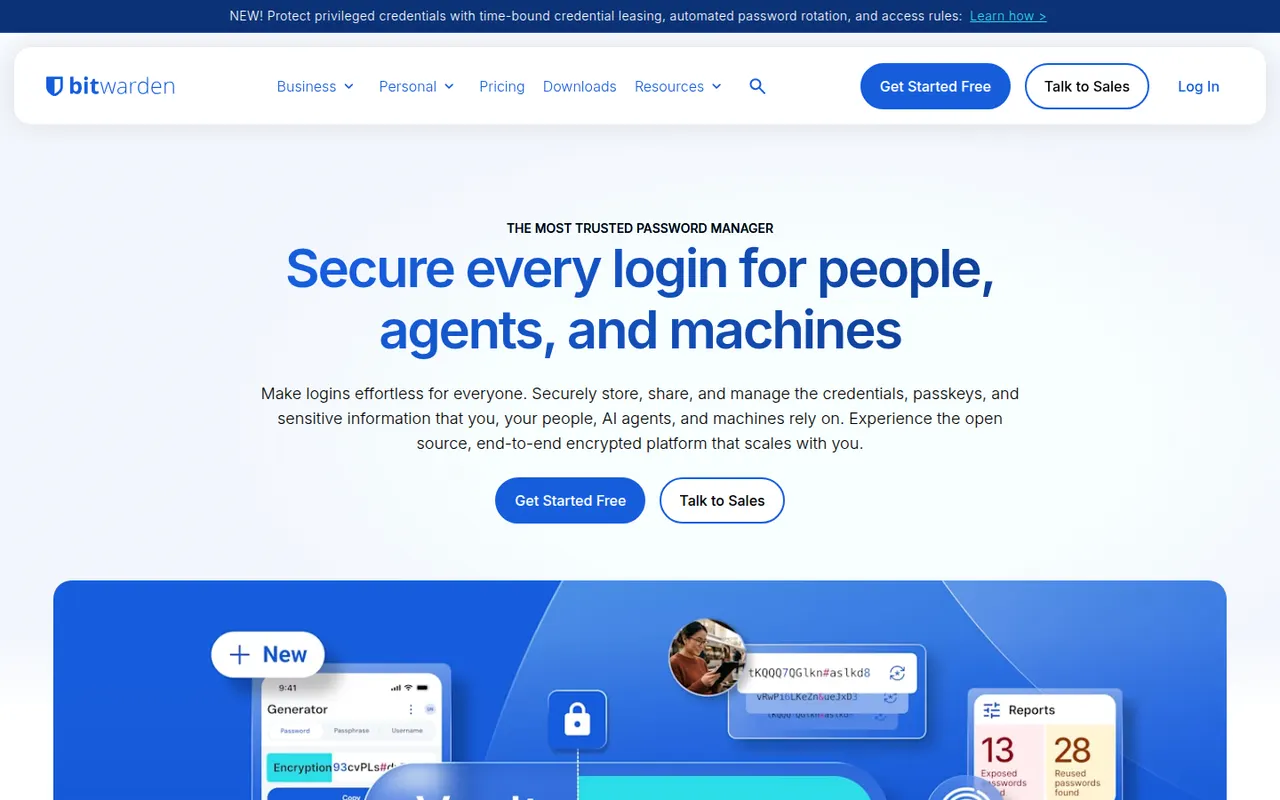
Cost / LicenseFree trialProprietaryCategoriesBitwarden is an open source password manager that keeps logins, passkeys, cards and notes in an end-to-end encrypted vault available on every major platform. The free plan covers unlimited passwords on unlimited devices, while paid plans add encrypted attachments, vault health reports, an integrated authenticator and sharing for families or teams. The server can also be self-hosted.
10 Bitwarden alternativesPros
- Free plan with unlimited passwords on unlimited devices
- Open source code with published third-party audits
- The server can be self-hosted
Cons
- Interface is more functional than polished
- Attachments, vault health reports and the authenticator need a paid plan
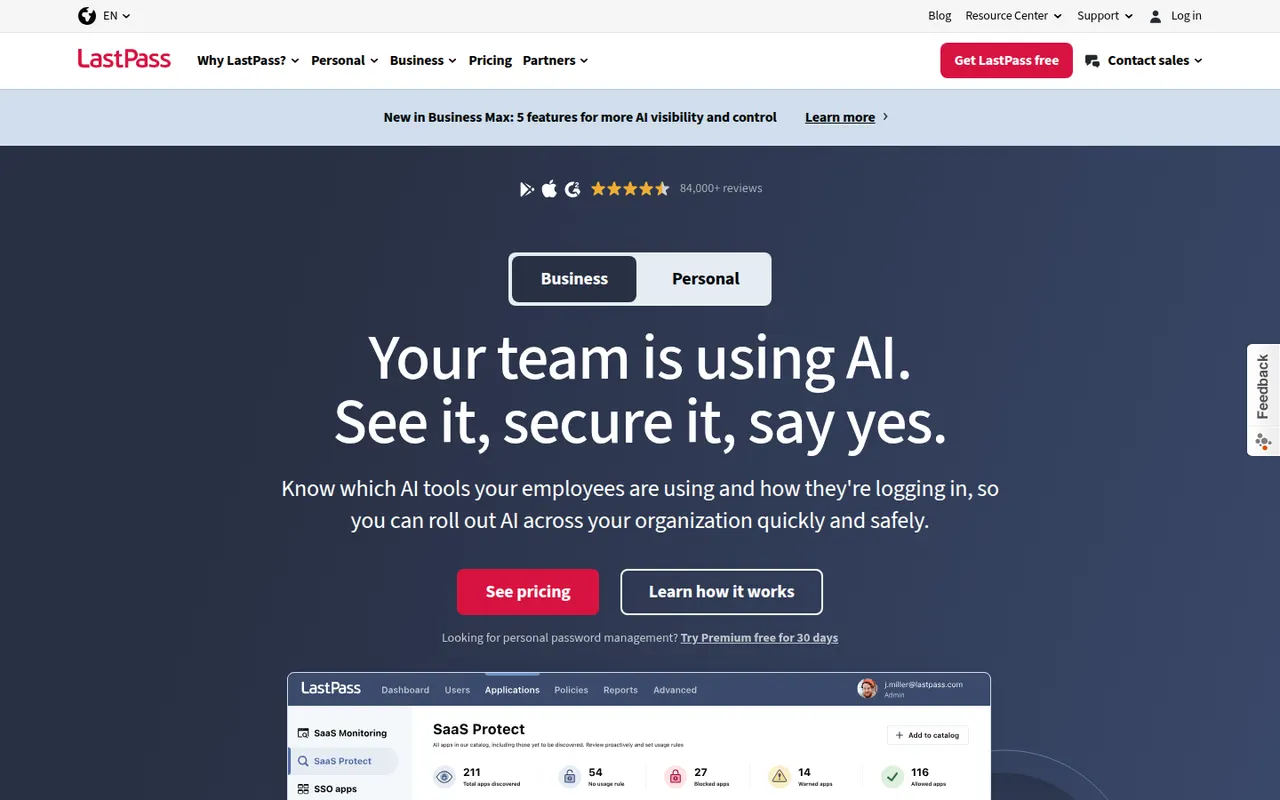
Cost / LicenseFreemiumOpen sourceCategoriesLastPass is a long-standing password manager that saves and fills logins through browser extensions, a web vault and mobile apps. It includes a password generator, secure notes, sharing, dark web monitoring and passkey support, with a free plan limited to one device type. A major breach disclosed in 2022, in which encrypted vault backups were stolen, led many users to switch to other services.
10 LastPass alternativesPros
- Browser extensions and a web vault work on any computer
- Easy setup, with sharing and secure notes included
- Dark web monitoring and passkey support
Cons
- A major breach led to the theft of encrypted vault backups
- The free plan is limited to one device type
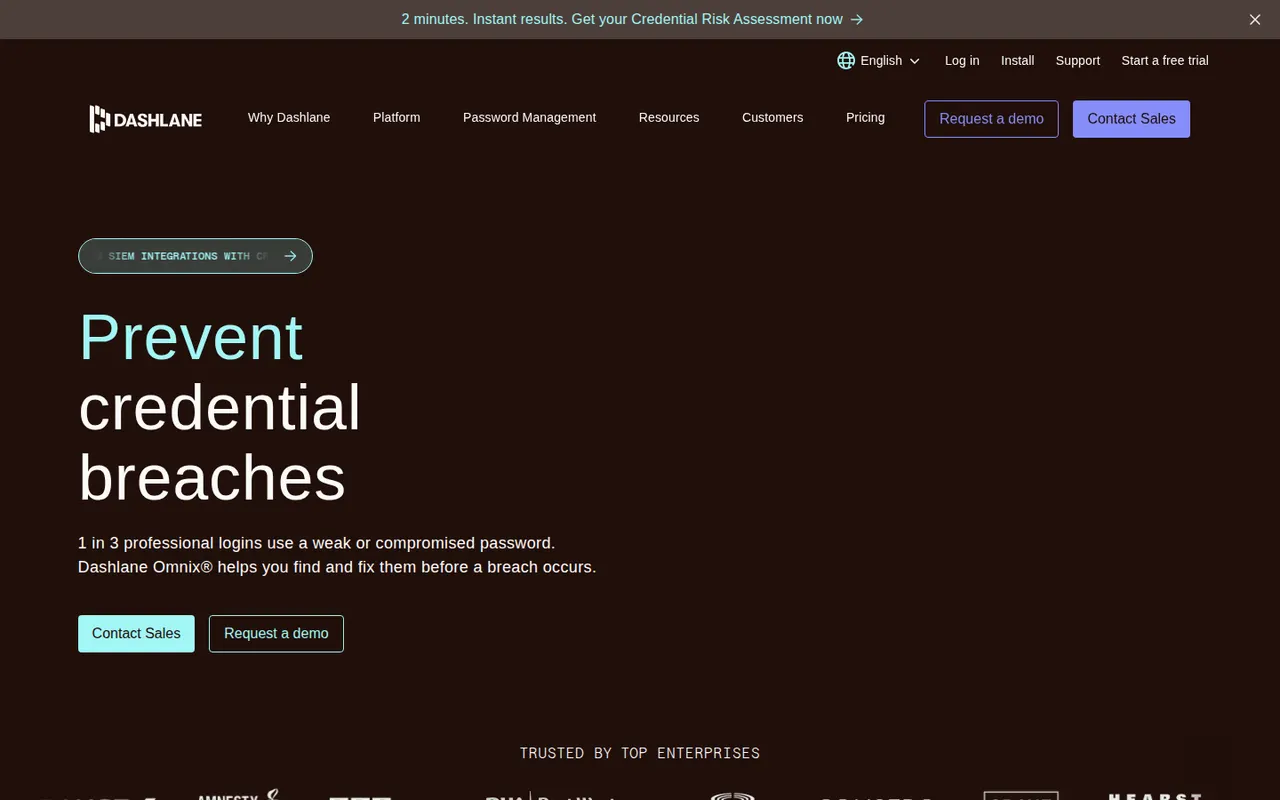
Cost / LicenseFreemiumProprietaryCategoriesPlatformsDashlane is a password manager, originally founded in France, that works through browser extensions, a web app and mobile apps. It saves and autofills passwords, passkeys and payment details, flags weak or compromised credentials and monitors the dark web for leaked personal data. Its personal and business plans are paid, with a free trial, after the former free plan was discontinued.
10 Dashlane alternativesPros
- Dark web monitoring for leaked personal data
- Clean browser extension that fills passkeys and payment details
- Flags weak and compromised credentials
Cons
- No free plan anymore, only a trial
- No desktop apps, only browser extensions and mobile apps
- Pricier than many competing password managers
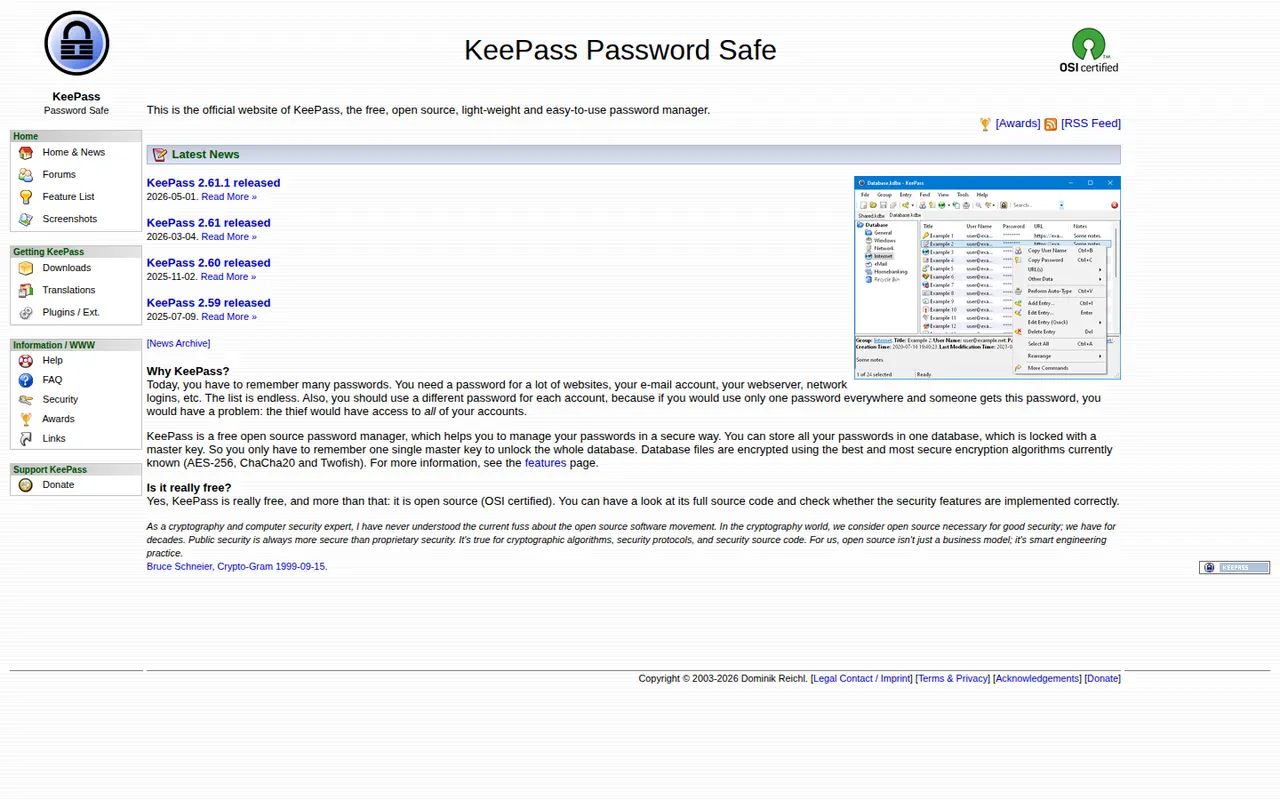
Cost / LicenseFree trialProprietaryCategoriesPlatformsKeePass is a free and open source password manager for Windows that stores credentials in a local encrypted database file, with no account or cloud service required. Auto-Type fills logins in any application, plugins add sync and import options, and its KDBX file format is supported by many compatible apps on macOS, Linux, Android and iOS.
8 KeePass alternativesPros
- Free, open source and fully offline, with no account
- Auto-Type fills logins in any application
- The KDBX format works with many compatible apps on other platforms
Cons
- The official app runs on Windows only
- Dated interface that feels technical for beginners
- Sync and browser integration rely on plugins or third-party apps
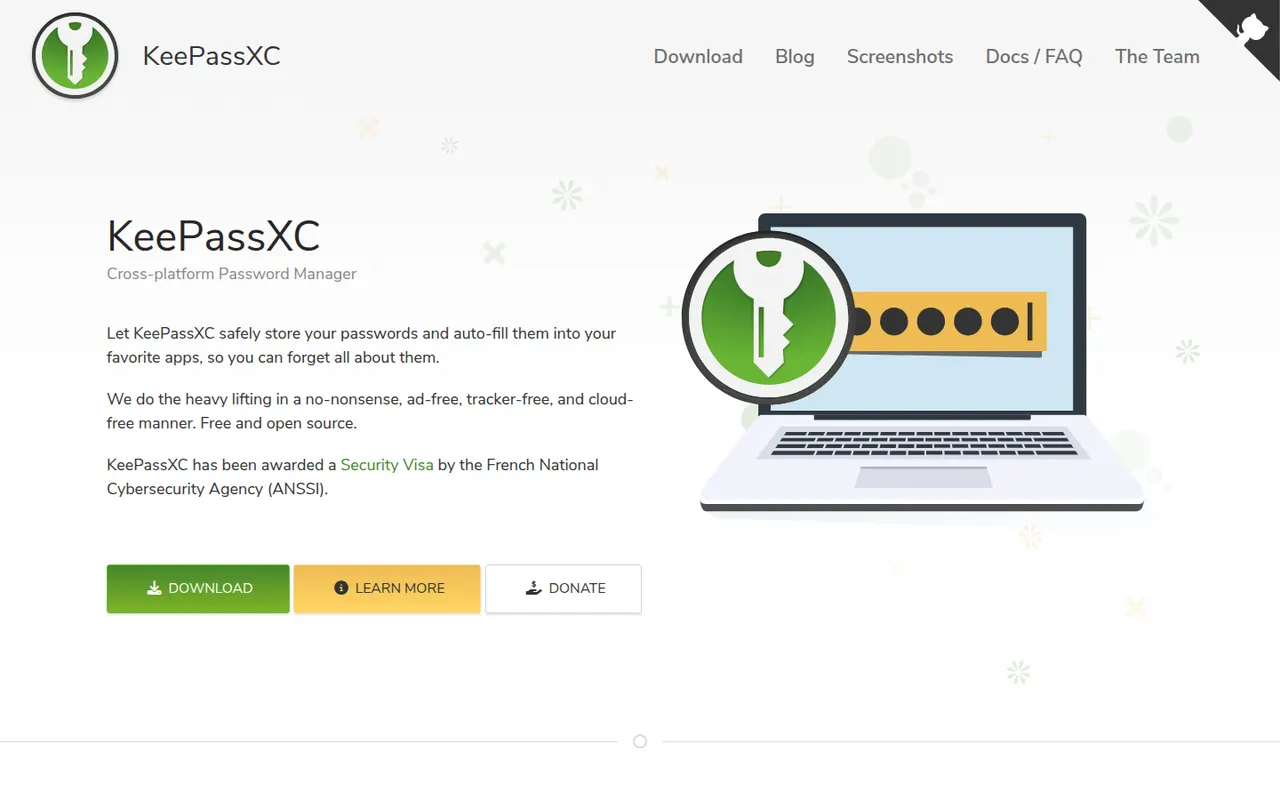
Cost / LicenseFreeOpen sourceCategoriesPlatformsKeePassXC is a community-developed, open source password manager for Windows, macOS and Linux that stores everything in a local, KeePass-compatible encrypted database. It adds browser integration through its own extension, a built-in TOTP generator, passkey support and SSH agent integration, all without an account or cloud. Syncing is up to you, for example with Syncthing or a cloud folder.
8 KeePassXC alternativesPros
- Native apps for Windows, macOS and Linux
- Browser extension, TOTP codes, passkeys and SSH agent built in
- Local encrypted database with no account or cloud
Cons
- No official mobile apps, so you need third-party KeePass clients
- Syncing between devices is left to you
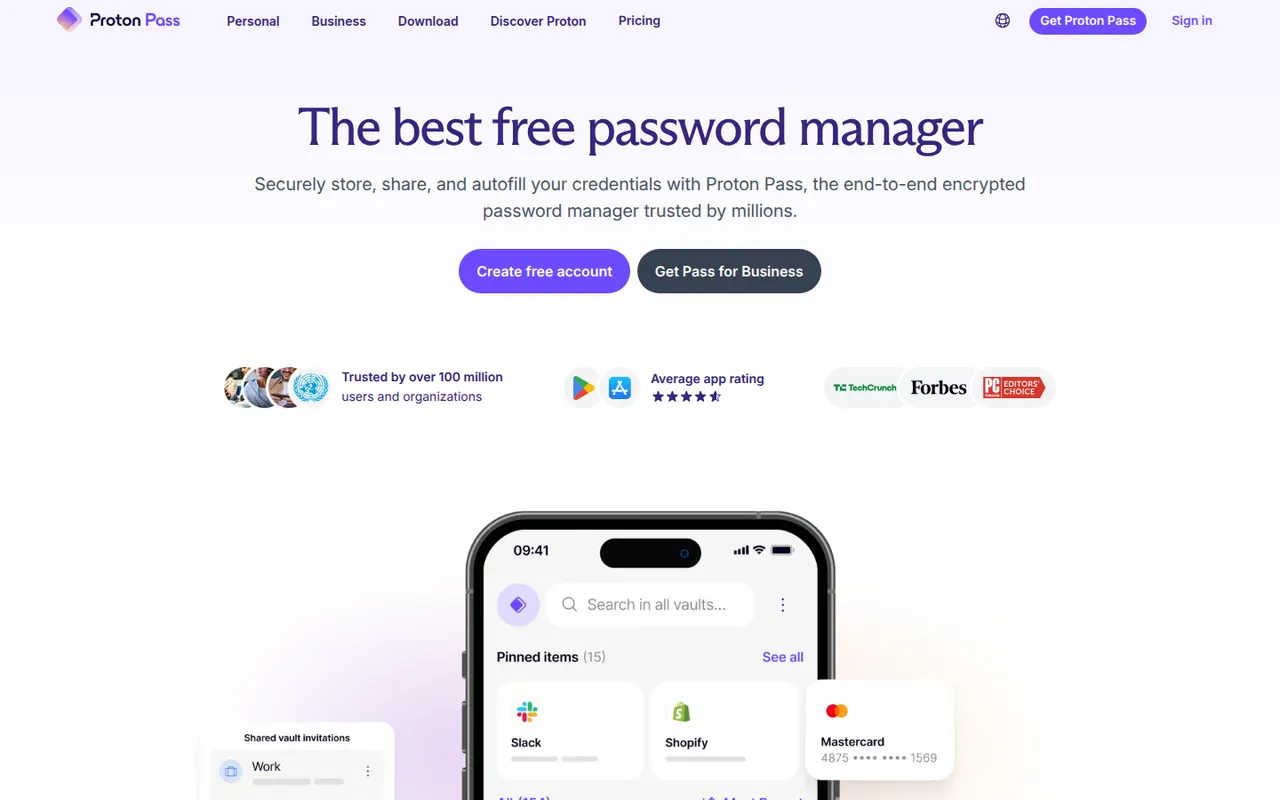
Cost / LicenseFreeOpen sourceCategoriesPlatformsProton Pass is the password manager of Proton, the Swiss company behind Proton Mail and Proton VPN. Everything in the vault is end-to-end encrypted and the apps are open source. It supports passkeys, has a built-in 2FA code generator and creates hide-my-email aliases that protect your real address, with a free plan that allows unlimited logins and devices.
10 Proton Pass alternativesPros
- Free plan with unlimited logins and devices
- Hide-my-email aliases protect your real address
- Open source, end-to-end encrypted apps with a built-in 2FA generator
Cons
- Younger product with fewer advanced features than long-standing rivals
- The free plan limits the number of email aliases
Cost / LicenseFreemiumOpen sourceCategoriesNordPass is the password manager of Nord Security, the company behind NordVPN. It stores passwords, passkeys, credit cards and notes in a vault encrypted with XChaCha20 and fills them through browser extensions and apps on desktop and mobile. Premium adds a data breach scanner, password health reports, email masking and sharing, while a free plan covers basic password storage.
8 NordPass alternativesPros
- XChaCha20-encrypted vault with apps on every major platform
- Clean, simple interface for everyday use
- Autofills passwords, passkeys and cards via extensions and apps
Cons
- Breach scanner, password health and sharing require Premium
- Closed source, unlike Bitwarden or Proton Pass
Cost / LicenseFreemiumProprietaryCategoriesKeeper is a password manager with a strong focus on businesses and public-sector organizations, offering zero-knowledge encrypted vaults, role-based policies and single sign-on integration. Its apps cover desktop, mobile and browser extensions, with passkey storage, built-in 2FA codes and secure file storage. The optional BreachWatch add-on monitors the dark web for leaked credentials.
7 Keeper alternativesPros
- Zero-knowledge vaults with role-based policies for businesses
- SSO integration and admin controls for large organizations
- Secure file storage plus built-in 2FA codes
Cons
- BreachWatch dark web monitoring is a paid add-on
- The free plan is very limited compared with paid tiers
Cost / LicenseFreemiumProprietaryCategoriesEnpass is a password manager that keeps your vault on your devices rather than on its own servers, and syncs it through a cloud account you choose, such as iCloud, Google Drive, Dropbox, OneDrive or a WebDAV server. It supports autofill, passkeys, built-in TOTP codes and breach alerts. The desktop apps are free for personal use, with paid plans for full mobile use and a lifetime option.
10 Enpass alternativesPros
- Your vault stays on your devices, not on Enpass servers
- Syncs through your own iCloud, Google Drive, Dropbox or WebDAV
- Lifetime license available instead of a subscription
Cons
- Full mobile use requires a paid plan
- Setting up sync with your own cloud takes extra steps
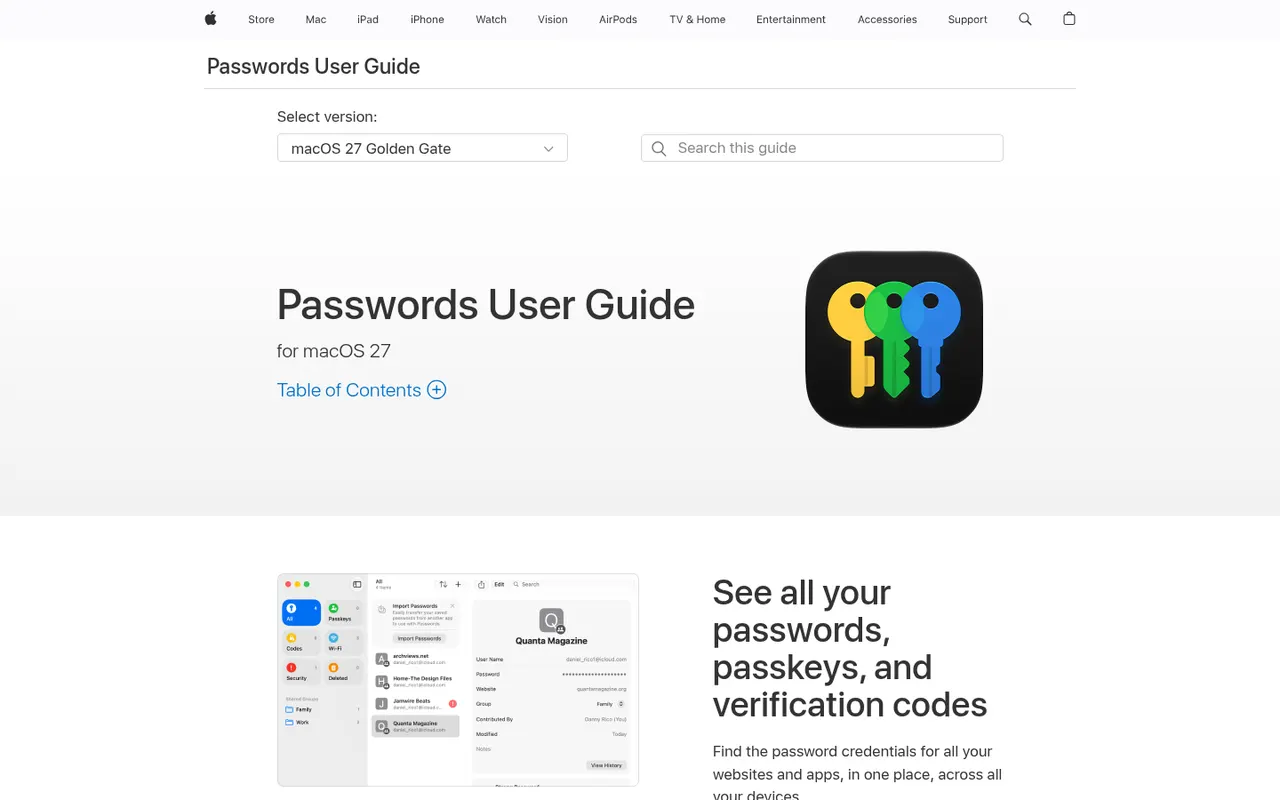
Cost / LicenseFreemiumProprietaryCategoriesPasswords is Apple's free password manager, built on iCloud Keychain and available as a standalone app since iOS 18 and macOS Sequoia. It stores passwords, passkeys, Wi-Fi passwords and verification codes, syncs them with end-to-end encryption across Apple devices and fills them in Safari and apps. Shared groups let families share logins, and Windows users get access through iCloud for Windows.
9 Apple Passwords alternativesPros
- Free and built into iPhone, iPad and Mac
- End-to-end encrypted sync of passkeys and verification codes
- Shared groups make family logins easy to share
Cons
- No Android app and limited support outside Apple devices
- Fewer advanced features than dedicated password managers
Cost / LicenseFreeProprietaryCategoriesPlatforms