Apps with Plugins & extensions
75 apps
Top Plugins & extensions apps ranked by the community
Premiere Pro is Adobe's timeline-based video editor for film, television, YouTube and corporate work. It handles multi-camera editing, Lumetri color correction, speech-to-text captions and transcript-based editing, and connects with After Effects, Audition and Frame.io for review. It is sold as a Creative Cloud subscription for Windows and macOS.
9 Adobe Premiere Pro alternativesPros
- Widely used in professional video, so skills transfer easily
- Transcript-based editing and automatic captions speed up cuts
- Works smoothly with After Effects, Audition and Frame.io
Cons
- Subscription-only pricing adds up over time
- Can be unstable or sluggish on large projects
- Interface is complex for newcomers
Cost / LicenseFree trialProprietaryCategoriesFinal Cut Pro is Apple's professional video editing software for Mac, with a companion version for iPad. Its magnetic timeline keeps clips in sync as you edit, and it includes color grading tools, multicam editing, automatic captions and a large ecosystem of third-party effects and templates. It is optimized for Apple silicon and available on the App Store, with a free trial.
10 Final Cut Pro alternativesPros
- Magnetic timeline keeps clips in sync while editing
- Very fast performance on Apple silicon
- One-time purchase for the Mac version, with no subscription
Cons
- Only available on Mac and iPad
- Magnetic timeline can feel unfamiliar to editors used to tracks
- Less common than Premiere or Avid in collaborative studio workflows
Cost / LicenseFree trialProprietaryCategoriesDaVinci Resolve from Blackmagic Design combines video editing, its well-known color grading tools, Fusion visual effects and Fairlight audio post-production in a single application. The free version is unusually complete, while the paid Studio version adds AI tools, higher resolutions and frame rates, and extra effects. It runs on Windows, macOS, Linux and iPad.
10 DaVinci Resolve alternativesPros
- Free version is remarkably complete for professional work
- Renowned color grading tools used in film and television
- Editing, VFX and audio post-production in a single app
Cons
- Steep learning curve, especially for color and Fusion
- Needs a powerful GPU for smooth playback
- Some AI tools and higher resolutions require the paid Studio version
Cost / LicenseFreemiumProprietaryAfter Effects is Adobe's application for motion graphics, title animations, compositing and visual effects. It works with layers and keyframes, includes keying, motion tracking and rotoscoping tools, and supports a large ecosystem of plugins, scripts and templates. It is typically paired with Premiere Pro and sold through a Creative Cloud subscription for Windows and macOS.
8 Adobe After Effects alternativesPros
- Standard tool for motion graphics and compositing
- Huge ecosystem of plugins, scripts and templates
- Tight integration with Premiere Pro and other Adobe apps
Cons
- Steep learning curve for beginners
- Only available through a Creative Cloud subscription
- Demanding on hardware, with slow previews on complex projects
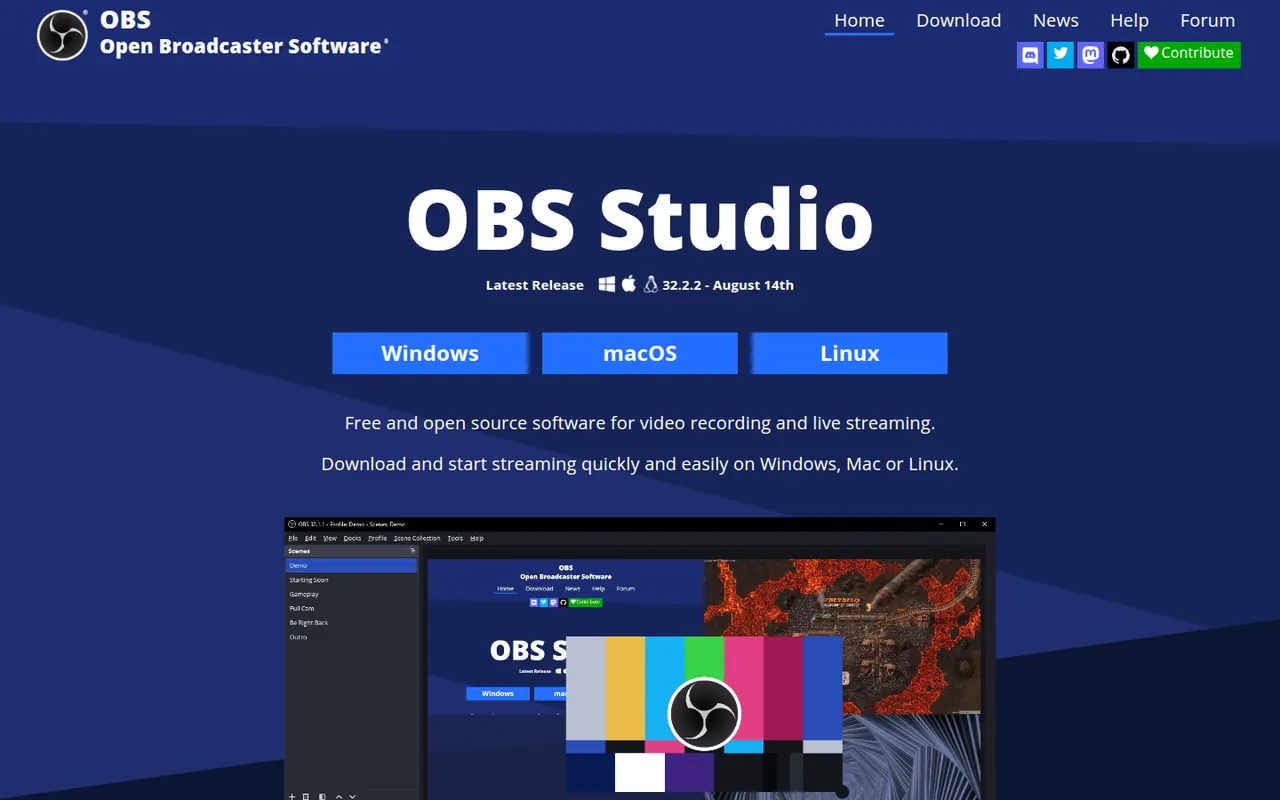
Cost / LicenseFree trialProprietaryCategoriesOBS Studio is a free, open source app for recording and live streaming video from your screen, cameras, games and other sources. Scenes can mix multiple sources with audio filters, transitions and chroma key, and it streams to platforms like Twitch and YouTube. Widely used by streamers and educators, it runs on Windows, macOS and Linux and can be extended with plugins.
8 OBS Studio alternativesPros
- Free and open source, with no watermark or time limits
- Scenes mix screens, cameras and media with filters and transitions
- Streams to Twitch, YouTube and more, and is extensible with plugins
Cons
- Steep learning curve for first-time users
- No built-in editor for trimming recordings
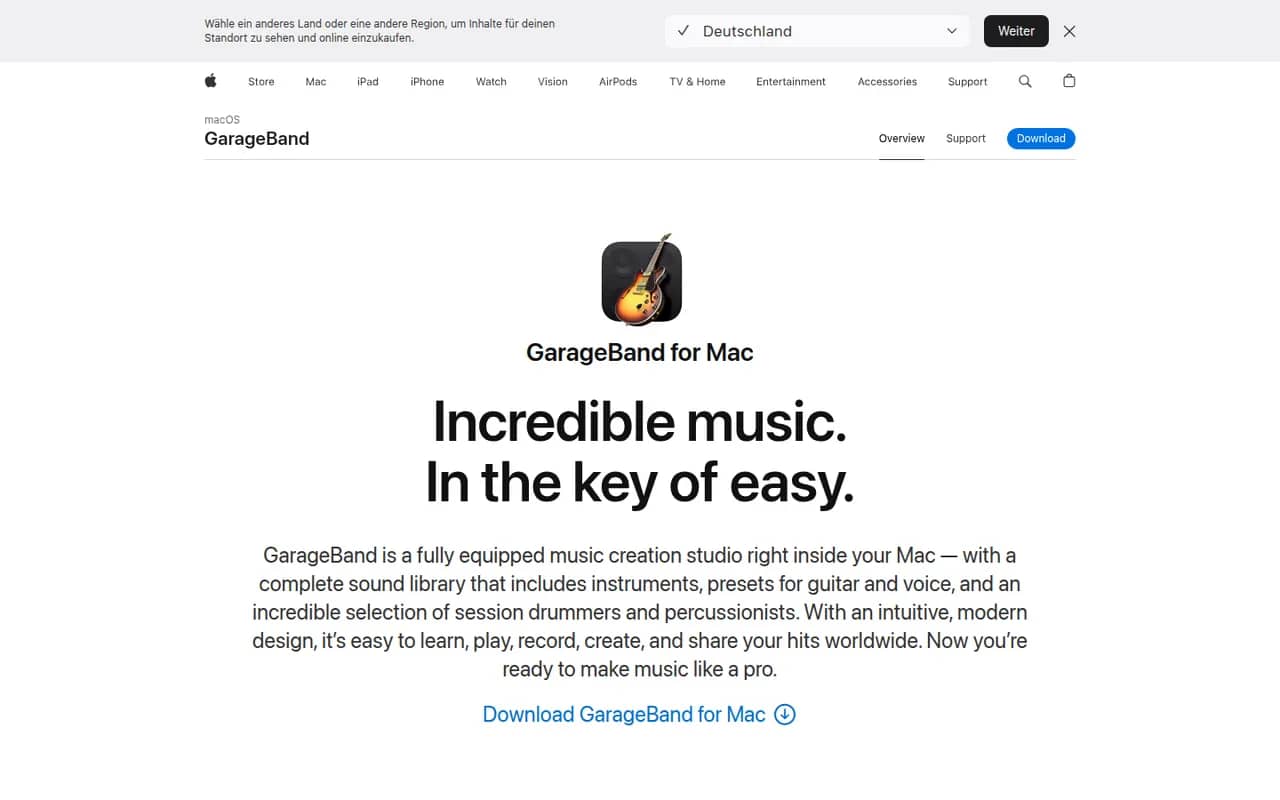
Cost / LicenseFreeOpen sourceCategoriesGarageBand is Apple's free app for making music and recording audio on Mac, iPhone and iPad. It includes virtual instruments, a sound library with loops, guitar amp simulations, a virtual drummer and multi-track recording, along with piano and guitar lessons on Mac. Projects open in Logic Pro when users need more advanced production tools.
8 GarageBand alternativesPros
- Free, with a friendly interface for beginners
- Virtual drummer, loops and amp simulations get ideas down quickly
- Projects open in Logic Pro when you need more power
Cons
- Apple devices only, with no Windows or Android version
- Limited mixing, automation and routing for serious production
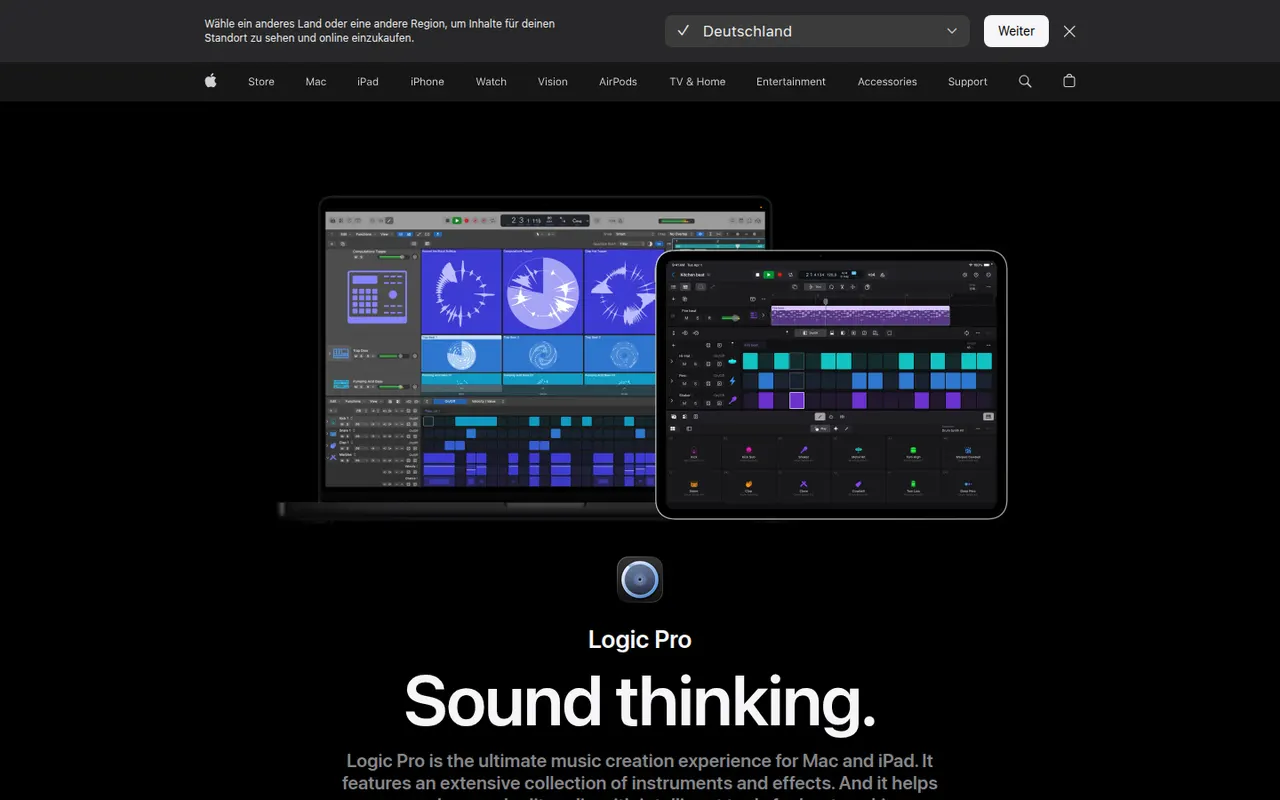
Cost / LicenseFreeProprietaryCategoriesLogic Pro is Apple's digital audio workstation for recording, producing and mixing music on Mac, with a touch-optimized version for iPad. It ships with a large library of instruments, loops and effects, AI-assisted Session Players and stem splitting, plus Dolby Atmos spatial audio mixing. It opens GarageBand projects and is available on the App Store, with a free trial on Mac.
8 Logic Pro alternativesPros
- Huge bundled library of instruments, loops and effects
- The Mac version is a one-time purchase rather than a subscription
- Dolby Atmos mixing, Session Players and stem splitting built in
Cons
- Mac and iPad only, so projects cannot move to Windows collaborators
- Deep feature set takes time to master
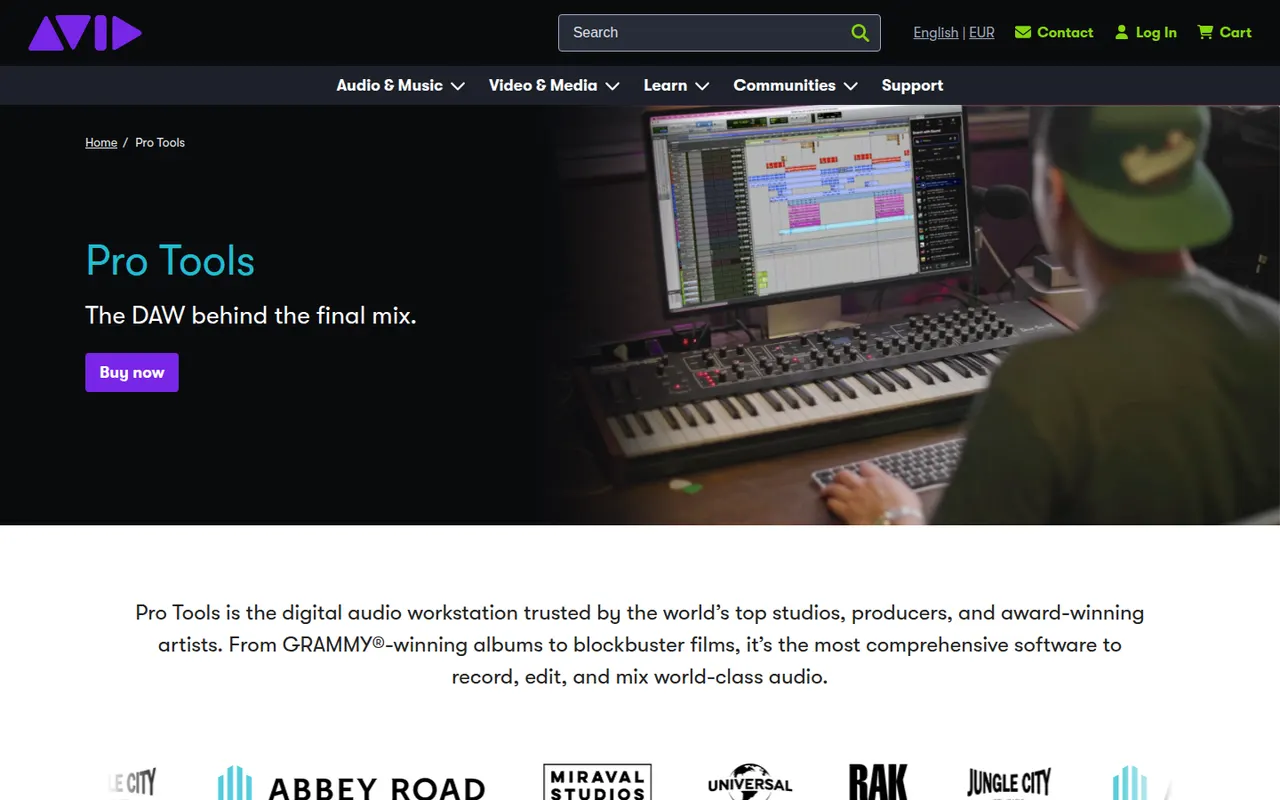
Cost / LicenseFree trialProprietaryCategoriesPro Tools is Avid's digital audio workstation, long established in recording studios and in film and television post-production. It covers multitrack recording, precise audio editing, MIDI and mixing up to Dolby Atmos, and works with Avid control surfaces and AAX plugins. It runs on Windows and macOS, with a free Pro Tools Intro edition and Artist, Studio and Ultimate subscriptions.
6 Pro Tools alternativesPros
- Industry standard in recording studios and post-production
- Precise audio editing and a mature mixing workflow
- Tight integration with Avid control surfaces and Dolby Atmos mixing
Cons
- Paid editions are expensive, especially Studio and Ultimate
- Supports AAX plugins only, not VST
- The free Intro edition is limited in tracks and features
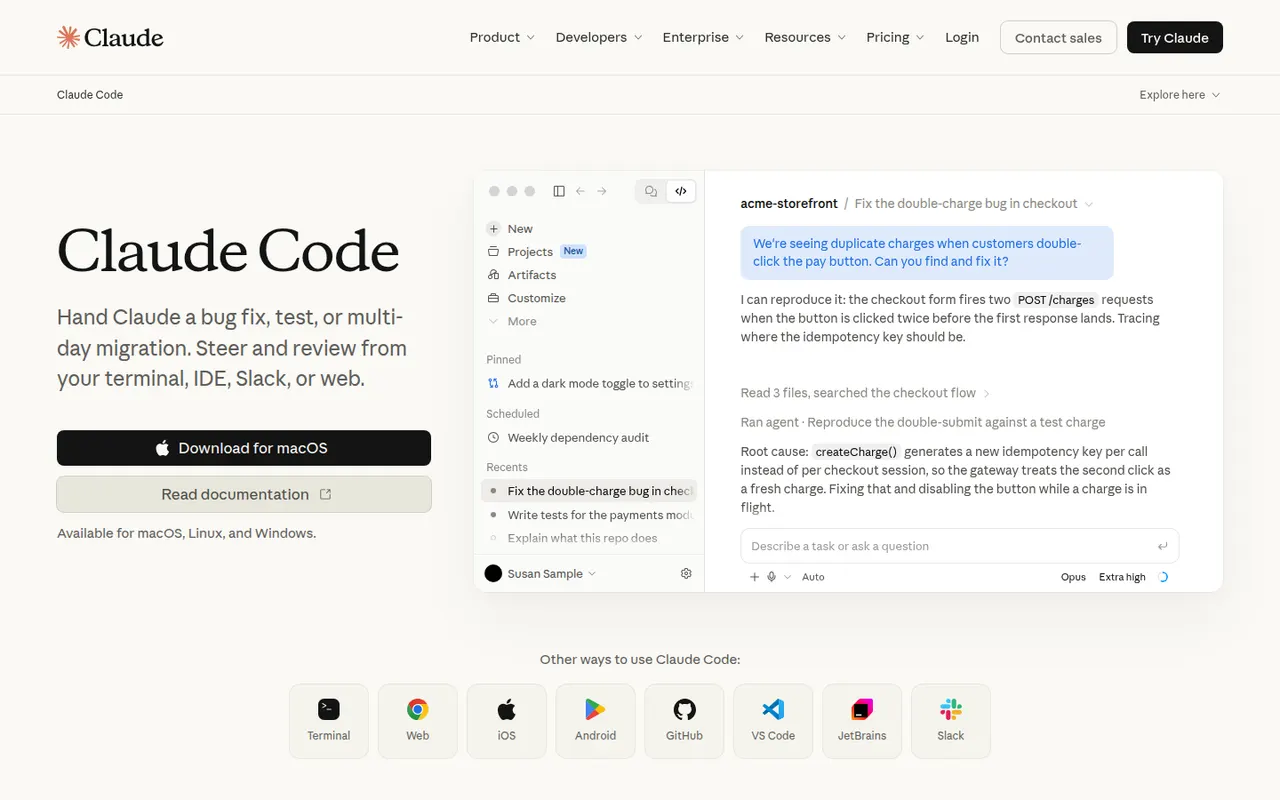
Cost / LicenseFreemiumProprietaryCategoriesClaude Code is an agentic coding tool from Anthropic. It runs in the terminal, in VS Code and JetBrains IDEs and on the web. It reads your codebase, edits files, runs commands and tests, and handles git workflows from natural-language requests. It can be extended with MCP servers, custom slash commands, subagents, hooks and plugins. Using it requires a paid Claude plan or API billing.
10 Claude Code alternativesPros
- Works across the whole codebase from the terminal
- Runs commands and tests, and handles git workflows
- Extensible with MCP servers, hooks, subagents and plugins
Cons
- Requires a paid Claude plan or API billing, with no free tier
- Heavy agentic sessions can hit usage limits or run up API costs
- Autonomous edits still need careful review before merging
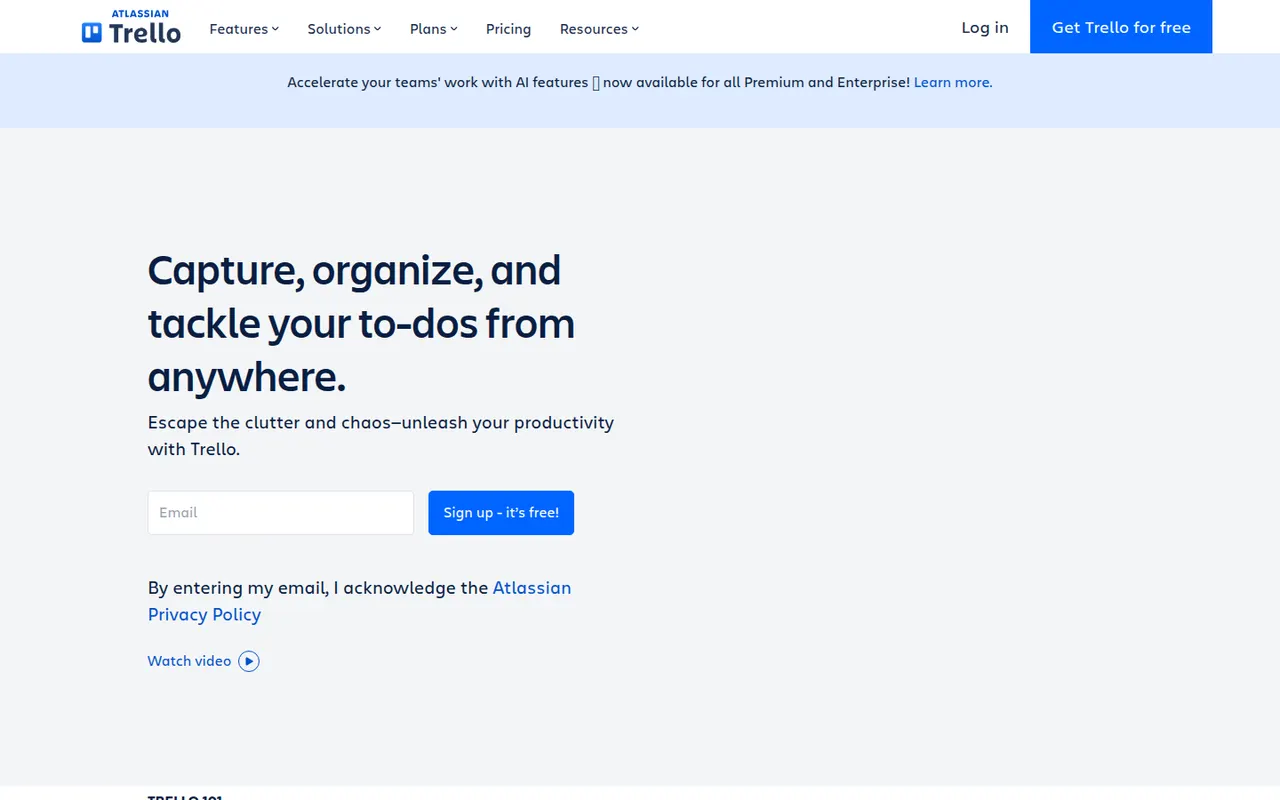
Cost / LicensePaidProprietaryCategoriesTrello organizes work on boards made of lists and cards that you drag from one stage to the next, a model that suits small teams, personal projects and simple workflows. Owned by Atlassian, it adds calendar, timeline and table views, Butler automations and Power-Ups that connect boards to Slack, Google Drive, Jira and many other tools.
12 Trello alternativesPros
- Simple card-and-list model anyone can learn in minutes
- Power-Ups connect boards to Slack, Google Drive, Jira and more
- Butler automations take care of repetitive card moves
Cons
- Gets hard to manage for large or complex projects
- Timeline, calendar and table views require a paid plan
- Reporting is limited without add-ons
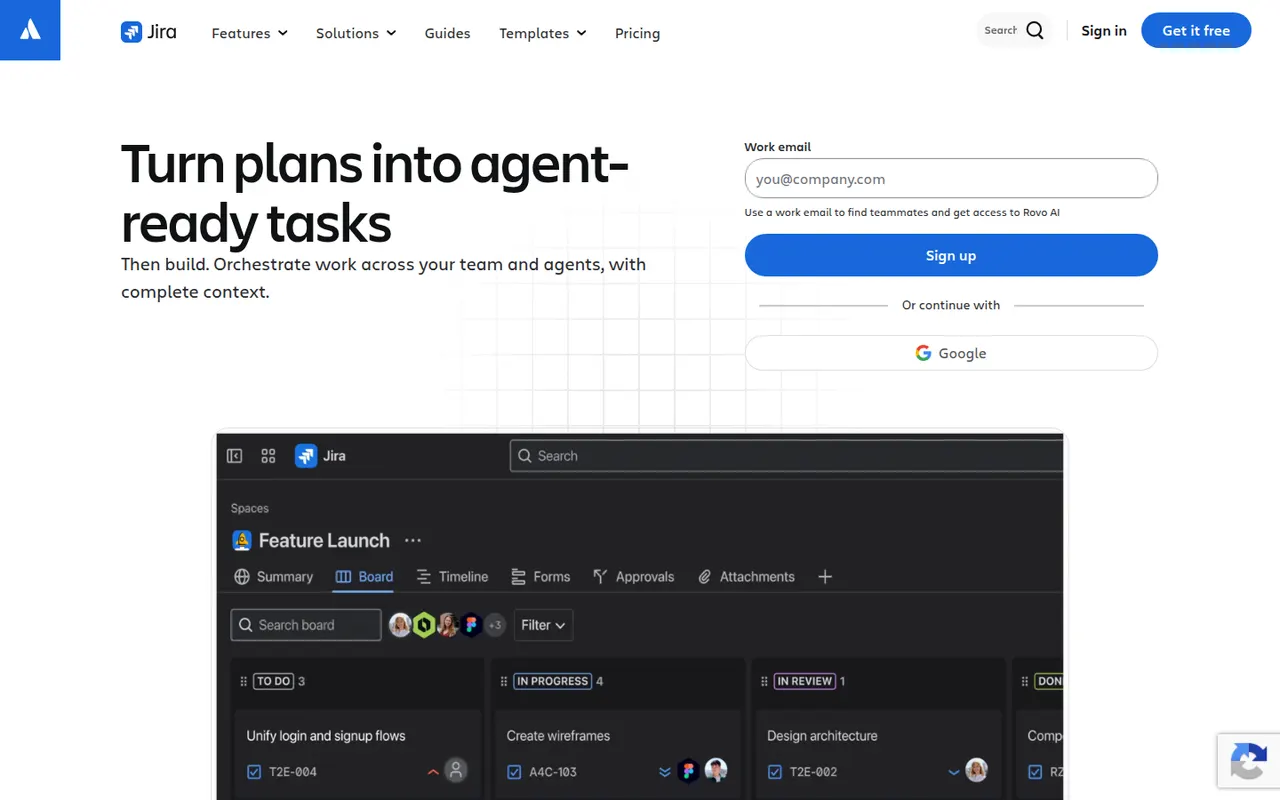
Cost / LicenseFreemiumProprietaryJira is Atlassian's tracker for software teams, built around issues, Scrum and Kanban boards, backlogs, sprints and configurable workflows. It connects to Confluence, Bitbucket and GitHub, offers a large marketplace of apps and rule-based automation, and is available in the cloud or as a self-managed Data Center edition for large organizations.
12 Jira alternativesPros
- Mature Scrum and Kanban boards with backlogs and sprints
- Highly configurable workflows, fields and automation rules
- Tight links with Confluence, Bitbucket and GitHub, plus a large app marketplace
Cons
- Complex to set up and administer without a dedicated admin
- Can feel heavy and slow for small teams or simple projects
- Marketplace apps add to the cost on top of per-user pricing
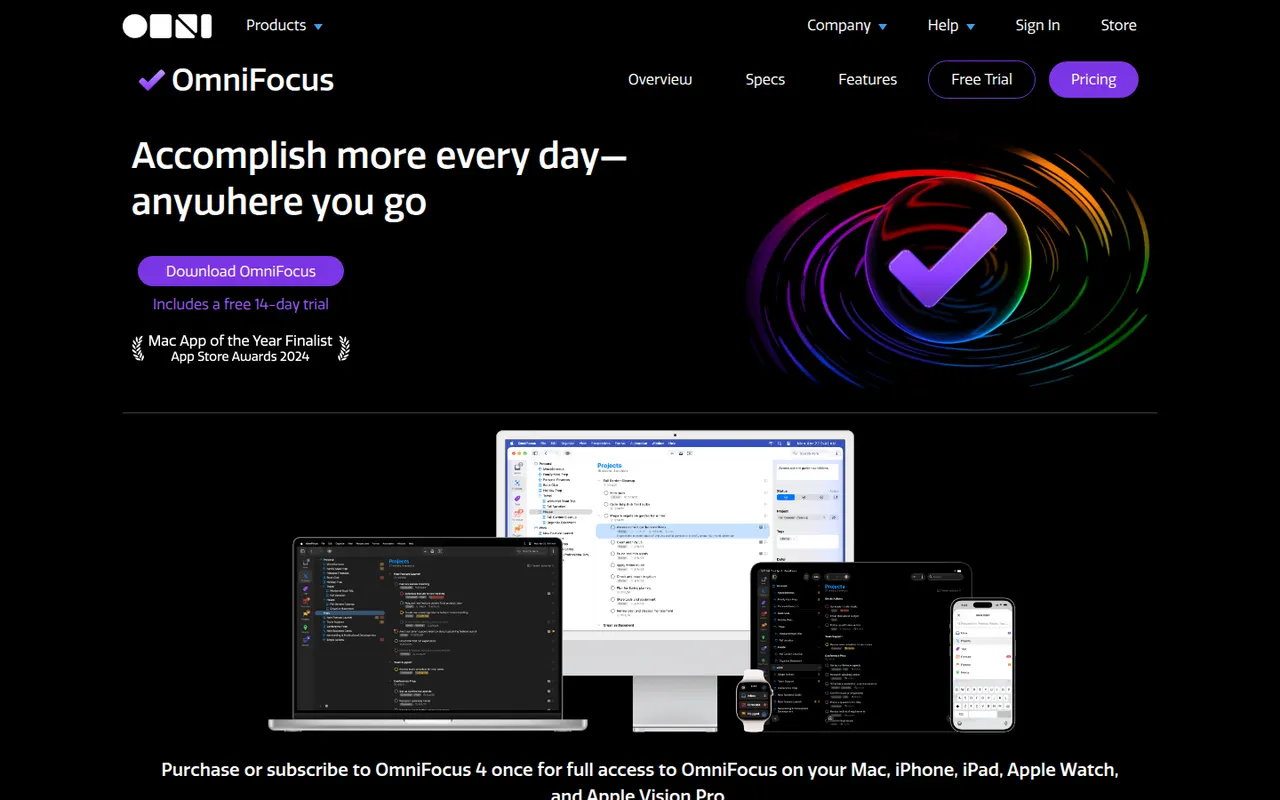
Cost / LicenseFreemiumProprietaryCategoriesPlatformsOmniFocus is a task manager from The Omni Group designed around the Getting Things Done method, with projects, tags, defer and due dates, and regular reviews. Custom perspectives and Omni Automation scripts let power users shape it to their own system. It runs on Mac, iPhone, iPad and Apple Watch, with a web version for subscribers and encrypted sync.
8 OmniFocus alternativesPros
- Deep GTD support with projects, tags, defer dates and reviews
- Custom perspectives and automation scripts for power users
- Native apps across Mac, iPhone, iPad and Apple Watch
Cons
- Steep learning curve for people new to GTD
- Expensive compared with most to-do apps
- No native apps for Windows or Android
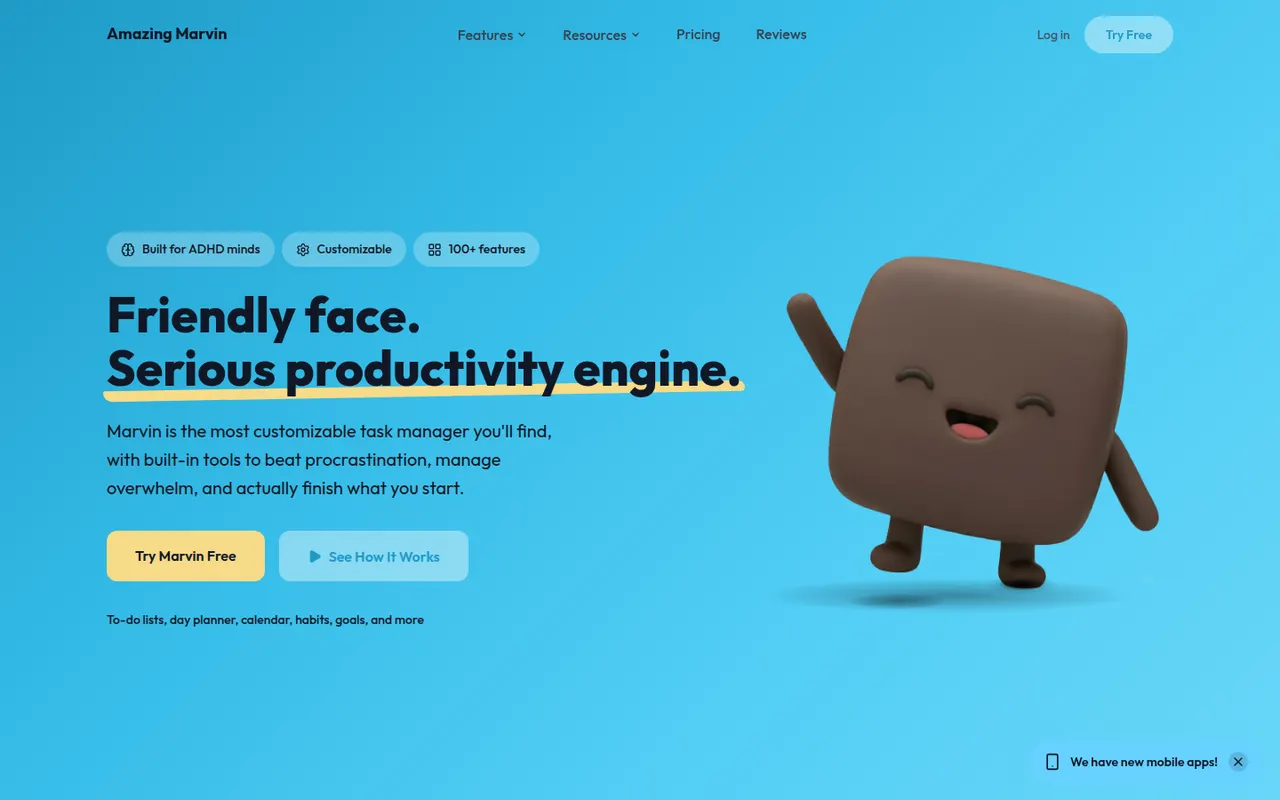
Cost / LicenseFree trialProprietaryCategoriesAmazing Marvin is a personal task manager whose features, called strategies, are switched on one by one, from time blocking and Pomodoro to habit tracking, rewards and procrastination helpers. It suits people who have struggled with rigid to-do apps, including people with ADHD, and runs on the web, desktop and mobile after a free trial.
8 Amazing Marvin alternativesPros
- Strategies let you switch on only the features you need
- Tools against procrastination and ADHD-friendly planning
- Combines time blocking, Pomodoro and habit tracking
Cons
- The sheer number of options can be overwhelming at first
- Interface feels less polished than mainstream to-do apps
- No free plan after the trial
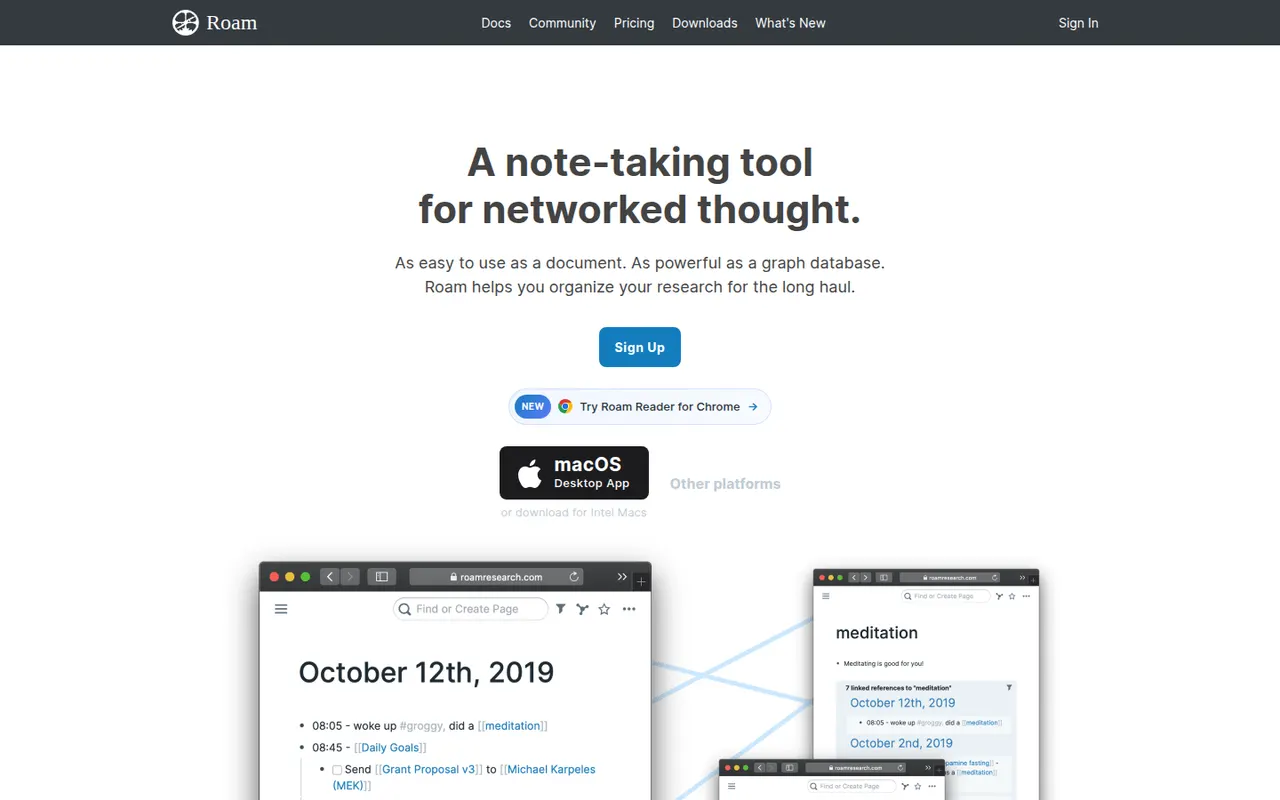
Cost / LicenseFree trialProprietaryCategoriesRoam Research is an outliner for networked thought that helped popularize bidirectional links, block references and daily notes pages among researchers and writers. Every page and block can be linked and embedded elsewhere, a graph shows how ideas connect, and Roam Depot provides community extensions. It is a paid subscription after a trial period.
8 Roam Research alternativesPros
- Pioneer of block references and bidirectional links
- Daily notes pages make quick capture a habit
- Roam Depot adds community extensions
Cons
- Paid subscription after the trial, with no free plan
- The outliner and its conventions have a steep learning curve
- Mobile use is less comfortable than on desktop
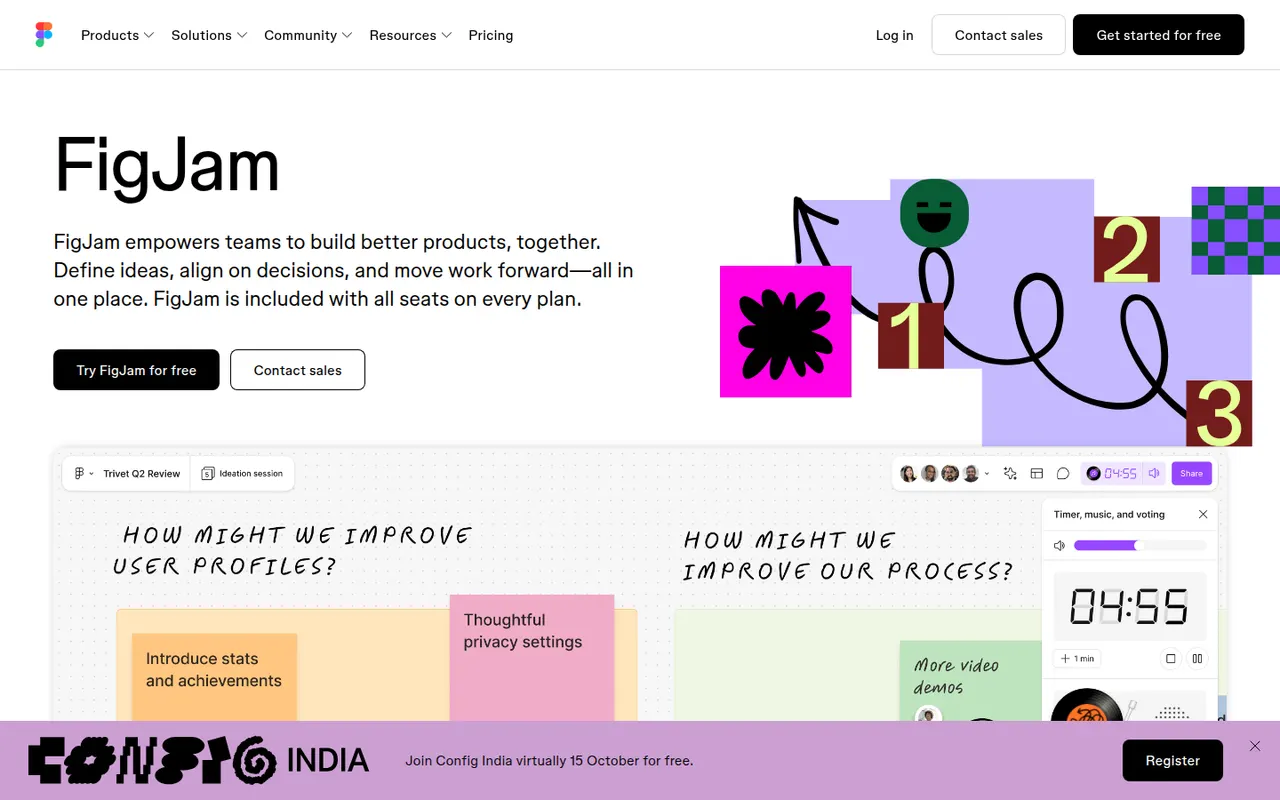
Cost / LicenseFree trialProprietaryCategoriesFigJam is the collaborative whiteboard from Figma, used for brainstorming, user flows, retrospectives and diagrams alongside design files. It offers sticky notes, stamps, voting, timers, widgets and plugins, AI that can generate boards or diagrams from a prompt, and shares accounts and libraries with Figma, which keeps product and design teams in one tool.
12 FigJam alternativesPros
- Shares accounts and libraries with Figma design files
- Playful facilitation tools such as stamps, voting and timers
- AI can generate boards and diagrams from a prompt
Cons
- Most valuable for teams already using Figma
- Free plan limits how many boards you can keep
- Fewer advanced diagramming features than dedicated tools
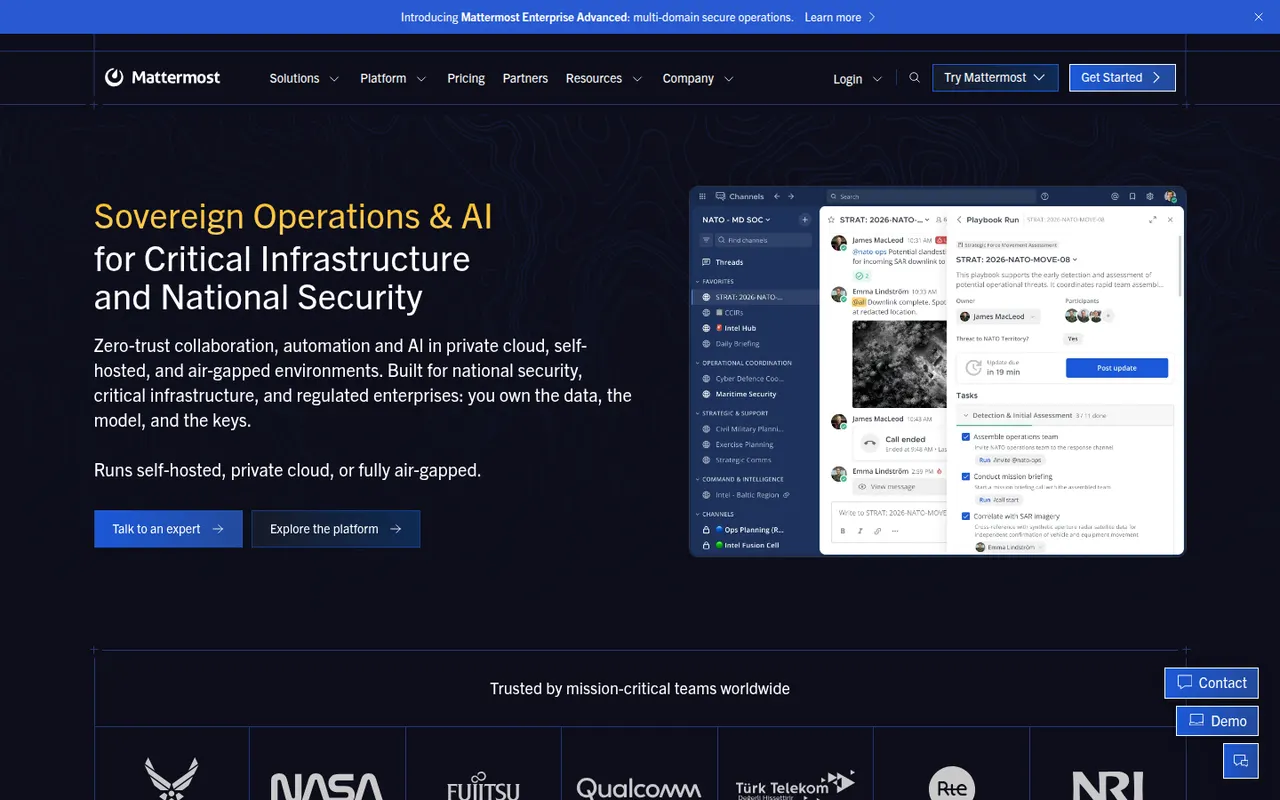
Cost / LicenseFreemiumProprietaryCategoriesMattermost is an open-source collaboration platform offering channels, threads, calls and playbooks for structured workflows. Organizations can run it on their own servers or in a private cloud to keep full control of their data, which appeals to engineering teams, public agencies and regulated industries. Plugins, webhooks and an API connect it to DevOps tools like GitLab, Jira and Jenkins.
8 Mattermost alternativesPros
- Self-hosting keeps full control over data and infrastructure
- Strong DevOps integrations with GitLab, Jira and Jenkins
- Playbooks structure incident response and repeatable workflows
Cons
- Self-hosted deployments need ongoing admin work
- Smaller app ecosystem than Slack
- Advanced compliance and enterprise features require paid plans
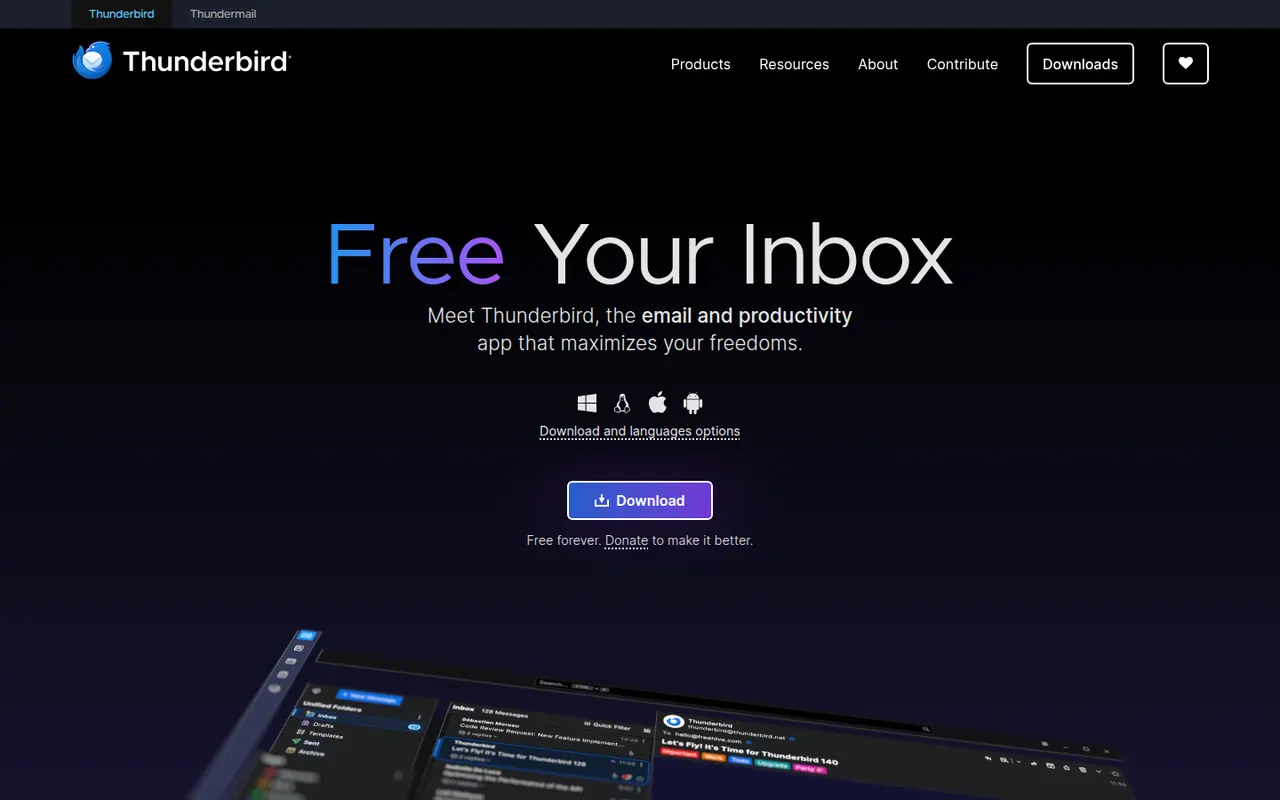
Cost / LicenseFreemiumOpen sourceCategoriesThunderbird is a free and open-source email client for Windows, macOS and Linux, with an Android app based on K-9 Mail. It manages multiple accounts in a unified inbox and includes a calendar, address book, chat and built-in OpenPGP encryption. Add-ons and themes customize it extensively, and it is developed by MZLA Technologies, a Mozilla Foundation subsidiary funded by user donations.
9 Thunderbird alternativesPros
- Free and open source, funded by donations rather than ads
- Built-in OpenPGP encryption, calendar and address book
- Highly customizable with add-ons and themes
Cons
- Interface feels busier than minimalist modern clients
- Getting the most out of it takes some setup and add-ons
Cost / LicenseFreeOpen sourceCategoriesAdobe Illustrator is a desktop vector editor used by designers to create logos, icons, typography, illustrations and print artwork that scale to any size. It offers precise pen and shape tools, multiple artboards, many plugins and tight integration with Photoshop, InDesign and other Creative Cloud apps, plus Firefly features such as text-to-vector generation. An iPad version is also available.
11 Adobe Illustrator alternativesPros
- Industry-standard vector tools for logos, icons and print artwork
- Tight integration with Photoshop, InDesign and Creative Cloud
- Large plugin ecosystem and Firefly text-to-vector generation
Cons
- Subscription-only, with no perpetual license
- Steep learning curve, especially the pen tool
- Can be resource-heavy on large, complex files
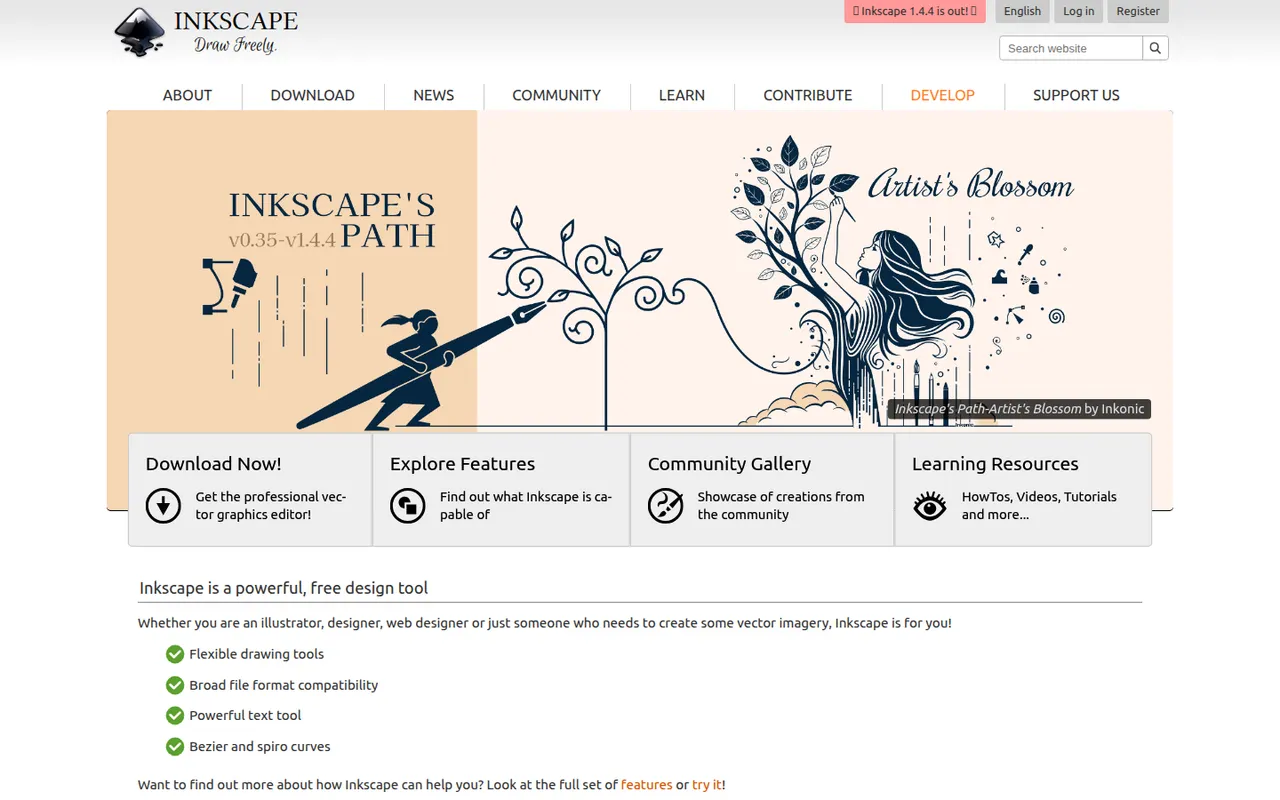
Cost / LicenseFree trialProprietaryCategoriesInkscape is a free, open source vector drawing program for Windows, macOS and Linux that uses SVG as its native format. Illustrators, hobbyists and web designers use it for logos, diagrams, icons, cutting-machine files and print layouts. It provides Bezier and calligraphy tools, path operations, text on path, many extensions and import/export for PDF, EPS and AI files.
10 Inkscape alternativesPros
- Free and open source on Windows, macOS and Linux
- Native SVG format, ideal for web graphics and cutting machines
- Powerful path operations and a large set of extensions
Cons
- Can feel slow with large or complex documents
- Interface is less polished than commercial vector editors
- Limited CMYK support for professional print workflows
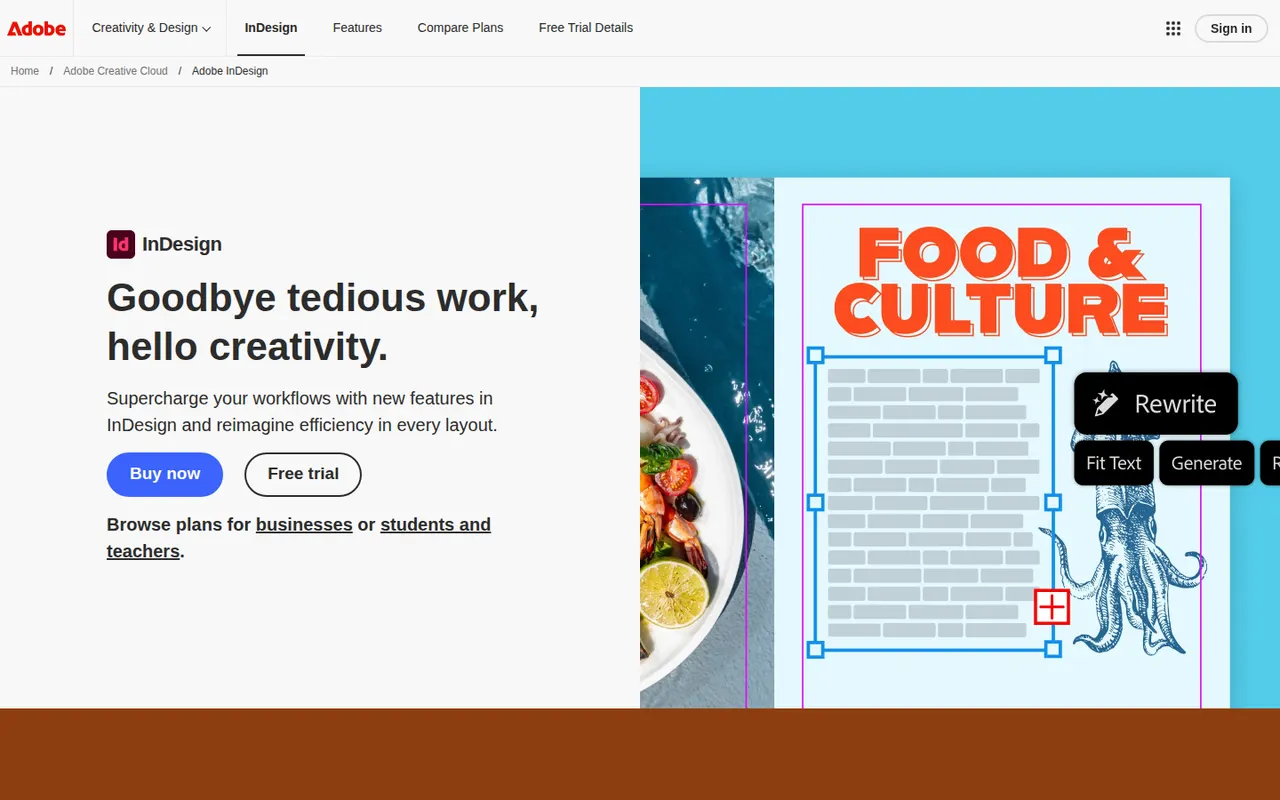
Cost / LicenseFreeOpen sourceCategoriesAdobe InDesign is a desktop publishing application for laying out magazines, books, brochures, reports, interactive PDFs and ebooks. It handles parent pages, multi-column text threading, advanced typography, styles and print preflight, and integrates with Illustrator, Photoshop and Adobe Fonts. Publishers, agencies and in-house design teams use it for long or complex multi-page documents.
6 Adobe InDesign alternativesPros
- Industry standard for magazines, books and long documents
- Advanced typography, styles and multi-column text threading
- Print preflight and smooth handoff with Illustrator and Photoshop
Cons
- Subscription-only, which is costly for occasional use
- Steep learning curve for newcomers to page layout
- Overkill for simple flyers or one-page designs
Cost / LicenseFree trialProprietaryCategoriesScribus is a free, open source page layout program for Windows, macOS and Linux, used to design newsletters, brochures, posters, magazines and books. It supports CMYK and spot colors, ICC color management, PDF/X export for professional printing and Python scripting. Nonprofits, schools and small publishers use it to produce print-ready files without paid software.
6 Scribus alternativesPros
- Free, open source page layout for Windows, macOS and Linux
- CMYK, spot colors and PDF/X export for professional printing
- Python scripting to automate repetitive layout tasks
Cons
- Interface feels dated and less intuitive than InDesign
- Fewer templates and tutorials than commercial layout software
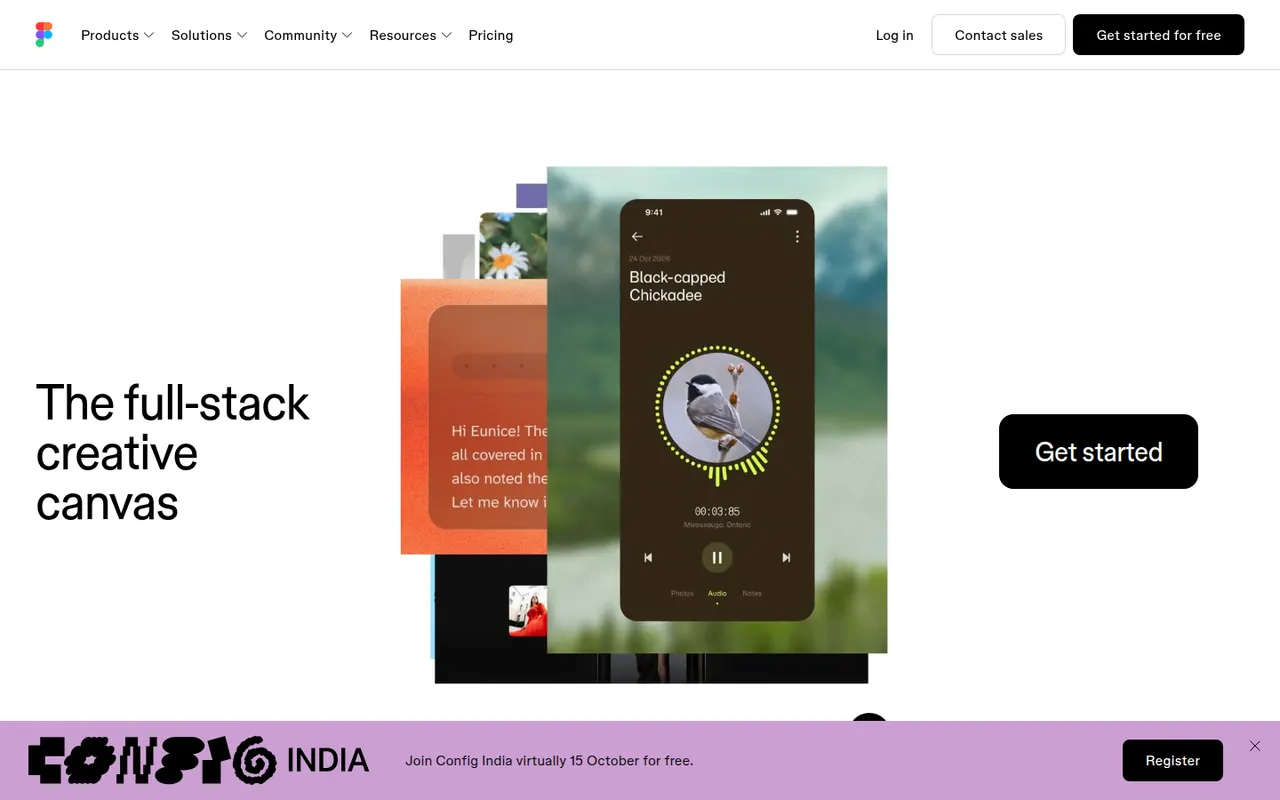
Cost / LicenseFreeOpen sourceCategoriesFigma is a design platform for user interfaces, websites and apps where teams edit the same file in real time from the browser or the desktop app. It covers vector design, interactive prototypes, shared component libraries and variables for design systems, and Dev Mode for developer handoff. Plugins, FigJam whiteboards and AI features extend it for product and design teams.
12 Figma alternativesPros
- Real-time multiplayer editing in the browser or desktop app
- Components and variables make design systems manageable
- Huge ecosystem of plugins and community files
Cons
- Paid seats add up quickly for growing teams
- Most work requires an internet connection
- Large files can become slow and memory-hungry
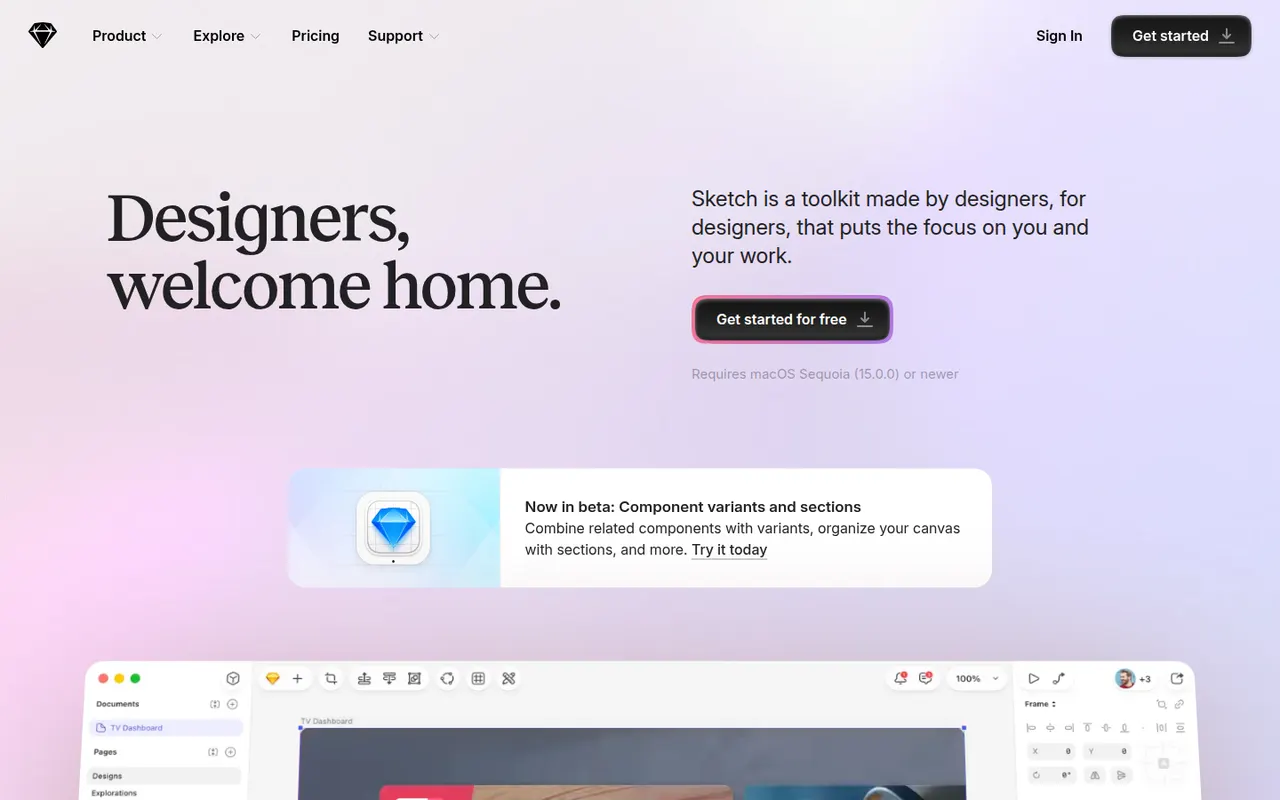
Cost / LicenseFreemiumProprietaryCategoriesSketch is a vector design app built exclusively for macOS, used to create user interfaces, icons and interactive prototypes. Files can stay local or live in shared workspaces with real-time collaboration, and a web app lets teammates and developers browse designs, comment and inspect specs without a Mac. Symbols, shared libraries and a long-standing plugin ecosystem support design-system work.
10 Sketch alternativesPros
- Fast native Mac app that also works offline
- Long-standing plugin ecosystem and shared libraries
- Web app lets teammates without a Mac comment and inspect specs
Cons
- Editing requires a Mac, which limits mixed-platform teams
- No free plan beyond the trial
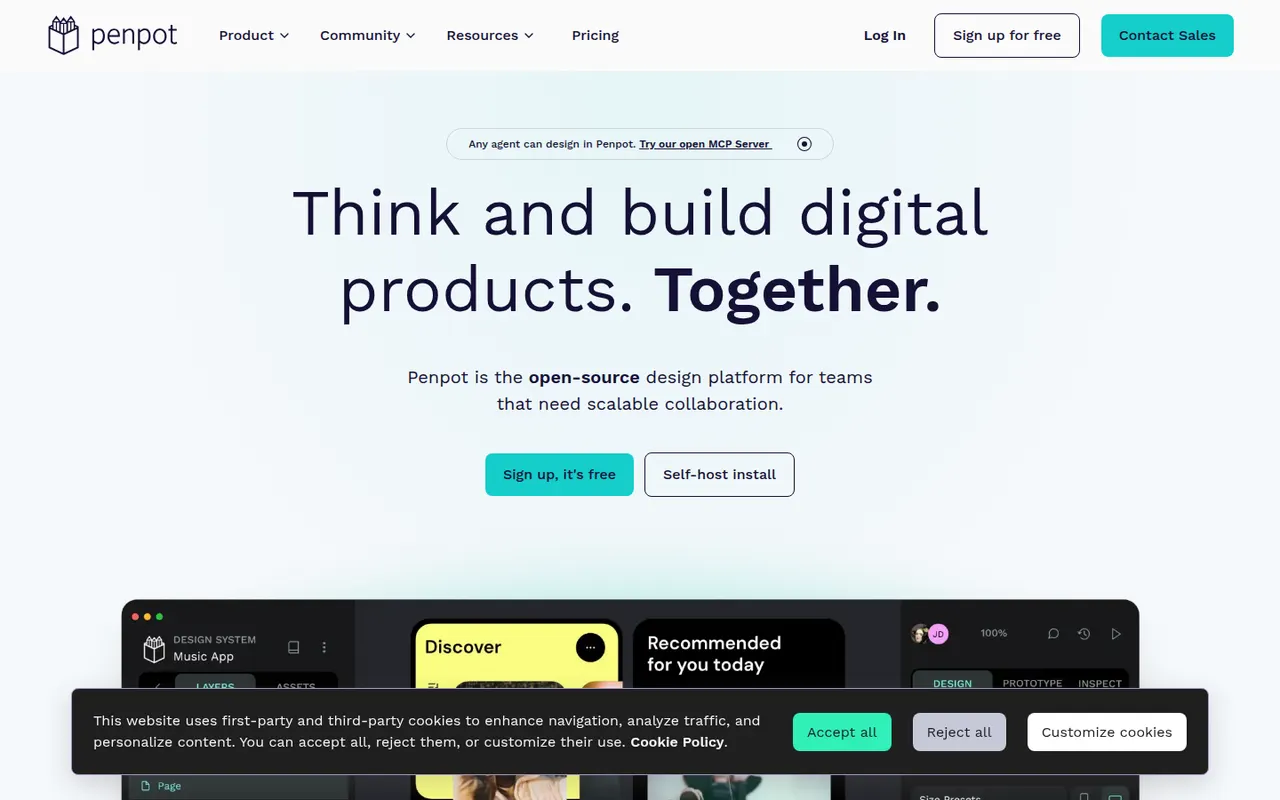
Cost / LicenseFree trialProprietaryCategoriesPlatformsPenpot is an open source alternative to Figma for designing interfaces and prototypes in the browser. Its data model is based on SVG, CSS and HTML, so developers can inspect designs and copy usable code, while teams work with components, design tokens and real-time collaboration. It is available as a hosted cloud service or can be self-hosted with Docker to keep full control over data.
10 Penpot alternativesPros
- Open source and self-hostable for full control over data
- Built on SVG, CSS and HTML, so developers get usable code
- Components, design tokens and real-time collaboration
Cons
- Performance can lag on large, complex files
- Smaller plugin ecosystem and fewer community resources than Figma
Cost / LicenseFreemiumOpen sourceCategoriesPlatformsAdobe XD is a vector-based tool for designing and prototyping websites and mobile apps, with repeat grids, components with states, auto-animate transitions and shareable links for review and developer specs. Adobe put it in maintenance mode in 2023: it is no longer sold as a standalone app and gets no new features, so it mainly serves Creative Cloud users with existing projects.
8 Adobe XD alternativesPros
- Repeat grids and auto-animate speed up UI and prototype work
- Fits alongside Creative Cloud apps like Photoshop and Illustrator
- Shareable links for review comments and developer specs
Cons
- In maintenance mode, with no new features planned
- No longer sold as a standalone app
- Less collaborative than browser-based tools like Figma
Cost / LicensePaidProprietaryCategoriesAdobe Photoshop is a professional image editor used for retouching, compositing, graphic design and digital painting. It combines layers, masks, adjustment layers, Camera Raw processing and a large plugin ecosystem with Firefly-powered tools such as Generative Fill and object removal. It runs on Windows and macOS, with web, iPad and iPhone versions that sync through Creative Cloud.
12 Adobe Photoshop alternativesPros
- Industry standard for retouching and compositing
- Generative Fill and object removal powered by Firefly
- Vast ecosystem of plugins and tutorials
Cons
- Subscription only, which adds up over time
- Steep learning curve for beginners
- Demanding on hardware with large files
Cost / LicenseFree trialProprietaryCategoriesGIMP (GNU Image Manipulation Program) is a free, open source image editor used for photo retouching, image composition and digital artwork. It offers layers, masks, selection tools, a wide range of filters and scripts and plugins in Python or Script-Fu. GIMP 3.0 added non-destructive filters and a refreshed interface, and it is a common Photoshop alternative for people who want to avoid subscriptions.
12 GIMP alternativesPros
- Free, open source and available on Windows, macOS and Linux
- Layers, masks, filters and scripting in Python or Script-Fu
- Non-destructive filters since version 3.0
Cons
- Interface and workflows differ from Photoshop, which slows switchers
- Fewer AI and generative tools than commercial editors
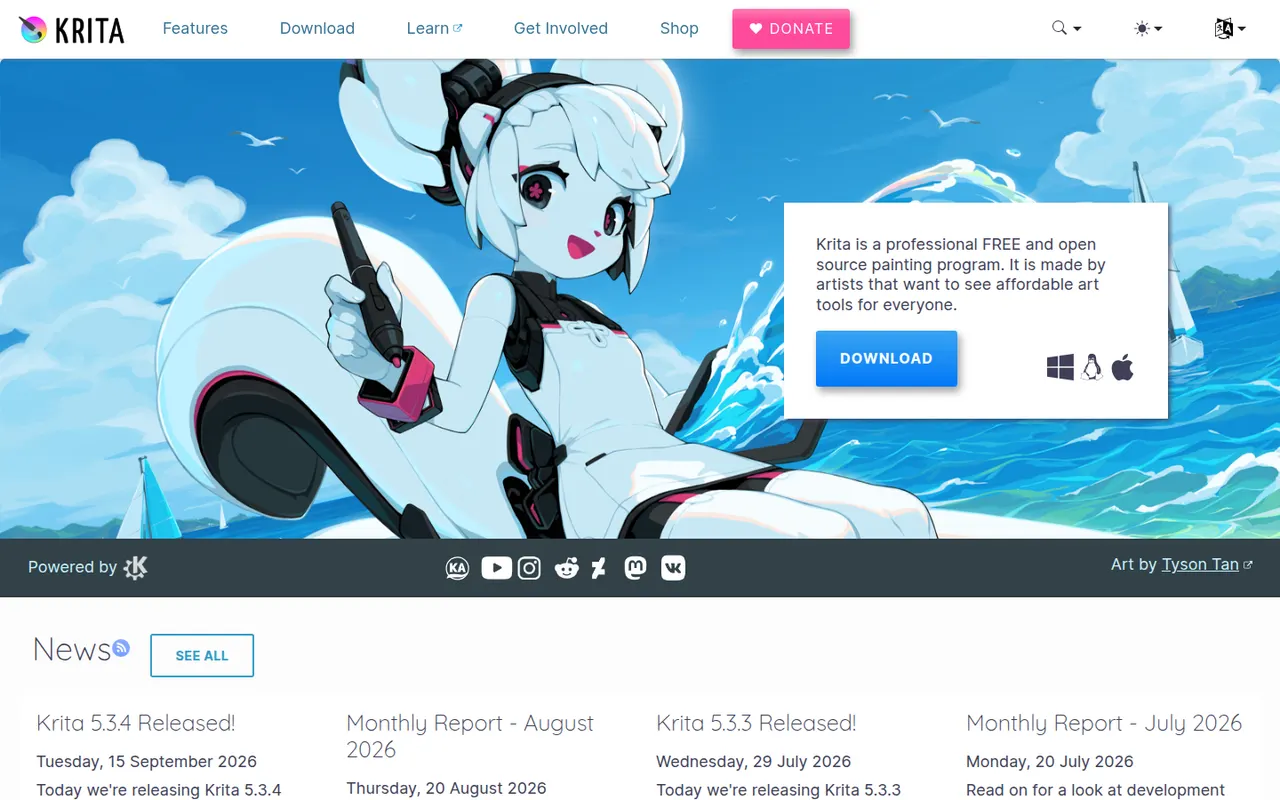
Cost / LicenseFreeOpen sourceCategoriesKrita is a free, open source digital painting program developed by the KDE community for illustrators, comic artists, concept artists and texture painters. It offers customizable brush engines, a brush stabilizer, layers and masks, a wrap-around mode for seamless textures and frame-by-frame 2D animation. It runs on Windows, macOS and Linux, with a version for Android tablets and Chromebooks.
8 Krita alternativesPros
- Free, open source painting app with powerful brush engines
- Brush stabilizer and wrap-around mode for seamless textures
- Frame-by-frame 2D animation built in
Cons
- Not designed for photo editing
- Can be demanding on hardware with large canvases
- No version available for iPad
Cost / LicenseFreeOpen sourceCategoriesPaint.NET is a free image editor for Windows that began as a student project to replace Microsoft Paint and grew into a capable photo editing tool. It supports layers, blend modes, unlimited history and a wide set of effects and adjustments, and a large community library of plugins adds new effects and file formats. It is appreciated for its fast startup and simple interface.
6 Paint.NET alternativesPros
- Free, quick to start and simple to use
- Layers, blend modes and unlimited history
- Large library of community plugins
Cons
- Available only on Windows
- Lacks the advanced tools of professional editors
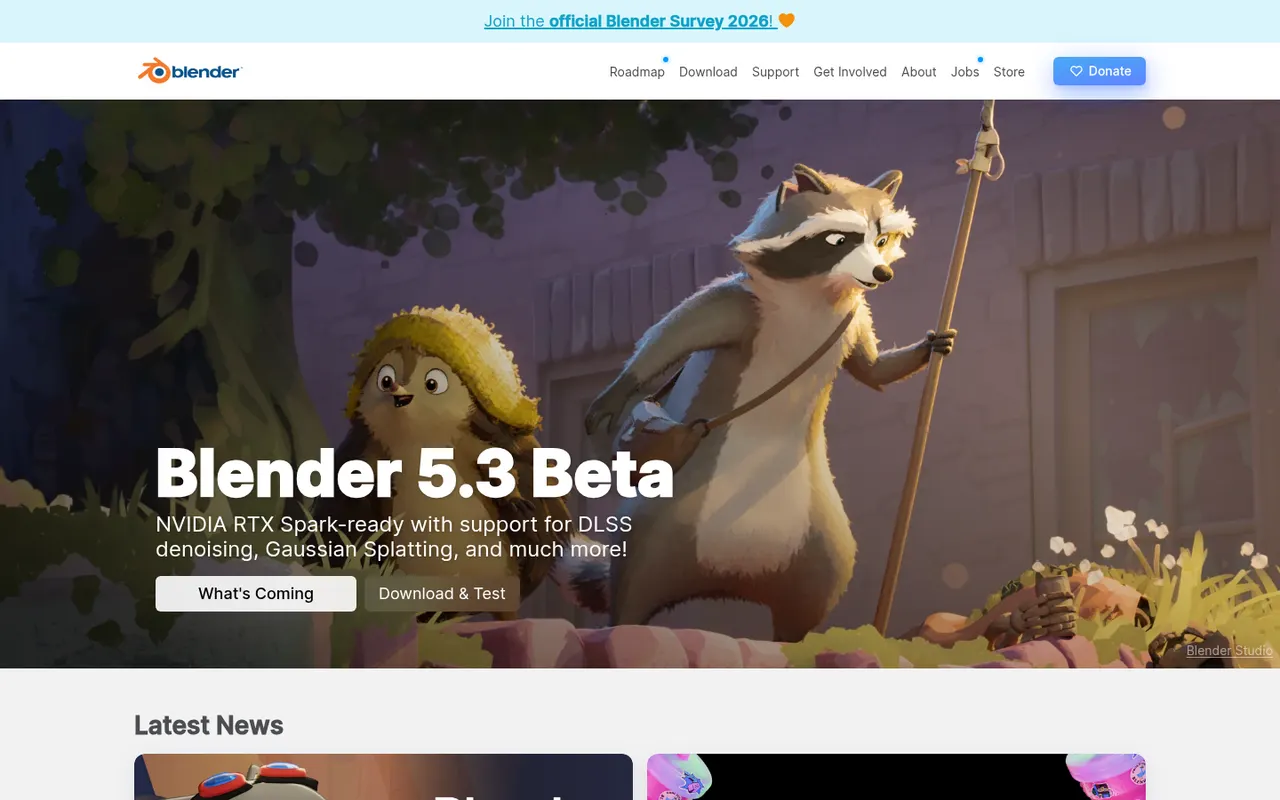
Cost / LicenseFreeProprietaryCategoriesPlatformsBlender is a free, open source 3D creation suite covering modeling, sculpting, rigging, animation, simulation, rendering with Cycles and EEVEE, compositing and video editing. Its Grease Pencil tools also allow 2D animation inside a 3D space. Developed by the Blender Foundation and a large community, it is used by hobbyists, studios and game developers and can be extended with Python add-ons.
12 Blender alternativesPros
- Completely free and open source, with no license or subscription
- Covers modeling, sculpting, animation, rendering and video editing
- Large community with countless tutorials and Python add-ons
Cons
- Dense interface that takes newcomers time to learn
- Less established than Maya or 3ds Max in some studio pipelines
Cost / LicenseFreeOpen sourceCategories