Apps with Non-destructive editing
7 apps
Top Non-destructive editing apps ranked by the community
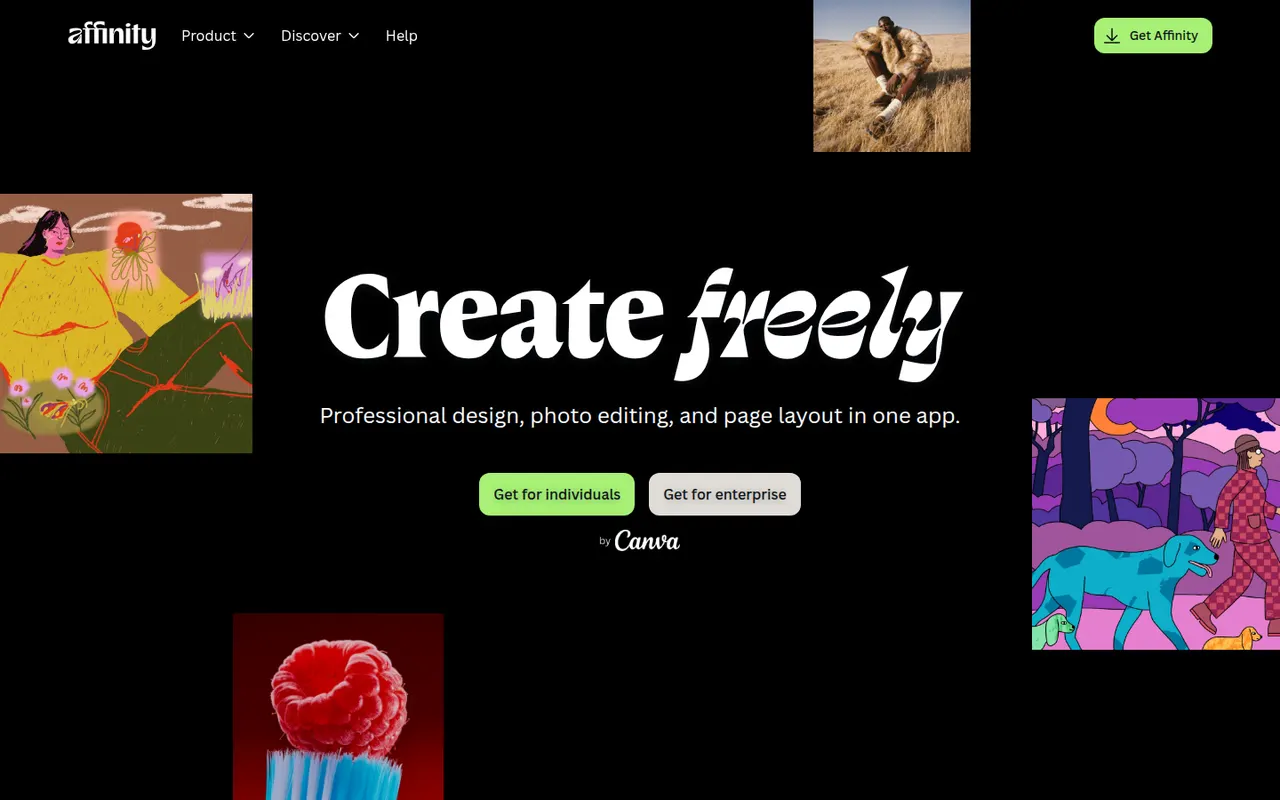
Affinity is a professional creative app from Canva that merges the former Affinity Designer, Photo and Publisher into one program with vector, pixel and layout workspaces. It is free to download for Windows and macOS, while its optional Canva AI tools require a paid Canva plan. It suits designers who want an alternative to Adobe subscriptions and can import PSD, PDF and IDML files.
12 Affinity alternativesPros
- Free download combining vector, pixel and layout workspaces in one app
- Imports PSD, PDF and IDML files from Adobe workflows
- Professional tools without a mandatory subscription
Cons
- Canva AI tools require a paid Canva plan
- Smaller plugin and training ecosystem than Adobe’s
- Imported Adobe files can need manual adjustments
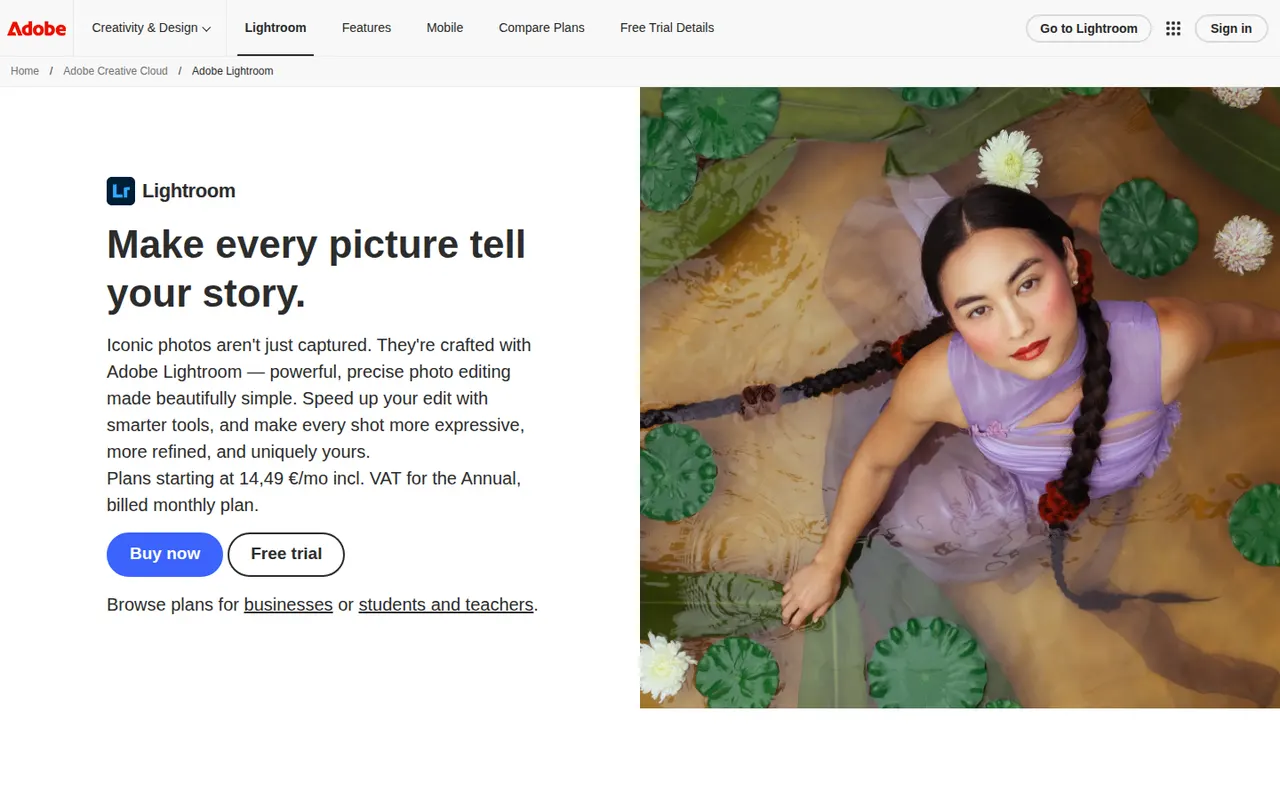
Cost / LicenseFreemiumProprietaryCategoriesAdobe Lightroom is a non-destructive photo editor and organizer for processing RAW files, adjusting color and light, and managing large libraries with ratings, keywords and AI-based search. The cloud-based Lightroom syncs edits across desktop, web and mobile, while Lightroom Classic keeps catalogs on the local disk. Presets, masking and AI removal tools serve both enthusiasts and professionals.
9 Adobe Lightroom alternativesPros
- Non-destructive RAW editing with powerful masking
- Library tools with ratings, keywords and AI search
- The cloud version syncs edits across desktop, web and mobile
Cons
- Subscription only, with no perpetual license
- Choosing between Lightroom and Lightroom Classic can be confusing
- Cloud storage adds to the cost for large libraries
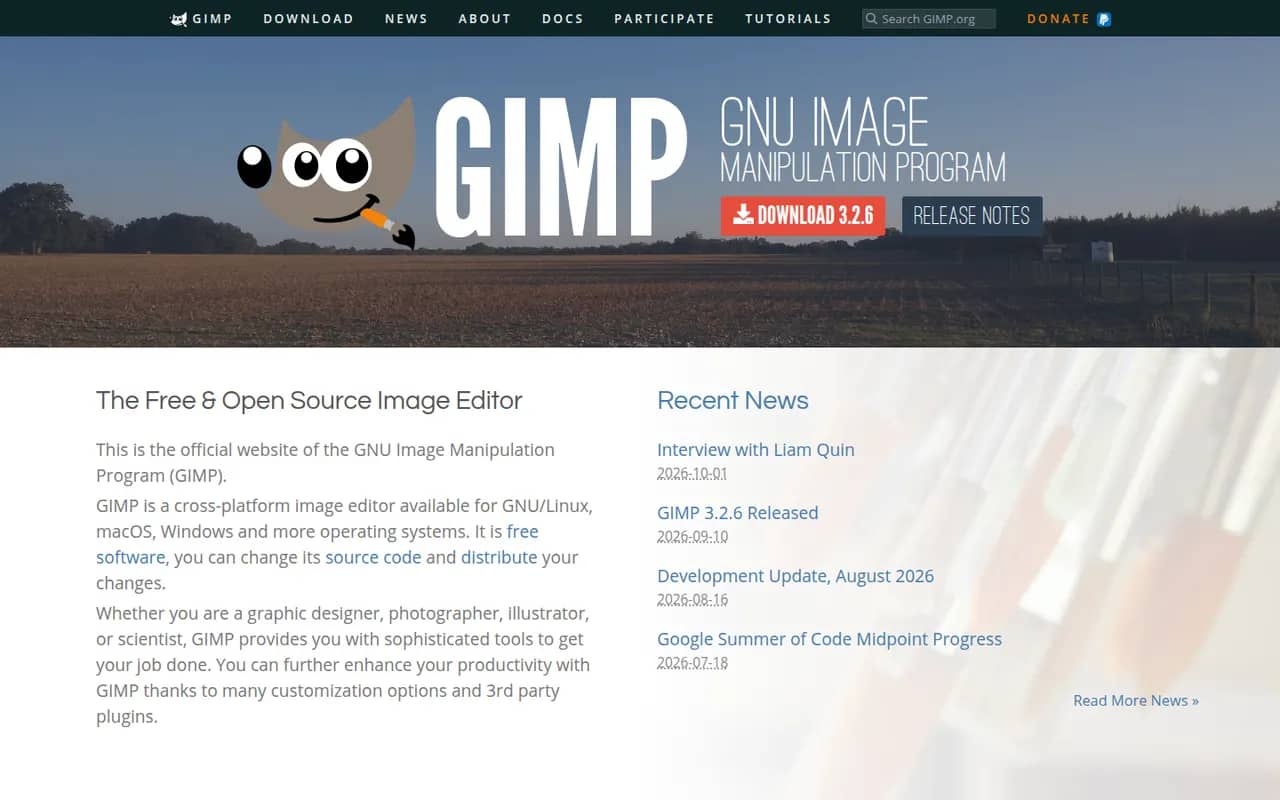
Cost / LicenseFreemiumProprietaryCategoriesGIMP (GNU Image Manipulation Program) is a free, open source image editor used for photo retouching, image composition and digital artwork. It offers layers, masks, selection tools, a wide range of filters and scripts and plugins in Python or Script-Fu. GIMP 3.0 added non-destructive filters and a refreshed interface, and it is a common Photoshop alternative for people who want to avoid subscriptions.
12 GIMP alternativesPros
- Free, open source and available on Windows, macOS and Linux
- Layers, masks, filters and scripting in Python or Script-Fu
- Non-destructive filters since version 3.0
Cons
- Interface and workflows differ from Photoshop, which slows switchers
- Fewer AI and generative tools than commercial editors
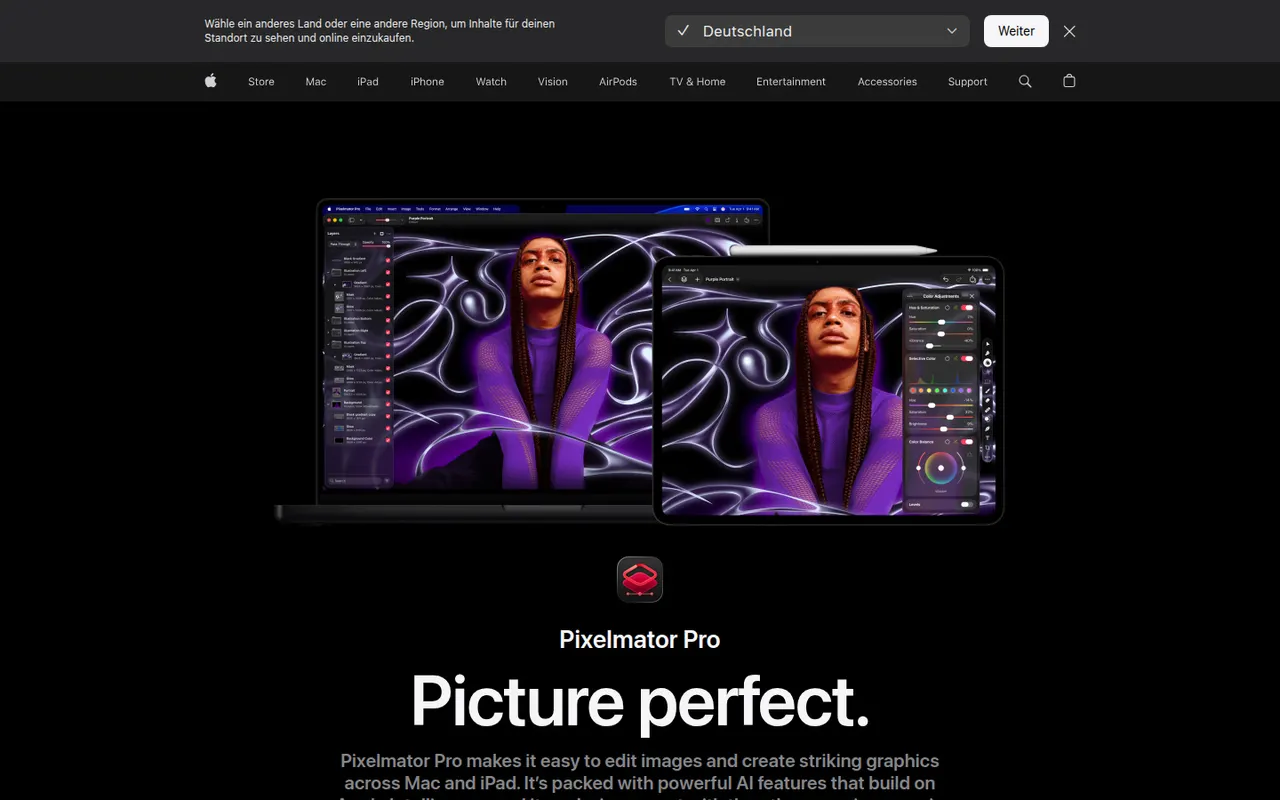
Cost / LicenseFreeOpen sourceCategoriesPixelmator Pro is an image editor designed for macOS that brings photo editing, retouching, illustration and graphic design into one app. It offers non-destructive layer-based editing, RAW processing and machine learning tools for upscaling, denoising, background removal and automatic enhancement. Pixelmator was acquired by Apple in 2024, and the app is sold on the Mac App Store.
9 Pixelmator Pro alternativesPros
- Native Mac design with a clean interface
- Machine learning tools for upscaling, denoising and background removal
- Combines photo editing, painting and vector design
Cons
- No version for Windows or Linux
- Fewer plugins and pro integrations than Photoshop
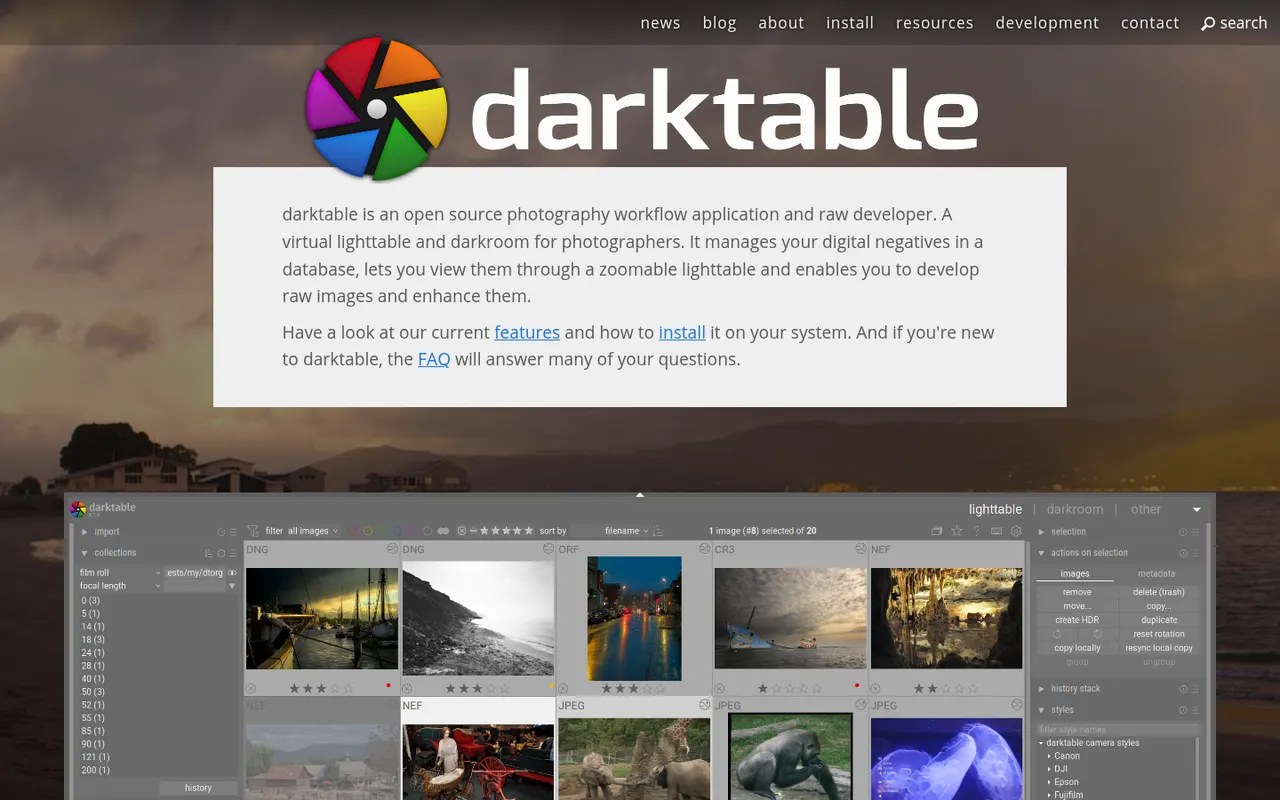
Cost / LicensePaidProprietaryCategoriesPlatformsdarktable is a free, open source photography workflow application that acts as a virtual light table and darkroom for RAW files. It offers non-destructive editing with a scene-referred pipeline, parametric and drawn masks, color calibration tools, tethered shooting and a tagged image library. It runs on Linux, Windows and macOS and suits photographers who want advanced RAW processing without a subscription.
6 darktable alternativesPros
- Free, open source RAW processing with no subscription
- Scene-referred pipeline with advanced masks and color calibration
- Runs on Linux, Windows and macOS, with tethered shooting
Cons
- Steep learning curve and a dense interface
- No mobile apps or cloud sync
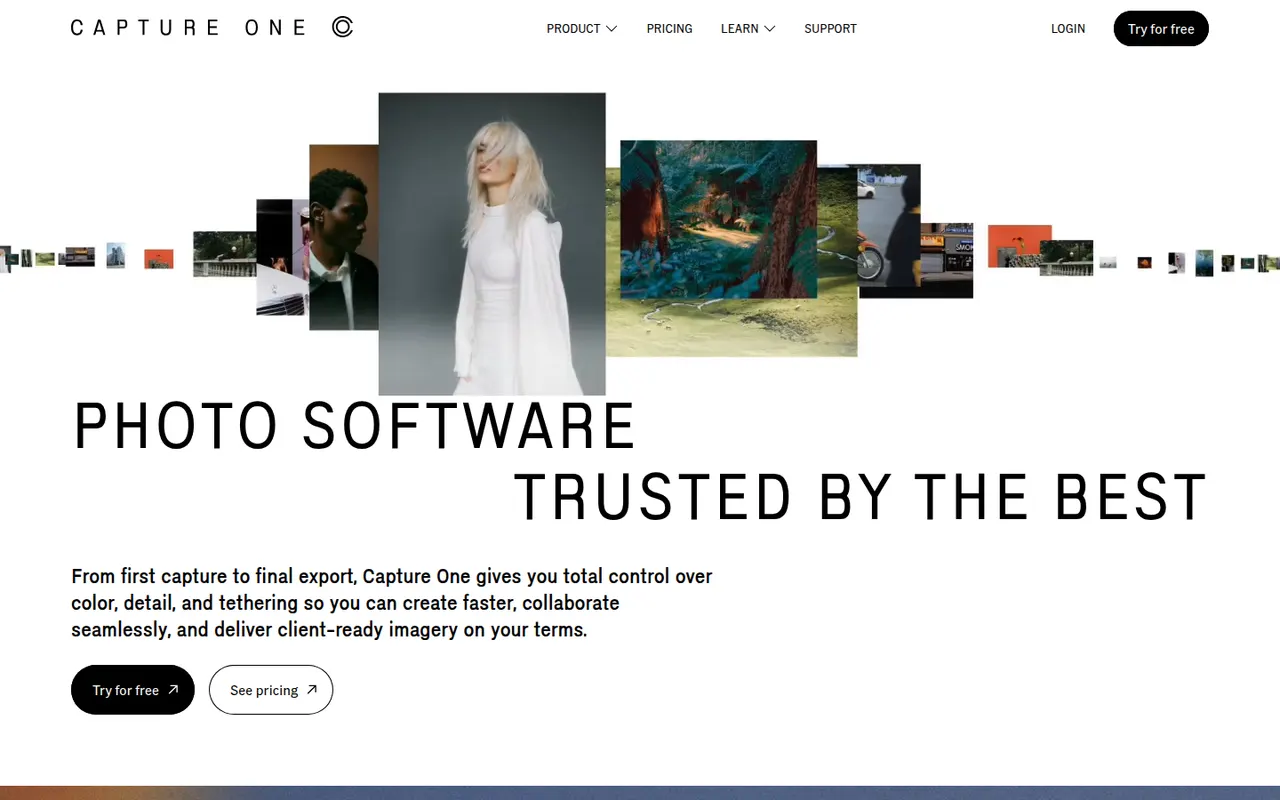
Cost / LicenseFreeOpen sourceCategoriesCapture One is a photo editing and asset management application known for its RAW color rendering and tethered shooting, used in studio, fashion and commercial photography. It offers layer-based local adjustments, advanced color editing, sessions and catalogs for organizing shoots, and live sharing tools for clients. It runs on Windows and macOS, with an app for iPad and iPhone.
7 Capture One alternativesPros
- Renowned RAW color rendering and advanced color tools
- Fast, reliable tethered shooting for studio work
- Layer-based local adjustments and session workflows
Cons
- Pricing is high for hobbyist photographers
- Steep learning curve for newcomers
- Fewer mobile and cloud features than Lightroom
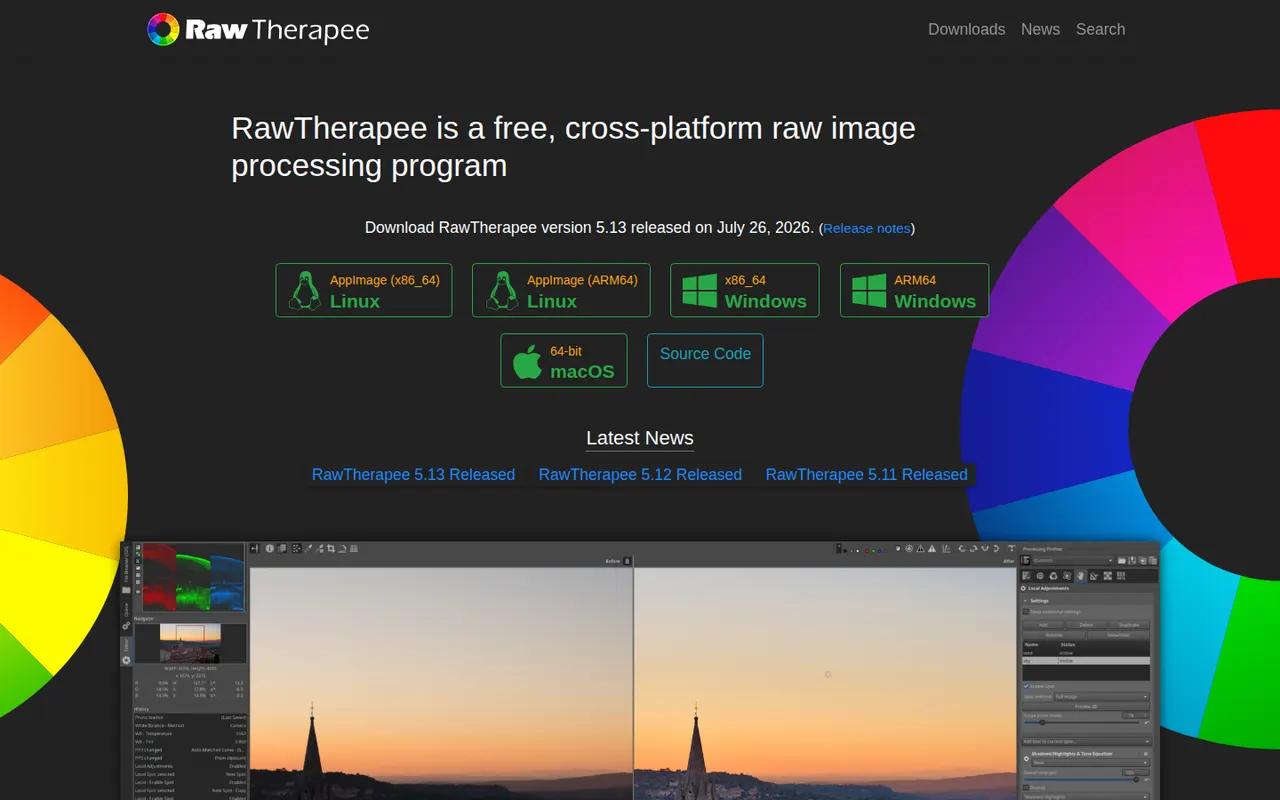
Cost / LicenseFree trialProprietaryCategoriesRawTherapee is a free, open source program for developing RAW photos on Windows, macOS and Linux. It focuses on image quality, with several demosaicing algorithms, advanced noise reduction, color management and detailed tone and color tools, all applied non-destructively through processing profiles. It includes a file browser and batch queue but no catalog, so it suits photographers who organize files themselves.
6 RawTherapee alternativesPros
- Free, open source RAW development with fine-grained controls
- Several demosaicing algorithms and advanced noise reduction
- Batch queue and processing profiles for consistent results
Cons
- No catalog or library management
- Technical interface with a steep learning curve
Cost / LicenseFreeOpen sourceCategories