Best Video Editing software
Desktop and online video editors, from simple trimming to professional timelines.
23 apps
Top Video Editing apps ranked by the community
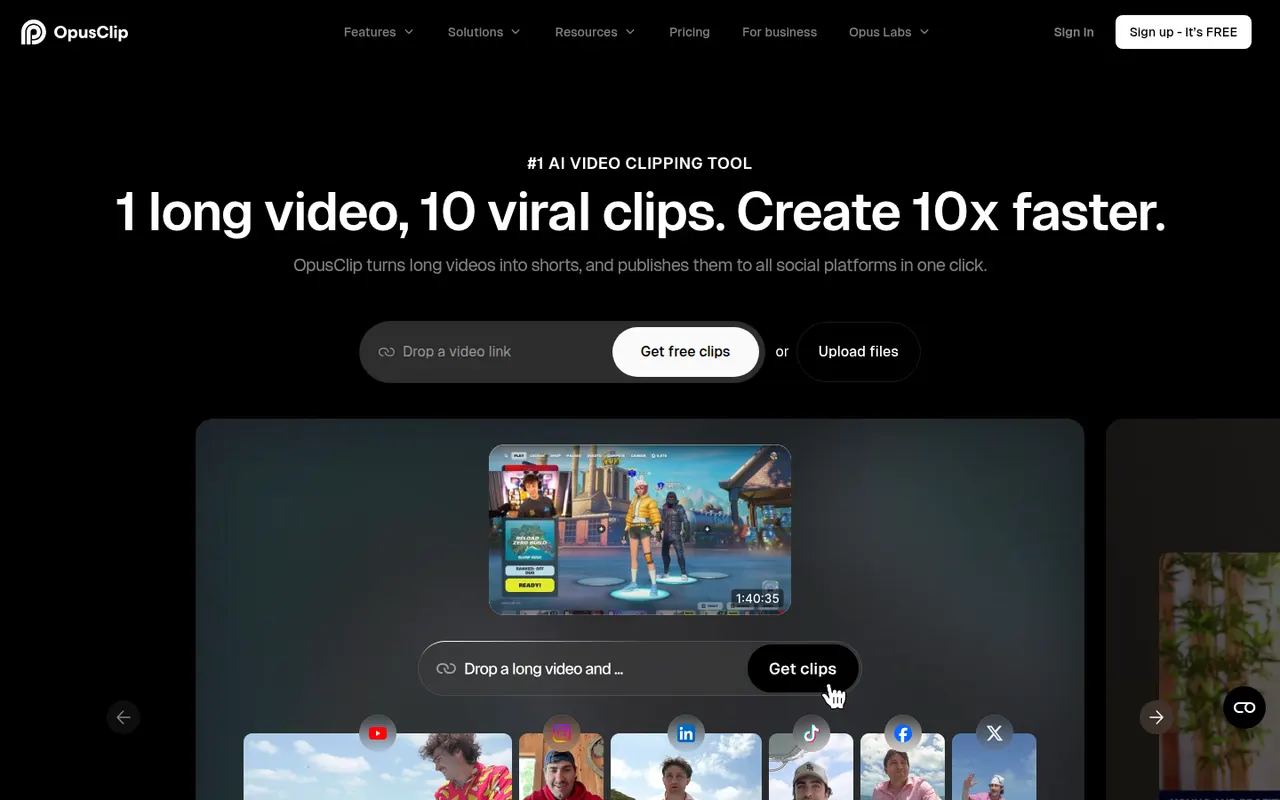
OpusClip analyzes long-form videos, finds the most engaging moments and reframes them into captioned vertical clips ready for social media.
17 OpusClip alternativesPros
- Finds engaging moments in long videos automatically
- Reframes and captions vertical clips for social media
- Schedules and posts clips to social networks
Cons
- Virality scores are only a rough guide to performance
- Free plan has limited credits and adds a watermark
- Works best with talking-head content
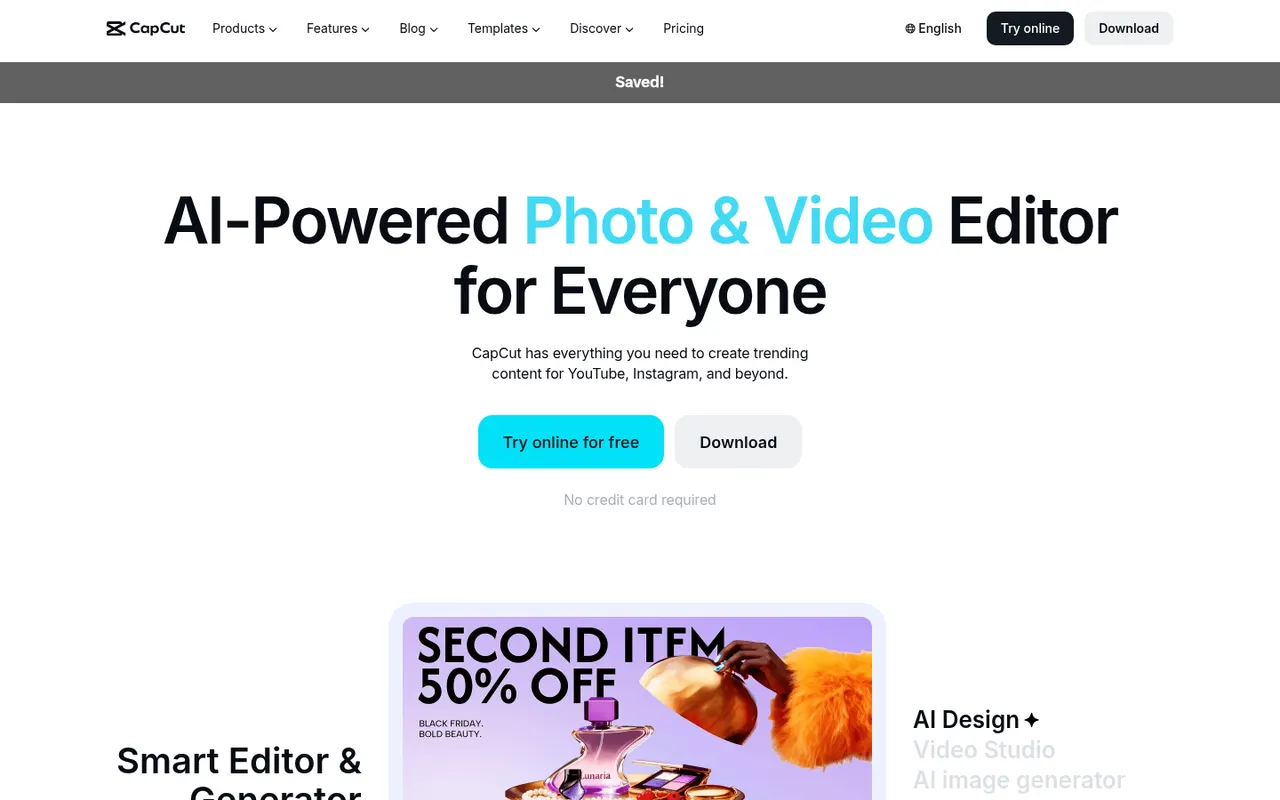
Cost / LicenseFreemiumProprietaryCategoriesPlatformsCapCut is a video editor available on mobile, desktop and the web, with templates, effects, auto captions and AI tools aimed at short-form content.
23 CapCut alternativesPros
- Fast editing with templates and effects tuned for short-form video
- Auto captions and AI tools save time on social content
- Available on mobile, desktop and in the browser
Cons
- Many effects and AI tools require a Pro subscription
- Ownership by ByteDance raises data privacy questions
- Not built for long-form or professional editing
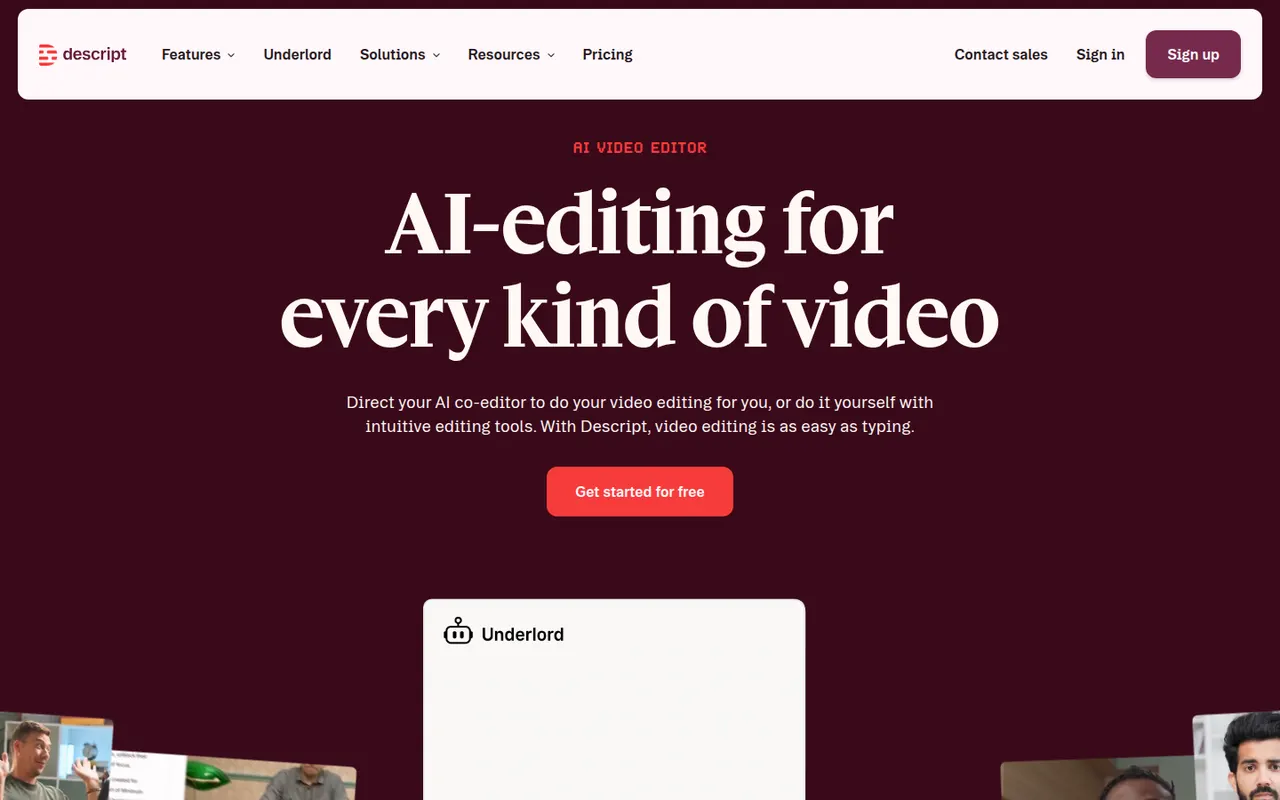
Cost / LicenseFreemiumProprietaryCategoriesDescript transcribes your recordings so you can cut video and audio like a text document, with screen recording, overdub and AI cleanup tools.
17 Descript alternativesPros
- Edit audio and video by editing the transcript like a document
- Filler word removal and AI cleanup speed up podcast editing
- Screen recording and team collaboration built in
Cons
- Less precise than a traditional timeline for complex edits
- Transcription hours and AI features are capped on lower plans
- Can be slow with long or high-resolution projects
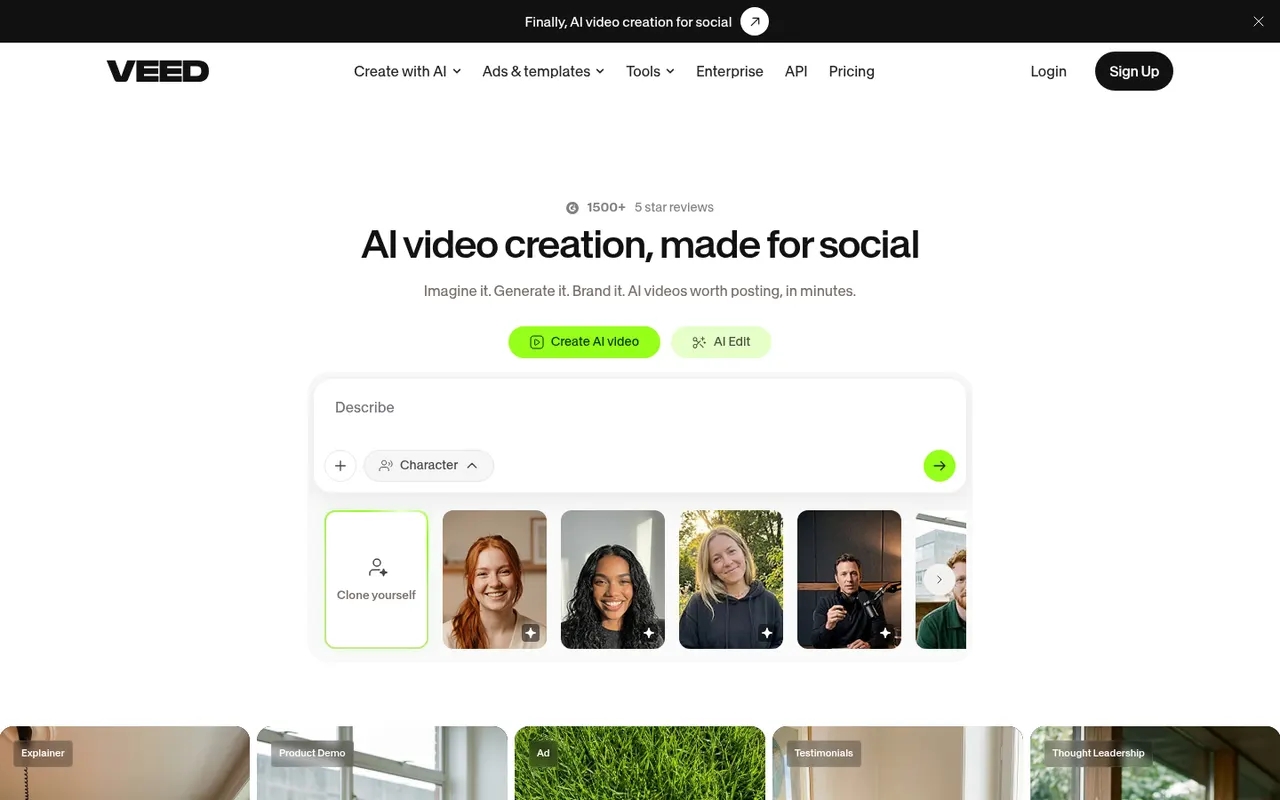
Cost / LicenseFreemiumProprietaryCategoriesVEED is a browser-based video editor with subtitles, translations, avatars and screen recording, built for teams producing social and marketing videos.
21 VEED alternativesPros
- Fast automatic subtitles and translations in the browser
- Screen recording and AI avatars in the same tool
- Team workspaces suit marketing and social video production
Cons
- Free plan exports carry a watermark
- Browser editing can lag on longer videos
- Advanced AI features require higher-tier plans
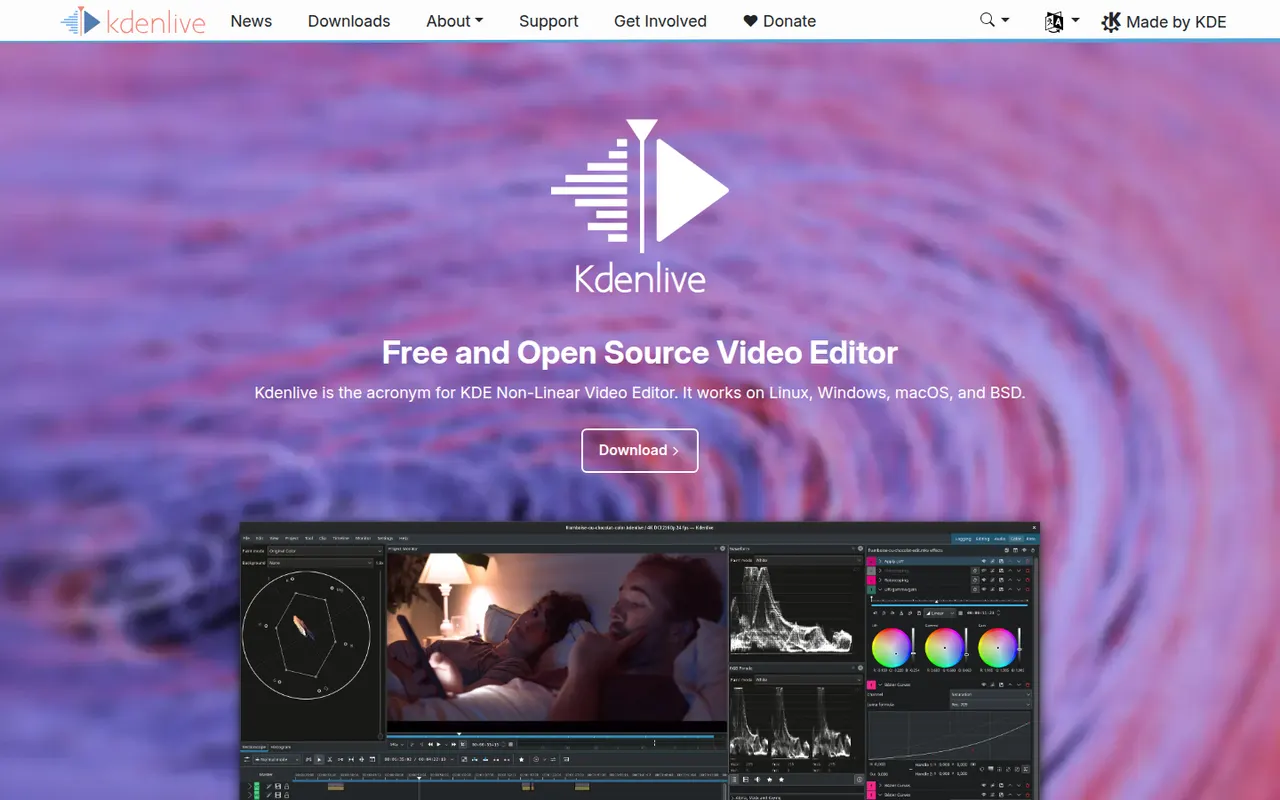
Cost / LicenseFreemiumProprietaryCategoriesPlatformsKdenlive is a multi-track video editor developed by the KDE community, with effects, transitions, proxy editing and automatic subtitles.
11 Kdenlive alternativesPros
- Free and open source, with no watermarks or paywalls
- Multi-track editing with proxy clips for smoother playback
- Runs on Windows, macOS and Linux
Cons
- Can crash or behave unpredictably on complex projects
- Interface takes time for beginners to learn
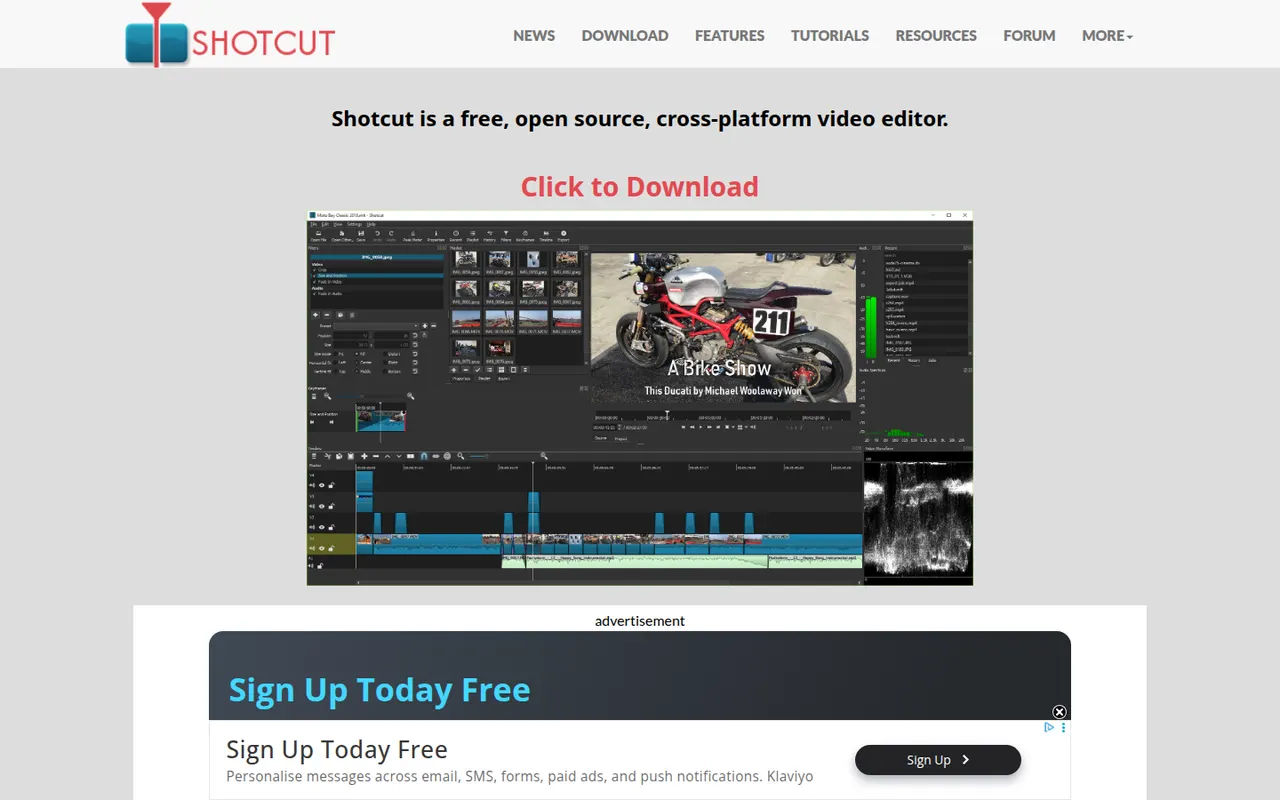
Cost / LicenseFreeOpen sourceCategoriesFeaturesShotcut is a cross-platform video editor with native timeline editing, wide format support and no import step, built on the MLT framework.
12 Shotcut alternativesPros
- Free and open source, with no watermarks or upsells
- Wide format support and native timeline editing with no import step
- Runs on Windows, macOS and Linux
Cons
- Interface feels less intuitive than consumer editors
- Fewer templates and effects than commercial tools
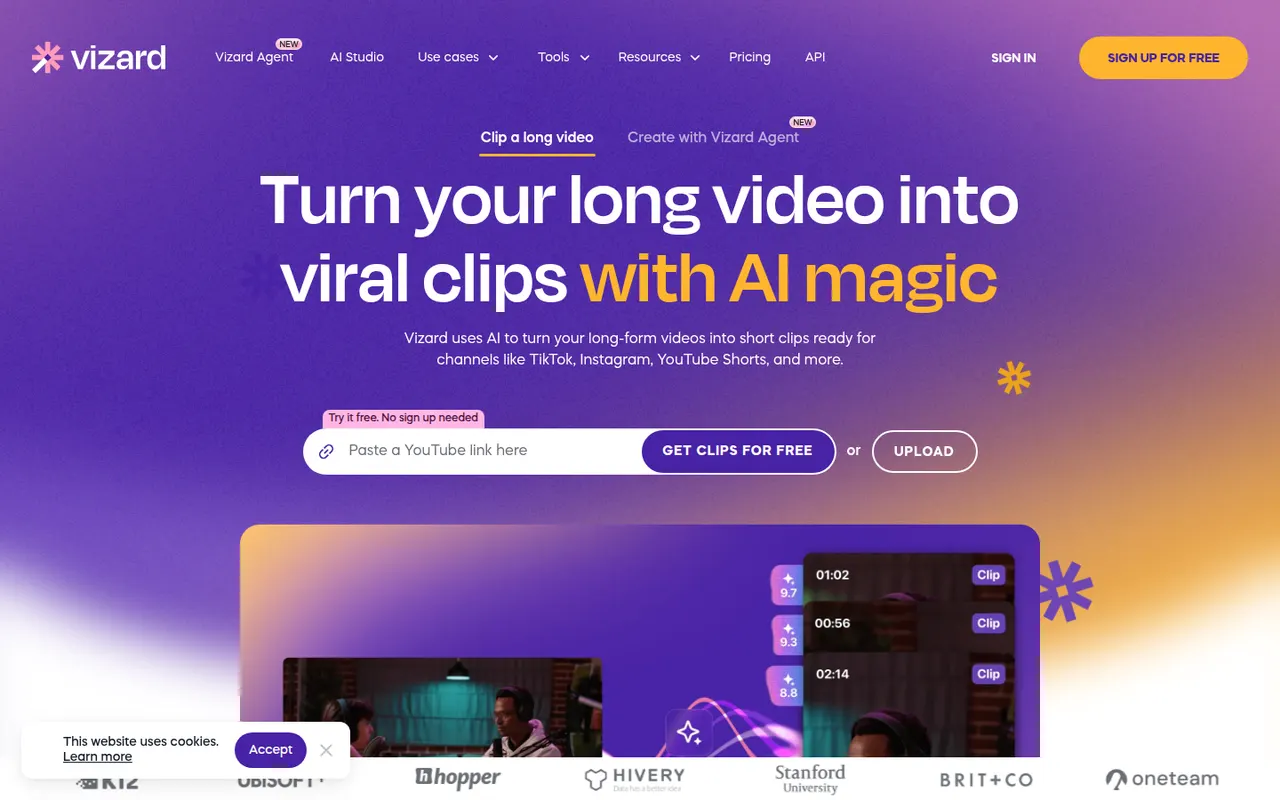
Cost / LicenseFreeOpen sourceCategoriesFeaturesVizard is a browser-based tool that finds the most engaging moments in long videos such as podcasts, webinars or streams and turns them into vertical clips. It adds animated captions, reframes speakers automatically and includes a simple editor, plus options to schedule and publish clips to social networks. It is built for creators and marketing teams repurposing content.
8 Vizard alternativesPros
- Finds engaging moments in podcasts, webinars and streams
- Automatic speaker reframing and animated captions
- Schedules and publishes clips to social networks
Cons
- The simple editor limits detailed adjustments
- AI clip picks often need manual review
- Free plan has limited usage and features
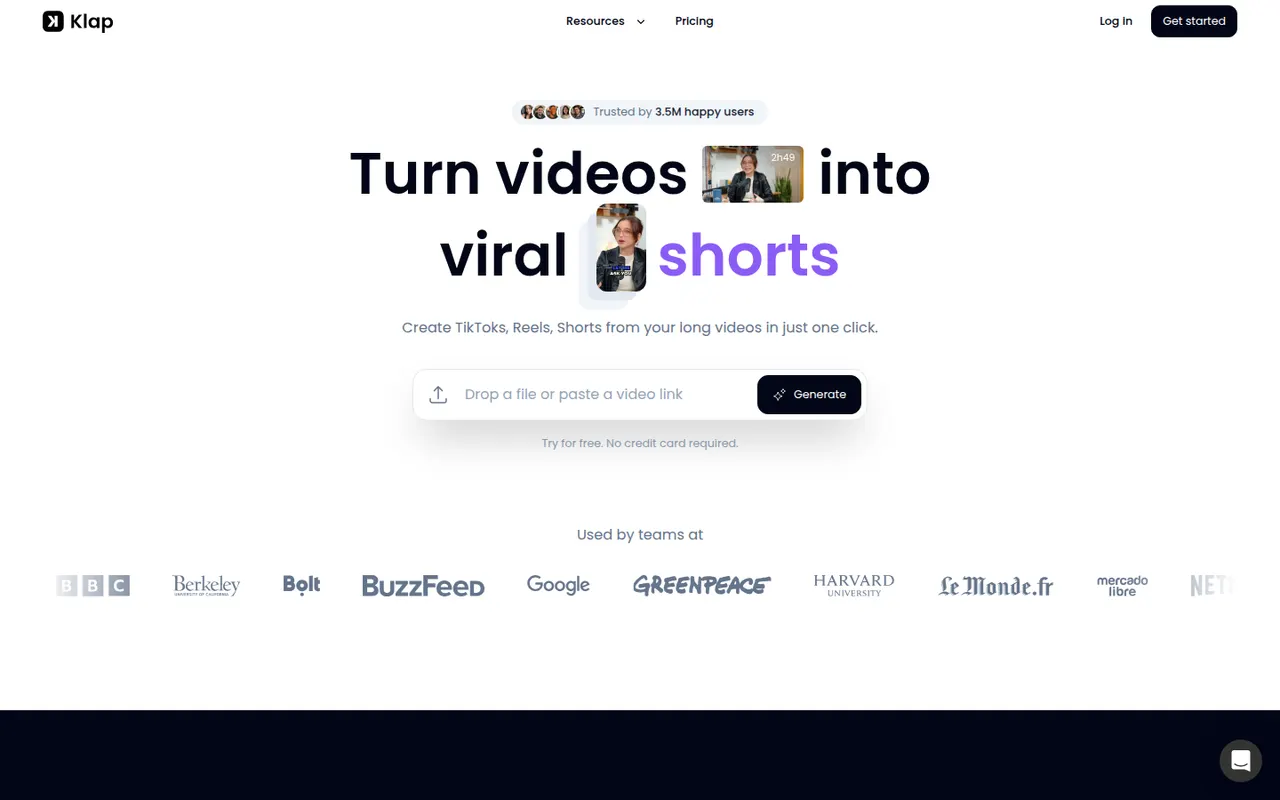
Cost / LicenseFreemiumProprietaryCategoriesPlatformsKlap uses AI to analyze long videos, such as YouTube episodes, podcasts or interviews, and cut them into vertical short clips with automatic reframing and captions. Users can review the suggested clips, adjust them in an editor and publish them to short-form platforms. It is aimed at creators who want to repurpose content without editing by hand.
8 Klap alternativesPros
- Finds and cuts short clips from long videos automatically
- Auto-reframes to vertical and adds captions
- Publishes clips straight to short-form platforms
Cons
- Suggested clips still need review to weed out weak moments
- Editor is basic compared with full video editing software
Cost / LicenseFree trialProprietaryCategoriesPlatformsSubmagic is a web app that adds styled, animated captions to short videos, with keyword highlights and emojis, in many languages. It can also insert B-roll, zoom effects, sound effects and transitions automatically, and cut long videos into shorts. Creators, agencies and brands use it to speed up editing for TikTok, Reels and YouTube Shorts.
8 Submagic alternativesPros
- Animated captions with keyword highlights and emojis
- Automatic B-roll, zooms, sound effects and transitions
- Captions available in many languages
Cons
- No lasting free plan, only a trial
- Popular caption styles can make videos look alike
Cost / LicenseFree trialProprietaryCategoriesPlatformsCaptions is an AI-powered video creation app for people who talk on camera. It generates captions automatically, removes filler words and pauses, corrects eye contact, dubs videos into other languages and can produce videos with AI avatars from a script. It started on iPhone and is now also available on Android and the web.
11 Captions alternativesPros
- Automatic captions plus filler word and pause removal
- Eye contact correction and AI dubbing for talking videos
- Mobile-first editing on iPhone and Android, plus a web app
Cons
- Most AI features require a paid subscription
- Less suited to complex edits than a desktop video editor
Cost / LicenseFreemiumProprietaryCategoriesPremiere Pro is Adobe's timeline-based video editor for film, television, YouTube and corporate work. It handles multi-camera editing, Lumetri color correction, speech-to-text captions and transcript-based editing, and connects with After Effects, Audition and Frame.io for review. It is sold as a Creative Cloud subscription for Windows and macOS.
9 Adobe Premiere Pro alternativesPros
- Widely used in professional video, so skills transfer easily
- Transcript-based editing and automatic captions speed up cuts
- Works smoothly with After Effects, Audition and Frame.io
Cons
- Subscription-only pricing adds up over time
- Can be unstable or sluggish on large projects
- Interface is complex for newcomers
Cost / LicenseFree trialProprietaryCategoriesFinal Cut Pro is Apple's professional video editing software for Mac, with a companion version for iPad. Its magnetic timeline keeps clips in sync as you edit, and it includes color grading tools, multicam editing, automatic captions and a large ecosystem of third-party effects and templates. It is optimized for Apple silicon and available on the App Store, with a free trial.
10 Final Cut Pro alternativesPros
- Magnetic timeline keeps clips in sync while editing
- Very fast performance on Apple silicon
- One-time purchase for the Mac version, with no subscription
Cons
- Only available on Mac and iPad
- Magnetic timeline can feel unfamiliar to editors used to tracks
- Less common than Premiere or Avid in collaborative studio workflows
Cost / LicenseFree trialProprietaryCategoriesDaVinci Resolve from Blackmagic Design combines video editing, its well-known color grading tools, Fusion visual effects and Fairlight audio post-production in a single application. The free version is unusually complete, while the paid Studio version adds AI tools, higher resolutions and frame rates, and extra effects. It runs on Windows, macOS, Linux and iPad.
10 DaVinci Resolve alternativesPros
- Free version is remarkably complete for professional work
- Renowned color grading tools used in film and television
- Editing, VFX and audio post-production in a single app
Cons
- Steep learning curve, especially for color and Fusion
- Needs a powerful GPU for smooth playback
- Some AI tools and higher resolutions require the paid Studio version
Cost / LicenseFreemiumProprietaryiMovie is Apple's free video editor for Mac, iPhone and iPad. It covers the basics with a simple timeline, titles, transitions, filters, green-screen effects and soundtracks, plus trailer templates and storyboards that guide beginners. Projects can be moved to Final Cut Pro when more advanced editing is needed.
8 iMovie alternativesPros
- Free on Mac, iPhone and iPad
- Trailer templates and storyboards guide beginners
- Projects can move to Final Cut Pro when needs grow
Cons
- Very limited control over tracks and effects
- Apple-only, with no Windows or Android version
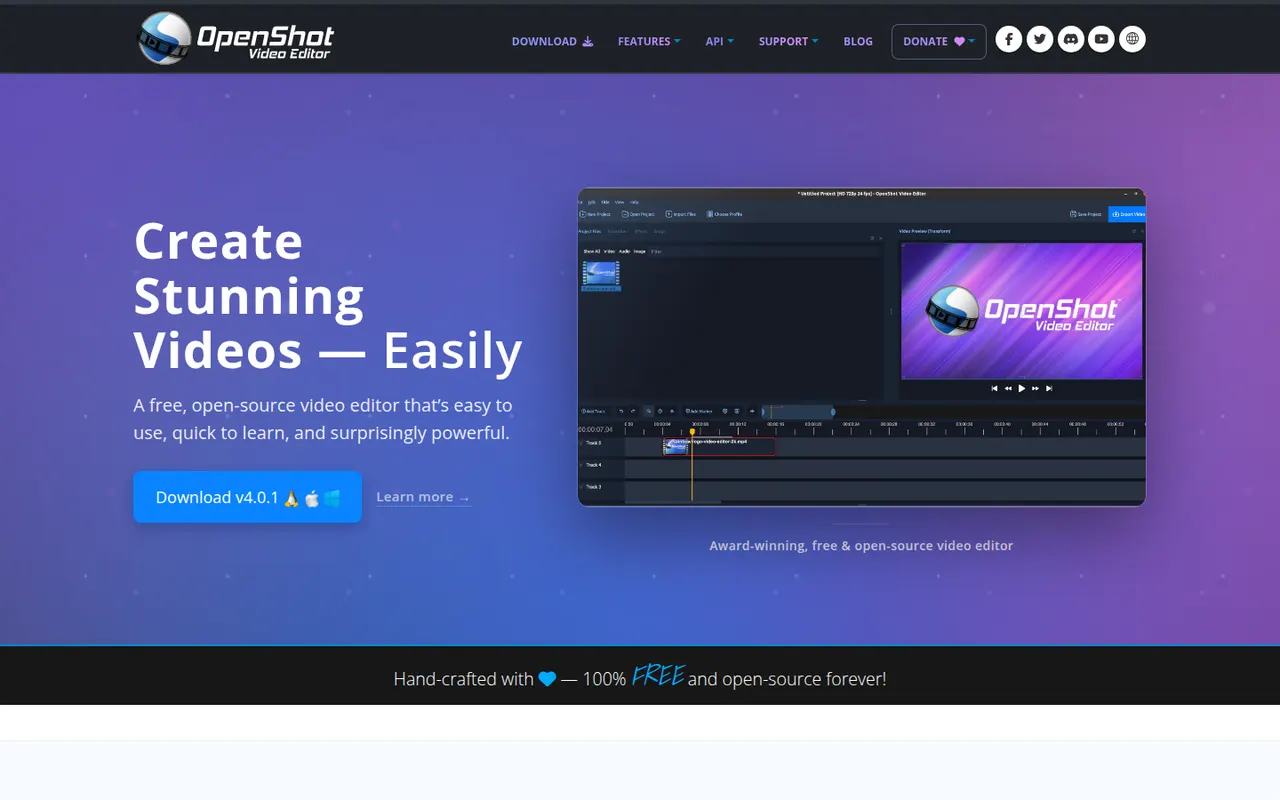
Cost / LicenseFreeProprietaryCategoriesFeaturesOpenShot is a free, open source video editor designed to be easy to learn. It offers a multi-track timeline with drag and drop, keyframe animations, transitions, title templates, chroma key and 3D animated titles rendered with Blender. It runs on Windows, macOS, Linux and ChromeOS and is a common choice for beginners who want a no-cost desktop editor.
8 OpenShot alternativesPros
- Simple drag-and-drop editing that beginners learn quickly
- Free and open source on Windows, macOS, Linux and ChromeOS
- Animated 3D titles rendered with Blender
Cons
- Performance and stability suffer on longer projects
- Limited advanced tools compared with DaVinci Resolve or Kdenlive
Cost / LicenseFreeOpen sourceCategoriesFilmora is a consumer video editor from Wondershare for YouTubers, educators and small businesses. It pairs a multi-track timeline with a large library of effects, templates and stock media, and adds AI tools such as auto captions, background removal, text-to-speech and audio denoising. It is available for Windows and macOS, with mobile apps; the free version adds a watermark on export.
11 Filmora alternativesPros
- Beginner-friendly interface with a gentle learning curve
- Large library of effects, templates and stock media
- AI tools for captions, background removal and audio denoising
Cons
- Free version adds a watermark to exports
- Some effects and AI features cost extra
- Not suited to complex professional projects
Cost / LicenseFreemiumProprietaryCategoriesClipchamp is Microsoft's easy video editor, included with Windows 11 and available in the browser and with Microsoft 365. It focuses on quick edits with templates, stock media, text-to-speech voiceovers, auto captions and green screen, which suits social videos, presentations and work updates. The free plan exports in 1080p, while Premium unlocks 4K and more stock content.
9 Clipchamp alternativesPros
- Included with Windows 11 and easy for beginners
- Templates, stock media and text-to-speech voiceovers built in
- Free plan exports in 1080p without a watermark
Cons
- 4K export and premium stock content require a paid plan
- Limited for advanced work such as multicam or detailed color grading
Cost / LicenseFreemiumProprietaryCategoriesLightworks is a long-standing non-linear editor that has been used on feature films and television, now developed by LWKS Software. It offers a multi-track timeline, precise trimming tools, color correction and wide format support on Windows, macOS and Linux. A free version lets anyone learn it with limited export options, while paid plans add higher resolution exports and pro formats.
7 Lightworks alternativesPros
- Pro-grade trimming tools with a film and TV pedigree
- Runs on Windows, macOS and Linux
- Free version is enough to learn professional editing
Cons
- Free version limits export resolution and formats
- Unconventional interface with a steep learning curve
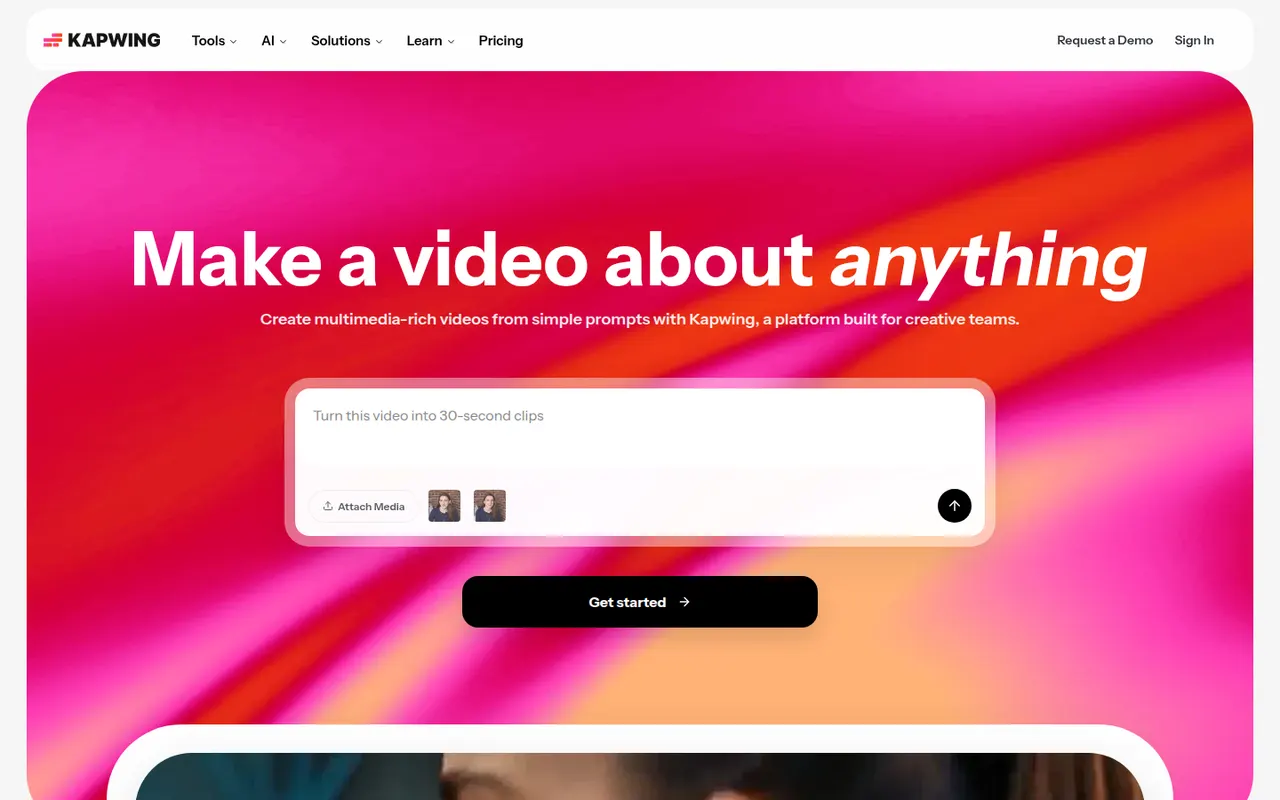
Cost / LicenseFreemiumProprietaryCategoriesKapwing is a browser-based video editor built for teams that produce content together in real time. It includes transcript-based editing, automatic subtitles and translation, silence removal, a clip maker for repurposing long videos, and templates for social formats. It requires no installation and offers a free plan with export limits.
9 Kapwing alternativesPros
- Real-time collaborative editing in the browser
- Automatic subtitles, translation and silence removal
- Clip maker repurposes long videos into social shorts
Cons
- Free plan exports are limited
- Browser editing struggles with long or heavy projects
- Fewer advanced controls than desktop editors
Cost / LicenseFreemiumProprietaryCategoriesPlatformsAfter Effects is Adobe's application for motion graphics, title animations, compositing and visual effects. It works with layers and keyframes, includes keying, motion tracking and rotoscoping tools, and supports a large ecosystem of plugins, scripts and templates. It is typically paired with Premiere Pro and sold through a Creative Cloud subscription for Windows and macOS.
8 Adobe After Effects alternativesPros
- Standard tool for motion graphics and compositing
- Huge ecosystem of plugins, scripts and templates
- Tight integration with Premiere Pro and other Adobe apps
Cons
- Steep learning curve for beginners
- Only available through a Creative Cloud subscription
- Demanding on hardware, with slow previews on complex projects
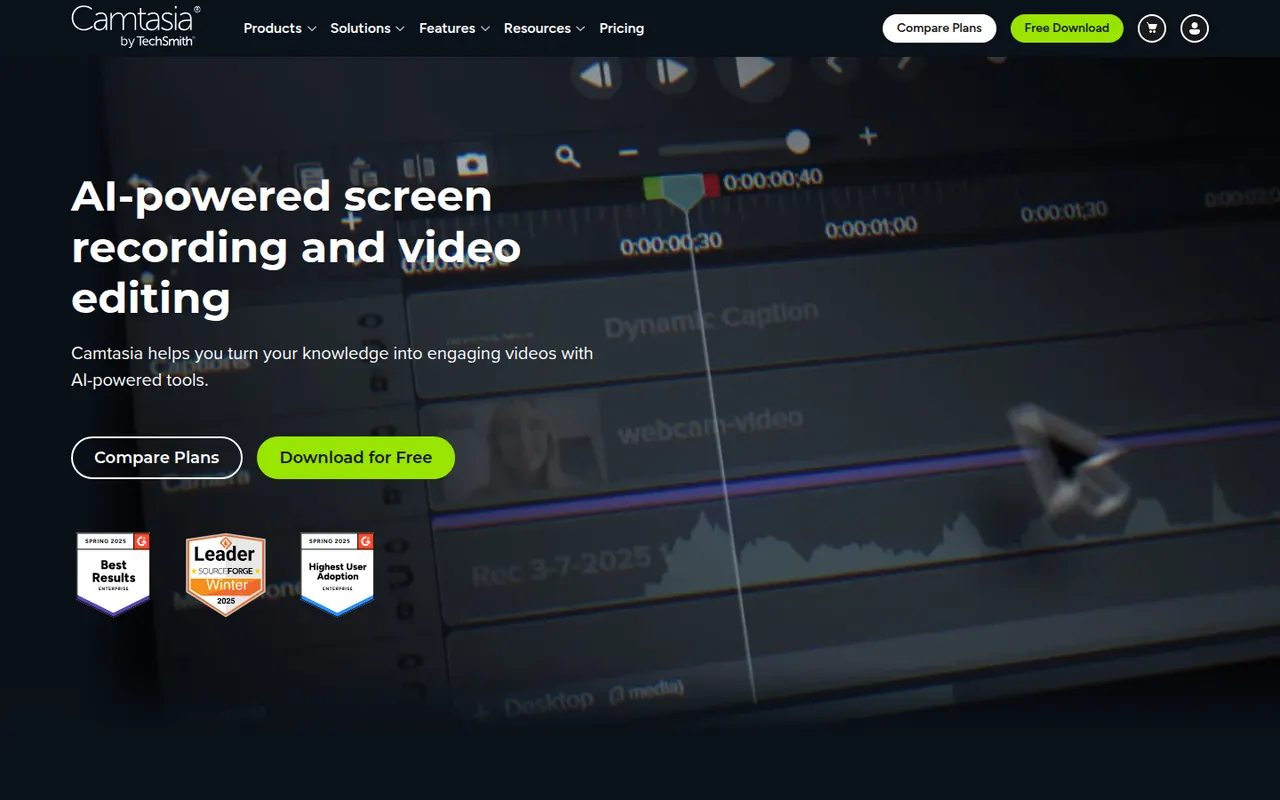
Cost / LicenseFree trialProprietaryCategoriesCamtasia from TechSmith combines a screen and webcam recorder with a timeline editor tailored to tutorials, product demos and training videos. It provides callouts, cursor effects, zoom and pan animations, quizzes and templates, so non-editors can produce polished instructional content. It runs on Windows and macOS and is sold by subscription, with a free trial.
12 Camtasia alternativesPros
- Recorder and timeline editor tailored to tutorials
- Callouts, cursor effects and zooms without video editing skills
- Quizzes and templates for training content
Cons
- The subscription is expensive for occasional use
- Can slow down on long or complex projects
- Less flexible than a full video editor for advanced edits
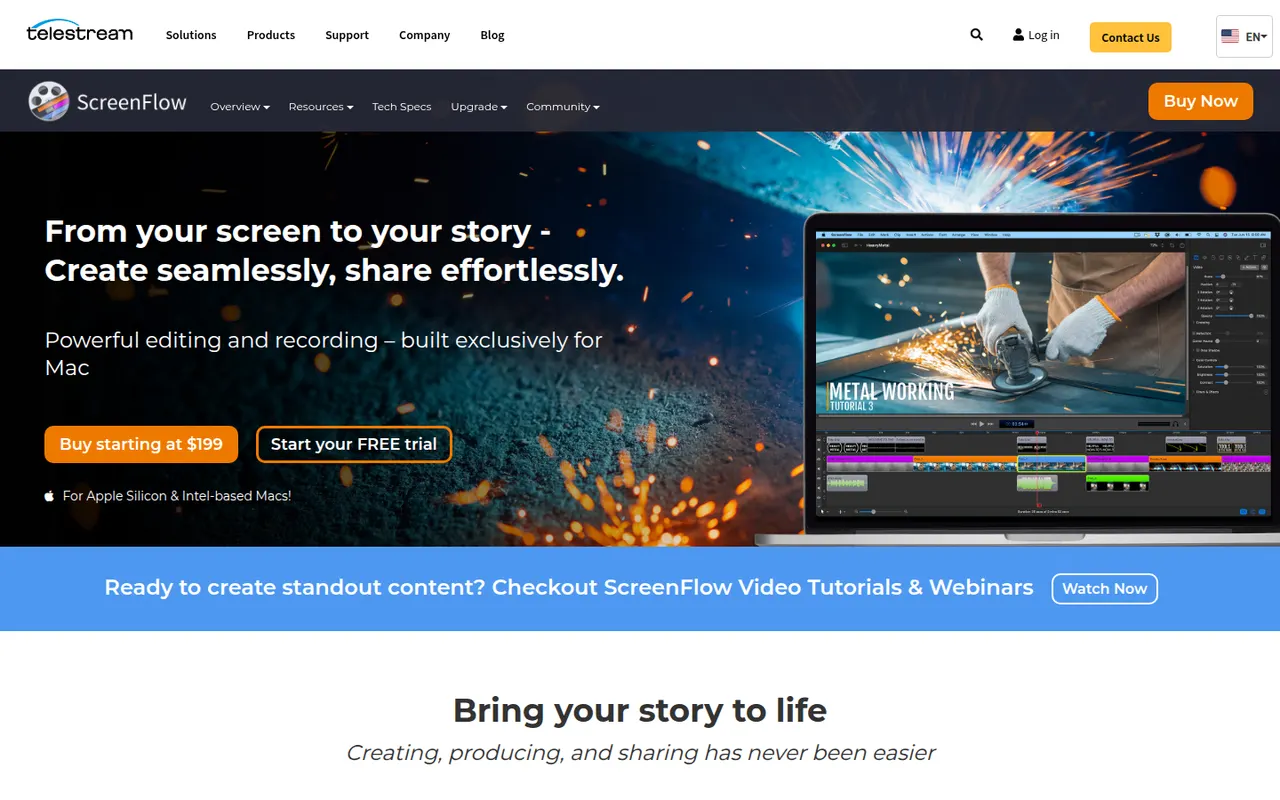
Cost / LicenseFree trialProprietaryCategoriesScreenFlow by Telestream is a Mac app for recording the screen, camera, microphone and a connected iPhone or iPad, then editing everything on a multi-track timeline. It adds callouts, text, transitions, freehand annotations and a stock media library, and is used for tutorials, courses and software demos. It is a paid app with a free trial that adds a watermark.
8 ScreenFlow alternativesPros
- Records the screen, camera and a connected iPhone or iPad
- Multi-track timeline with callouts, text and annotations
- Access to a stock media library from the editor
Cons
- Available on macOS only, with no Windows version
- Trial exports carry a watermark
- Effects take more manual work than newer automatic recorders
Cost / LicenseFree trialProprietaryCategoriesPlatformsRiverside is an online studio for recording podcasts, interviews and video shows with remote guests. Each participant is recorded locally in high quality, so unstable connections do not ruin the result, and files upload progressively. It adds transcription, a text-based editor, background noise removal, AI clips for social media and live streaming, on the web and mobile apps.
7 Riverside alternativesPros
- Local recording keeps quality high even on shaky connections
- Transcript-based editor and AI clips speed up publishing
- Guests join from a browser link or the mobile app
Cons
- Advanced editing and AI features are reserved for paid plans
- Guests must stay connected until their local recording finishes uploading
Cost / LicenseFreemiumProprietary