Apps with AI avatars
7 apps
Top AI avatars apps ranked by the community
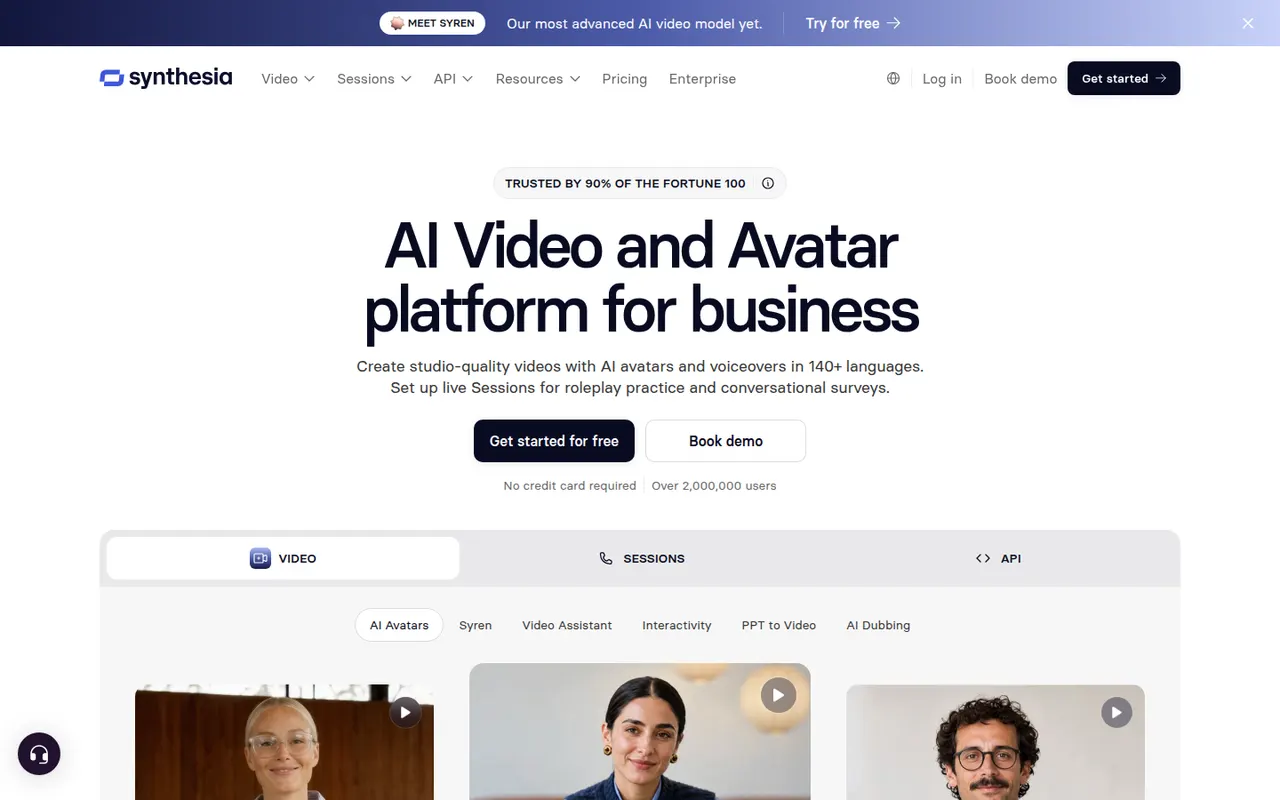
Synthesia creates presenter-led videos from text using realistic AI avatars and voices in many languages, mostly for training and corporate communication.
12 Synthesia alternativesPros
- Realistic avatars and voices in many languages
- Update a video by editing text instead of reshooting
- Templates and team collaboration for corporate videos
Cons
- Avatars can feel stiff for emotional or creative content
- Free plan is very limited, with most features on paid tiers
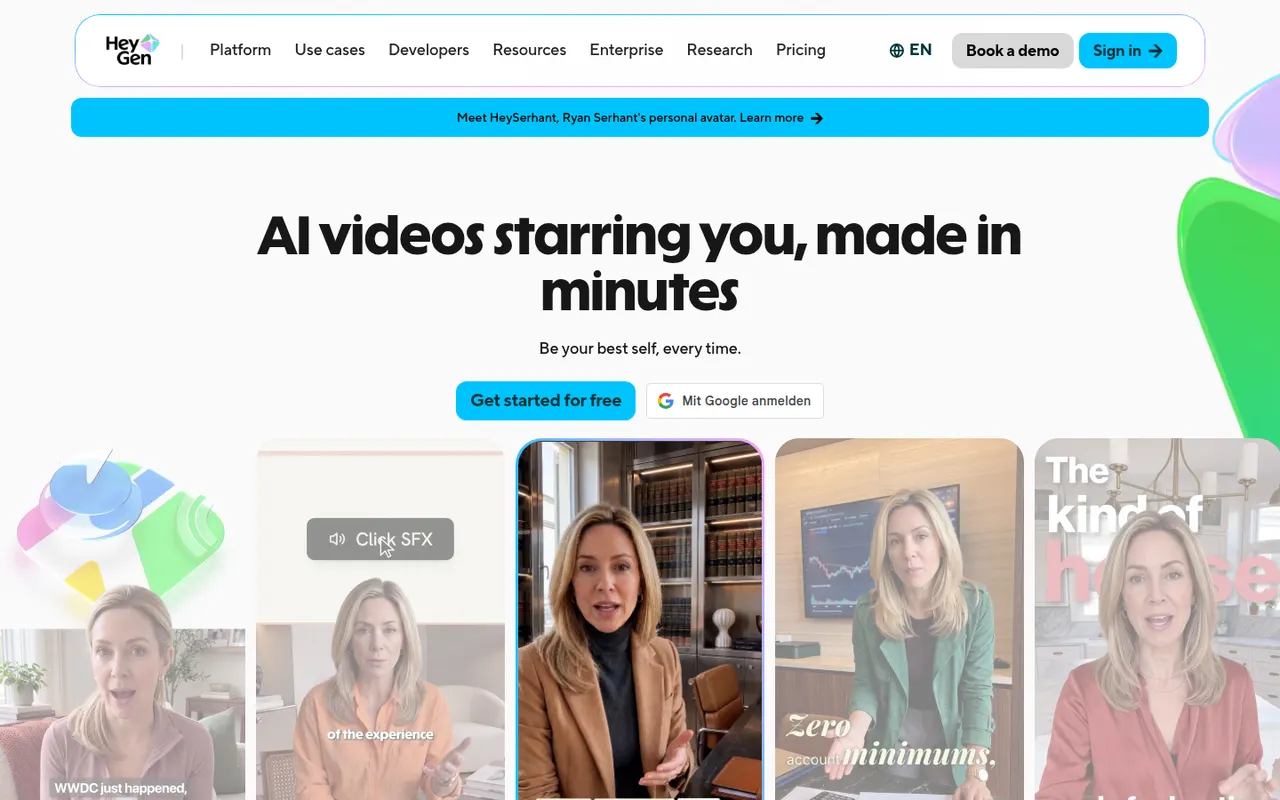
Cost / LicenseFreemiumProprietaryCategoriesPlatformsHeyGen generates videos with AI avatars, clones your own avatar and voice, and translates videos into other languages with lip-sync.
18 HeyGen alternativesPros
- Clone your own avatar and voice for presenter videos
- Video translation with lip-sync into other languages
- API for generating avatar videos at scale
Cons
- Free plan is limited and adds a watermark
- Avatars can show unnatural gestures in longer videos
- Credit usage adds up quickly on long videos
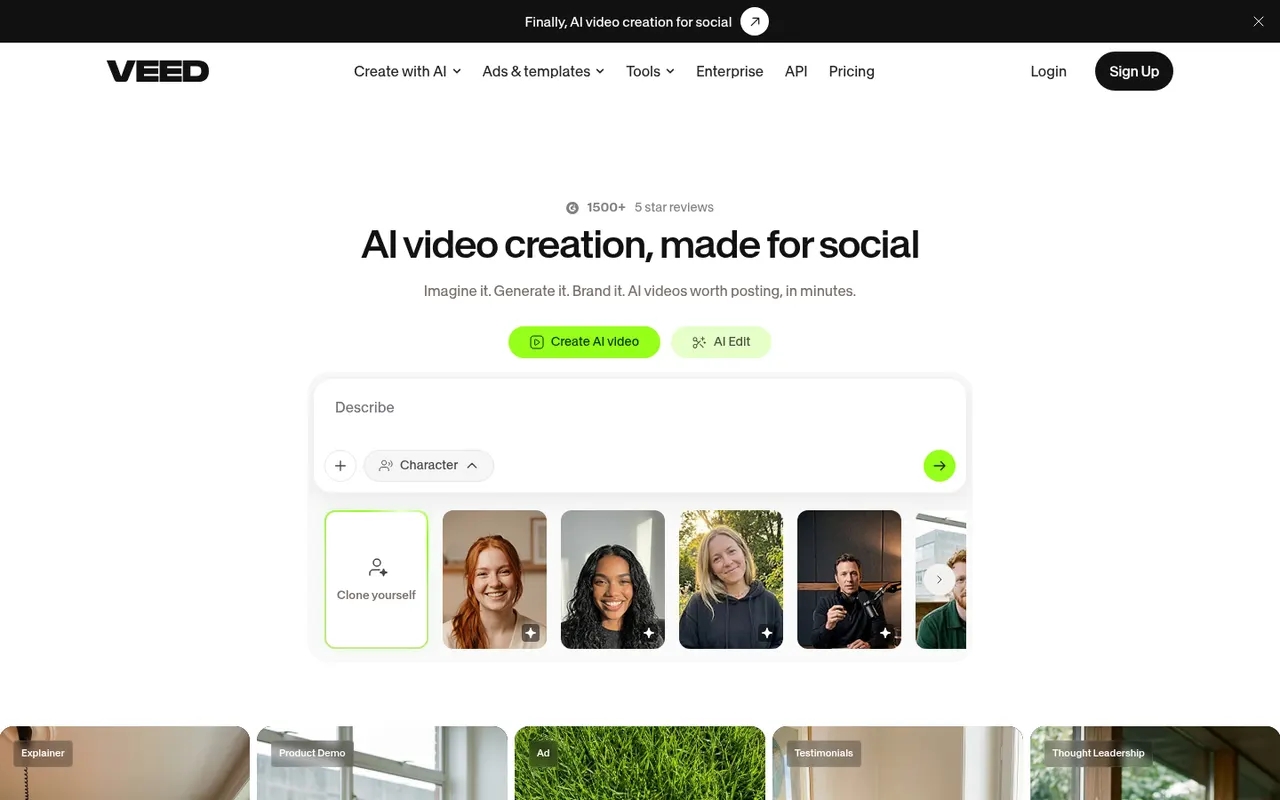
Cost / LicenseFreemiumProprietaryCategoriesPlatformsVEED is a browser-based video editor with subtitles, translations, avatars and screen recording, built for teams producing social and marketing videos.
21 VEED alternativesPros
- Fast automatic subtitles and translations in the browser
- Screen recording and AI avatars in the same tool
- Team workspaces suit marketing and social video production
Cons
- Free plan exports carry a watermark
- Browser editing can lag on longer videos
- Advanced AI features require higher-tier plans
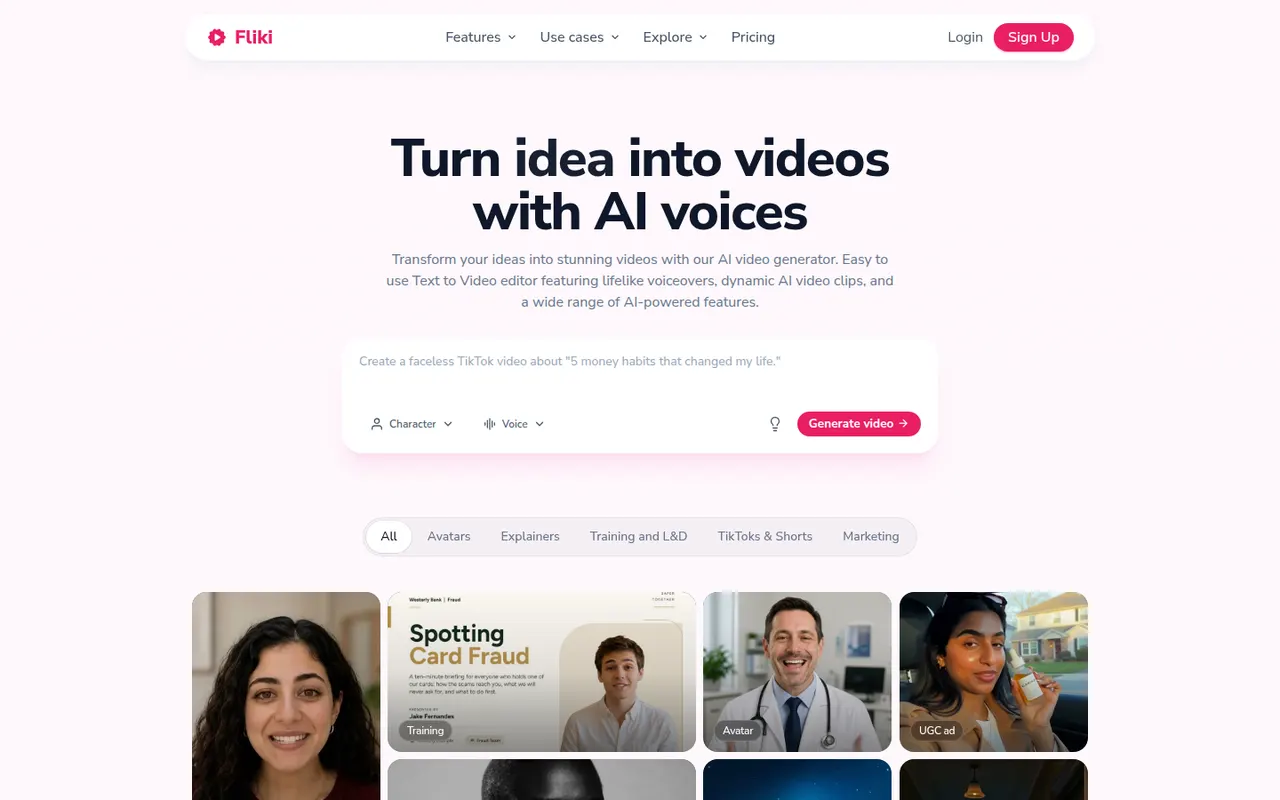
Cost / LicenseFreemiumProprietaryCategoriesPlatformsFliki is a web app that turns text, blog posts, presentations or ideas into narrated videos. It matches scenes with stock footage and images, adds AI voiceovers in many languages and accents, and can use avatars or a cloned voice. It suits marketers, educators and creators who want faceless videos or audio content without recording themselves.
12 Fliki alternativesPros
- Turns blog posts, scripts or slides into narrated videos
- AI voices in many languages and accents, plus voice cloning
- Scenes are matched with stock footage automatically
Cons
- Stock footage picks often need manual swapping
- Free plan is limited and adds a watermark
- Little room for custom footage or detailed editing
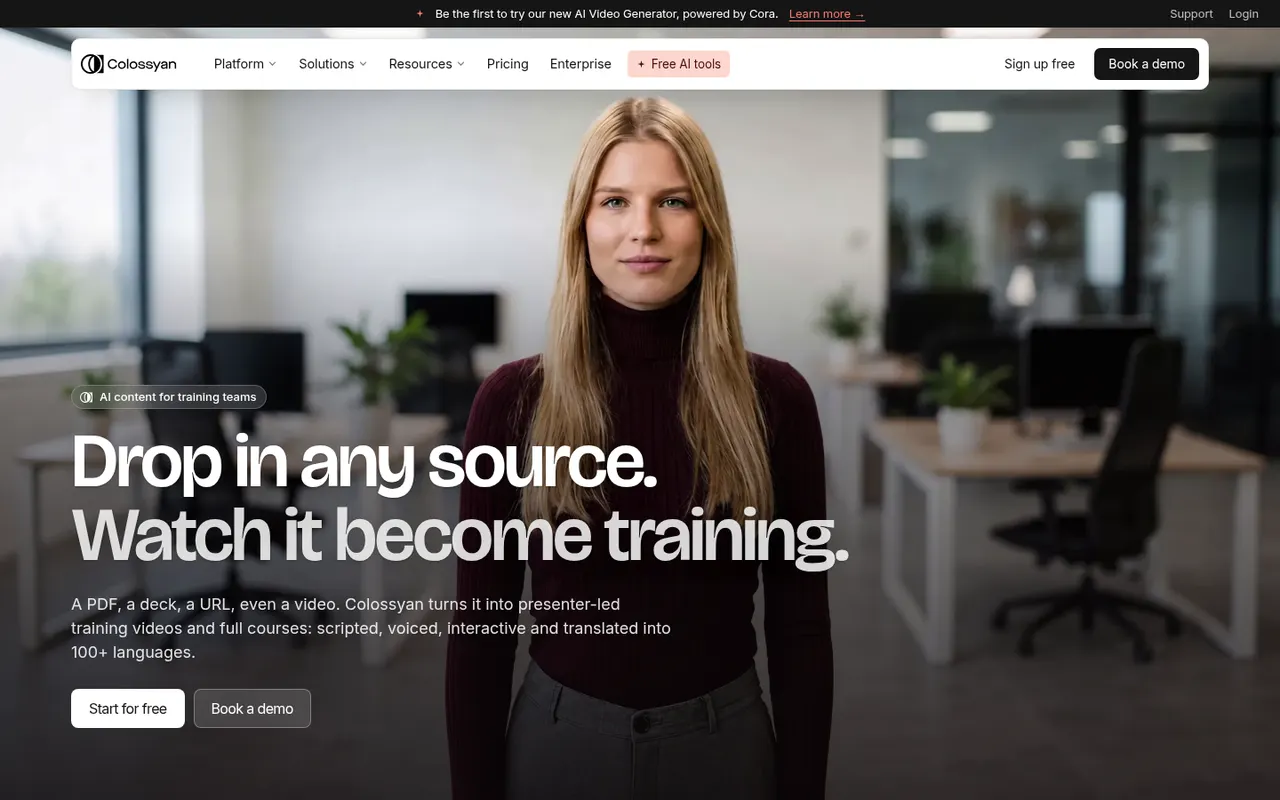
Cost / LicenseFreemiumProprietaryPlatformsColossyan is a web platform for creating training and explainer videos with AI avatars that read a script in many languages. It is aimed at learning and development teams, with features such as scenario-based conversations between avatars, quizzes, document-to-video conversion, brand kits and export to e-learning formats like SCORM.
7 Colossyan alternativesPros
- Scenario-based conversations between avatars for training
- Exports to e-learning formats such as SCORM
- Document-to-video conversion speeds up course creation
Cons
- Avatars can still look stiff in longer videos
- Free plan is limited, with key features on paid tiers
- Focused on corporate training rather than creative content
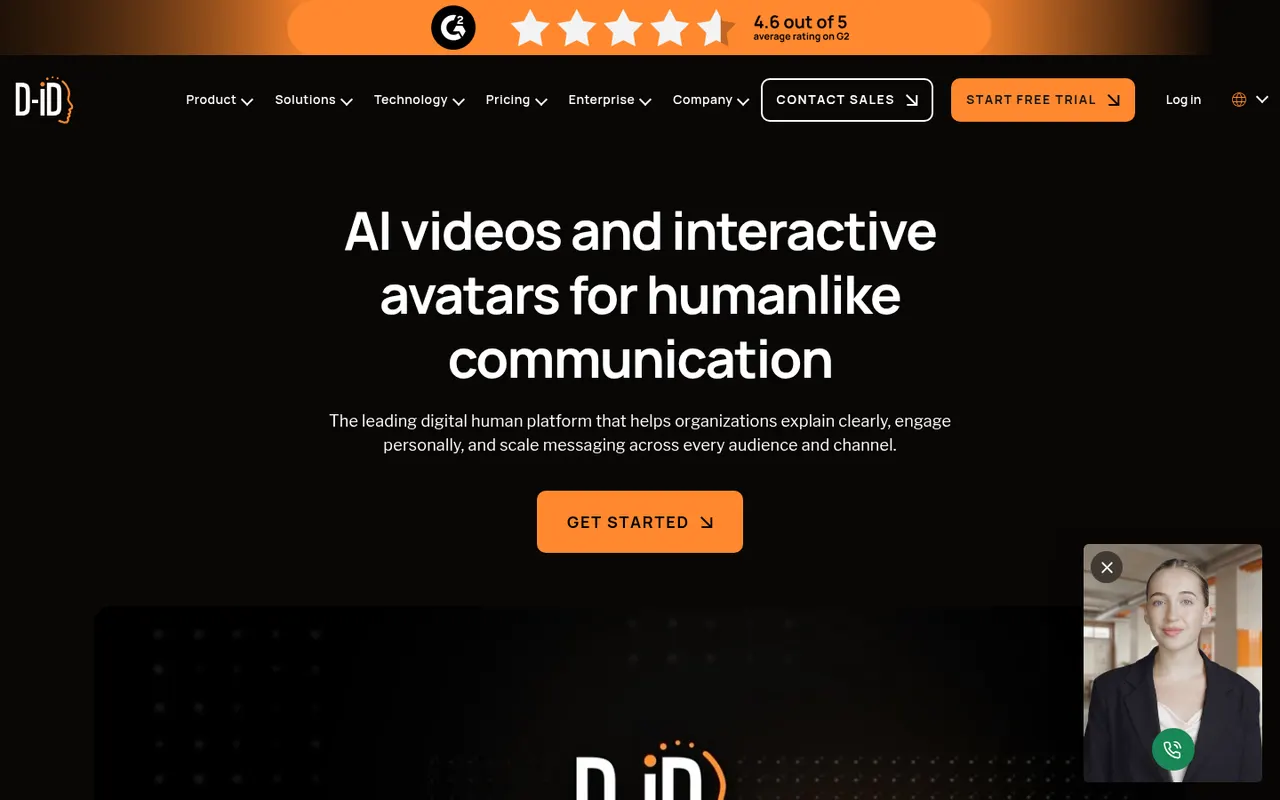
Cost / LicenseFreemiumProprietaryCategoriesPlatformsD-ID turns a still photo or a stock avatar into a talking presenter driven by text or recorded audio. Its Creative Reality Studio is used for marketing, training and personalized videos, while its API and interactive agents let companies build real-time conversational avatars into websites and apps.
7 D-ID alternativesPros
- Turns a single photo into a talking presenter
- API and interactive agents for real-time conversational avatars
- Avatars can be driven by typed text or recorded audio
Cons
- Photo-based animation can look less natural than video avatars
- No lasting free plan, only a trial
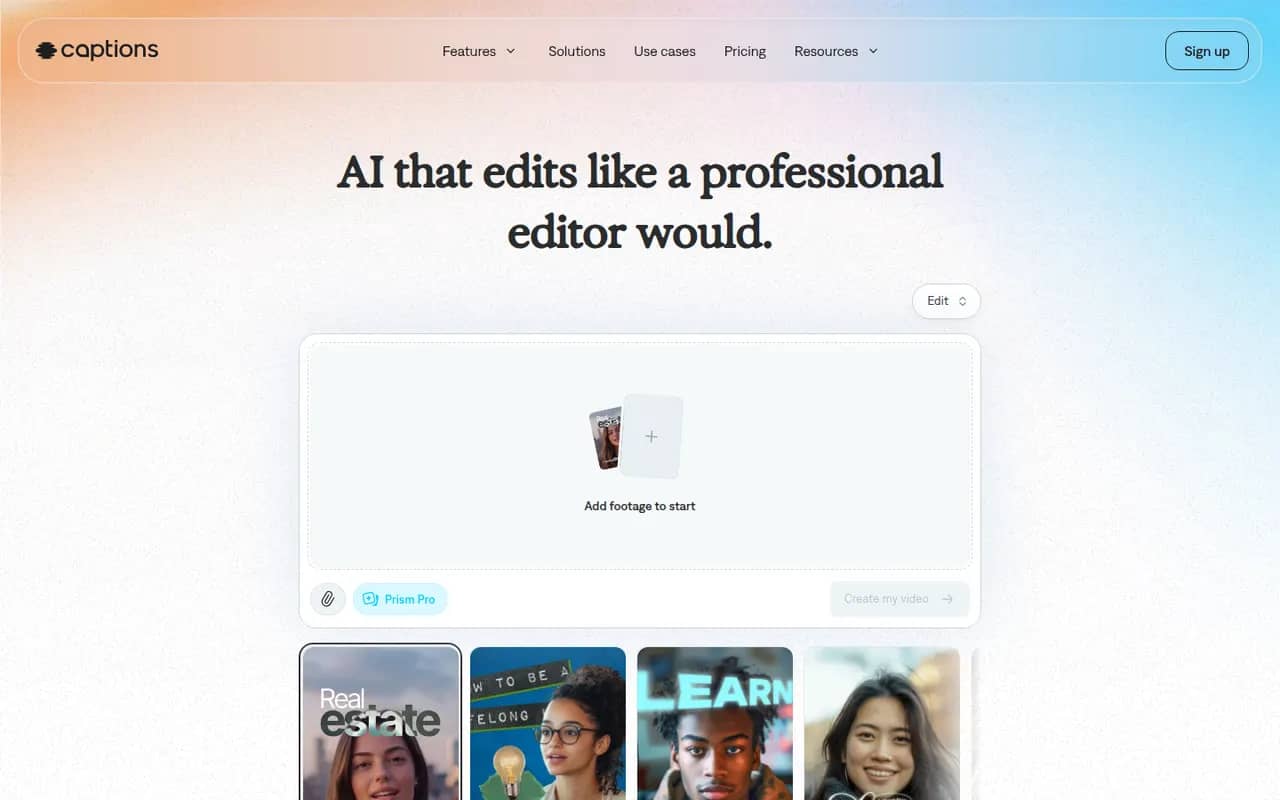
Cost / LicenseFree trialProprietaryCategoriesPlatformsCaptions is an AI-powered video creation app for people who talk on camera. It generates captions automatically, removes filler words and pauses, corrects eye contact, dubs videos into other languages and can produce videos with AI avatars from a script. It started on iPhone and is now also available on Android and the web.
11 Captions alternativesPros
- Automatic captions plus filler word and pause removal
- Eye contact correction and AI dubbing for talking videos
- Mobile-first editing on iPhone and Android, plus a web app
Cons
- Most AI features require a paid subscription
- Less suited to complex edits than a desktop video editor
Cost / LicenseFreemiumProprietaryCategories