Apps with Brand kit
5 apps
Top Brand kit apps ranked by the community
Colossyan is a web platform for creating training and explainer videos with AI avatars that read a script in many languages. It is aimed at learning and development teams, with features such as scenario-based conversations between avatars, quizzes, document-to-video conversion, brand kits and export to e-learning formats like SCORM.
7 Colossyan alternativesPros
- Scenario-based conversations between avatars for training
- Exports to e-learning formats such as SCORM
- Document-to-video conversion speeds up course creation
Cons
- Avatars can still look stiff in longer videos
- Free plan is limited, with key features on paid tiers
- Focused on corporate training rather than creative content
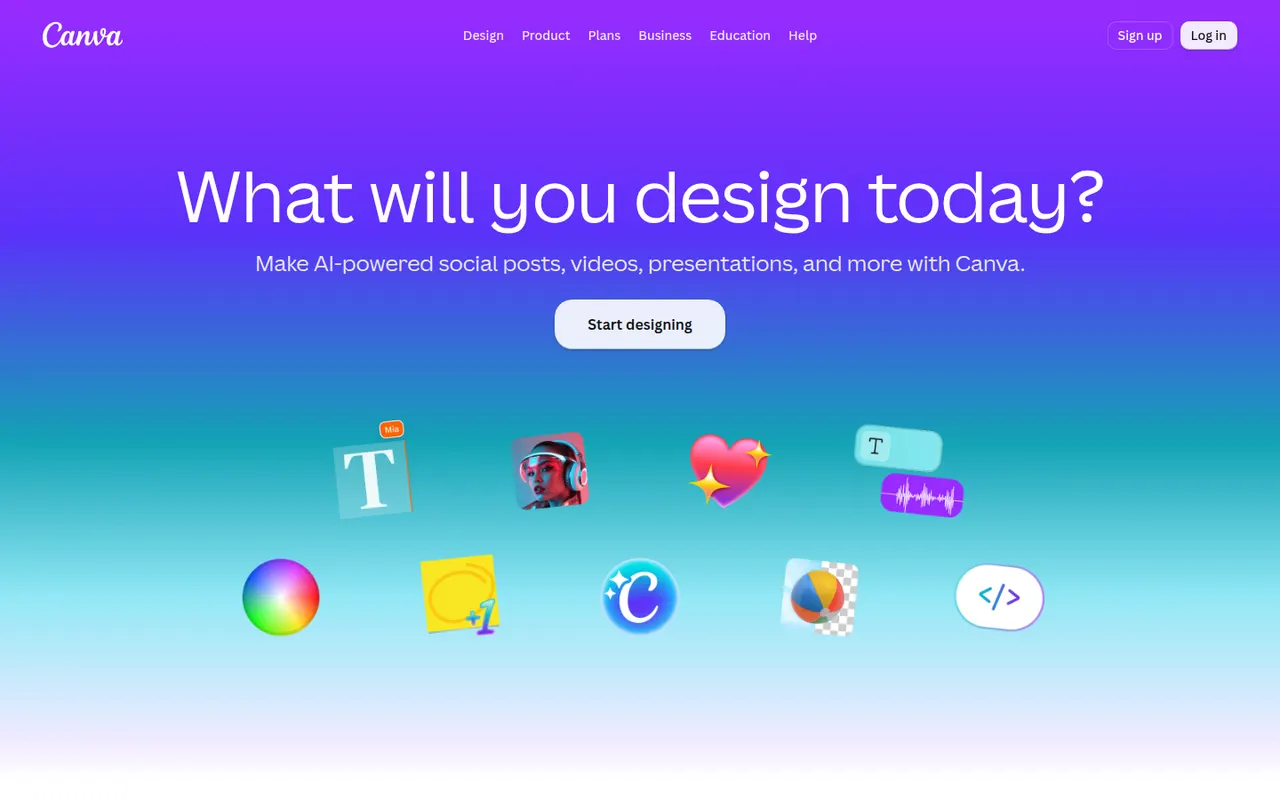
Cost / LicenseFreemiumProprietaryCategoriesPlatformsCanva is an online design editor built around drag-and-drop templates for social media graphics, presentations, posters, videos and documents. It targets non-designers and marketing teams, with a large stock library, brand kits, real-time collaboration and Magic Studio AI tools for creating and editing images and text. It runs in the browser and as desktop and mobile apps.
12 Canva alternativesPros
- Huge template library makes design accessible to non-designers
- Real-time collaboration and brand kits for marketing teams
- Available on web, desktop and mobile, with Magic Studio AI tools
Cons
- Many templates, assets and AI features sit behind the Pro plan
- Popular templates can make designs look like everyone else’s
- Limited precision for print production or advanced vector work
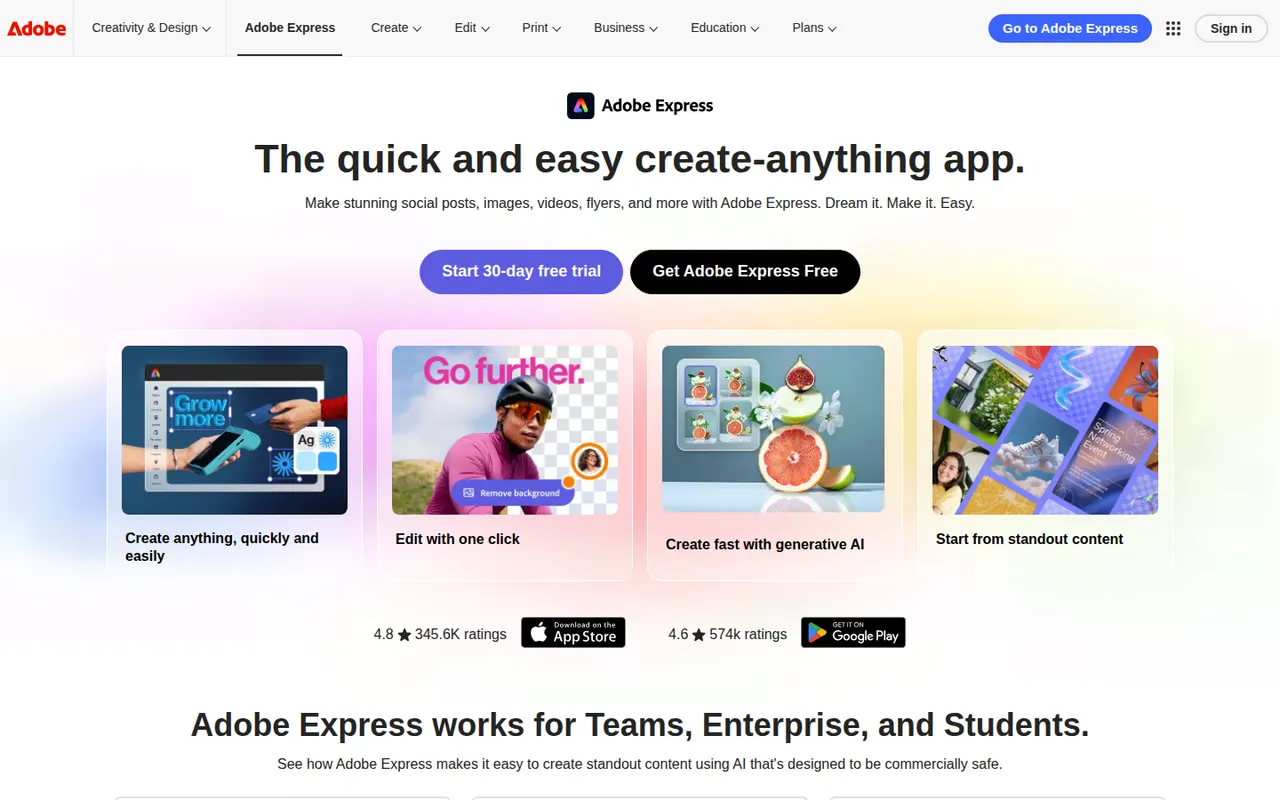
Cost / LicenseFreemiumProprietaryCategoriesAdobe Express is a web and mobile design app for producing social media posts, flyers, logos, short videos and simple web pages from templates. It includes Adobe Stock assets, Adobe Fonts, brand kits, one-click background removal and Firefly generative AI. It is aimed at small businesses, students and marketers who need quick results without a full Creative Cloud workflow.
11 Adobe Express alternativesPros
- Templates plus Adobe Stock and Adobe Fonts for quick, polished results
- One-click background removal and Firefly generative AI
- Brand kits and mobile apps keep content consistent on the go
Cons
- Premium templates, assets and generative credits require a paid plan
- Less precise than Creative Cloud apps for detailed design work
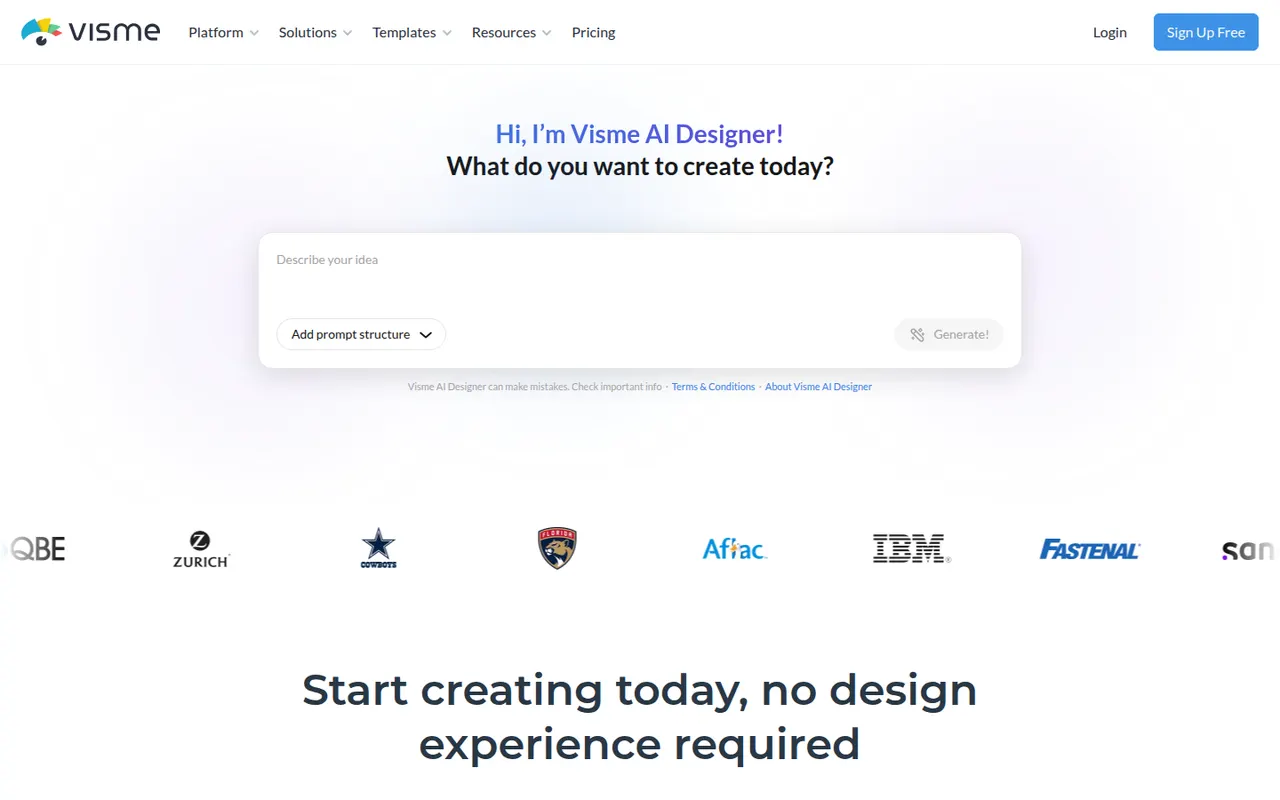
Cost / LicenseFreemiumProprietaryCategoriesVisme is an online design tool for visual content that has to communicate data or ideas, such as presentations, infographics, reports, charts and social graphics. It offers templates, brand kits, animated and interactive elements, team workspaces and viewer analytics for shared projects. Marketing, training and communications teams use it in place of separate slide and graphics tools.
8 Visme alternativesPros
- Presentations, infographics, reports and charts in one tool
- Animated and interactive elements make content more engaging
- Viewer analytics show how shared projects are consumed
Cons
- Free plan is limited and adds Visme branding to designs
- Broad feature set comes with a learning curve
Cost / LicenseFreemiumProprietaryCategoriesPlatformsVistaCreate, formerly Crello, is an online graphic design editor owned by Vista, the printing company. It provides ready-made templates for social posts, ads, flyers and animated graphics, a stock library of photos, videos and illustrations, brand kits and a background remover. Finished designs can be ordered as prints through Vista, which makes it practical for small businesses.
6 VistaCreate alternativesPros
- Ready-made templates for social posts, ads and animated graphics
- Stock library of photos, videos and illustrations included
- Designs can be ordered as prints directly through Vista
Cons
- Fewer advanced and collaboration features than Canva
- Premium assets and features require a paid plan
- Limited control for detailed or precise design work
Cost / LicenseFreemiumProprietaryCategories