
Canva alternatives
Top Graphic Design like Canva
The most popular alternative to Canva is Adobe Express, which has a free version. Other great alternatives to Canva are VistaCreate, Visme, Kittl, and Figma.
Most alternatives to Canva are in the Graphic Design category, compared here by price, platform and features.
All Canva alternatives
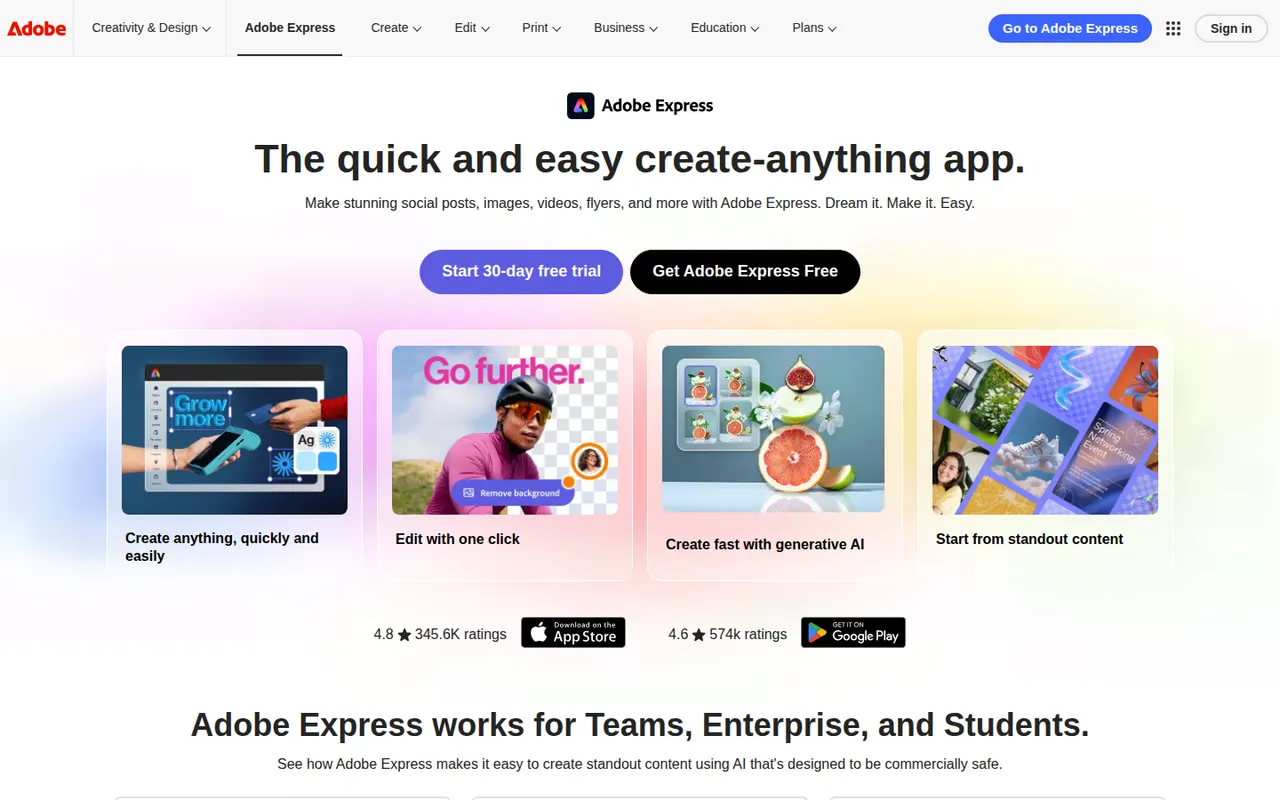
Adobe Express is a web and mobile design app for producing social media posts, flyers, logos, short videos and simple web pages from templates. It includes Adobe Stock assets, Adobe Fonts, brand kits, one-click background removal and Firefly generative AI. It is aimed at small businesses, students and marketers who need quick results without a full Creative Cloud workflow.
11 Adobe Express alternativesPros
- Templates plus Adobe Stock and Adobe Fonts for quick, polished results
- One-click background removal and Firefly generative AI
- Brand kits and mobile apps keep content consistent on the go
Cons
- Premium templates, assets and generative credits require a paid plan
- Less precise than Creative Cloud apps for detailed design work
Cost / LicenseFreemiumProprietaryCategoriesVistaCreate, formerly Crello, is an online graphic design editor owned by Vista, the printing company. It provides ready-made templates for social posts, ads, flyers and animated graphics, a stock library of photos, videos and illustrations, brand kits and a background remover. Finished designs can be ordered as prints through Vista, which makes it practical for small businesses.
6 VistaCreate alternativesPros
- Ready-made templates for social posts, ads and animated graphics
- Stock library of photos, videos and illustrations included
- Designs can be ordered as prints directly through Vista
Cons
- Fewer advanced and collaboration features than Canva
- Premium assets and features require a paid plan
- Limited control for detailed or precise design work
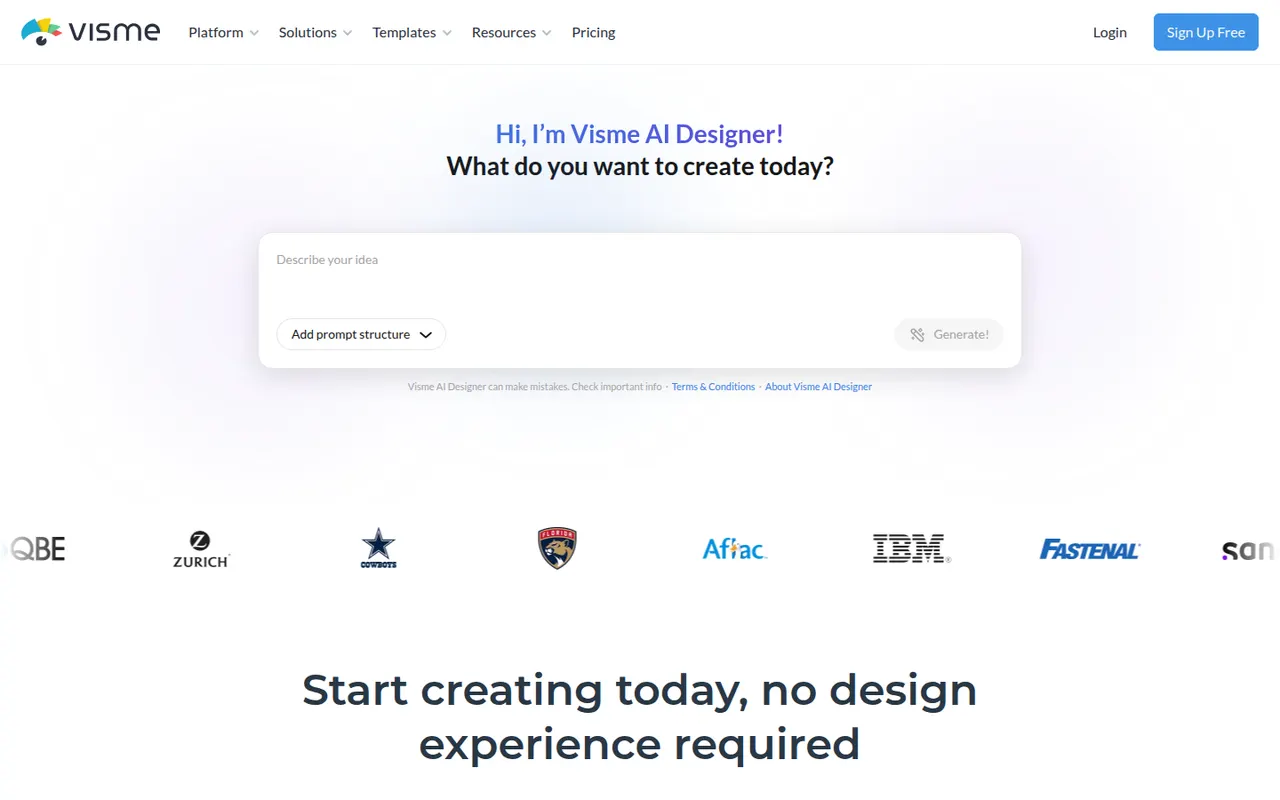
Cost / LicenseFreemiumProprietaryCategoriesVisme is an online design tool for visual content that has to communicate data or ideas, such as presentations, infographics, reports, charts and social graphics. It offers templates, brand kits, animated and interactive elements, team workspaces and viewer analytics for shared projects. Marketing, training and communications teams use it in place of separate slide and graphics tools.
8 Visme alternativesPros
- Presentations, infographics, reports and charts in one tool
- Animated and interactive elements make content more engaging
- Viewer analytics show how shared projects are consumed
Cons
- Free plan is limited and adds Visme branding to designs
- Broad feature set comes with a learning curve
Cost / LicenseFreemiumProprietaryCategoriesPlatformsKittl is a browser-based design tool focused on typography-heavy graphics such as logos, t-shirt prints, labels, posters and social posts. It combines a template library, text effects, vector editing and AI image generation in one editor, and is aimed at print-on-demand sellers and small brands that want polished results without installing desktop software.
10 Kittl alternativesPros
- Strong typography effects for logos, merch and labels
- Templates designed with print-on-demand sellers in mind
- Browser-based, combining vector editing and AI image generation
Cons
- Premium templates and larger AI allowances require a paid plan
- Web-only, so it needs a steady internet connection
- Less suited to multi-page documents or presentations
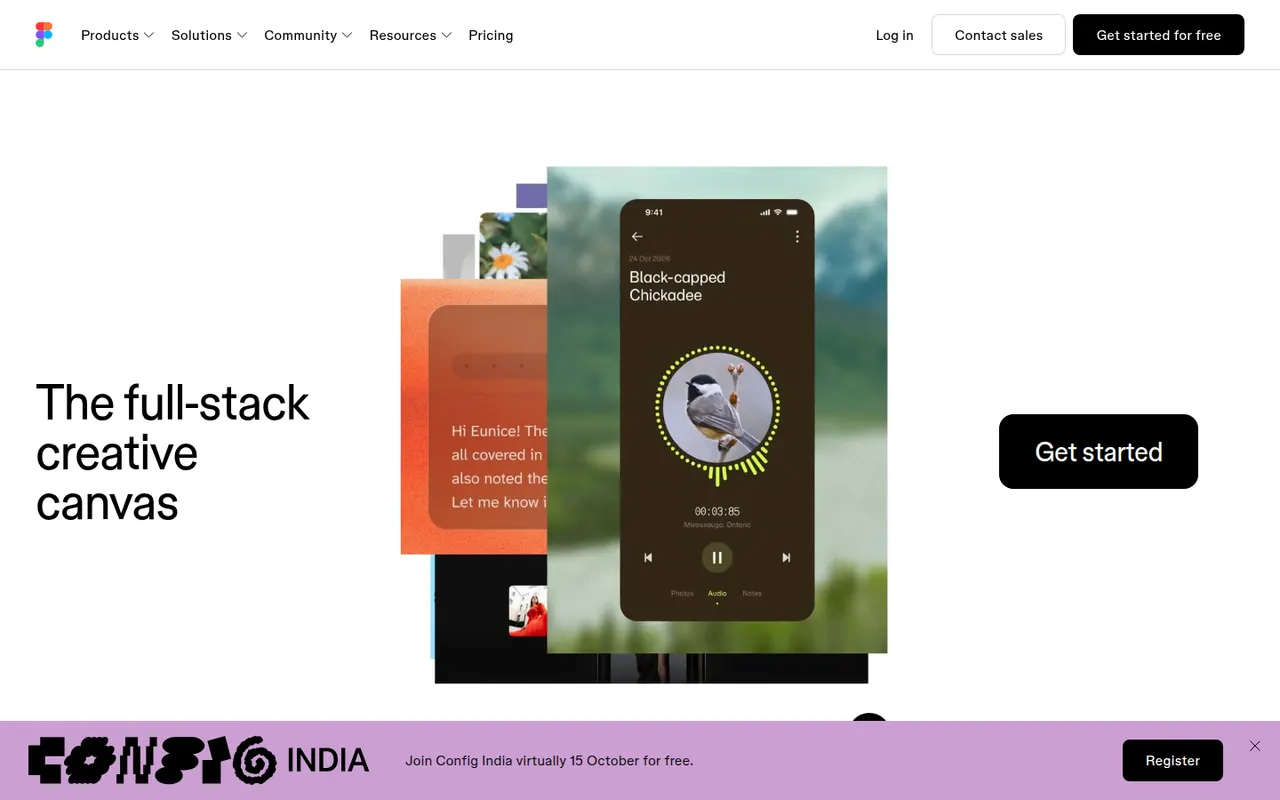
Cost / LicenseFreemiumProprietaryCategoriesPlatformsFigma is a design platform for user interfaces, websites and apps where teams edit the same file in real time from the browser or the desktop app. It covers vector design, interactive prototypes, shared component libraries and variables for design systems, and Dev Mode for developer handoff. Plugins, FigJam whiteboards and AI features extend it for product and design teams.
12 Figma alternativesPros
- Real-time multiplayer editing in the browser or desktop app
- Components and variables make design systems manageable
- Huge ecosystem of plugins and community files
Cons
- Paid seats add up quickly for growing teams
- Most work requires an internet connection
- Large files can become slow and memory-hungry
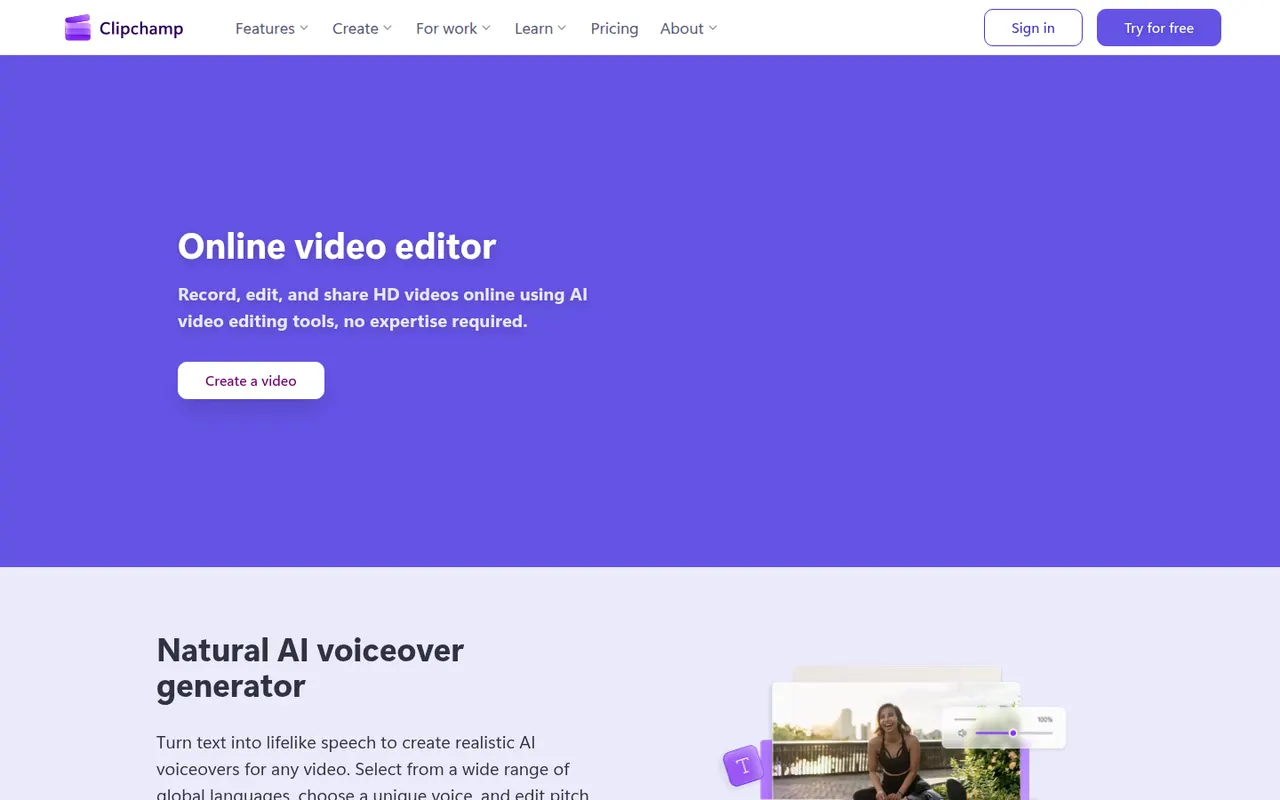
Cost / LicenseFreemiumProprietaryCategoriesClipchamp is Microsoft's easy video editor, included with Windows 11 and available in the browser and with Microsoft 365. It focuses on quick edits with templates, stock media, text-to-speech voiceovers, auto captions and green screen, which suits social videos, presentations and work updates. The free plan exports in 1080p, while Premium unlocks 4K and more stock content.
9 Clipchamp alternativesPros
- Included with Windows 11 and easy for beginners
- Templates, stock media and text-to-speech voiceovers built in
- Free plan exports in 1080p without a watermark
Cons
- 4K export and premium stock content require a paid plan
- Limited for advanced work such as multicam or detailed color grading
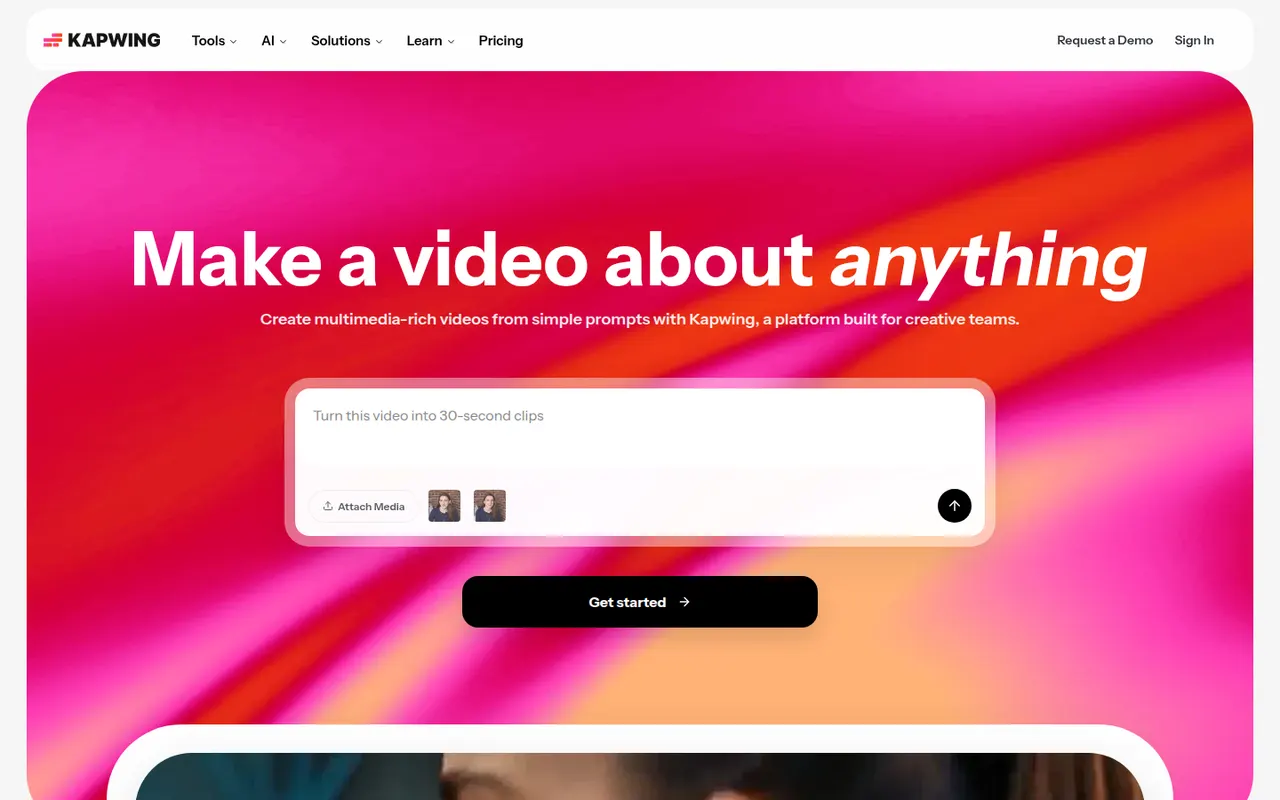
Cost / LicenseFreemiumProprietaryCategoriesKapwing is a browser-based video editor built for teams that produce content together in real time. It includes transcript-based editing, automatic subtitles and translation, silence removal, a clip maker for repurposing long videos, and templates for social formats. It requires no installation and offers a free plan with export limits.
9 Kapwing alternativesPros
- Real-time collaborative editing in the browser
- Automatic subtitles, translation and silence removal
- Clip maker repurposes long videos into social shorts
Cons
- Free plan exports are limited
- Browser editing struggles with long or heavy projects
- Fewer advanced controls than desktop editors
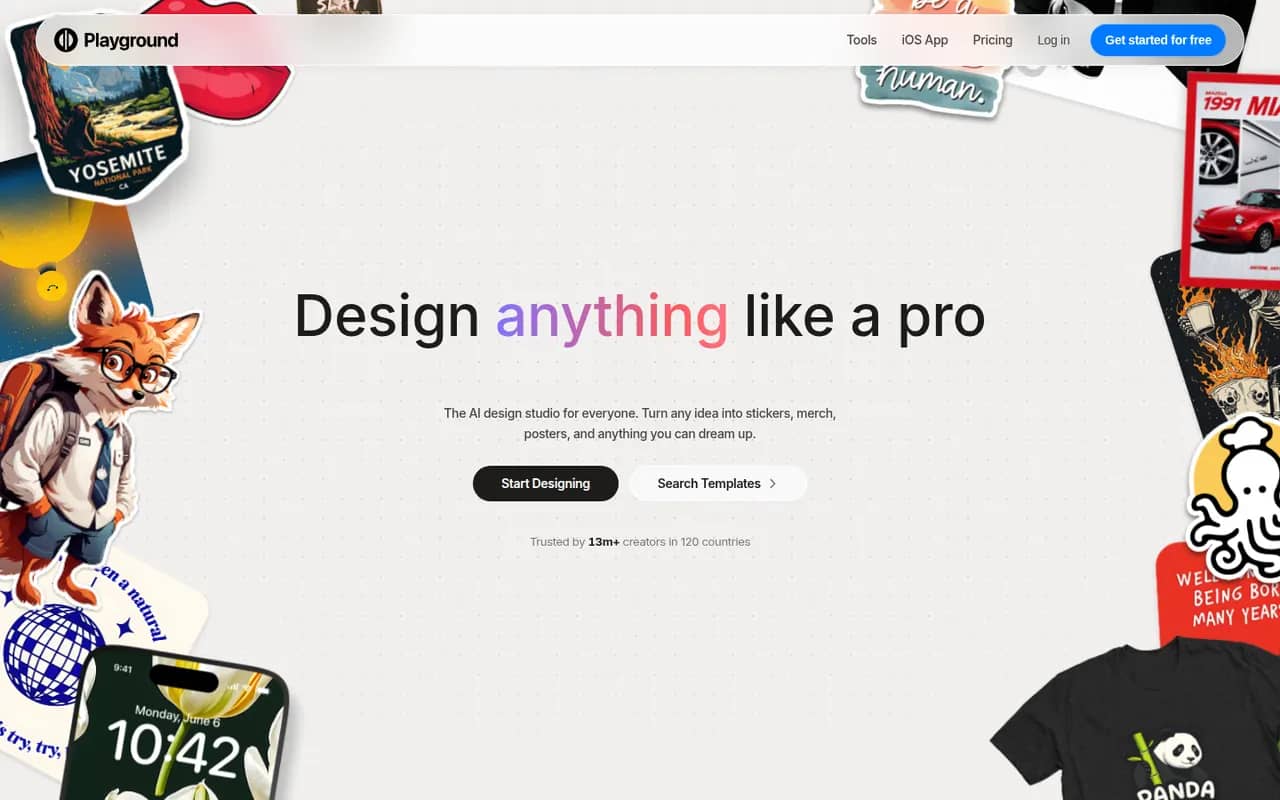
Cost / LicenseFreemiumProprietaryCategoriesPlatformsPlayground is a browser-based AI tool that started as a general image generator and now focuses on graphic design. You describe what you need, such as a logo, flyer, t-shirt print or social media post, start from a template library and refine the result through chat or an editor, using an in-house model built to render text. A free plan with daily limits sits alongside paid plans.
10 Playground alternativesPros
- Template library for logos, flyers, t-shirts and social posts
- In-house model built to render text cleanly in designs
- Results can be refined through chat or in an editor
Cons
- Free plan comes with daily generation limits
- Less suited to artistic imagery since its shift to graphic design
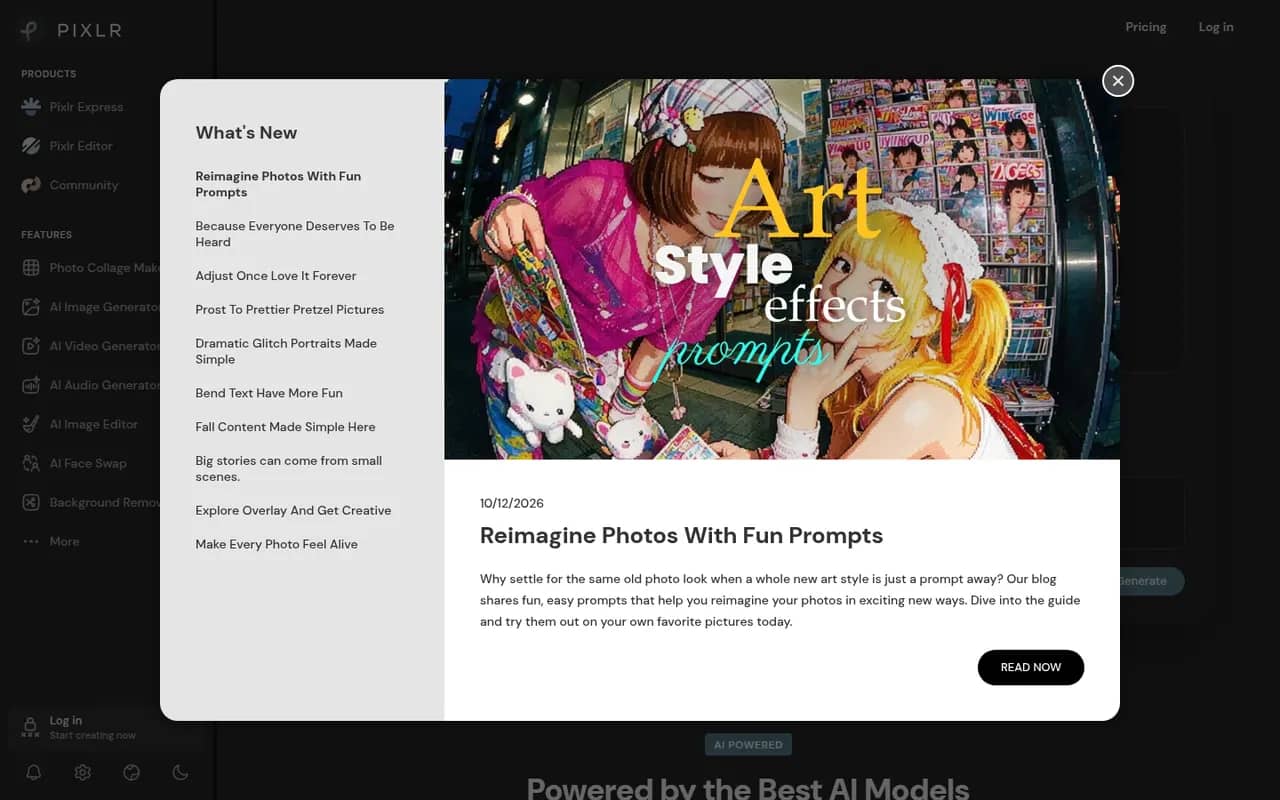
Cost / LicenseFreemiumProprietaryCategoriesPlatformsPixlr is a family of browser-based image tools, including an advanced layer-based editor, a quick editor for simple adjustments and a template-based designer for social graphics. It adds AI tools for background removal, generative fill and image generation, and is also available as mobile apps. Free use is supported by ads, with Premium plans unlocking more AI credits and tools.
8 Pixlr alternativesPros
- Browser-based editors for quick fixes or layered work
- AI background removal, generative fill and image generation
- Template-based designer for social graphics
Cons
- The free version shows ads
- AI features run on limited credits without Premium
- Less precise than desktop editors for detailed retouching
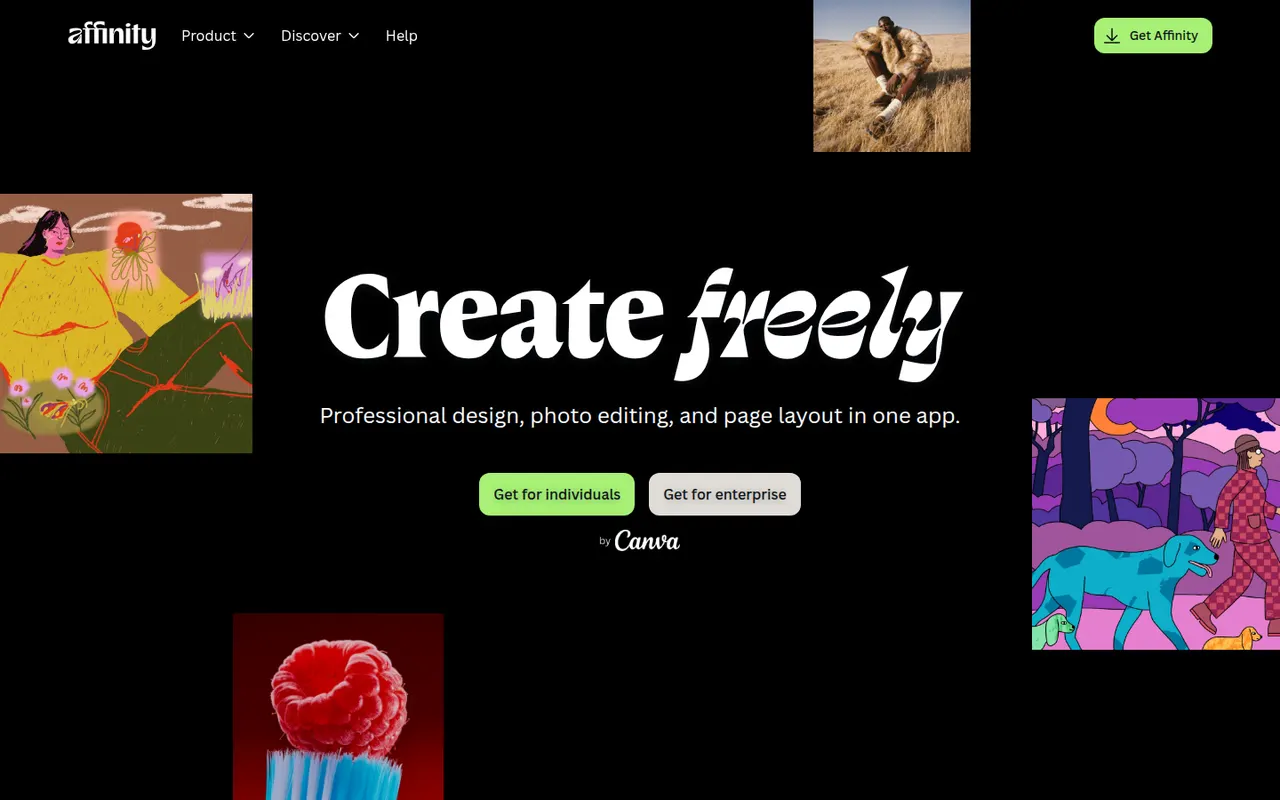
Cost / LicenseFreemiumProprietaryCategoriesAffinity is a professional creative app from Canva that merges the former Affinity Designer, Photo and Publisher into one program with vector, pixel and layout workspaces. It is free to download for Windows and macOS, while its optional Canva AI tools require a paid Canva plan. It suits designers who want an alternative to Adobe subscriptions and can import PSD, PDF and IDML files.
12 Affinity alternativesPros
- Free download combining vector, pixel and layout workspaces in one app
- Imports PSD, PDF and IDML files from Adobe workflows
- Professional tools without a mandatory subscription
Cons
- Canva AI tools require a paid Canva plan
- Smaller plugin and training ecosystem than Adobe’s
- Imported Adobe files can need manual adjustments
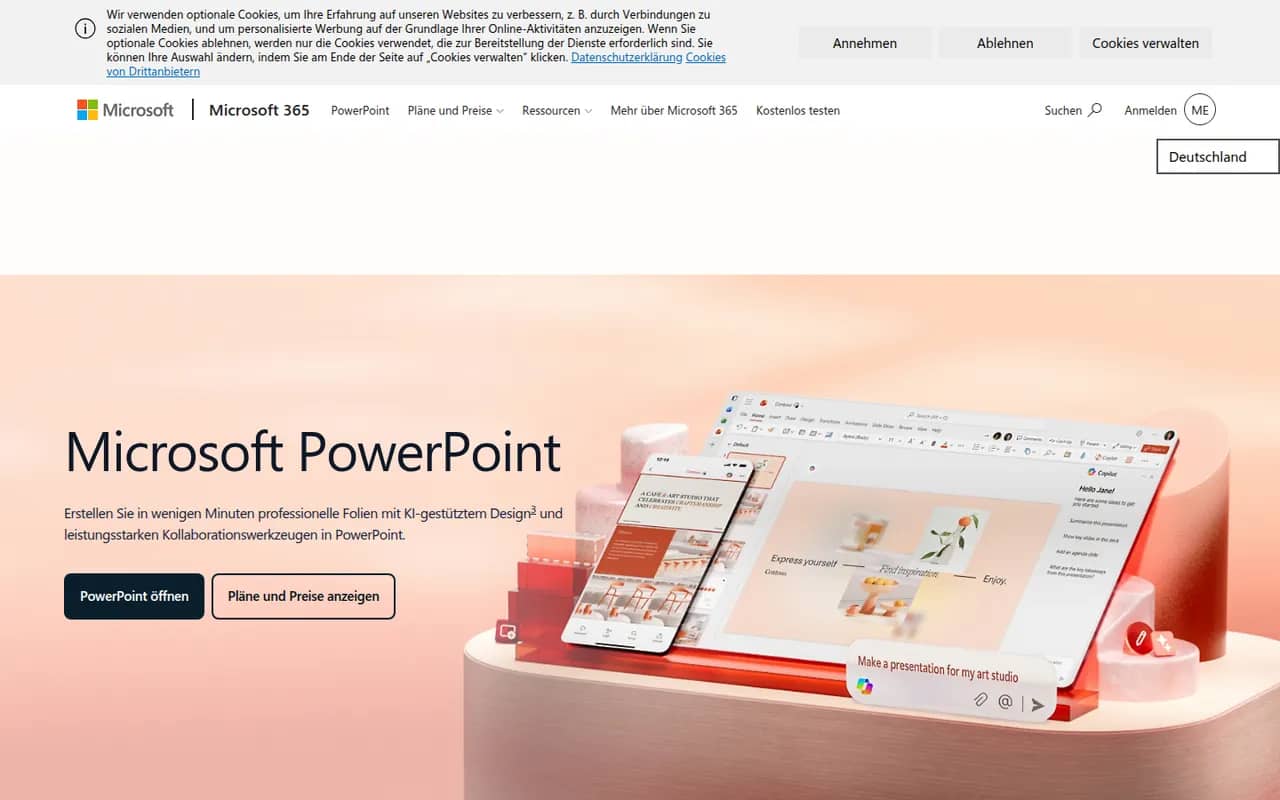
Cost / LicenseFreemiumProprietaryCategoriesPowerPoint is the presentation app in Microsoft 365, whose .pptx format is the common exchange format for slides. It offers themes, animations and transitions, Designer layout suggestions, presenter view with speaker notes, live subtitles and recording, plus Copilot to draft decks in eligible plans. It runs on Windows, Mac, mobile and the web, where a free version is available.
10 Microsoft PowerPoint alternativesPros
- The .pptx format is the standard for exchanging slides
- Extensive control over animations, transitions and layouts
- Available on Windows, Mac, mobile and the web
Cons
- The full desktop app requires a Microsoft 365 subscription
- The free web version lacks many advanced features
- Copilot deck drafting is only available in eligible plans
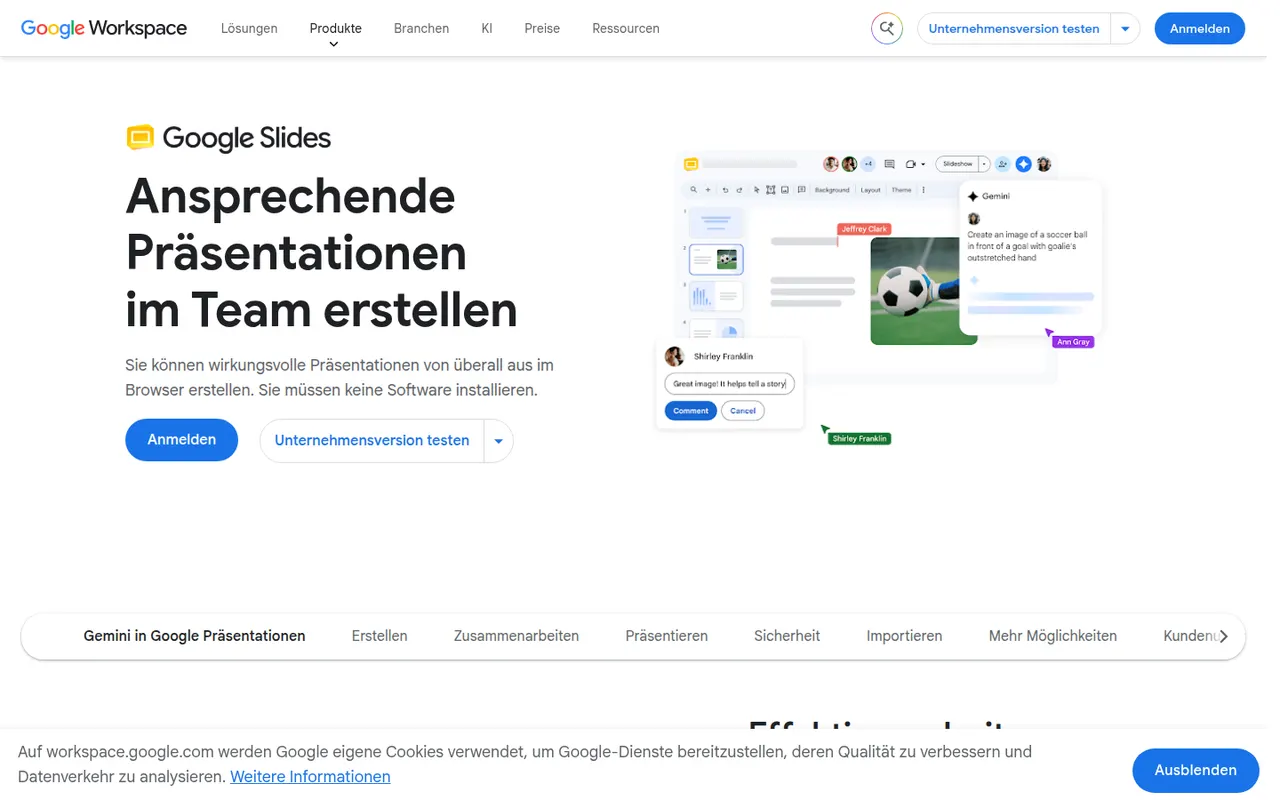
Cost / LicenseFreemiumProprietaryCategoriesGoogle Slides is Google's web-based presentation app, designed for building decks with teammates in real time. It includes themes, speaker notes and presenter view, works offline and imports and exports PowerPoint files. It is free with a Google account; paid Google Workspace plans add Gemini AI features such as generating images and slides.
9 Google Slides alternativesPros
- Real-time co-editing and comments work smoothly in the browser
- Free to use with any Google account
- Imports and exports PowerPoint files
Cons
- Fewer animation and design options than PowerPoint or Keynote
- Complex PowerPoint decks can lose formatting on import
- Gemini AI features require a paid Workspace plan
Cost / LicenseFreemiumProprietaryCategories





















Canva vs its alternatives at a glance
Pricing, platforms and the key features of Canva, compared with its most popular alternatives.
| App | Pricing | Platforms | Background removal | Brand kit | Image generation | Real-time collaboration | Stock media library |
|---|---|---|---|---|---|---|---|
 Canva Canva | Freemium | Web, Windows, Mac, iPhone, Android | |||||
 Adobe Express Adobe Express | Freemium | Web, iPhone, Android | |||||
 VistaCreate VistaCreate | Freemium | Web, iPhone, Android | |||||
 Visme Visme | Freemium | Web | |||||
 Kittl Kittl | Freemium | Web | |||||
 Figma Figma | Freemium | Web, Windows, Mac |
Canva alternatives: frequently asked questions
What is the best alternative to Canva?
The most popular alternative to Canva is Adobe Express: Template-based design app from Adobe for social posts, flyers and short videos. Other great alternatives are VistaCreate, Visme, Kittl, and Figma.
Is there a free alternative to Canva?
Yes, 12 alternatives are free or have a free plan, including Adobe Express, VistaCreate, Visme, and Kittl.
Is there an open source alternative to Canva?
No open source alternative to Canva is listed yet.
Is Canva free?
Canva has a free plan, with paid plans that unlock more features.
Compare Canva with its alternatives


Sponsored listings and products made by the publisher of this site are always labeled. How we rank · Know a good alternative? Submit it