

Browser-based design tool for social posts, slides and print
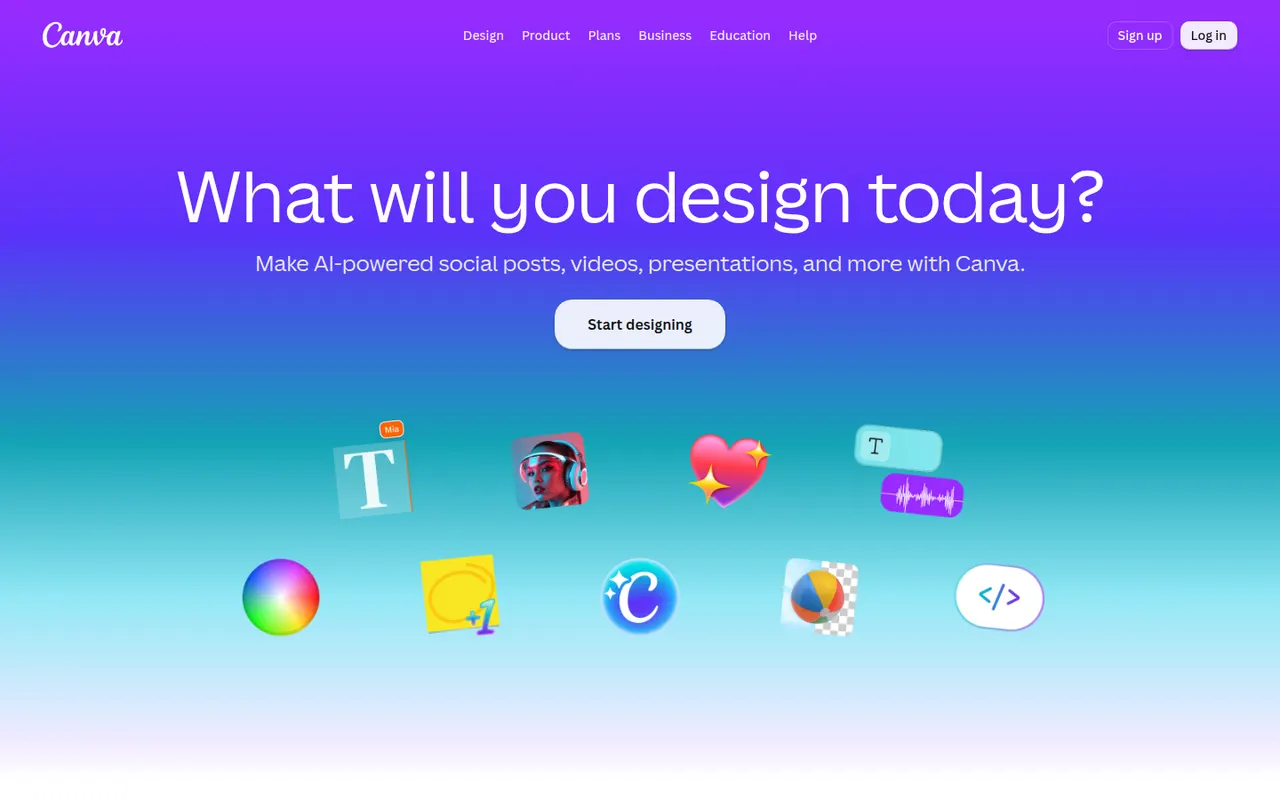
Canva is an online design editor built around drag-and-drop templates for social media graphics, presentations, posters, videos and documents. It targets non-designers and marketing teams, with a large stock library, brand kits, real-time collaboration and Magic Studio AI tools for creating and editing images and text. It runs in the browser and as desktop and mobile apps.
- features
- 6
- alternatives
- 12
- platforms
- 5
- Updated
- Oct 12, 2026
Features
Our take
Pros
- Huge template library makes design accessible to non-designers
- Real-time collaboration and brand kits for marketing teams
- Available on web, desktop and mobile, with Magic Studio AI tools
Cons
- Many templates, assets and AI features sit behind the Pro plan
- Popular templates can make designs look like everyone else’s
- Limited precision for print production or advanced vector work
Editorial assessment by the Alternatives.tools team, based on what the product is known for. Not a user review.
Best Canva alternatives
See all 12 alternatives Adobe ExpressFreemium
Template-based design app from Adobe for social posts, flyers and short videos
4.8(368.9K) · App Store VistaCreateFreemium
Template-based graphic design app from Vista for small businesses
4.7(3.1K) · App Store VismeFreemium
Create presentations, infographics and reports in the browser
 KittlFreemium
Online design platform for logos, typography and print-on-demand artwork
 FigmaFreemium
Collaborative interface design and prototyping tool in the browser
 ClipchampFreemium
Microsoft video editor with templates, in the browser and on Windows
User reviews
No reviews yet. Be the first to share your experience with Canva.