Apps with Background removal
10 apps
Top Background removal apps ranked by the community
Recraft is an AI design tool that generates both raster images and editable vector graphics (SVG), which suits icons, illustrations, logos and marketing assets. You can create custom styles from reference images so a whole set stays on brand, and its canvas includes background removal, upscaling, inpainting and mockups. It targets designers and marketers, with a free plan and an API for developers.
11 Recraft alternativesPros
- Generates editable SVG vector graphics, not just raster images
- Custom styles from reference images keep asset sets on brand
- Canvas includes background removal, upscaling and mockups
Cons
- Complex vector output can still need manual cleanup
- Higher limits and advanced features are reserved for paid plans
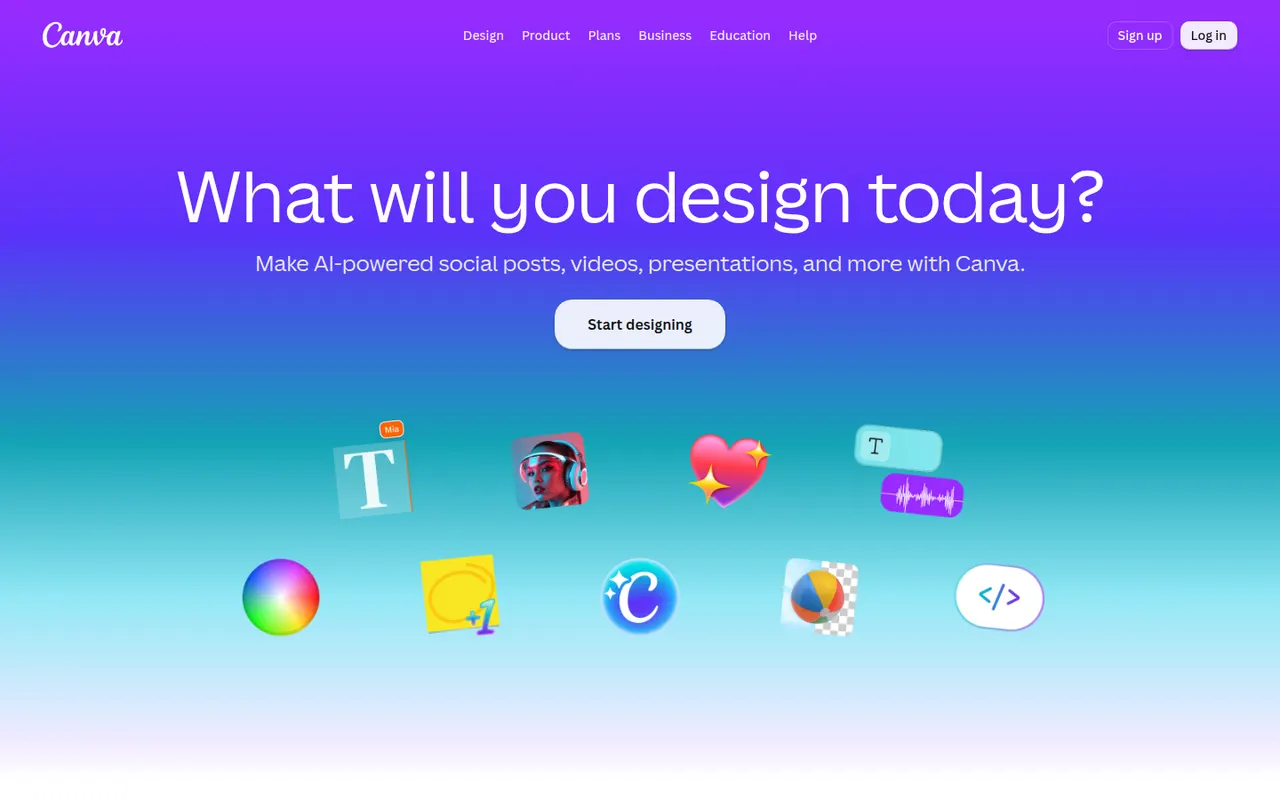
Cost / LicenseFreemiumProprietaryCategoriesPlatformsCanva is an online design editor built around drag-and-drop templates for social media graphics, presentations, posters, videos and documents. It targets non-designers and marketing teams, with a large stock library, brand kits, real-time collaboration and Magic Studio AI tools for creating and editing images and text. It runs in the browser and as desktop and mobile apps.
12 Canva alternativesPros
- Huge template library makes design accessible to non-designers
- Real-time collaboration and brand kits for marketing teams
- Available on web, desktop and mobile, with Magic Studio AI tools
Cons
- Many templates, assets and AI features sit behind the Pro plan
- Popular templates can make designs look like everyone else’s
- Limited precision for print production or advanced vector work
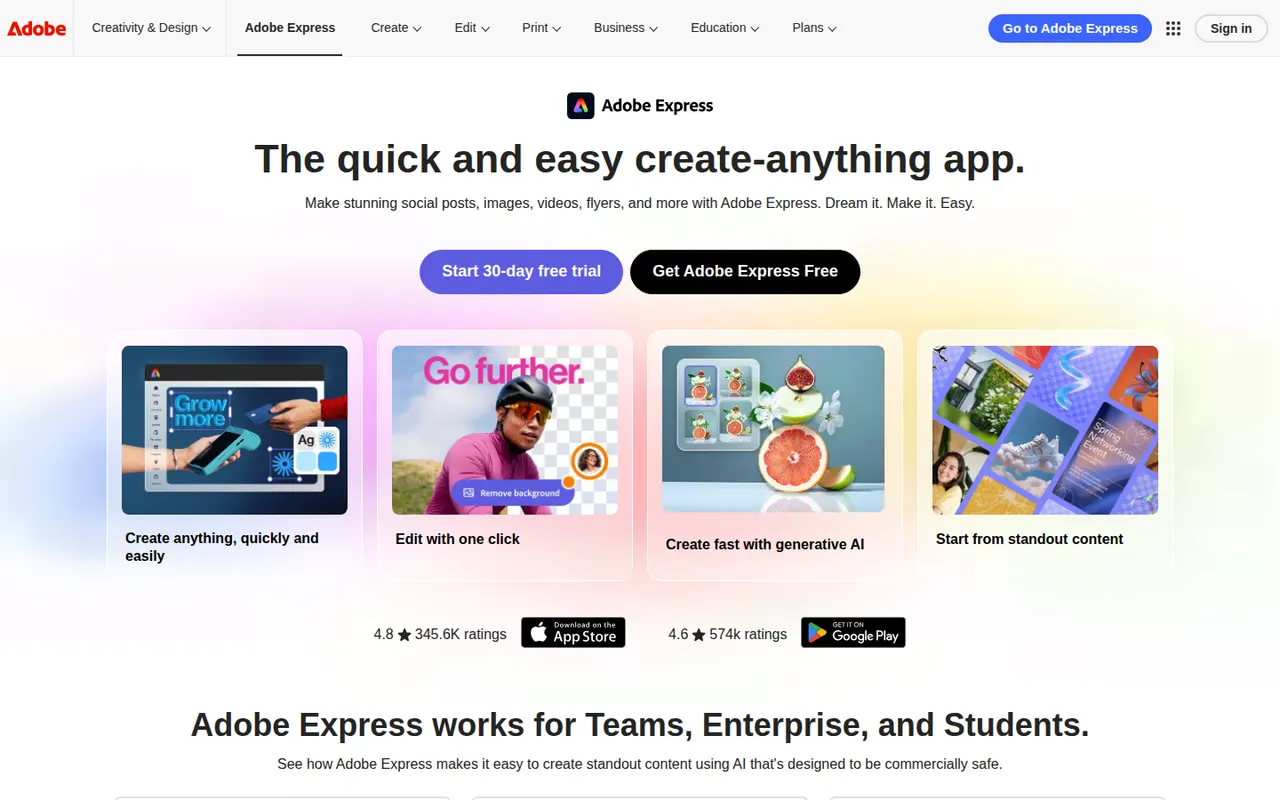
Cost / LicenseFreemiumProprietaryCategoriesAdobe Express is a web and mobile design app for producing social media posts, flyers, logos, short videos and simple web pages from templates. It includes Adobe Stock assets, Adobe Fonts, brand kits, one-click background removal and Firefly generative AI. It is aimed at small businesses, students and marketers who need quick results without a full Creative Cloud workflow.
11 Adobe Express alternativesPros
- Templates plus Adobe Stock and Adobe Fonts for quick, polished results
- One-click background removal and Firefly generative AI
- Brand kits and mobile apps keep content consistent on the go
Cons
- Premium templates, assets and generative credits require a paid plan
- Less precise than Creative Cloud apps for detailed design work
Cost / LicenseFreemiumProprietaryCategoriesKittl is a browser-based design tool focused on typography-heavy graphics such as logos, t-shirt prints, labels, posters and social posts. It combines a template library, text effects, vector editing and AI image generation in one editor, and is aimed at print-on-demand sellers and small brands that want polished results without installing desktop software.
10 Kittl alternativesPros
- Strong typography effects for logos, merch and labels
- Templates designed with print-on-demand sellers in mind
- Browser-based, combining vector editing and AI image generation
Cons
- Premium templates and larger AI allowances require a paid plan
- Web-only, so it needs a steady internet connection
- Less suited to multi-page documents or presentations
Cost / LicenseFreemiumProprietaryCategoriesPlatformsVistaCreate, formerly Crello, is an online graphic design editor owned by Vista, the printing company. It provides ready-made templates for social posts, ads, flyers and animated graphics, a stock library of photos, videos and illustrations, brand kits and a background remover. Finished designs can be ordered as prints through Vista, which makes it practical for small businesses.
6 VistaCreate alternativesPros
- Ready-made templates for social posts, ads and animated graphics
- Stock library of photos, videos and illustrations included
- Designs can be ordered as prints directly through Vista
Cons
- Fewer advanced and collaboration features than Canva
- Premium assets and features require a paid plan
- Limited control for detailed or precise design work
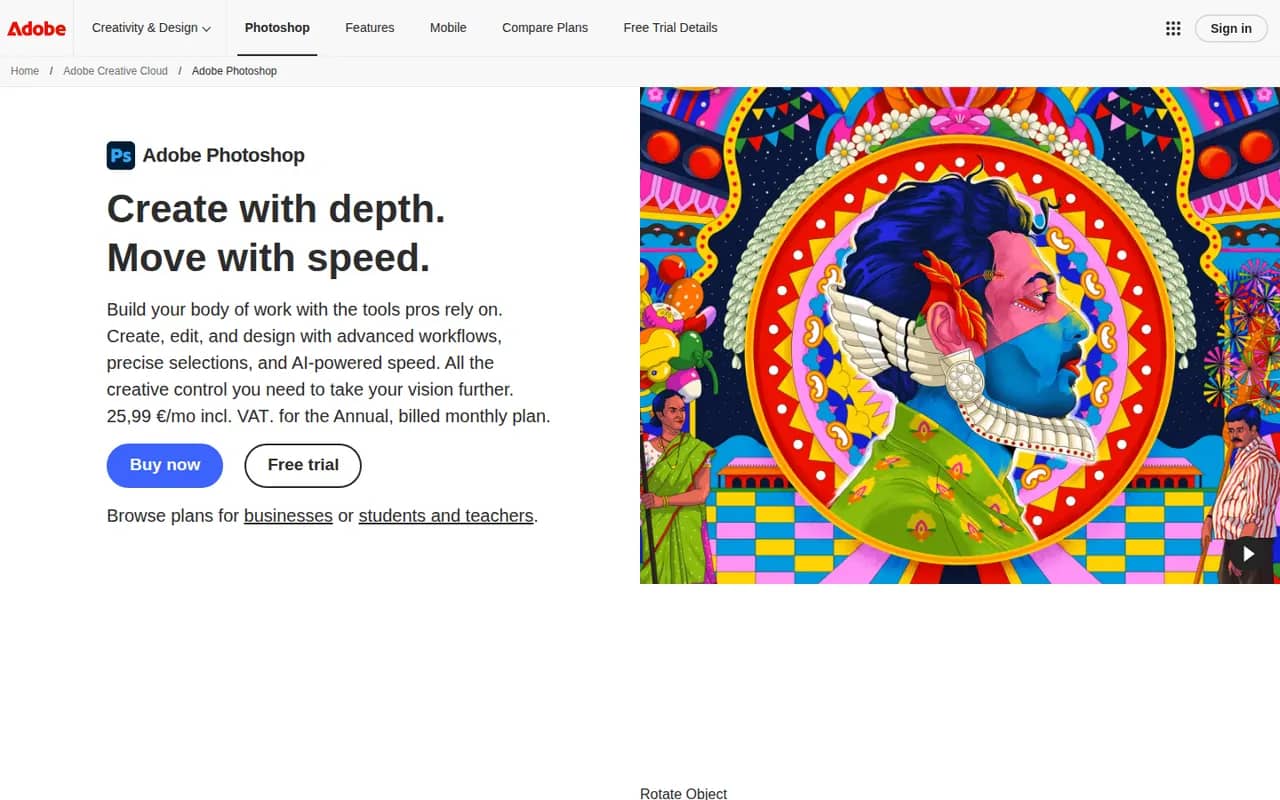
Cost / LicenseFreemiumProprietaryCategoriesAdobe Photoshop is a professional image editor used for retouching, compositing, graphic design and digital painting. It combines layers, masks, adjustment layers, Camera Raw processing and a large plugin ecosystem with Firefly-powered tools such as Generative Fill and object removal. It runs on Windows and macOS, with web, iPad and iPhone versions that sync through Creative Cloud.
12 Adobe Photoshop alternativesPros
- Industry standard for retouching and compositing
- Generative Fill and object removal powered by Firefly
- Vast ecosystem of plugins and tutorials
Cons
- Subscription only, which adds up over time
- Steep learning curve for beginners
- Demanding on hardware with large files
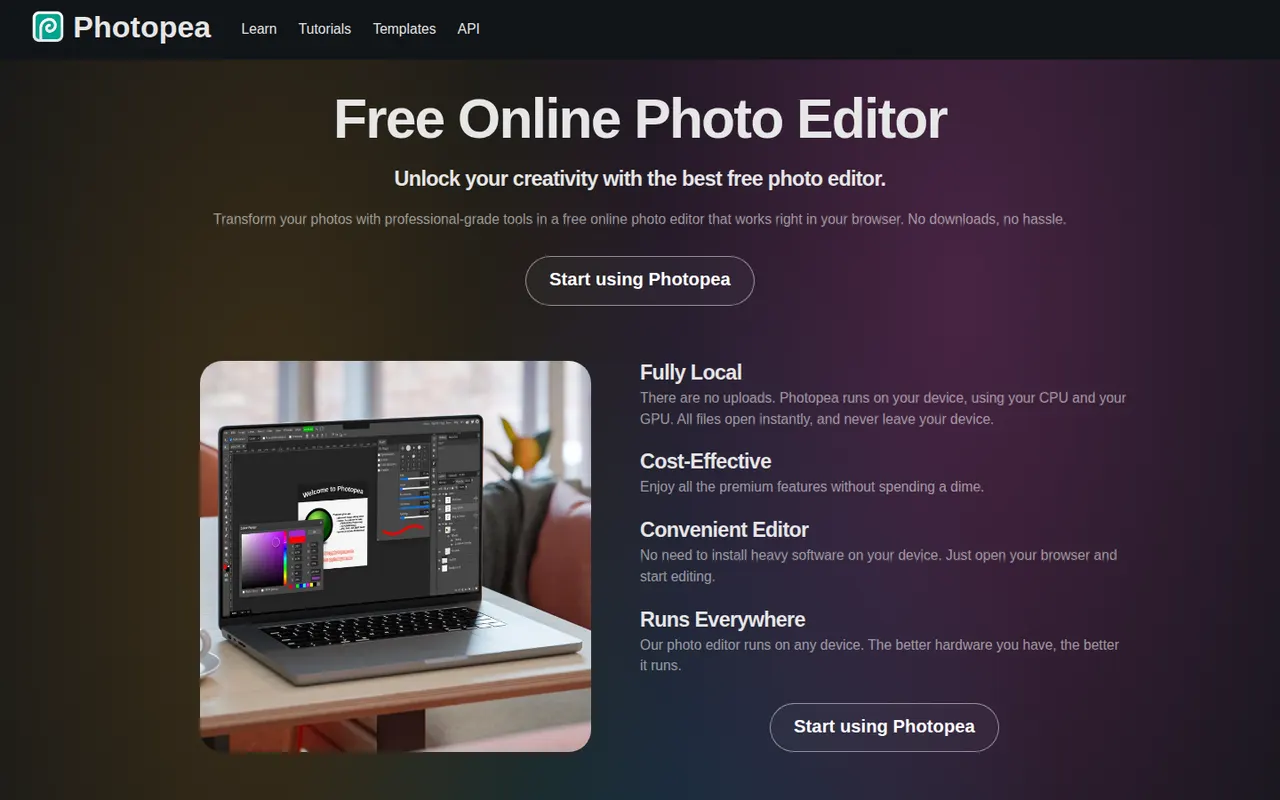
Cost / LicenseFree trialProprietaryCategoriesPhotopea is an image editor that runs entirely in the web browser and closely follows the Photoshop interface. It opens and saves PSD files, reads formats such as XCF, Sketch, XD, PDF and RAW, and supports layers, masks, adjustment layers, vector shapes and smart objects, with files processed locally. It is free to use with ads, and an optional Premium account removes ads and adds a few extras.
8 Photopea alternativesPros
- Runs in the browser with no installation
- Opens and saves PSD files, and reads XCF, Sketch and XD
- Familiar interface that closely follows Photoshop
Cons
- The free version shows ads
- Slower than desktop apps with large, complex files
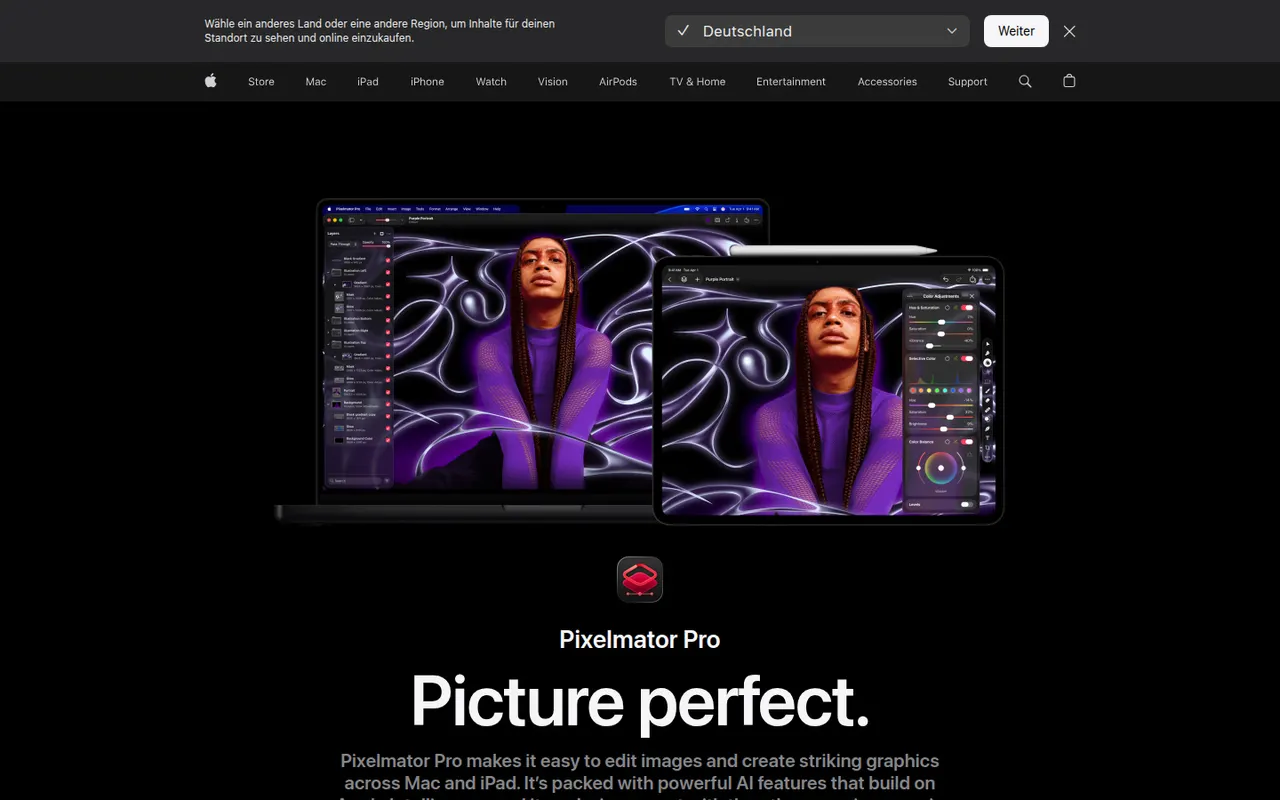
Cost / LicenseFreemiumProprietaryCategoriesPlatformsPixelmator Pro is an image editor designed for macOS that brings photo editing, retouching, illustration and graphic design into one app. It offers non-destructive layer-based editing, RAW processing and machine learning tools for upscaling, denoising, background removal and automatic enhancement. Pixelmator was acquired by Apple in 2024, and the app is sold on the Mac App Store.
9 Pixelmator Pro alternativesPros
- Native Mac design with a clean interface
- Machine learning tools for upscaling, denoising and background removal
- Combines photo editing, painting and vector design
Cons
- No version for Windows or Linux
- Fewer plugins and pro integrations than Photoshop
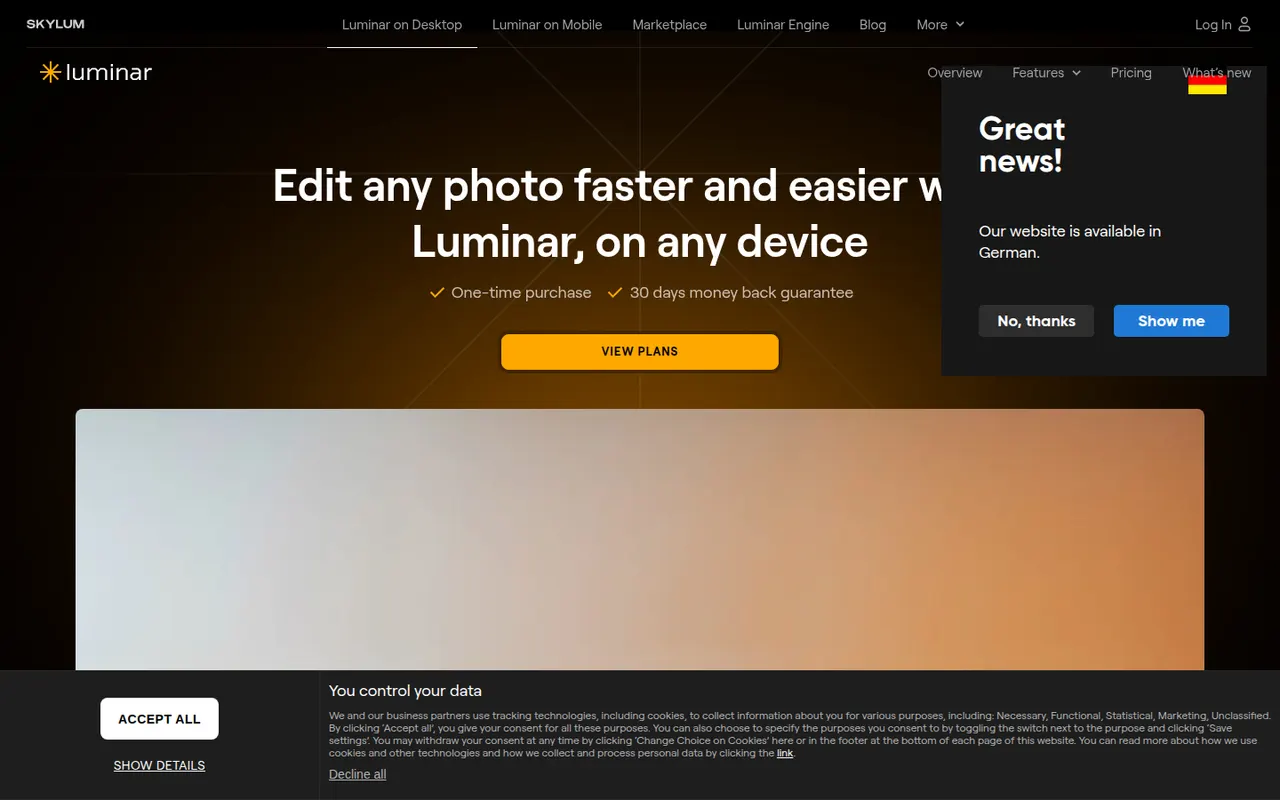
Cost / LicensePaidProprietaryCategoriesPlatformsLuminar Neo is a photo editor from Skylum that relies on AI tools to simplify complex edits such as sky replacement, portrait retouching, relighting and object removal. It works as a standalone app on Windows and macOS or as a plugin for Lightroom Classic and Photoshop, with extensions for upscaling, background removal and noise reduction. It targets photographers who prefer fast results to manual masking.
7 Luminar Neo alternativesPros
- AI tools make sky replacement and relighting quick
- Works standalone or as a plugin for Lightroom Classic and Photoshop
- Portrait retouching and object removal with little manual work
Cons
- Some tools come as extensions on top of the base app
- Can feel slow with large photo libraries
- AI results can look artificial without careful tuning
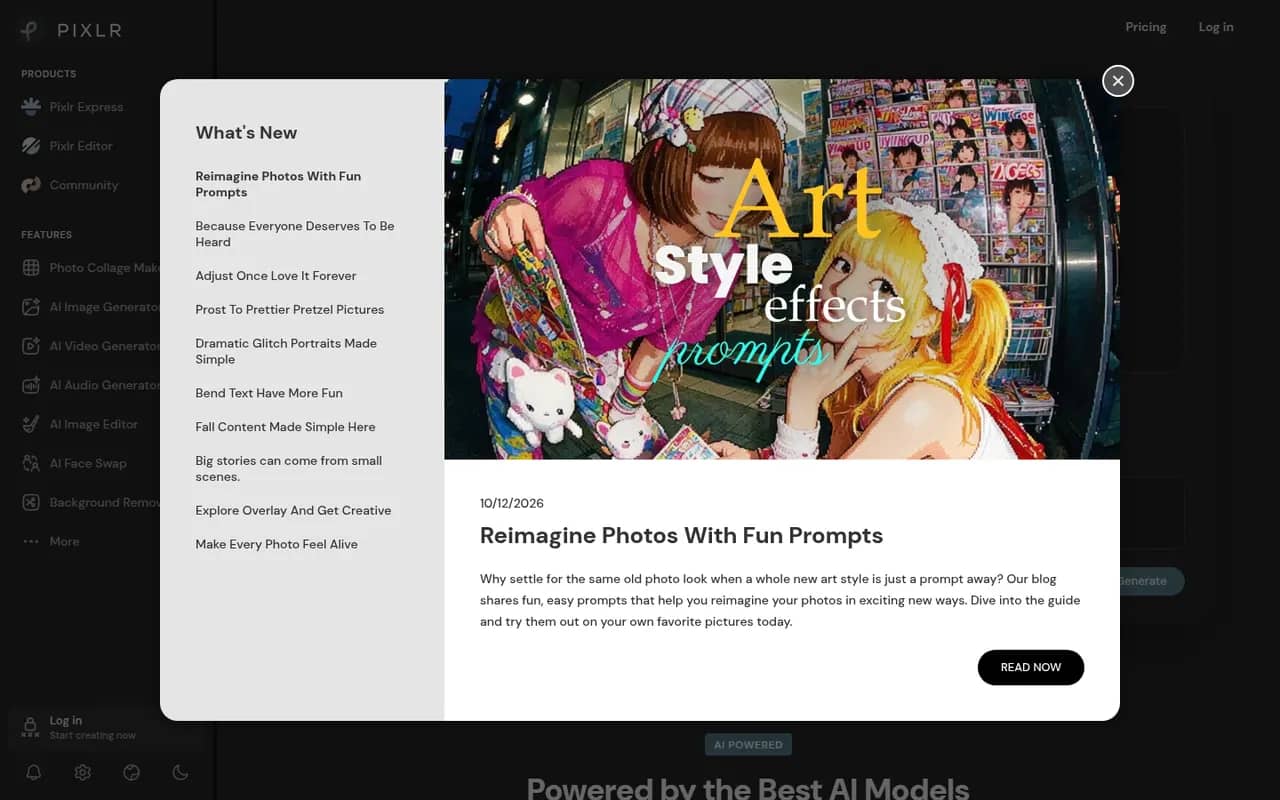
Cost / LicenseFree trialProprietaryCategoriesPixlr is a family of browser-based image tools, including an advanced layer-based editor, a quick editor for simple adjustments and a template-based designer for social graphics. It adds AI tools for background removal, generative fill and image generation, and is also available as mobile apps. Free use is supported by ads, with Premium plans unlocking more AI credits and tools.
8 Pixlr alternativesPros
- Browser-based editors for quick fixes or layered work
- AI background removal, generative fill and image generation
- Template-based designer for social graphics
Cons
- The free version shows ads
- AI features run on limited credits without Premium
- Less precise than desktop editors for detailed retouching
Cost / LicenseFreemiumProprietaryCategories