

Photopea
Browser-based image editor that opens PSD and many other design files
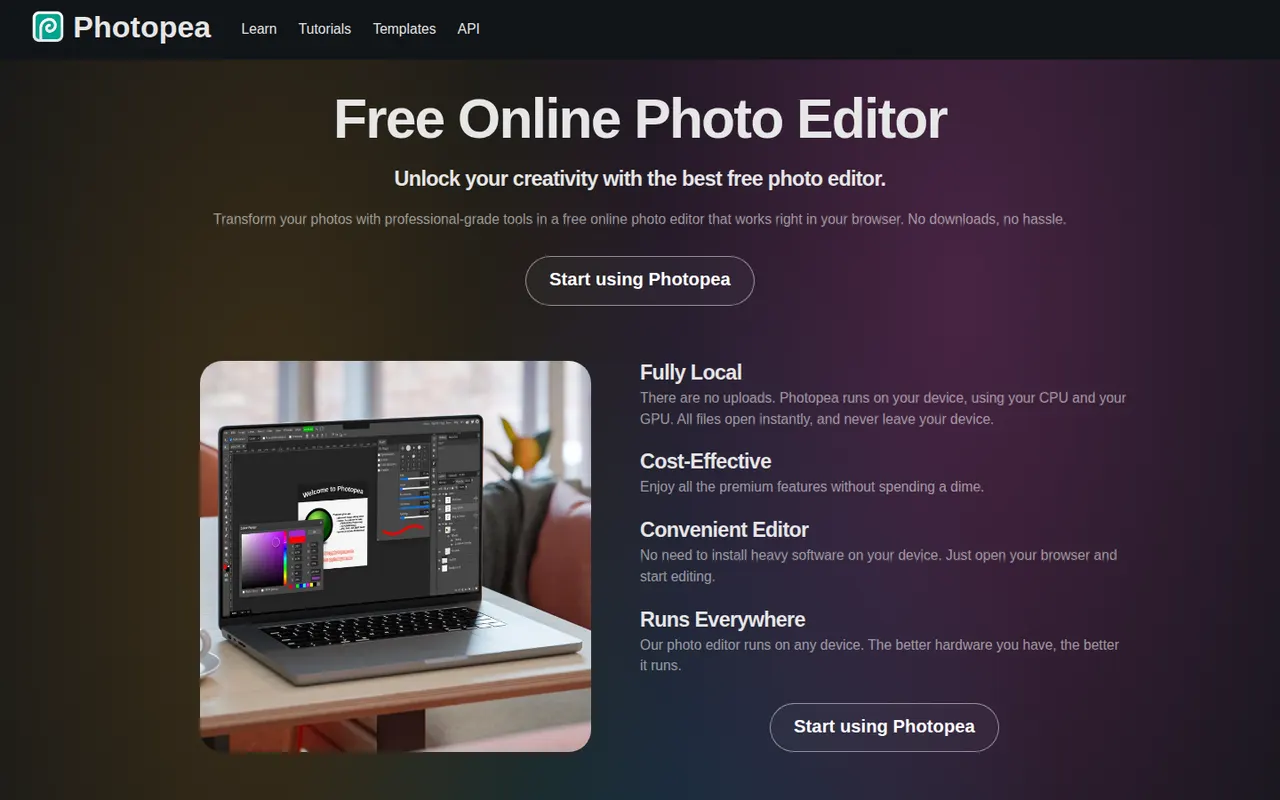
Photopea is an image editor that runs entirely in the web browser and closely follows the Photoshop interface. It opens and saves PSD files, reads formats such as XCF, Sketch, XD, PDF and RAW, and supports layers, masks, adjustment layers, vector shapes and smart objects, with files processed locally. It is free to use with ads, and an optional Premium account removes ads and adds a few extras.
- features
- 4
- alternatives
- 8
- platform
- 1
- Updated
- Oct 12, 2026
Features
Our take
Pros
- Runs in the browser with no installation
- Opens and saves PSD files, and reads XCF, Sketch and XD
- Familiar interface that closely follows Photoshop
Cons
- The free version shows ads
- Slower than desktop apps with large, complex files
Editorial assessment by the Alternatives.tools team, based on what the product is known for. Not a user review.
Best Photopea alternatives
See all 8 alternatives Adobe PhotoshopFree trial
Raster image editor for photo retouching, compositing and digital art
4.5(94.4K) · App Store GIMPFreeOpen source
Free and open source raster image editor for Windows, macOS and Linux
 PixlrFreemium
Online photo editor and design tool with AI features
4.3(5.2K) · App Store AffinityFreemium
Free all-in-one app for vector design, photo editing and page layout
 Paint.NETFree
Free, lightweight image and photo editor for Windows
 KritaFreeOpen source
Free and open source painting app for illustrators and concept artists
User reviews
No reviews yet. Be the first to share your experience with Photopea.