

Affinity
Free all-in-one app for vector design, photo editing and page layout
Affinity is a professional creative app from Canva that merges the former Affinity Designer, Photo and Publisher into one program with vector, pixel and layout workspaces. It is free to download for Windows and macOS, while its optional Canva AI tools require a paid Canva plan. It suits designers who want an alternative to Adobe subscriptions and can import PSD, PDF and IDML files.
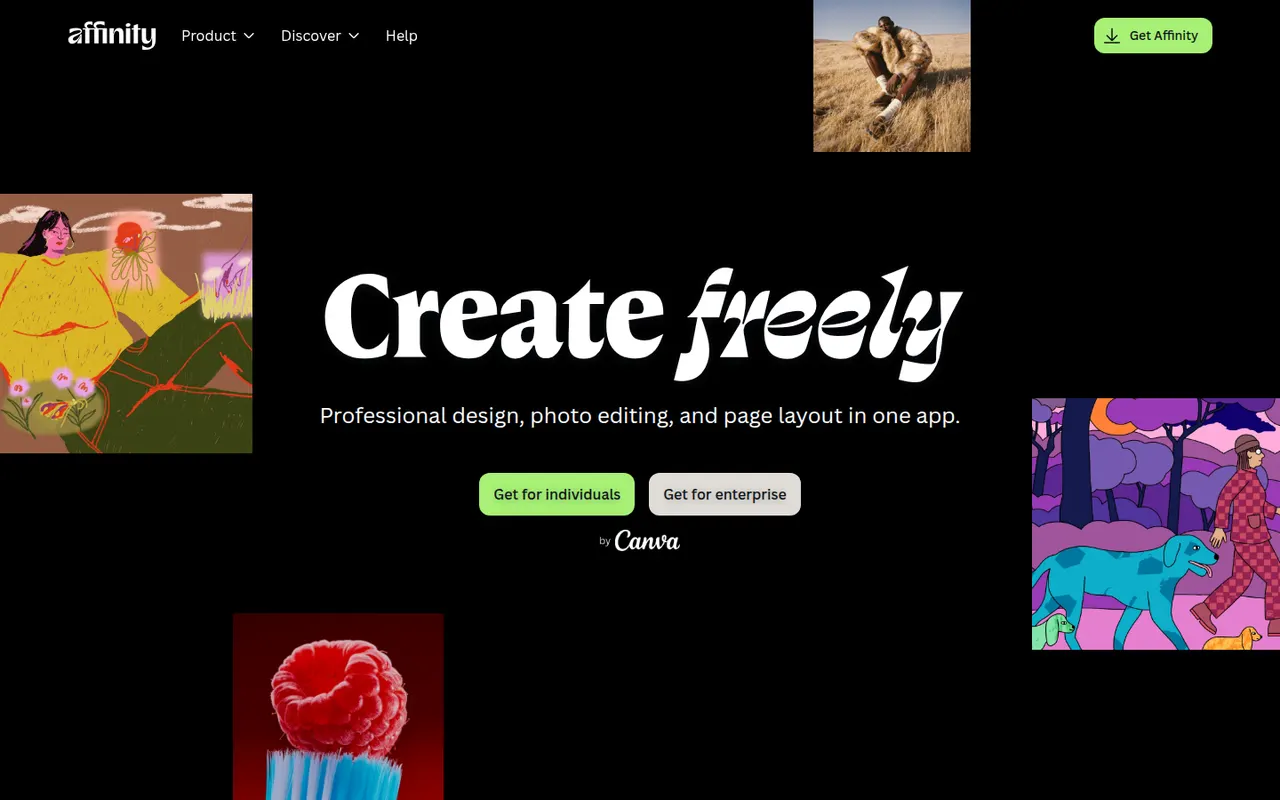
- features
- 5
- alternatives
- 12
- platforms
- 2
- Updated
- Oct 12, 2026
Features
Our take
Pros
- Free download combining vector, pixel and layout workspaces in one app
- Imports PSD, PDF and IDML files from Adobe workflows
- Professional tools without a mandatory subscription
Cons
- Canva AI tools require a paid Canva plan
- Smaller plugin and training ecosystem than Adobe’s
- Imported Adobe files can need manual adjustments
Editorial assessment by the Alternatives.tools team, based on what the product is known for. Not a user review.
Best Affinity alternatives
See all 12 alternatives Adobe IllustratorFree trial
Professional vector graphics editor for logos, icons and illustrations
 Adobe PhotoshopFree trial
Raster image editor for photo retouching, compositing and digital art
4.5(94.4K) · App Store Adobe InDesignFree trial
Professional page layout software for print and digital publications
- InkscapeFreeOpen source
Free and open source vector graphics editor built around SVG
 Pixelmator ProPaid
Mac image editor combining photo retouching, painting and vector design
4.4(561) · Mac App Store CorelDRAWFree trial
Vector illustration and layout suite for print, signage and technical graphics
User reviews
No reviews yet. Be the first to share your experience with Affinity.