Best Website Builders software
Build and publish websites without managing servers.
12 apps
Top Website Builders apps ranked by the community
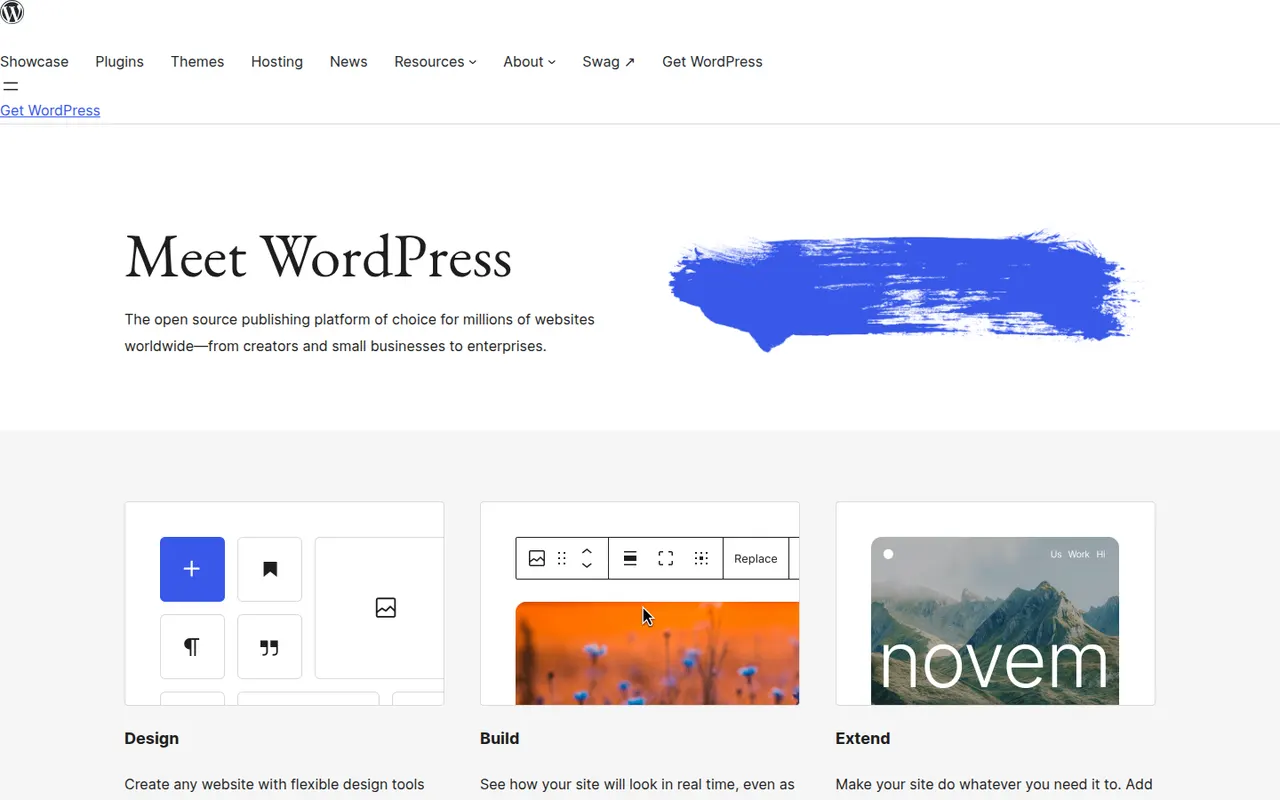
WordPress is a free, open source content management system that you install on your own web hosting. Its block editor handles pages and posts, and thousands of themes and plugins add features such as forms, SEO tools or an online store. Because it is self-hosted, you keep full control over your files, your data and your choice of host.
9 WordPress alternativesPros
- Thousands of themes and plugins for almost any need
- Full control over files, data and choice of host
- Free and open source, with a huge community
Cons
- You handle hosting, updates, backups and security yourself
- Plugin sprawl can slow sites and introduce vulnerabilities
- Block editor takes time to master for complex layouts
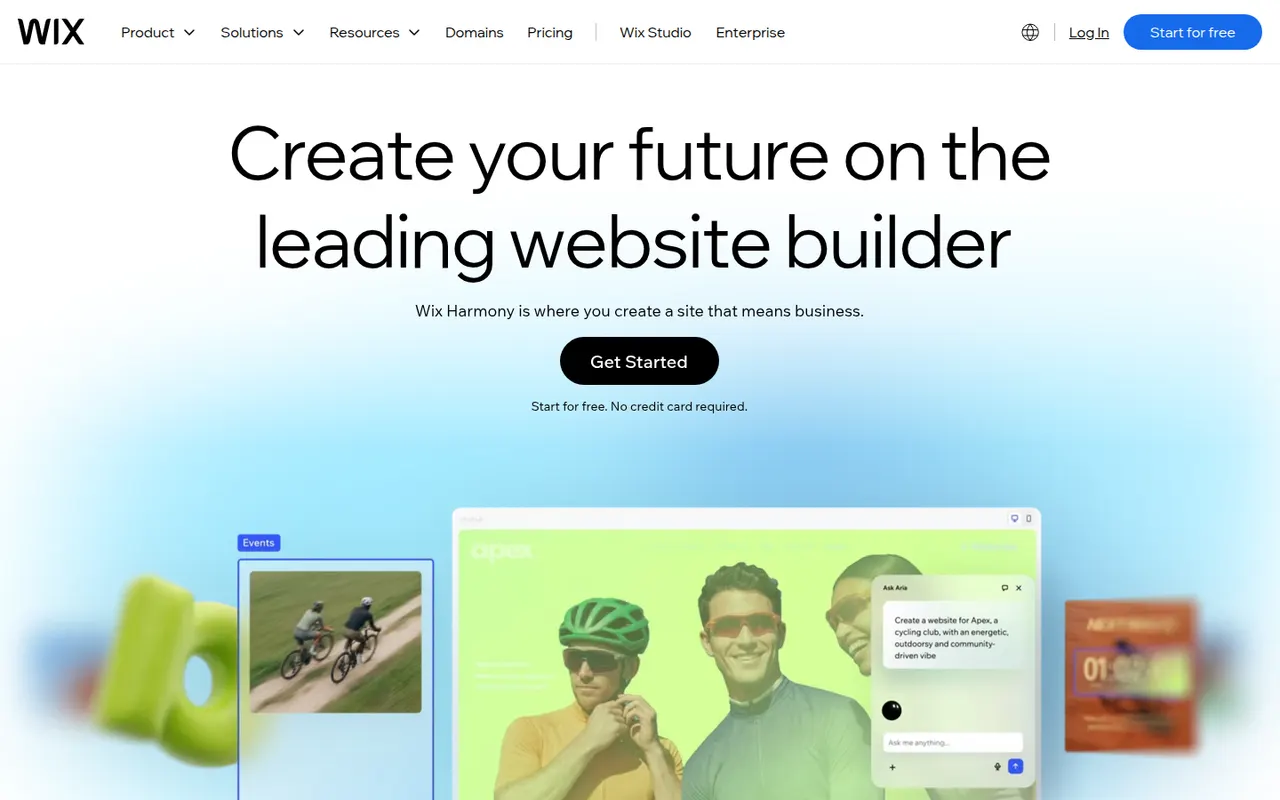
Cost / LicenseFreeOpen sourceCategoriesPlatformsWix is a hosted website builder that lets you design pages by placing elements freely on a canvas or by starting from a template. Hosting, domains, an online store, bookings and blogging are built in, and an AI tool can draft a first version of a site from a few questions. It suits small businesses and individuals who want everything in one place.
12 Wix alternativesPros
- Free-form canvas lets you place elements anywhere
- Online store, bookings and blog built in
- AI tool drafts a first version from a few questions
Cons
- Switching templates later means rebuilding the site
- Free plan shows Wix ads and uses a Wix subdomain
- Sites cannot be exported to another host
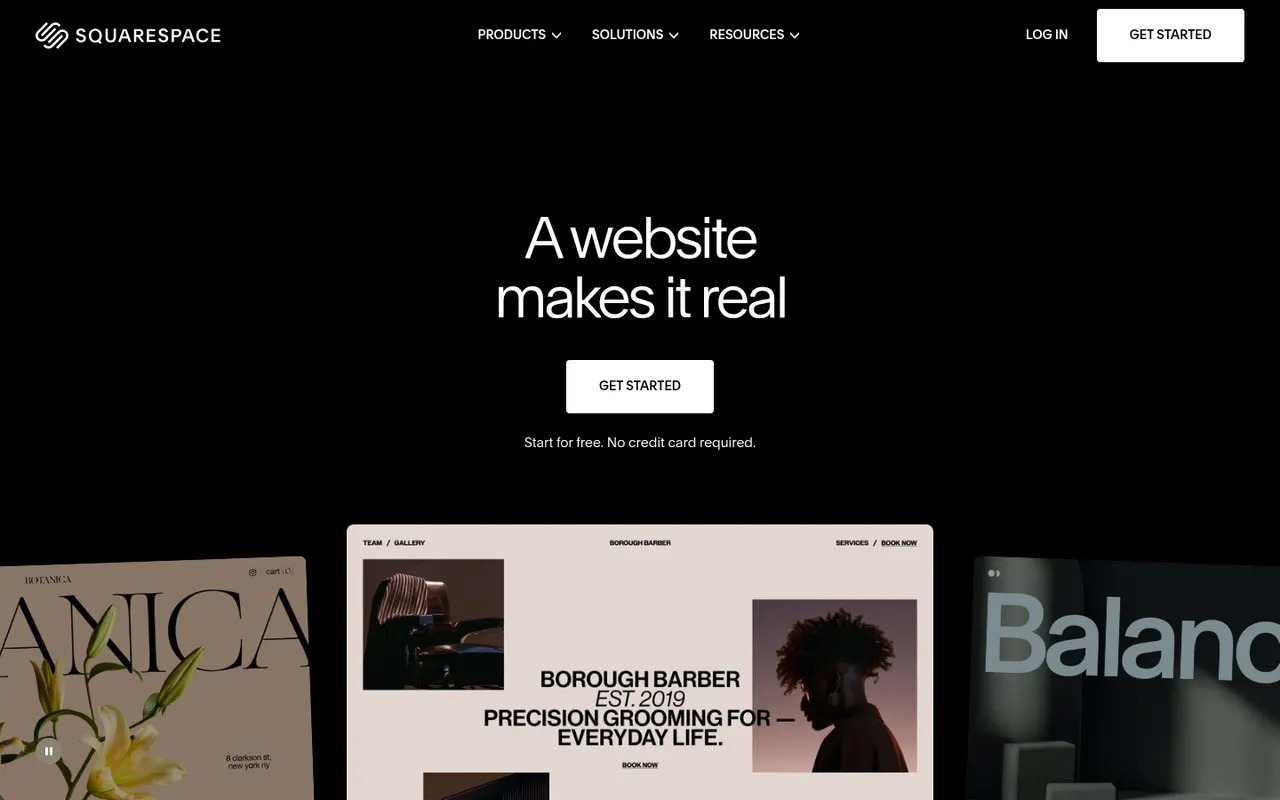
Cost / LicenseFreemiumProprietaryCategoriesSquarespace is a hosted platform for building websites, portfolios and online stores from designer templates. It bundles hosting, domains, e-commerce, email campaigns and appointment scheduling, with a section-based editor that keeps layouts consistent. It appeals to creatives and small businesses who care about design and prefer not to manage plugins.
12 Squarespace alternativesPros
- Polished designer templates with consistent layouts
- Hosting, commerce, email campaigns and scheduling in one place
- No plugins to install or keep updated
Cons
- No free plan beyond the trial
- Less layout freedom than canvas-based builders
- Fewer third-party extensions than WordPress
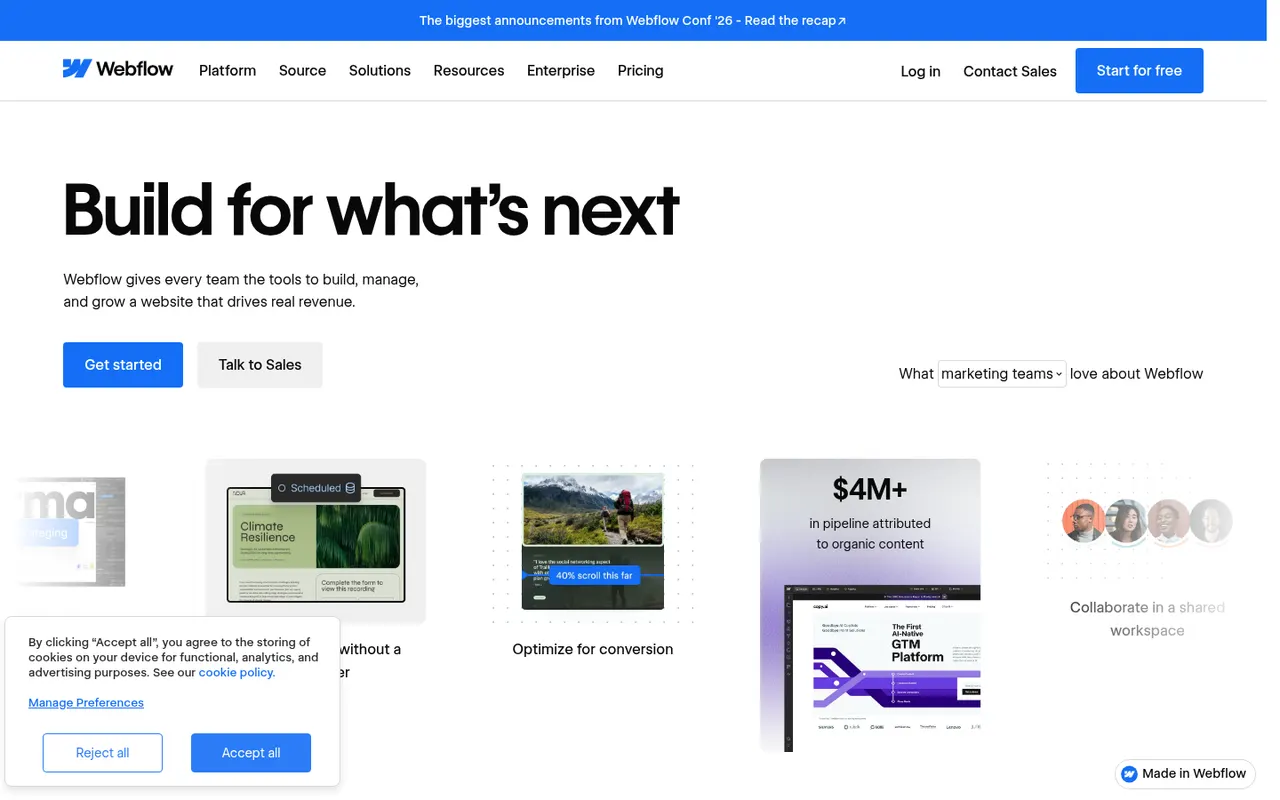
Cost / LicenseFree trialProprietaryCategoriesWebflow is a browser-based visual builder that exposes real HTML and CSS concepts such as boxes, flexbox and classes, so designers can produce custom, responsive sites without writing code. It includes a CMS for structured content, interactions and animations, hosting and localization. It is aimed at designers, agencies and marketing teams who want more control than template builders offer.
9 Webflow alternativesPros
- Visual control over real HTML and CSS concepts
- Flexible CMS for structured content
- Interactions and animations without writing code
Cons
- Steep learning curve for non-designers
- Pricing is complex, with separate site and workspace plans
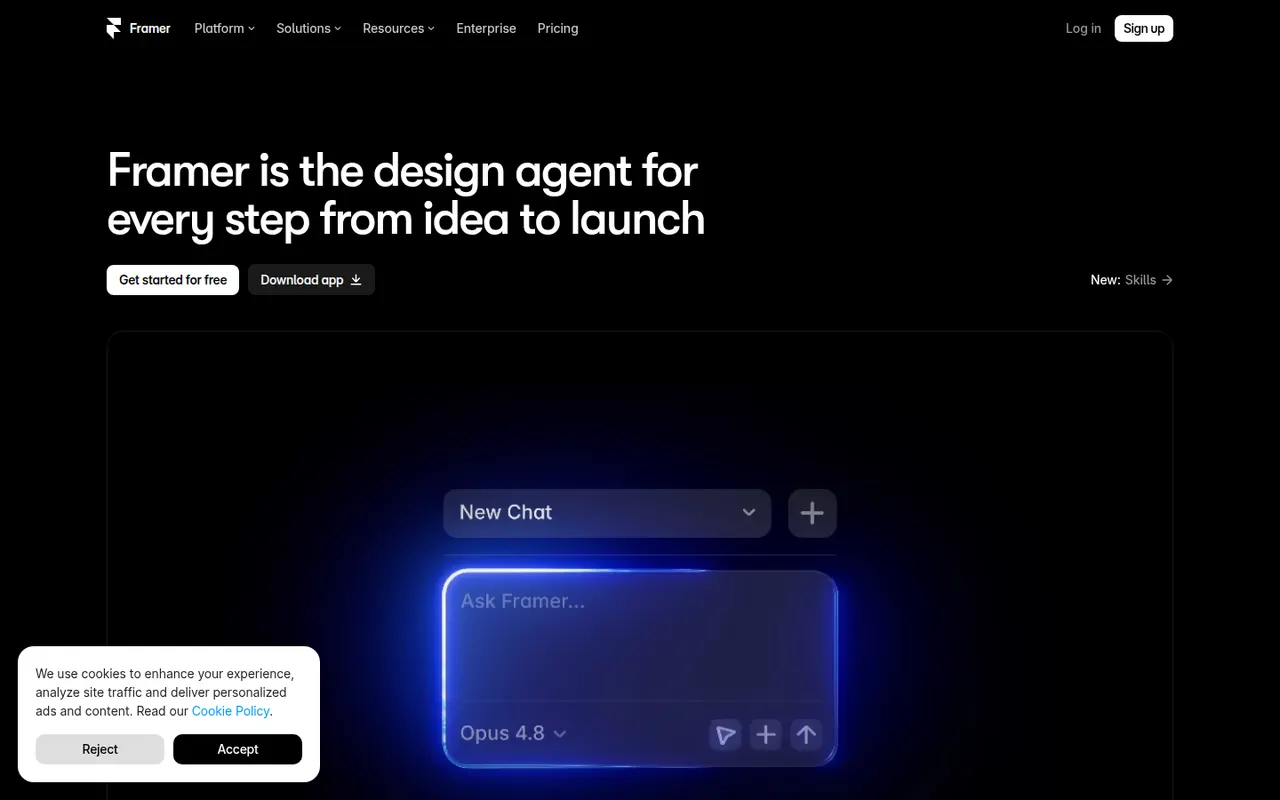
Cost / LicenseFreemiumProprietaryCategoriesPlatformsFramer is a website builder that works like a design tool: you lay out pages on a canvas, add animations and effects, then publish directly with hosting included. It offers a CMS, localization, built-in analytics and AI features that can generate a starting layout from a prompt. Designers and startups use it for landing pages, portfolios and marketing sites.
12 Framer alternativesPros
- Design-tool canvas with fine control over layout and animation
- Publishing and hosting included in one step
- Built-in CMS, localization and analytics
Cons
- Paid plans get costly as sites grow
- Learning curve for people new to design tools
- Sites stay hosted on Framer, with no official code export
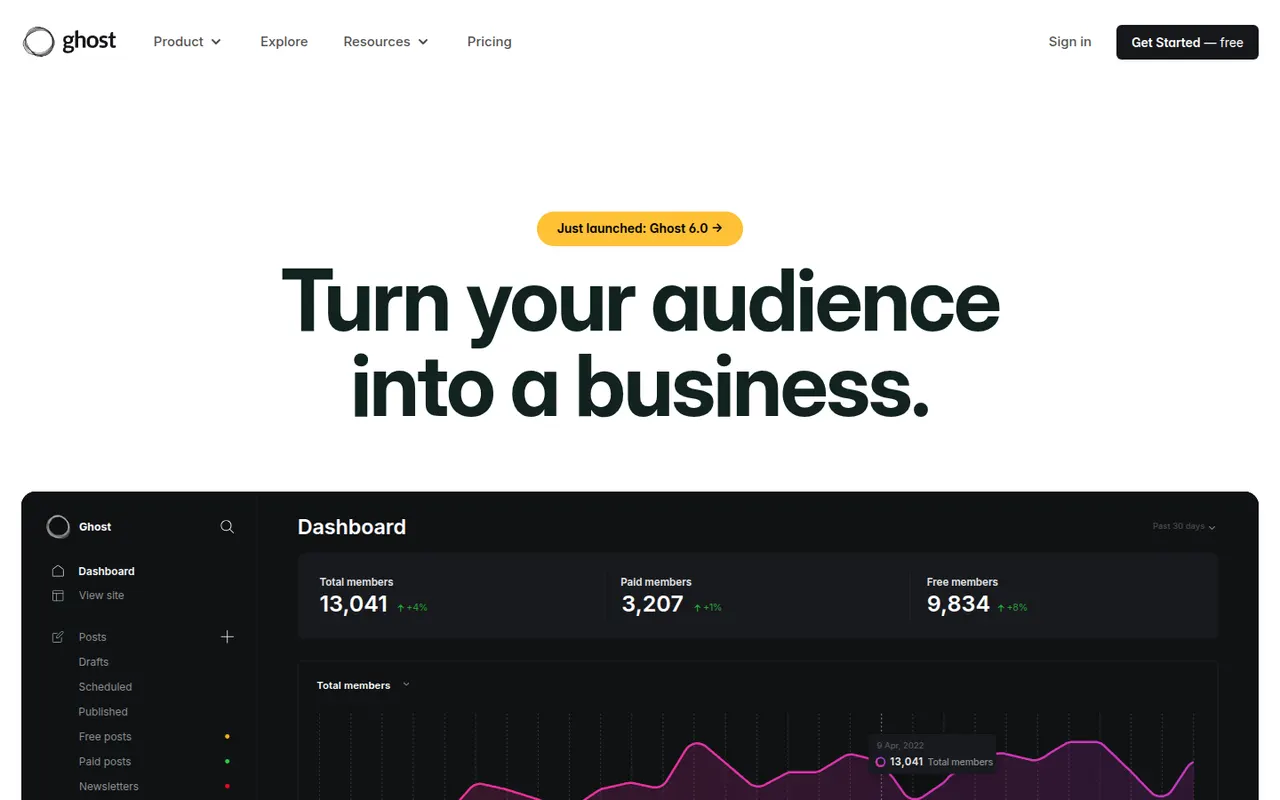
Cost / LicenseFreemiumProprietaryCategoriesGhost is an open source platform for independent publishers that combines a website, a newsletter and paid memberships in one product. Writers publish in a clean editor, send posts by email and charge for subscriptions through Stripe, with no revenue share taken by Ghost. It can be self-hosted for free or run on the managed Ghost(Pro) service, and is maintained by a non-profit foundation.
9 Ghost alternativesPros
- Website, newsletter and paid memberships in one product
- No revenue share taken on subscriptions
- Open source and free to self-host
Cons
- Fewer themes and integrations than WordPress
- Self-hosting needs technical skills and an email delivery service
- Ghost(Pro) gets expensive as your member list grows
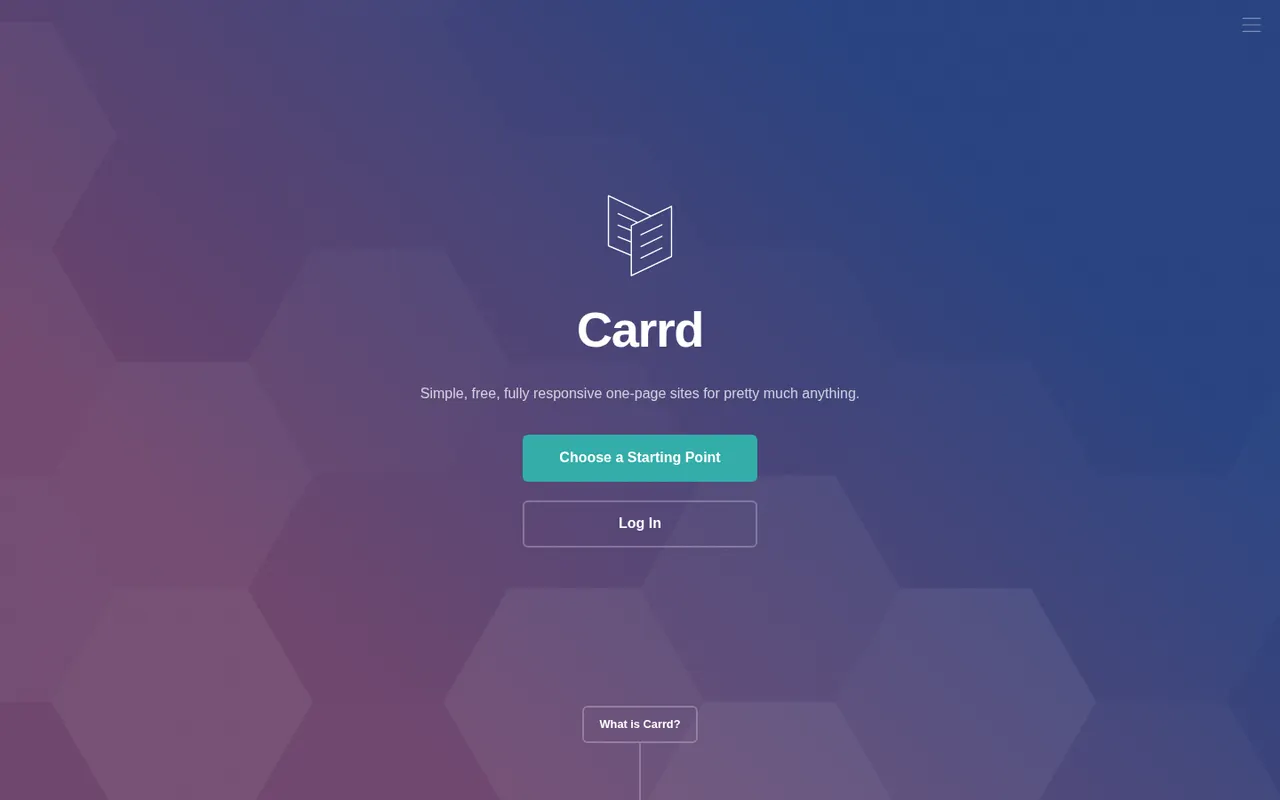
Cost / LicenseFreemiumOpen sourcePlatformsCarrd is a minimal builder focused on single-page websites such as personal profiles, link pages, portfolios and product landing pages. You start from a template, edit sections in a straightforward editor and publish to a carrd.co address, or to your own domain on a paid plan. Its deliberately narrow scope makes it very quick to learn.
9 Carrd alternativesPros
- Very quick to learn thanks to a deliberately narrow scope
- Good-looking templates for profiles and landing pages
- Low-cost paid plans unlock custom domains
Cons
- Limited to single-page sites
- No blog or full online store
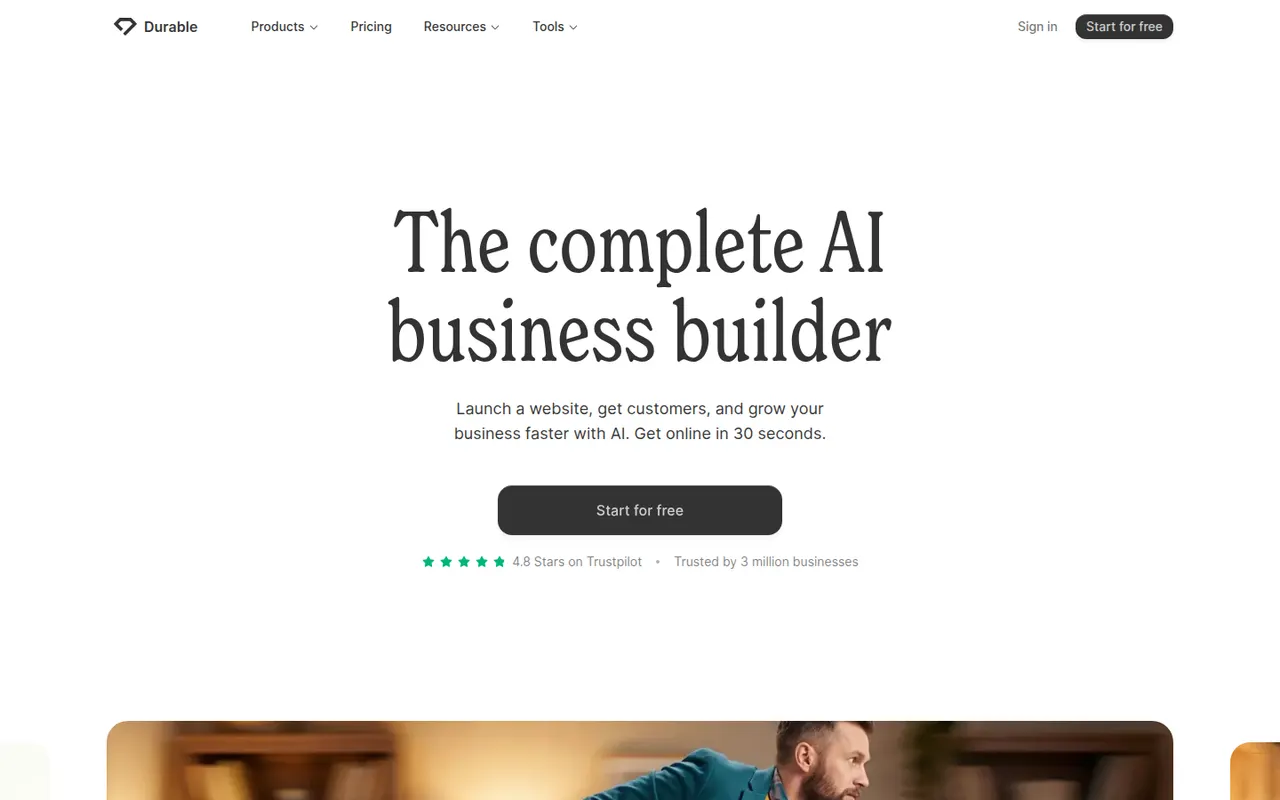
Cost / LicenseFreemiumProprietaryCategoriesPlatformsDurable is an AI website builder for small businesses and solo service providers. You describe your business and it generates a complete site with copy and images, which you then adjust in a simple editor. Alongside the website it offers tools for running a small business, such as a basic CRM, invoicing and AI-assisted marketing content.
7 Durable alternativesPros
- Generates a full site with copy and images from a short brief
- Simple editor suited to non-technical business owners
- Bundles a basic CRM, invoicing and marketing tools
Cons
- Generated sites look generic without manual editing
- Less design control than traditional website builders
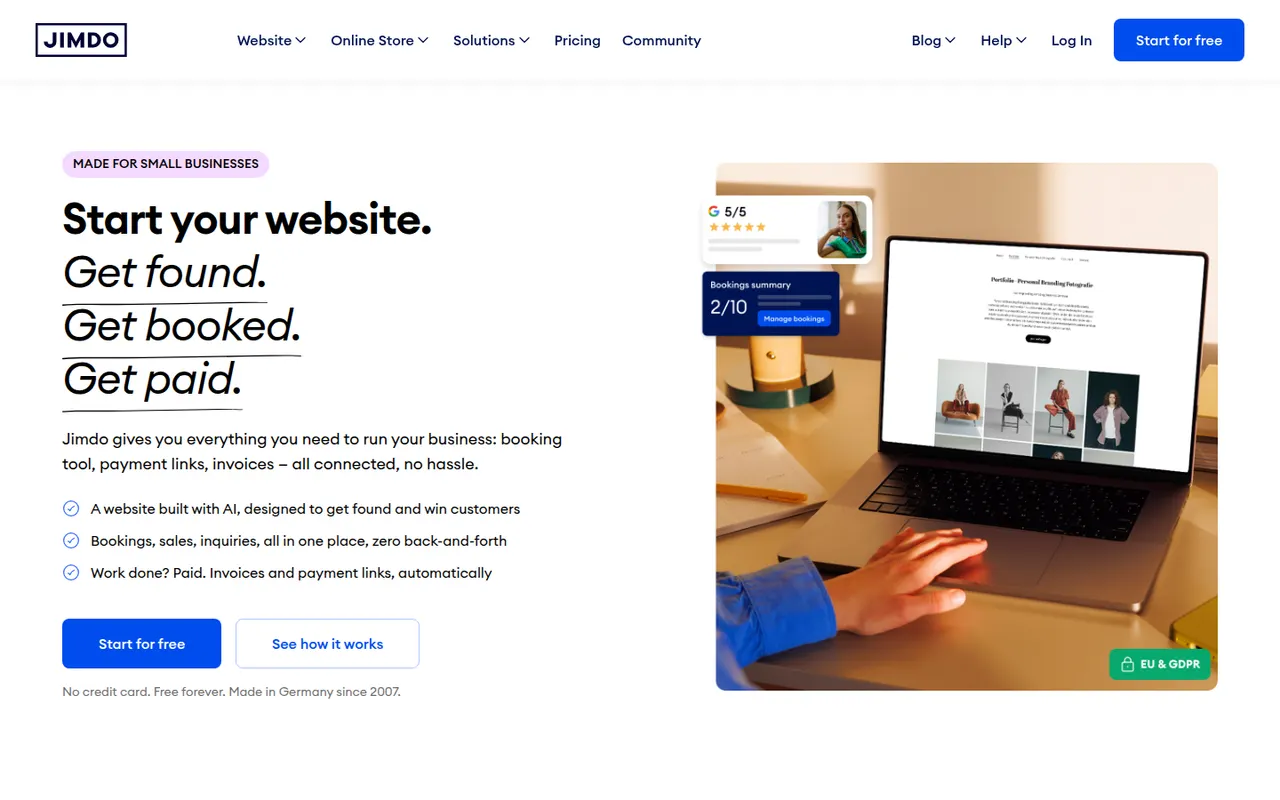
Cost / LicenseFreemiumProprietaryCategoriesPlatformsJimdo is a German website builder aimed at small businesses, freelancers and people with no web experience. A guided setup asks a few questions about your business and assembles a site you can then edit, and paid plans add a domain, an online store and basic SEO settings. Options are deliberately limited so that a site can go live and be maintained with little effort.
8 Jimdo alternativesPros
- Guided setup gets a site online quickly
- Easy to maintain for people with no web experience
- Free plan to get started
Cons
- Limited design and layout options
- Free plan shows Jimdo branding on a Jimdo subdomain
- Online store features are basic
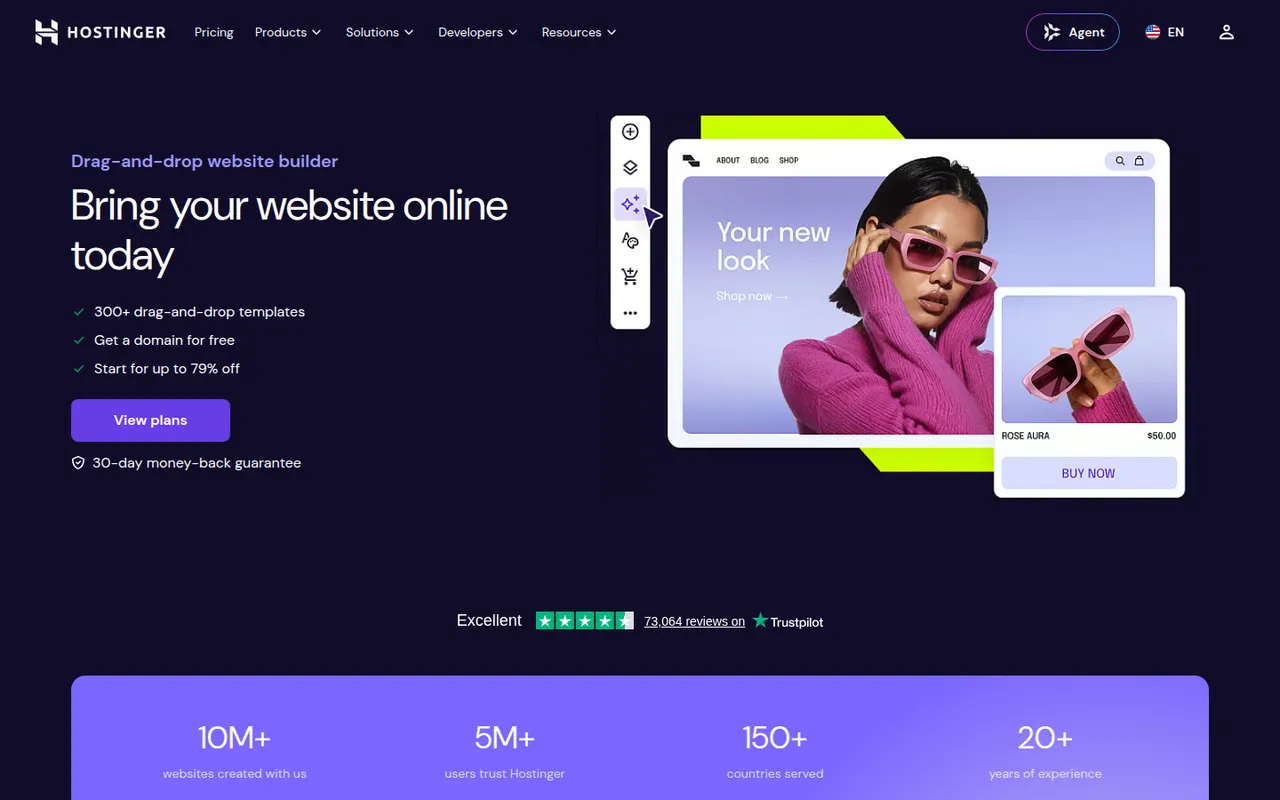
Cost / LicenseFreemiumProprietaryCategoriesPlatformsHostinger Website Builder, formerly known as Zyro, is a drag-and-drop editor included with Hostinger hosting plans. It offers templates, an AI generator that creates a first draft of a site from a description, and AI tools for writing text and producing images. Plans include hosting, a domain and basic e-commerce, making it a simple all-in-one option for small sites.
8 Hostinger Website Builder alternativesPros
- Hosting, domain and builder bundled in one plan
- AI generator drafts a first version of the site
- Drag-and-drop editor that is easy for beginners
Cons
- No free plan is available
- Less design flexibility and fewer integrations than larger builders
- Best prices require long upfront commitments
Cost / LicensePaidProprietaryCategoriesPlatformsWordPress.com is the hosted version of WordPress run by Automattic, so you get the WordPress editor, themes and blogging tools without managing a server. Free sites use a wordpress.com address, while paid plans add custom domains, plugins, e-commerce and more storage. It suits bloggers and small businesses who want WordPress without handling updates, backups and security themselves.
11 WordPress.com alternativesPros
- WordPress without managing servers, updates or backups
- Free plan to start a blog quickly
- Same WordPress editor, themes and blogging tools
Cons
- Installing plugins requires a paid plan
- Free sites show ads and use a wordpress.com address
- Less control over hosting than self-hosted WordPress
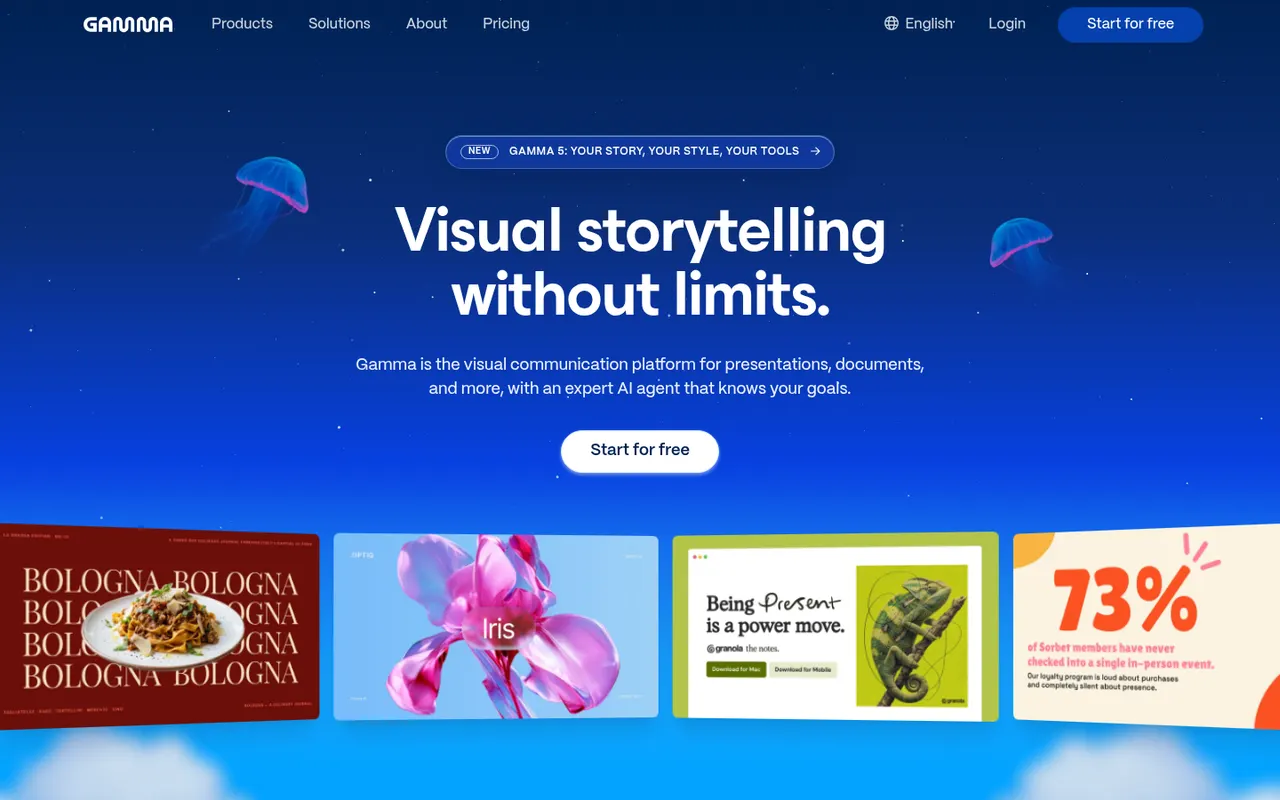
Cost / LicenseFreemiumProprietaryCategoriesGamma generates presentations, documents, social posts and simple websites from a prompt, notes or an imported file, using a card-based layout instead of fixed slides. Content can then be refined with an AI agent, themes and templates, shared as a link with viewer analytics or exported to PowerPoint, Google Slides or PDF. A free plan with limited AI credits is available.
9 Gamma alternativesPros
- Generates decks, documents and simple sites from a prompt
- Card-based layouts adapt well to any screen size
- Shareable links with viewer analytics
Cons
- The free plan has limited AI credits
- The card format does not always translate well to PowerPoint
- Generated content often needs editing to be accurate and on-brand
Cost / LicenseFreemiumProprietaryCategories