Apps with Analytics
55 apps
Top Analytics apps ranked by the community
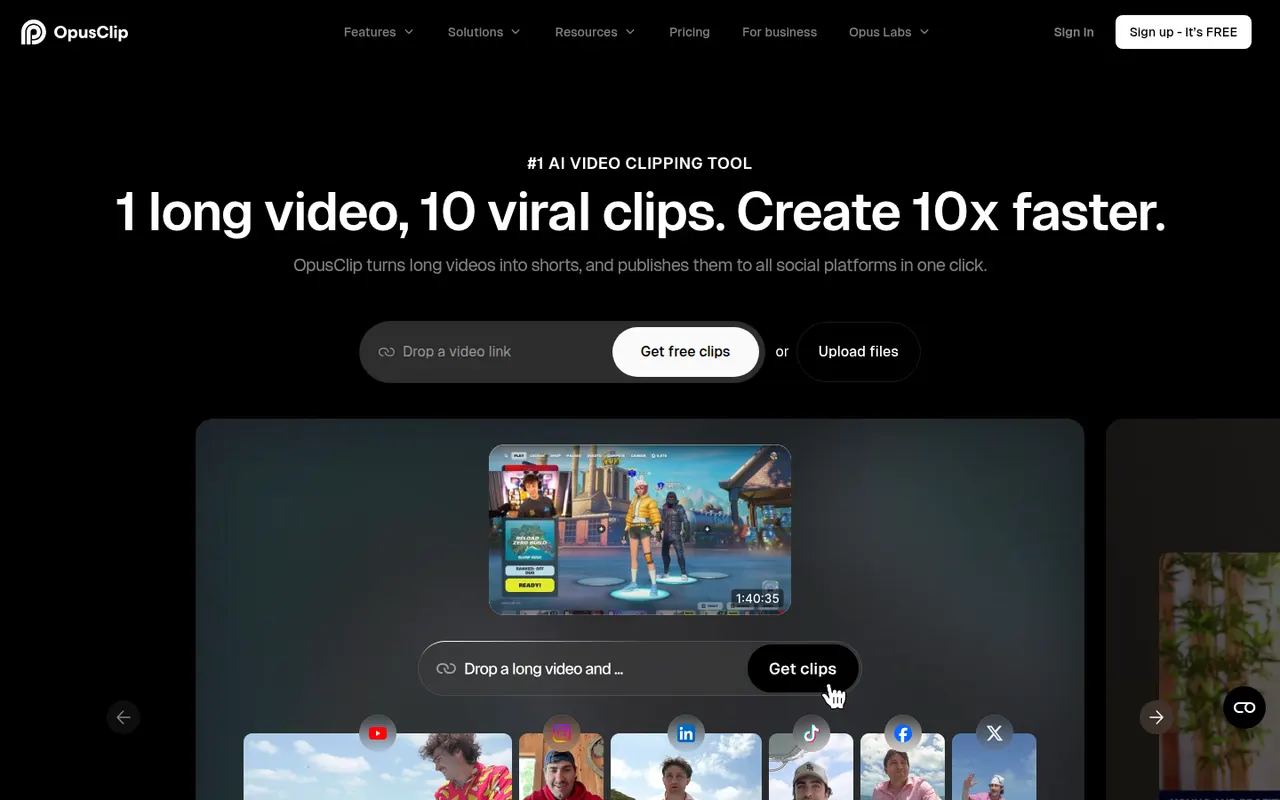
OpusClip analyzes long-form videos, finds the most engaging moments and reframes them into captioned vertical clips ready for social media.
17 OpusClip alternativesPros
- Finds engaging moments in long videos automatically
- Reframes and captions vertical clips for social media
- Schedules and posts clips to social networks
Cons
- Virality scores are only a rough guide to performance
- Free plan has limited credits and adds a watermark
- Works best with talking-head content
Cost / LicenseFreemiumProprietaryCategoriesPlatformsBuffer lets individuals and small teams schedule posts across the main social networks, collaborate on drafts and track engagement.
12 Buffer alternativesPros
- Clean, simple interface for scheduling on major networks
- Free plan for a few channels
- Draft collaboration and engagement analytics
Cons
- Engagement tools are limited compared with full social suites
- Per-channel pricing adds up with many accounts
- Analytics are too basic for agency reporting
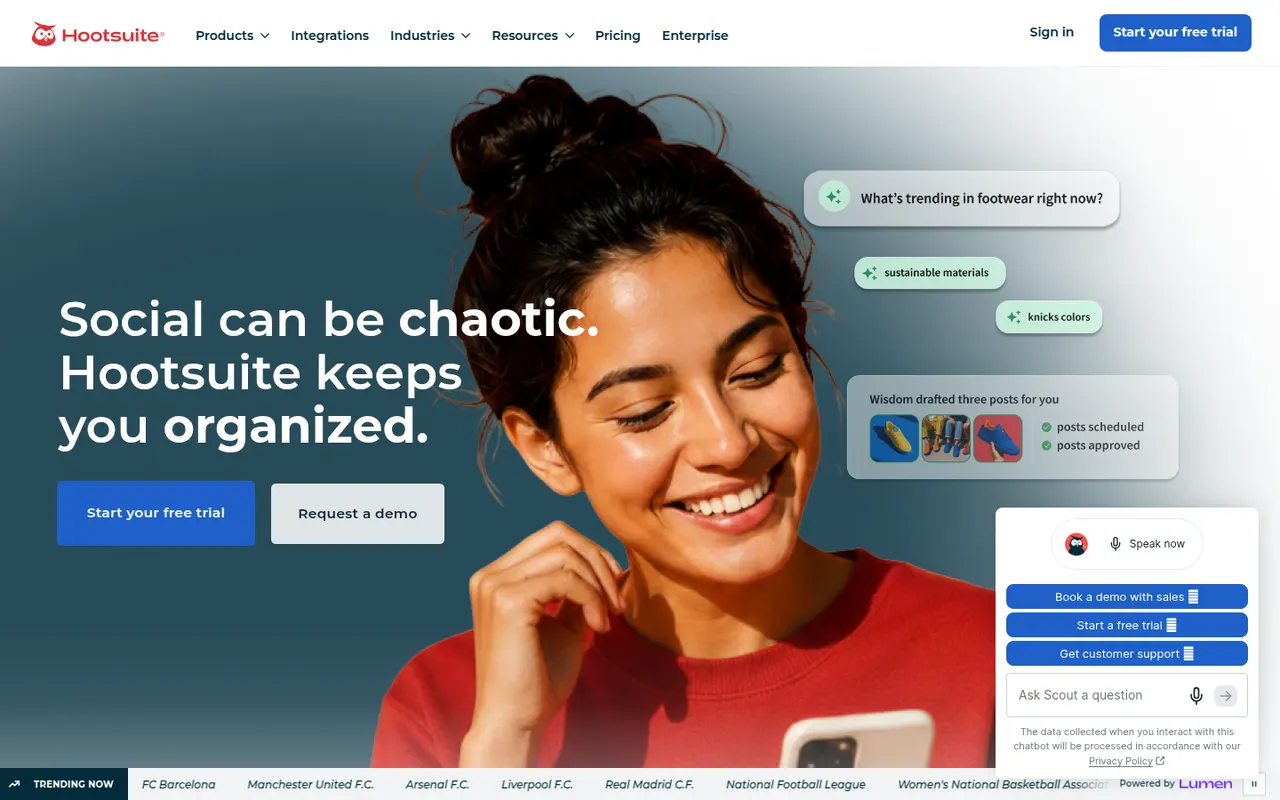
Cost / LicenseFreemiumProprietaryCategoriesHootsuite centralizes publishing, social inbox, listening and reporting for organizations managing many social accounts.
12 Hootsuite alternativesPros
- Publishing, inbox, listening and reporting in one platform
- Handles many accounts across large organizations
- A large app directory extends the platform
Cons
- Expensive for individuals and small businesses
- No free plan, only a trial
- The interface can feel cluttered and unintuitive
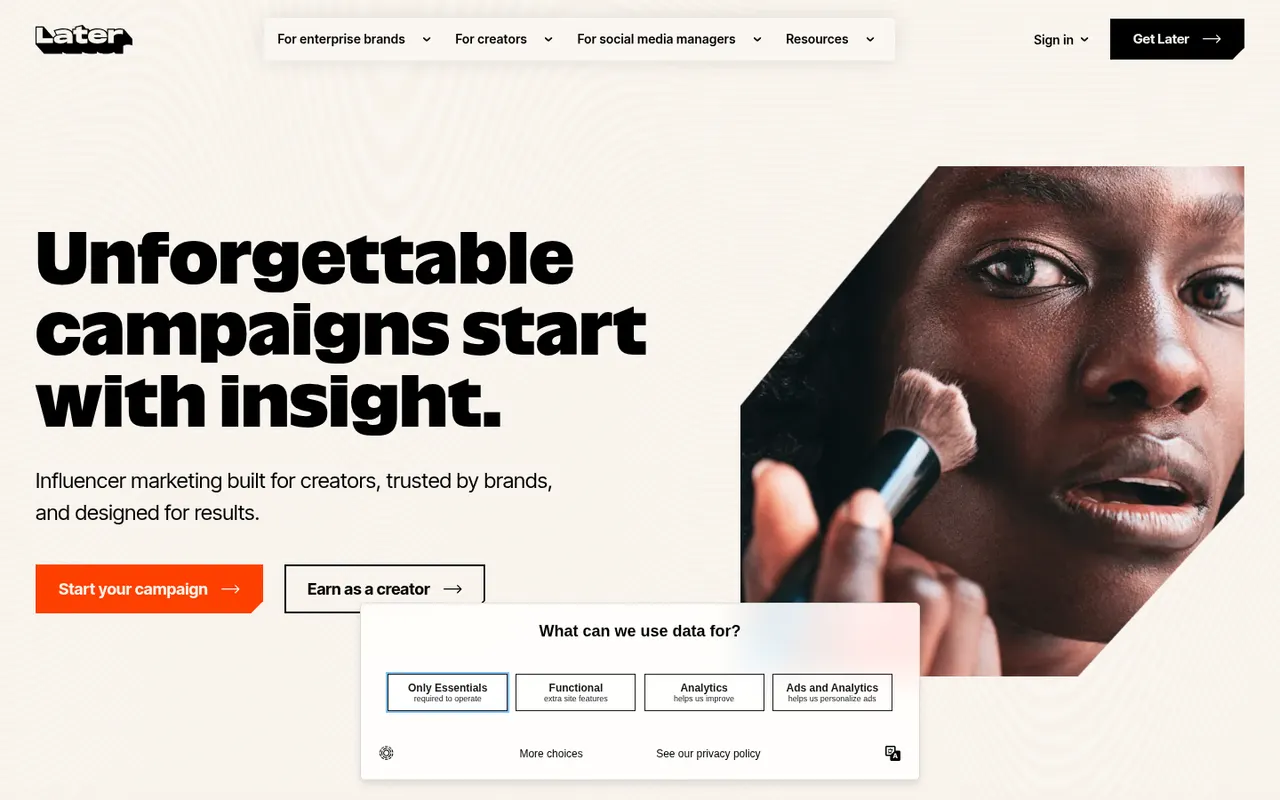
Cost / LicenseFree trialProprietaryCategoriesLater helps brands and creators plan visual content for Instagram, TikTok and other networks with a drag-and-drop calendar and analytics.
11 Later alternativesPros
- Visual drag-and-drop calendar for planning feeds
- Strong focus on Instagram and TikTok
- Auto-publishing with analytics on post performance
Cons
- No free plan, only a trial
- Built for visual content, less suited to text-heavy networks
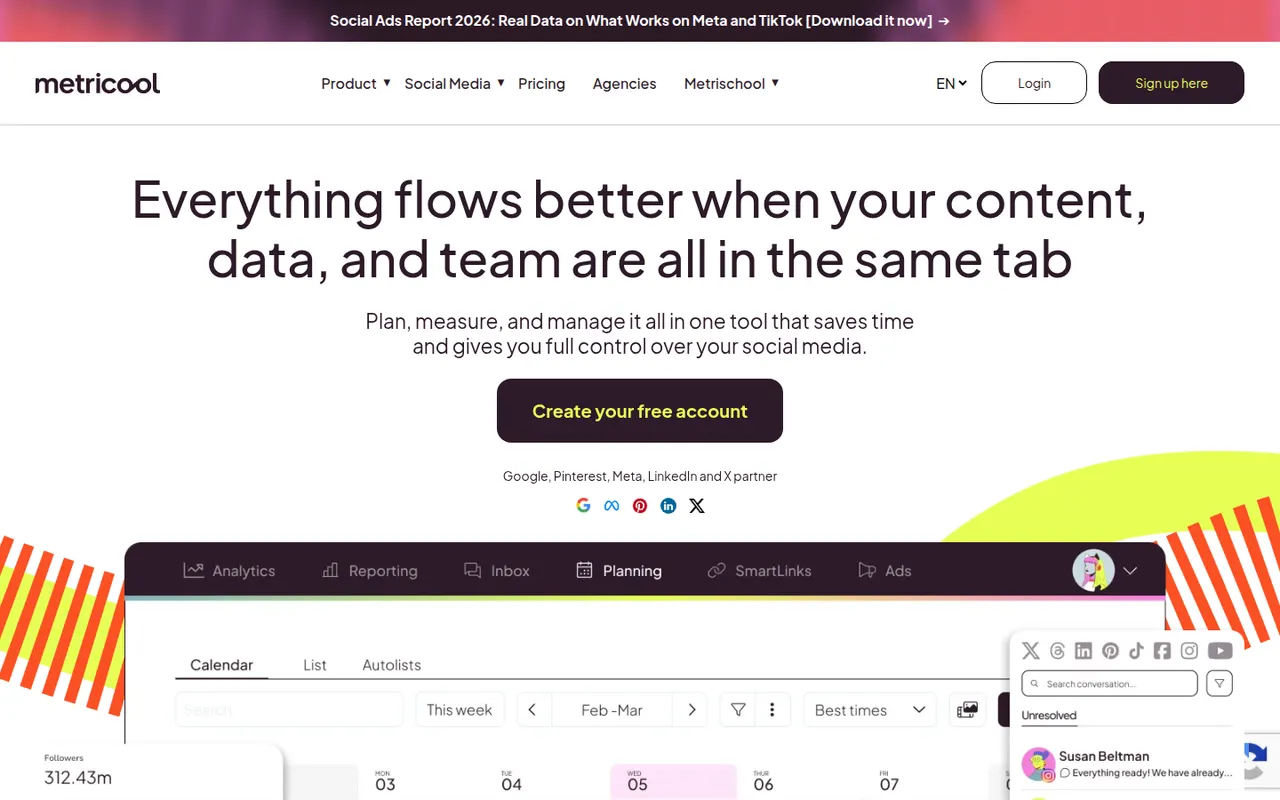
Cost / LicenseFree trialProprietaryCategoriesMetricool combines scheduling, analytics and ad reporting for social networks, blogs and ad accounts, popular with freelancers and agencies.
10 Metricool alternativesPros
- Scheduling, analytics and ad reporting in one tool
- Covers blogs and ad accounts alongside social networks
- Free plan for a single brand
Cons
- The interface packs a lot of data and can feel busy
- Advanced reports and integrations require paid plans
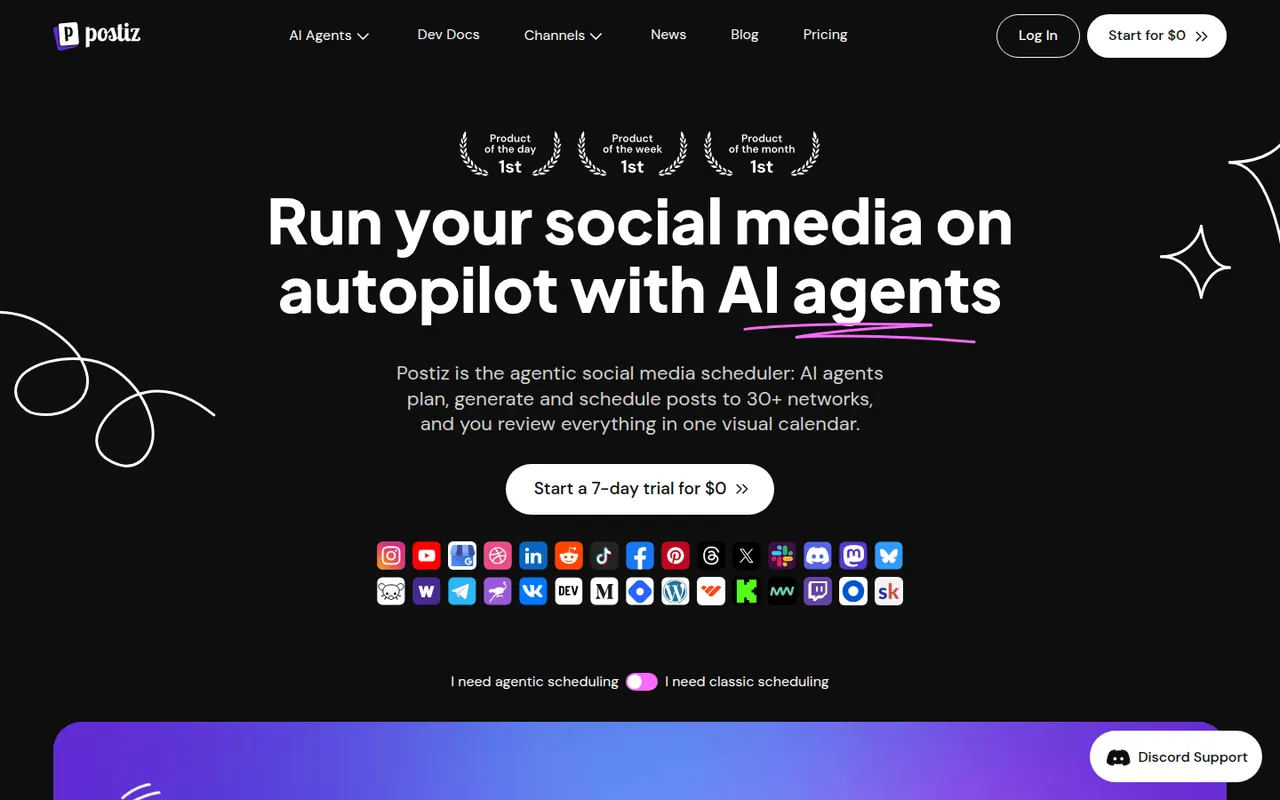
Cost / LicenseFreemiumProprietaryCategoriesPostiz is a self-hostable social media scheduler with AI-assisted writing, team workflows and support for many networks.
6 Postiz alternativesPros
- Open source and self-hostable, keeping your data under your control
- Supports many social networks from one dashboard
- AI-assisted writing and team workflows
Cons
- Younger project, less polished than established tools
- Self-hosting requires technical setup and maintenance
Cost / LicenseFreemiumOpen sourceCategoriesPlatformsMentioned
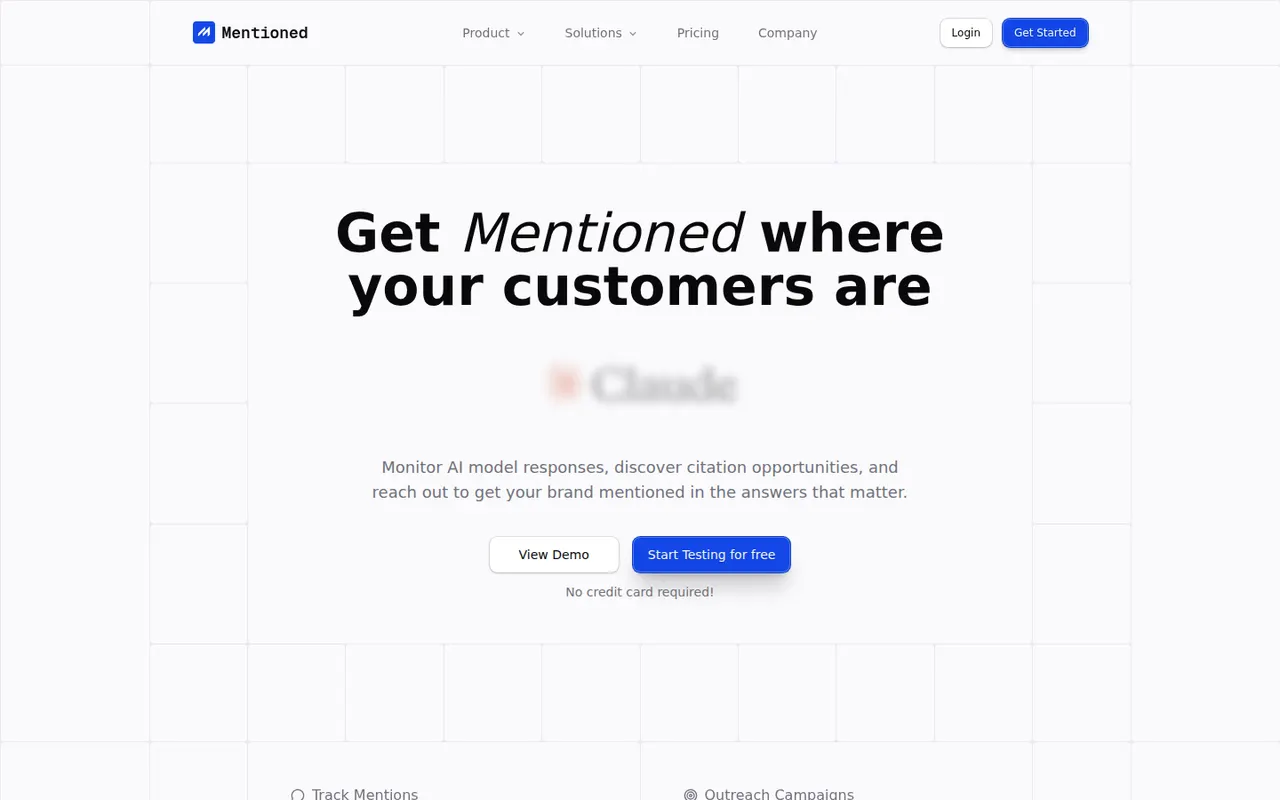
By the publisherMentioned tracks your brand across ChatGPT, Perplexity, Gemini and other assistants with versioned prompt panels and traceable answer evidence.
7 Mentioned alternativesPros
- Versioned prompt panels keep tracking consistent over time
- Each result is backed by traceable evidence from the AI answer
- Benchmarks your brand against competitors across assistants
Cons
- No free plan, paid subscription only
- AI answers fluctuate, so single results need careful reading
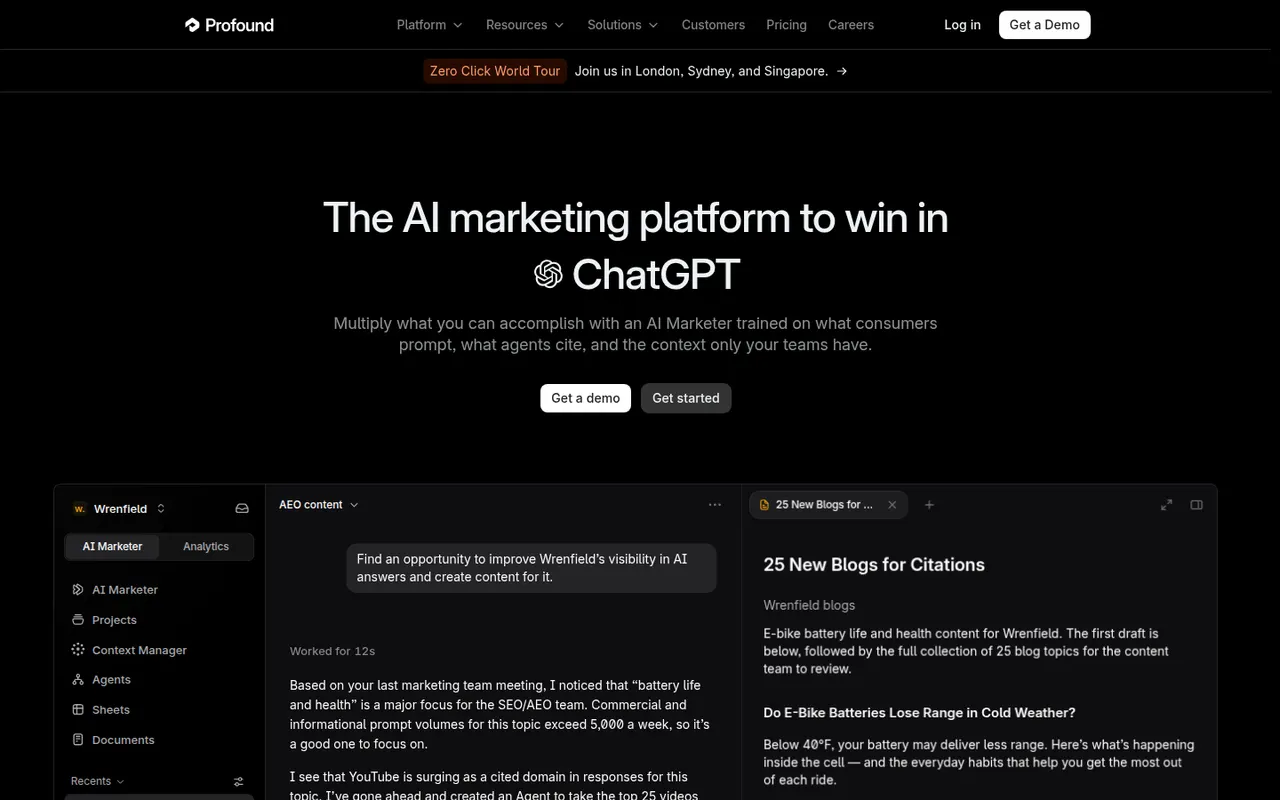
Cost / LicensePaidProprietaryCategoriesPlatformsProfound helps enterprise marketing teams measure and improve how their brand appears in AI-generated answers.
8 Profound alternativesPros
- Built for enterprise marketing teams and their reporting needs
- Prompt tracking shows where your brand appears in AI answers
- Competitor benchmarking across AI assistants
Cons
- Enterprise focus puts it out of reach for small teams
- No free plan to evaluate it before buying
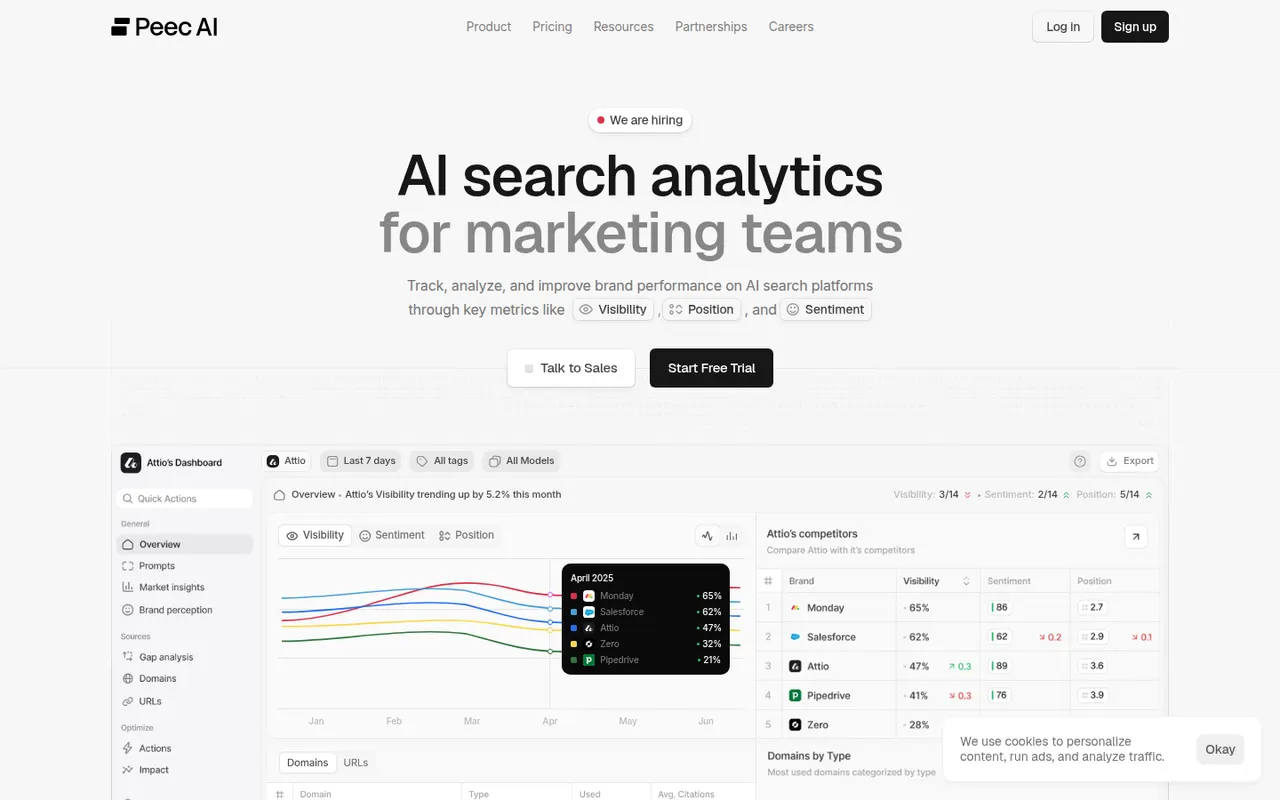
Cost / LicensePaidProprietaryCategoriesPlatformsPeec AI tracks visibility, position and sentiment of brands in AI search engines, with source analysis and competitor comparisons.
8 Peec AI alternativesPros
- Tracks brand visibility, position and sentiment in AI search
- Source analysis shows which sites shape AI answers
- Side-by-side comparison with competitors
Cons
- No free plan, paid access only
- Results depend heavily on the prompts you choose to track
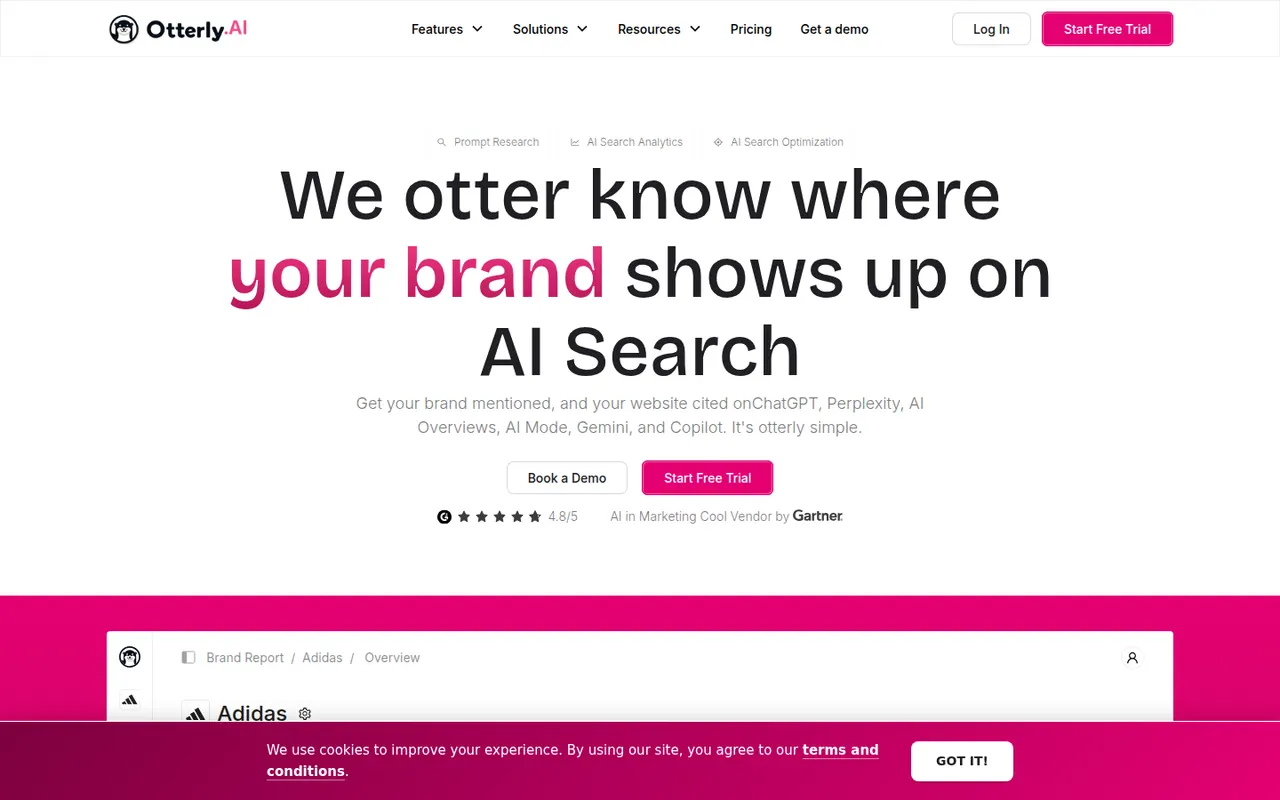
Cost / LicensePaidProprietaryCategoriesPlatformsOtterly.AI monitors brand mentions and website citations in ChatGPT, Perplexity and Google AI Overviews, with automated reports.
7 Otterly.AI alternativesPros
- Covers ChatGPT, Perplexity and Google AI Overviews
- Tracks both brand mentions and website citations
- Automated reports reduce manual checking
Cons
- No free plan beyond the trial
- Tracked prompts only approximate what real users ask
Cost / LicenseFree trialProprietaryCategoriesPlatformsFeaturesLoom lets you record your screen, camera and voice and share the result instantly as a link, replacing meetings and long written explanations. Viewers can comment and react, and Loom AI generates titles, summaries and chapters. Part of Atlassian since 2023, it works through desktop and mobile apps, a Chrome extension and integrations with tools like Slack, Jira and Notion.
12 Loom alternativesPros
- Record screen and camera and share instantly as a link
- AI titles, summaries and chapters save editing time
- Comments and reactions keep feedback next to the video
Cons
- The free plan limits video length and library size
- Editing is basic compared with dedicated video tools
- Per-seat pricing adds up for large teams
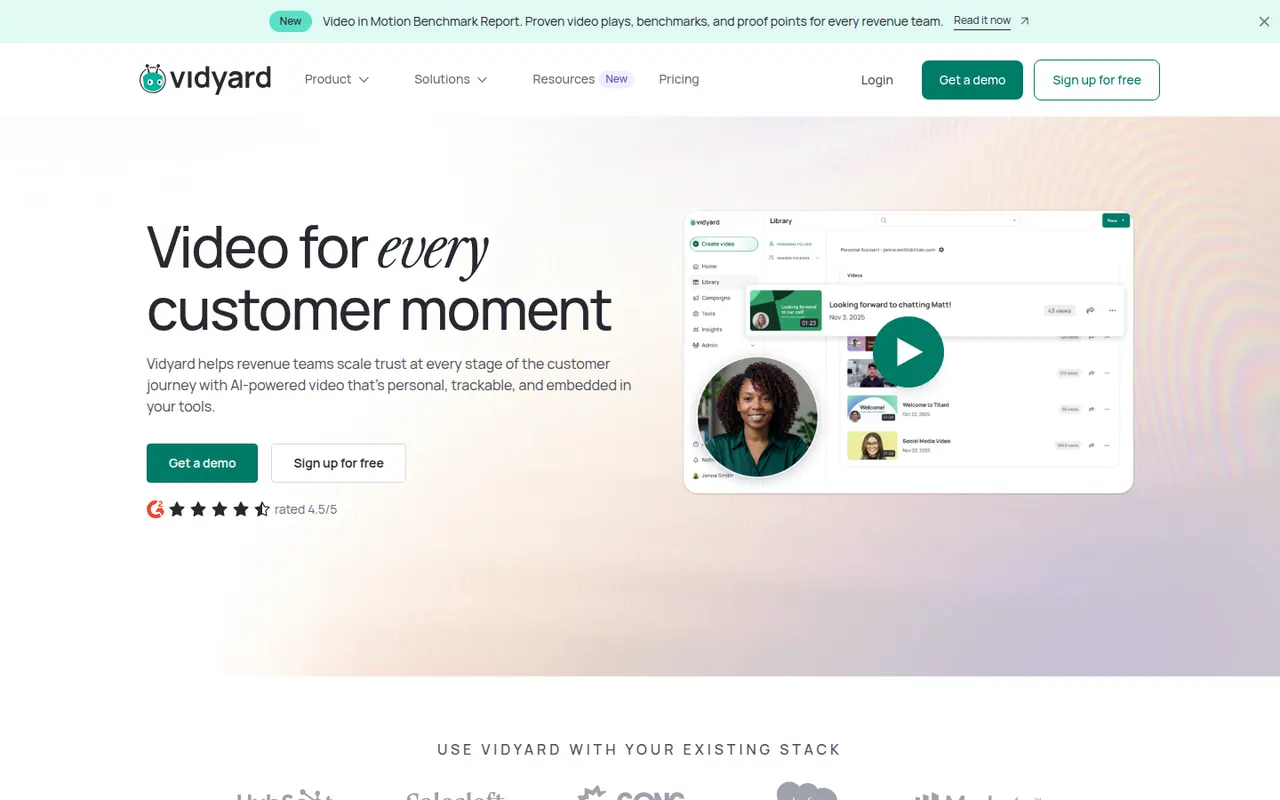
Cost / LicenseFreemiumProprietaryCategoriesVidyard helps businesses record, host and share videos, with a focus on sales outreach and marketing. Users record screen and camera messages from a browser extension or desktop app, embed them in emails, and track who watched and for how long. It integrates with CRMs such as Salesforce and HubSpot and offers a free plan for individuals alongside paid business tiers.
6 Vidyard alternativesPros
- Record screen and camera messages from a browser extension
- Shows who watched each video and for how long
- Integrates with CRMs such as Salesforce and HubSpot
Cons
- Sales-focused features are mostly in paid business tiers
- Overkill for teams that only need quick internal videos
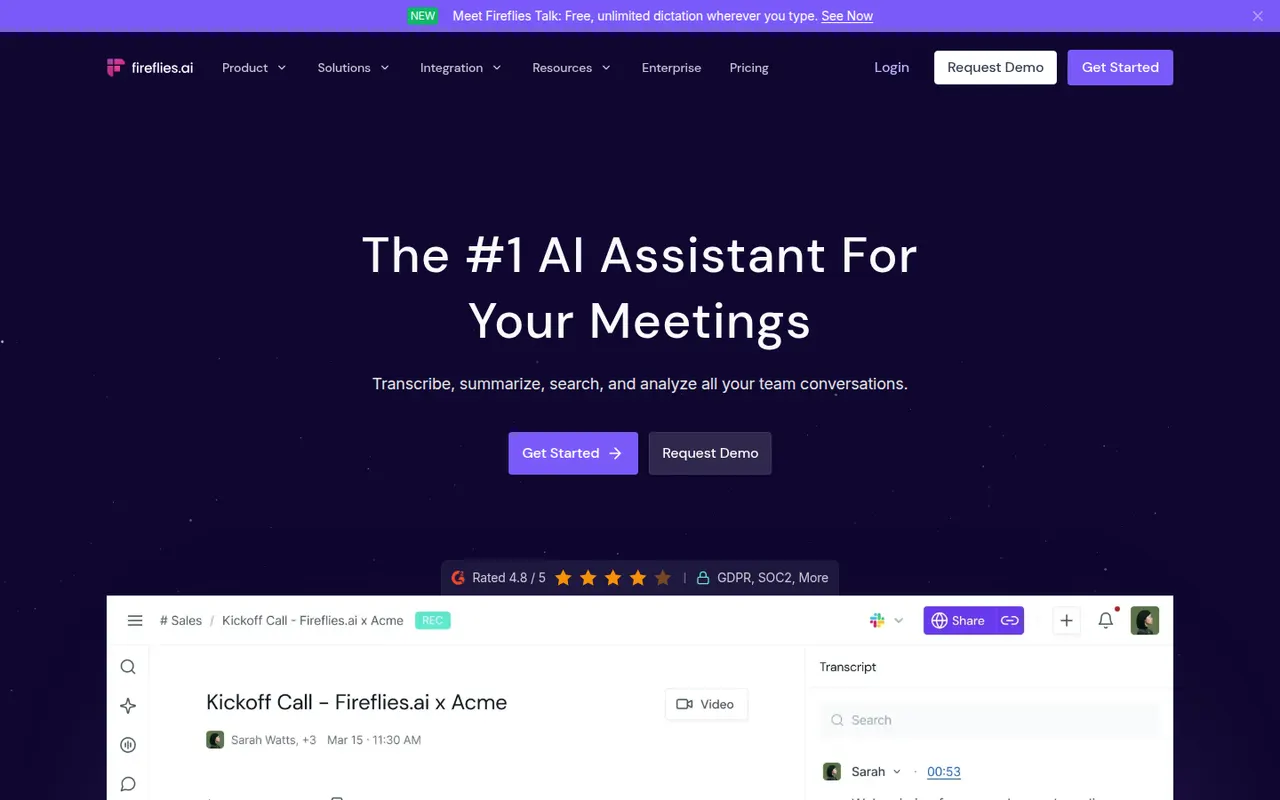
Cost / LicenseFreemiumProprietaryCategoriesPlatformsFireflies.ai joins video calls on Zoom, Google Meet, Microsoft Teams and other platforms to record and transcribe them in many languages. It produces summaries and action items, offers conversation analytics such as talk time and topic tracking, and pushes notes to CRMs like Salesforce and HubSpot or to Slack and Notion. You can search across meetings, query them with an AI assistant and start on a free plan.
9 Fireflies.ai alternativesPros
- Works across Zoom, Meet, Teams and other call platforms
- Transcribes in many languages, with search across all meetings
- Pushes notes to CRMs, Slack and Notion
Cons
- Auto-join settings can bring the bot into calls unexpectedly
- Free plan limits storage and advanced AI features
Cost / LicenseFreemiumProprietaryCategoriesPlatformsRead AI joins or records meetings on Zoom, Google Meet and Microsoft Teams to produce transcripts, summaries, action items and highlight reels. It also measures engagement, sentiment and talk time to help people run better meetings, and can summarize email and chat threads so you can search meetings, messages and documents in one place. A free plan covers a limited number of meetings.
9 Read AI alternativesPros
- Engagement, sentiment and talk-time metrics for meetings
- Search across meetings, email and chat in one place
- Highlight reels sum up long meetings quickly
Cons
- Engagement scoring can feel intrusive to participants
- Connecting email and chat means granting broad data access
- Free plan covers only a limited number of meetings
Cost / LicenseFreemiumProprietaryCategoriesPlatformsAvoma is an AI meeting assistant built for sales and customer success teams. It records and transcribes calls, writes structured notes and syncs them to CRMs such as Salesforce and HubSpot, then adds conversation intelligence, deal and pipeline insights, coaching scorecards and a built-in scheduler with lead routing. It suits revenue teams that want notes, call analysis and scheduling in a single tool.
8 Avoma alternativesPros
- Notes, call analysis and scheduling in a single tool
- Structured notes sync to CRMs such as Salesforce and HubSpot
- Coaching scorecards and deal insights for revenue teams
Cons
- Built for sales teams, so it is overkill for casual note-taking
- The breadth of features takes time to set up and learn
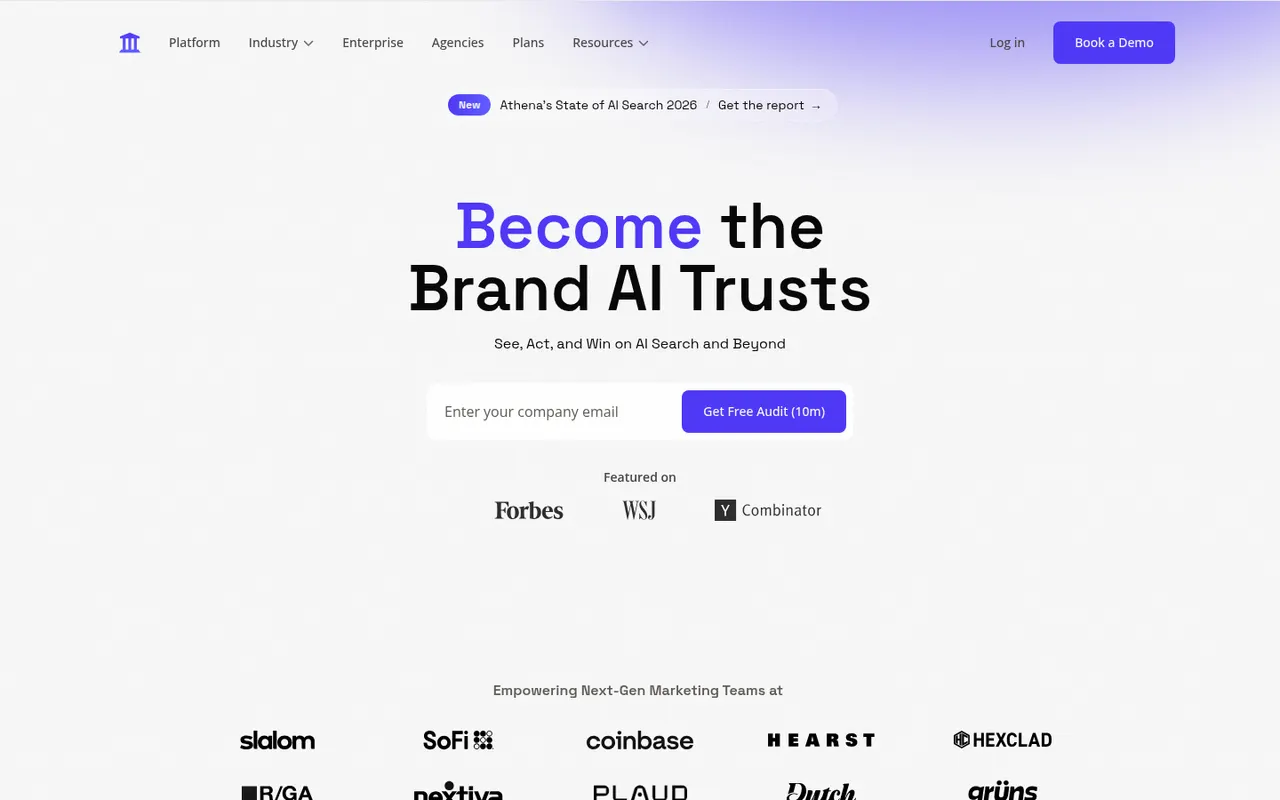
Cost / LicenseFree trialProprietaryCategoriesPlatformsAthenaHQ is a generative engine optimization (GEO) platform for marketing teams. It monitors how brands appear in answers from ChatGPT, Perplexity, Google AI Overviews, Gemini, Claude and other assistants, shows which sources get cited, benchmarks share of voice against competitors and recommends content changes to improve visibility. It is a paid, web-based service.
8 AthenaHQ alternativesPros
- Tracks brand presence in ChatGPT, Perplexity, Gemini and more
- Shows which sources AI answers cite about your brand
- Recommends content changes to improve AI visibility
Cons
- No free plan, paid access only
- AI answers shift between runs, so scores are directional
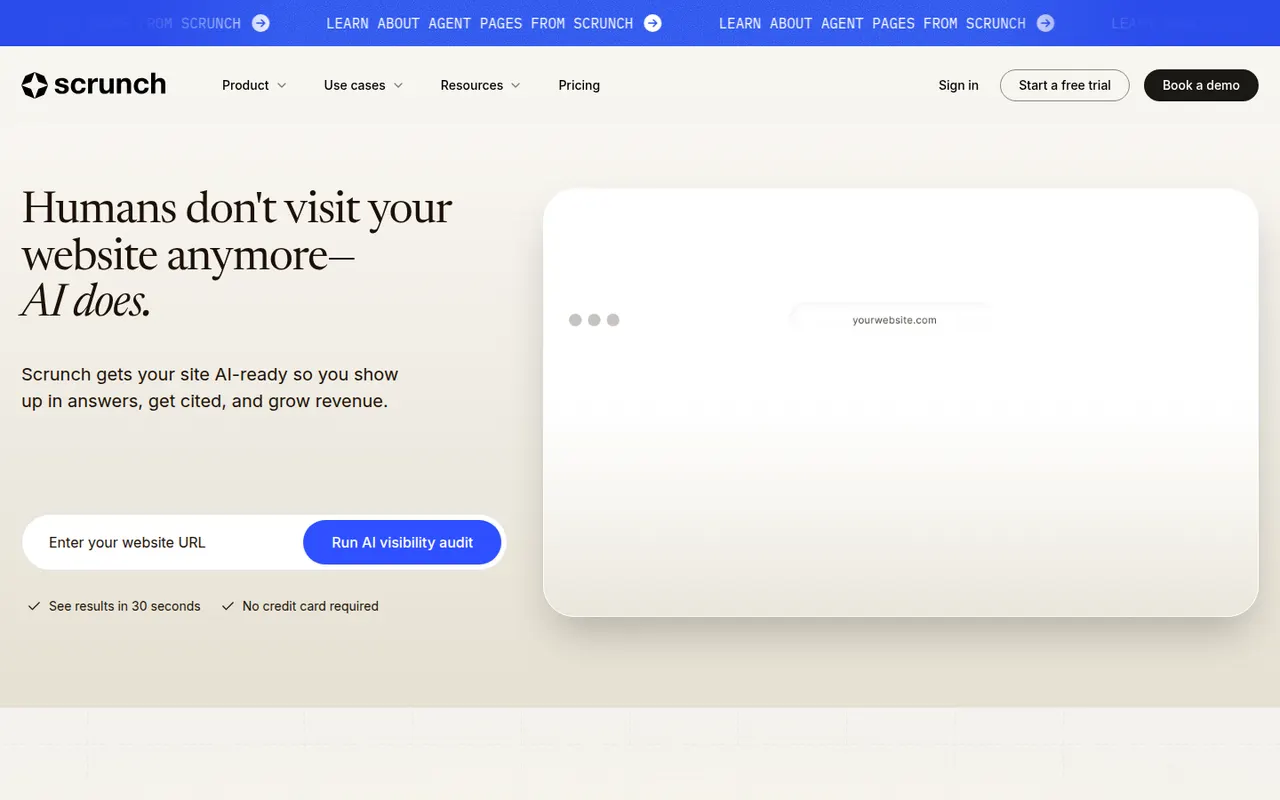
Cost / LicensePaidProprietaryCategoriesPlatformsScrunch AI helps brands understand and shape how they appear in AI assistants such as ChatGPT, Perplexity, Gemini, Claude and Google AI Overviews. It tracks prompts, mentions, citations and sentiment, compares results with competitors, and flags content gaps or inaccurate information. Its Agent Experience Platform serves an AI-friendly version of a website to AI crawlers. It is a paid web service for marketing teams.
8 Scrunch AI alternativesPros
- Flags content gaps and inaccurate information in AI answers
- Tracks mentions, citations and sentiment across major assistants
- Agent Experience Platform serves an AI-friendly site to crawlers
Cons
- No free plan, paid access only
- Serving a separate version to AI crawlers adds technical overhead
- AI answers vary, so metrics are best read as trends
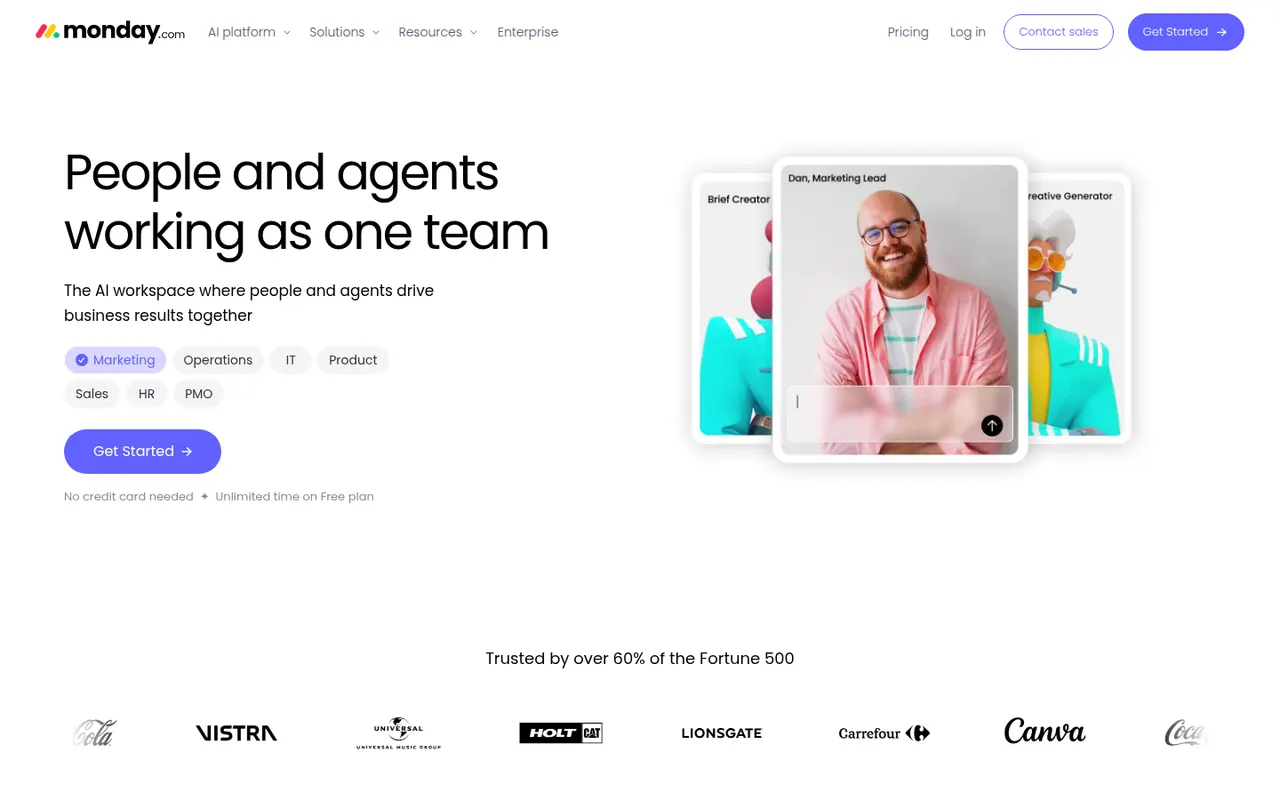
Cost / LicensePaidProprietaryCategoriesPlatformsmonday.com is a work management platform where teams build boards with custom columns to track projects, requests or pipelines, then switch between table, Kanban, Gantt and calendar views. No-code automations, dashboards and integrations make it suit operations, marketing and other non-technical teams, and the same platform powers the separate monday CRM and monday dev products.
12 monday.com alternativesPros
- Colorful, flexible boards adapt to projects, requests or pipelines
- No-code automations and dashboards that non-technical teams can build
- Switch between table, Kanban, Gantt and calendar views
Cons
- Seats are sold in bundles, which raises the cost for small teams
- Automation and integration actions are capped by plan
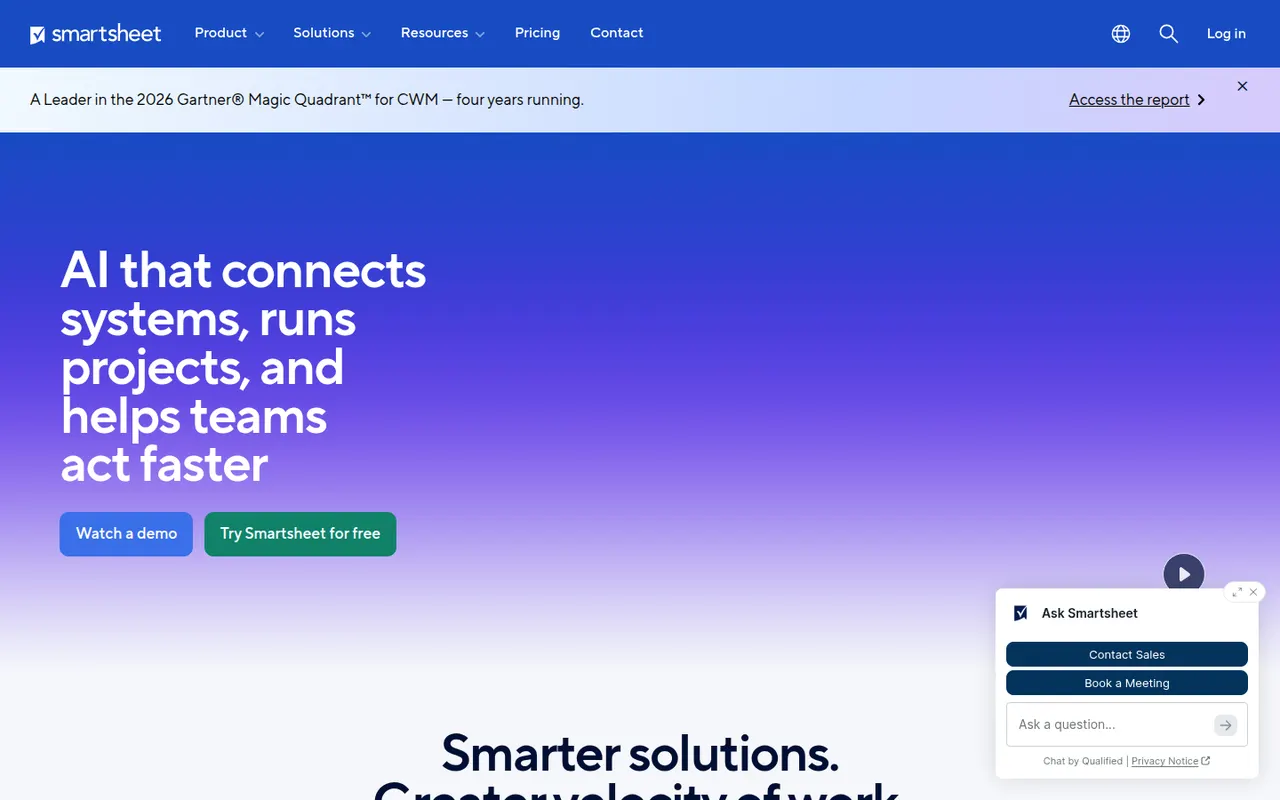
Cost / LicenseFreemiumProprietaryCategoriesSmartsheet manages projects and business processes in sheets that look like spreadsheets but add Gantt, card and calendar views, dependencies, forms and automated workflows. It targets enterprises and PMOs that need reports, dashboards and portfolio views across many projects, and connects to Microsoft 365, Google Workspace, Salesforce and Jira.
12 Smartsheet alternativesPros
- Spreadsheet-like interface feels familiar to Excel users
- Strong reports and dashboards across portfolios of projects
- Gantt views with dependencies, forms and automated workflows
Cons
- No free plan beyond the trial period
- Costs rise quickly with team size and premium add-ons
- The interface feels less modern than newer work management tools
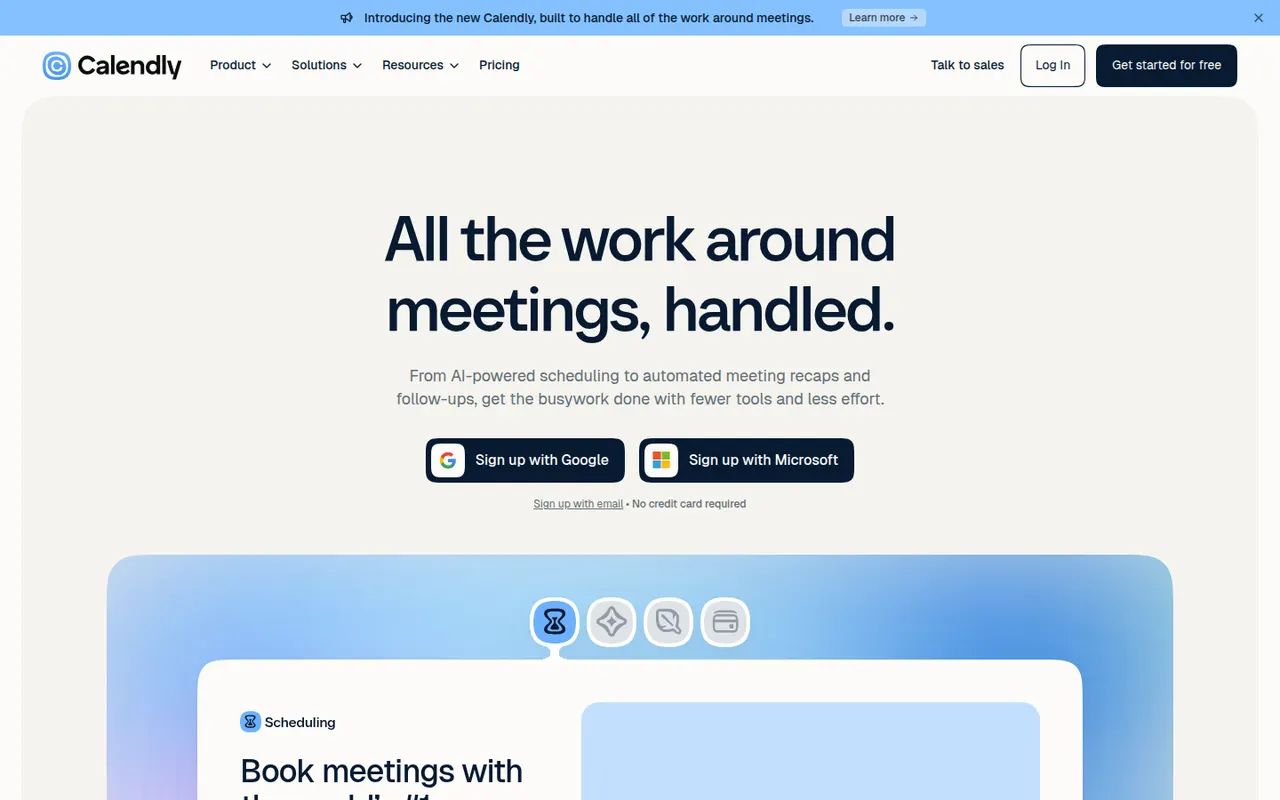
Cost / LicenseFree trialProprietaryCalendly lets people book time with you through a shareable link that reflects your real availability across Google, Outlook and iCloud calendars. Teams can distribute meetings round robin or book them collectively, collect payments with Stripe or PayPal, and send automatic reminders and follow-ups. It targets sales, recruiting and customer success teams and connects to CRMs such as Salesforce and HubSpot.
12 Calendly alternativesPros
- Booking links reflect real availability across several calendars
- Round-robin and collective scheduling for teams
- CRM integrations with Salesforce and HubSpot
Cons
- The free plan is restrictive, with key features on paid tiers
- Costs add up for teams that need routing and CRM features
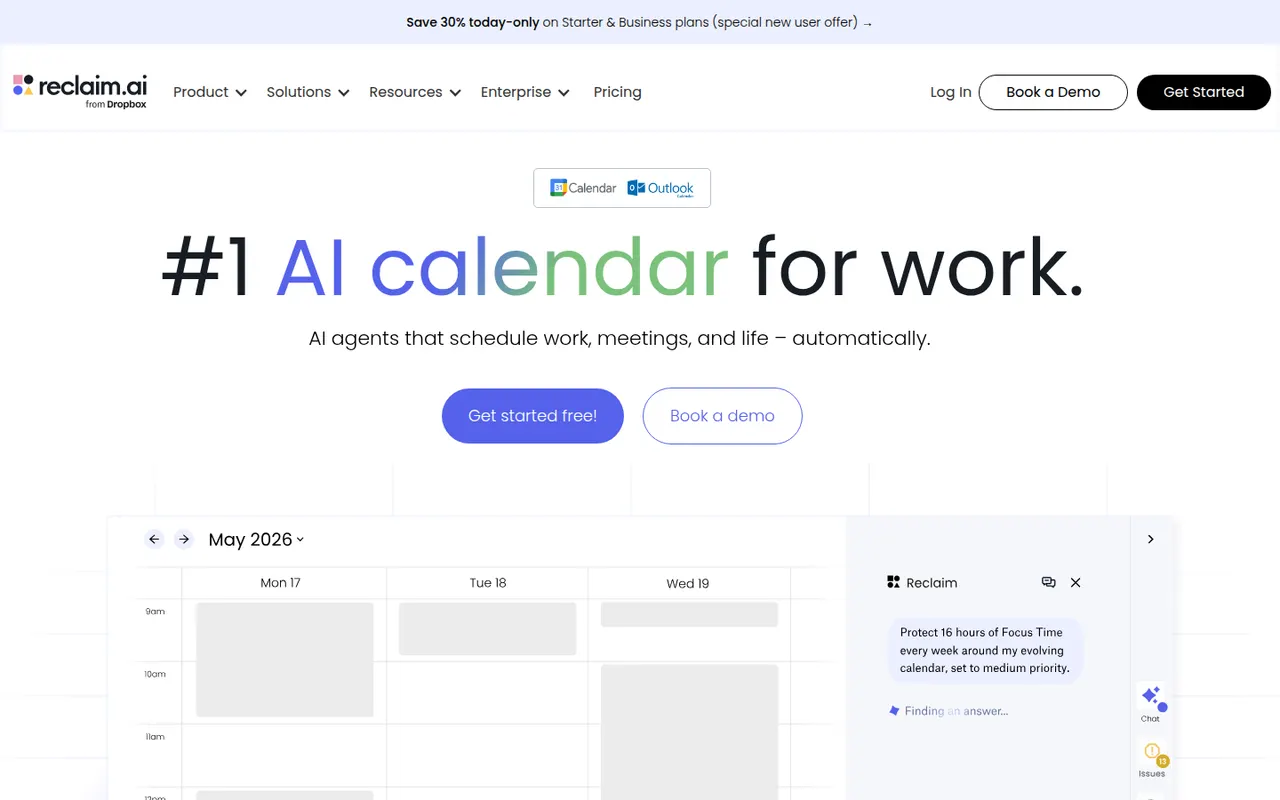
Cost / LicenseFreemiumProprietaryCategoriesPlatformsReclaim.ai is a scheduling assistant for Google Calendar and Outlook that automatically blocks time for tasks, recurring habits, focus time and breaks, then adjusts those blocks as meetings move. It syncs tasks from Asana, Todoist, Jira, ClickUp and Linear, offers scheduling links and time analytics, and has been part of Dropbox since 2024.
9 Reclaim.ai alternativesPros
- Automatically protects time for tasks, habits, focus and breaks
- Time blocks adjust automatically as meetings move
- Syncs tasks from Asana, Todoist, Jira, ClickUp and Linear
Cons
- Works only with Google Calendar and Outlook
- Heavy automatic blocking can clutter shared calendars
- Advanced features and team analytics require paid plans
Cost / LicenseFreemiumProprietaryCategoriesPlatformsLivestorm is a French video engagement platform for webinars, virtual events and online meetings that run entirely in the browser. It covers the whole event workflow: registration pages, email reminders, polls, Q&A, on-demand replays and attendee analytics, with integrations for CRMs and marketing tools. A free plan allows short sessions, and paid plans add longer events and automation.
8 Livestorm alternativesPros
- Runs entirely in the browser for hosts and attendees
- Covers the full webinar flow from registration to replays
- CRM and marketing integrations plus attendee analytics
Cons
- Free plan is limited to short sessions
- Paid plans get expensive for larger audiences
Cost / LicenseFreemiumProprietaryCategoriesPlatformsZendesk is a customer service platform that brings email, chat, phone, social and messaging requests into a single ticketing system. It includes a help center for self-service articles, workflow automation, reporting and AI agents that can resolve common questions. A large marketplace of apps connects it to CRMs and e-commerce tools, and it serves support teams from startups to large enterprises.
12 Zendesk alternativesPros
- Mature ticketing that handles email, chat, phone and social at scale
- Large marketplace of apps for CRMs and e-commerce tools
- Help center and AI agents deflect common questions
Cons
- Expensive per agent, especially with AI and add-ons
- Setup and administration take time for complex workflows
- No free plan beyond the trial
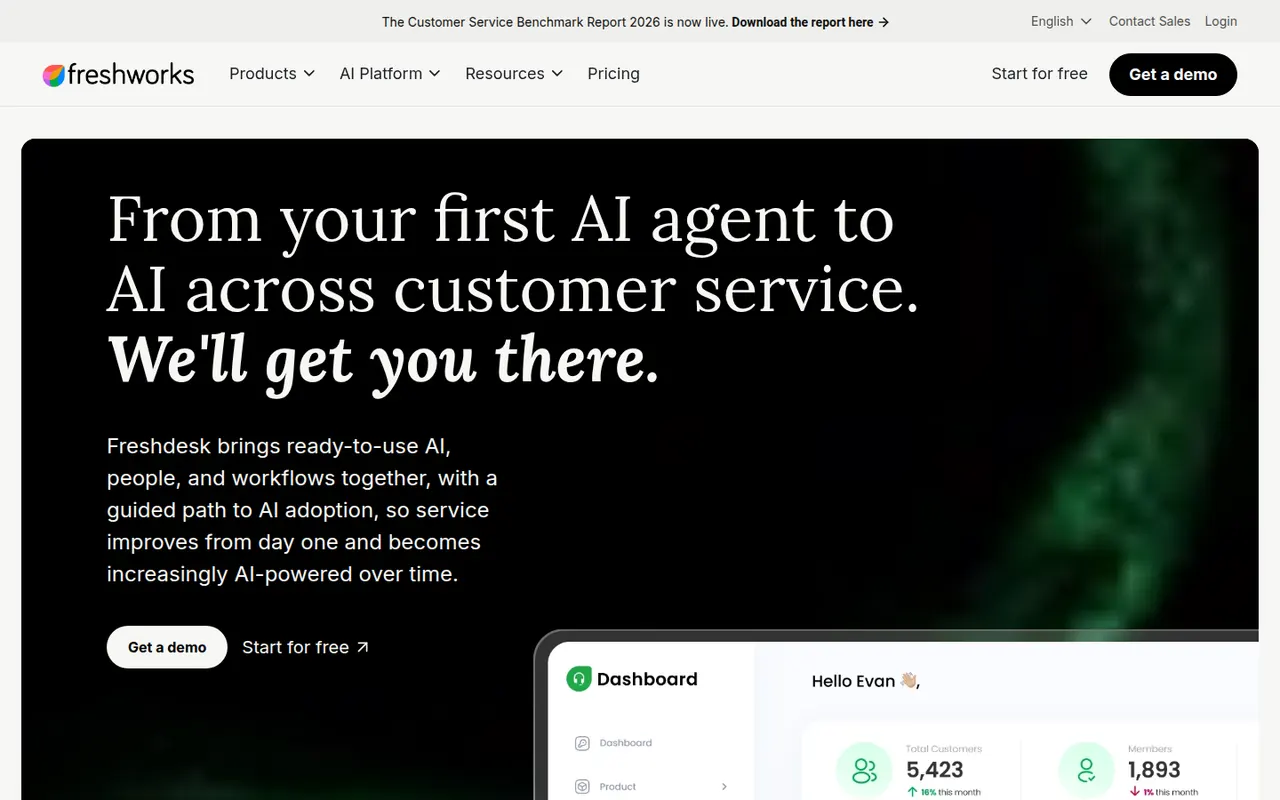
Cost / LicenseFree trialProprietaryCategoriesFreshdesk is a help desk tool from Freshworks that turns emails, web forms, chats, calls and social messages into tickets for support teams. It includes a knowledge base, SLA management, automations, collision detection and reporting, plus Freddy AI for suggested replies and self-service bots. A free plan covers small teams, and it connects with Freshworks' CRM and other business apps.
12 Freshdesk alternativesPros
- Free plan for small teams with core ticketing
- Turns email, forms, chat, calls and social messages into tickets
- SLA rules, collision detection and automations for busy teams
Cons
- AI features and advanced automation cost extra or need top tiers
- Admin settings get complex as workflows grow
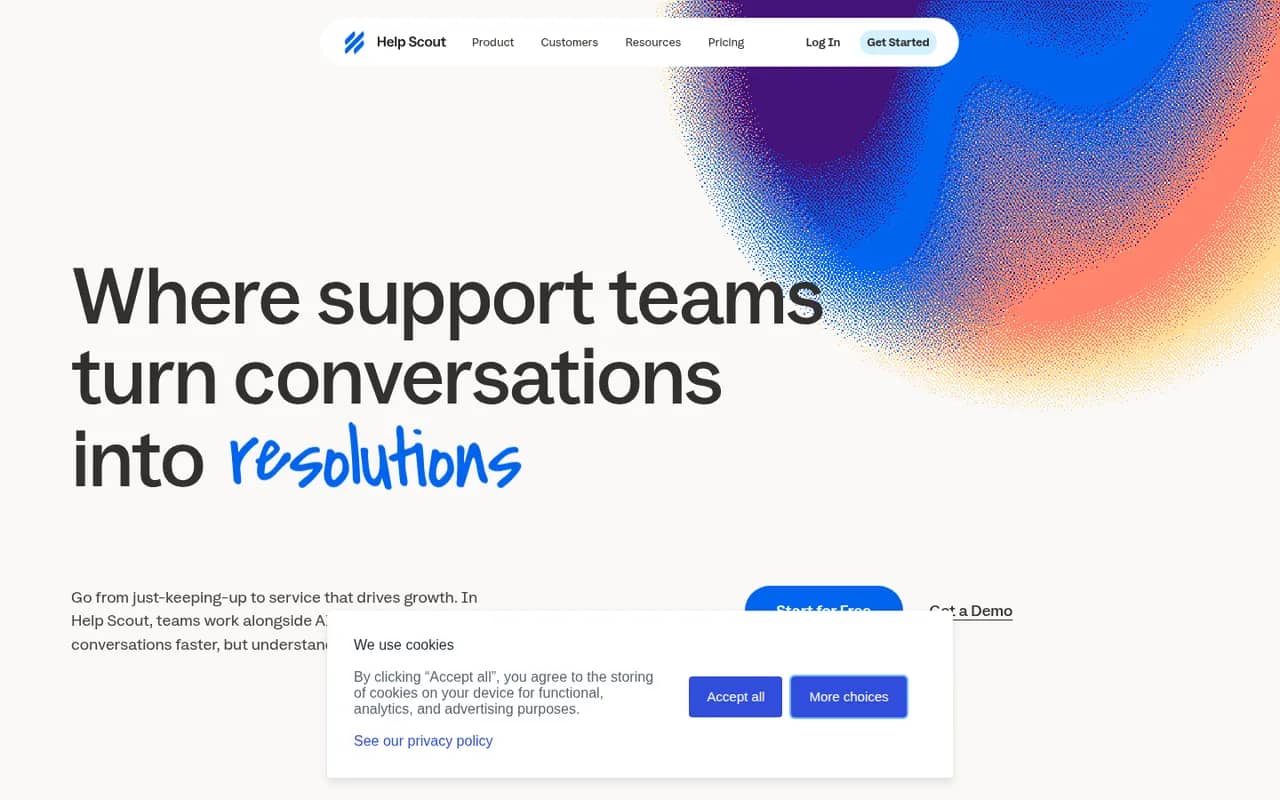
Cost / LicenseFreemiumProprietaryCategoriesHelp Scout is a customer support platform built around a shared inbox that feels like personal email to customers, without ticket numbers or portals. It adds a knowledge base (Docs), the embeddable Beacon widget for live chat and self-service, customer profiles, reporting and AI tools for drafting and summarizing replies. It suits small and mid-sized companies that value a personal tone.
8 Help Scout alternativesPros
- Replies feel like personal email, with no ticket numbers for customers
- Beacon widget combines live chat and help articles on any site
- Clean interface that new agents learn quickly
Cons
- Fewer advanced workflow and reporting options than enterprise help desks
- Free plan is limited, so key features require a paid plan
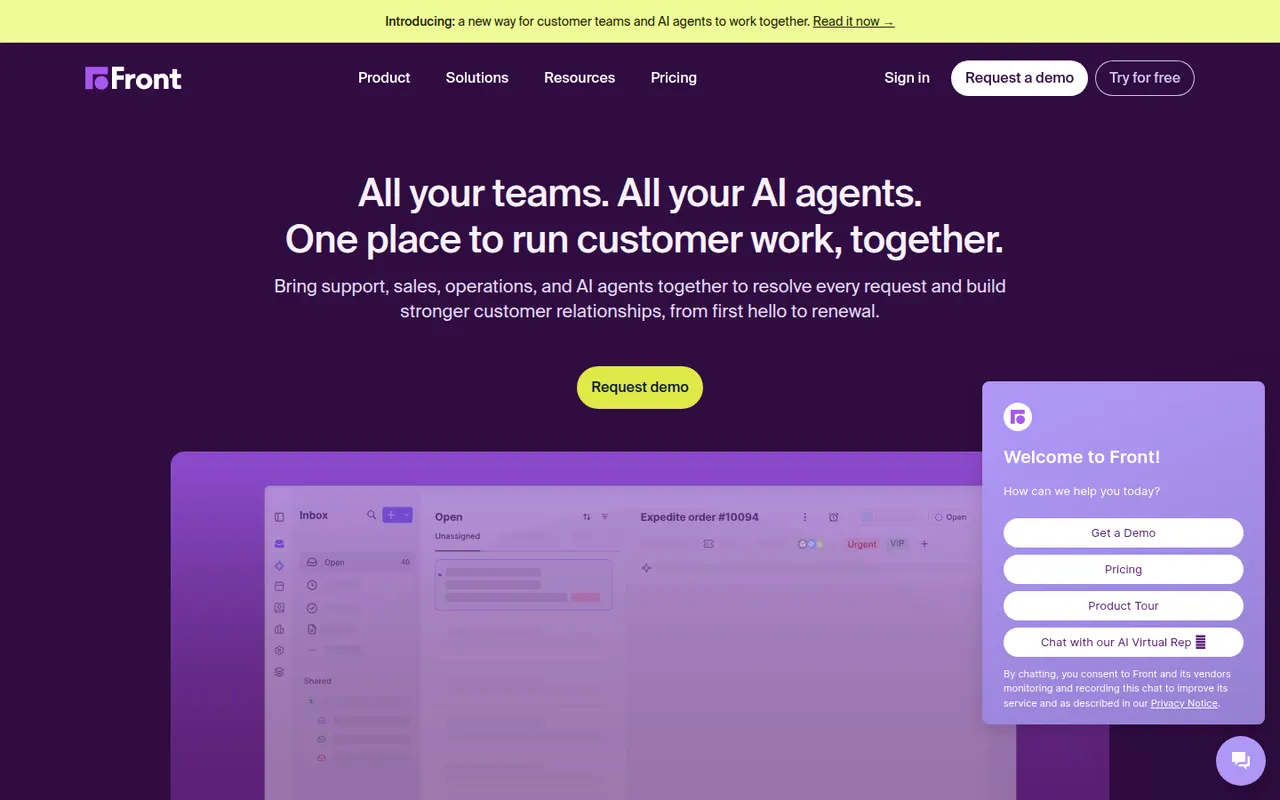
Cost / LicenseFreemiumProprietaryCategoriesFront is a customer operations platform that turns email, SMS, chat, WhatsApp and social messages into a shared inbox teams can work in together. Messages can be assigned, commented on internally and routed with rules, while analytics track response times and workload. Front AI drafts replies and summarizes threads, and the tool serves support, sales and account teams who prefer an email-like workflow.
8 Front alternativesPros
- Email-like shared inbox that feels familiar to new users
- Internal comments and assignment replace forwarding and CCs
- Rules and analytics help balance workload and response times
Cons
- Per-seat pricing adds up quickly for larger teams
- Advanced analytics and automation are reserved for higher plans
- No free plan beyond the trial
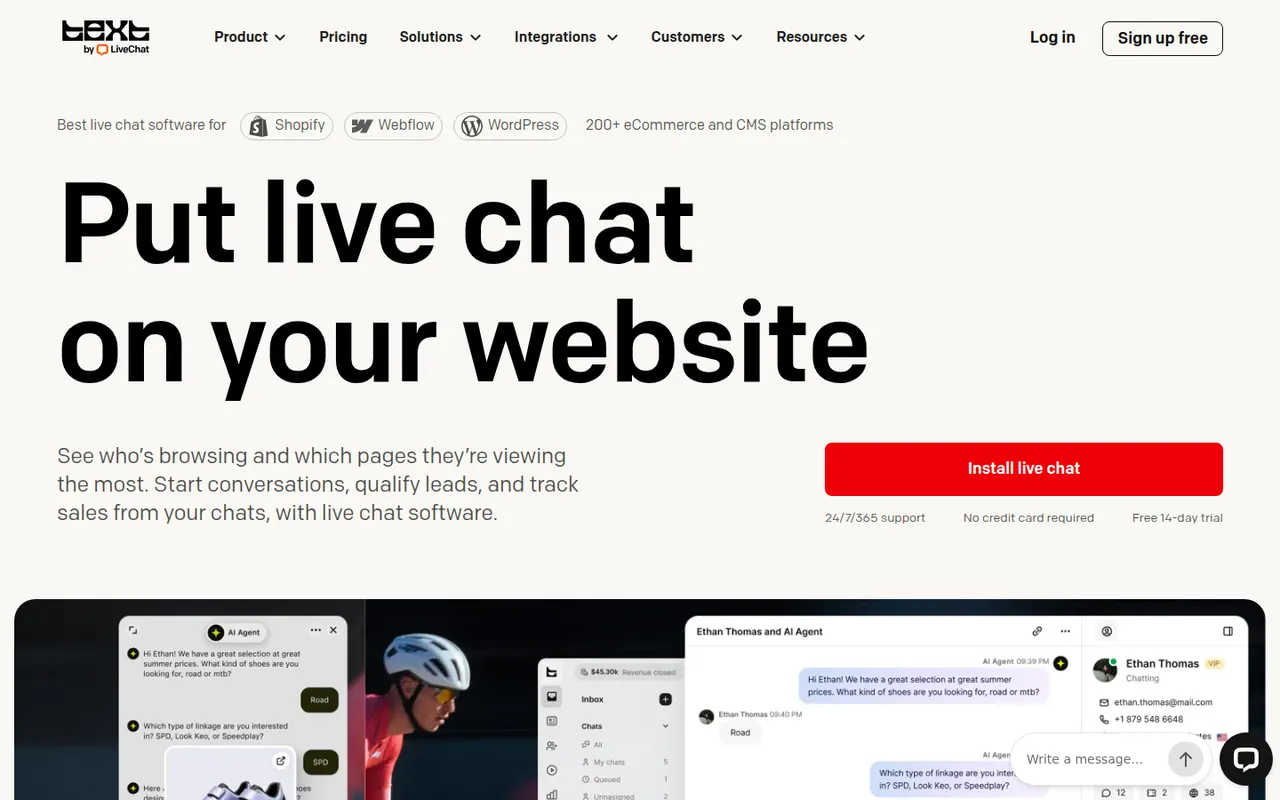
Cost / LicenseFree trialProprietaryLiveChat is a live chat tool that lets support and sales teams talk with website visitors in real time. Agents get canned responses, chat routing, visitor tracking, a preview of messages as they are typed and performance reports, with AI help for writing replies. It is made by Text, the company behind ChatBot, HelpDesk and KnowledgeBase, and connects to many e-commerce and CRM tools.
9 LiveChat alternativesPros
- Message preview shows what visitors type before they send it
- Canned responses, routing and visitor tracking for fast replies
- Many integrations with e-commerce and CRM tools
Cons
- Per-agent pricing becomes expensive as the team grows
- Chatbots and ticketing require separate products from the same company
- No free plan beyond the trial
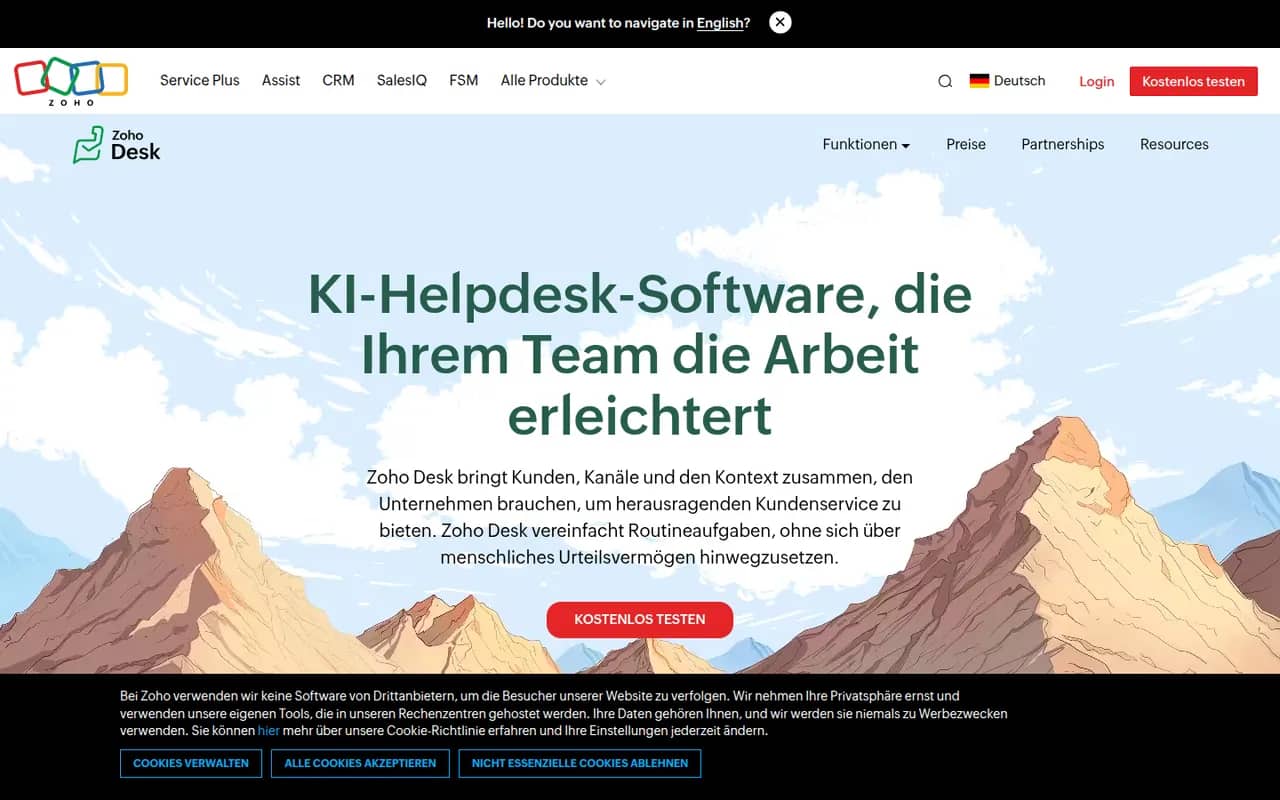
Cost / LicenseFree trialProprietaryCategoriesZoho Desk is a help desk application from Zoho that manages customer requests from email, phone, chat, social media and web forms as tickets. It offers a self-service knowledge base, SLA rules, workflow automation, analytics and Zia, an AI assistant that suggests answers and detects customer sentiment. It integrates tightly with Zoho CRM and has a free plan for small teams.
10 Zoho Desk alternativesPros
- Tight integration with Zoho CRM shows customer context on tickets
- Zia suggests answers and detects customer sentiment
- Free plan for small teams, with paid tiers for SLAs and automation
Cons
- Interface feels busy, with many settings to learn
- Works best when you already use other Zoho apps
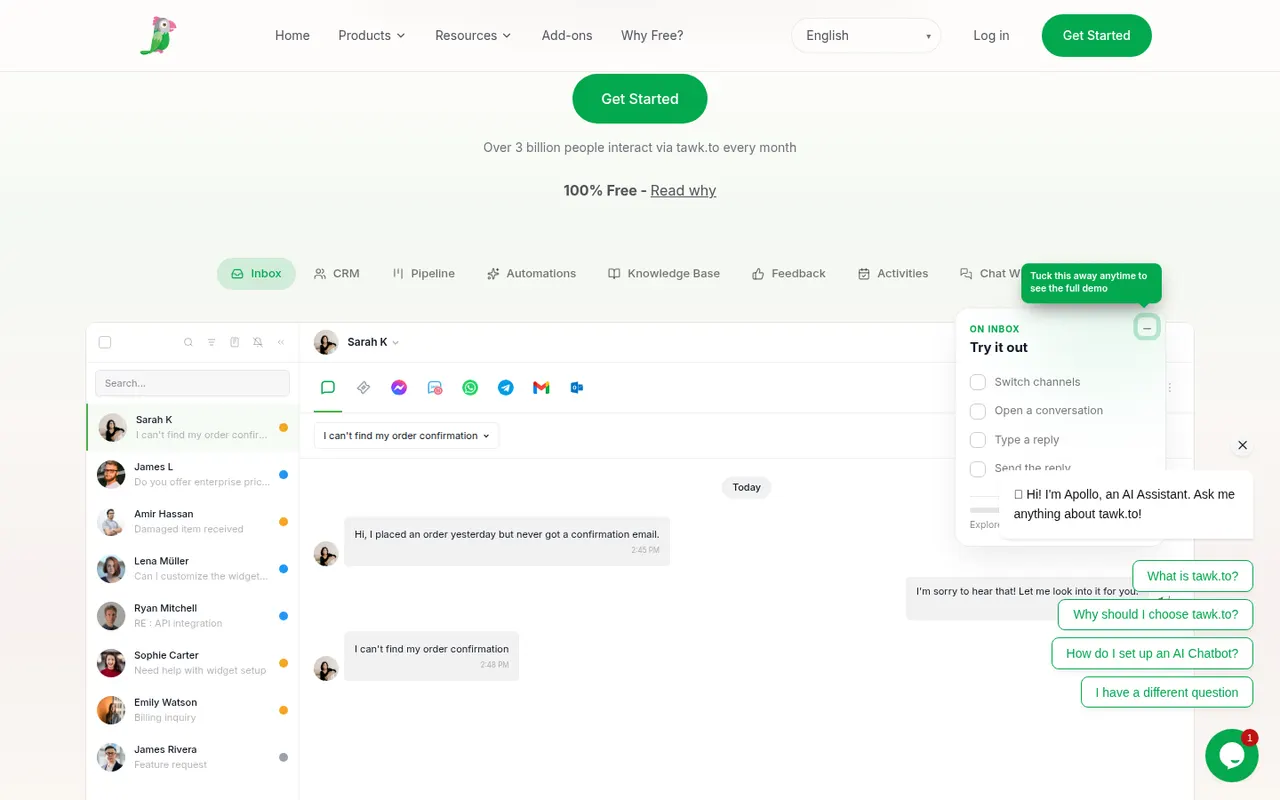
Cost / LicenseFreemiumProprietaryCategoriestawk.to is a free live chat platform that lets businesses add a chat widget to their website and answer visitors from the web, desktop or mobile apps, with no limit on agents. It also includes ticketing, a knowledge base and real-time visitor monitoring. The company earns money through optional paid add-ons, such as removing its branding, AI assistance or hiring agents to staff the chat.
8 tawk.to alternativesPros
- Free live chat with no limit on the number of agents
- Includes ticketing, a knowledge base and visitor monitoring
- Web, desktop and mobile apps to answer from anywhere
Cons
- Removing tawk.to branding requires a paid add-on
- Interface and reporting feel basic next to premium tools
- AI assistance is sold as a paid extra
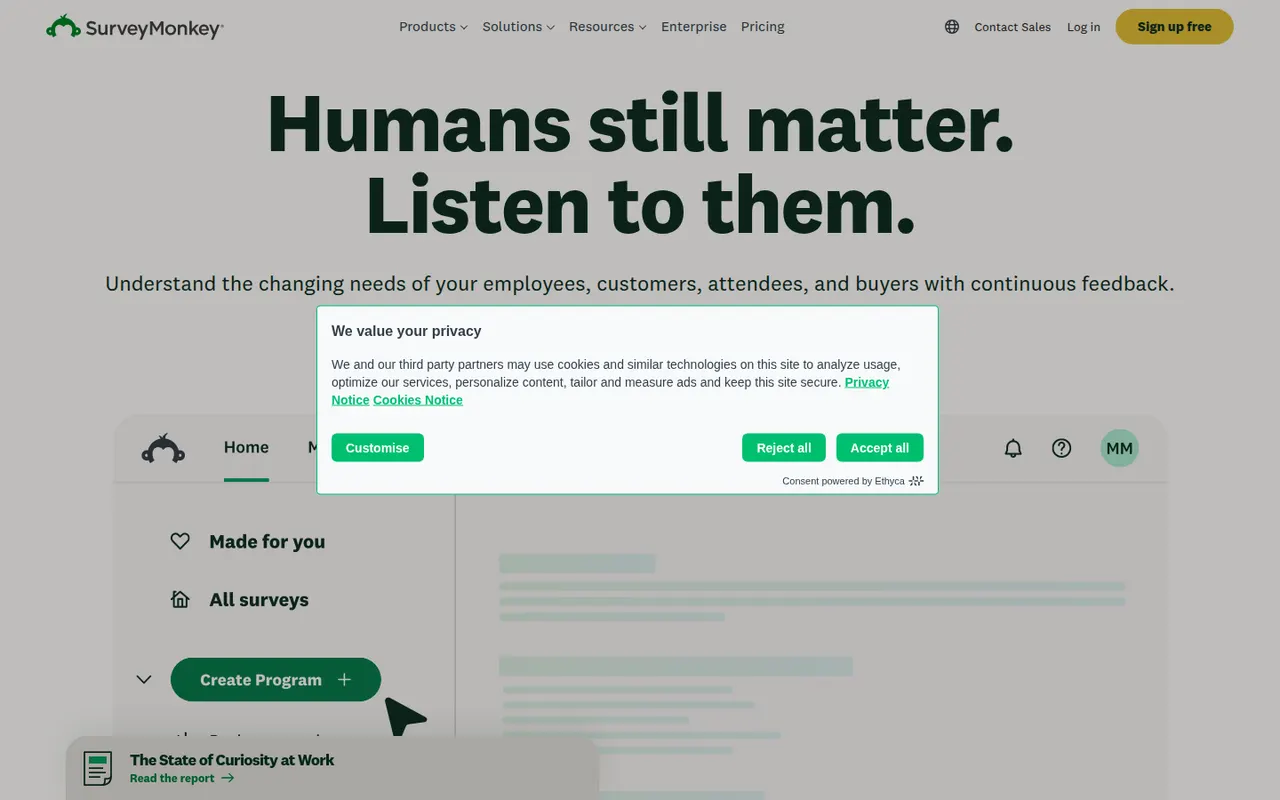
Cost / LicenseFreemiumProprietaryCategoriesSurveyMonkey is an online survey platform used for customer feedback, employee engagement, event planning and market research. It offers survey templates, a question bank, skip logic, AI-assisted survey creation and analysis dashboards, and can supply paid respondents through its audience panel. A free Basic plan has limited features, alongside paid individual and team plans.
9 SurveyMonkey alternativesPros
- Large question bank and templates speed up survey creation
- Built-in audience panel can supply paid respondents
- Analysis dashboards and AI help make results easy to read
Cons
- Free Basic plan is very restricted, notably for results and exports
- Paid plans are expensive compared with many form builders
Cost / LicenseFreemiumProprietaryCategories