Apps with Team collaboration
59 apps
Top Team collaboration apps ranked by the community
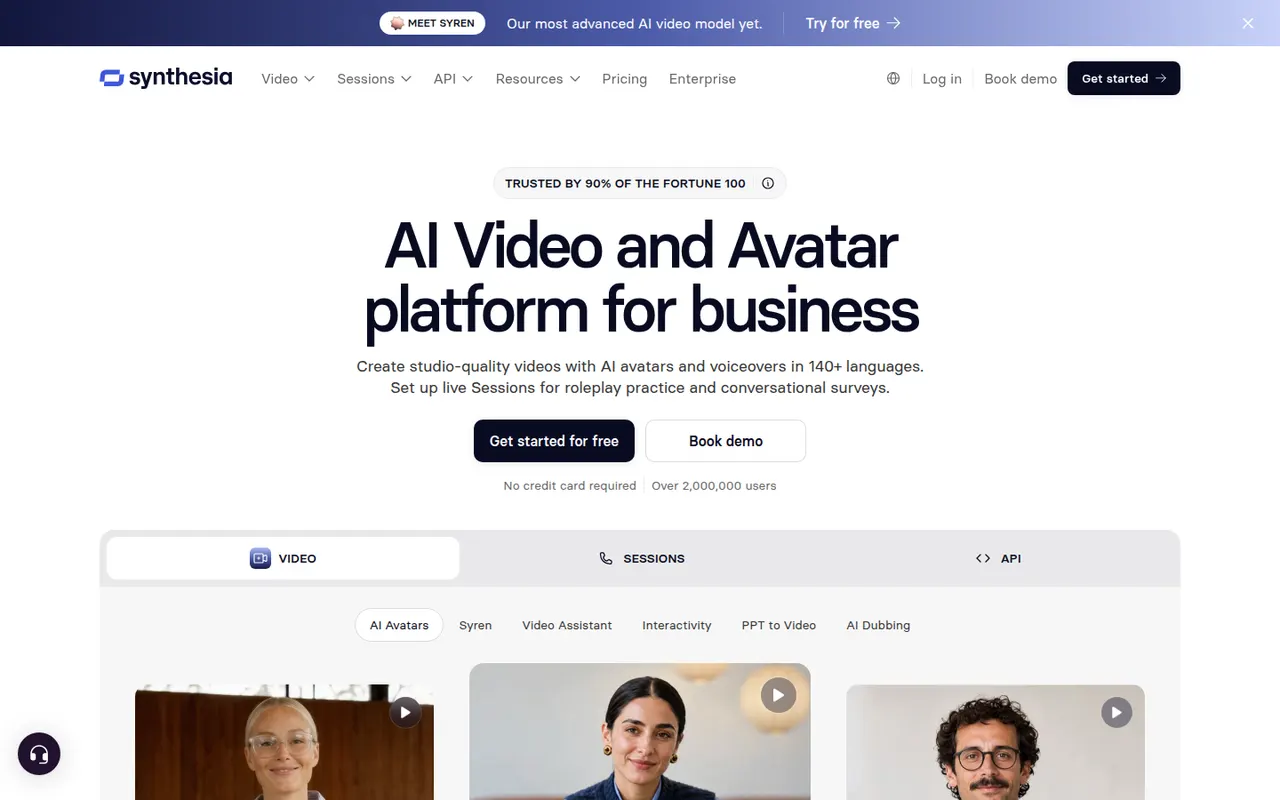
Synthesia creates presenter-led videos from text using realistic AI avatars and voices in many languages, mostly for training and corporate communication.
12 Synthesia alternativesPros
- Realistic avatars and voices in many languages
- Update a video by editing text instead of reshooting
- Templates and team collaboration for corporate videos
Cons
- Avatars can feel stiff for emotional or creative content
- Free plan is very limited, with most features on paid tiers
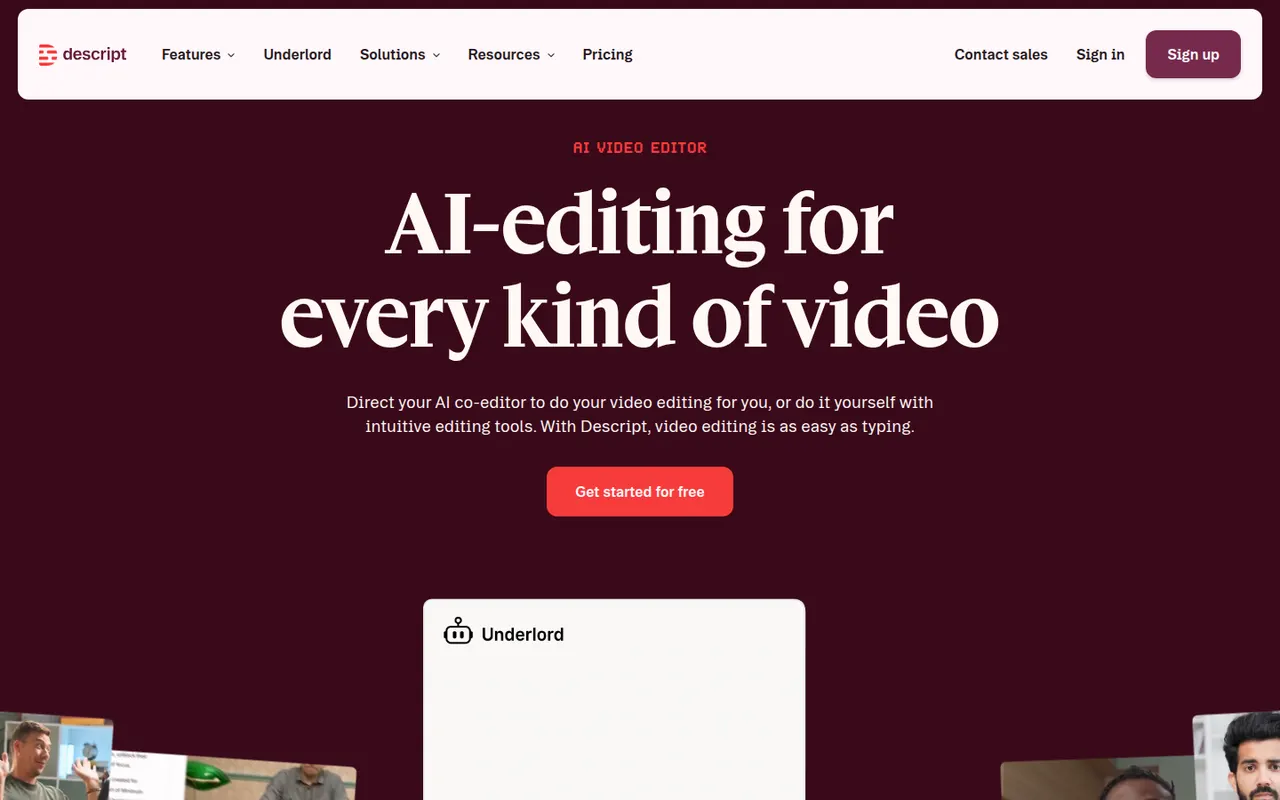
Cost / LicenseFreemiumProprietaryCategoriesPlatformsDescript transcribes your recordings so you can cut video and audio like a text document, with screen recording, overdub and AI cleanup tools.
17 Descript alternativesPros
- Edit audio and video by editing the transcript like a document
- Filler word removal and AI cleanup speed up podcast editing
- Screen recording and team collaboration built in
Cons
- Less precise than a traditional timeline for complex edits
- Transcription hours and AI features are capped on lower plans
- Can be slow with long or high-resolution projects
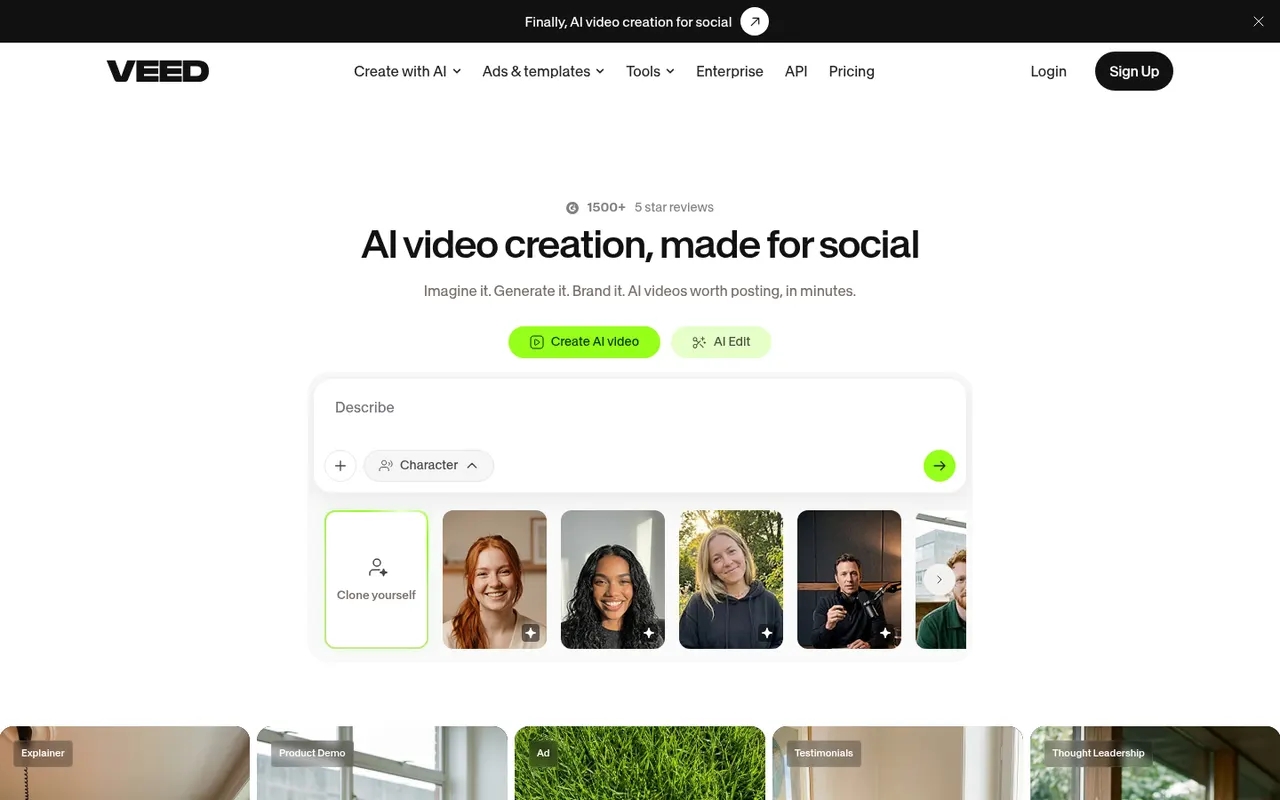
Cost / LicenseFreemiumProprietaryCategoriesVEED is a browser-based video editor with subtitles, translations, avatars and screen recording, built for teams producing social and marketing videos.
21 VEED alternativesPros
- Fast automatic subtitles and translations in the browser
- Screen recording and AI avatars in the same tool
- Team workspaces suit marketing and social video production
Cons
- Free plan exports carry a watermark
- Browser editing can lag on longer videos
- Advanced AI features require higher-tier plans
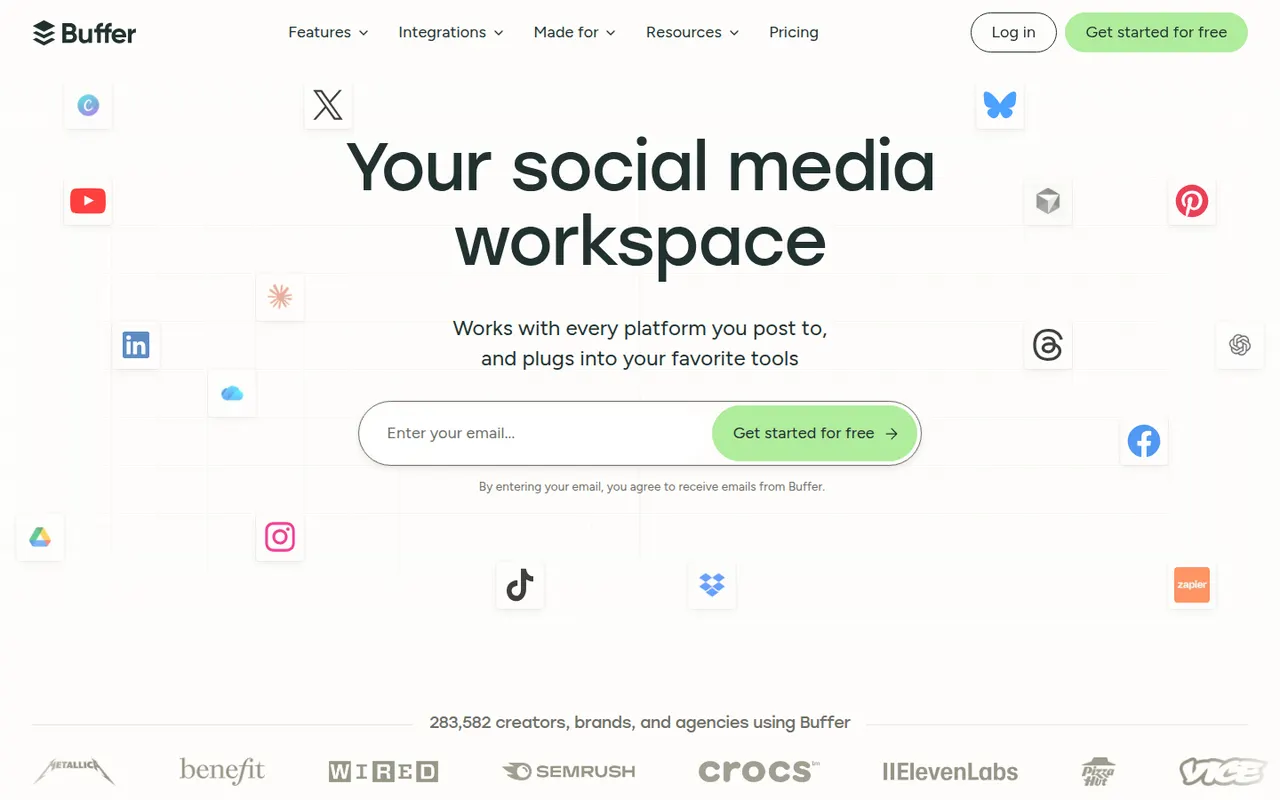
Cost / LicenseFreemiumProprietaryCategoriesPlatformsBuffer lets individuals and small teams schedule posts across the main social networks, collaborate on drafts and track engagement.
12 Buffer alternativesPros
- Clean, simple interface for scheduling on major networks
- Free plan for a few channels
- Draft collaboration and engagement analytics
Cons
- Engagement tools are limited compared with full social suites
- Per-channel pricing adds up with many accounts
- Analytics are too basic for agency reporting
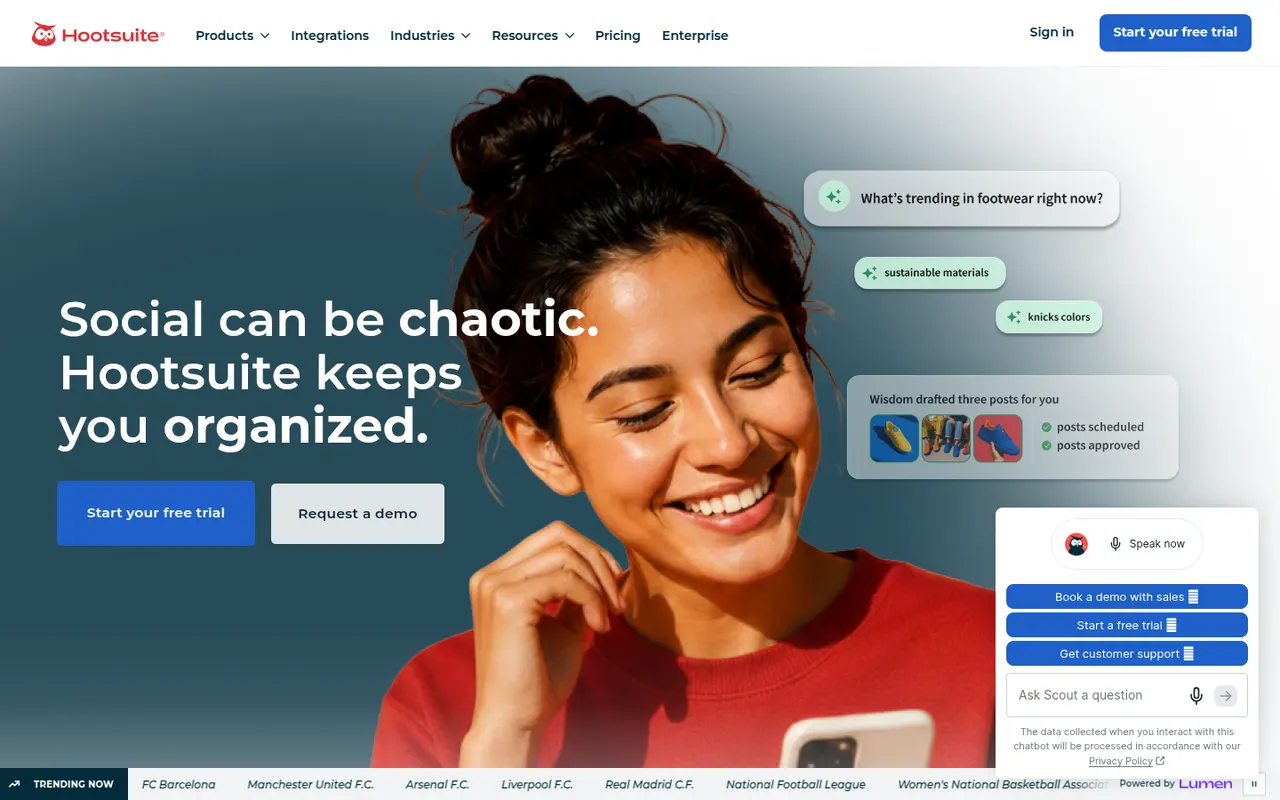
Cost / LicenseFreemiumProprietaryCategoriesHootsuite centralizes publishing, social inbox, listening and reporting for organizations managing many social accounts.
12 Hootsuite alternativesPros
- Publishing, inbox, listening and reporting in one platform
- Handles many accounts across large organizations
- A large app directory extends the platform
Cons
- Expensive for individuals and small businesses
- No free plan, only a trial
- The interface can feel cluttered and unintuitive
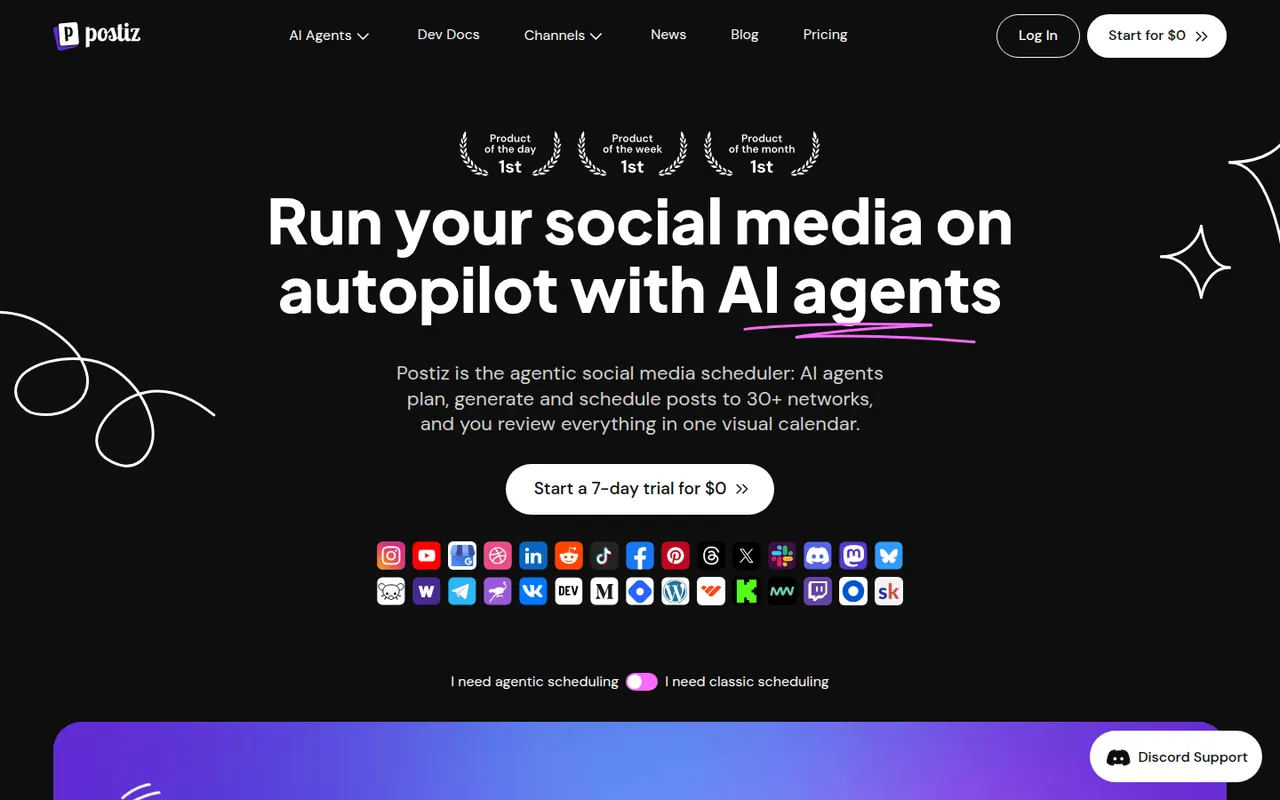
Cost / LicenseFree trialProprietaryCategoriesPostiz is a self-hostable social media scheduler with AI-assisted writing, team workflows and support for many networks.
6 Postiz alternativesPros
- Open source and self-hostable, keeping your data under your control
- Supports many social networks from one dashboard
- AI-assisted writing and team workflows
Cons
- Younger project, less polished than established tools
- Self-hosting requires technical setup and maintenance
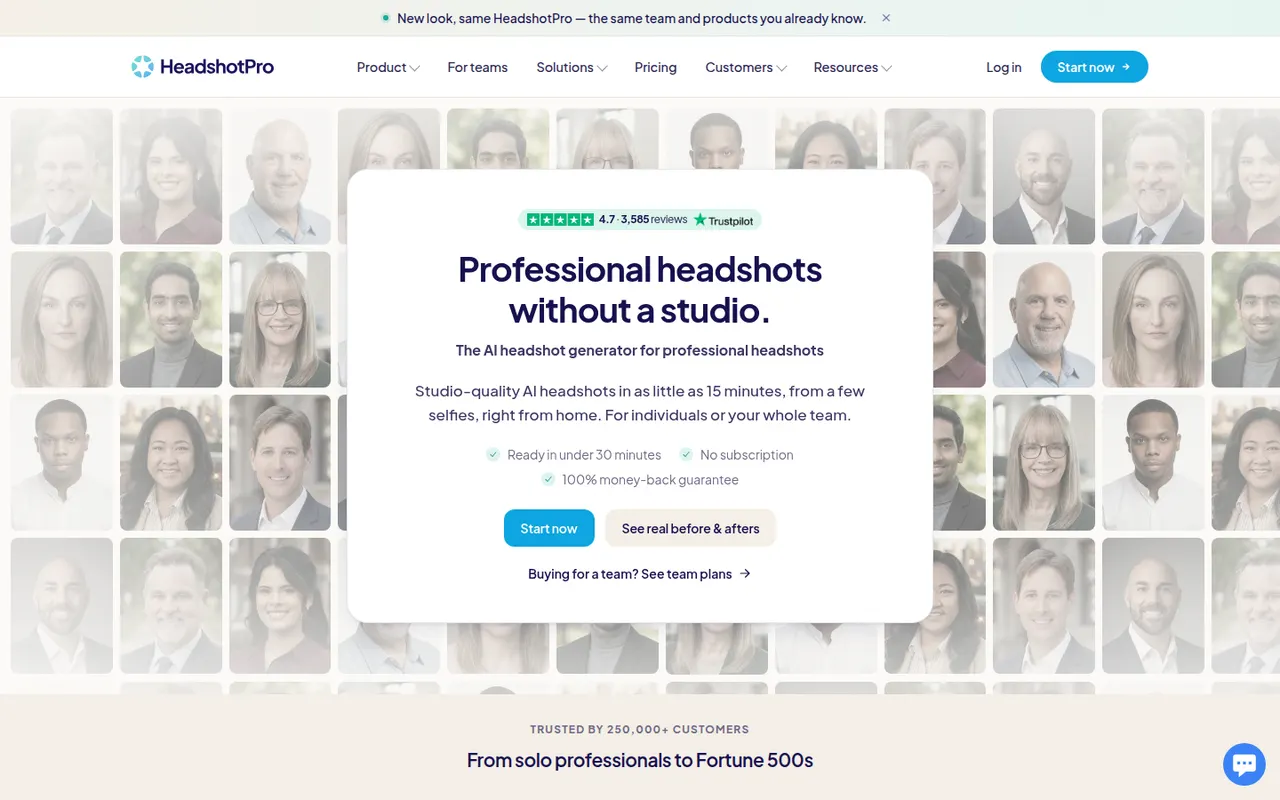
Cost / LicenseFreemiumOpen sourceCategoriesPlatformsHeadshotPro generates corporate headshots from selfies for individuals and remote teams, with consistent backgrounds and outfits.
6 HeadshotPro alternativesPros
- Turns everyday selfies into corporate-style headshots
- Keeps backgrounds and outfits consistent across a team
- Saves organizing photo shoots for remote employees
Cons
- Paid only, with no free plan
- Some generated photos look artificial or off-likeness
- Styles lean corporate, with limited creative range
Cost / LicensePaidProprietaryCategoriesPlatformsColossyan is a web platform for creating training and explainer videos with AI avatars that read a script in many languages. It is aimed at learning and development teams, with features such as scenario-based conversations between avatars, quizzes, document-to-video conversion, brand kits and export to e-learning formats like SCORM.
7 Colossyan alternativesPros
- Scenario-based conversations between avatars for training
- Exports to e-learning formats such as SCORM
- Document-to-video conversion speeds up course creation
Cons
- Avatars can still look stiff in longer videos
- Free plan is limited, with key features on paid tiers
- Focused on corporate training rather than creative content
Cost / LicenseFreemiumProprietaryCategoriesPlatformsPremiere Pro is Adobe's timeline-based video editor for film, television, YouTube and corporate work. It handles multi-camera editing, Lumetri color correction, speech-to-text captions and transcript-based editing, and connects with After Effects, Audition and Frame.io for review. It is sold as a Creative Cloud subscription for Windows and macOS.
9 Adobe Premiere Pro alternativesPros
- Widely used in professional video, so skills transfer easily
- Transcript-based editing and automatic captions speed up cuts
- Works smoothly with After Effects, Audition and Frame.io
Cons
- Subscription-only pricing adds up over time
- Can be unstable or sluggish on large projects
- Interface is complex for newcomers
Cost / LicenseFree trialProprietaryCategoriesDaVinci Resolve from Blackmagic Design combines video editing, its well-known color grading tools, Fusion visual effects and Fairlight audio post-production in a single application. The free version is unusually complete, while the paid Studio version adds AI tools, higher resolutions and frame rates, and extra effects. It runs on Windows, macOS, Linux and iPad.
10 DaVinci Resolve alternativesPros
- Free version is remarkably complete for professional work
- Renowned color grading tools used in film and television
- Editing, VFX and audio post-production in a single app
Cons
- Steep learning curve, especially for color and Fusion
- Needs a powerful GPU for smooth playback
- Some AI tools and higher resolutions require the paid Studio version
Cost / LicenseFreemiumProprietaryLoom lets you record your screen, camera and voice and share the result instantly as a link, replacing meetings and long written explanations. Viewers can comment and react, and Loom AI generates titles, summaries and chapters. Part of Atlassian since 2023, it works through desktop and mobile apps, a Chrome extension and integrations with tools like Slack, Jira and Notion.
12 Loom alternativesPros
- Record screen and camera and share instantly as a link
- AI titles, summaries and chapters save editing time
- Comments and reactions keep feedback next to the video
Cons
- The free plan limits video length and library size
- Editing is basic compared with dedicated video tools
- Per-seat pricing adds up for large teams
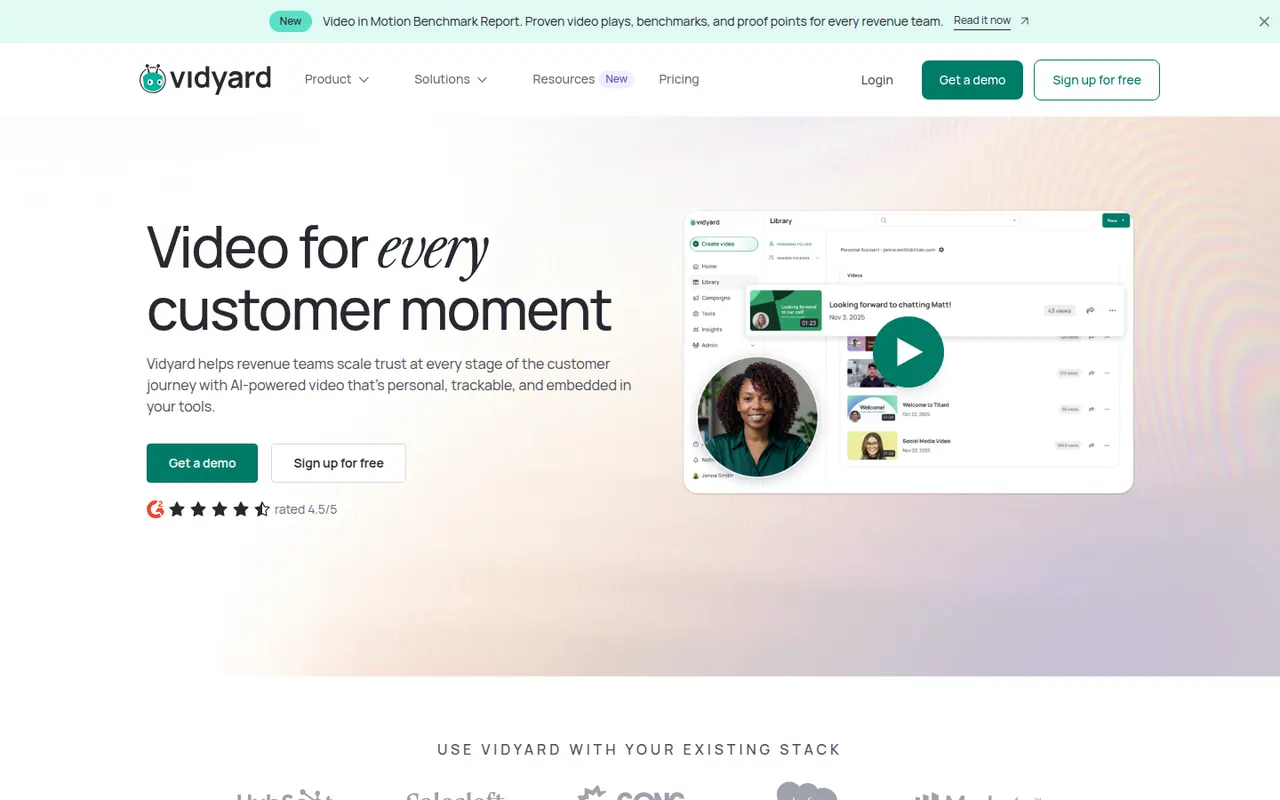
Cost / LicenseFreemiumProprietaryCategoriesVidyard helps businesses record, host and share videos, with a focus on sales outreach and marketing. Users record screen and camera messages from a browser extension or desktop app, embed them in emails, and track who watched and for how long. It integrates with CRMs such as Salesforce and HubSpot and offers a free plan for individuals alongside paid business tiers.
6 Vidyard alternativesPros
- Record screen and camera messages from a browser extension
- Shows who watched each video and for how long
- Integrates with CRMs such as Salesforce and HubSpot
Cons
- Sales-focused features are mostly in paid business tiers
- Overkill for teams that only need quick internal videos
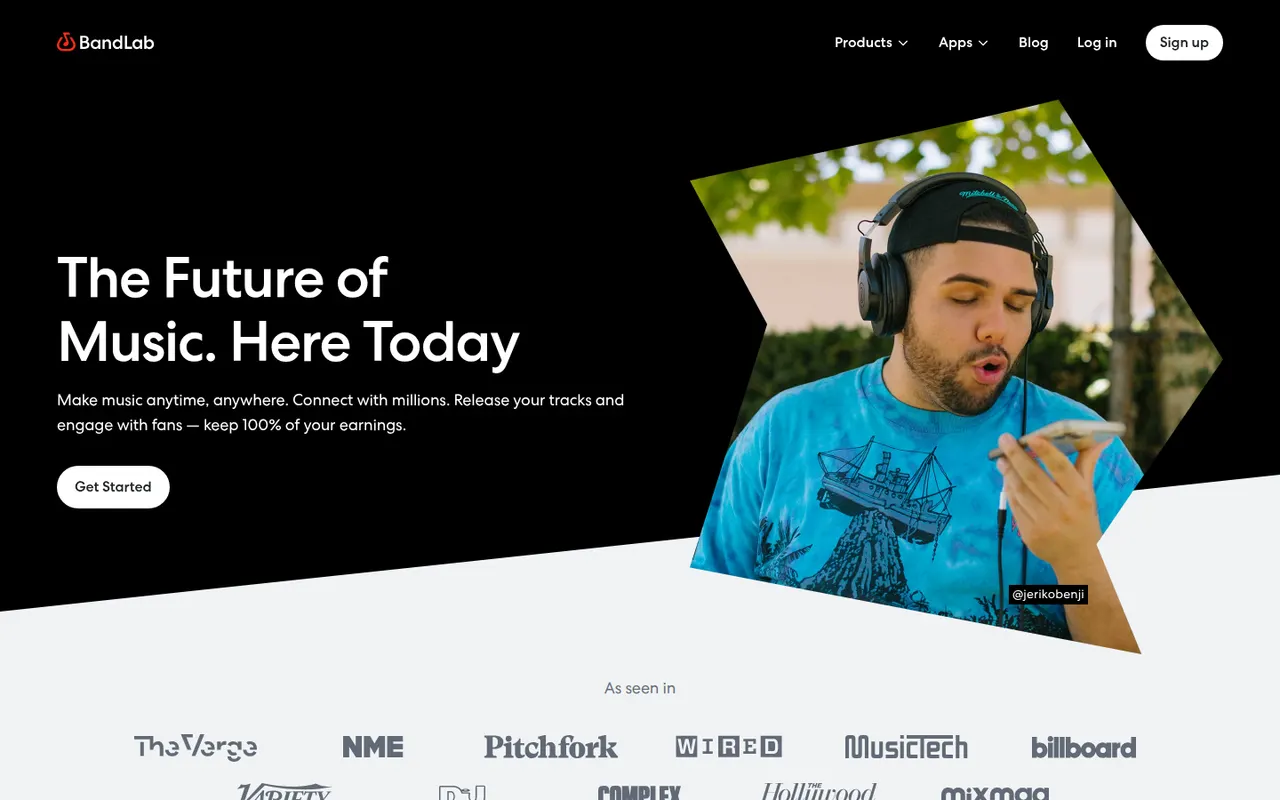
Cost / LicenseFreemiumProprietaryCategoriesPlatformsBandLab is a free, cloud-based music creation platform with a multi-track studio that works in the browser and on iOS and Android. Musicians can record, use loops and virtual instruments, collaborate on projects with others and publish songs to a built-in community. Core features are free, with an optional membership for extra tools and distribution services.
8 BandLab alternativesPros
- Free multitrack studio in the browser and on mobile
- Easy collaboration on songs with other musicians
- Built-in community to publish and discover songs
Cons
- Fewer advanced mixing and editing tools than desktop DAWs
- Cloud-based workflow depends on a good internet connection
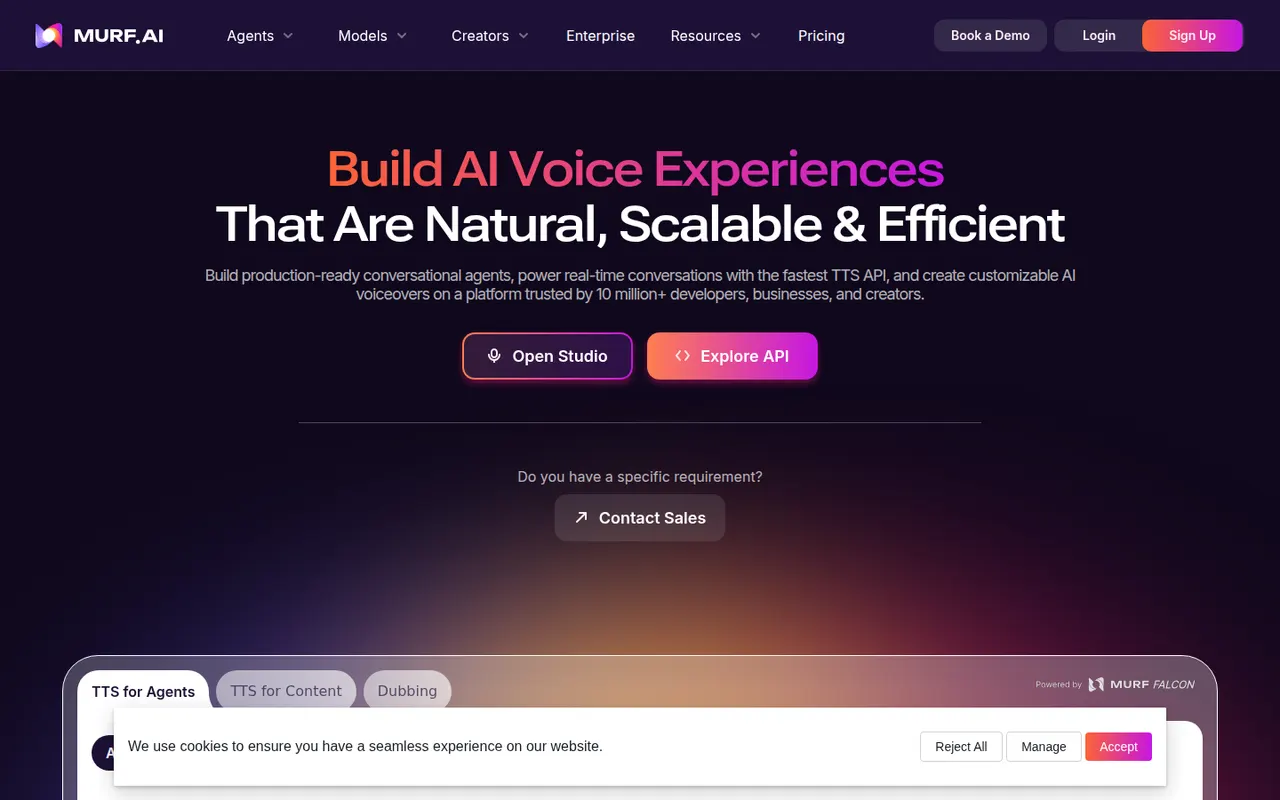
Cost / LicenseFreemiumProprietaryCategoriesMurf is an AI voice generator with a studio where you write a script, pick from a library of voices in many languages, and adjust pitch, speed, pauses and emphasis. Voiceovers can be synced with video, images or slides on a timeline, which suits training content, explainers and ads. It also offers voice cloning, dubbing, team workspaces and an API.
8 Murf AI alternativesPros
- Fine control over pitch, speed, pauses and emphasis
- Timeline syncs voiceovers with video, images or slides
- Team workspaces, voice cloning and an API
Cons
- Free plan is limited and restricts downloads
- Voices can sound flat without manual tuning
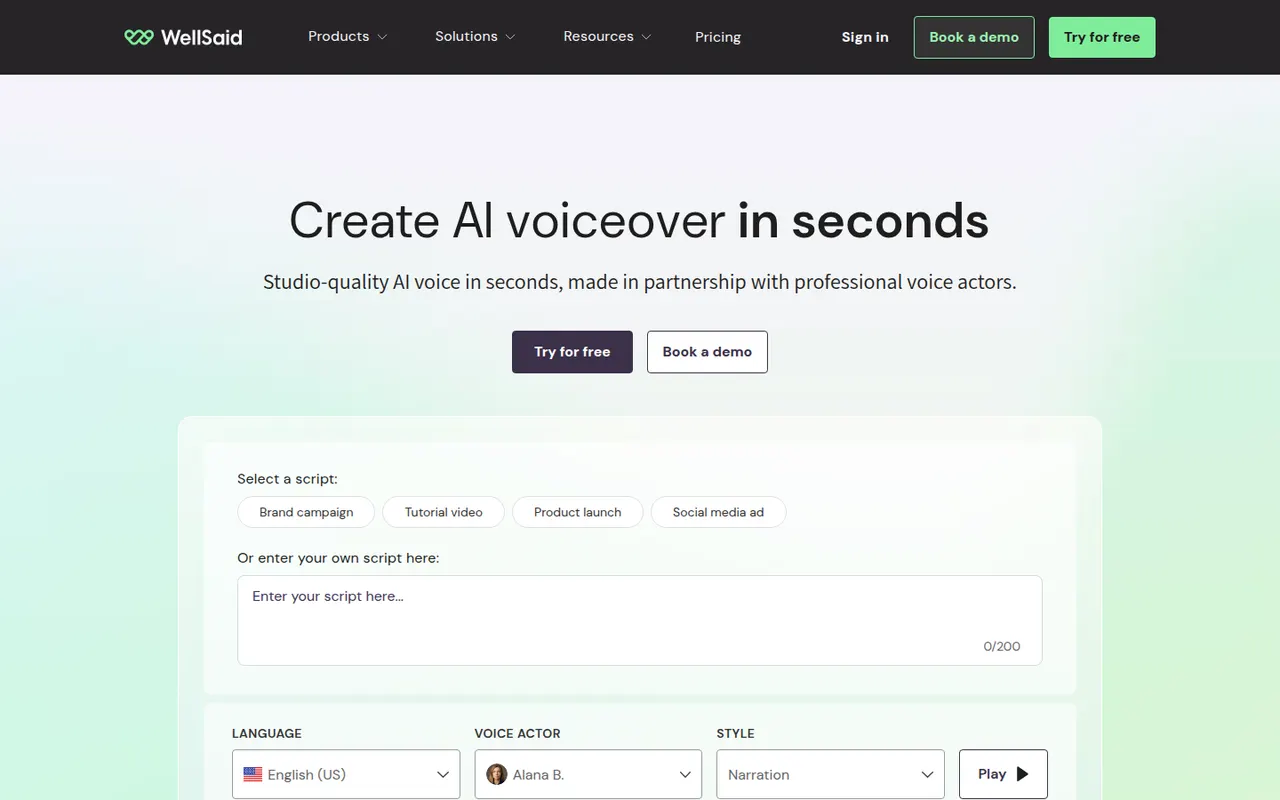
Cost / LicenseFreemiumProprietaryCategoriesPlatformsWellSaid is an AI text-to-speech platform for businesses that produce a lot of training, marketing and product content. Its voices are built from recordings of paid voice actors who consented to their use, and its studio lets teams control pronunciation, pacing and emphasis, share projects and keep a consistent brand voice. An API is also available for integration.
8 WellSaid alternativesPros
- Voices built from paid voice actors who consented to their use
- Pronunciation, pacing and emphasis controls
- Shared projects help teams keep a consistent brand voice
Cons
- Aimed at businesses, with pricing to match
- No lasting free plan, only a trial
Cost / LicenseFree trialProprietaryCategoriesPlatformsClaude is an AI assistant built by Anthropic. It handles long documents and files, writing and editing, data analysis and programming help, and can search the web when needed. Projects keep related chats and reference files together, and connectors based on the Model Context Protocol link Claude to other apps. It runs on the web, desktop and mobile, and through an API.
12 Claude alternativesPros
- Handles long documents, nuanced writing and coding tasks well
- Projects keep related chats and reference files together
- MCP connectors link it to other apps and data
Cons
- Usage limits can be reached quickly, even on paid plans
- No built-in image generation
- Can still make mistakes, so answers need checking
Cost / LicenseFreemiumProprietaryJasper is an AI writing platform aimed at marketing teams. It produces blog posts, ads, emails and social copy from ready-made templates and apps, and keeps output consistent through brand voice profiles, style guides and a shared knowledge base. A browser extension and an API bring it into other tools, and workspaces support team collaboration. There is no free plan, only a trial.
10 Jasper alternativesPros
- Brand voice profiles and style guides keep content consistent
- Templates and apps for blogs, ads, emails and social posts
- Browser extension and API bring it into other tools
Cons
- No free plan, only a trial
- Pricing is steep for solo creators
- Output still needs fact-checking and editing
Cost / LicenseFree trialProprietaryCategoriesPlatformsCopy.ai started as an AI copywriting tool and now focuses on go-to-market teams. Besides a chat interface and templates for marketing copy, it offers workflows that chain AI steps to automate tasks such as prospect research, outreach emails, content repurposing or SEO briefs. Brand voice settings, team workspaces, CRM integrations and an API are included, with a limited free plan.
9 Copy.ai alternativesPros
- Workflows chain AI steps to automate go-to-market tasks
- Brand voice settings keep copy consistent
- CRM integrations and an API for sales and marketing teams
Cons
- Its focus on GTM workflows makes it less suited to solo writers
- Free plan is limited compared with paid tiers
- Generated copy still needs editing to sound original
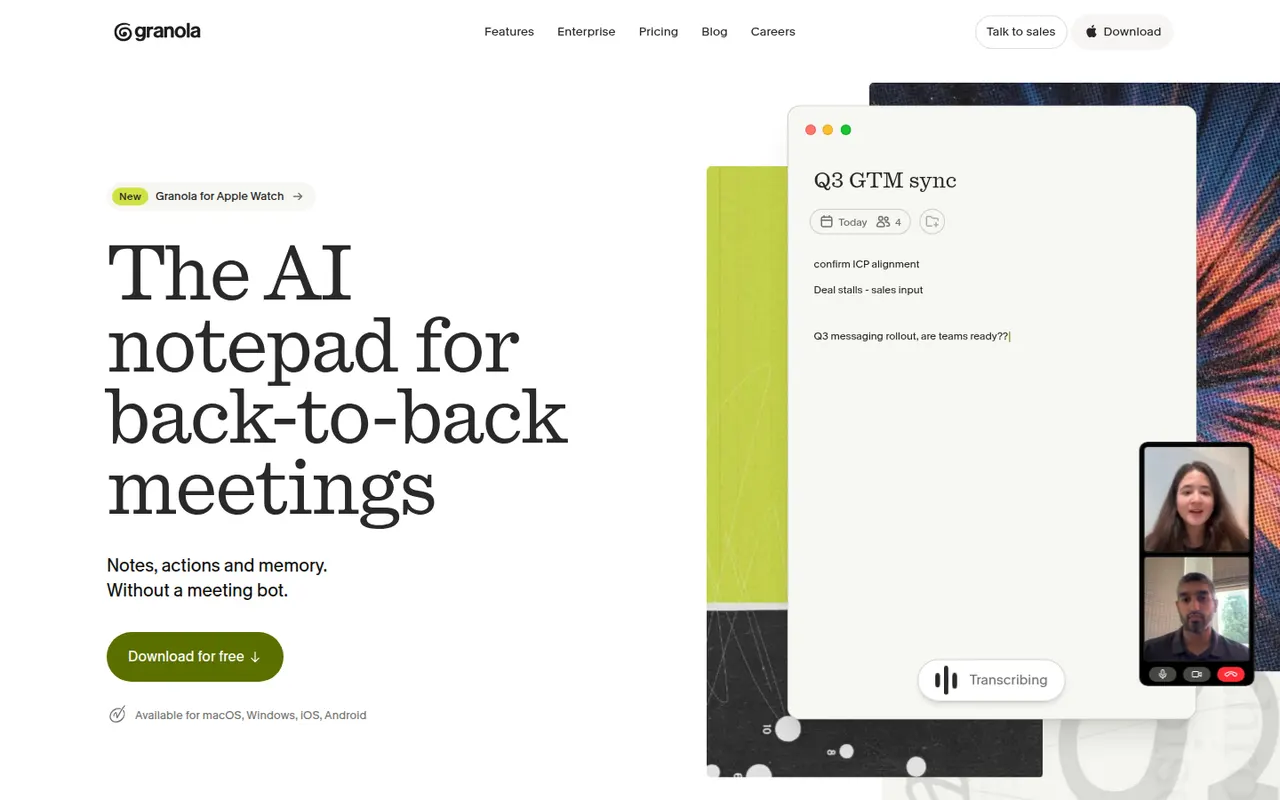
Cost / LicenseFreemiumProprietaryCategoriesPlatformsGranola is an AI notepad for people with back-to-back meetings. It transcribes audio directly from your computer instead of adding a bot to the call, and when the meeting ends it combines your rough notes with the transcript into structured notes you can edit. Templates adapt the output to the meeting type, notes can be shared and queried by chat across folders, and apps exist for Mac, Windows and iPhone.
10 Granola alternativesPros
- No bot joins the call: audio is captured on your computer
- Merges your rough notes with the transcript into clean notes
- Templates adapt the output to each type of meeting
Cons
- No web or Android app
- Without a visible bot, informing participants is up to you
- Heavier use requires a paid subscription
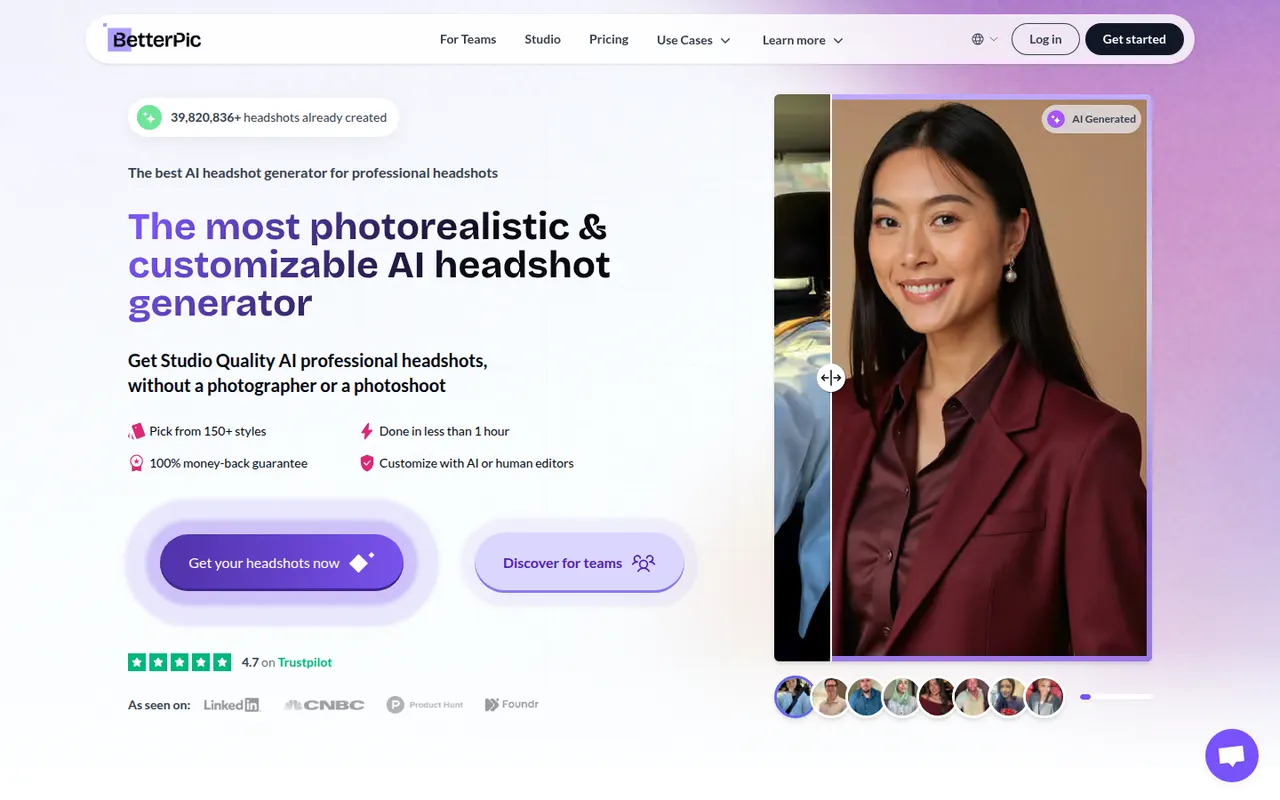
Cost / LicenseFreemiumProprietaryBetterPic turns a set of casual selfies into professional headshots for LinkedIn, resumes, company websites and team pages. You upload photos, choose outfits and backgrounds, and receive a batch of high-resolution portraits generated by AI. Team plans let companies collect photos from employees and produce consistent headshots across the organization. Packages are paid per order.
6 BetterPic alternativesPros
- Choice of outfits and backgrounds for each order
- Team plans produce consistent headshots across a company
- High-resolution portraits for profiles and company pages
Cons
- Paid per order, with no free plan
- Results vary, so finding a true likeness can take some sorting
- Requires sharing personal photos with an external service
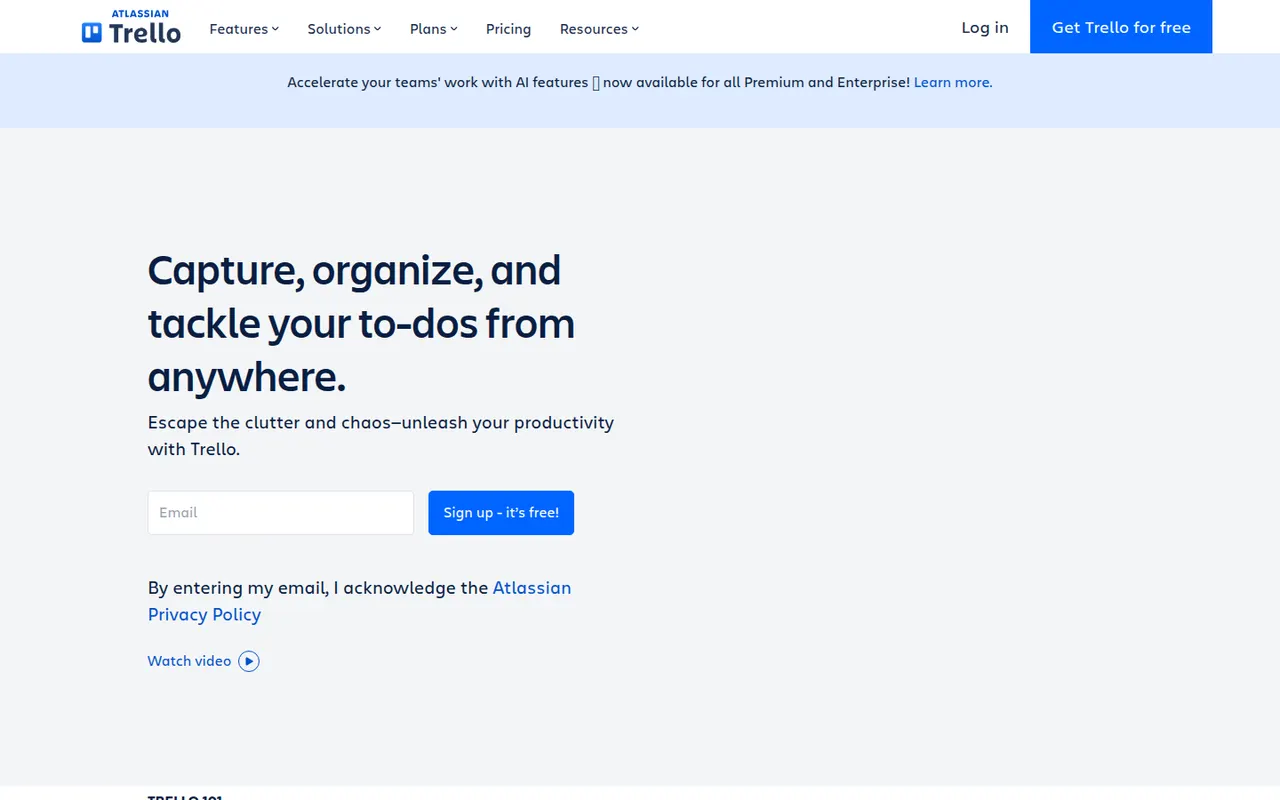
Cost / LicensePaidProprietaryCategoriesPlatformsTrello organizes work on boards made of lists and cards that you drag from one stage to the next, a model that suits small teams, personal projects and simple workflows. Owned by Atlassian, it adds calendar, timeline and table views, Butler automations and Power-Ups that connect boards to Slack, Google Drive, Jira and many other tools.
12 Trello alternativesPros
- Simple card-and-list model anyone can learn in minutes
- Power-Ups connect boards to Slack, Google Drive, Jira and more
- Butler automations take care of repetitive card moves
Cons
- Gets hard to manage for large or complex projects
- Timeline, calendar and table views require a paid plan
- Reporting is limited without add-ons
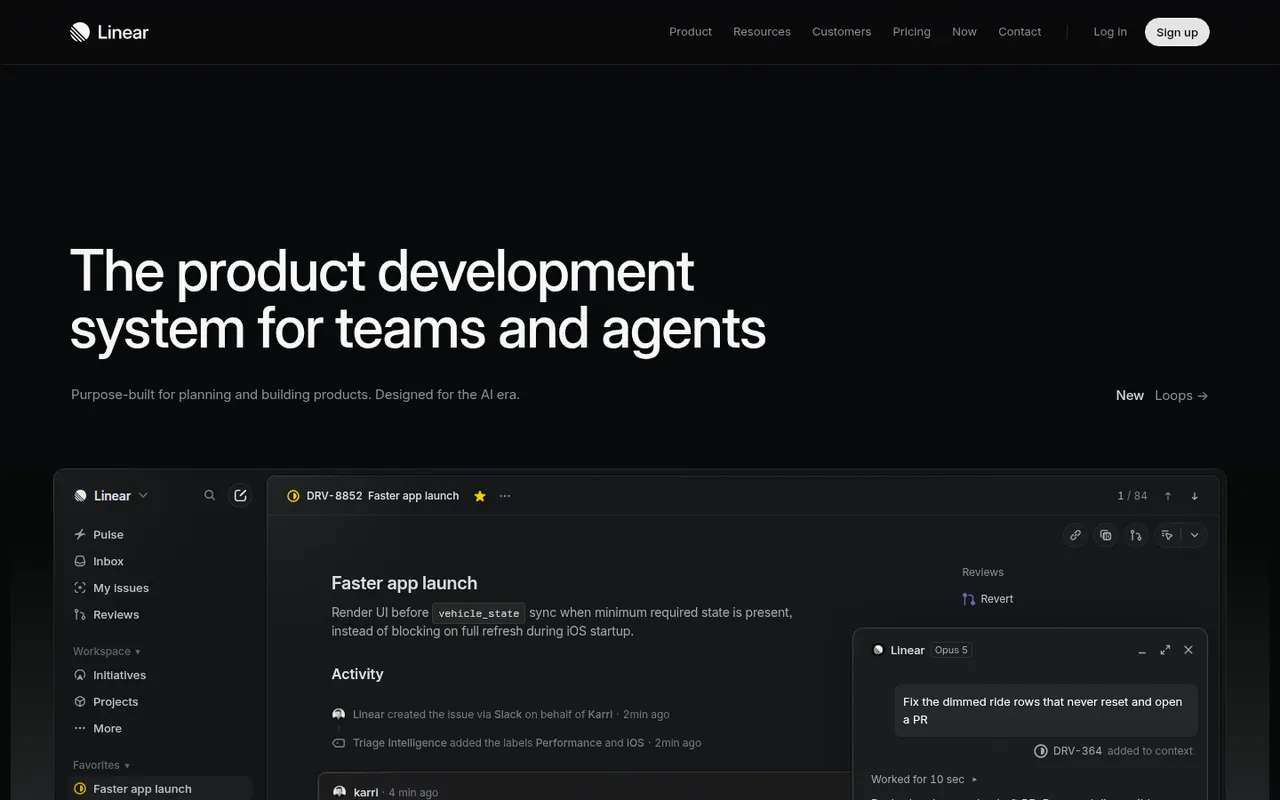
Cost / LicenseFreemiumProprietaryLinear is an issue tracker for software teams that emphasizes speed, keyboard shortcuts and an opinionated workflow with cycles, projects, roadmaps and triage. It syncs with GitHub and GitLab to update issues from pull requests, integrates with Slack and support tools, and exposes a GraphQL API for custom automation.
9 Linear alternativesPros
- Fast interface built around keyboard shortcuts
- GitHub and GitLab sync updates issues from pull requests
- Cycles, projects and roadmaps follow a clear, opinionated workflow
Cons
- The opinionated workflow leaves little room for custom processes
- Designed for software teams, less suited to other departments
- Cloud only, with no self-hosted option
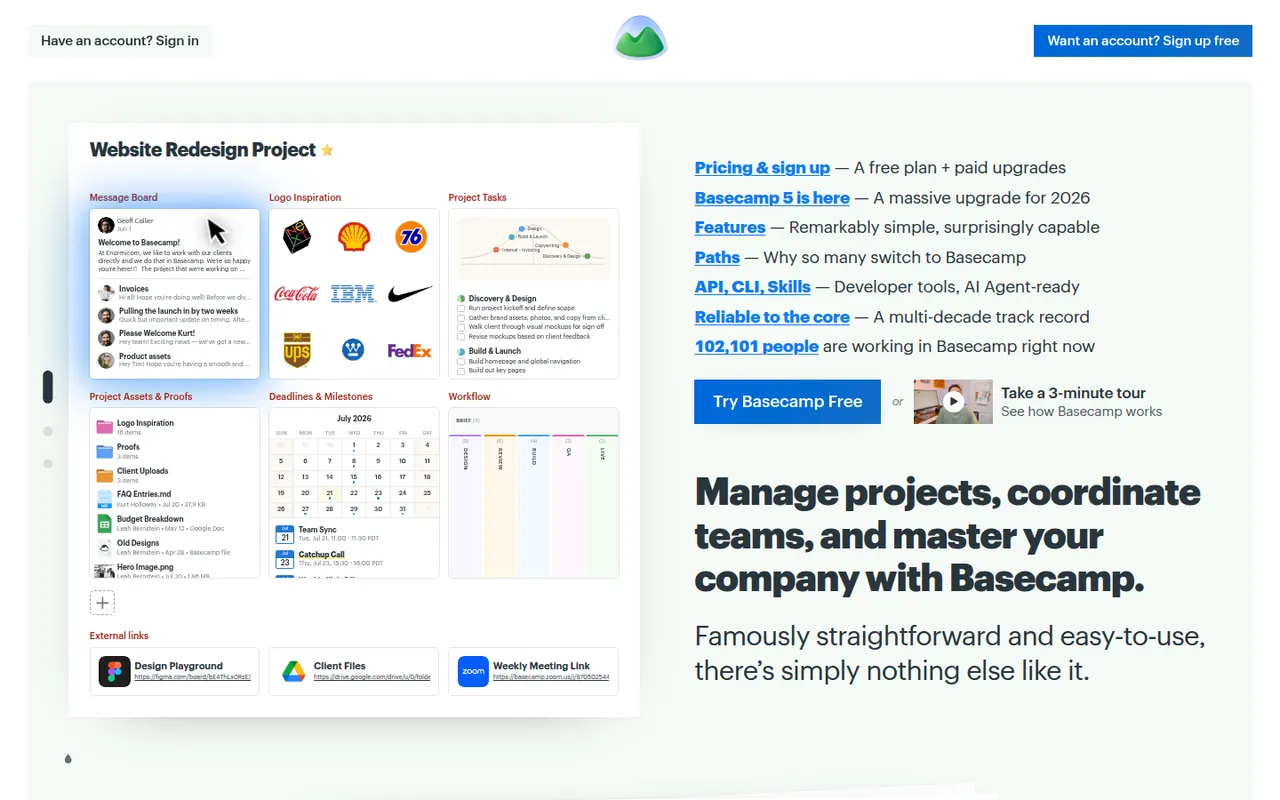
Cost / LicenseFreemiumProprietaryCategoriesBasecamp, made by 37signals, gives each project its own space with to-dos, a message board, schedule, documents, a card table and group chat, cutting down on email and status meetings. It favors calm, asynchronous communication over Gantt charts and heavy reporting, which suits agencies and small companies that work with clients.
9 Basecamp alternativesPros
- Each project gathers to-dos, messages, files, schedule and chat
- Calm, asynchronous approach cuts down on email and status meetings
- Clients can be invited into projects with controlled visibility
Cons
- No Gantt charts, task dependencies or detailed reporting
- Less customizable than tools like ClickUp or monday.com
- The free plan covers only a single project
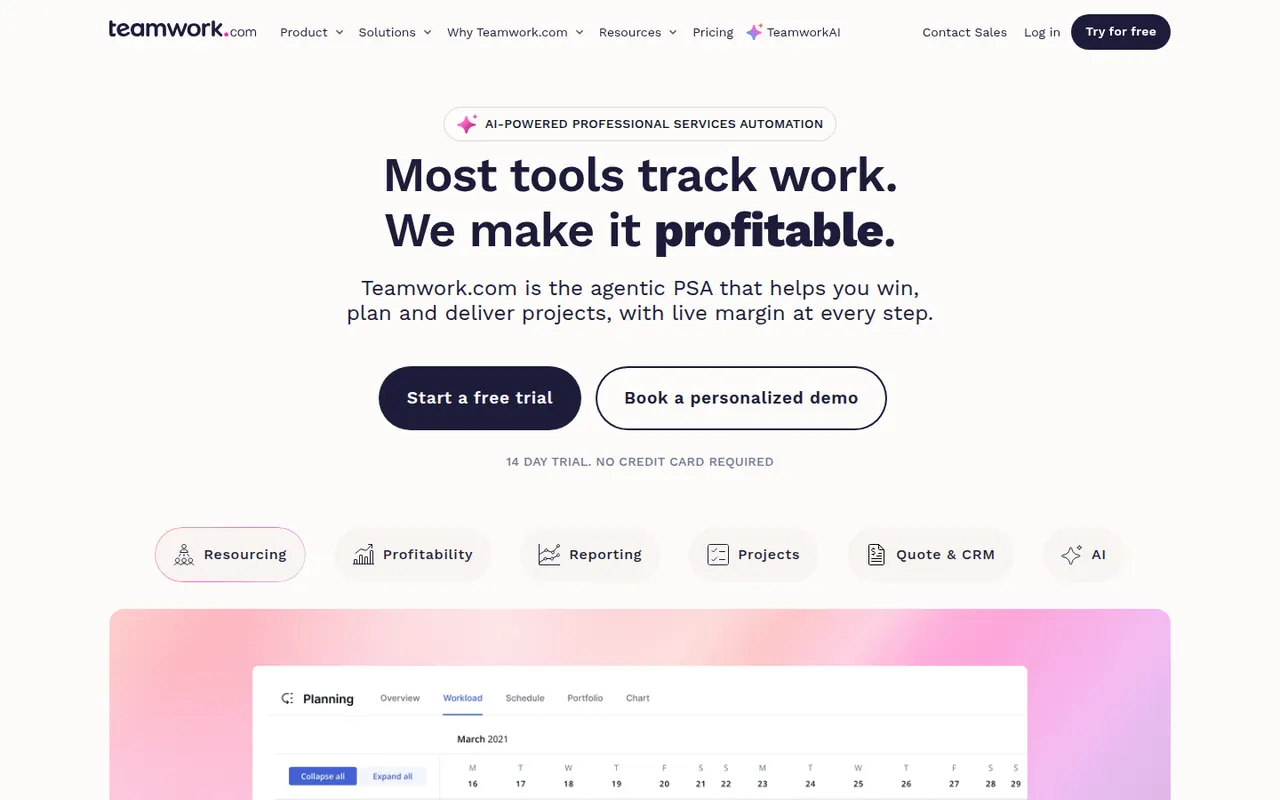
Cost / LicenseFreemiumProprietaryCategoriesTeamwork.com is project management software designed for agencies and service businesses that deliver work for clients. Alongside tasks, boards and Gantt charts, it includes time tracking, budgets, resource planning and client access to projects, so teams can see which projects are profitable and who has capacity.
8 Teamwork.com alternativesPros
- Built for agencies, with budgets and profitability tracked per project
- Time tracking and resource planning included
- Clients can be given direct access to their projects
Cons
- The breadth of features slows onboarding for small teams
- Advanced agency features are reserved for higher paid plans
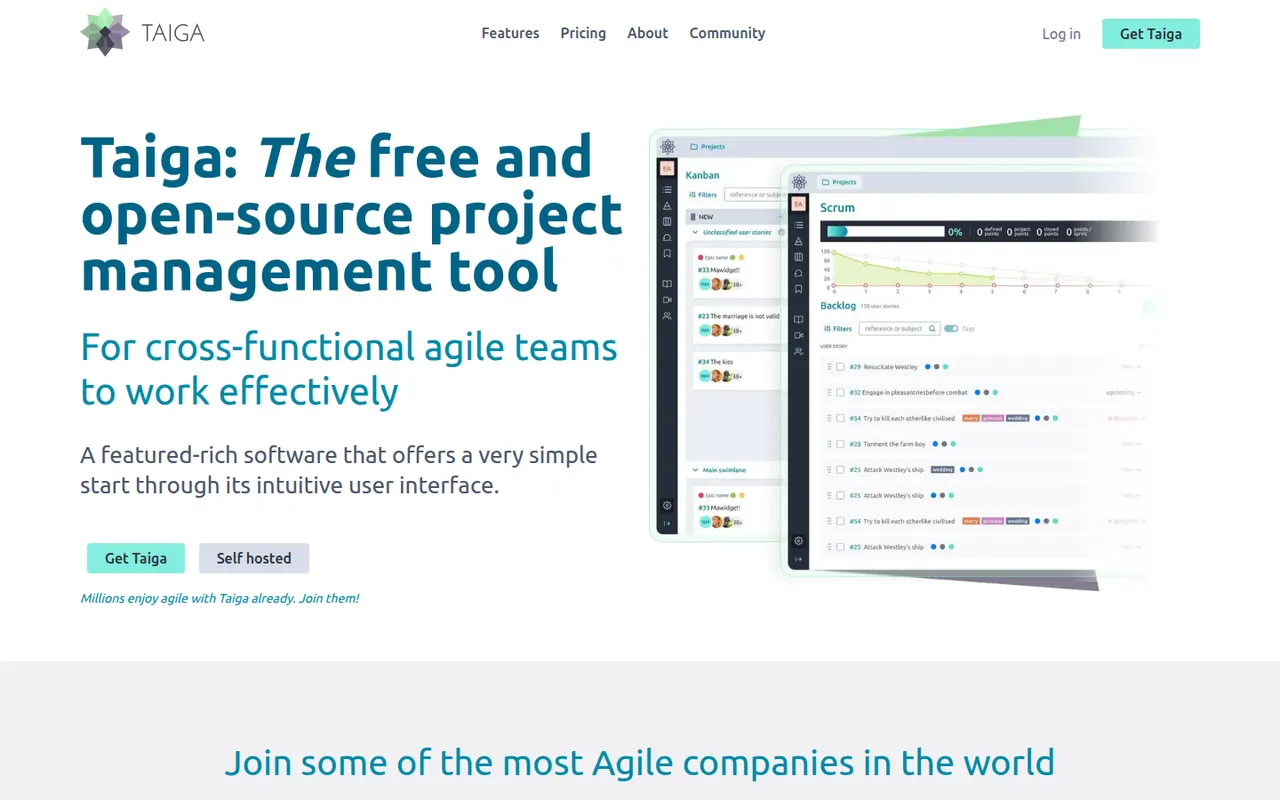
Cost / LicenseFreemiumProprietaryCategoriesTaiga is an open source project management tool for agile teams, offering Scrum backlogs with sprints and user stories, Kanban boards, issue tracking and a project wiki. Developed by Kaleidos, it can be self-hosted or used as a hosted service at taiga.io, and its clean interface also suits designers and product people, not only developers.
7 Taiga alternativesPros
- Open source, with Scrum backlogs, sprints and Kanban boards
- Clean interface that also suits designers and product people
- Can be self-hosted or used as a hosted service
Cons
- Fewer integrations than mainstream project management tools
- Limited reporting and cross-project views for larger organizations
- Self-hosting requires technical know-how
Cost / LicenseFreemiumOpen sourceCategoriesPlatformsMicrosoft Planner is the task and project planning app of Microsoft 365, usable on the web, inside Teams and on mobile. Basic plans offer Kanban-style boards, charts and a schedule view, while premium plans, which absorbed Project for the web, add timelines with dependencies, sprints and Copilot assistance.
10 Microsoft Planner alternativesPros
- Included in Microsoft 365 and usable directly inside Teams
- Simple Kanban boards that anyone can pick up quickly
- Assigned tasks also appear in Microsoft To Do
Cons
- Basic plans lack dependencies, timelines and advanced reporting
- Mainly practical for organizations already on Microsoft 365
- Premium planning features and Copilot cost extra
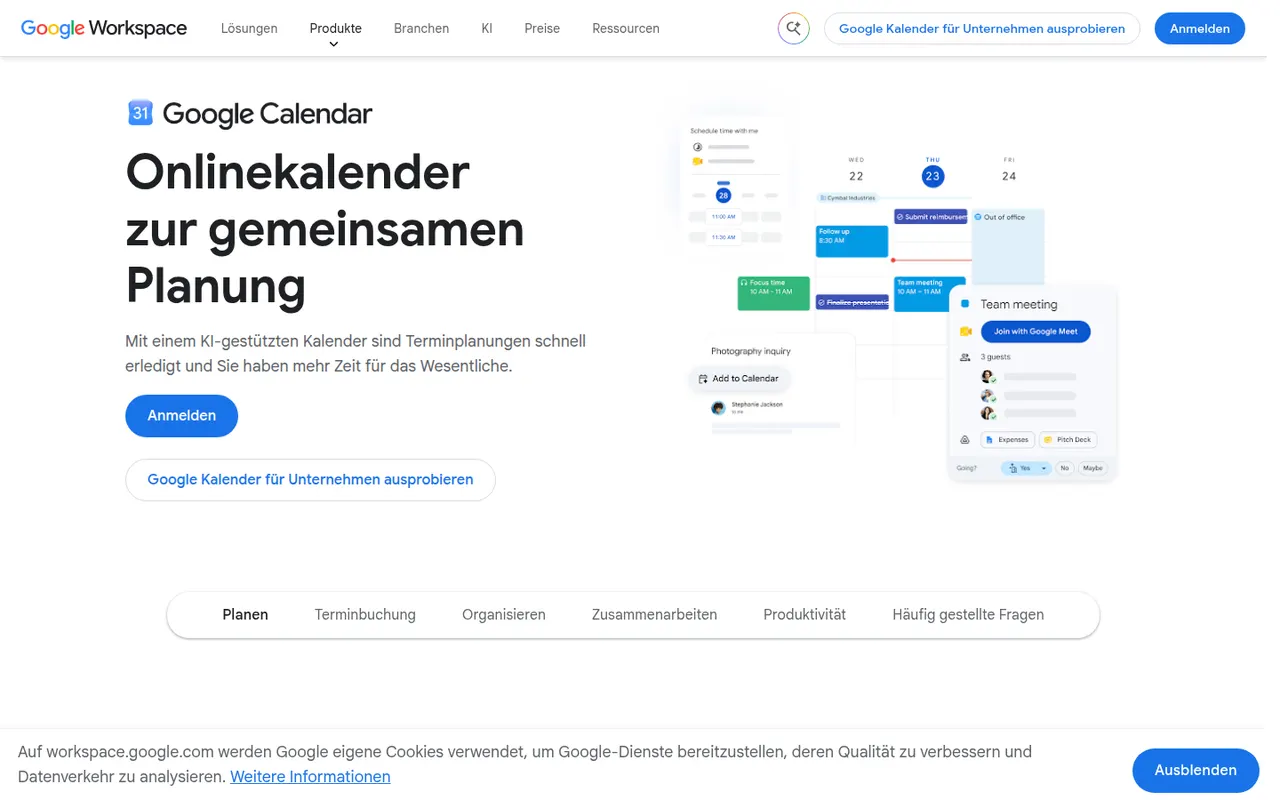
Cost / LicensePaidProprietaryCategoriesGoogle Calendar is a free calendar service tied to your Google account, with shared calendars, event invitations, events detected from Gmail and Google Meet links added to meetings. Appointment schedules provide simple booking pages, and Google Workspace accounts add features such as focus time, working locations and room booking.
12 Google Calendar alternativesPros
- Free and tightly integrated with Gmail and Google Meet
- Calendar sharing and event invitations are easy to manage
- Appointment schedules provide simple booking pages
Cons
- Advanced appointment schedule options require a paid Workspace plan
- No official desktop app, only web and mobile
Cost / LicenseFreeProprietaryCategoriesSavvyCal is a scheduling tool built around the experience of the person booking: invitees can overlay their own calendar on your availability to spot a time that works for both. It supports personal and team links with round-robin, preferred time slots, buffers and frequency limits, and integrates with Google, Outlook, Zoom and Zapier.
8 SavvyCal alternativesPros
- Invitees can overlay their own calendar to find a common slot
- Preferred slots, buffers and frequency limits give fine control
- Polished booking experience for both sides
Cons
- Web only, with no mobile apps
- Smaller integration catalog than the largest schedulers
- Team features require a paid plan
Cost / LicenseFreemiumProprietaryCategoriesPlatformsDoodle is a Swiss scheduling service built around group polls, where participants vote on proposed time slots to find a date that suits everyone without a long email thread. It also offers booking pages and one-on-one scheduling, connects to Google, Outlook and video conferencing tools, and has a free ad-supported plan.
8 Doodle alternativesPros
- Group polls make it easy to agree on a date with many people
- Participants can vote without creating an account
- Connects to Google, Outlook and video conferencing tools
Cons
- The free plan shows ads
- Booking pages are less advanced than in dedicated schedulers
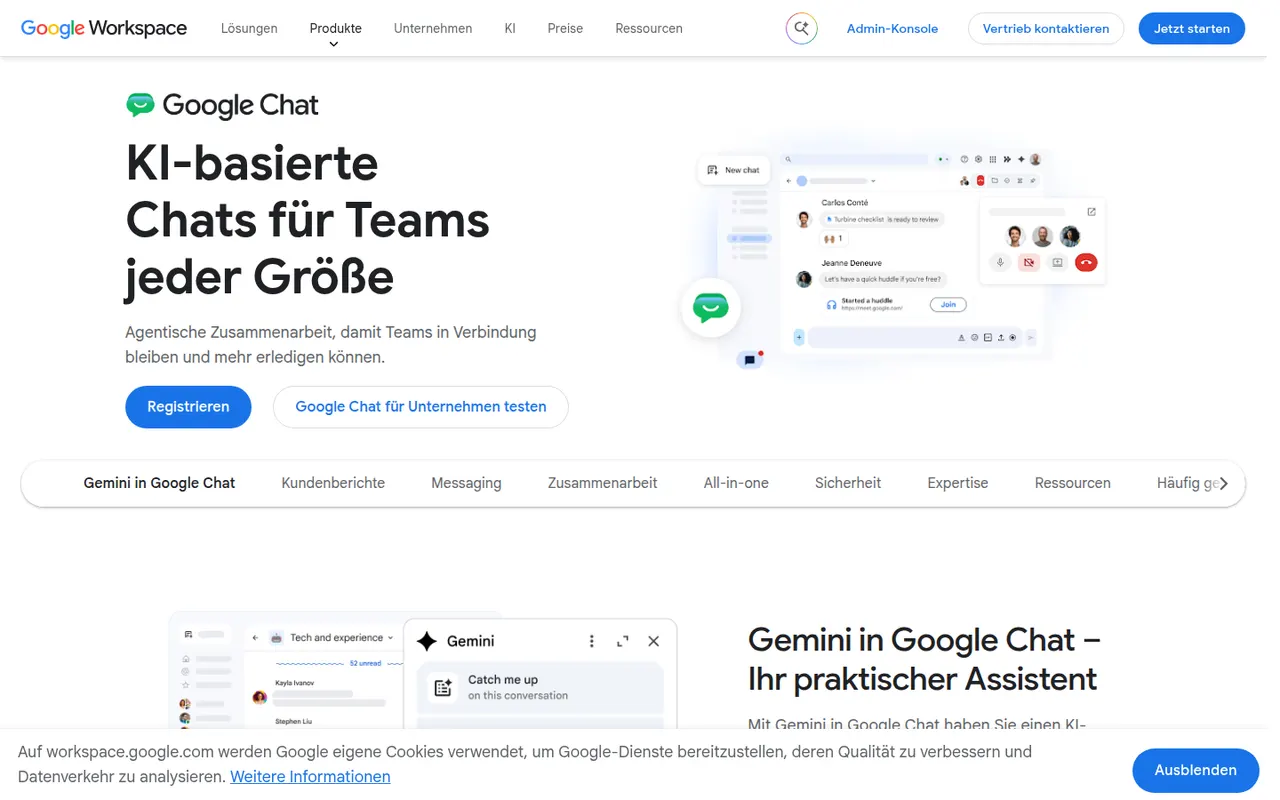
Cost / LicenseFreemiumProprietaryCategoriesGoogle Chat is Google's messaging app for direct messages, group conversations and spaces, the shared rooms where teams discuss projects in threads. It sits next to Gmail and works closely with Drive, Docs and Meet, so files and meetings can be shared without switching apps. It is free with a personal Google account, while companies get admin controls and Gemini features through Google Workspace.
8 Google Chat alternativesPros
- Built into Gmail, so Workspace users need no extra app
- Works closely with Drive, Docs and Meet for files and calls
- Free to use with a personal Google account
Cons
- Fewer third-party integrations and bots than Slack
- Little appeal outside the Google Workspace ecosystem
Cost / LicenseFreemiumProprietaryCategories