Apps with Text-based editing
4 apps
Top Text-based editing apps ranked by the community
Premiere Pro is Adobe's timeline-based video editor for film, television, YouTube and corporate work. It handles multi-camera editing, Lumetri color correction, speech-to-text captions and transcript-based editing, and connects with After Effects, Audition and Frame.io for review. It is sold as a Creative Cloud subscription for Windows and macOS.
9 Adobe Premiere Pro alternativesPros
- Widely used in professional video, so skills transfer easily
- Transcript-based editing and automatic captions speed up cuts
- Works smoothly with After Effects, Audition and Frame.io
Cons
- Subscription-only pricing adds up over time
- Can be unstable or sluggish on large projects
- Interface is complex for newcomers
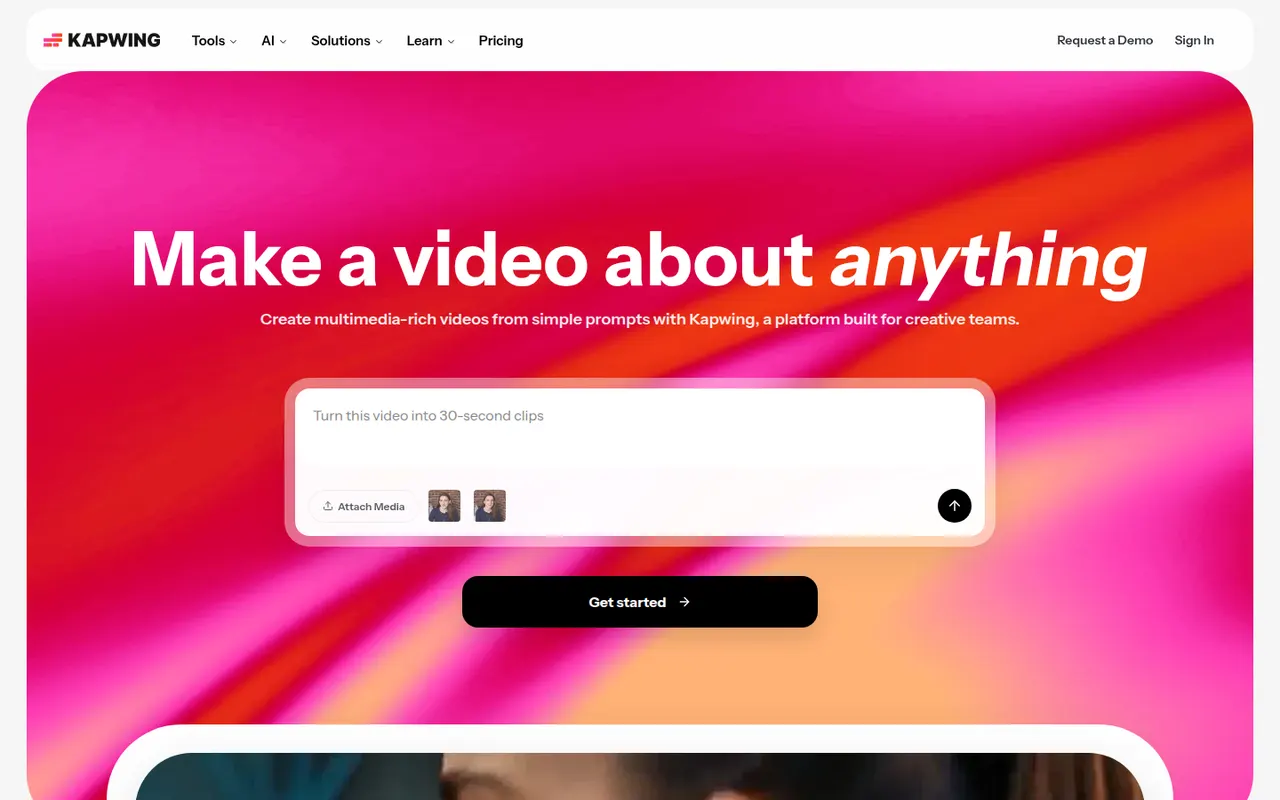
Cost / LicenseFree trialProprietaryCategoriesKapwing is a browser-based video editor built for teams that produce content together in real time. It includes transcript-based editing, automatic subtitles and translation, silence removal, a clip maker for repurposing long videos, and templates for social formats. It requires no installation and offers a free plan with export limits.
9 Kapwing alternativesPros
- Real-time collaborative editing in the browser
- Automatic subtitles, translation and silence removal
- Clip maker repurposes long videos into social shorts
Cons
- Free plan exports are limited
- Browser editing struggles with long or heavy projects
- Fewer advanced controls than desktop editors
Cost / LicenseFreemiumProprietaryCategoriesPlatformsRiverside is an online studio for recording podcasts, interviews and video shows with remote guests. Each participant is recorded locally in high quality, so unstable connections do not ruin the result, and files upload progressively. It adds transcription, a text-based editor, background noise removal, AI clips for social media and live streaming, on the web and mobile apps.
7 Riverside alternativesPros
- Local recording keeps quality high even on shaky connections
- Transcript-based editor and AI clips speed up publishing
- Guests join from a browser link or the mobile app
Cons
- Advanced editing and AI features are reserved for paid plans
- Guests must stay connected until their local recording finishes uploading
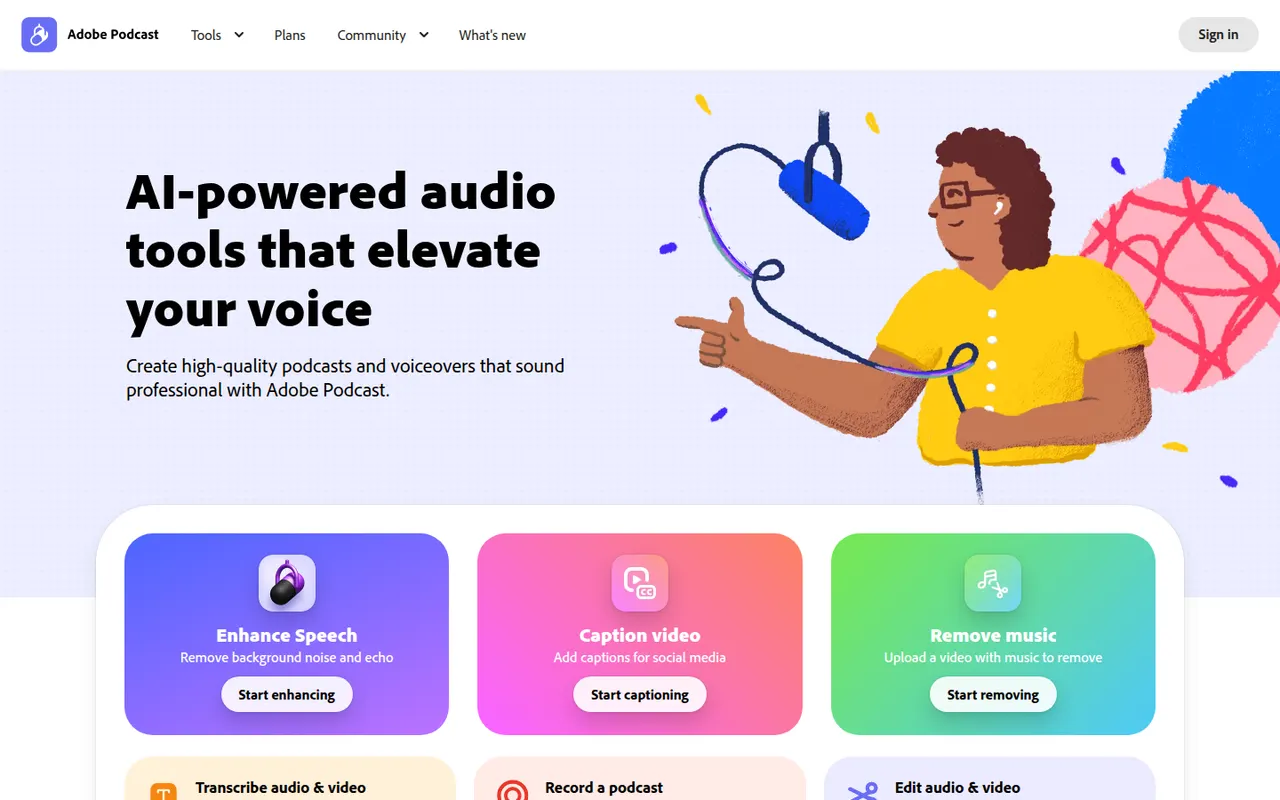
Cost / LicenseFreemiumProprietaryAdobe Podcast is a set of web-based AI audio tools for podcasters and video creators. Its most used tool, Enhance Speech, removes background noise and echo from voice recordings, while Mic Check helps set up microphones and Studio lets you record and edit audio by editing its transcript. Basic use is free, with higher limits in the premium plan.
8 Adobe Podcast alternativesPros
- Enhance Speech cleans up noisy voice recordings in one click
- Runs in the browser with nothing to install
- Transcript-based editing makes cutting speech as easy as editing text
Cons
- Enhanced audio can sound processed or artificial on some voices
- Free use is capped; higher limits require the premium plan
- Requires an Adobe account and uploading audio to Adobe’s servers
Cost / LicenseFreemiumProprietaryCategoriesPlatforms