Apps with Long video to shorts
8 apps
Top Long video to shorts apps ranked by the community
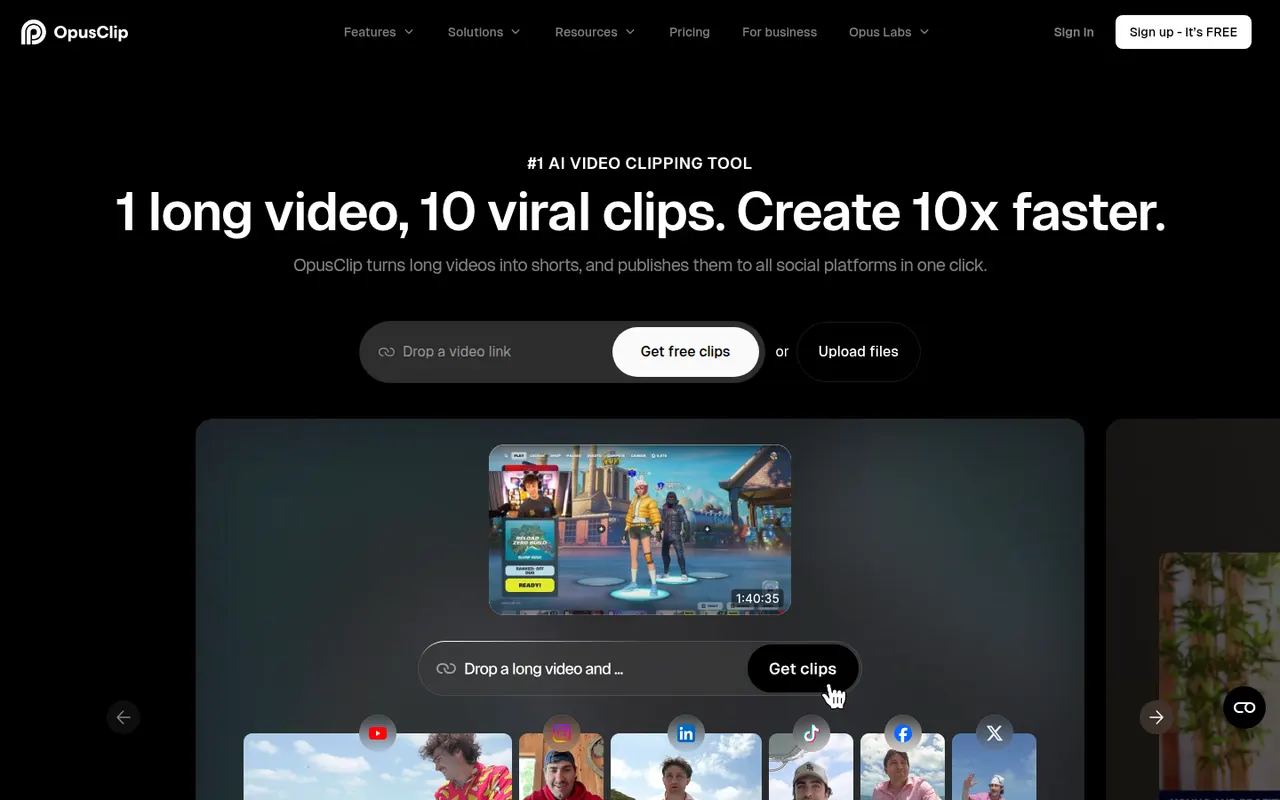
OpusClip analyzes long-form videos, finds the most engaging moments and reframes them into captioned vertical clips ready for social media.
17 OpusClip alternativesPros
- Finds engaging moments in long videos automatically
- Reframes and captions vertical clips for social media
- Schedules and posts clips to social networks
Cons
- Virality scores are only a rough guide to performance
- Free plan has limited credits and adds a watermark
- Works best with talking-head content
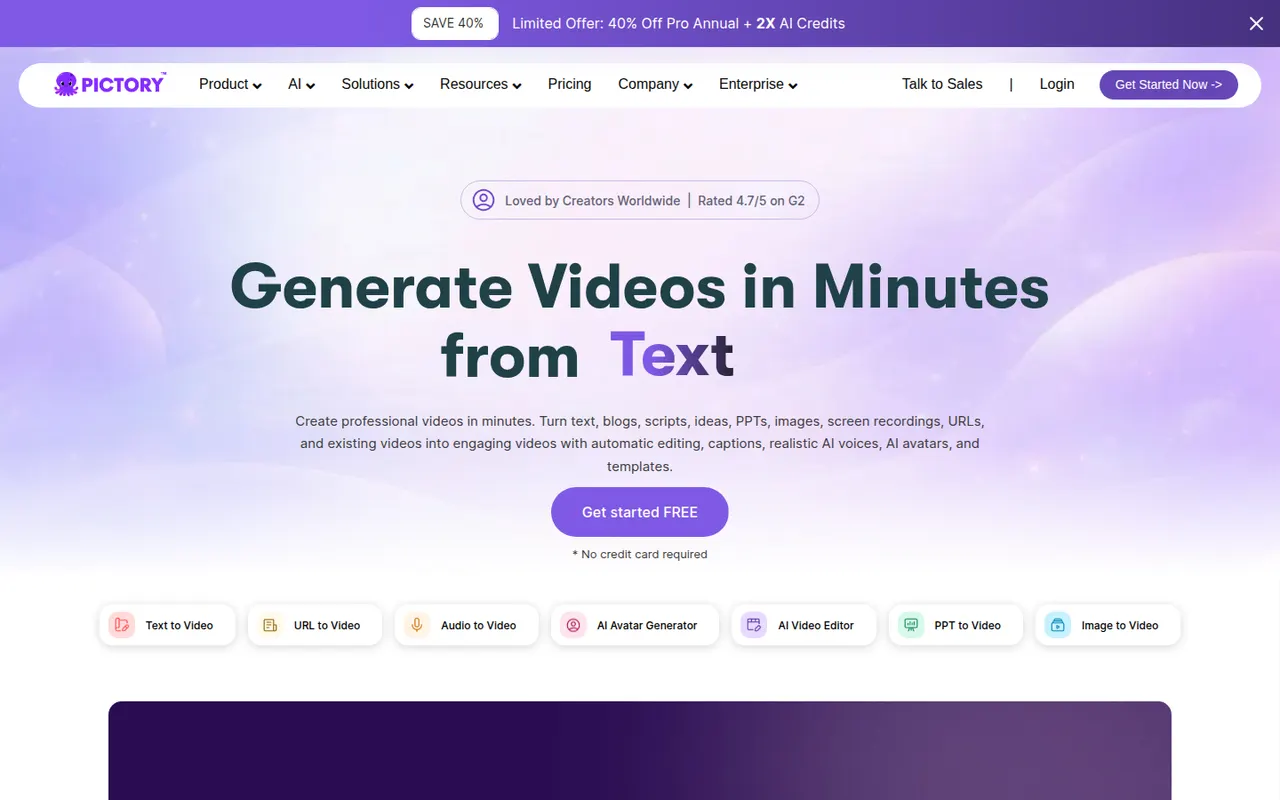
Cost / LicenseFreemiumProprietaryCategoriesPlatformsPictory converts blog posts, scripts and recordings into branded videos with automatic visuals, voiceover and captions.
10 Pictory alternativesPros
- Converts blog posts and scripts into branded videos
- Automatic visuals, voiceover and captions
- Turns long recordings into shorter highlight videos
Cons
- Stock visuals often need manual replacement
- Templates can make videos look generic
- No lasting free plan, only a trial
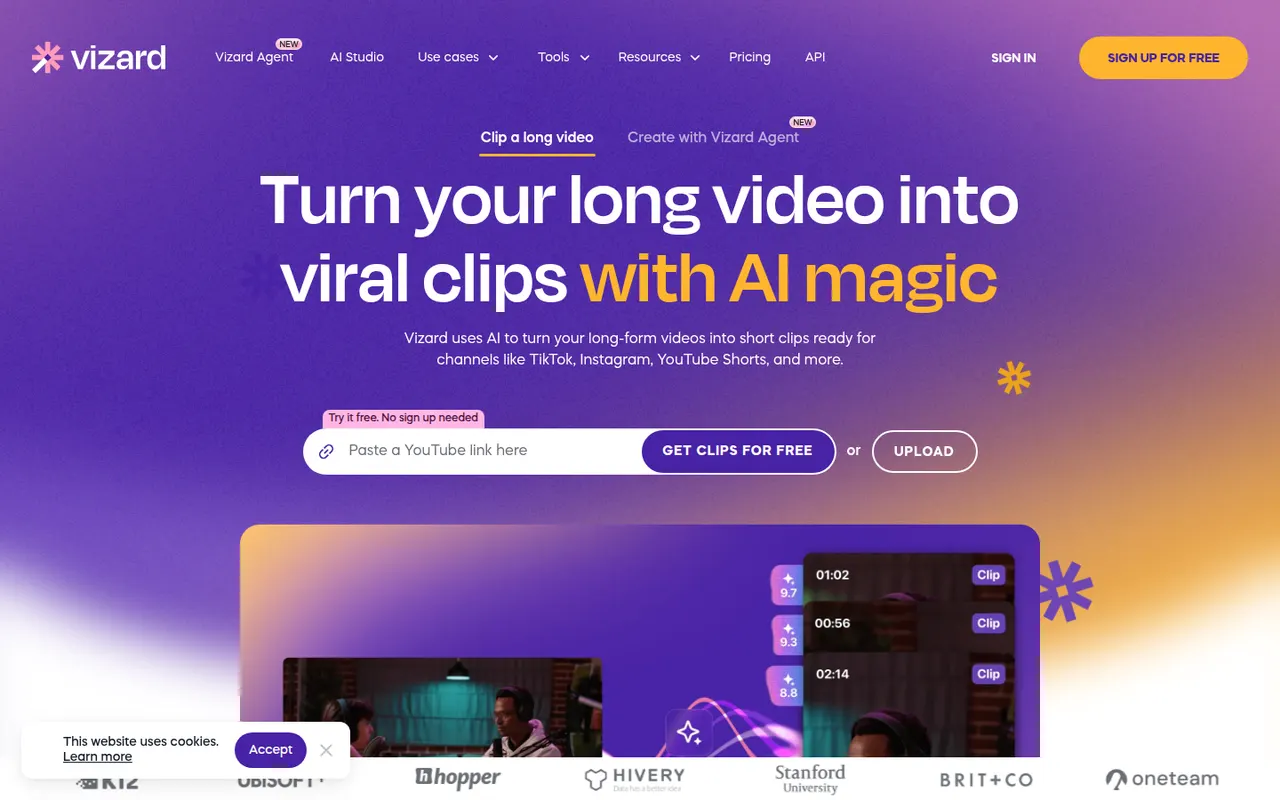
Cost / LicenseFree trialProprietaryCategoriesPlatformsVizard is a browser-based tool that finds the most engaging moments in long videos such as podcasts, webinars or streams and turns them into vertical clips. It adds animated captions, reframes speakers automatically and includes a simple editor, plus options to schedule and publish clips to social networks. It is built for creators and marketing teams repurposing content.
8 Vizard alternativesPros
- Finds engaging moments in podcasts, webinars and streams
- Automatic speaker reframing and animated captions
- Schedules and publishes clips to social networks
Cons
- The simple editor limits detailed adjustments
- AI clip picks often need manual review
- Free plan has limited usage and features
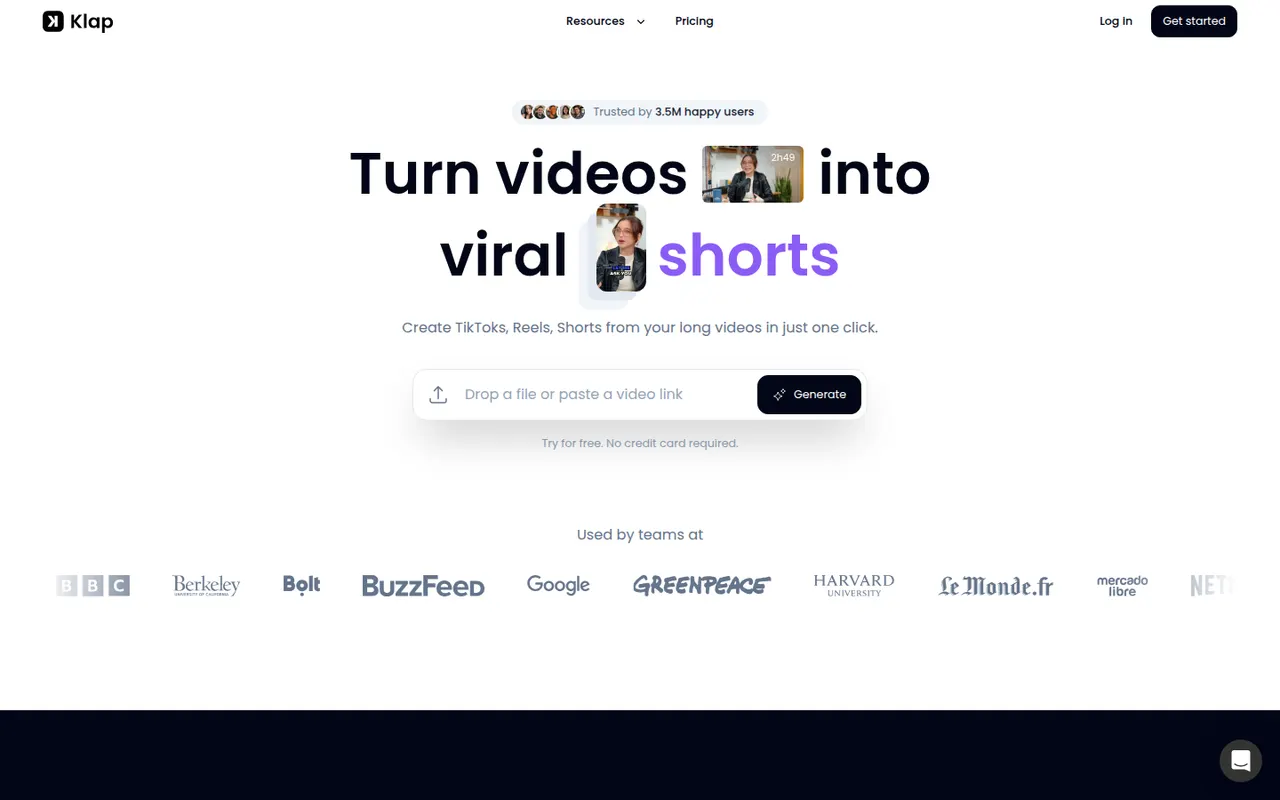
Cost / LicenseFreemiumProprietaryCategoriesPlatformsKlap uses AI to analyze long videos, such as YouTube episodes, podcasts or interviews, and cut them into vertical short clips with automatic reframing and captions. Users can review the suggested clips, adjust them in an editor and publish them to short-form platforms. It is aimed at creators who want to repurpose content without editing by hand.
8 Klap alternativesPros
- Finds and cuts short clips from long videos automatically
- Auto-reframes to vertical and adds captions
- Publishes clips straight to short-form platforms
Cons
- Suggested clips still need review to weed out weak moments
- Editor is basic compared with full video editing software
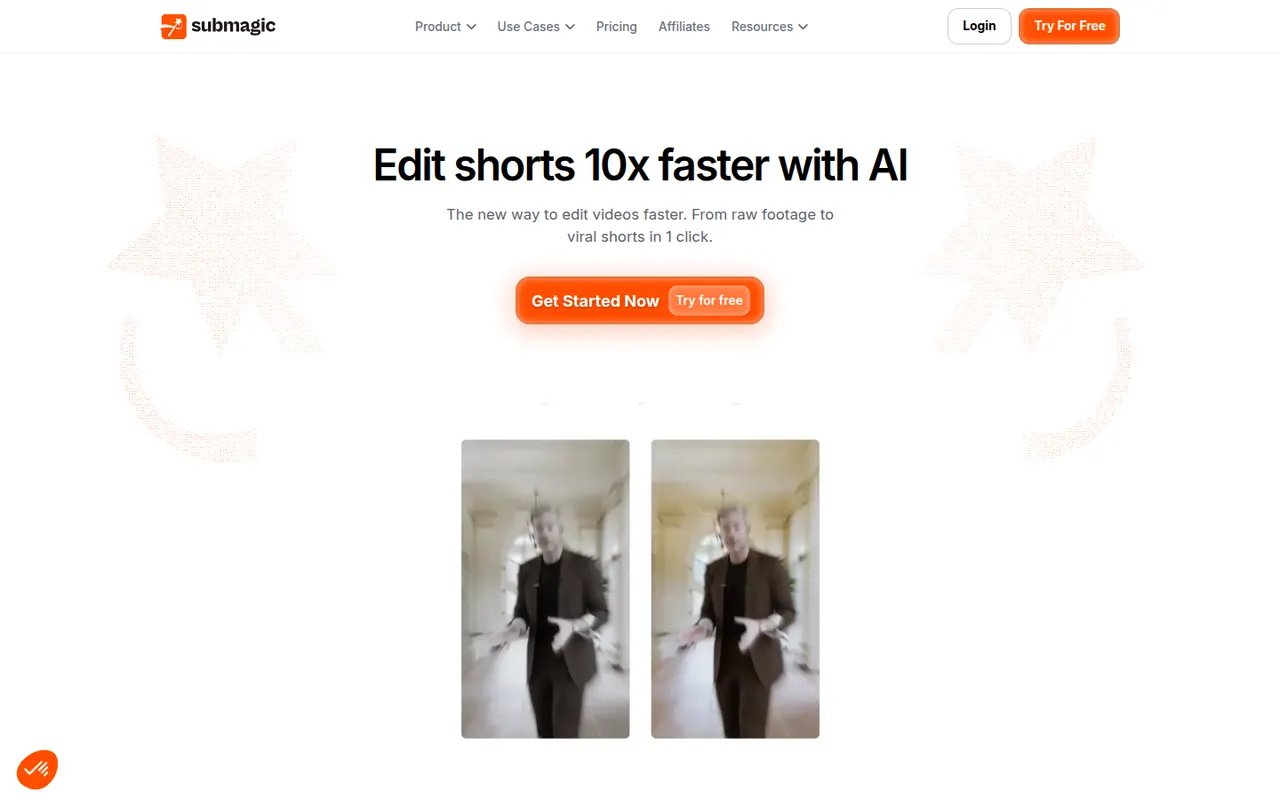
Cost / LicenseFree trialProprietaryCategoriesPlatformsSubmagic is a web app that adds styled, animated captions to short videos, with keyword highlights and emojis, in many languages. It can also insert B-roll, zoom effects, sound effects and transitions automatically, and cut long videos into shorts. Creators, agencies and brands use it to speed up editing for TikTok, Reels and YouTube Shorts.
8 Submagic alternativesPros
- Animated captions with keyword highlights and emojis
- Automatic B-roll, zooms, sound effects and transitions
- Captions available in many languages
Cons
- No lasting free plan, only a trial
- Popular caption styles can make videos look alike
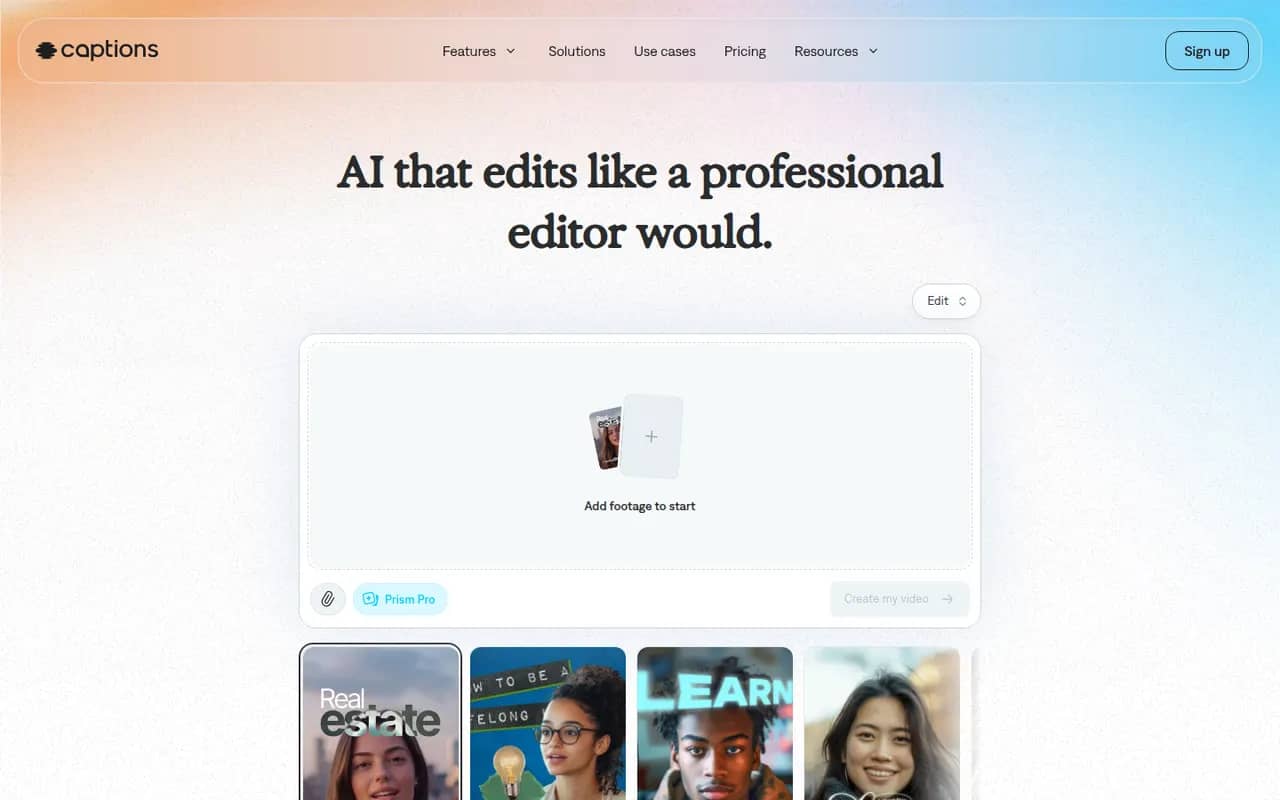
Cost / LicenseFree trialProprietaryCategoriesPlatformsCaptions is an AI-powered video creation app for people who talk on camera. It generates captions automatically, removes filler words and pauses, corrects eye contact, dubs videos into other languages and can produce videos with AI avatars from a script. It started on iPhone and is now also available on Android and the web.
11 Captions alternativesPros
- Automatic captions plus filler word and pause removal
- Eye contact correction and AI dubbing for talking videos
- Mobile-first editing on iPhone and Android, plus a web app
Cons
- Most AI features require a paid subscription
- Less suited to complex edits than a desktop video editor
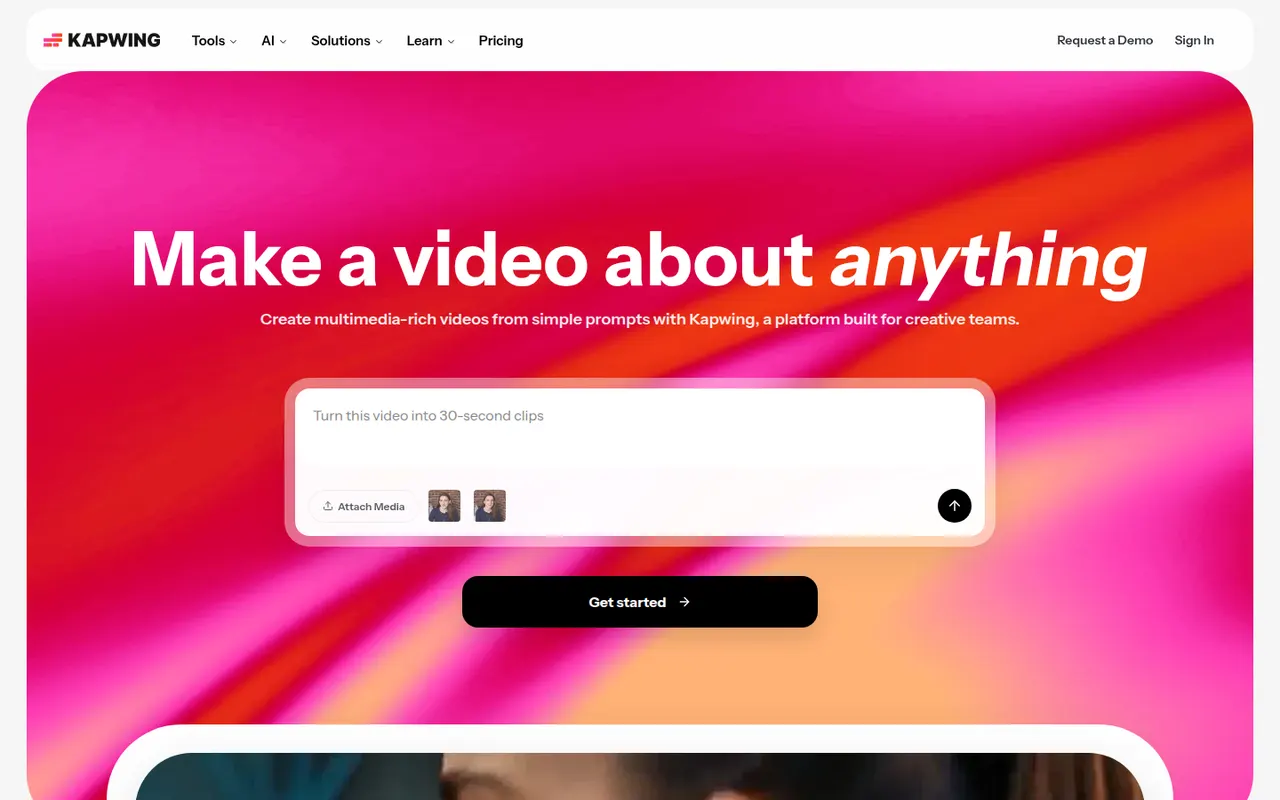
Cost / LicenseFreemiumProprietaryCategoriesKapwing is a browser-based video editor built for teams that produce content together in real time. It includes transcript-based editing, automatic subtitles and translation, silence removal, a clip maker for repurposing long videos, and templates for social formats. It requires no installation and offers a free plan with export limits.
9 Kapwing alternativesPros
- Real-time collaborative editing in the browser
- Automatic subtitles, translation and silence removal
- Clip maker repurposes long videos into social shorts
Cons
- Free plan exports are limited
- Browser editing struggles with long or heavy projects
- Fewer advanced controls than desktop editors
Cost / LicenseFreemiumProprietaryCategoriesPlatformsRiverside is an online studio for recording podcasts, interviews and video shows with remote guests. Each participant is recorded locally in high quality, so unstable connections do not ruin the result, and files upload progressively. It adds transcription, a text-based editor, background noise removal, AI clips for social media and live streaming, on the web and mobile apps.
7 Riverside alternativesPros
- Local recording keeps quality high even on shaky connections
- Transcript-based editor and AI clips speed up publishing
- Guests join from a browser link or the mobile app
Cons
- Advanced editing and AI features are reserved for paid plans
- Guests must stay connected until their local recording finishes uploading
Cost / LicenseFreemiumProprietary