Apps with Stock media library
9 apps
Top Stock media library apps ranked by the community
Fliki is a web app that turns text, blog posts, presentations or ideas into narrated videos. It matches scenes with stock footage and images, adds AI voiceovers in many languages and accents, and can use avatars or a cloned voice. It suits marketers, educators and creators who want faceless videos or audio content without recording themselves.
12 Fliki alternativesPros
- Turns blog posts, scripts or slides into narrated videos
- AI voices in many languages and accents, plus voice cloning
- Scenes are matched with stock footage automatically
Cons
- Stock footage picks often need manual swapping
- Free plan is limited and adds a watermark
- Little room for custom footage or detailed editing
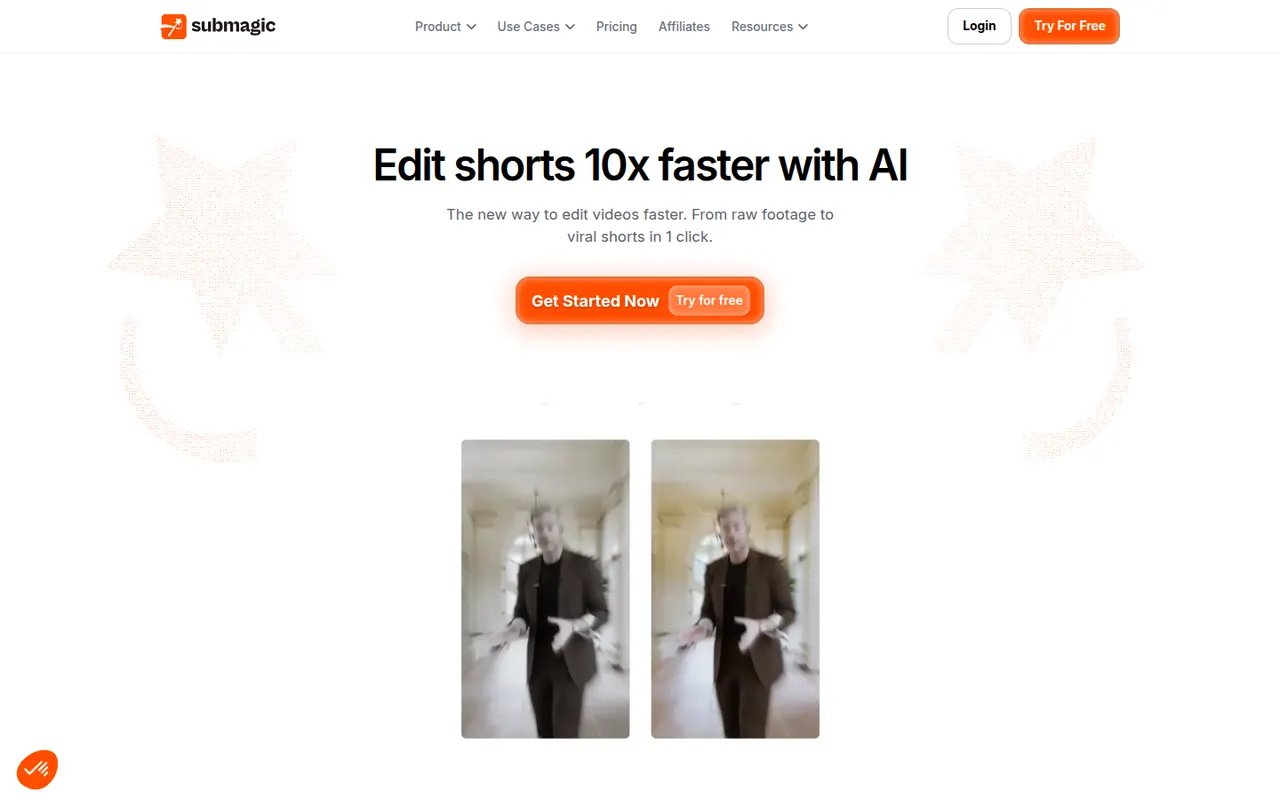
Cost / LicenseFreemiumProprietaryPlatformsSubmagic is a web app that adds styled, animated captions to short videos, with keyword highlights and emojis, in many languages. It can also insert B-roll, zoom effects, sound effects and transitions automatically, and cut long videos into shorts. Creators, agencies and brands use it to speed up editing for TikTok, Reels and YouTube Shorts.
8 Submagic alternativesPros
- Animated captions with keyword highlights and emojis
- Automatic B-roll, zooms, sound effects and transitions
- Captions available in many languages
Cons
- No lasting free plan, only a trial
- Popular caption styles can make videos look alike
Cost / LicenseFree trialProprietaryCategoriesPlatformsFilmora is a consumer video editor from Wondershare for YouTubers, educators and small businesses. It pairs a multi-track timeline with a large library of effects, templates and stock media, and adds AI tools such as auto captions, background removal, text-to-speech and audio denoising. It is available for Windows and macOS, with mobile apps; the free version adds a watermark on export.
11 Filmora alternativesPros
- Beginner-friendly interface with a gentle learning curve
- Large library of effects, templates and stock media
- AI tools for captions, background removal and audio denoising
Cons
- Free version adds a watermark to exports
- Some effects and AI features cost extra
- Not suited to complex professional projects
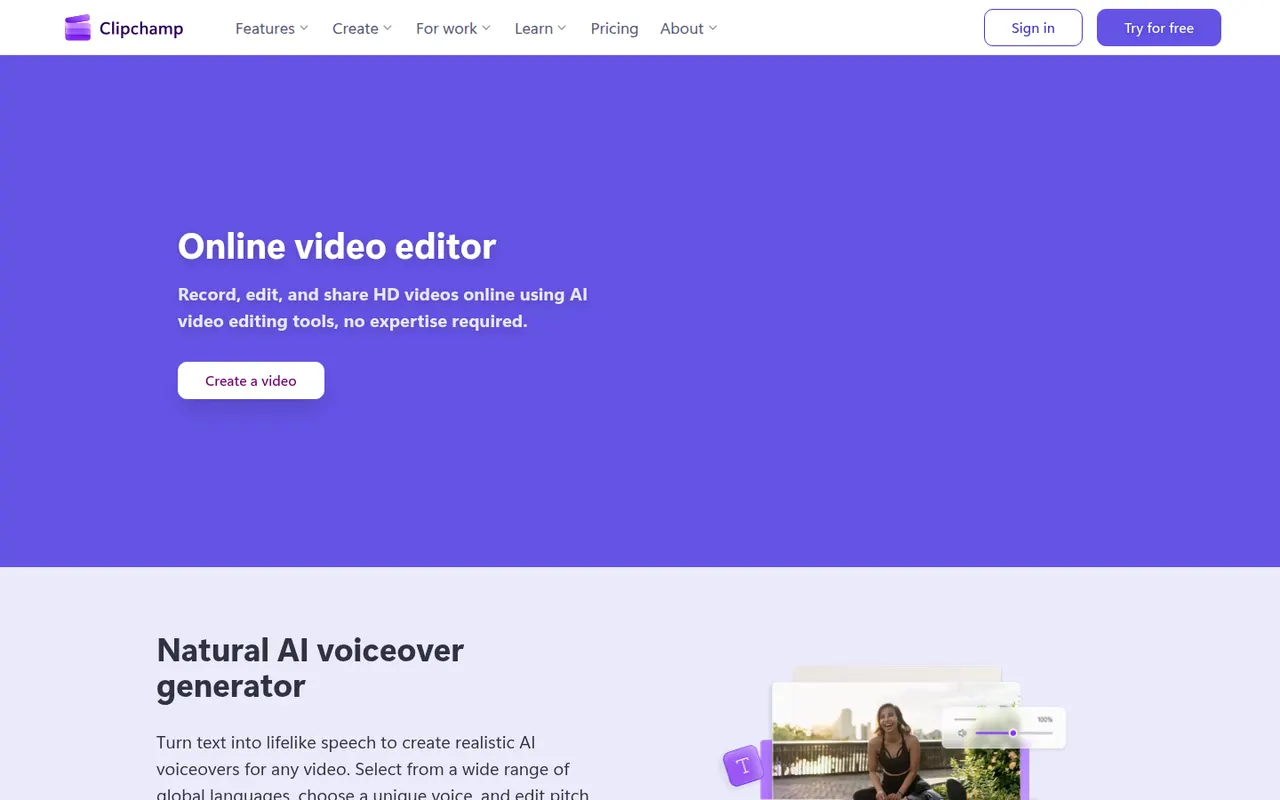
Cost / LicenseFreemiumProprietaryCategoriesClipchamp is Microsoft's easy video editor, included with Windows 11 and available in the browser and with Microsoft 365. It focuses on quick edits with templates, stock media, text-to-speech voiceovers, auto captions and green screen, which suits social videos, presentations and work updates. The free plan exports in 1080p, while Premium unlocks 4K and more stock content.
9 Clipchamp alternativesPros
- Included with Windows 11 and easy for beginners
- Templates, stock media and text-to-speech voiceovers built in
- Free plan exports in 1080p without a watermark
Cons
- 4K export and premium stock content require a paid plan
- Limited for advanced work such as multicam or detailed color grading
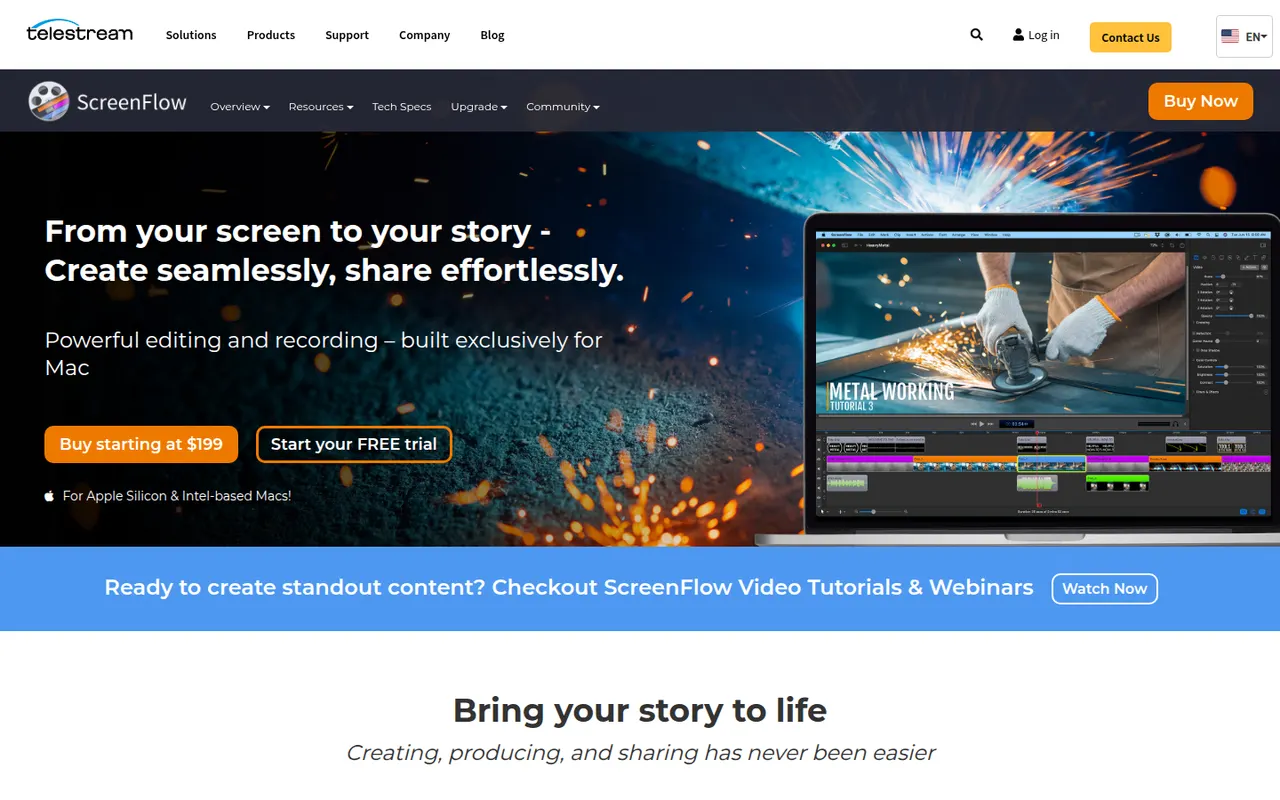
Cost / LicenseFreemiumProprietaryCategoriesScreenFlow by Telestream is a Mac app for recording the screen, camera, microphone and a connected iPhone or iPad, then editing everything on a multi-track timeline. It adds callouts, text, transitions, freehand annotations and a stock media library, and is used for tutorials, courses and software demos. It is a paid app with a free trial that adds a watermark.
8 ScreenFlow alternativesPros
- Records the screen, camera and a connected iPhone or iPad
- Multi-track timeline with callouts, text and annotations
- Access to a stock media library from the editor
Cons
- Available on macOS only, with no Windows version
- Trial exports carry a watermark
- Effects take more manual work than newer automatic recorders
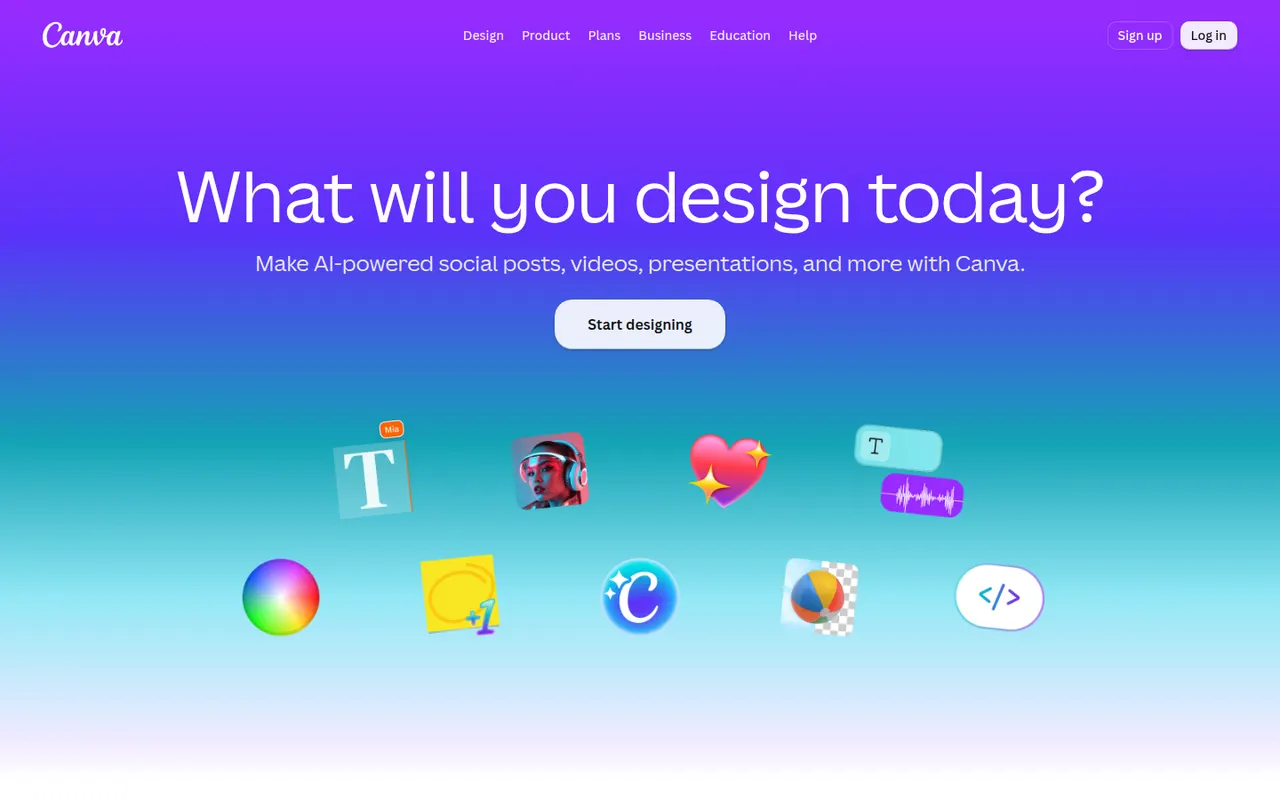
Cost / LicenseFree trialProprietaryCategoriesPlatformsCanva is an online design editor built around drag-and-drop templates for social media graphics, presentations, posters, videos and documents. It targets non-designers and marketing teams, with a large stock library, brand kits, real-time collaboration and Magic Studio AI tools for creating and editing images and text. It runs in the browser and as desktop and mobile apps.
12 Canva alternativesPros
- Huge template library makes design accessible to non-designers
- Real-time collaboration and brand kits for marketing teams
- Available on web, desktop and mobile, with Magic Studio AI tools
Cons
- Many templates, assets and AI features sit behind the Pro plan
- Popular templates can make designs look like everyone else’s
- Limited precision for print production or advanced vector work
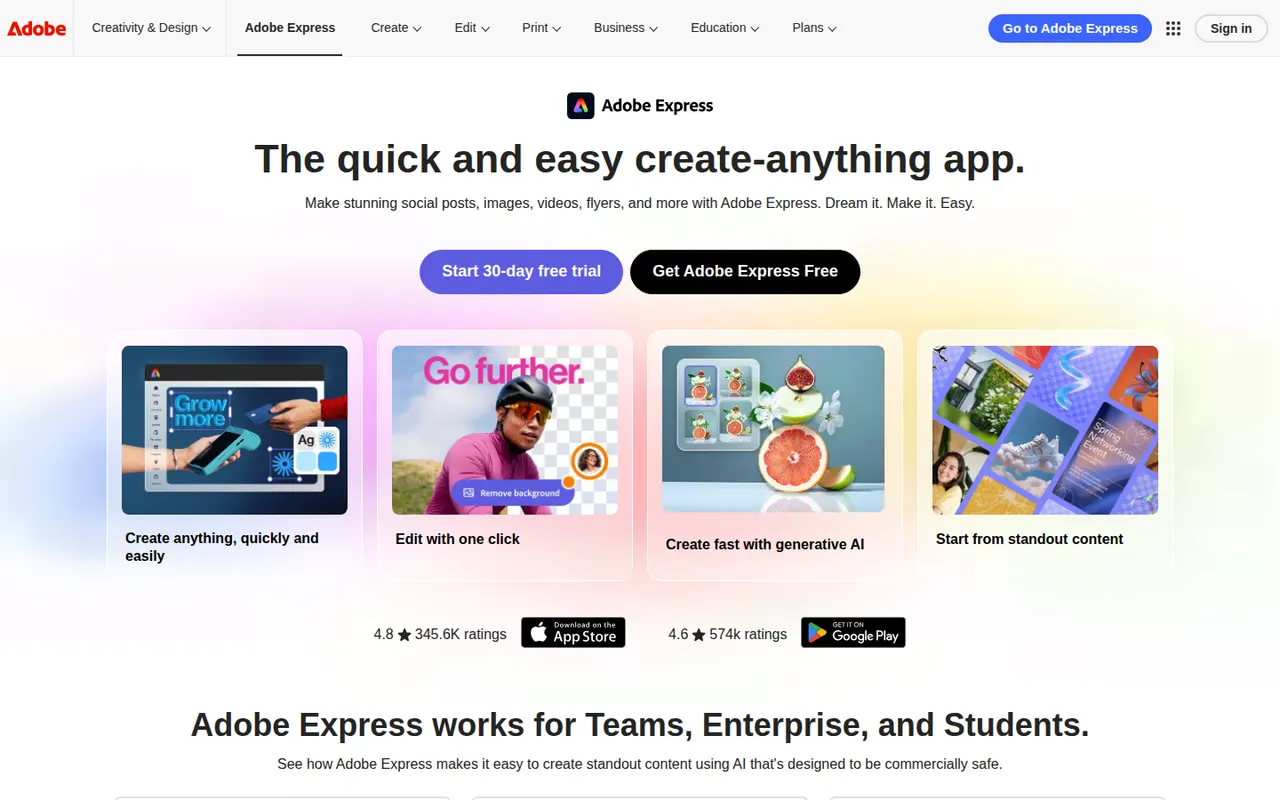
Cost / LicenseFreemiumProprietaryCategoriesAdobe Express is a web and mobile design app for producing social media posts, flyers, logos, short videos and simple web pages from templates. It includes Adobe Stock assets, Adobe Fonts, brand kits, one-click background removal and Firefly generative AI. It is aimed at small businesses, students and marketers who need quick results without a full Creative Cloud workflow.
11 Adobe Express alternativesPros
- Templates plus Adobe Stock and Adobe Fonts for quick, polished results
- One-click background removal and Firefly generative AI
- Brand kits and mobile apps keep content consistent on the go
Cons
- Premium templates, assets and generative credits require a paid plan
- Less precise than Creative Cloud apps for detailed design work
Cost / LicenseFreemiumProprietaryCategoriesVistaCreate, formerly Crello, is an online graphic design editor owned by Vista, the printing company. It provides ready-made templates for social posts, ads, flyers and animated graphics, a stock library of photos, videos and illustrations, brand kits and a background remover. Finished designs can be ordered as prints through Vista, which makes it practical for small businesses.
6 VistaCreate alternativesPros
- Ready-made templates for social posts, ads and animated graphics
- Stock library of photos, videos and illustrations included
- Designs can be ordered as prints directly through Vista
Cons
- Fewer advanced and collaboration features than Canva
- Premium assets and features require a paid plan
- Limited control for detailed or precise design work
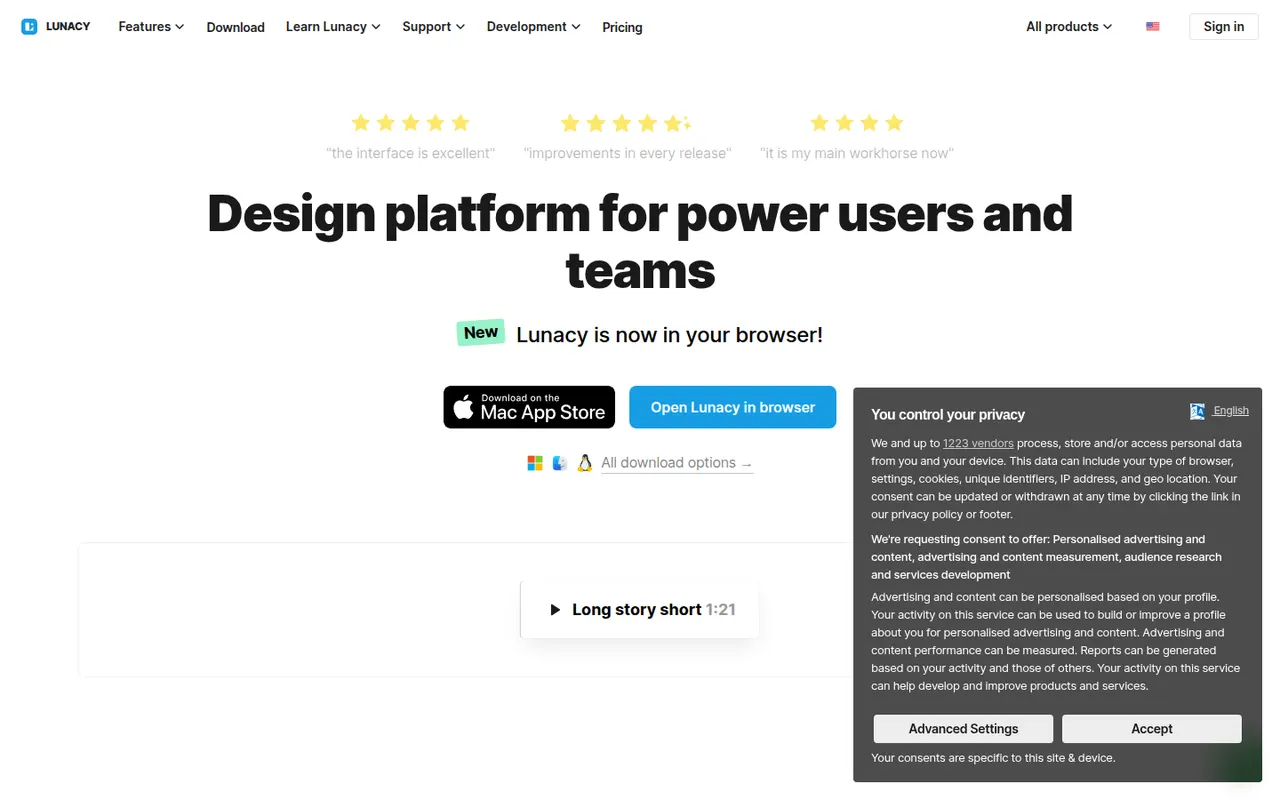
Cost / LicenseFreemiumProprietaryCategoriesLunacy is a vector design app from Icons8 for creating interfaces, prototypes and graphics on Windows, macOS and Linux. It works offline, opens Sketch files natively and includes Icons8 libraries of icons, photos and illustrations, along with AI helpers such as background removal. Cloud documents allow real-time collaboration; most features are free, with a paid plan for extended cloud features.
7 Lunacy alternativesPros
- Works offline on Windows, macOS and Linux
- Opens Sketch files natively, no Mac required
- Built-in Icons8 libraries of icons, photos and illustrations
Cons
- Smaller plugin ecosystem and community than Figma
- Less widely used, so fewer shared resources and tutorials
- Extended cloud features require a paid plan
Cost / LicenseFreemiumProprietaryCategories