Apps with Image generation
26 apps
Top Image generation apps ranked by the community
Dream Machine is Luma AI's creative app for generating video clips and images from text prompts or reference images. It runs on Luma's own models (Ray for video, Photon for images) and lets users iterate on a chat-like board, extend shots and control camera motion. It is available on the web and iOS, and the models are also offered through an API.
8 Luma Dream Machine alternativesPros
- Runs on Luma's own Ray video and Photon image models
- Chat-like board makes iterating on ideas easy
- Camera motion control and shot extension
Cons
- Clips are short and often need several attempts
- Free plan is limited, with better quality on paid plans
- No Android app, only the web and iOS
Cost / LicenseFreemiumProprietaryCategoriesKling AI is a video generation platform developed by Kuaishou, the company behind the Kwai short-video app. It creates clips from text or images with realistic motion and adds tools such as lip sync, video extension and image generation. A daily allowance of free credits lets users try it, with paid plans and an API for heavier use.
8 Kling AI alternativesPros
- Realistic motion in clips made from text or images
- Lip sync and video extension tools built in
- Daily free credits to try it out
Cons
- Generation can be slow when demand is high
- High-quality clips burn through credits quickly
- Ownership by a China-based company may raise data concerns
Cost / LicenseFreemiumProprietaryCategoriesPlatformsChatGPT is OpenAI's general-purpose AI assistant. You can use it to draft and edit text, get answers backed by live web search, analyze uploaded files and data, generate images and hold voice conversations. Custom GPTs let anyone build an assistant for a specific task, and apps are available on desktop and mobile alongside the web version.
12 ChatGPT alternativesPros
- Versatile assistant for writing, analysis, coding and images
- Polished apps on the web, desktop and mobile
- Custom GPTs adapt it to specific tasks
Cons
- Can state wrong information confidently, so answers need checking
- Top models and higher limits require a paid plan
- Conversations may be used for training unless you opt out
Cost / LicenseFreemiumProprietaryGemini is Google's AI assistant, available on the web and as a mobile app that can replace Google Assistant on Android. It answers questions grounded in Google Search, analyzes files and images, generates images and supports spoken conversations through Gemini Live. Gems let you save custom assistants, and Gemini can pull information from Gmail, Drive, Maps or YouTube when you allow it.
11 Gemini alternativesPros
- Answers grounded in Google Search results
- Connects to Gmail, Drive, Maps and YouTube when you allow it
- Gemini Live supports natural spoken conversations
Cons
- Chats are used to improve Google products by default
- Top models and higher limits require a paid Google plan
- Features vary by country, account type and device
Cost / LicenseFreemiumProprietaryCategoriesMicrosoft Copilot is the consumer AI assistant from Microsoft, built into Windows and Edge and available as a web, desktop and mobile app. It answers questions with Bing-powered web results, helps draft and summarize text, creates images and supports voice conversations. A Microsoft 365 subscription adds Copilot features inside Word, Excel, PowerPoint and Outlook.
11 Microsoft Copilot alternativesPros
- Built into Windows and Edge for quick access
- Bing-powered answers backed by web results
- Free image creation and voice conversations
Cons
- Copilot inside Word, Excel and Outlook needs Microsoft 365
- Overlapping Copilot products and branding can be confusing
- Tightly woven into Microsoft's ecosystem and services
Cost / LicenseFreemiumProprietaryCategoriesLe Chat is the AI assistant from Mistral AI, a French company that develops its own language models. It offers web search with cited sources, document and image analysis, image generation and agents you can configure for recurring tasks. It is available on the web and mobile, with a free tier, a Pro plan and team options for organizations that prefer a European provider.
10 Le Chat (Mistral AI) alternativesPros
- European provider, appealing to GDPR-conscious teams
- Web search answers come with cited sources
- Configurable agents for recurring tasks
Cons
- Smaller ecosystem of integrations than the largest assistants
- Advanced features and higher limits require the Pro plan
Cost / LicenseFreemiumProprietaryCategoriesGrok is the AI assistant developed by xAI, Elon Musk's artificial intelligence company. Besides general chat, it can search the web and posts on X to follow recent events, analyze files, generate images and hold voice conversations. It is available on grok.com, in dedicated mobile apps and inside X, with higher usage limits and newer models on paid tiers.
9 Grok alternativesPros
- Real-time access to posts on X for following the news
- Image generation and voice mode included
- Available inside X as well as in its own apps
Cons
- Answers drawn from X posts can repeat misinformation
- Looser moderation has led to controversial outputs
- Newest models and higher limits are reserved for paid tiers
Cost / LicenseFreemiumProprietaryCategoriesMeta AI is the assistant Meta builds into WhatsApp, Instagram, Messenger and Facebook, also offered as a standalone app and on the web. It runs on Meta's Llama models and can answer questions with web results, create and edit images and talk by voice. The app also serves as the companion for Ray-Ban Meta smart glasses. It is free to use, but availability varies by country.
8 Meta AI alternativesPros
- Free and built into WhatsApp, Instagram and Messenger
- Creates and edits images directly in chats
- Companion app for Ray-Ban Meta smart glasses
Cons
- Availability varies by country
- Raises privacy questions given Meta's ad-driven business
Cost / LicenseFreeProprietaryCategoriesPoe, made by Quora, brings models from several AI providers into a single chat app, covering text, image and video generation. You can bring other bots into a conversation, compare answers and create your own bots from a custom prompt or code. A free daily allowance is included, and a subscription adds compute points for heavier use. Poe runs on the web, desktop and mobile.
8 Poe alternativesPros
- Many AI models from different providers in one app
- Compare answers and bring several bots into one chat
- Create your own bots from a prompt or from code
Cons
- The compute point system makes usage costs hard to predict
- The free daily allowance runs out fast with premium models
- Fewer advanced features than the providers' own apps
Cost / LicenseFreemiumProprietaryCategoriesMidjourney is a text-to-image service from the independent research lab of the same name, used through its web app or a Discord bot. It produces detailed, stylized images and offers variations, upscaling, an editor for repainting or extending images, and style and character references to keep a consistent look. It can also animate images into short videos. Access requires a paid subscription.
12 Midjourney alternativesPros
- Distinctive, polished artistic style with strong aesthetics
- Style and character references keep a consistent look
- Editor repaints or extends images, which can also be animated
Cons
- No free plan: a paid subscription is required
- Images are public by default, and private mode needs a higher tier
Cost / LicensePaidProprietaryCategoriesPlatformsStable Diffusion is a family of text-to-image models released by Stability AI with downloadable weights. Because they run locally on a capable GPU, a large ecosystem has grown around them: interfaces such as ComfyUI and AUTOMATIC1111, fine-tuned community models, LoRAs and ControlNet. Recent versions use the Stability AI Community License, and Stability also sells hosted API access.
9 Stable Diffusion alternativesPros
- Downloadable weights run locally, offline and in private
- Huge ecosystem of interfaces, community models, LoRAs and ControlNet
- Deeply customizable, from fine-tuning to precise pose control
Cons
- Needs a capable GPU and some technical setup
- Raw results take more prompt work than polished hosted services
- Recent versions use a license that restricts larger commercial users
Cost / LicenseFreemiumSource availableCategoriesPlatformsLeonardo.Ai is an AI image generation platform, owned by Canva since 2024, that offers its own models alongside third-party ones. It covers prompt-based generation with style and character references, a canvas editor for inpainting and outpainting, upscaling, custom model training and short video generation. Free tokens are granted daily, and paid plans add more tokens, private generations and API access.
10 Leonardo.Ai alternativesPros
- Daily free tokens make it easy to try without paying
- Canvas editor handles inpainting and outpainting
- Custom model training for consistent styles or characters
Cons
- Token costs vary by model and settings, which can be confusing
- Private generations and API access require a paid plan
Cost / LicenseFreemiumProprietaryCategoriesIdeogram is an AI image generator designed to render readable text inside images, which makes it useful for posters, logos, packaging, thumbnails and social graphics. Besides text-to-image with style presets and style references, it offers Magic Prompt to expand short ideas, a canvas for editing and extending images, upscaling and an API. A limited free tier is available.
11 Ideogram alternativesPros
- Renders legible, well-placed text inside generated images
- Magic Prompt turns a short idea into a detailed prompt
- Canvas for editing, extending and upscaling images
Cons
- Free tier is tight, and private generations need a paid plan
- Editing tools are lighter than those of full design suites
- No Android app, only the web and iPhone
Cost / LicenseFreemiumProprietaryCategoriesAdobe Firefly is Adobe's family of generative AI models and the app that hosts them. It creates images, vectors and video from text prompts, with style and structure references, and powers features like Generative Fill in Photoshop and Adobe Express. Adobe trains its Firefly models on licensed content and presents them as suitable for commercial use. It runs on the web and mobile, with monthly generative credits.
12 Adobe Firefly alternativesPros
- Trained on licensed content and positioned for commercial use
- Powers Generative Fill in Photoshop and Adobe Express
- Creates images, vectors and video from text prompts
Cons
- Monthly generative credits limit heavy use
- Gets most of its value from a Creative Cloud subscription
- Strict content filters can block some prompts
Cost / LicenseFreemiumProprietaryCategoriesFLUX is a family of image generation and editing models from Black Forest Labs, a German lab founded by former Stable Diffusion researchers. Some variants have open weights, under Apache 2.0 or a non-commercial license, and can run locally or be fine-tuned. The most capable Pro and Kontext models are offered through a paid API and many partner platforms. Kontext edits existing images from text instructions.
7 FLUX alternativesPros
- Detailed, photorealistic images that follow prompts closely
- Some variants have open weights you can run locally or fine-tune
- Kontext edits existing images from plain text instructions
Cons
- The most capable Pro models are only available through a paid API
- Running the open weights locally requires a powerful GPU
- Licenses differ by variant, and some forbid commercial use
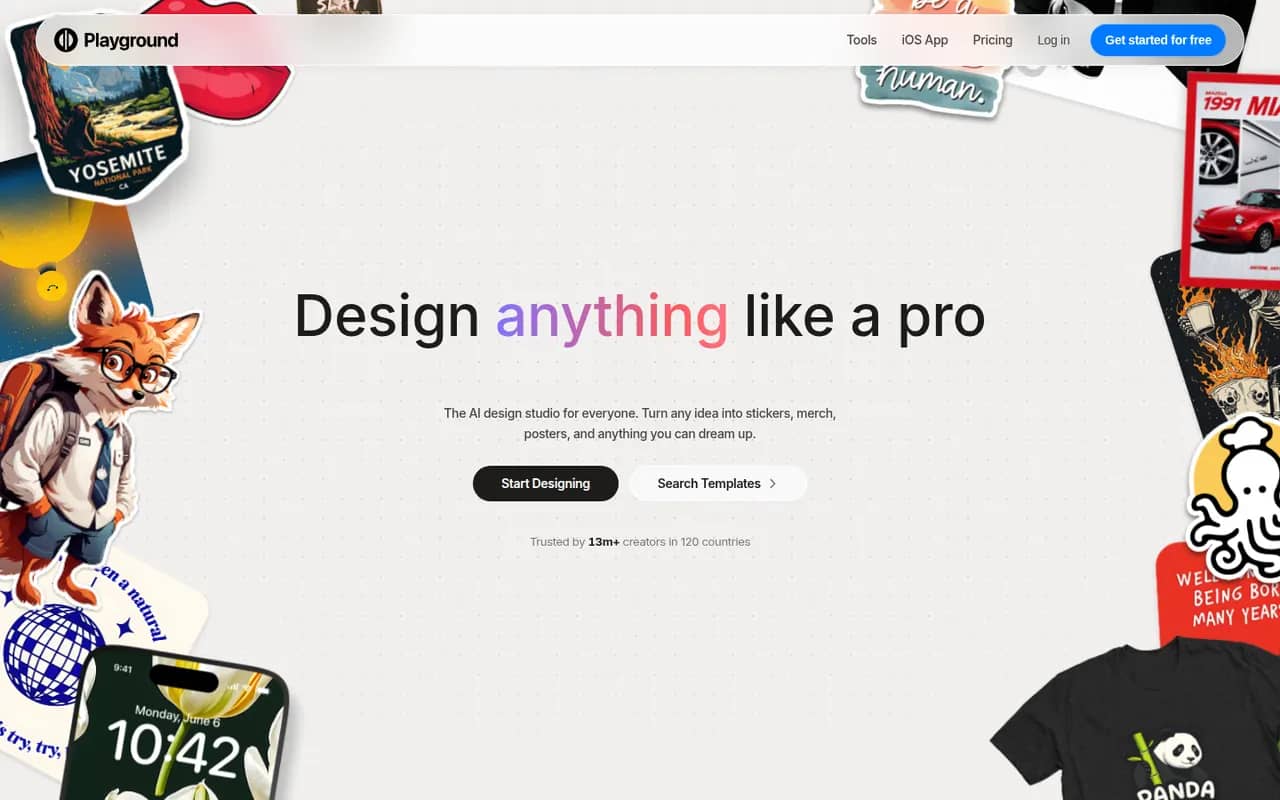
Cost / LicenseFreemiumSource availableCategoriesPlatformsPlayground is a browser-based AI tool that started as a general image generator and now focuses on graphic design. You describe what you need, such as a logo, flyer, t-shirt print or social media post, start from a template library and refine the result through chat or an editor, using an in-house model built to render text. A free plan with daily limits sits alongside paid plans.
10 Playground alternativesPros
- Template library for logos, flyers, t-shirts and social posts
- In-house model built to render text cleanly in designs
- Results can be refined through chat or in an editor
Cons
- Free plan comes with daily generation limits
- Less suited to artistic imagery since its shift to graphic design
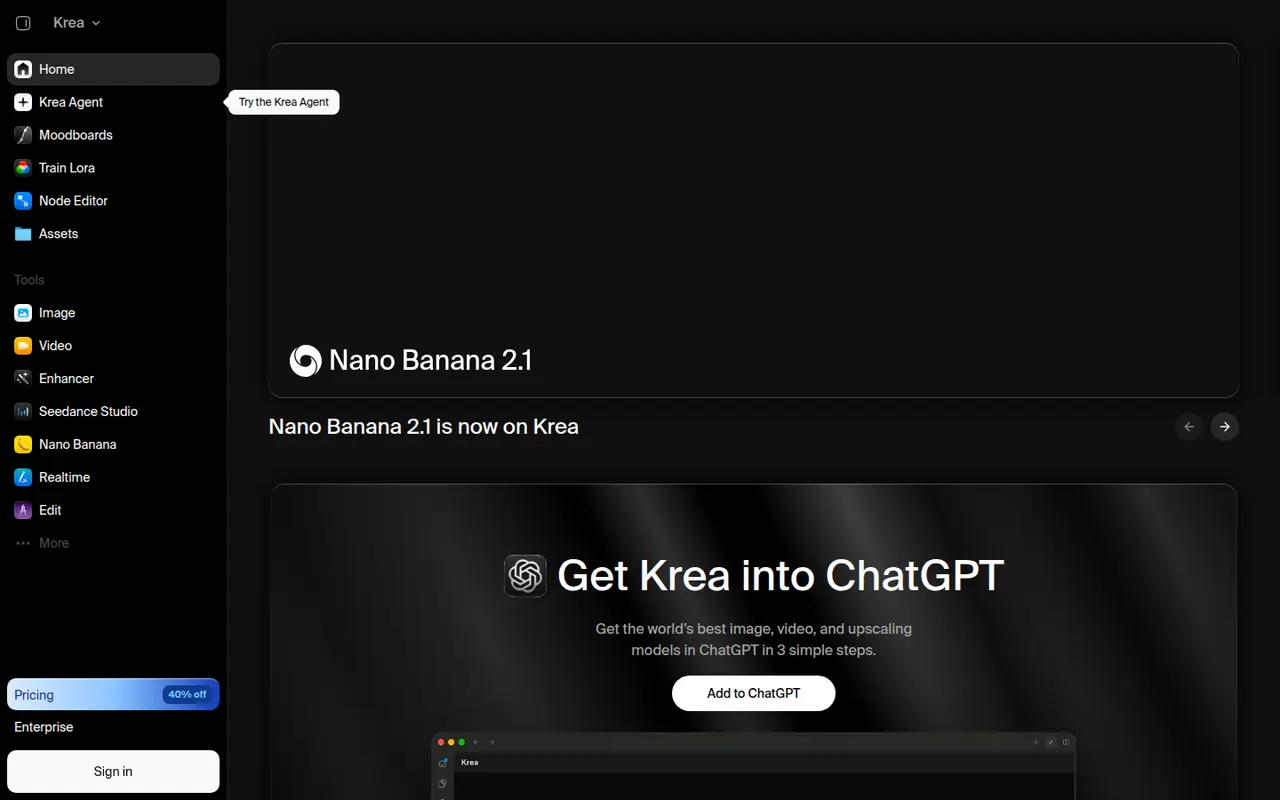
Cost / LicenseFreemiumProprietaryCategoriesPlatformsKrea is a web app for generating and editing images and video with AI. Its real-time mode updates an image as you draw or type, an enhancer upscales and adds detail, and you can train custom styles or characters from your own images. Krea also gives access to many third-party models, such as FLUX and several video models, in one interface. A free plan with limited usage is available.
8 Krea alternativesPros
- Real-time mode updates the image as you draw or type
- Enhancer upscales images and adds fine detail
- Many third-party image and video models in a single interface
Cons
- Free plan has tight usage limits
- Costs vary by model, which makes usage hard to predict
- The number of models and tools can feel overwhelming at first
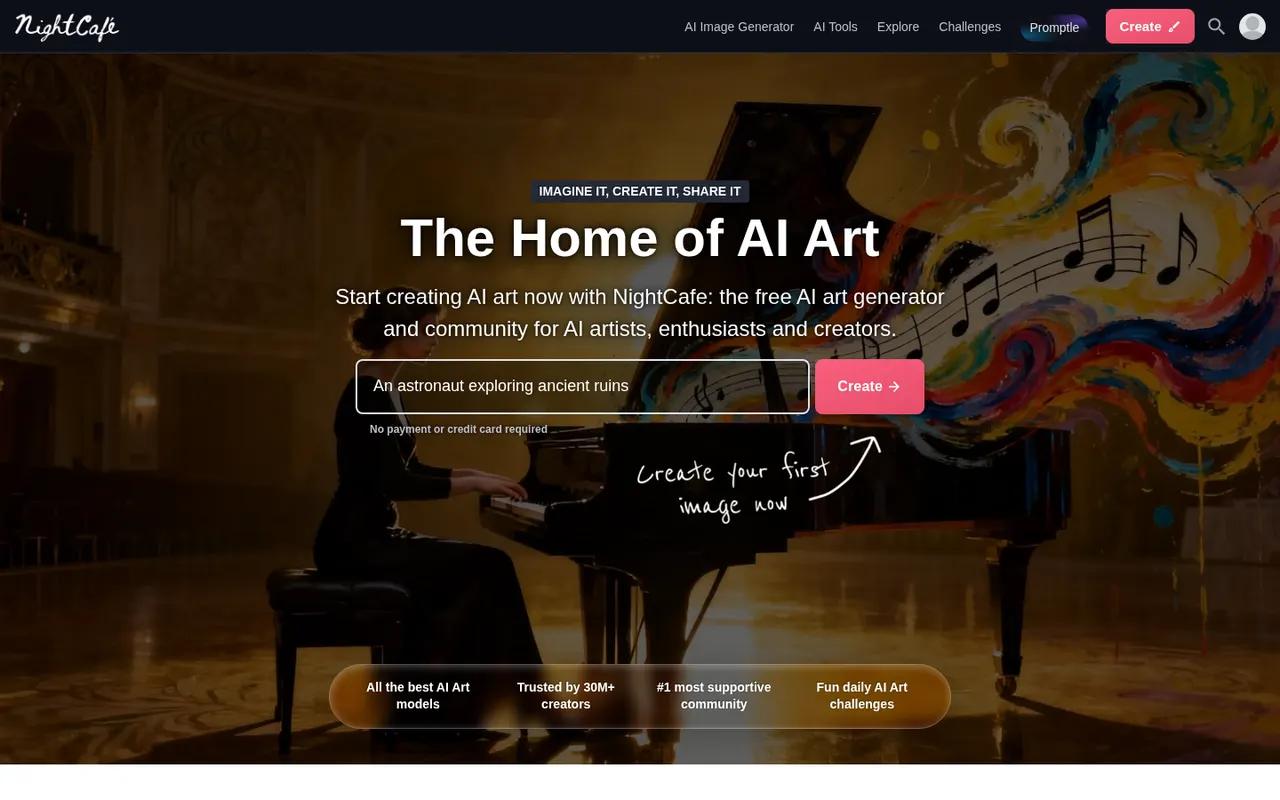
Cost / LicenseFreemiumProprietaryCategoriesPlatformsNightCafe is an AI art generator that brings several image models, including Stable Diffusion and FLUX, together in one place. Beyond creating and upscaling images, it puts emphasis on community, with public galleries, likes, comments and daily art challenges. Free credits are topped up every day, and more can be bought or included in a subscription. It works on the web and in mobile apps.
7 NightCafe alternativesPros
- Several image models, including Stable Diffusion and FLUX, in one app
- Daily free credits let you keep creating without paying
- Active community with public galleries and daily challenges
Cons
- Premium models and high resolutions burn through credits quickly
- Editing tools are basic compared with dedicated image editors
Cost / LicenseFreemiumProprietaryCategoriesRecraft is an AI design tool that generates both raster images and editable vector graphics (SVG), which suits icons, illustrations, logos and marketing assets. You can create custom styles from reference images so a whole set stays on brand, and its canvas includes background removal, upscaling, inpainting and mockups. It targets designers and marketers, with a free plan and an API for developers.
11 Recraft alternativesPros
- Generates editable SVG vector graphics, not just raster images
- Custom styles from reference images keep asset sets on brand
- Canvas includes background removal, upscaling and mockups
Cons
- Complex vector output can still need manual cleanup
- Higher limits and advanced features are reserved for paid plans
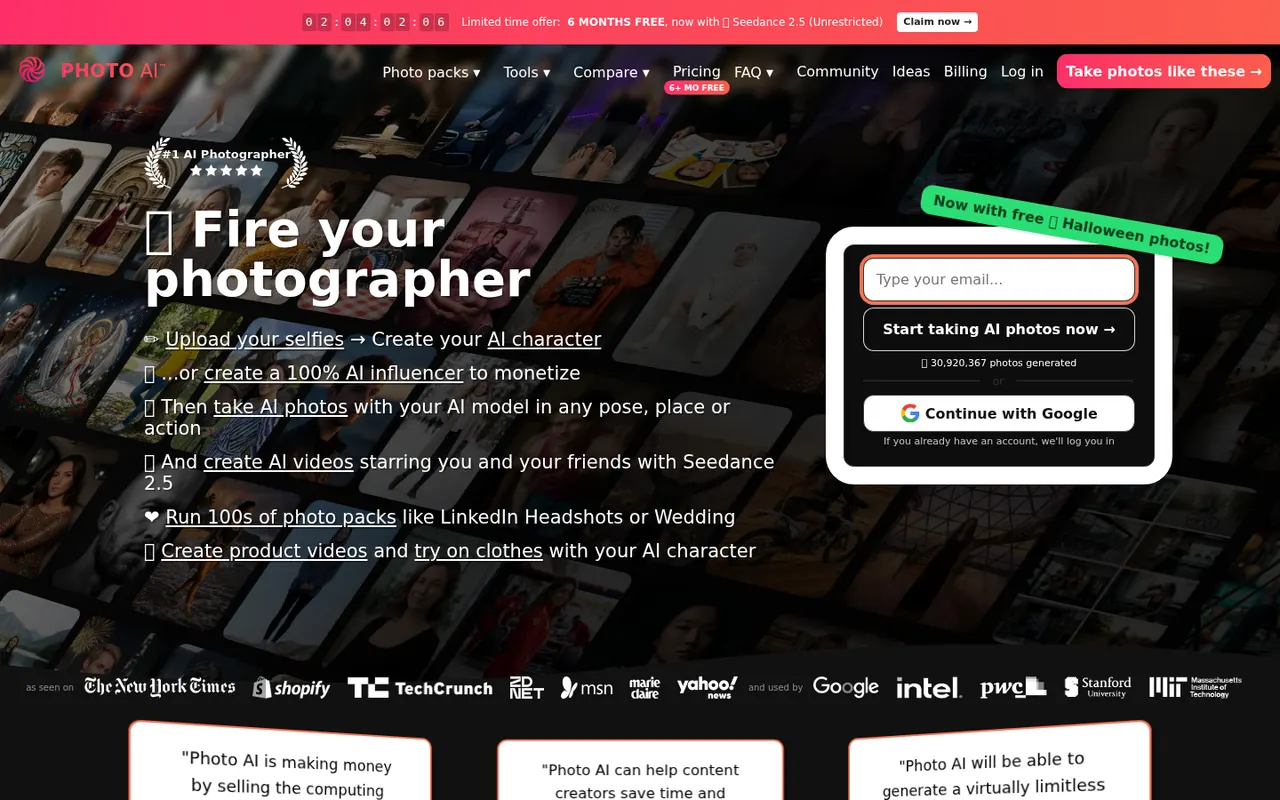
Cost / LicenseFreemiumProprietaryCategoriesPlatformsPhoto AI, created by indie developer Pieter Levels, trains a personal AI model on a few of your selfies and then generates realistic photos of you in any outfit, pose or location. Photo packs cover common needs such as LinkedIn headshots, dating profiles, travel shots and fashion, and it can also create short videos and virtual try-ons. It is a subscription service that runs in the browser.
8 Photo AI alternativesPros
- Personal AI model places you in almost any setting
- Packs cover headshots, dating profiles and travel shots
- Also creates short videos and virtual try-ons
Cons
- Subscription required, with no free plan
- Realistic generated photos raise honesty concerns on dating profiles
- Results can be uneven and take many generations
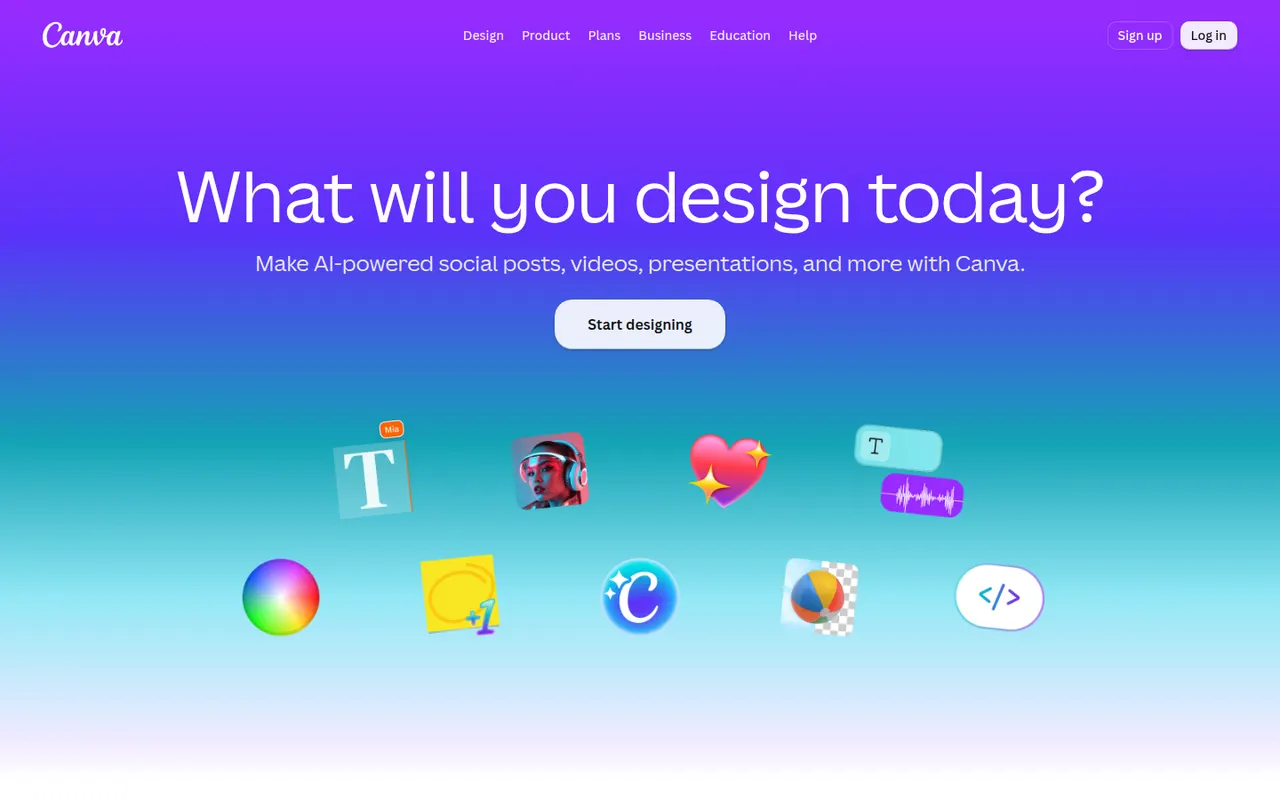
Cost / LicensePaidProprietaryPlatformsCanva is an online design editor built around drag-and-drop templates for social media graphics, presentations, posters, videos and documents. It targets non-designers and marketing teams, with a large stock library, brand kits, real-time collaboration and Magic Studio AI tools for creating and editing images and text. It runs in the browser and as desktop and mobile apps.
12 Canva alternativesPros
- Huge template library makes design accessible to non-designers
- Real-time collaboration and brand kits for marketing teams
- Available on web, desktop and mobile, with Magic Studio AI tools
Cons
- Many templates, assets and AI features sit behind the Pro plan
- Popular templates can make designs look like everyone else’s
- Limited precision for print production or advanced vector work
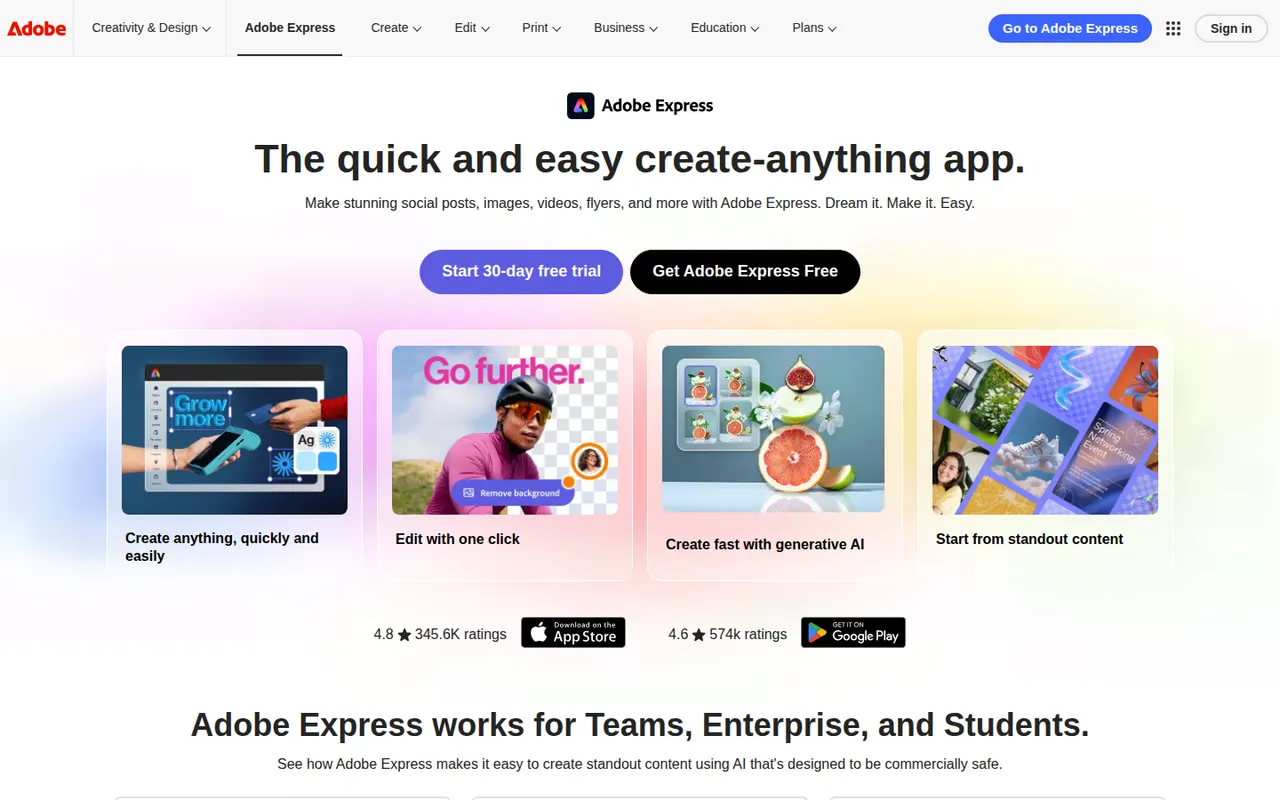
Cost / LicenseFreemiumProprietaryCategoriesAdobe Express is a web and mobile design app for producing social media posts, flyers, logos, short videos and simple web pages from templates. It includes Adobe Stock assets, Adobe Fonts, brand kits, one-click background removal and Firefly generative AI. It is aimed at small businesses, students and marketers who need quick results without a full Creative Cloud workflow.
11 Adobe Express alternativesPros
- Templates plus Adobe Stock and Adobe Fonts for quick, polished results
- One-click background removal and Firefly generative AI
- Brand kits and mobile apps keep content consistent on the go
Cons
- Premium templates, assets and generative credits require a paid plan
- Less precise than Creative Cloud apps for detailed design work
Cost / LicenseFreemiumProprietaryCategoriesAdobe Illustrator is a desktop vector editor used by designers to create logos, icons, typography, illustrations and print artwork that scale to any size. It offers precise pen and shape tools, multiple artboards, many plugins and tight integration with Photoshop, InDesign and other Creative Cloud apps, plus Firefly features such as text-to-vector generation. An iPad version is also available.
11 Adobe Illustrator alternativesPros
- Industry-standard vector tools for logos, icons and print artwork
- Tight integration with Photoshop, InDesign and Creative Cloud
- Large plugin ecosystem and Firefly text-to-vector generation
Cons
- Subscription-only, with no perpetual license
- Steep learning curve, especially the pen tool
- Can be resource-heavy on large, complex files
Cost / LicenseFree trialProprietaryCategoriesKittl is a browser-based design tool focused on typography-heavy graphics such as logos, t-shirt prints, labels, posters and social posts. It combines a template library, text effects, vector editing and AI image generation in one editor, and is aimed at print-on-demand sellers and small brands that want polished results without installing desktop software.
10 Kittl alternativesPros
- Strong typography effects for logos, merch and labels
- Templates designed with print-on-demand sellers in mind
- Browser-based, combining vector editing and AI image generation
Cons
- Premium templates and larger AI allowances require a paid plan
- Web-only, so it needs a steady internet connection
- Less suited to multi-page documents or presentations
Cost / LicenseFreemiumProprietaryCategoriesPlatformsAdobe Photoshop is a professional image editor used for retouching, compositing, graphic design and digital painting. It combines layers, masks, adjustment layers, Camera Raw processing and a large plugin ecosystem with Firefly-powered tools such as Generative Fill and object removal. It runs on Windows and macOS, with web, iPad and iPhone versions that sync through Creative Cloud.
12 Adobe Photoshop alternativesPros
- Industry standard for retouching and compositing
- Generative Fill and object removal powered by Firefly
- Vast ecosystem of plugins and tutorials
Cons
- Subscription only, which adds up over time
- Steep learning curve for beginners
- Demanding on hardware with large files
Cost / LicenseFree trialProprietaryCategoriesPixlr is a family of browser-based image tools, including an advanced layer-based editor, a quick editor for simple adjustments and a template-based designer for social graphics. It adds AI tools for background removal, generative fill and image generation, and is also available as mobile apps. Free use is supported by ads, with Premium plans unlocking more AI credits and tools.
8 Pixlr alternativesPros
- Browser-based editors for quick fixes or layered work
- AI background removal, generative fill and image generation
- Template-based designer for social graphics
Cons
- The free version shows ads
- AI features run on limited credits without Premium
- Less precise than desktop editors for detailed retouching
Cost / LicenseFreemiumProprietaryCategories