
Kittl alternatives
Top Graphic Design like Kittl
The most popular alternative to Kittl is Canva, which has a free version. Other great alternatives to Kittl are Adobe Express, Adobe Illustrator, VistaCreate, and Affinity.
Most alternatives to Kittl are in the Graphic Design category, compared here by price, platform and features.
All Kittl alternatives
Canva is an online design editor built around drag-and-drop templates for social media graphics, presentations, posters, videos and documents. It targets non-designers and marketing teams, with a large stock library, brand kits, real-time collaboration and Magic Studio AI tools for creating and editing images and text. It runs in the browser and as desktop and mobile apps.
12 Canva alternativesPros
- Huge template library makes design accessible to non-designers
- Real-time collaboration and brand kits for marketing teams
- Available on web, desktop and mobile, with Magic Studio AI tools
Cons
- Many templates, assets and AI features sit behind the Pro plan
- Popular templates can make designs look like everyone else’s
- Limited precision for print production or advanced vector work
Cost / LicenseFreemiumProprietaryCategoriesAdobe Express is a web and mobile design app for producing social media posts, flyers, logos, short videos and simple web pages from templates. It includes Adobe Stock assets, Adobe Fonts, brand kits, one-click background removal and Firefly generative AI. It is aimed at small businesses, students and marketers who need quick results without a full Creative Cloud workflow.
11 Adobe Express alternativesPros
- Templates plus Adobe Stock and Adobe Fonts for quick, polished results
- One-click background removal and Firefly generative AI
- Brand kits and mobile apps keep content consistent on the go
Cons
- Premium templates, assets and generative credits require a paid plan
- Less precise than Creative Cloud apps for detailed design work
Cost / LicenseFreemiumProprietaryCategoriesAdobe Illustrator is a desktop vector editor used by designers to create logos, icons, typography, illustrations and print artwork that scale to any size. It offers precise pen and shape tools, multiple artboards, many plugins and tight integration with Photoshop, InDesign and other Creative Cloud apps, plus Firefly features such as text-to-vector generation. An iPad version is also available.
11 Adobe Illustrator alternativesPros
- Industry-standard vector tools for logos, icons and print artwork
- Tight integration with Photoshop, InDesign and Creative Cloud
- Large plugin ecosystem and Firefly text-to-vector generation
Cons
- Subscription-only, with no perpetual license
- Steep learning curve, especially the pen tool
- Can be resource-heavy on large, complex files
Cost / LicenseFree trialProprietaryCategoriesVistaCreate, formerly Crello, is an online graphic design editor owned by Vista, the printing company. It provides ready-made templates for social posts, ads, flyers and animated graphics, a stock library of photos, videos and illustrations, brand kits and a background remover. Finished designs can be ordered as prints through Vista, which makes it practical for small businesses.
6 VistaCreate alternativesPros
- Ready-made templates for social posts, ads and animated graphics
- Stock library of photos, videos and illustrations included
- Designs can be ordered as prints directly through Vista
Cons
- Fewer advanced and collaboration features than Canva
- Premium assets and features require a paid plan
- Limited control for detailed or precise design work
Cost / LicenseFreemiumProprietaryCategoriesAffinity is a professional creative app from Canva that merges the former Affinity Designer, Photo and Publisher into one program with vector, pixel and layout workspaces. It is free to download for Windows and macOS, while its optional Canva AI tools require a paid Canva plan. It suits designers who want an alternative to Adobe subscriptions and can import PSD, PDF and IDML files.
12 Affinity alternativesPros
- Free download combining vector, pixel and layout workspaces in one app
- Imports PSD, PDF and IDML files from Adobe workflows
- Professional tools without a mandatory subscription
Cons
- Canva AI tools require a paid Canva plan
- Smaller plugin and training ecosystem than Adobe’s
- Imported Adobe files can need manual adjustments
Cost / LicenseFreemiumProprietaryCategoriesRecraft is an AI design tool that generates both raster images and editable vector graphics (SVG), which suits icons, illustrations, logos and marketing assets. You can create custom styles from reference images so a whole set stays on brand, and its canvas includes background removal, upscaling, inpainting and mockups. It targets designers and marketers, with a free plan and an API for developers.
11 Recraft alternativesPros
- Generates editable SVG vector graphics, not just raster images
- Custom styles from reference images keep asset sets on brand
- Canvas includes background removal, upscaling and mockups
Cons
- Complex vector output can still need manual cleanup
- Higher limits and advanced features are reserved for paid plans
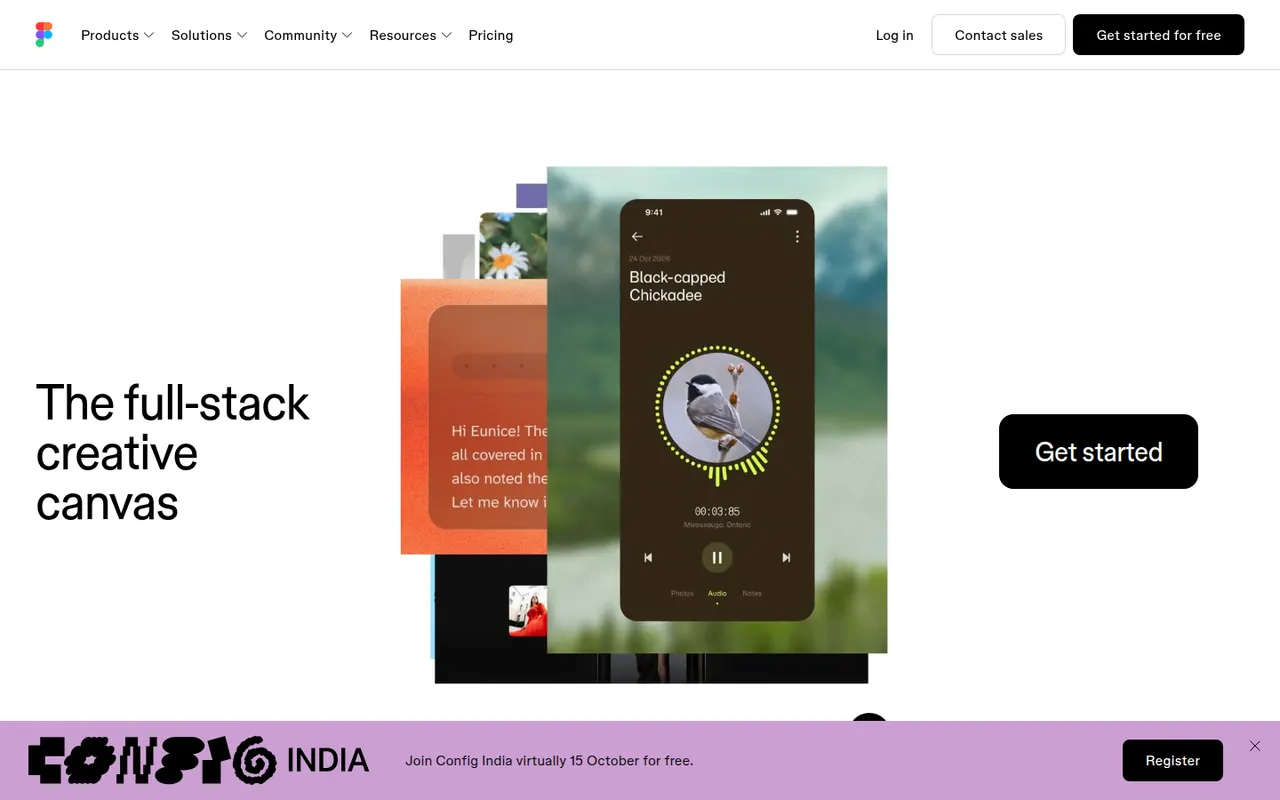
Cost / LicenseFreemiumProprietaryCategoriesPlatformsFigma is a design platform for user interfaces, websites and apps where teams edit the same file in real time from the browser or the desktop app. It covers vector design, interactive prototypes, shared component libraries and variables for design systems, and Dev Mode for developer handoff. Plugins, FigJam whiteboards and AI features extend it for product and design teams.
12 Figma alternativesPros
- Real-time multiplayer editing in the browser or desktop app
- Components and variables make design systems manageable
- Huge ecosystem of plugins and community files
Cons
- Paid seats add up quickly for growing teams
- Most work requires an internet connection
- Large files can become slow and memory-hungry
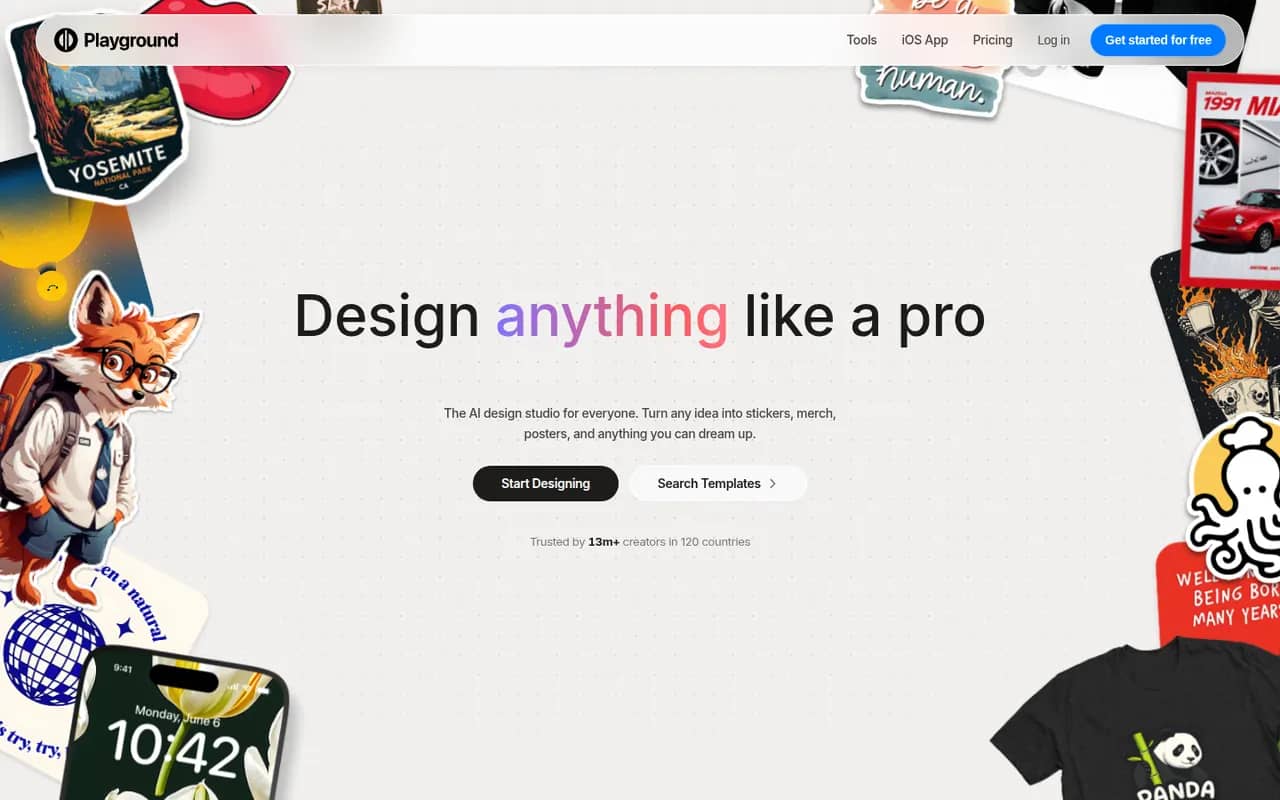
Cost / LicenseFreemiumProprietaryCategoriesPlayground is a browser-based AI tool that started as a general image generator and now focuses on graphic design. You describe what you need, such as a logo, flyer, t-shirt print or social media post, start from a template library and refine the result through chat or an editor, using an in-house model built to render text. A free plan with daily limits sits alongside paid plans.
10 Playground alternativesPros
- Template library for logos, flyers, t-shirts and social posts
- In-house model built to render text cleanly in designs
- Results can be refined through chat or in an editor
Cons
- Free plan comes with daily generation limits
- Less suited to artistic imagery since its shift to graphic design
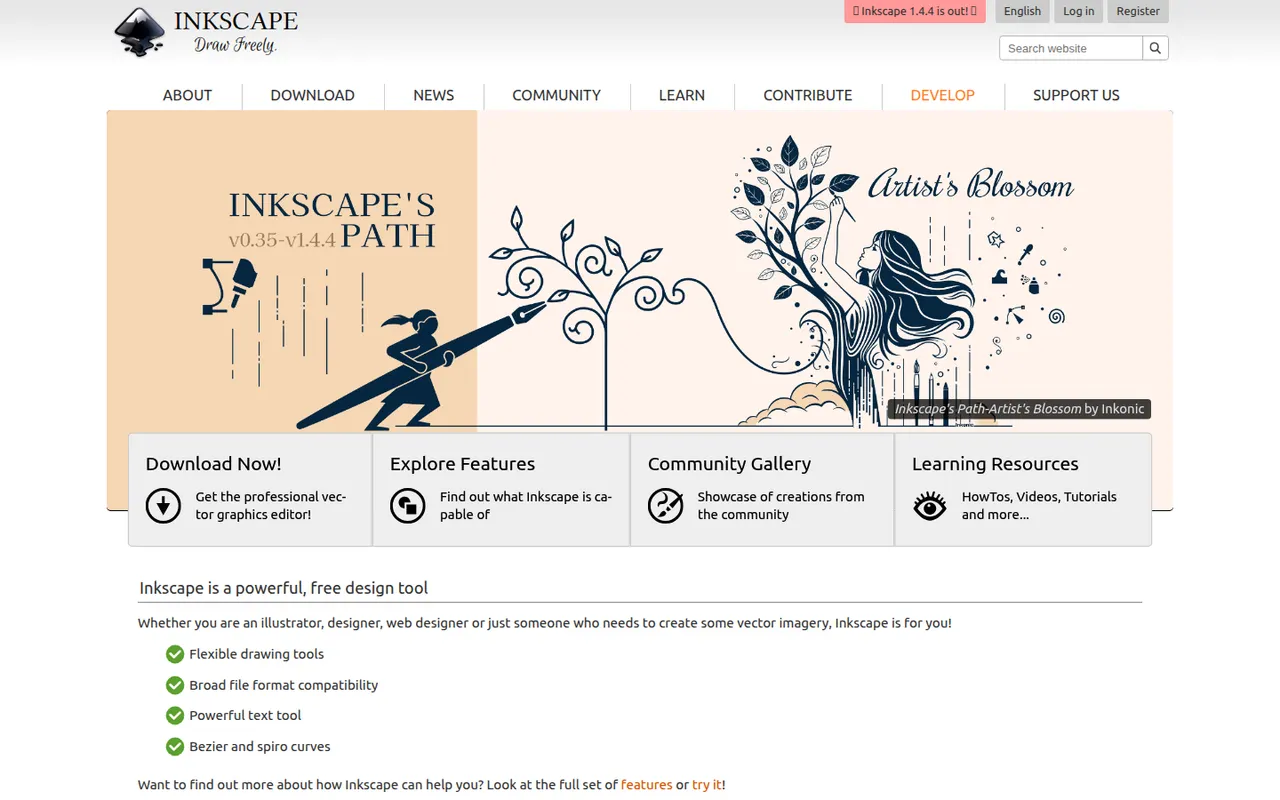
Cost / LicenseFreemiumProprietaryCategoriesPlatformsInkscape is a free, open source vector drawing program for Windows, macOS and Linux that uses SVG as its native format. Illustrators, hobbyists and web designers use it for logos, diagrams, icons, cutting-machine files and print layouts. It provides Bezier and calligraphy tools, path operations, text on path, many extensions and import/export for PDF, EPS and AI files.
10 Inkscape alternativesPros
- Free and open source on Windows, macOS and Linux
- Native SVG format, ideal for web graphics and cutting machines
- Powerful path operations and a large set of extensions
Cons
- Can feel slow with large or complex documents
- Interface is less polished than commercial vector editors
- Limited CMYK support for professional print workflows
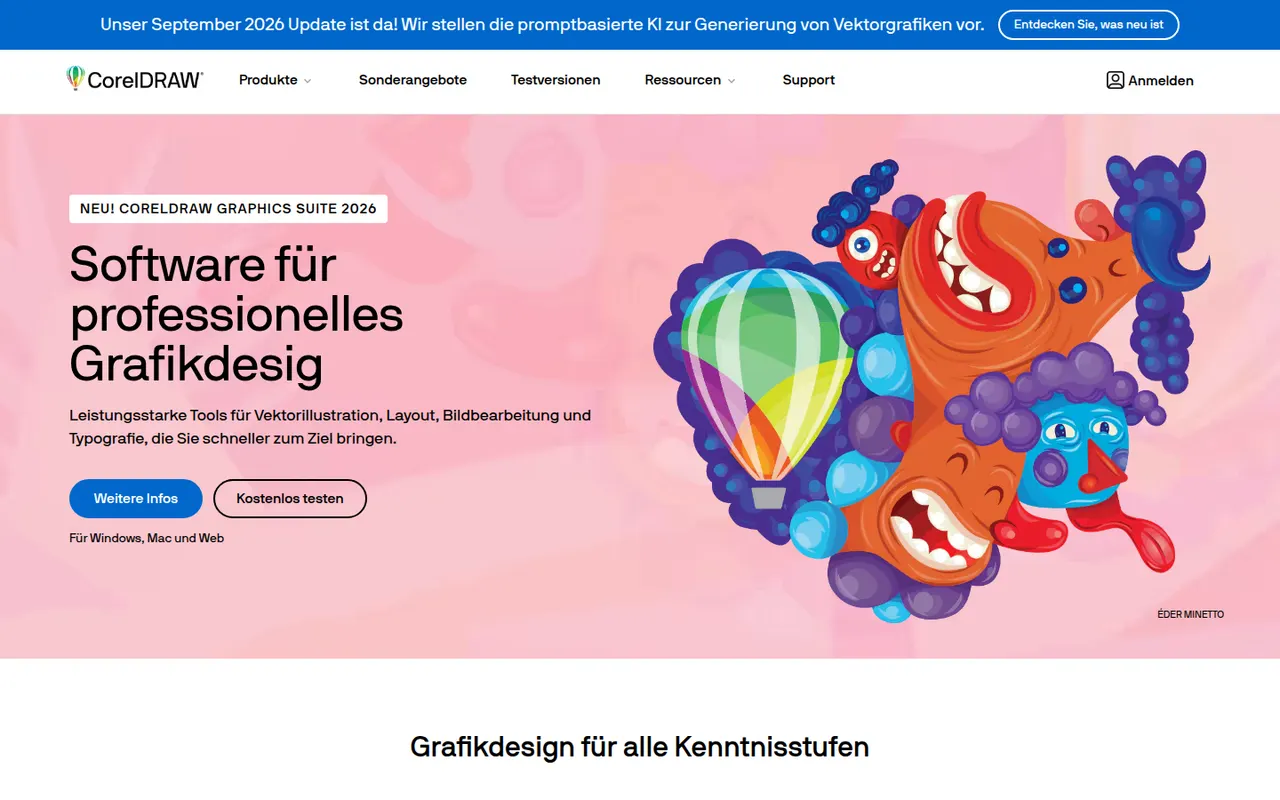
Cost / LicenseFreeOpen sourceCategoriesCorelDRAW Graphics Suite is a long-running vector design package for Windows and macOS, common in sign making, apparel printing, engraving and print shops. Alongside the CorelDRAW drawing and layout app, it bundles Corel PHOTO-PAINT for bitmap editing and a browser-based companion app. It is offered as a subscription or a one-time license, and a free trial is available.
7 CorelDRAW alternativesPros
- Long-standing favorite in sign making, apparel printing and engraving
- Bundles Corel PHOTO-PAINT for bitmap editing
- Choice between a subscription and a one-time license
Cons
- Less common in agencies, which can complicate file exchange with Adobe users
- Expensive for hobbyists and occasional users
- Dense interface with a learning curve for newcomers
Cost / LicenseFree trialProprietaryCategories

















Kittl vs its alternatives at a glance
Pricing, platforms and the key features of Kittl, compared with its most popular alternatives.
| App | Pricing | Platforms | Background removal | Image generation | Templates | Vector editing |
|---|---|---|---|---|---|---|
 Kittl Kittl | Freemium | Web | ||||
 Canva Canva | Freemium | Web, Windows, Mac, iPhone, Android | ||||
 Adobe Express Adobe Express | Freemium | Web, iPhone, Android | ||||
 Adobe Illustrator Adobe Illustrator | Free trial | Windows, Mac, iPhone | ||||
 VistaCreate VistaCreate | Freemium | Web, iPhone, Android | ||||
 Affinity Affinity | Freemium | Windows, Mac |
Kittl alternatives: frequently asked questions
What is the best alternative to Kittl?
The most popular alternative to Kittl is Canva: Browser-based design tool for social posts, slides and print. Other great alternatives are Adobe Express, Adobe Illustrator, VistaCreate, and Affinity.
Is there a free alternative to Kittl?
Yes, 8 alternatives are free or have a free plan, including Canva, Adobe Express, VistaCreate, and Affinity.
Is there an open source alternative to Kittl?
Yes, one open source alternative is listed: Inkscape.
Is Kittl free?
Kittl has a free plan, with paid plans that unlock more features.
Compare Kittl with its alternatives


Sponsored listings and products made by the publisher of this site are always labeled. How we rank · Know a good alternative? Submit it