Apps with Developer handoff
5 apps
Top Developer handoff apps ranked by the community
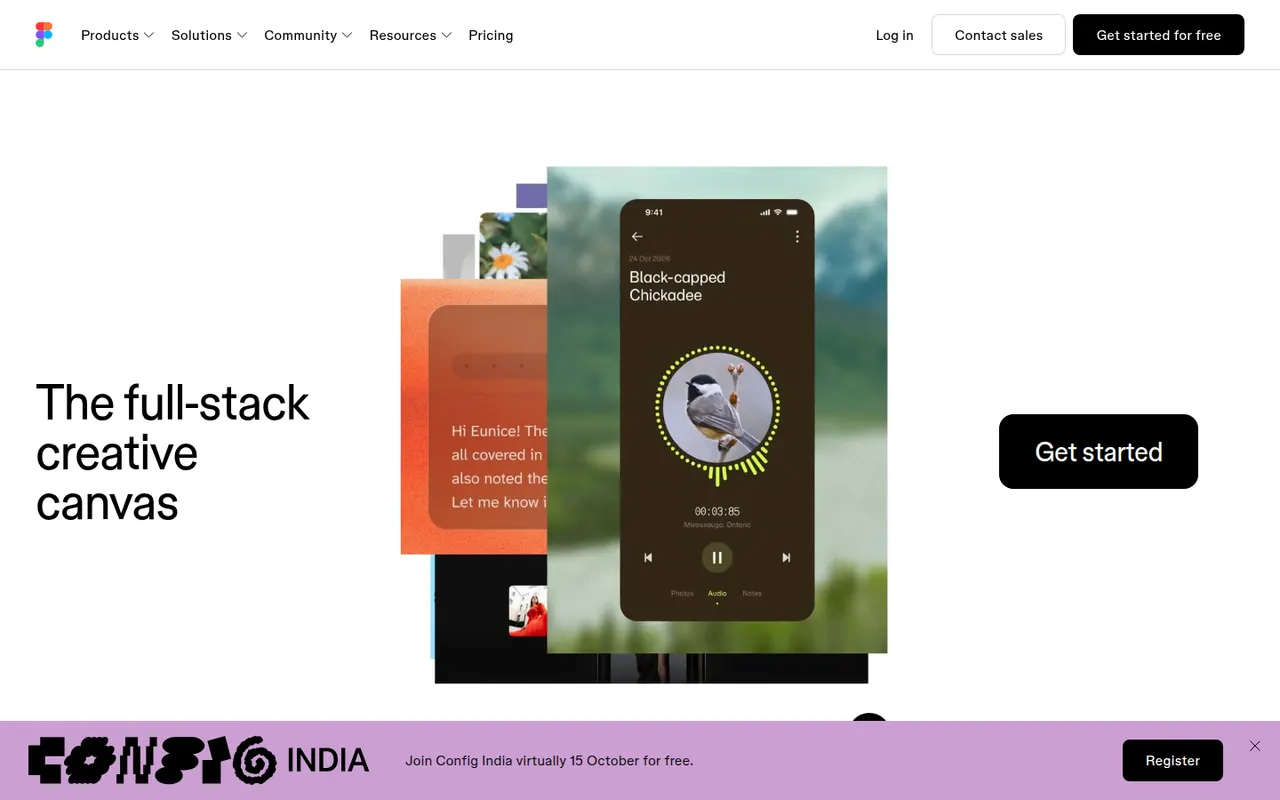
Figma is a design platform for user interfaces, websites and apps where teams edit the same file in real time from the browser or the desktop app. It covers vector design, interactive prototypes, shared component libraries and variables for design systems, and Dev Mode for developer handoff. Plugins, FigJam whiteboards and AI features extend it for product and design teams.
12 Figma alternativesPros
- Real-time multiplayer editing in the browser or desktop app
- Components and variables make design systems manageable
- Huge ecosystem of plugins and community files
Cons
- Paid seats add up quickly for growing teams
- Most work requires an internet connection
- Large files can become slow and memory-hungry
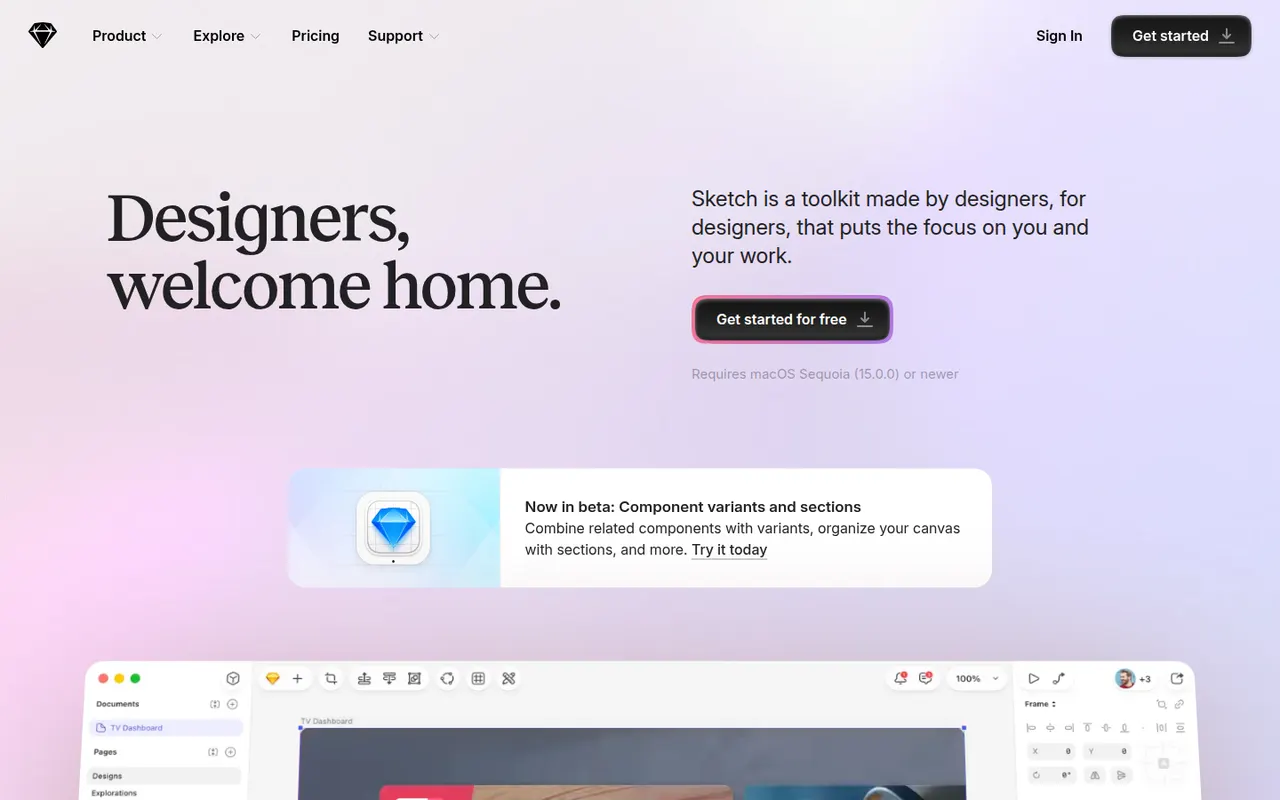
Cost / LicenseFreemiumProprietaryCategoriesSketch is a vector design app built exclusively for macOS, used to create user interfaces, icons and interactive prototypes. Files can stay local or live in shared workspaces with real-time collaboration, and a web app lets teammates and developers browse designs, comment and inspect specs without a Mac. Symbols, shared libraries and a long-standing plugin ecosystem support design-system work.
10 Sketch alternativesPros
- Fast native Mac app that also works offline
- Long-standing plugin ecosystem and shared libraries
- Web app lets teammates without a Mac comment and inspect specs
Cons
- Editing requires a Mac, which limits mixed-platform teams
- No free plan beyond the trial
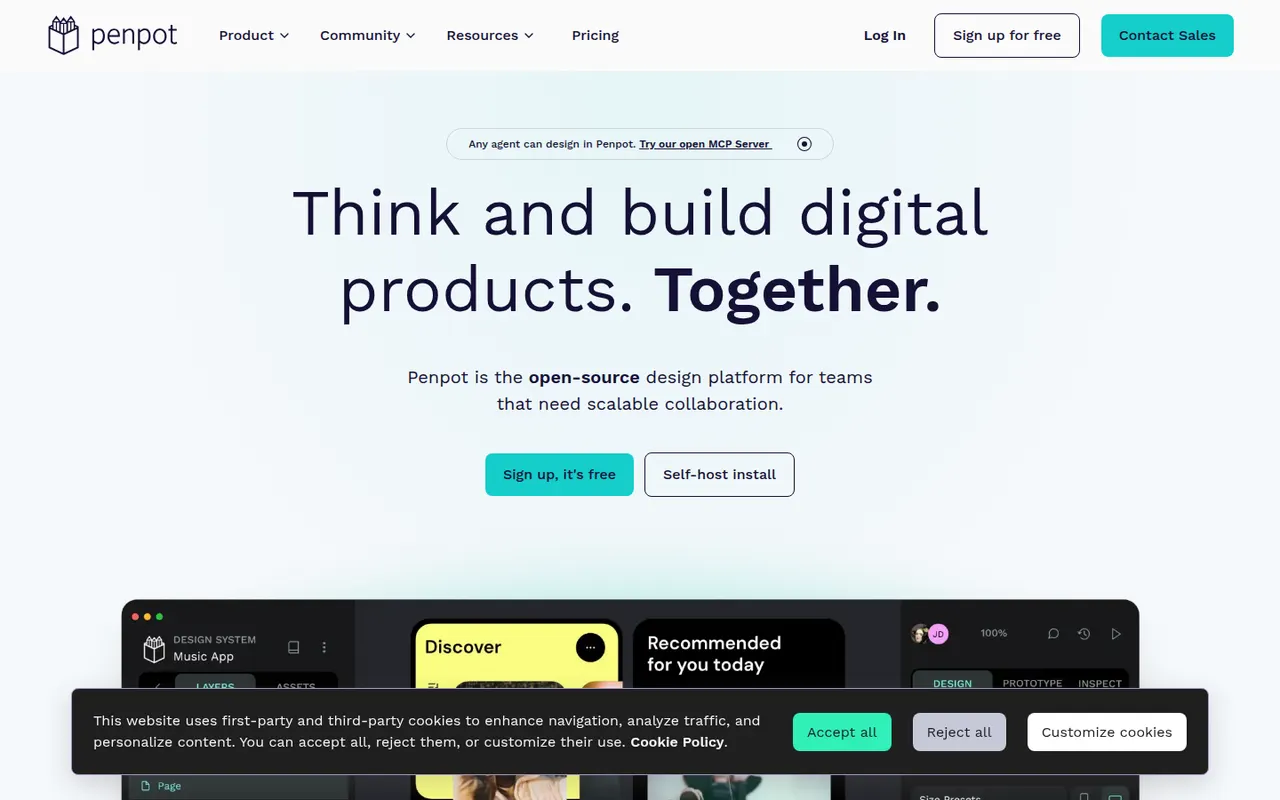
Cost / LicenseFree trialProprietaryCategoriesPlatformsPenpot is an open source alternative to Figma for designing interfaces and prototypes in the browser. Its data model is based on SVG, CSS and HTML, so developers can inspect designs and copy usable code, while teams work with components, design tokens and real-time collaboration. It is available as a hosted cloud service or can be self-hosted with Docker to keep full control over data.
10 Penpot alternativesPros
- Open source and self-hostable for full control over data
- Built on SVG, CSS and HTML, so developers get usable code
- Components, design tokens and real-time collaboration
Cons
- Performance can lag on large, complex files
- Smaller plugin ecosystem and fewer community resources than Figma
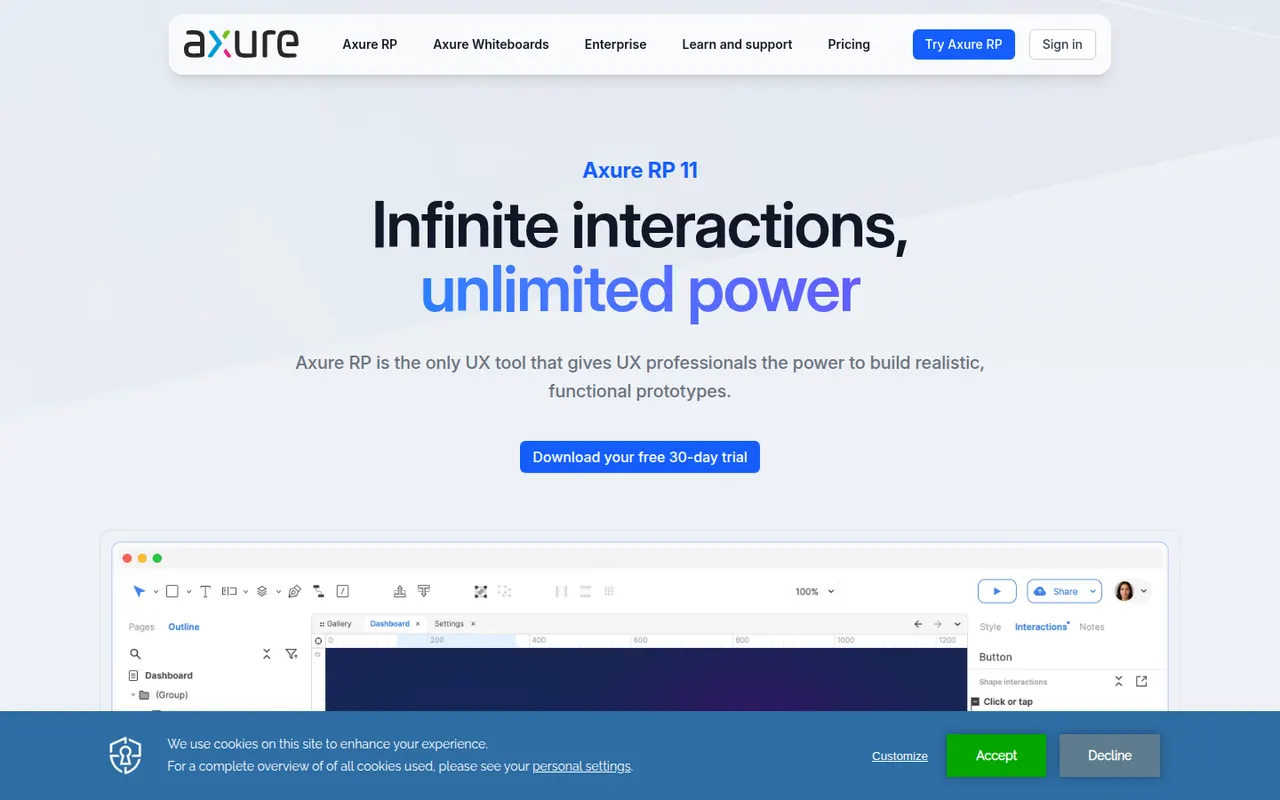
Cost / LicenseFreemiumOpen sourceCategoriesPlatformsAxure RP is a desktop application for Windows and macOS used by UX designers and business analysts to build highly functional prototypes. It supports conditional logic, variables, dynamic panels, repeaters and form inputs, so prototypes can simulate real application behavior without code. Projects are shared through Axure Cloud for review, comments and developer inspection.
9 Axure RP alternativesPros
- Conditional logic, variables and repeaters for realistic prototypes
- Simulates real application behavior without writing code
- Axure Cloud handles review, comments and developer inspection
Cons
- Steep learning curve compared with simpler design tools
- Less suited to polished visual design than Figma or Sketch
Cost / LicenseFree trialProprietaryCategoriesAdobe XD is a vector-based tool for designing and prototyping websites and mobile apps, with repeat grids, components with states, auto-animate transitions and shareable links for review and developer specs. Adobe put it in maintenance mode in 2023: it is no longer sold as a standalone app and gets no new features, so it mainly serves Creative Cloud users with existing projects.
8 Adobe XD alternativesPros
- Repeat grids and auto-animate speed up UI and prototype work
- Fits alongside Creative Cloud apps like Photoshop and Illustrator
- Shareable links for review comments and developer specs
Cons
- In maintenance mode, with no new features planned
- No longer sold as a standalone app
- Less collaborative than browser-based tools like Figma
Cost / LicensePaidProprietaryCategories