
Penpot alternatives
Top UI Design & Prototyping like Penpot
All Penpot alternatives
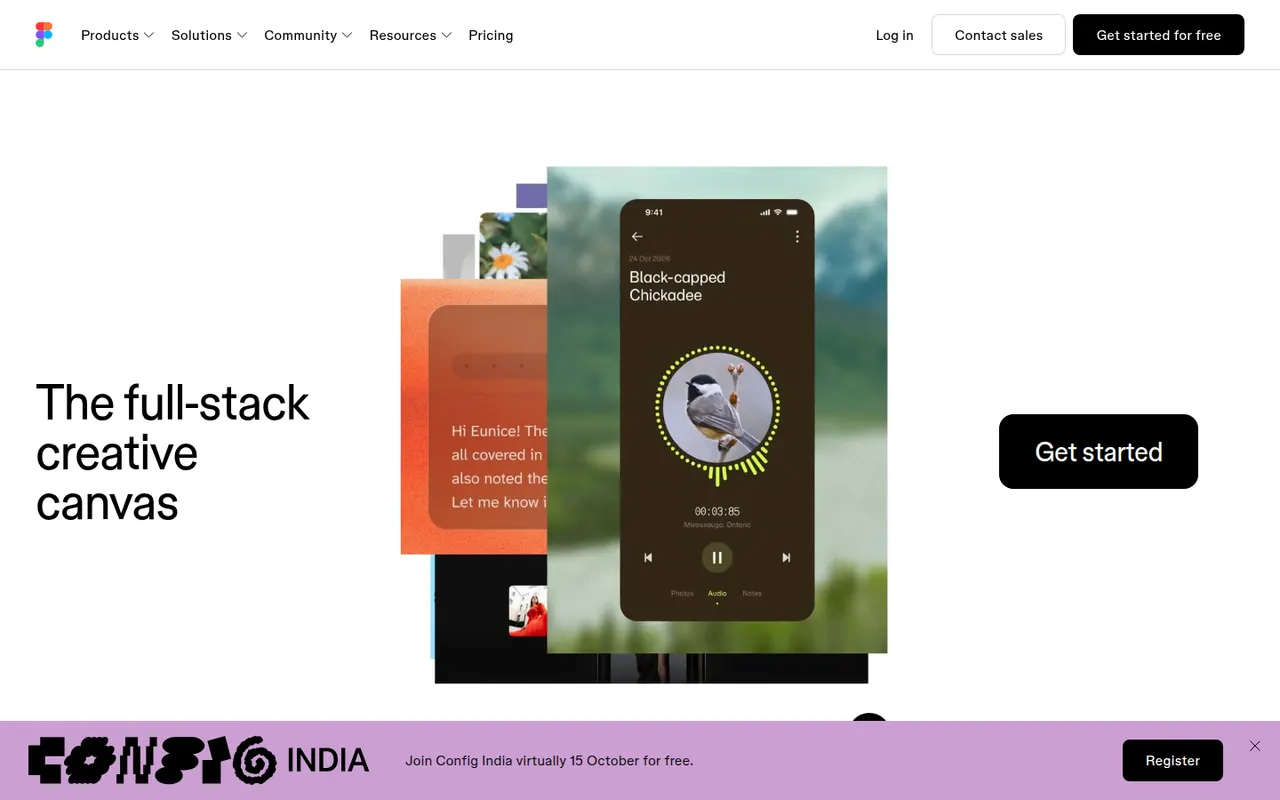
Figma is a design platform for user interfaces, websites and apps where teams edit the same file in real time from the browser or the desktop app. It covers vector design, interactive prototypes, shared component libraries and variables for design systems, and Dev Mode for developer handoff. Plugins, FigJam whiteboards and AI features extend it for product and design teams.
12 Figma alternativesPros
- Real-time multiplayer editing in the browser or desktop app
- Components and variables make design systems manageable
- Huge ecosystem of plugins and community files
Cons
- Paid seats add up quickly for growing teams
- Most work requires an internet connection
- Large files can become slow and memory-hungry
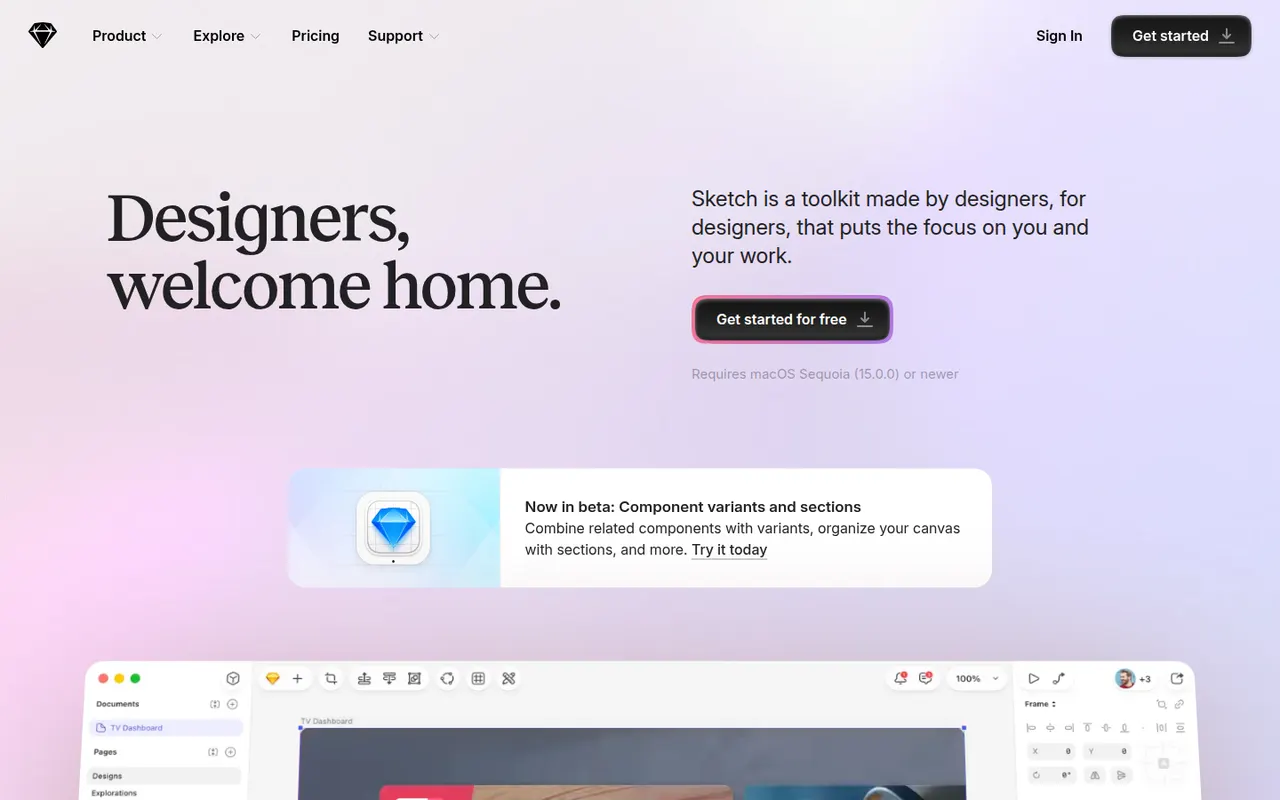
Cost / LicenseFreemiumProprietaryCategoriesSketch is a vector design app built exclusively for macOS, used to create user interfaces, icons and interactive prototypes. Files can stay local or live in shared workspaces with real-time collaboration, and a web app lets teammates and developers browse designs, comment and inspect specs without a Mac. Symbols, shared libraries and a long-standing plugin ecosystem support design-system work.
10 Sketch alternativesPros
- Fast native Mac app that also works offline
- Long-standing plugin ecosystem and shared libraries
- Web app lets teammates without a Mac comment and inspect specs
Cons
- Editing requires a Mac, which limits mixed-platform teams
- No free plan beyond the trial
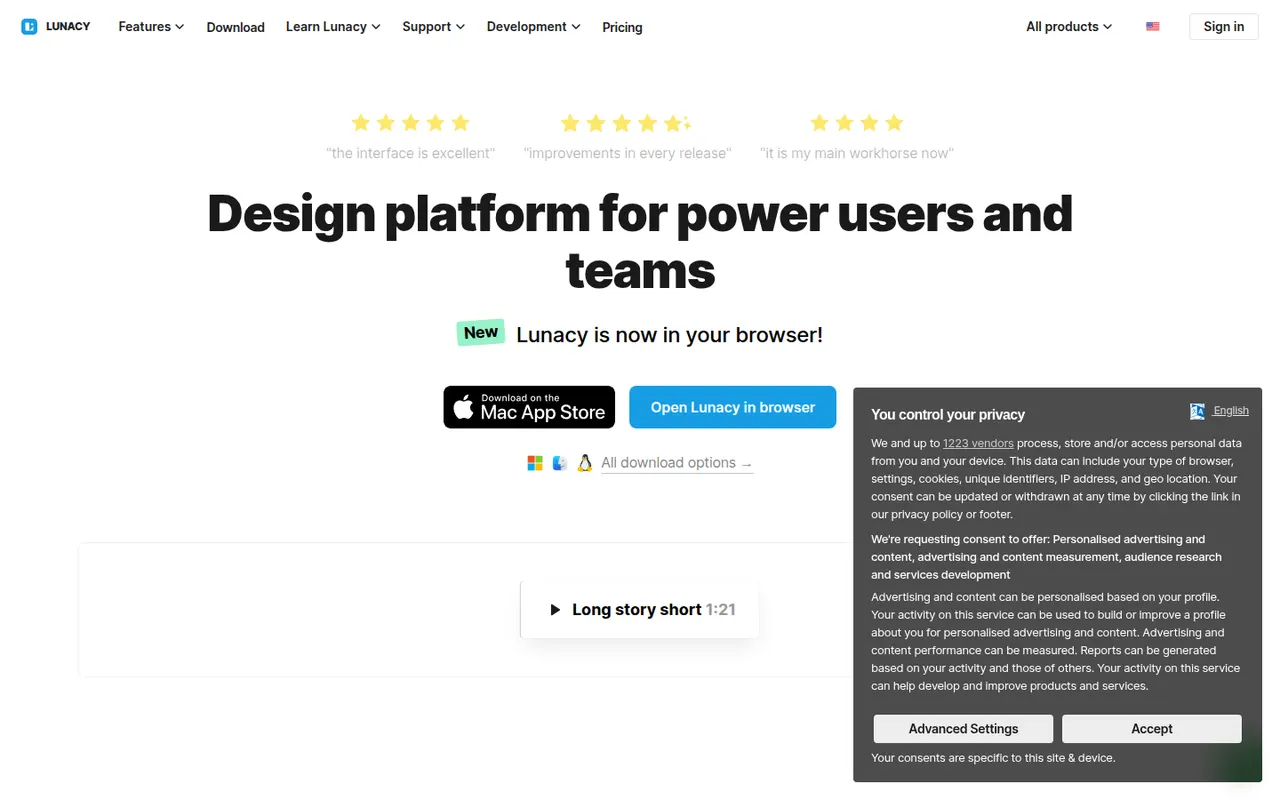
Cost / LicenseFree trialProprietaryCategoriesPlatformsLunacy is a vector design app from Icons8 for creating interfaces, prototypes and graphics on Windows, macOS and Linux. It works offline, opens Sketch files natively and includes Icons8 libraries of icons, photos and illustrations, along with AI helpers such as background removal. Cloud documents allow real-time collaboration; most features are free, with a paid plan for extended cloud features.
7 Lunacy alternativesPros
- Works offline on Windows, macOS and Linux
- Opens Sketch files natively, no Mac required
- Built-in Icons8 libraries of icons, photos and illustrations
Cons
- Smaller plugin ecosystem and community than Figma
- Less widely used, so fewer shared resources and tutorials
- Extended cloud features require a paid plan
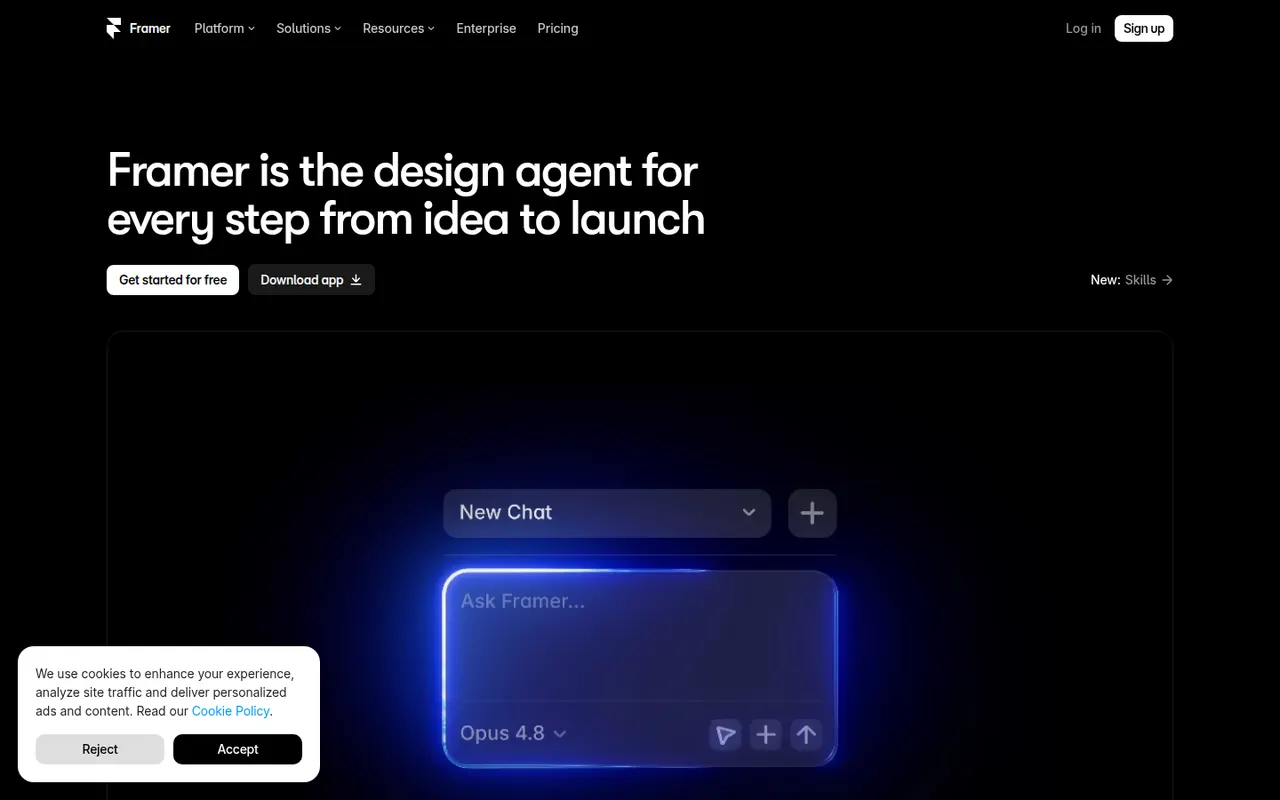
Cost / LicenseFreemiumProprietaryCategoriesFramer is a website builder that works like a design tool: you lay out pages on a canvas, add animations and effects, then publish directly with hosting included. It offers a CMS, localization, built-in analytics and AI features that can generate a starting layout from a prompt. Designers and startups use it for landing pages, portfolios and marketing sites.
12 Framer alternativesPros
- Design-tool canvas with fine control over layout and animation
- Publishing and hosting included in one step
- Built-in CMS, localization and analytics
Cons
- Paid plans get costly as sites grow
- Learning curve for people new to design tools
- Sites stay hosted on Framer, with no official code export
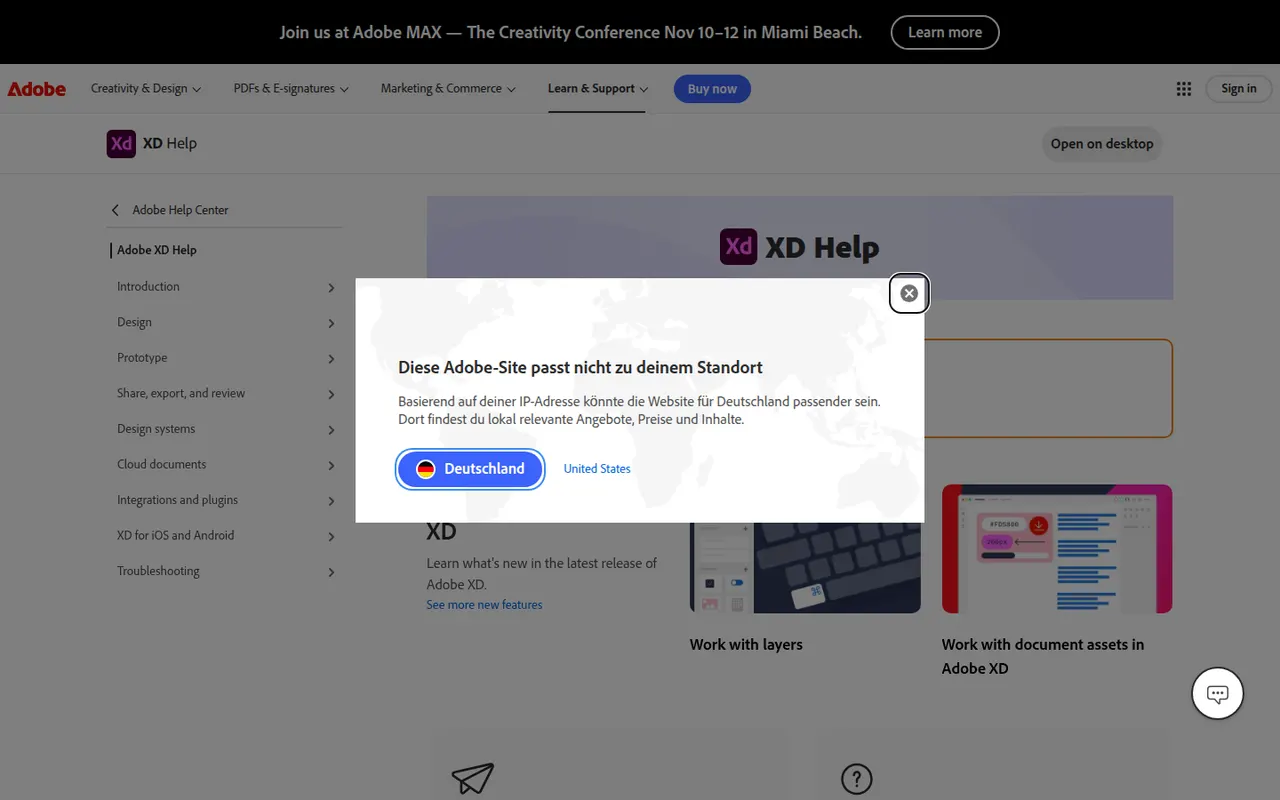
Cost / LicenseFreemiumProprietaryCategoriesAdobe XD is a vector-based tool for designing and prototyping websites and mobile apps, with repeat grids, components with states, auto-animate transitions and shareable links for review and developer specs. Adobe put it in maintenance mode in 2023: it is no longer sold as a standalone app and gets no new features, so it mainly serves Creative Cloud users with existing projects.
8 Adobe XD alternativesPros
- Repeat grids and auto-animate speed up UI and prototype work
- Fits alongside Creative Cloud apps like Photoshop and Illustrator
- Shareable links for review comments and developer specs
Cons
- In maintenance mode, with no new features planned
- No longer sold as a standalone app
- Less collaborative than browser-based tools like Figma
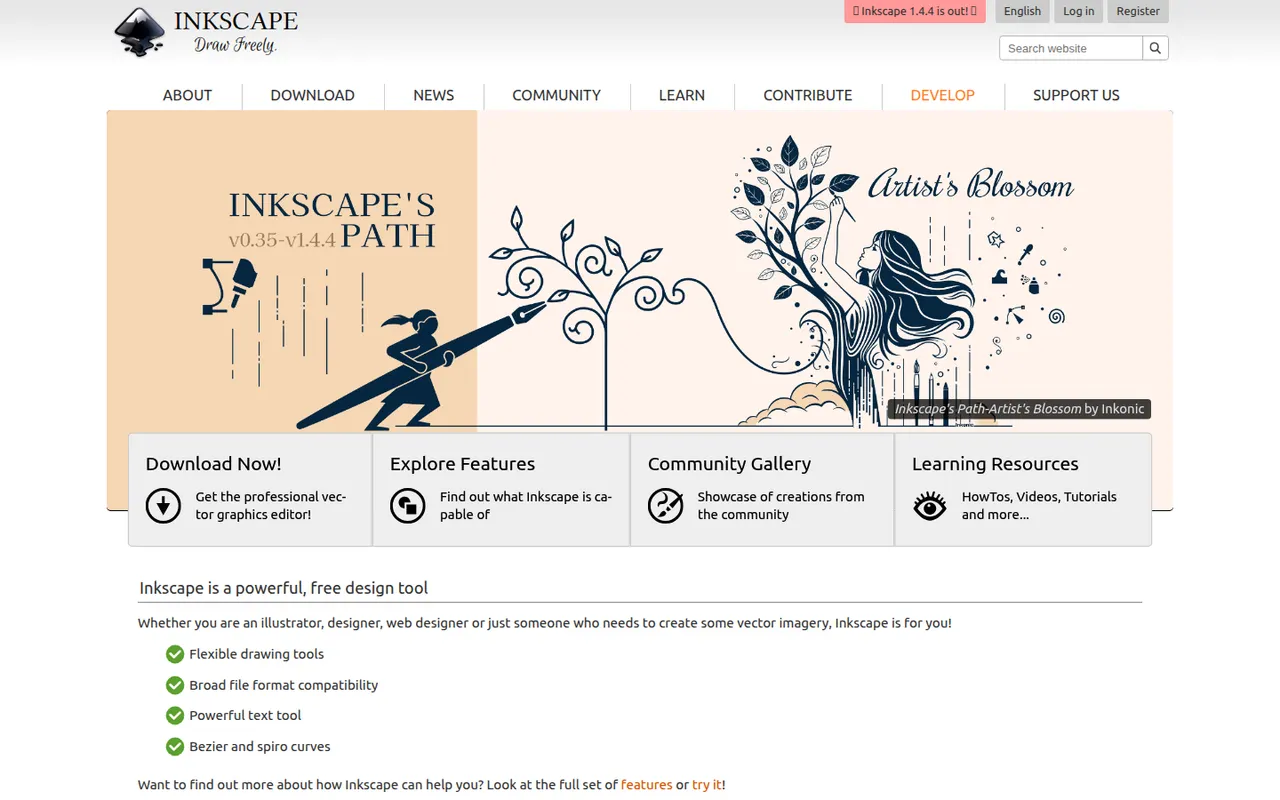
Cost / LicensePaidProprietaryCategoriesInkscape is a free, open source vector drawing program for Windows, macOS and Linux that uses SVG as its native format. Illustrators, hobbyists and web designers use it for logos, diagrams, icons, cutting-machine files and print layouts. It provides Bezier and calligraphy tools, path operations, text on path, many extensions and import/export for PDF, EPS and AI files.
10 Inkscape alternativesPros
- Free and open source on Windows, macOS and Linux
- Native SVG format, ideal for web graphics and cutting machines
- Powerful path operations and a large set of extensions
Cons
- Can feel slow with large or complex documents
- Interface is less polished than commercial vector editors
- Limited CMYK support for professional print workflows
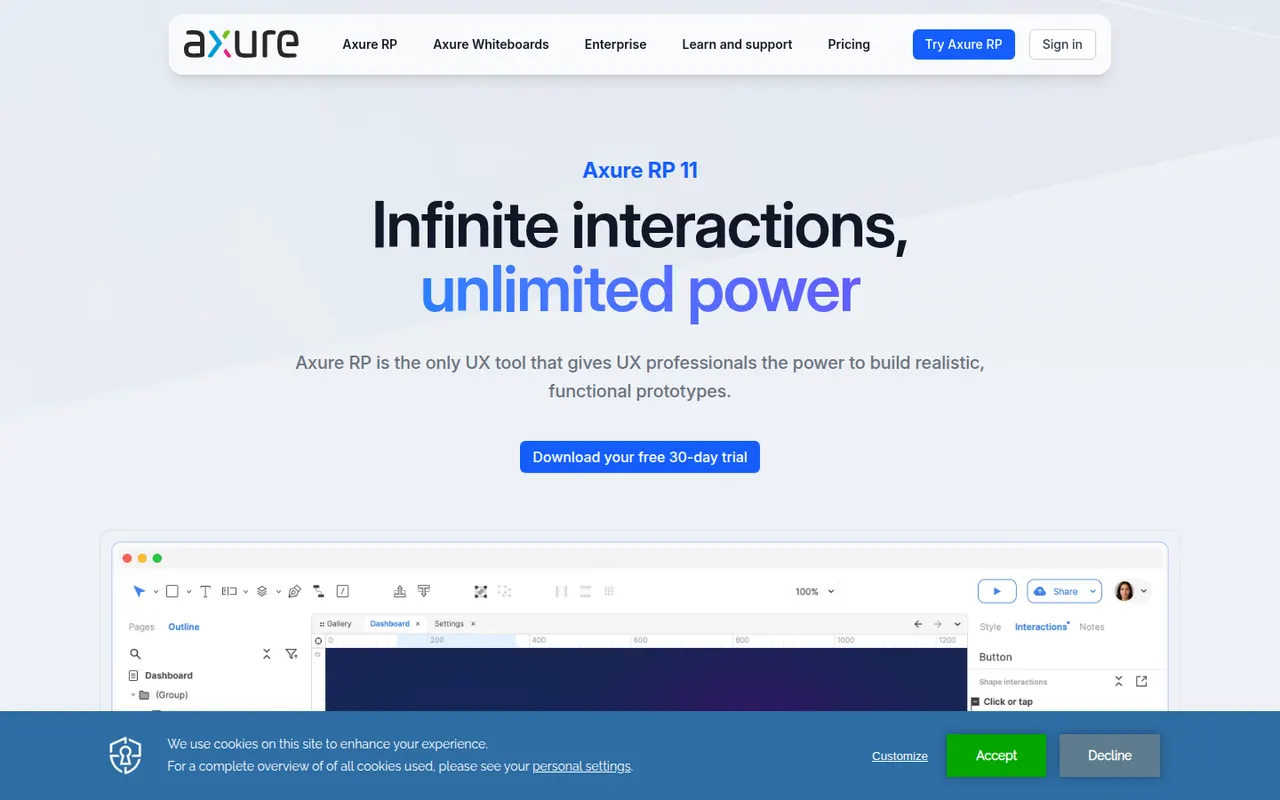
Cost / LicenseFreeOpen sourceCategoriesAxure RP is a desktop application for Windows and macOS used by UX designers and business analysts to build highly functional prototypes. It supports conditional logic, variables, dynamic panels, repeaters and form inputs, so prototypes can simulate real application behavior without code. Projects are shared through Axure Cloud for review, comments and developer inspection.
9 Axure RP alternativesPros
- Conditional logic, variables and repeaters for realistic prototypes
- Simulates real application behavior without writing code
- Axure Cloud handles review, comments and developer inspection
Cons
- Steep learning curve compared with simpler design tools
- Less suited to polished visual design than Figma or Sketch
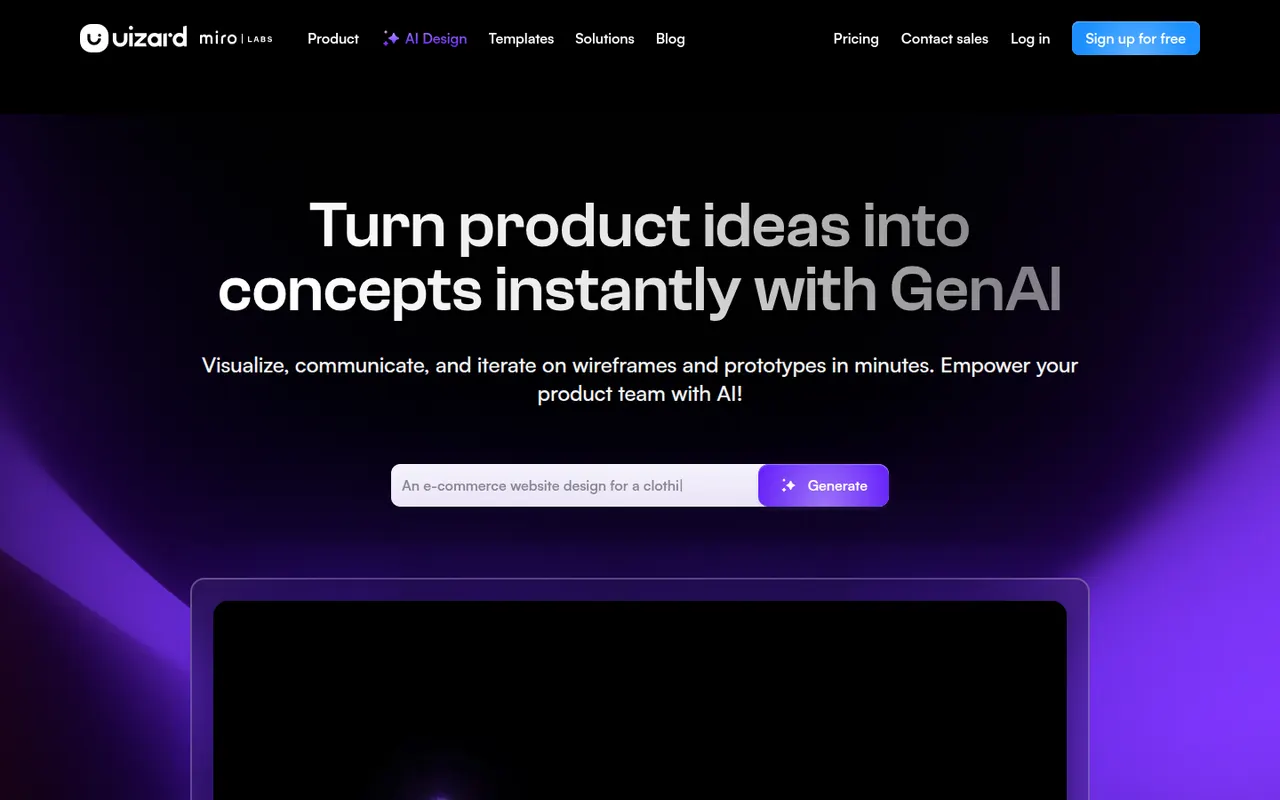
Cost / LicenseFree trialProprietaryCategoriesUizard is a browser-based UI design tool aimed at founders, product managers and other non-designers. It can generate multi-screen app and web mockups from a text prompt, convert hand-drawn sketches or screenshots into editable designs, and link screens into clickable prototypes. Templates and simple collaboration help teams test ideas quickly. The company was acquired by Miro in 2024.
10 Uizard alternativesPros
- Generates multi-screen mockups from a text prompt
- Converts hand-drawn sketches and screenshots into editable designs
- Approachable for founders and other non-designers
Cons
- Generated designs often need significant manual cleanup
- Lacks the depth of professional tools for production design
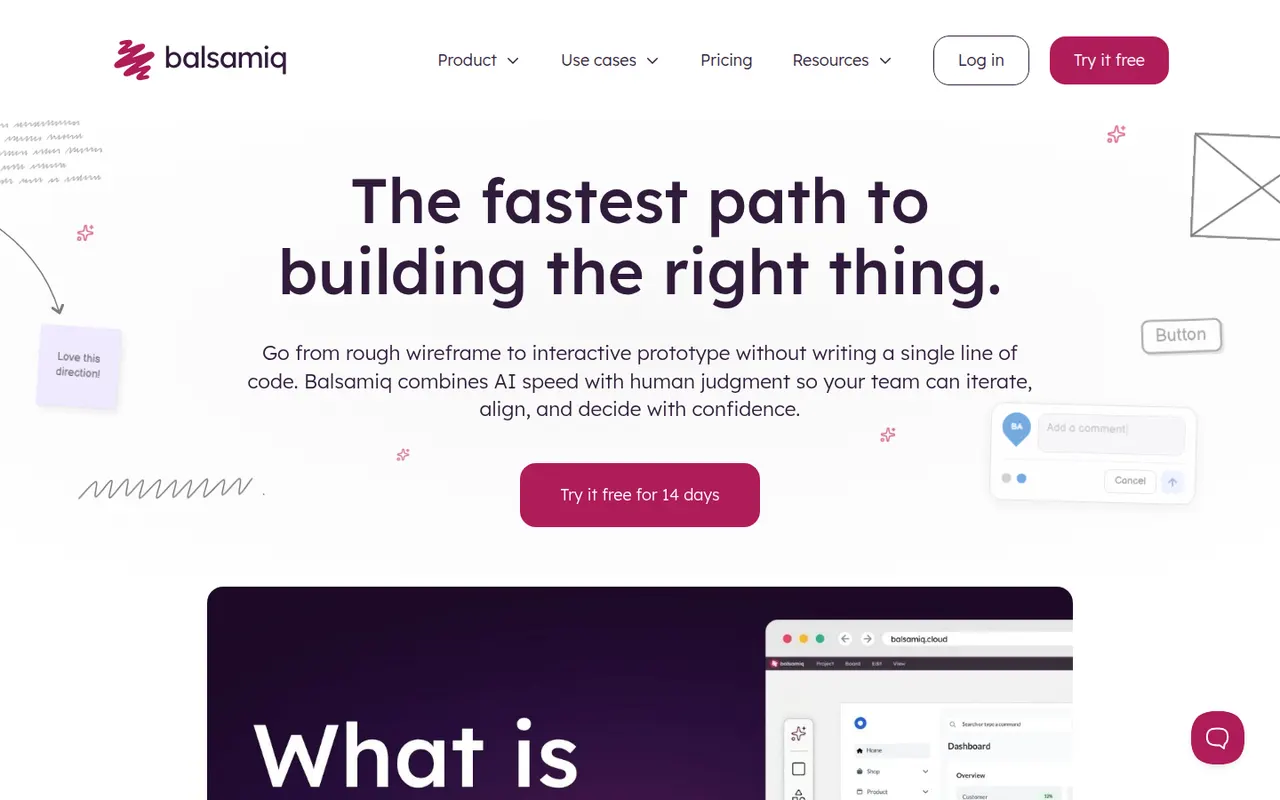
Cost / LicenseFreemiumProprietaryCategoriesPlatformsBalsamiq is a wireframing tool that deliberately keeps mockups rough and sketch-like, so discussions focus on structure and flow rather than visual polish. It offers a drag-and-drop library of UI controls, links between screens for simple click-through prototypes and comments for feedback. It is available as a web app and a desktop app for Windows and macOS, with integrations for Confluence, Jira and Google Drive.
8 Balsamiq alternativesPros
- Sketch style keeps discussions on structure, not visual polish
- Very easy to learn, even for non-designers
- Integrations with Confluence, Jira and Google Drive
Cons
- Not suited to high-fidelity designs or detailed prototypes
- No free plan once the trial ends
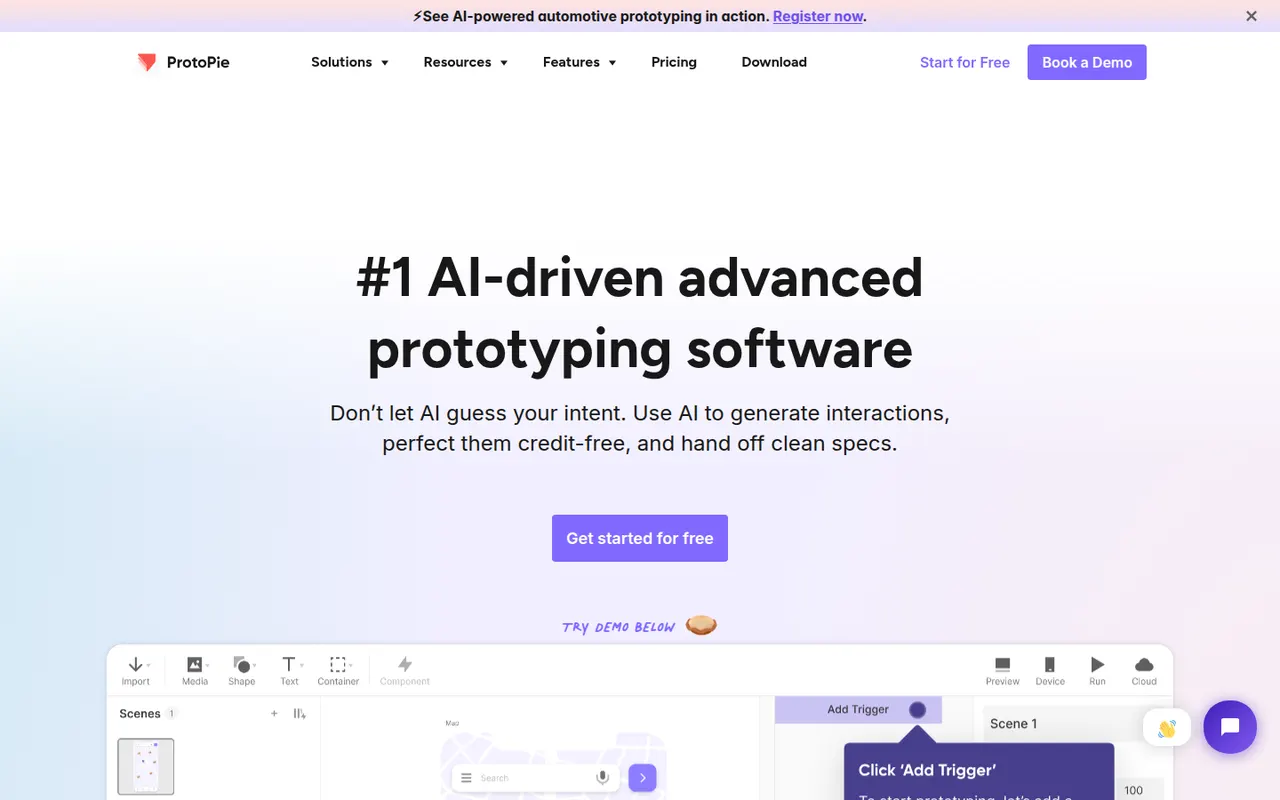
Cost / LicenseFree trialProprietaryCategoriesProtoPie is a prototyping tool for building realistic interactions without writing code, using triggers, responses, variables and formulas. Prototypes can use device sensors and connect several screens or hardware, which makes it useful for mobile, automotive and IoT interfaces. Designs can be imported from Figma, Sketch or Adobe XD and previewed on phones with the ProtoPie Player app.
8 ProtoPie alternativesPros
- Realistic interactions built with variables, formulas and conditions
- Uses device sensors and connects multiple screens or hardware
- Imports designs from Figma, Sketch and Adobe XD
Cons
- The logic-based approach takes time to learn
- Not a full design tool, so visuals are usually made elsewhere
Cost / LicenseFreemiumProprietaryCategories


















Penpot vs its alternatives at a glance
Pricing, platforms and the key features of Penpot, compared with its most popular alternatives.
| App | Pricing | Platforms | Design systems | Developer handoff | Interactive prototyping | Plugins & extensions | Real-time collaboration |
|---|---|---|---|---|---|---|---|
 Penpot Penpot | FreemiumOpen source | Web, Self-hosted | |||||
 Figma Figma | Freemium | Web, Windows, Mac | |||||
 Sketch Sketch | Free trial | Mac | |||||
 Lunacy Lunacy | Freemium | Windows, Mac, Linux | |||||
 Framer Framer | Freemium | Web, Windows, Mac | |||||
 Adobe XD Adobe XD | Paid | Windows, Mac |
Penpot alternatives: frequently asked questions
What is the best alternative to Penpot?
The most popular alternative to Penpot is Figma: Collaborative interface design and prototyping tool in the browser. Other great alternatives are Sketch, Lunacy, Framer, and Adobe XD.
Is there a free alternative to Penpot?
Yes, 6 alternatives are free or have a free plan, including Figma, Lunacy, Framer, and Inkscape.
Is there an open source alternative to Penpot?
Yes, one open source alternative is listed: Inkscape.
Is Penpot free?
Penpot has a free plan, with paid plans that unlock more features.
Compare Penpot with its alternatives


Sponsored listings and products made by the publisher of this site are always labeled. How we rank · Know a good alternative? Submit it