Apps with Integrations
152 apps
Top Integrations apps ranked by the community
Loom lets you record your screen, camera and voice and share the result instantly as a link, replacing meetings and long written explanations. Viewers can comment and react, and Loom AI generates titles, summaries and chapters. Part of Atlassian since 2023, it works through desktop and mobile apps, a Chrome extension and integrations with tools like Slack, Jira and Notion.
12 Loom alternativesPros
- Record screen and camera and share instantly as a link
- AI titles, summaries and chapters save editing time
- Comments and reactions keep feedback next to the video
Cons
- The free plan limits video length and library size
- Editing is basic compared with dedicated video tools
- Per-seat pricing adds up for large teams
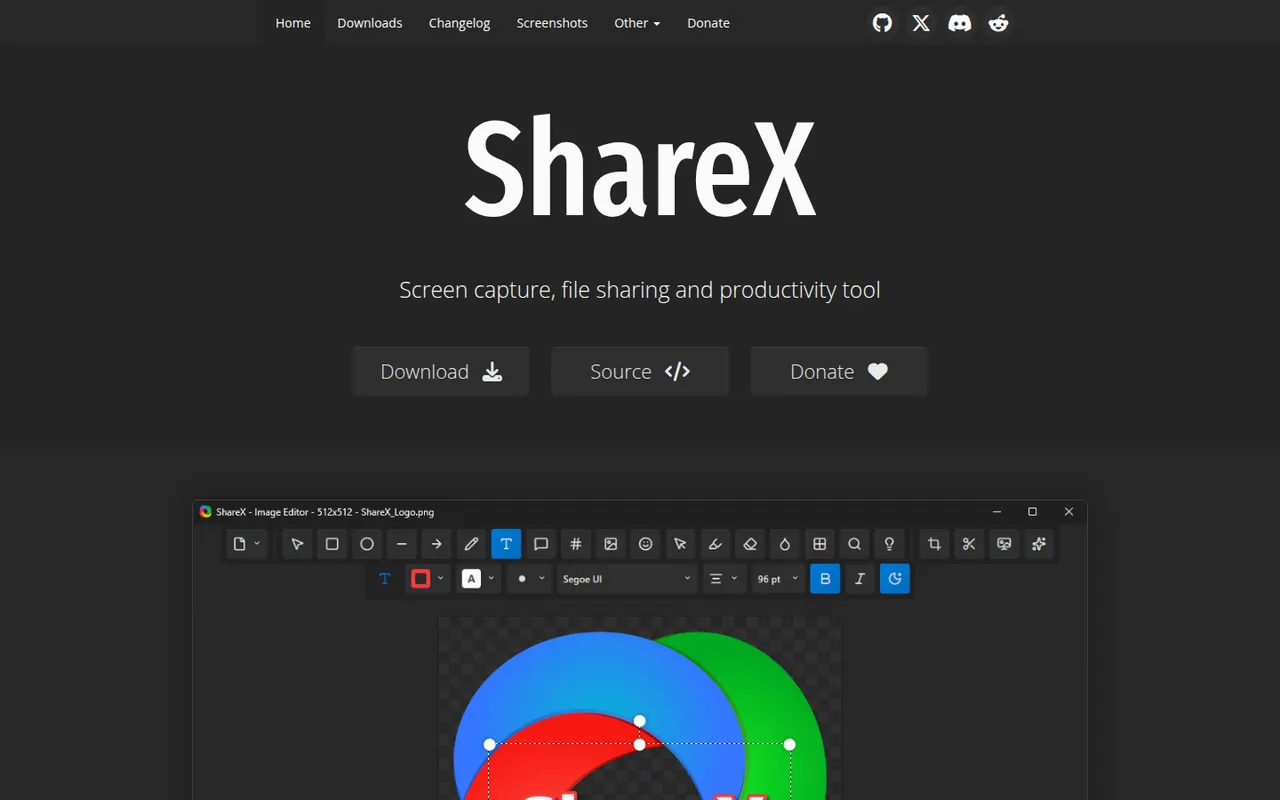
Cost / LicenseFreemiumProprietaryCategoriesShareX is a free, open source utility for Windows that captures screenshots, scrolling pages and screen recordings, including GIFs. Captures can be annotated, run through OCR and automatically uploaded to dozens of supported destinations through customizable workflows. It is popular with power users for its depth of options and has no ads.
7 ShareX alternativesPros
- Free, open source and ad-free
- Custom workflows upload captures to dozens of destinations
- Screenshots, scrolling captures, GIFs and OCR in one tool
Cons
- Available on Windows only, with no Mac or Linux version
- Dense settings can overwhelm casual users
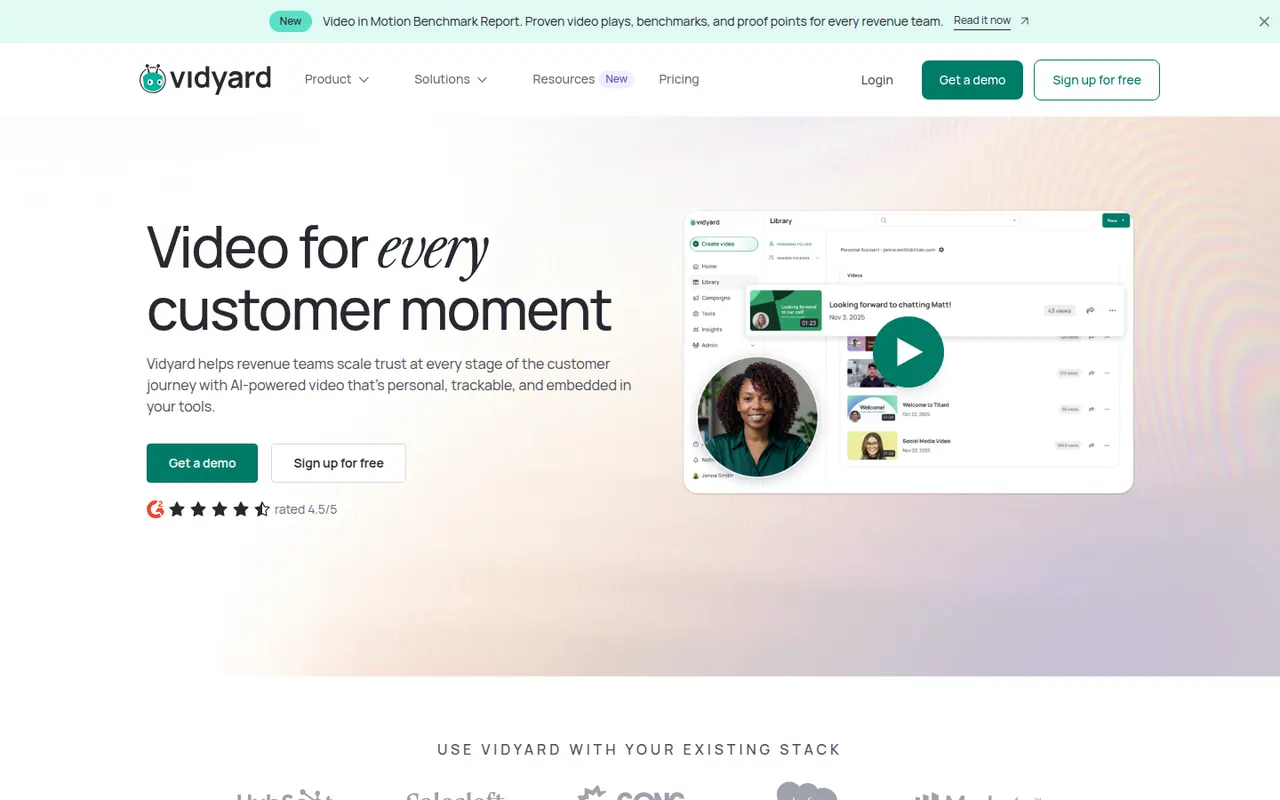
Cost / LicenseFreeOpen sourceCategoriesPlatformsVidyard helps businesses record, host and share videos, with a focus on sales outreach and marketing. Users record screen and camera messages from a browser extension or desktop app, embed them in emails, and track who watched and for how long. It integrates with CRMs such as Salesforce and HubSpot and offers a free plan for individuals alongside paid business tiers.
6 Vidyard alternativesPros
- Record screen and camera messages from a browser extension
- Shows who watched each video and for how long
- Integrates with CRMs such as Salesforce and HubSpot
Cons
- Sales-focused features are mostly in paid business tiers
- Overkill for teams that only need quick internal videos
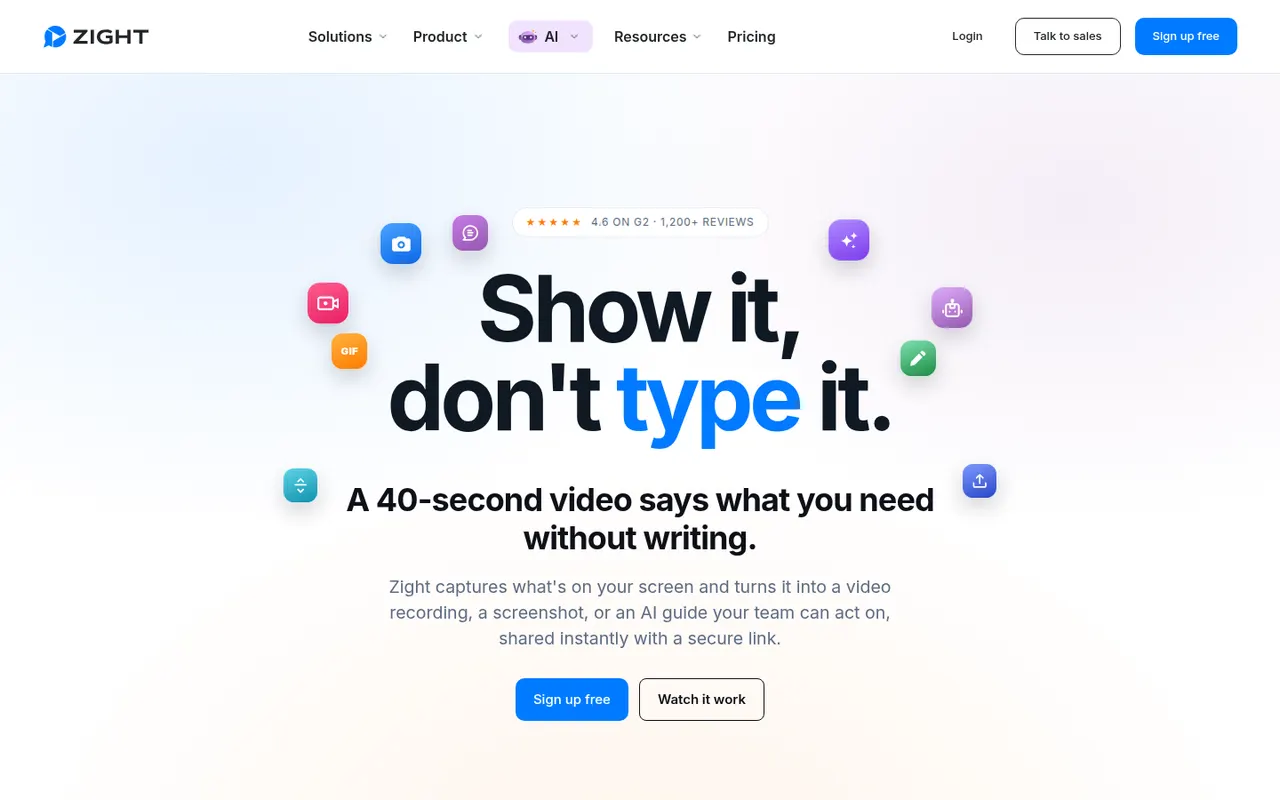
Cost / LicenseFreemiumProprietaryCategoriesPlatformsZight, formerly CloudApp, is a visual communication tool for capturing screenshots, GIFs and screen recordings with webcam, then sharing them instantly through a link. Captures can be annotated, and AI features generate titles and summaries. It is used by support, sales and product teams, works on macOS, Windows and Chrome, and integrates with tools like Slack, Jira and Zendesk.
9 Zight alternativesPros
- Screenshots, GIFs and recordings shared instantly by link
- Annotations plus AI-generated titles and summaries
- Integrates with Slack, Jira and Zendesk
Cons
- The free plan is restrictive compared with paid tiers
- Captures live in Zight's cloud, which may not suit every company policy
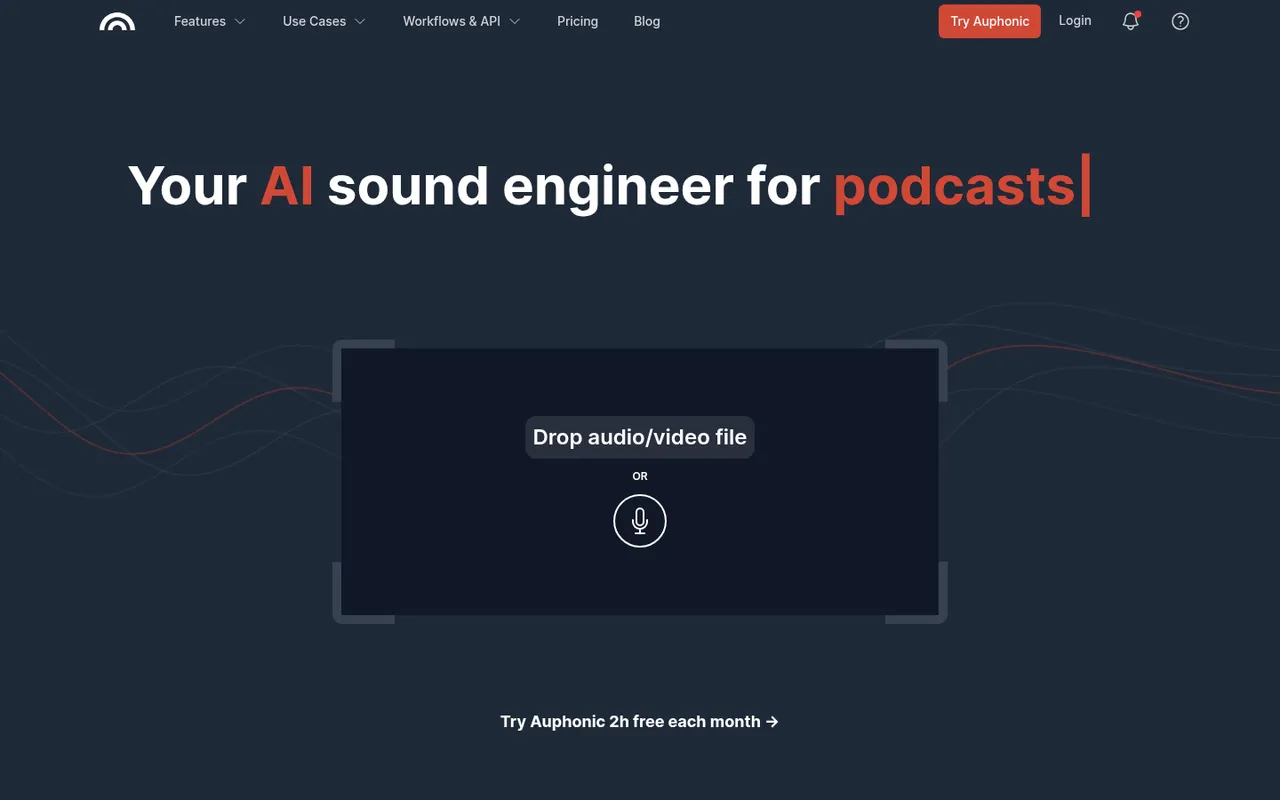
Cost / LicenseFreemiumProprietaryCategoriesPlatformsAuphonic is a web service that automatically finishes spoken audio: it balances levels between speakers, normalizes loudness to broadcast and podcast standards, reduces noise and hum, and can cut filler words and silences. It also offers speech recognition, chapter marks, direct publishing to hosting services and an API. A monthly amount of free processing time is included.
8 Auphonic alternativesPros
- Automatically levels speakers and normalizes loudness to podcast standards
- Takes repetitive post-production off your plate for recurring shows
- API and direct publishing fit into automated podcast workflows
Cons
- Little manual control compared with editing audio yourself in a DAW
- Free processing time is limited each month
Cost / LicenseFreemiumProprietaryCategoriesPlatformsClaude is an AI assistant built by Anthropic. It handles long documents and files, writing and editing, data analysis and programming help, and can search the web when needed. Projects keep related chats and reference files together, and connectors based on the Model Context Protocol link Claude to other apps. It runs on the web, desktop and mobile, and through an API.
12 Claude alternativesPros
- Handles long documents, nuanced writing and coding tasks well
- Projects keep related chats and reference files together
- MCP connectors link it to other apps and data
Cons
- Usage limits can be reached quickly, even on paid plans
- No built-in image generation
- Can still make mistakes, so answers need checking
Cost / LicenseFreemiumProprietaryGemini is Google's AI assistant, available on the web and as a mobile app that can replace Google Assistant on Android. It answers questions grounded in Google Search, analyzes files and images, generates images and supports spoken conversations through Gemini Live. Gems let you save custom assistants, and Gemini can pull information from Gmail, Drive, Maps or YouTube when you allow it.
11 Gemini alternativesPros
- Answers grounded in Google Search results
- Connects to Gmail, Drive, Maps and YouTube when you allow it
- Gemini Live supports natural spoken conversations
Cons
- Chats are used to improve Google products by default
- Top models and higher limits require a paid Google plan
- Features vary by country, account type and device
Cost / LicenseFreemiumProprietaryCategoriesJasper is an AI writing platform aimed at marketing teams. It produces blog posts, ads, emails and social copy from ready-made templates and apps, and keeps output consistent through brand voice profiles, style guides and a shared knowledge base. A browser extension and an API bring it into other tools, and workspaces support team collaboration. There is no free plan, only a trial.
10 Jasper alternativesPros
- Brand voice profiles and style guides keep content consistent
- Templates and apps for blogs, ads, emails and social posts
- Browser extension and API bring it into other tools
Cons
- No free plan, only a trial
- Pricing is steep for solo creators
- Output still needs fact-checking and editing
Cost / LicenseFree trialProprietaryCategoriesPlatformsCopy.ai started as an AI copywriting tool and now focuses on go-to-market teams. Besides a chat interface and templates for marketing copy, it offers workflows that chain AI steps to automate tasks such as prospect research, outreach emails, content repurposing or SEO briefs. Brand voice settings, team workspaces, CRM integrations and an API are included, with a limited free plan.
9 Copy.ai alternativesPros
- Workflows chain AI steps to automate go-to-market tasks
- Brand voice settings keep copy consistent
- CRM integrations and an API for sales and marketing teams
Cons
- Its focus on GTM workflows makes it less suited to solo writers
- Free plan is limited compared with paid tiers
- Generated copy still needs editing to sound original
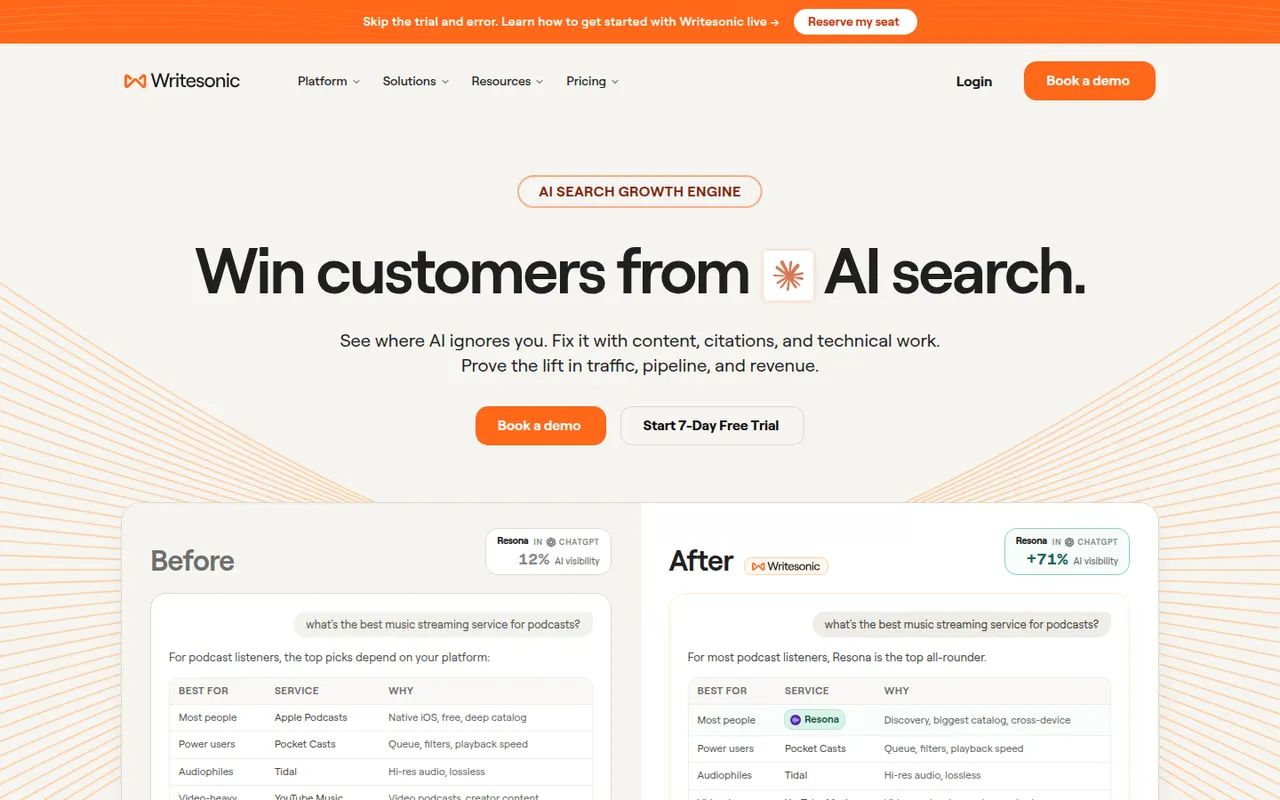
Cost / LicenseFreemiumProprietaryCategoriesPlatformsWritesonic combines an AI writer for SEO articles and marketing copy with tools for generative engine optimization. It tracks how often a brand is mentioned and cited by AI assistants such as ChatGPT, Perplexity and Google AI Overviews, compares it with competitors and suggests content fixes. Articles can follow a brand voice and be published directly to WordPress. It is aimed at marketers and SEO teams.
10 Writesonic alternativesPros
- Combines an AI article writer with AI search visibility tracking
- Tracks mentions and citations in ChatGPT, Perplexity and AI Overviews
- Publishes articles directly to WordPress
Cons
- The broad feature set can feel scattered
- Generated articles need editing and fact-checking
- No lasting free plan, only a trial
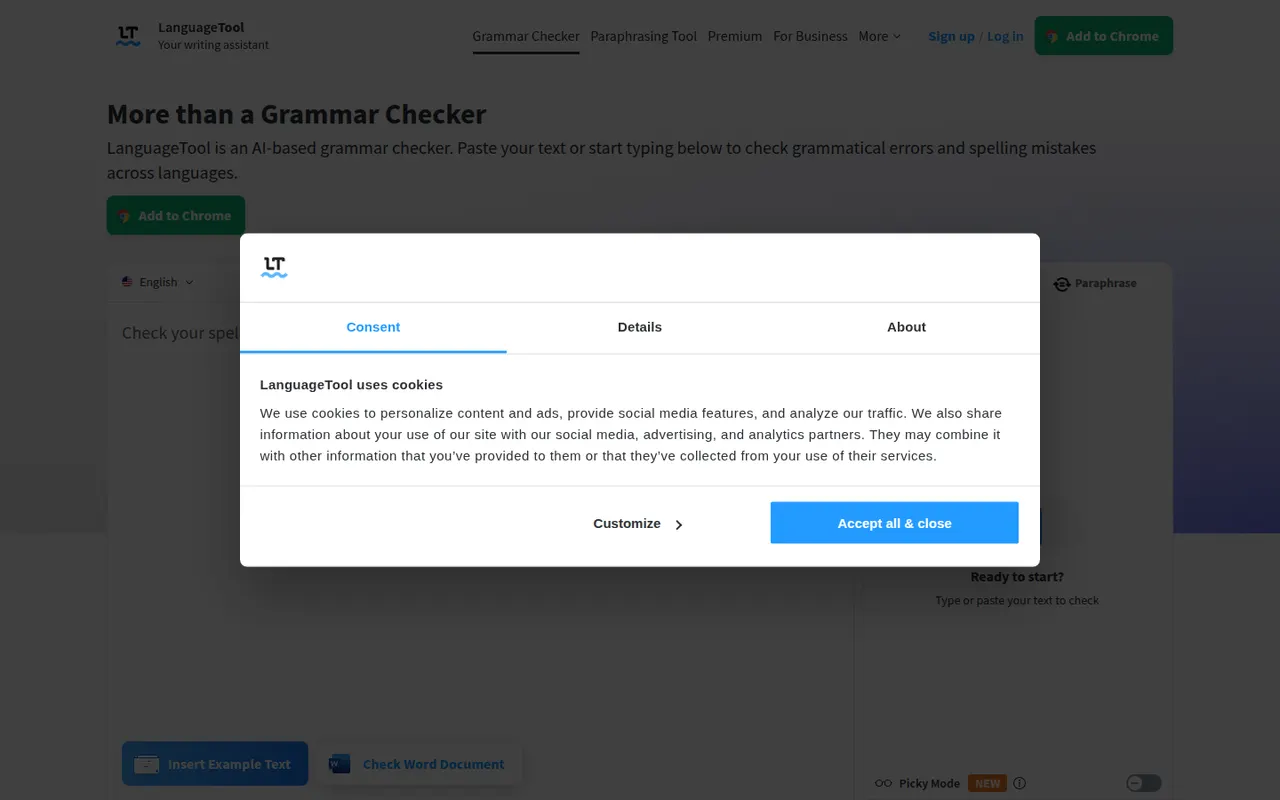
Cost / LicenseFree trialProprietaryPlatformsLanguageTool checks grammar, spelling, punctuation and style in dozens of languages, including English, French, German, Spanish and Portuguese. It integrates with browsers, Microsoft Word, Google Docs, LibreOffice and desktop apps, and Premium adds AI rephrasing and deeper style checks. The core engine is open source under the LGPL, so organizations can run their own server for privacy.
6 LanguageTool alternativesPros
- Checks grammar and style in dozens of languages
- Open source core can run on your own server for privacy
- Integrates with Word, Google Docs, LibreOffice and browsers
Cons
- AI rephrasing and deeper style checks require Premium
- A self-hosted server lacks the Premium checks
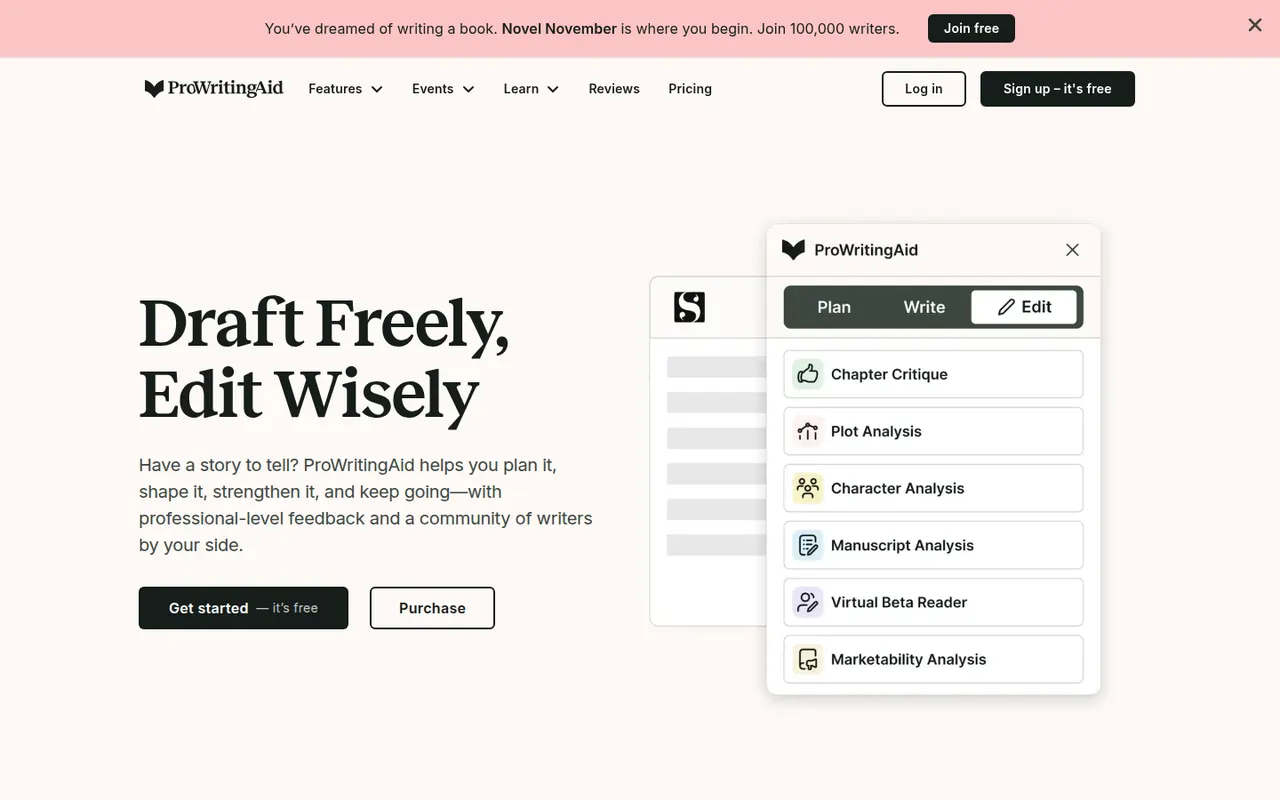
Cost / LicenseFreemiumOpen sourceCategoriesProWritingAid is a grammar checker and style editor designed for long-form English writing, from business documents to novels. Alongside real-time corrections, it produces reports on readability, overused words, repetition, sentence length, pacing and dialogue, and offers AI rephrasing and critique. It works on the web, in desktop apps, in browsers and inside Word, Google Docs and Scrivener.
7 ProWritingAid alternativesPros
- In-depth reports on readability, pacing, repetition and dialogue
- Works inside Word, Google Docs and Scrivener
- Well suited to long-form writing, including fiction
Cons
- The number of reports can feel overwhelming
- Designed for English only
- Free version limits how much text you can check
Cost / LicenseFreemiumProprietaryCategoriesPlatformsAdobe Firefly is Adobe's family of generative AI models and the app that hosts them. It creates images, vectors and video from text prompts, with style and structure references, and powers features like Generative Fill in Photoshop and Adobe Express. Adobe trains its Firefly models on licensed content and presents them as suitable for commercial use. It runs on the web and mobile, with monthly generative credits.
12 Adobe Firefly alternativesPros
- Trained on licensed content and positioned for commercial use
- Powers Generative Fill in Photoshop and Adobe Express
- Creates images, vectors and video from text prompts
Cons
- Monthly generative credits limit heavy use
- Gets most of its value from a Creative Cloud subscription
- Strict content filters can block some prompts
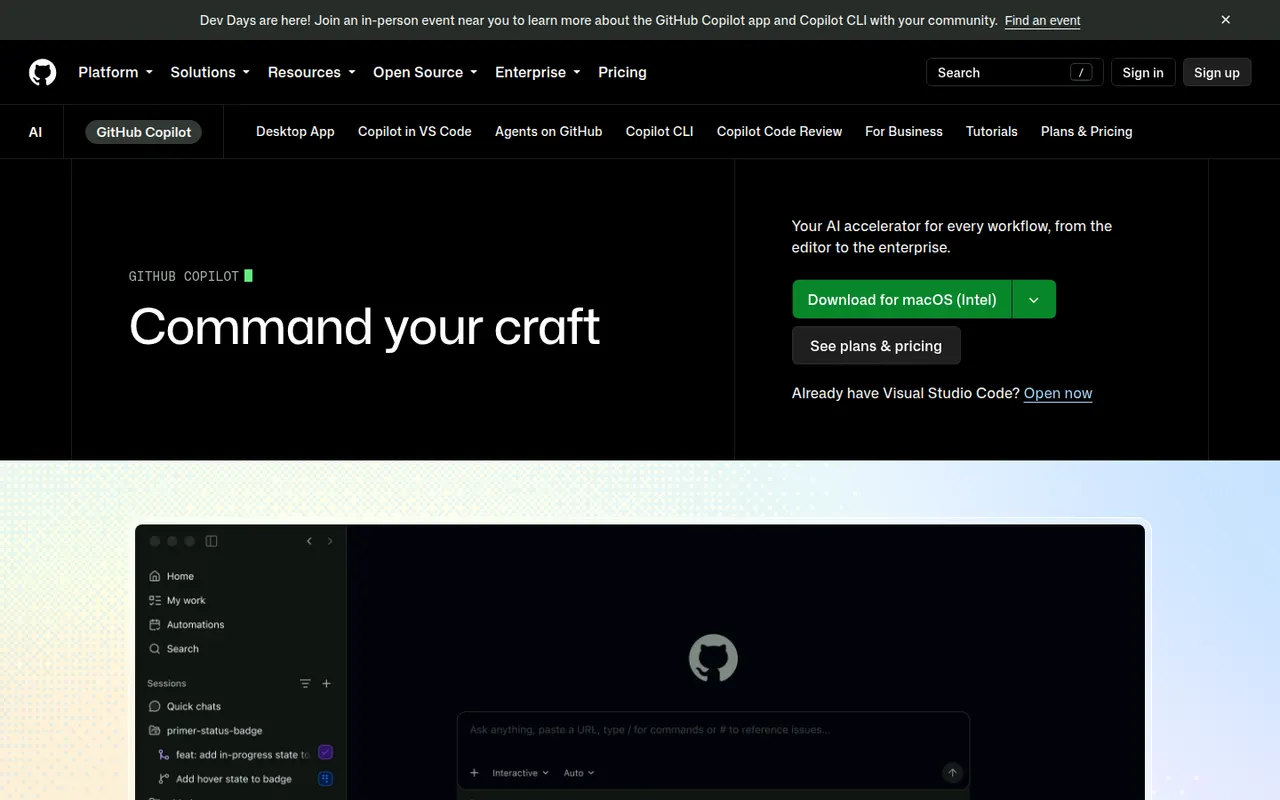
Cost / LicenseFreemiumProprietaryCategoriesGitHub Copilot is GitHub's AI coding assistant. It suggests code as you type and offers chat in editors such as VS Code, Visual Studio, JetBrains IDEs, Xcode and Neovim, with a choice of models from several providers. Its coding agent can take a GitHub issue, work in the background and open a pull request, and Copilot also reviews pull requests and works in the terminal. A limited free plan is available.
10 GitHub Copilot alternativesPros
- Works in many editors, from VS Code to Xcode and Neovim
- Coding agent turns GitHub issues into pull requests
- Choice of models from several providers
Cons
- The free plan has tight monthly limits
- Premium requests can add extra costs on paid plans
- Agent features assume your code is hosted on GitHub
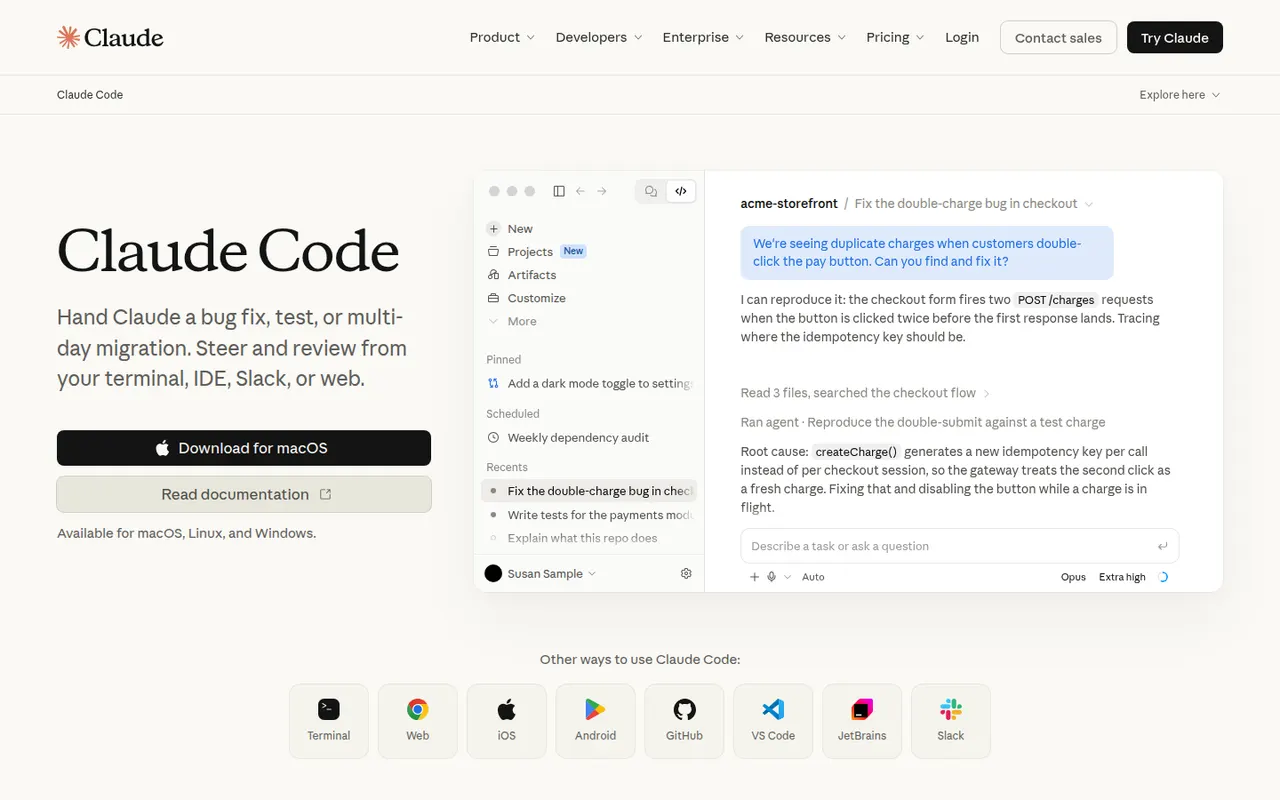
Cost / LicenseFreemiumProprietaryCategoriesClaude Code is an agentic coding tool from Anthropic. It runs in the terminal, in VS Code and JetBrains IDEs and on the web. It reads your codebase, edits files, runs commands and tests, and handles git workflows from natural-language requests. It can be extended with MCP servers, custom slash commands, subagents, hooks and plugins. Using it requires a paid Claude plan or API billing.
10 Claude Code alternativesPros
- Works across the whole codebase from the terminal
- Runs commands and tests, and handles git workflows
- Extensible with MCP servers, hooks, subagents and plugins
Cons
- Requires a paid Claude plan or API billing, with no free tier
- Heavy agentic sessions can hit usage limits or run up API costs
- Autonomous edits still need careful review before merging
Cost / LicensePaidProprietaryCategoriesTabnine is an AI coding assistant focused on privacy and control for companies. It provides code completion and a chat that helps generate tests, write documentation and review code in VS Code, JetBrains IDEs, Visual Studio and Eclipse. Tabnine can be deployed as SaaS, in a private VPC, on-premises or fully air-gapped, does not retain customer code, and can use an organization's repositories as context.
8 Tabnine alternativesPros
- Can be deployed on-premises or fully air-gapped
- Does not retain customer code
- Supports Eclipse and Visual Studio as well as VS Code and JetBrains
Cons
- Paid after the trial, with no free tier
- Offer and pricing target companies more than individuals
Cost / LicenseFree trialProprietaryCategoriesPlatformsAmazon Q Developer is the generative AI assistant from AWS for software development. It offers inline code suggestions, chat and agents that implement features, write tests and documentation, review code and upgrade Java applications, in VS Code, JetBrains and Visual Studio and on the command line. It also answers questions about AWS resources in the console, with a free tier alongside the Pro plan.
8 Amazon Q Developer alternativesPros
- In-depth knowledge of AWS services and console resources
- Agents help upgrade Java applications
- Free tier, with VS Code, JetBrains and command-line support
Cons
- Most useful for teams already invested in AWS
- The free tier caps agent requests and code transformations
Cost / LicenseFreemiumProprietaryCategoriesGemini Code Assist brings Google's Gemini models into VS Code and JetBrains IDEs for code completion, generation and chat that takes your local codebase into account. Agent mode can plan and carry out multi-step changes, and a GitHub app reviews pull requests. The individual edition is free, while Standard and Enterprise add Google Cloud integrations, private repository customization and admin controls.
10 Gemini Code Assist alternativesPros
- Free edition for individual developers
- GitHub app reviews pull requests automatically
- Agent mode carries out multi-step changes
Cons
- Enterprise features are tied to Google Cloud
- Supports fewer editors than some competing assistants
Cost / LicenseFreemiumProprietaryCategoriesCline is an open source AI coding agent that runs inside VS Code and compatible editors. It plans tasks, creates and edits files, runs terminal commands and can drive a browser to test web apps, asking for approval at each step unless you grant more autonomy. You bring your own API key for providers like Anthropic, OpenAI and Google or use local models, and MCP servers extend what it can do.
9 Cline alternativesPros
- Open source agent that runs inside VS Code
- Bring your own API key or use local models
- Asks for approval at each step, keeping you in control
Cons
- API costs can climb quickly on long agent tasks
- Step-by-step approvals can slow down routine work
Cost / LicenseFreemiumOpen sourceCategoriesOtter.ai records and transcribes meetings in real time, either by sending its assistant to Zoom, Google Meet and Microsoft Teams calls or by recording in person from the mobile app. It generates summaries and action items, lets you search and comment on transcripts, and its AI chat answers questions across past meetings. It transcribes English, French and Spanish and has a limited free plan.
9 Otter.ai alternativesPros
- Live transcription you can follow during the meeting
- AI chat answers questions across past meetings
- Mobile app records in-person conversations
Cons
- Transcribes only English, French and Spanish
- Free plan is limited in minutes and file imports
- The assistant can join calls automatically, which may surprise attendees
Cost / LicenseFreemiumProprietaryCategoriesPlatformsFireflies.ai joins video calls on Zoom, Google Meet, Microsoft Teams and other platforms to record and transcribe them in many languages. It produces summaries and action items, offers conversation analytics such as talk time and topic tracking, and pushes notes to CRMs like Salesforce and HubSpot or to Slack and Notion. You can search across meetings, query them with an AI assistant and start on a free plan.
9 Fireflies.ai alternativesPros
- Works across Zoom, Meet, Teams and other call platforms
- Transcribes in many languages, with search across all meetings
- Pushes notes to CRMs, Slack and Notion
Cons
- Auto-join settings can bring the bot into calls unexpectedly
- Free plan limits storage and advanced AI features
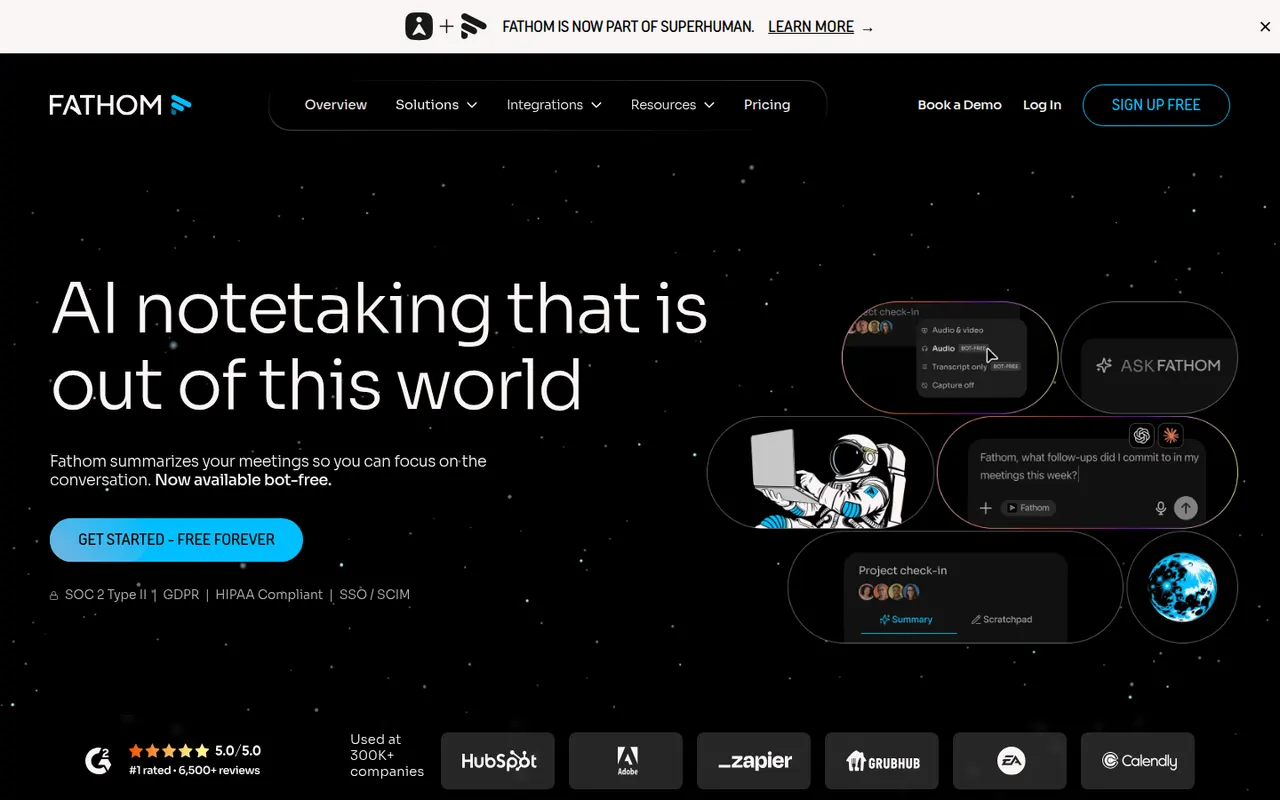
Cost / LicenseFreemiumProprietaryCategoriesPlatformsFathom records, transcribes and summarizes meetings on Zoom, Google Meet and Microsoft Teams, delivering notes and action items shortly after each call. You can highlight key moments, share clips, ask questions about past calls and sync notes to CRMs such as HubSpot and Salesforce. The free plan includes unlimited recordings and transcripts, while paid plans add advanced AI summaries and team features.
9 Fathom alternativesPros
- Free plan includes unlimited recordings and transcripts
- Notes and action items arrive shortly after each call
- Highlight key moments and share them as clips
Cons
- Advanced AI summaries and team features need a paid plan
- A bot joins the call, which not every participant welcomes
Cost / LicenseFreemiumProprietaryCategoriestl;dv records and transcribes Google Meet, Zoom and Microsoft Teams calls and turns them into AI notes, summaries and timestamps you can share. It can produce reports across many meetings, follow sales frameworks and sync notes to CRMs like HubSpot and Salesforce or to Slack and Notion. The company is based in Germany and emphasizes GDPR compliance, and a free plan is available.
9 tl;dv alternativesPros
- Timestamped notes make it easy to jump to key moments
- Reports across many meetings, with sales framework templates
- German company with a strong focus on GDPR compliance
Cons
- A recording bot joins the call, which not everyone welcomes
- Advanced AI and CRM features require a paid plan
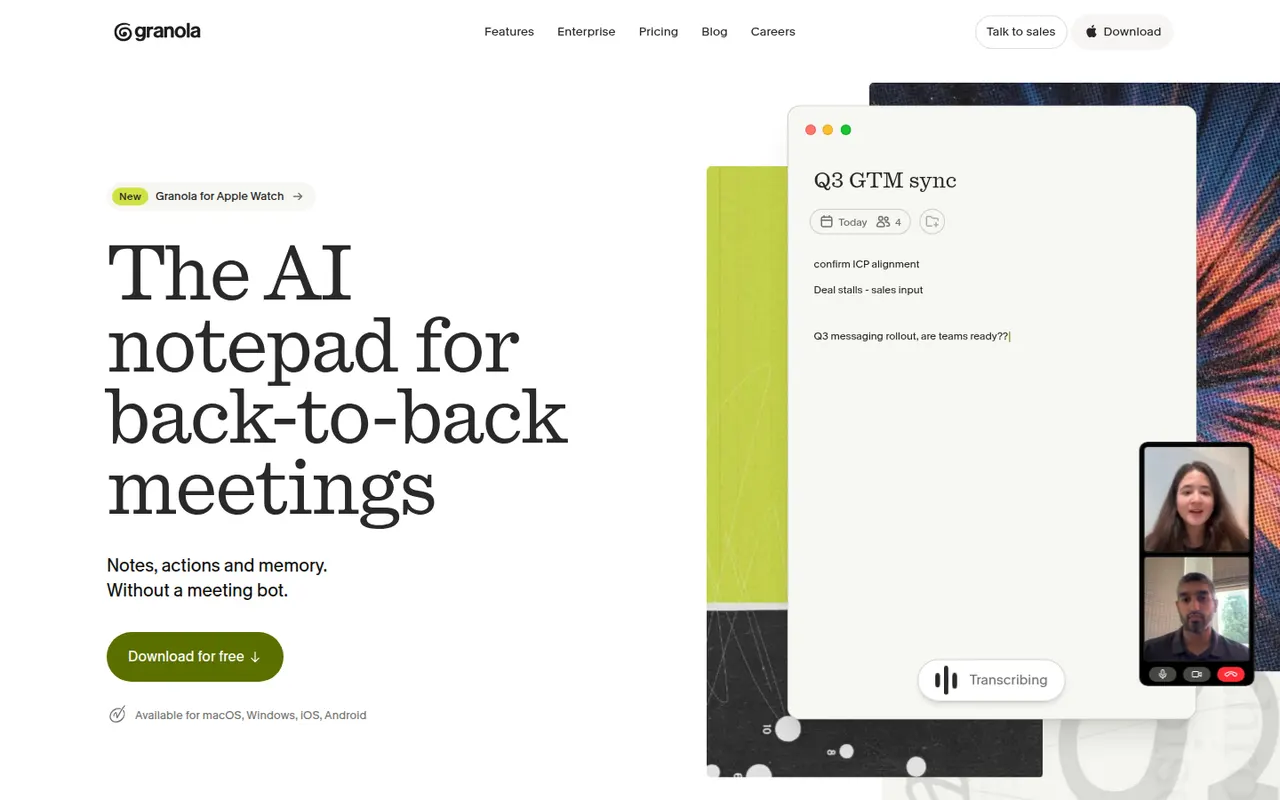
Cost / LicenseFreemiumProprietaryCategoriesPlatformsGranola is an AI notepad for people with back-to-back meetings. It transcribes audio directly from your computer instead of adding a bot to the call, and when the meeting ends it combines your rough notes with the transcript into structured notes you can edit. Templates adapt the output to the meeting type, notes can be shared and queried by chat across folders, and apps exist for Mac, Windows and iPhone.
10 Granola alternativesPros
- No bot joins the call: audio is captured on your computer
- Merges your rough notes with the transcript into clean notes
- Templates adapt the output to each type of meeting
Cons
- No web or Android app
- Without a visible bot, informing participants is up to you
- Heavier use requires a paid subscription
Cost / LicenseFreemiumProprietaryRead AI joins or records meetings on Zoom, Google Meet and Microsoft Teams to produce transcripts, summaries, action items and highlight reels. It also measures engagement, sentiment and talk time to help people run better meetings, and can summarize email and chat threads so you can search meetings, messages and documents in one place. A free plan covers a limited number of meetings.
9 Read AI alternativesPros
- Engagement, sentiment and talk-time metrics for meetings
- Search across meetings, email and chat in one place
- Highlight reels sum up long meetings quickly
Cons
- Engagement scoring can feel intrusive to participants
- Connecting email and chat means granting broad data access
- Free plan covers only a limited number of meetings
Cost / LicenseFreemiumProprietaryCategoriesPlatformsNotta transcribes meetings, recordings and uploaded audio or video files in dozens of languages, and can translate transcripts. Its bot can join Zoom, Google Meet and Microsoft Teams calls, while the mobile apps and Chrome extension record in person or in the browser. AI summaries highlight key points and next steps, and notes export to formats such as Word, PDF or SRT or to tools like Notion.
9 Notta alternativesPros
- Transcribes and translates in dozens of languages
- Records through a meeting bot, mobile apps or a Chrome extension
- Exports to Word, PDF, SRT or tools like Notion
Cons
- Free plan has tight limits on transcription time
- Fewer analytics and CRM features than sales-focused tools
Cost / LicenseFreemiumProprietaryCategoriesPlatformsTactiq is a Chrome extension that captures live transcripts of Google Meet, Zoom and Microsoft Teams calls running in the browser, without adding a bot to the meeting. During or after the call you can highlight moments, generate summaries, action items or follow-up emails with custom prompts, and save notes to Google Docs, Notion, Confluence or Slack. A free plan covers a limited number of meetings.
9 Tactiq alternativesPros
- Captures live transcripts without adding a bot to the meeting
- Custom prompts for summaries, action items and follow-up emails
- Saves notes to Google Docs, Notion, Confluence or Slack
Cons
- Only captures calls running in the browser, not desktop apps
- No mobile option for in-person conversations
- Free plan covers a limited number of meetings
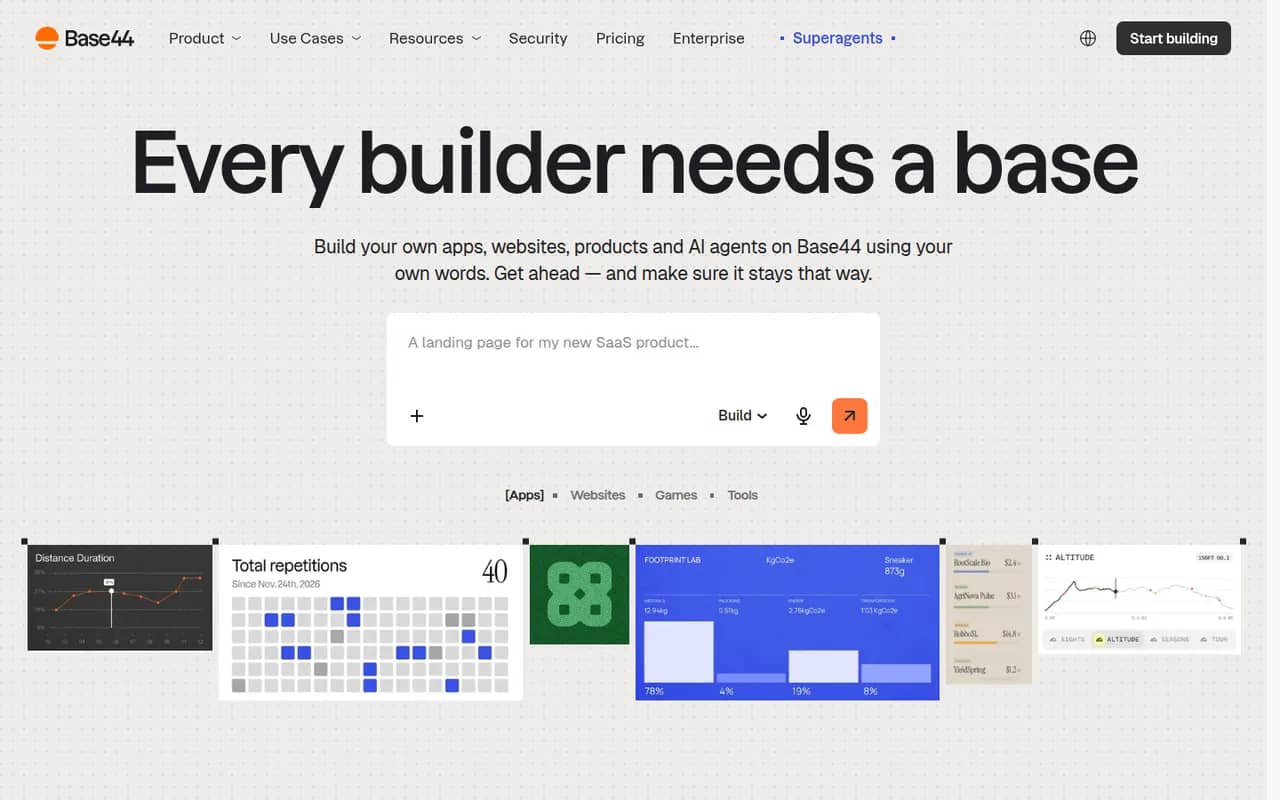
Cost / LicenseFreemiumProprietaryCategoriesPlatformsBase44 is an AI app builder, acquired by Wix in 2025, that turns plain-language descriptions into working web apps. Generated apps include a built-in database, user authentication, file storage, integrations such as email and payments, and one-click hosting with custom domains, so non-developers can ship internal tools, portals or MVPs without managing infrastructure. A free plan with limited credits is available.
10 Base44 alternativesPros
- Turns a plain-language description into a working web app
- Database, authentication and hosting included out of the box
- Lets non-developers ship internal tools without managing servers
Cons
- The free plan's limited credits run out quickly when iterating
- Apps depend on Base44's backend and hosting, which limits portability
- Getting the right result often takes several rounds of prompting
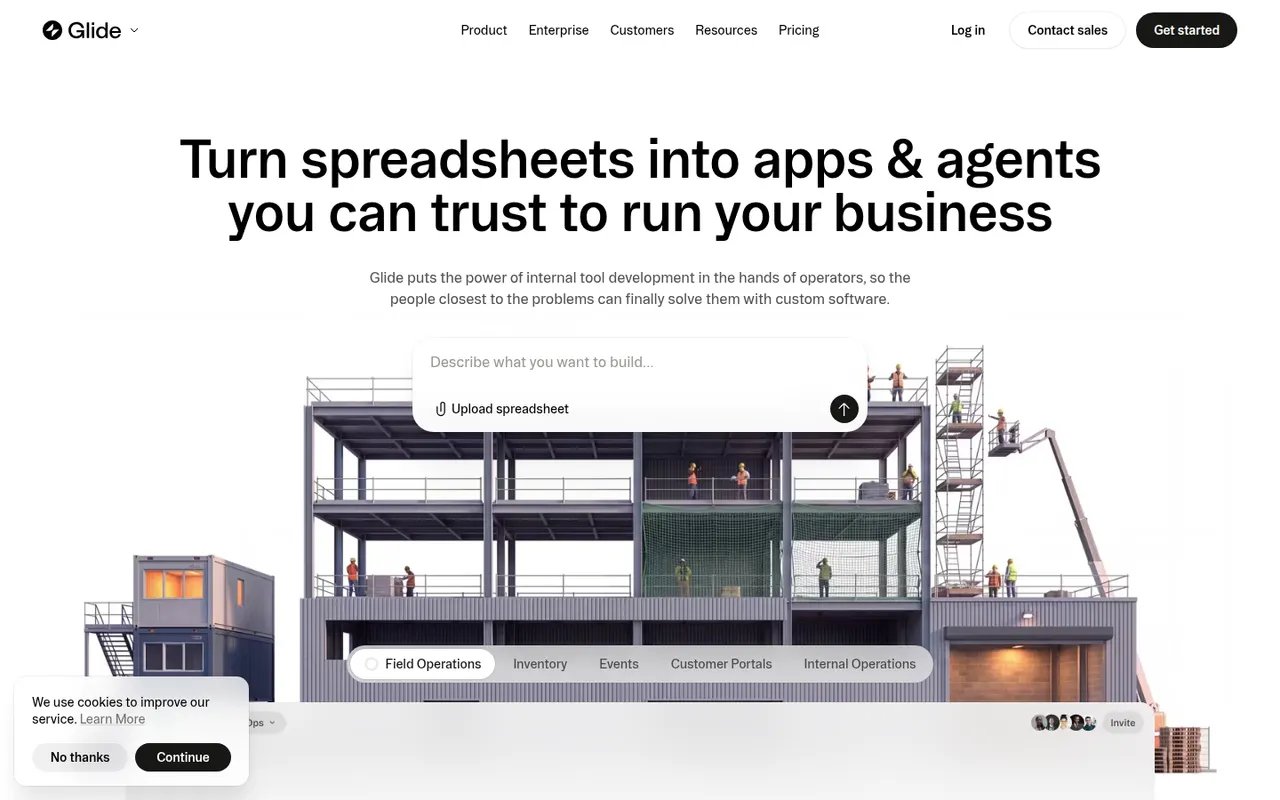
Cost / LicenseFreemiumProprietaryCategoriesPlatformsGlide lets teams build custom business apps without code, starting from data in Google Sheets, Excel, Airtable, SQL databases or Glide's own tables. Apps are assembled from ready-made components in a visual editor, run in desktop and mobile browsers, and can include user roles, workflows and AI features such as extracting text from images or generating content. A free plan is available to get started.
8 Glide alternativesPros
- Turns a spreadsheet into a working business app quickly
- Ready-made components look polished by default
- Runs in desktop and mobile browsers without app store publishing
Cons
- No native apps for the App Store or Google Play
- Quotas on users and data updates can push costs up quickly
- Limited design freedom compared with more flexible builders
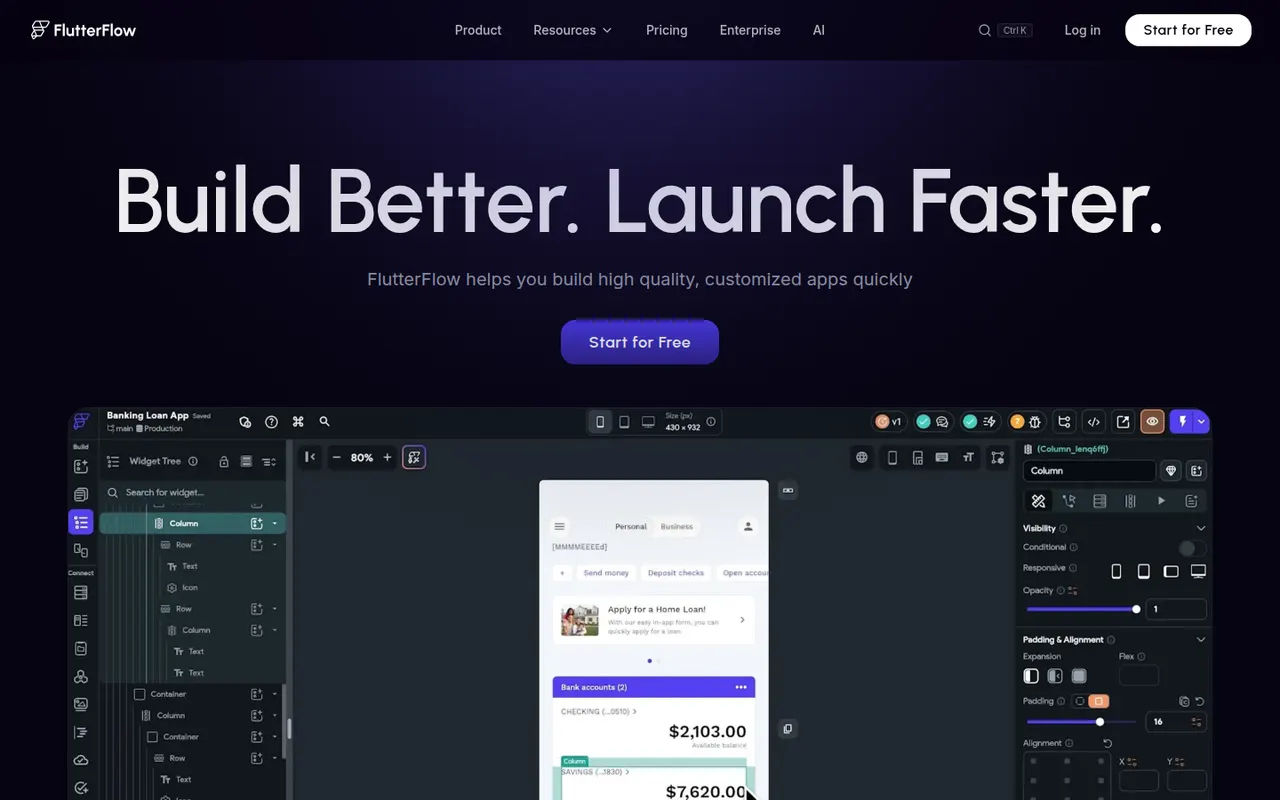
Cost / LicenseFreemiumProprietaryCategoriesPlatformsFlutterFlow is a low-code builder for mobile, web and desktop apps based on Google's Flutter framework. You design screens visually, connect Firebase, Supabase or REST APIs, add logic and authentication, then export the Flutter code or deploy straight to app stores and the web. It targets developers and technical founders who want speed without losing access to the code, and includes AI page generation.
8 FlutterFlow alternativesPros
- Exports Flutter code you can keep developing on your own
- Builds mobile, web and desktop apps from one project
- Ready-made Firebase and Supabase integrations
Cons
- Code export and some deployment options require paid plans
- Assumes more technical knowledge than typical no-code tools
- Complex custom logic can be awkward to build visually
Cost / LicenseFreemiumProprietaryCategories