Apps with Built-in database
16 apps
Top Built-in database apps ranked by the community
Capacity
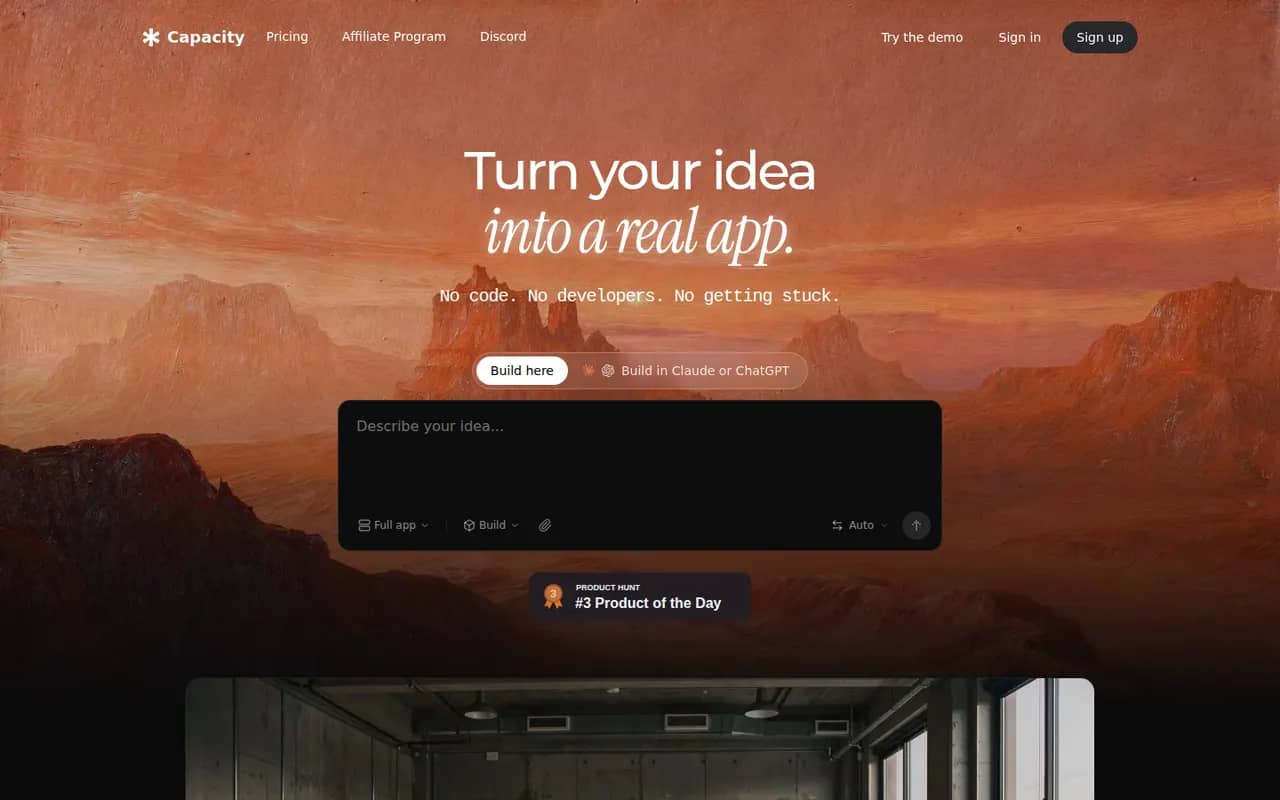
By the publisherCapacity turns a conversation into a working full-stack web application, with database, authentication and one-click deployment.
6 Capacity alternativesPros
- Builds a full-stack app with database and auth from a chat
- Code export keeps your project portable
- One-click deployment without configuring hosting
Cons
- Smaller community and fewer tutorials than better-known builders
- Complex apps still need several rounds of prompting and review
- Heavier use requires a paid plan
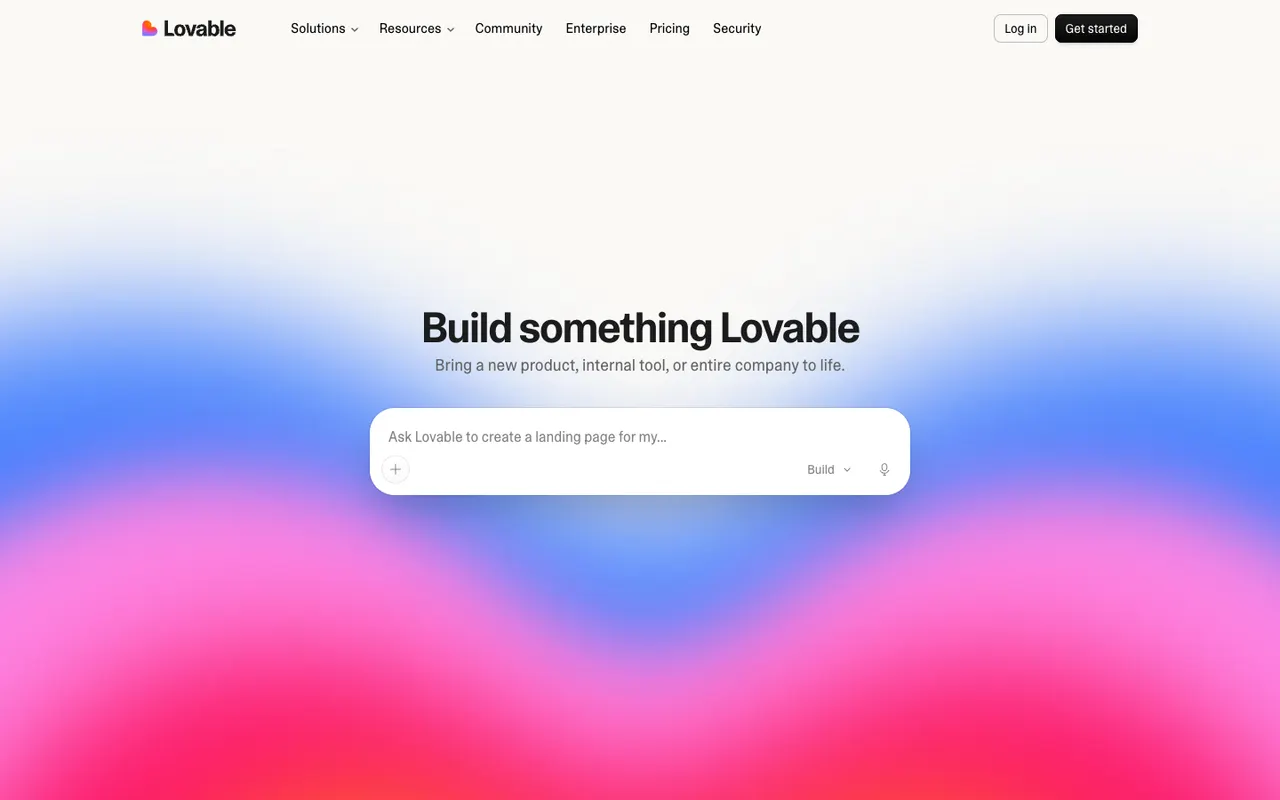
Cost / LicenseFreemiumProprietaryCategoriesPlatformsLovable generates full-stack web apps from natural language, with a visual editor, GitHub sync and integrations for databases and payments.
12 Lovable alternativesPros
- Generates full-stack web apps from plain-language prompts
- GitHub sync lets developers take over the code
- Visual editor for tweaking the interface without prompting
Cons
- Credits can run out quickly during debugging
- Generated code needs a review for security and edge cases
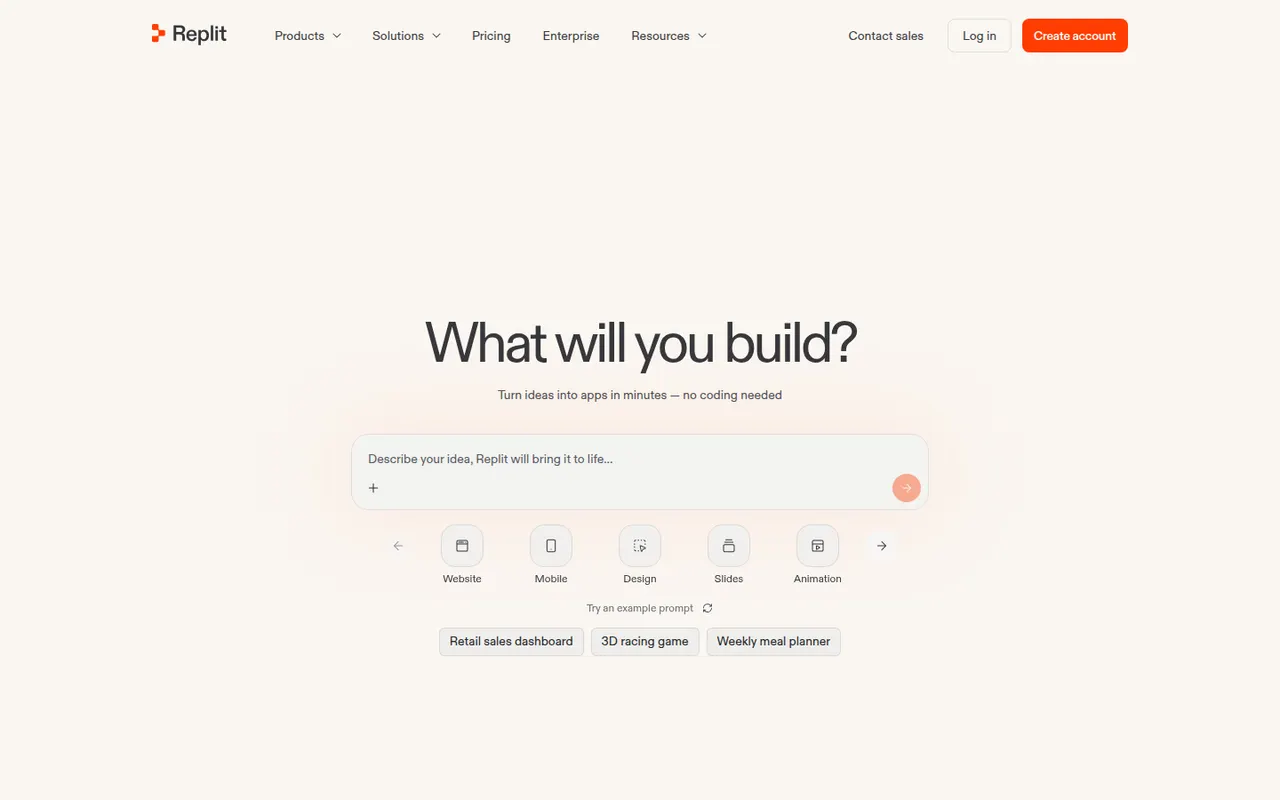
Cost / LicenseFreemiumProprietaryCategoriesPlatformsReplit is a cloud development environment where an AI agent can build, run and host applications, with collaboration and built-in databases.
9 Replit alternativesPros
- Code, run and host apps without any local setup
- AI agent builds and deploys apps from a description
- Real-time multiplayer editing for collaboration
Cons
- Agent usage costs can be hard to predict
- Hosting and databases tie projects to Replit's platform
- Free plan resources are limited for serious projects
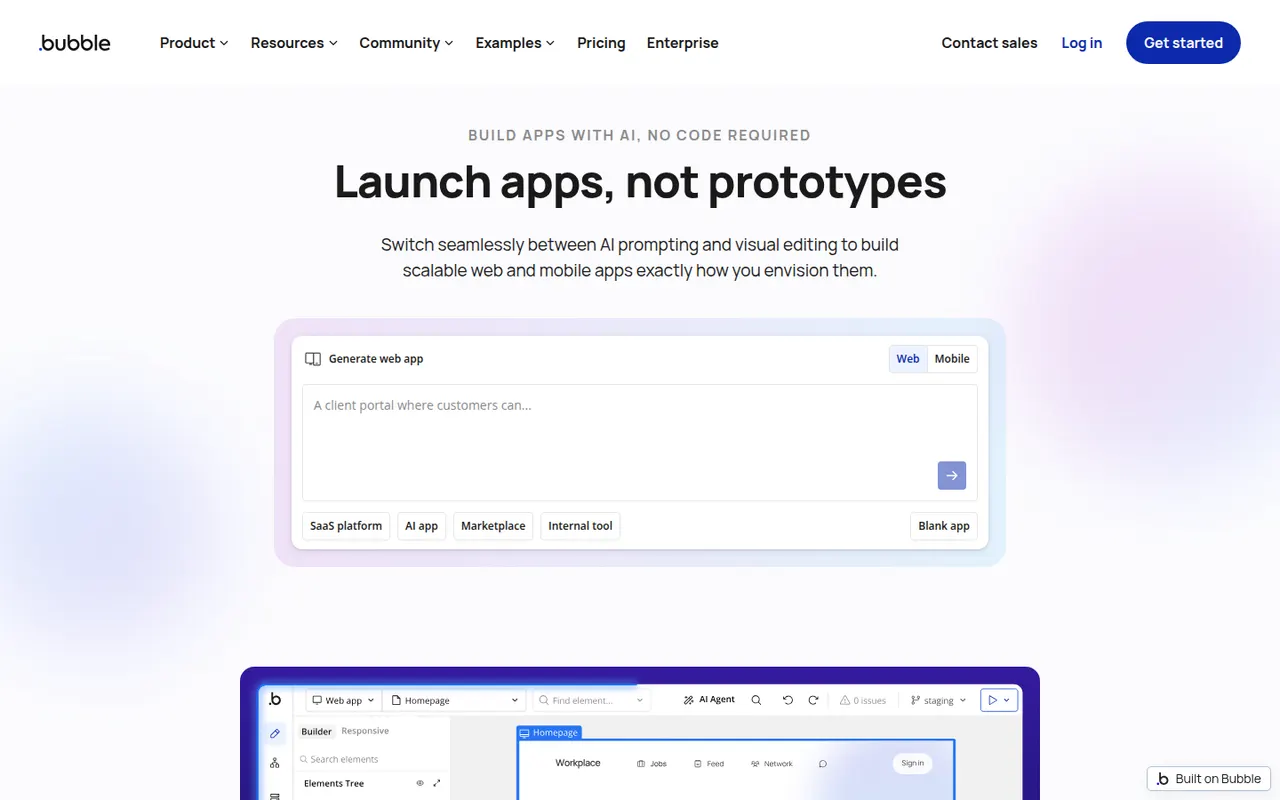
Cost / LicenseFreemiumProprietaryCategoriesBubble is a visual programming platform to design, develop and host web applications without writing code, now with AI generation.
11 Bubble alternativesPros
- Mature visual programming for complex web app logic
- Built-in database, hosting and API connector
- Large plugin marketplace and template library
Cons
- Steep learning curve for a no-code tool
- No code export, so apps stay locked into Bubble
- Workload-based pricing can be hard to predict
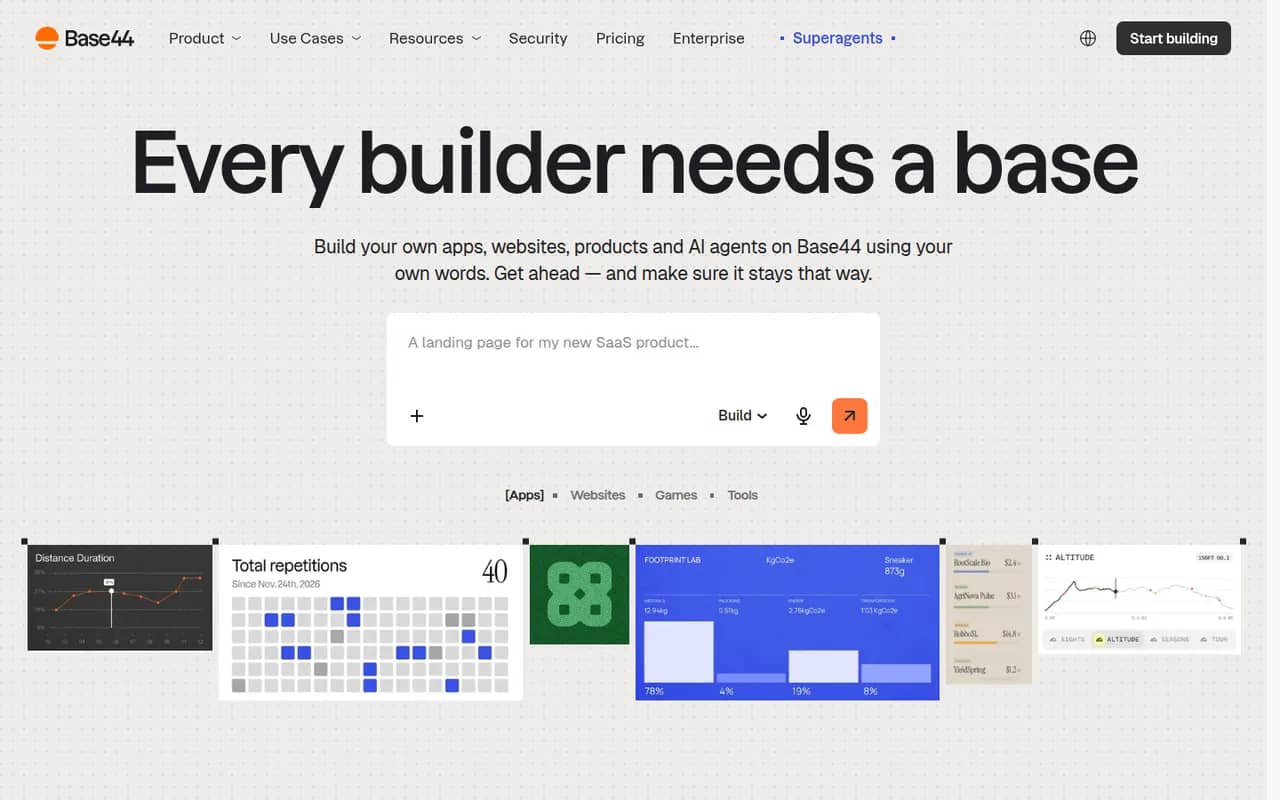
Cost / LicenseFreemiumProprietaryCategoriesPlatformsBase44 is an AI app builder, acquired by Wix in 2025, that turns plain-language descriptions into working web apps. Generated apps include a built-in database, user authentication, file storage, integrations such as email and payments, and one-click hosting with custom domains, so non-developers can ship internal tools, portals or MVPs without managing infrastructure. A free plan with limited credits is available.
10 Base44 alternativesPros
- Turns a plain-language description into a working web app
- Database, authentication and hosting included out of the box
- Lets non-developers ship internal tools without managing servers
Cons
- The free plan's limited credits run out quickly when iterating
- Apps depend on Base44's backend and hosting, which limits portability
- Getting the right result often takes several rounds of prompting
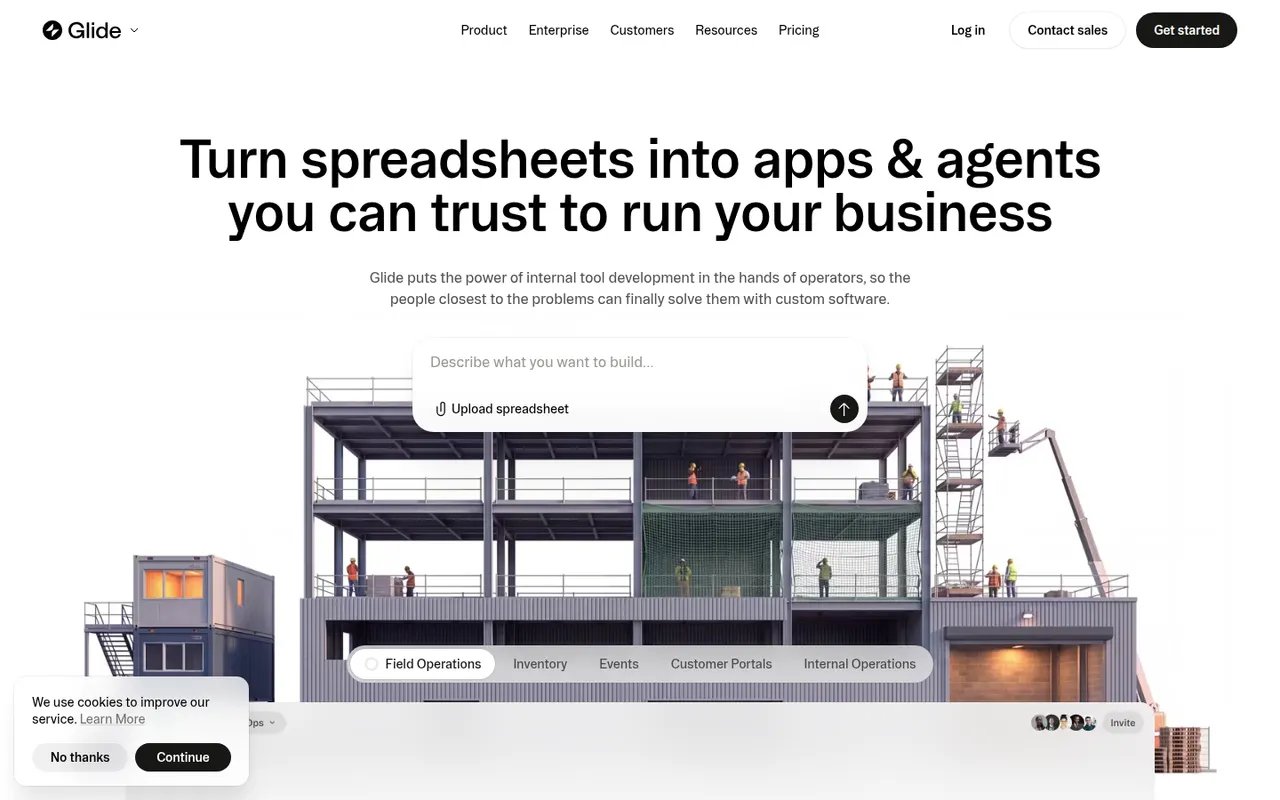
Cost / LicenseFreemiumProprietaryCategoriesPlatformsGlide lets teams build custom business apps without code, starting from data in Google Sheets, Excel, Airtable, SQL databases or Glide's own tables. Apps are assembled from ready-made components in a visual editor, run in desktop and mobile browsers, and can include user roles, workflows and AI features such as extracting text from images or generating content. A free plan is available to get started.
8 Glide alternativesPros
- Turns a spreadsheet into a working business app quickly
- Ready-made components look polished by default
- Runs in desktop and mobile browsers without app store publishing
Cons
- No native apps for the App Store or Google Play
- Quotas on users and data updates can push costs up quickly
- Limited design freedom compared with more flexible builders
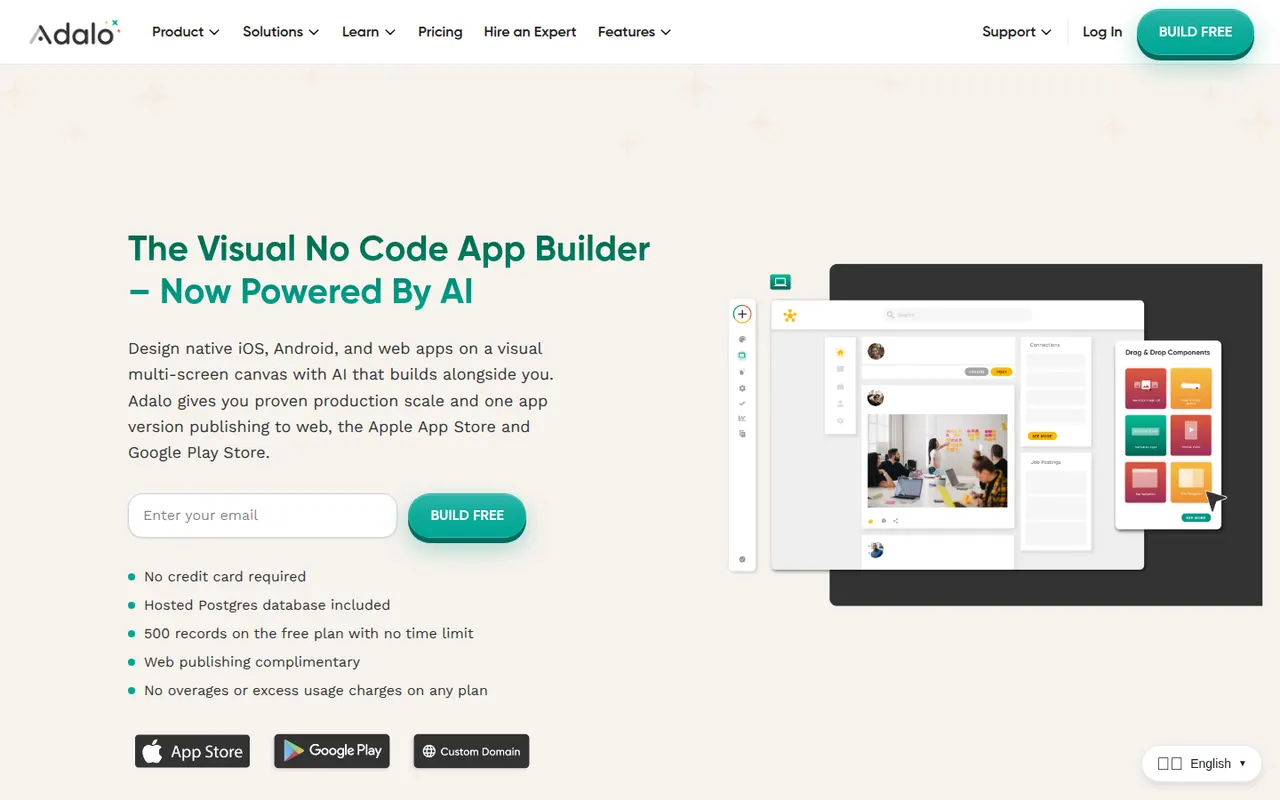
Cost / LicenseFreemiumProprietaryCategoriesPlatformsAdalo is a no-code app builder for creating native iOS and Android apps and web apps with a drag-and-drop editor. Apps use Adalo's built-in database or external sources such as Airtable and Xano, can be extended with components from a marketplace, and are published to the App Store, Google Play or the web from one project. It suits small businesses and founders building MVPs, with a free plan for prototyping.
8 Adalo alternativesPros
- Publishes native iOS and Android apps from a single project
- Drag-and-drop editor approachable for non-developers
- Connects to Airtable, Xano and other external data sources
Cons
- Apps can slow down as data and screens grow
- No source code export, which ties your app to the platform
- Publishing apps requires a paid plan
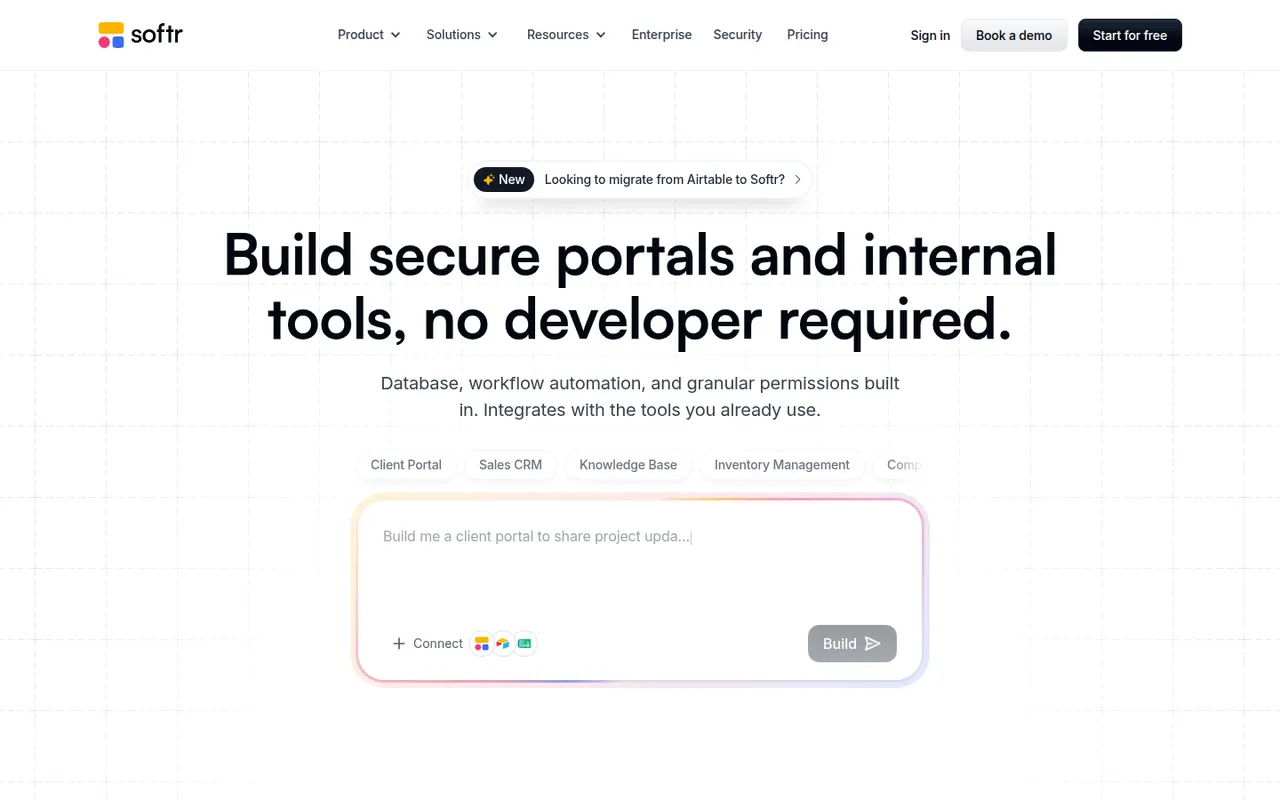
Cost / LicenseFreemiumProprietaryCategoriesPlatformsSoftr lets businesses build client portals, internal tools, directories and simple CRMs without code. Apps are put together from blocks in a visual editor on top of data from Airtable, Google Sheets, SQL databases, HubSpot or Softr's own databases, with user logins, permissions by user group and workflows. AI can generate a first version of an app from a prompt. A free plan is available.
9 Softr alternativesPros
- Quick way to build client portals on Airtable or Google Sheets
- User groups and permissions without writing code
- Block-based editor that non-technical teams pick up fast
Cons
- Layout flexibility is limited by the block system
- More users and advanced features require paid plans
- Performance depends on the connected data source
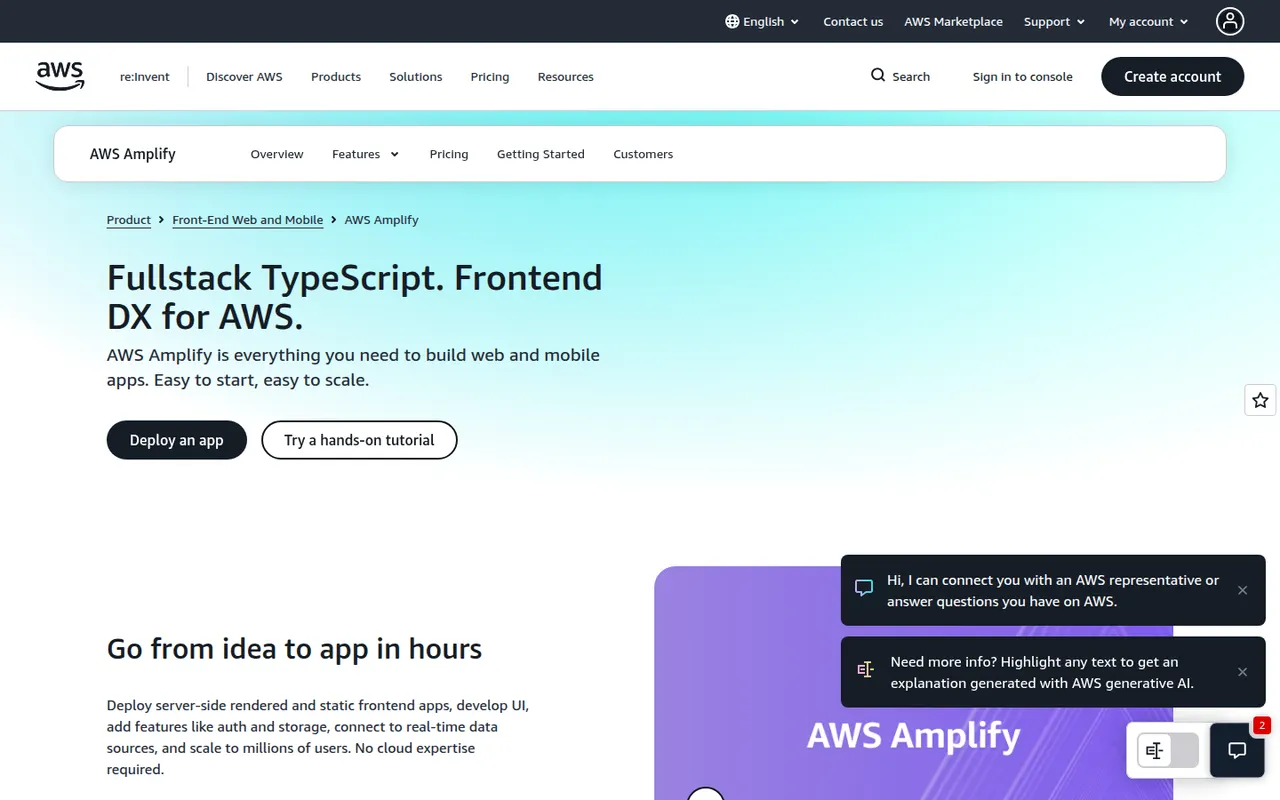
Cost / LicenseFreemiumProprietaryCategoriesPlatformsAWS Amplify is a set of tools and services from Amazon Web Services for building full-stack web and mobile apps. Amplify Hosting deploys frontends from Git with pull request previews and custom domains, while the backend side sets up authentication, data, storage and functions on AWS services, defined in TypeScript code. Its open source client libraries cover JavaScript, React Native, Swift, Android and Flutter.
12 AWS Amplify alternativesPros
- Git-based hosting with pull request previews and custom domains
- Sets up auth, data, storage and functions on AWS from TypeScript code
- Client libraries for JavaScript, React Native, Swift, Android and Flutter
Cons
- Ties your backend closely to AWS services
- Debugging often means digging into the underlying AWS consoles
- Usage-based AWS billing can be hard to predict
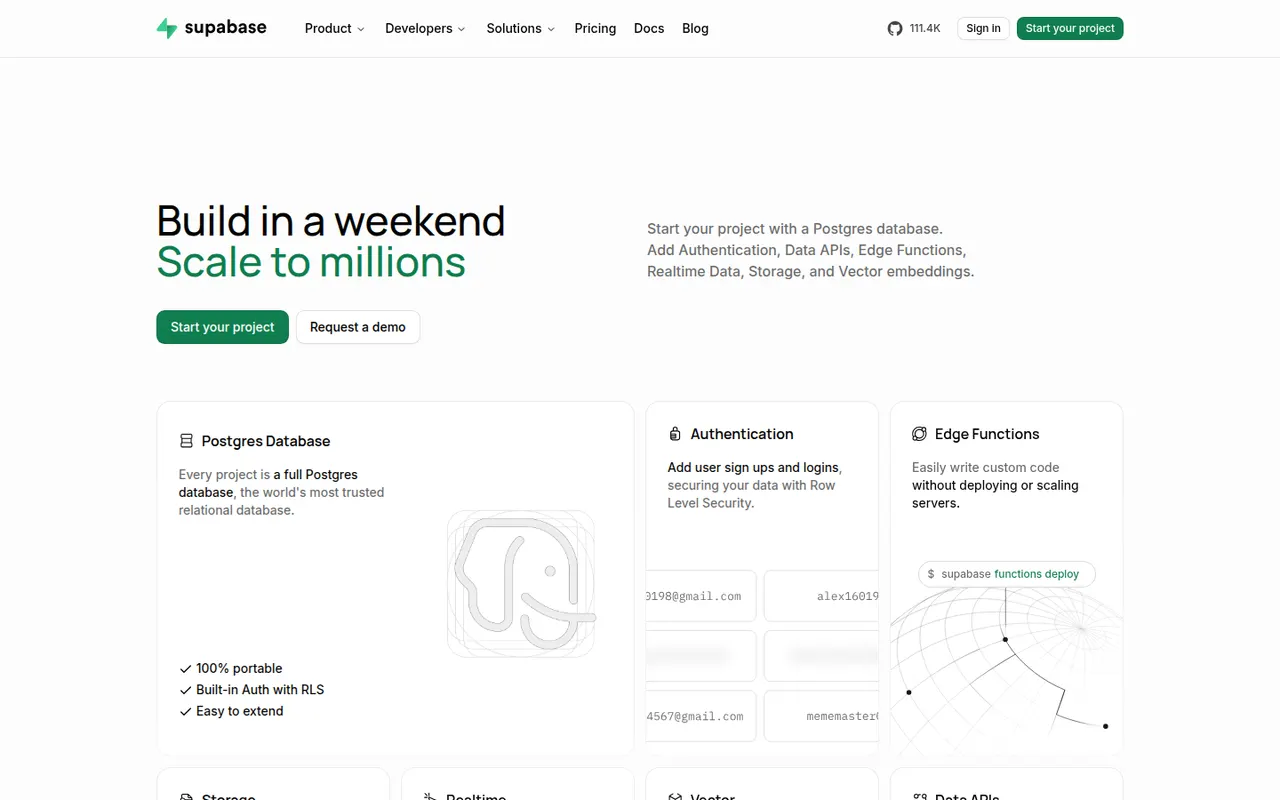
Cost / LicenseFreemiumProprietaryCategoriesPlatformsSupabase is an open source backend platform built on Postgres. Each project gets a full Postgres database with auto-generated REST and GraphQL APIs, authentication, file storage, realtime subscriptions, edge functions and vector support for AI applications. It can be used as a hosted service with a free tier or self-hosted with Docker, and appeals to developers who want SQL rather than a NoSQL backend.
8 Supabase alternativesPros
- Full Postgres database with SQL, extensions and row-level security
- Auto-generated APIs, auth, storage and realtime in one platform
- Open source and self-hostable with Docker
Cons
- Free-tier projects are paused after a period of inactivity
- Self-hosting is more involved to set up than the managed service
- Row-level security policies take time to get right
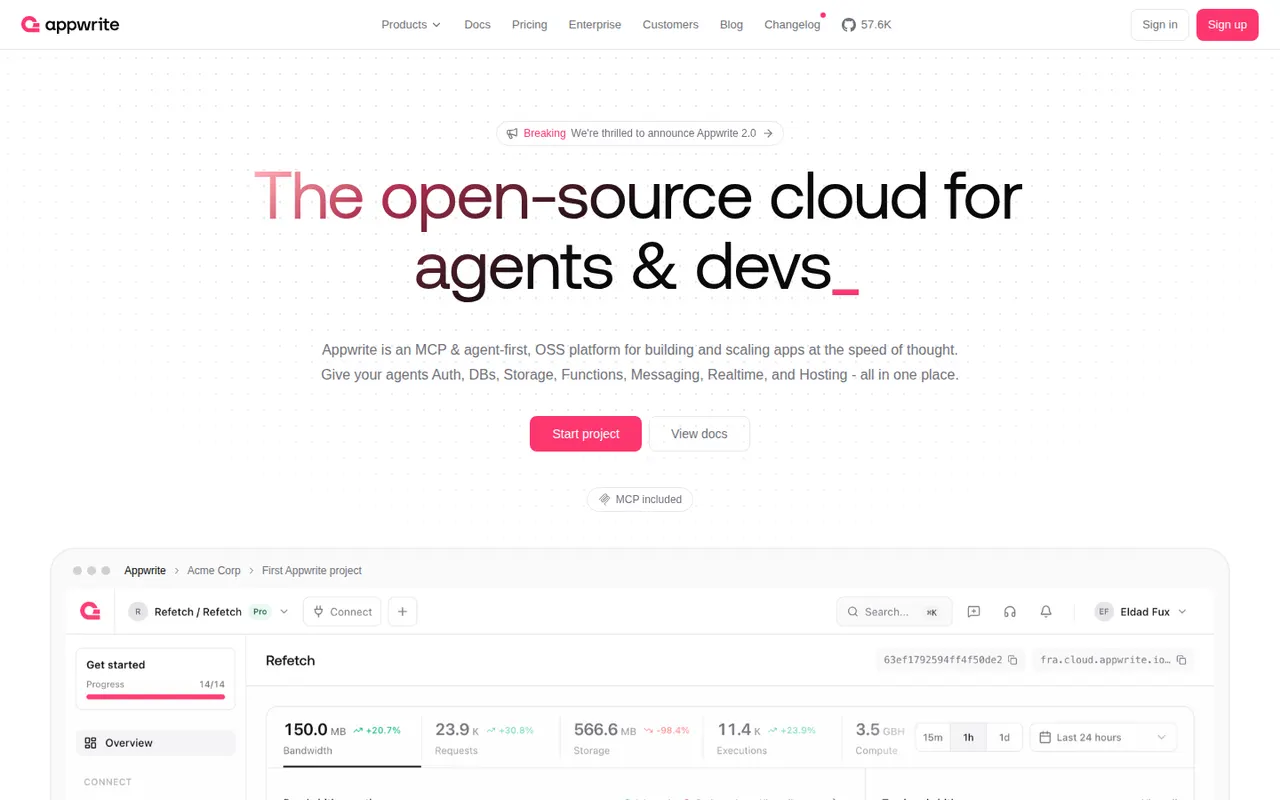
Cost / LicenseFreemiumOpen sourceCategoriesPlatformsAppwrite is an open source backend server that bundles authentication, databases, file storage, serverless functions, messaging and realtime events behind one consistent API, with SDKs for web, mobile and Flutter. Since 2025 it also hosts websites and web apps through Appwrite Sites. It can be self-hosted with Docker or used through Appwrite Cloud, which has a free plan.
8 Appwrite alternativesPros
- Auth, database, storage, functions and messaging behind one API
- Open source and straightforward to self-host with Docker
- SDKs for web, mobile and Flutter apps
Cons
- Database queries are more limited than raw SQL
- Self-hosted upgrades between versions can require careful migrations
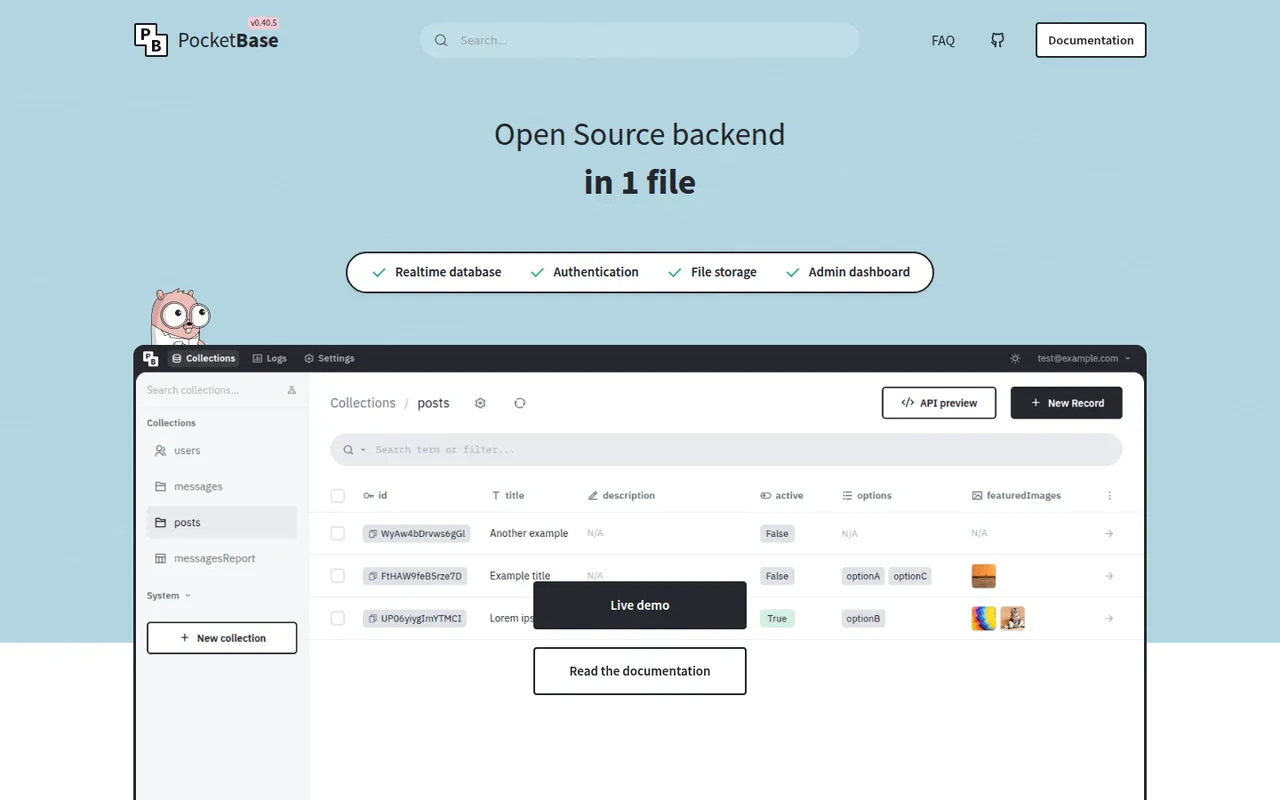
Cost / LicenseFreemiumOpen sourceCategoriesPlatformsPocketBase is an open source backend that ships as a single Go executable with an embedded SQLite database. It provides realtime subscriptions, user authentication including OAuth2, file storage and an admin dashboard, and can be extended in Go or JavaScript. It suits small projects and prototypes that need a backend running in minutes. It has not reached version 1.0, so breaking changes can still happen.
7 PocketBase alternativesPros
- The whole backend ships as one executable that runs in minutes
- Embedded SQLite with realtime, auth and an admin dashboard
- Can be extended in Go or JavaScript
Cons
- Not yet at version 1.0, so breaking changes can still happen
- Single-server SQLite design limits horizontal scaling
- No official managed hosting, so you run and back up the server yourself
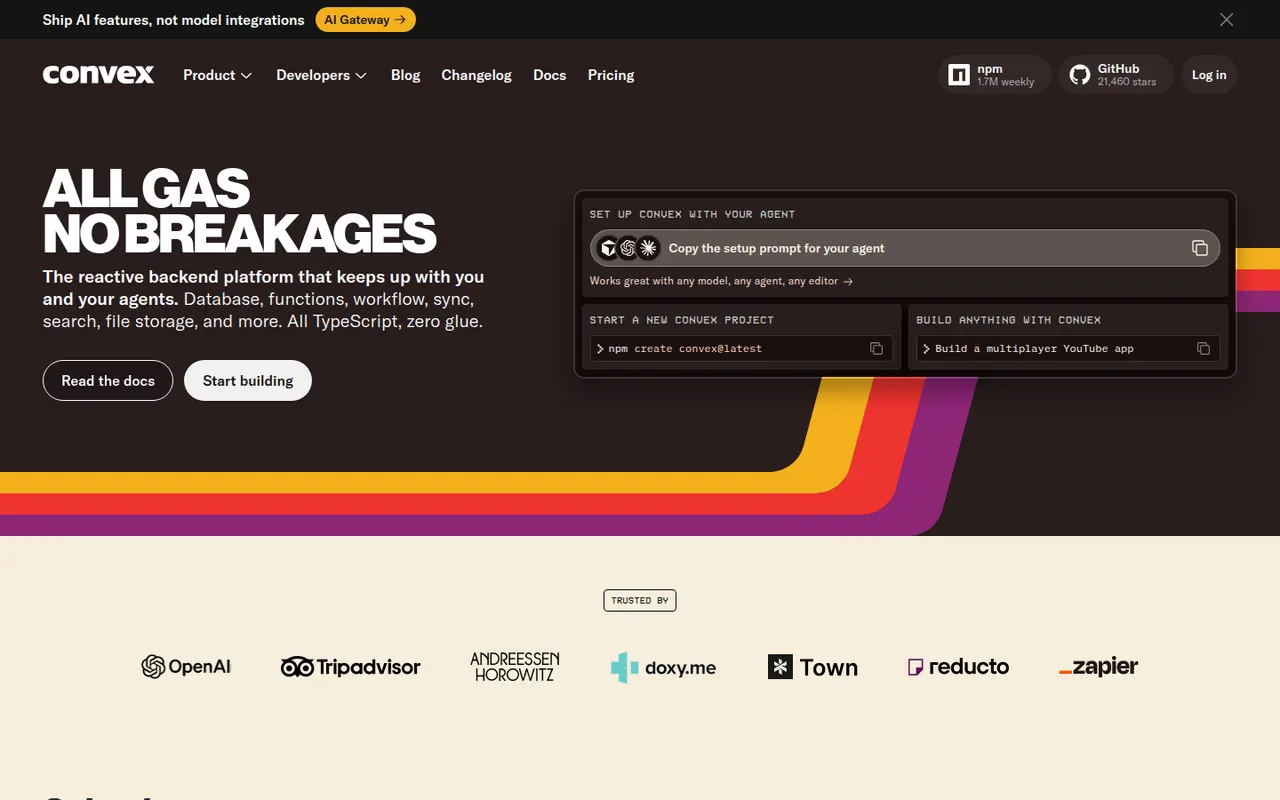
Cost / LicenseFreeOpen sourceCategoriesPlatformsConvex is a backend platform for app developers in which the database schema, queries, mutations and server functions are all written in TypeScript. Queries are reactive, so connected clients update automatically when data changes, with no manual caching. It also includes file storage, scheduled jobs, search and authentication. Convex Cloud has a free tier, and the backend can be self-hosted under the FSL license.
8 Convex alternativesPros
- Schema, queries and functions are all written in TypeScript
- Reactive queries update clients automatically, with no caching code
- Scheduled jobs, search, file storage and auth included
Cons
- Its own data model differs from SQL, which makes migrating away harder
- The FSL license is source available, not open source
- TypeScript-centric, less suited to teams using other backend languages
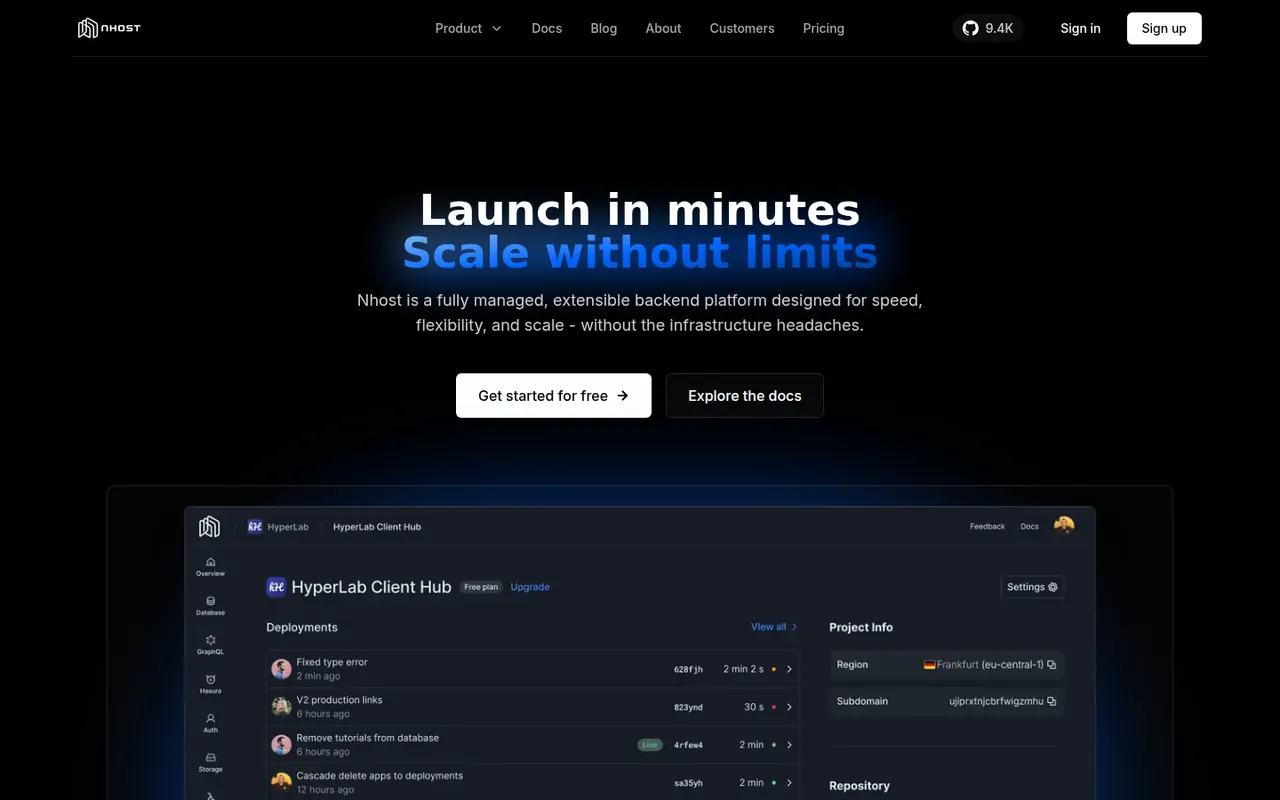
Cost / LicenseFreemiumSource availableCategoriesPlatformsNhost is an open source backend platform that combines a dedicated Postgres database, an instant GraphQL API powered by Hasura with realtime subscriptions, authentication, file storage and serverless functions. It also offers AI tooling such as vector embeddings. Projects run on Nhost Cloud, which has a free starter plan, or can be self-hosted, and a CLI supports local development.
8 Nhost alternativesPros
- Dedicated Postgres database for each project
- Instant GraphQL API with realtime subscriptions through Hasura
- Open source, with a CLI for local development and self-hosting
Cons
- GraphQL-first approach adds a learning curve for REST-oriented teams
- Smaller community and ecosystem than Supabase or Firebase
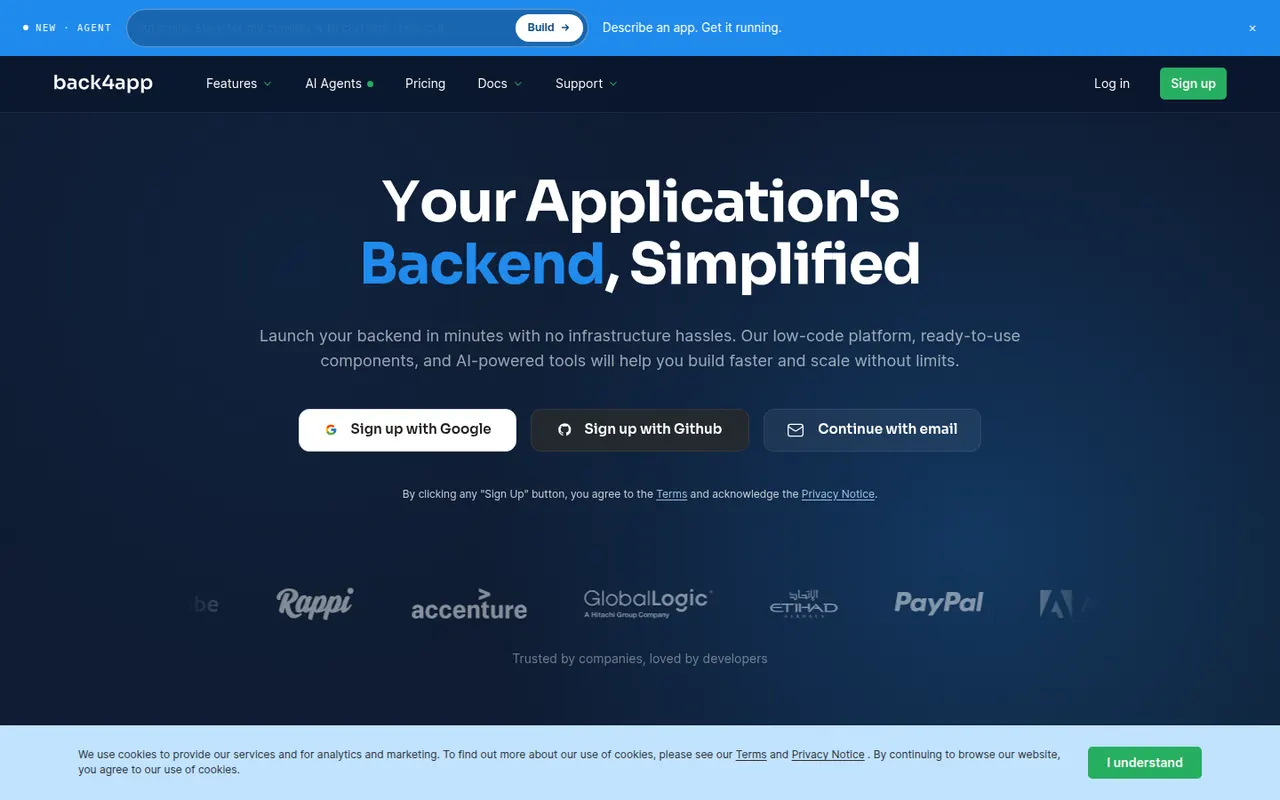
Cost / LicenseFreemiumOpen sourceCategoriesPlatformsBack4app is a backend-as-a-service platform built on the open source Parse Server. It provides a database with auto-generated REST and GraphQL APIs, user authentication, file storage, Cloud Code functions and live queries, managed from a spreadsheet-like dashboard. The company also offers a container-based web deployment platform and an AI agent for building cloud backends. Free plans are available for prototyping.
8 Back4app alternativesPros
- Built on open source Parse Server, which limits lock-in
- Auto-generated REST and GraphQL APIs for your data
- Spreadsheet-like dashboard is approachable for beginners
Cons
- The Parse ecosystem is less active than newer backend platforms
- Free plans are meant for prototypes; production needs a paid plan
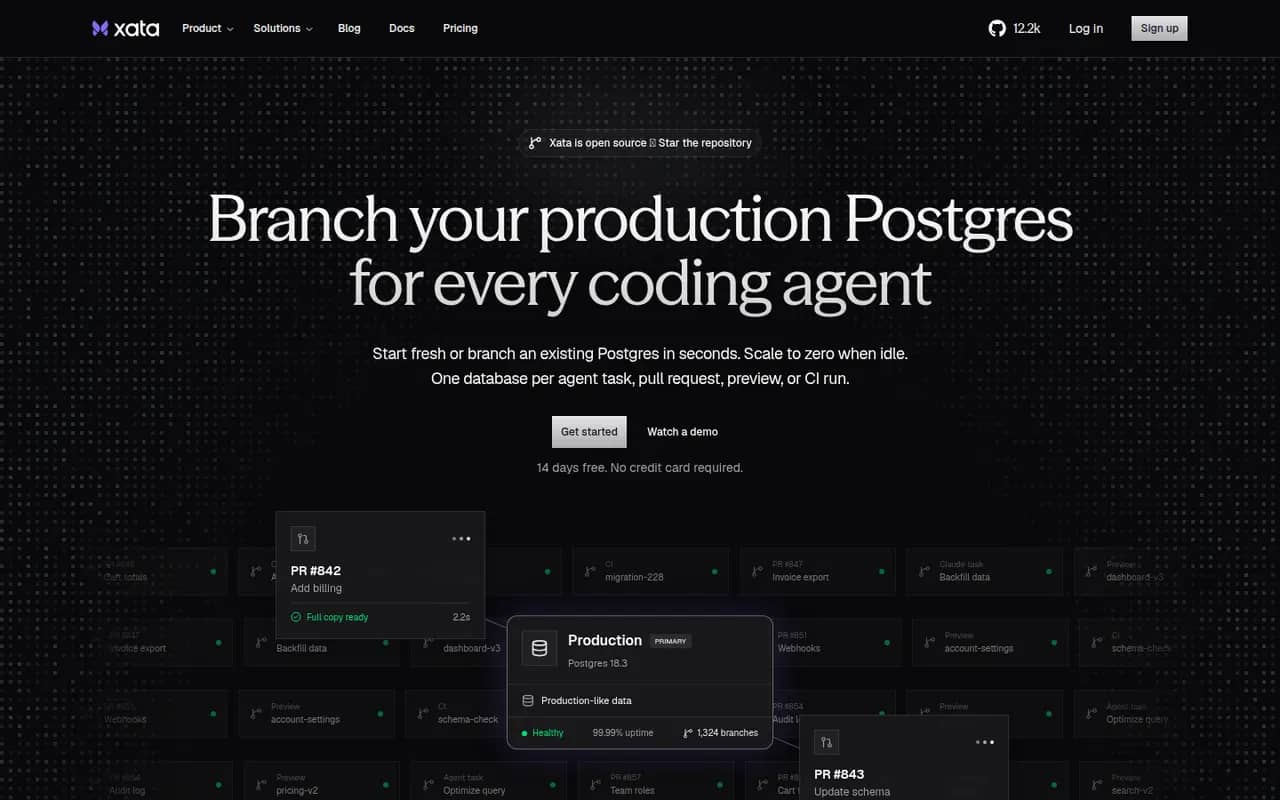
Cost / LicenseFreemiumProprietaryCategoriesPlatformsXata is a Postgres platform built around copy-on-write branching, which lets teams create full copies of large databases in seconds for previews, testing and development. It adds scale-to-zero compute, data anonymization and zero-downtime schema migrations. The platform is open source under Apache-2.0 for self-hosting on Kubernetes, and is also available as the managed Xata Cloud with a free trial.
8 Xata alternativesPros
- Copy-on-write branches clone large databases in seconds
- Built-in data anonymization for safer test environments
- Zero-downtime schema migrations and scale-to-zero compute
Cons
- Self-hosting requires Kubernetes, which is heavy for small teams
- Focused on Postgres, without the auth or file storage of a full backend
- The cloud offers a free trial rather than a permanent free tier
Cost / LicenseFreemiumOpen sourceCategoriesPlatforms