Apps with Git integration
25 apps
Top Git integration apps ranked by the community
Aider is an open source command-line tool for pair programming with large language models. It maps your repository so the model understands the codebase, edits multiple files in place and commits each change to git with a descriptive message, which makes edits easy to review or undo. It works with models from Anthropic, OpenAI, Google, DeepSeek or local ones, accepts voice input and can lint and test after edits.
8 Aider alternativesPros
- Free and open source, and works with any model, including local ones
- Commits each change to git for easy review and rollback
- Repository map gives the model context across the codebase
Cons
- Terminal-only workflow is less approachable than IDE tools
- Model API costs are on you unless you run local models
- Results depend heavily on the model you choose
Cost / LicenseFreeOpen sourceCategoriesCodex is OpenAI's software engineering agent. Connected to a GitHub repository, it works on tasks in a cloud sandbox from ChatGPT and proposes pull requests. The open source Codex CLI runs locally in the terminal, and an IDE extension brings the same agent to VS Code-based editors. It can build features, fix bugs, answer questions about a codebase and review code. Access comes with paid ChatGPT plans or API billing.
8 OpenAI Codex alternativesPros
- Cloud tasks run in a sandbox and come back as pull requests
- Open source CLI for local work in the terminal
- Same agent across the cloud, the terminal and the IDE
Cons
- Requires a paid ChatGPT plan or API billing
- Cloud tasks depend on connecting your GitHub repository
- Changes still need careful review before merging
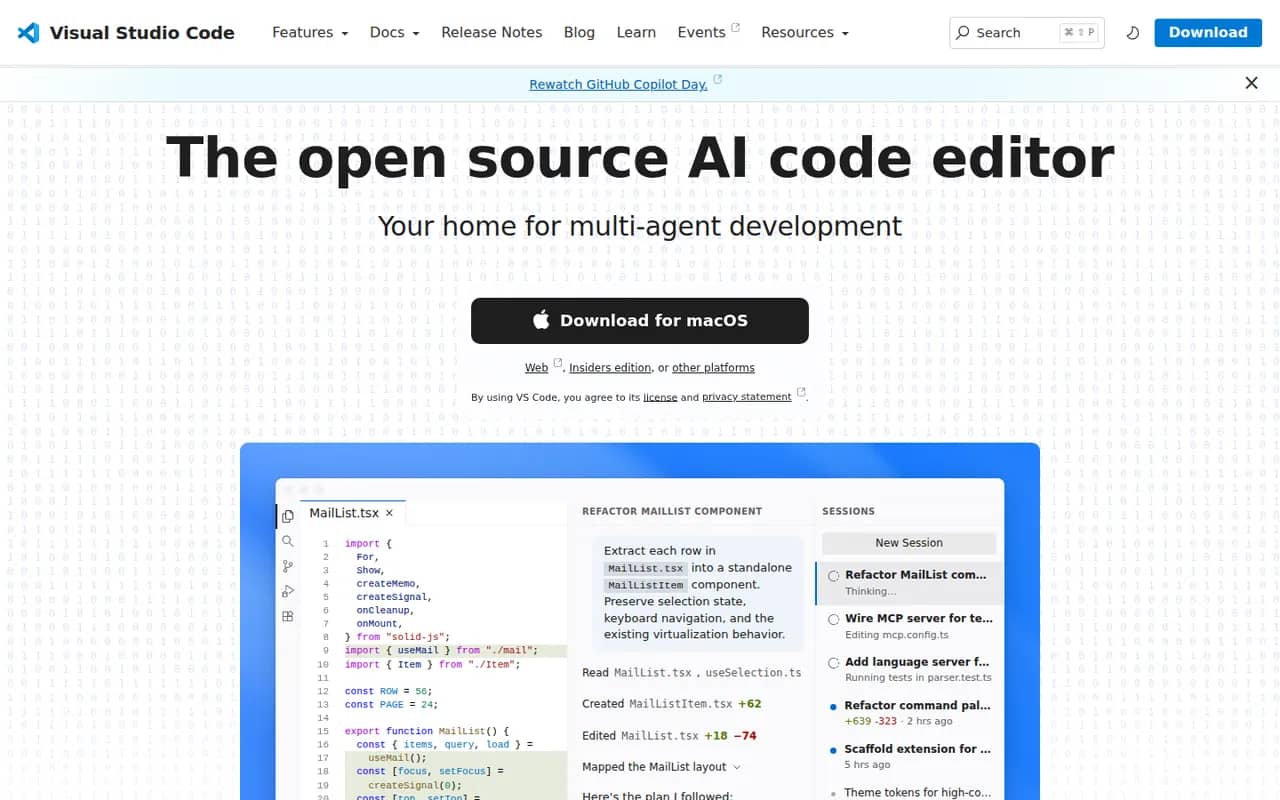
Cost / LicensePaidProprietaryCategoriesVisual Studio Code is a free source code editor from Microsoft that runs on Windows, macOS, Linux and in the browser. It combines IntelliSense completion, a built-in debugger, Git tools and an integrated terminal with a large extensions marketplace. It is built on the MIT-licensed Code - OSS project and integrates GitHub Copilot for AI chat and agent workflows.
12 Visual Studio Code alternativesPros
- Huge extensions marketplace for almost any language or tool
- Integrated terminal, debugger and Git tools
- Remote development over SSH, in containers and with WSL
Cons
- Official builds include Microsoft telemetry and proprietary components
- As an Electron app it uses more memory than native editors
- Large extension setups can slow it down
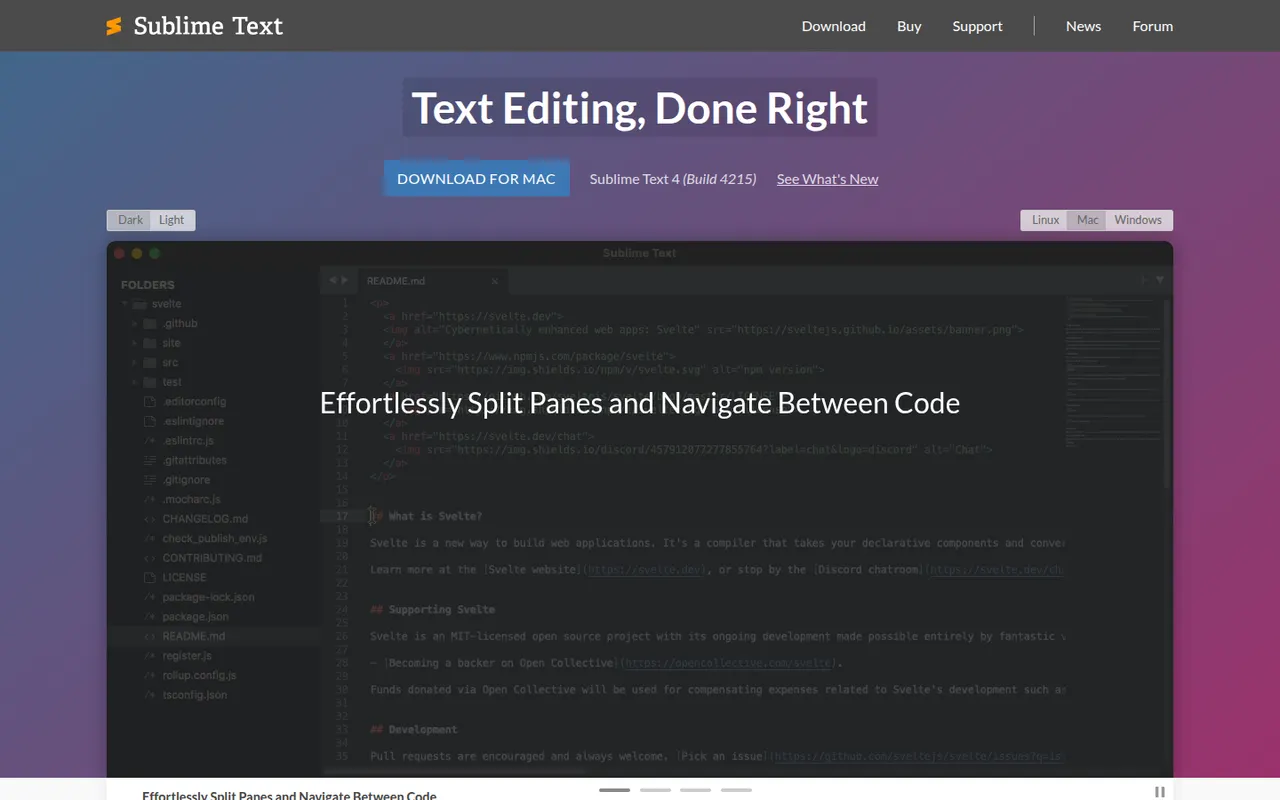
Cost / LicenseFreeOpen sourceCategoriesSublime Text is a cross-platform text and code editor from Sublime HQ, known for its speed and low resource use. Goto Anything, multiple cursors and a command palette make large files and projects quick to navigate. It is extended with Python plugins, usually installed through the community Package Control manager. It can be evaluated for free, but a license is required for continued use.
12 Sublime Text alternativesPros
- Extremely fast, even with very large files
- Multiple cursors and Goto Anything speed up navigation and edits
- Low memory use compared with Electron-based editors
Cons
- A license is required for continued use, with reminders during evaluation
- Fewer built-in IDE features, such as debugging, than VS Code
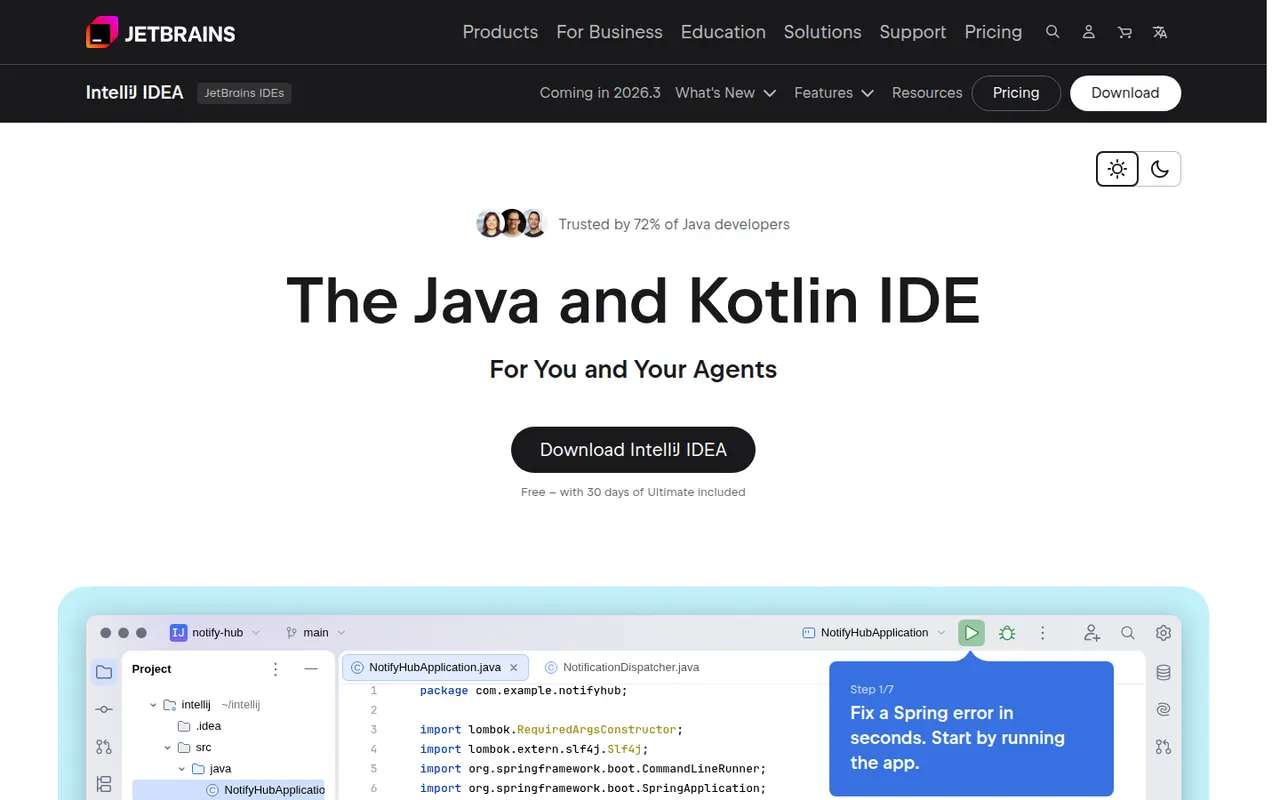
Cost / LicenseFree trialProprietaryCategoriesIntelliJ IDEA is the JetBrains development environment for Java, Kotlin, Groovy and Scala, with deep code analysis, refactoring, a debugger and Maven and Gradle support. Since 2025 it ships as a single download: the core IDE is free, including for commercial work, and a subscription unlocks advanced Ultimate features for enterprise frameworks and web development. JetBrains AI tools are built in.
10 IntelliJ IDEA alternativesPros
- Deep code analysis and safe refactoring for Java and Kotlin
- The core IDE is free, including for commercial work
- Excellent Maven, Gradle and debugger integration
Cons
- Resource-hungry, with slow indexing on large projects
- Enterprise framework and web features require a subscription
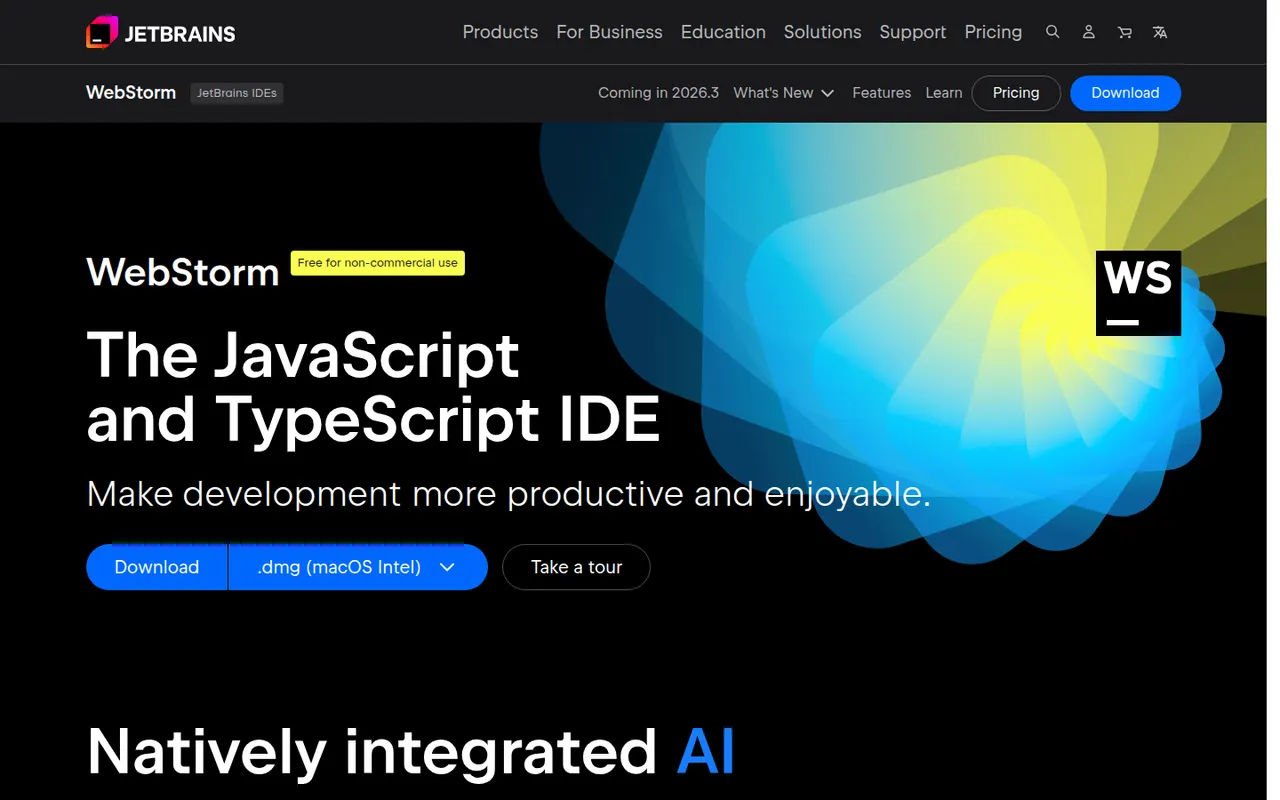
Cost / LicenseFreemiumProprietaryCategoriesWebStorm is a JetBrains IDE dedicated to JavaScript and TypeScript, with built-in support for React, Angular, Vue, Node.js and common test runners. It provides smart completion, safe refactorings, a debugger for browser and Node code, and Git tools without extra plugins. WebStorm is free for non-commercial use, and a paid license is required for commercial work.
8 WebStorm alternativesPros
- Built-in support for React, Angular, Vue and Node.js
- Smart completion and safe refactoring for JavaScript and TypeScript
- Free for non-commercial use
Cons
- Commercial use requires a paid license
- Heavier than VS Code for quick edits
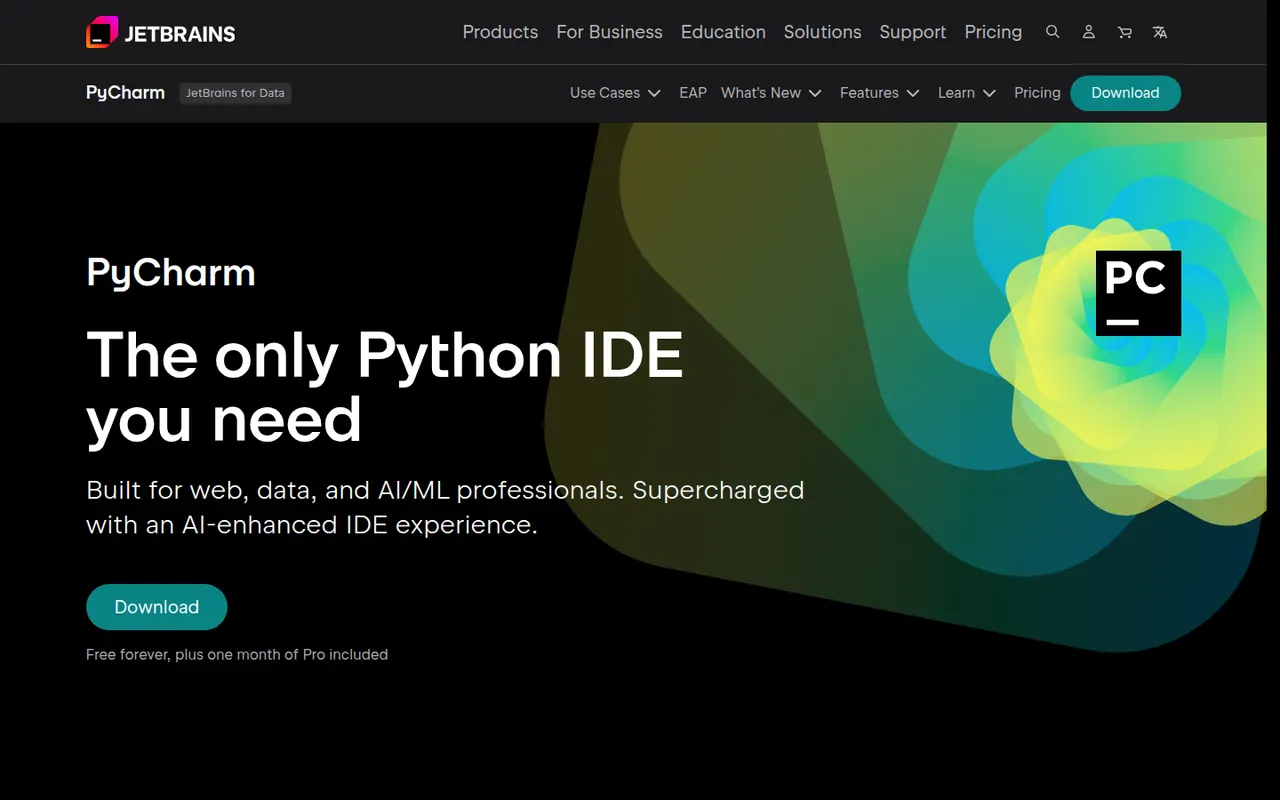
Cost / LicenseFreemiumProprietaryCategoriesPyCharm is the JetBrains IDE for Python, with code completion, inspections, refactoring, a graphical debugger, test runners and virtual environment management. A single distribution provides a free core for everyday Python work, while a Pro subscription unlocks advanced features for web frameworks such as Django, databases and remote development. JetBrains AI features are available in the IDE.
8 PyCharm alternativesPros
- Excellent Python completion, inspections and refactoring
- Graphical debugger, test runners and virtual environment management
- The free core covers everyday Python work
Cons
- Heavy on memory and slower to start than lighter editors
- Django, database and remote development tools require Pro
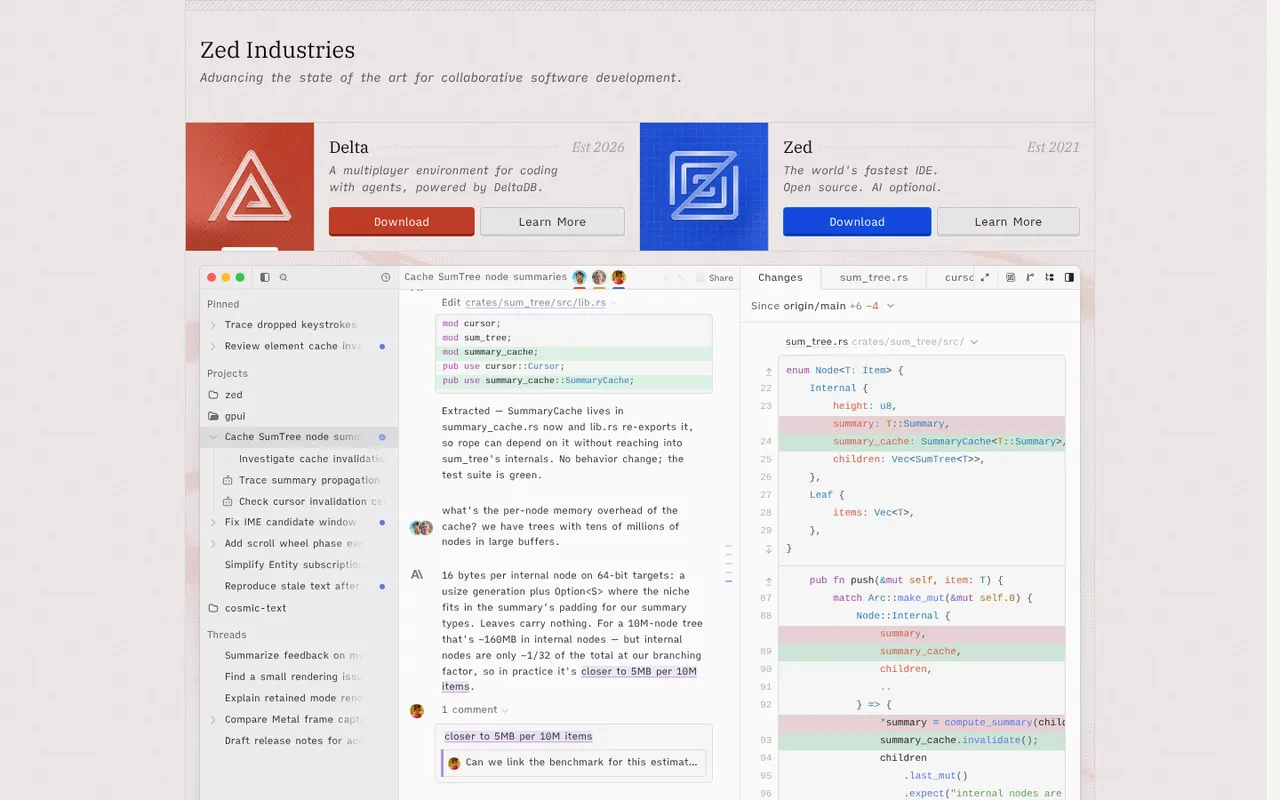
Cost / LicenseFreemiumProprietaryCategoriesZed is a code editor written in Rust by the creators of Atom and Tree-sitter, with a GPU-rendered interface that stays fast on large projects. It includes multiplayer editing, an agent panel that works with several AI models, edit predictions, Git tools, remote development over SSH and an extensions registry. Zed is open source under the GPL and runs on macOS, Linux and Windows; paid plans cover hosted AI usage.
12 Zed alternativesPros
- GPU-rendered interface that stays fast on large projects
- Built-in multiplayer editing and an agent panel for several AI models
- Open source under the GPL
Cons
- Smaller extension ecosystem than VS Code
- Some IDE features are less mature than in established editors
- Hosted AI usage requires a paid plan
Cost / LicenseFreemiumOpen sourceCategoriesVisual Studio is Microsoft's integrated development environment for building .NET, C# and C++ applications, games and cloud services. It includes IntelliSense, an advanced debugger and profiler, visual designers, testing tools, Git integration and GitHub Copilot. The Community edition is free for individuals, students, open source and small teams, while Professional and Enterprise are paid. It runs on Windows only.
8 Visual Studio alternativesPros
- Advanced debugger and profiler for .NET and C++ apps
- Visual designers and testing tools for Windows development
- Free Community edition for individuals, students and small teams
Cons
- Windows only, as Visual Studio for Mac has been retired
- Large install and heavy resource use
- Professional and Enterprise editions are paid
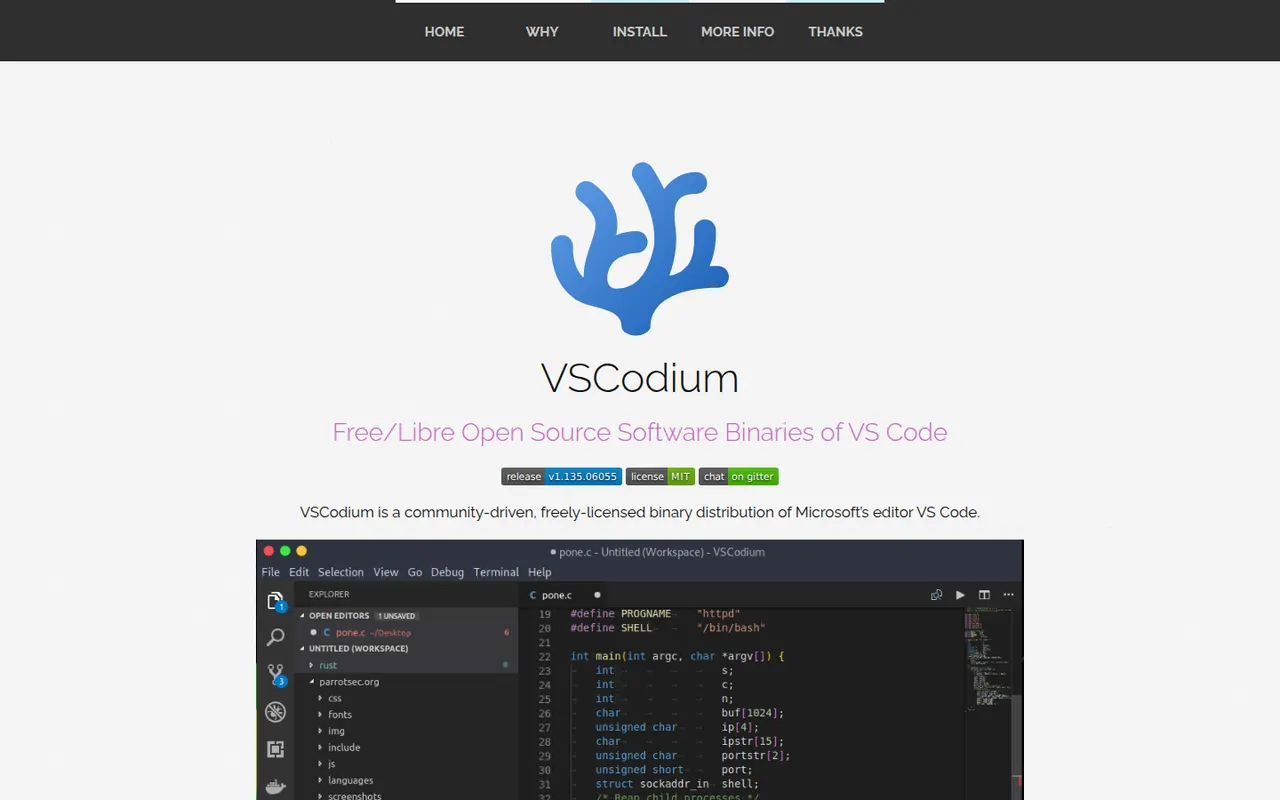
Cost / LicenseFreemiumProprietaryCategoriesPlatformsVSCodium is a community project that compiles the open source VS Code codebase into ready-to-use MIT-licensed binaries, with Microsoft telemetry disabled and branding removed. It offers the same editing experience, debugger, terminal and Git tools, and installs extensions from the Open VSX registry instead of the Microsoft marketplace. It suits developers who want the VS Code workflow in a fully open source package.
12 VSCodium alternativesPros
- The VS Code experience without Microsoft telemetry or branding
- Fully open source, MIT-licensed binaries
- Ready-made builds for Windows, macOS and Linux
Cons
- Open VSX lacks some extensions found in the Microsoft marketplace
- Microsoft extensions such as Pylance or Remote SSH are not officially usable
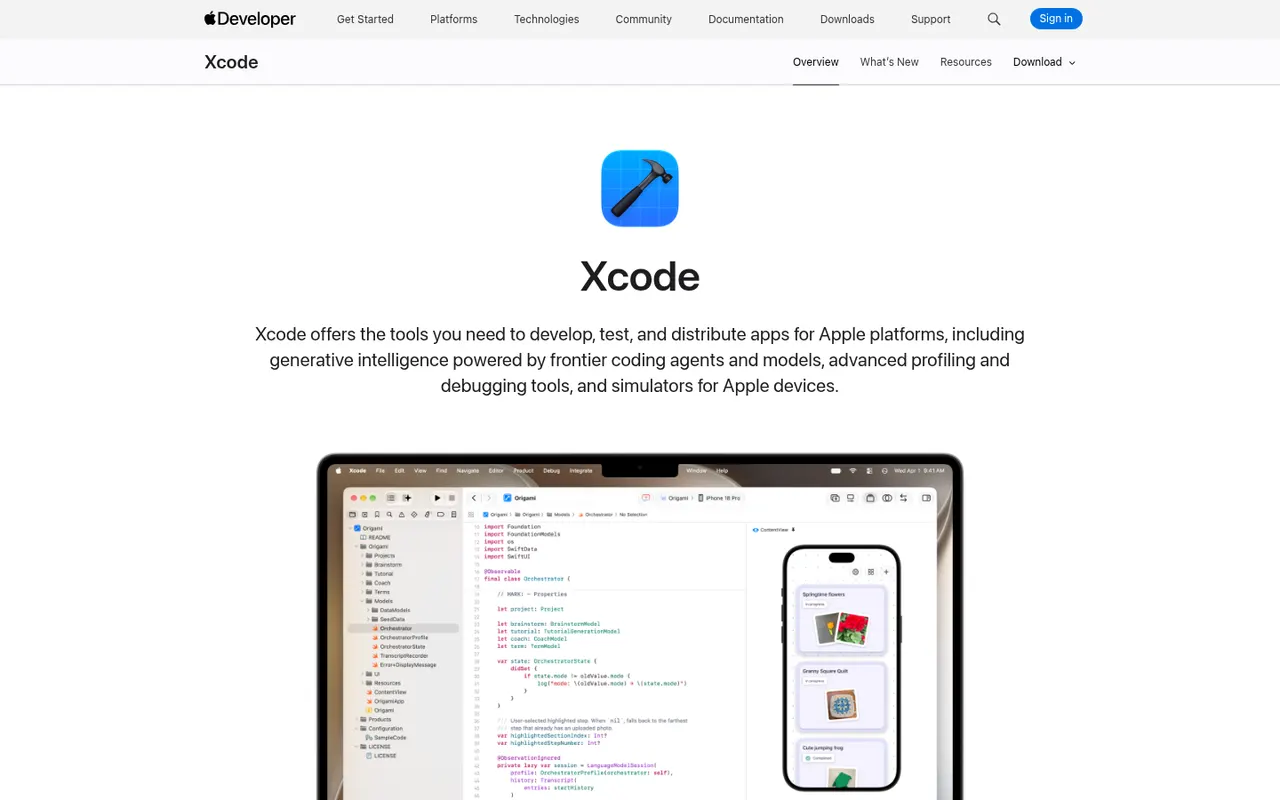
Cost / LicenseFreeOpen sourceCategoriesXcode is Apple's free development environment for building apps for iOS, iPadOS, macOS, watchOS, tvOS and visionOS. It bundles the Swift and Objective-C toolchains, SwiftUI previews, Interface Builder, device simulators, Instruments for profiling, a debugger and tools to submit apps to the App Store. Recent versions add predictive code completion and coding help from AI models. It runs on macOS only.
7 Xcode alternativesPros
- Everything needed to build and ship Apple apps in one free package
- SwiftUI previews, simulators and Instruments built in
- Built-in tools to submit apps to the App Store
Cons
- Runs only on macOS, so a Mac is required
- Large downloads and updates take up a lot of disk space
- Indexing and previews can be slow or unstable on large projects
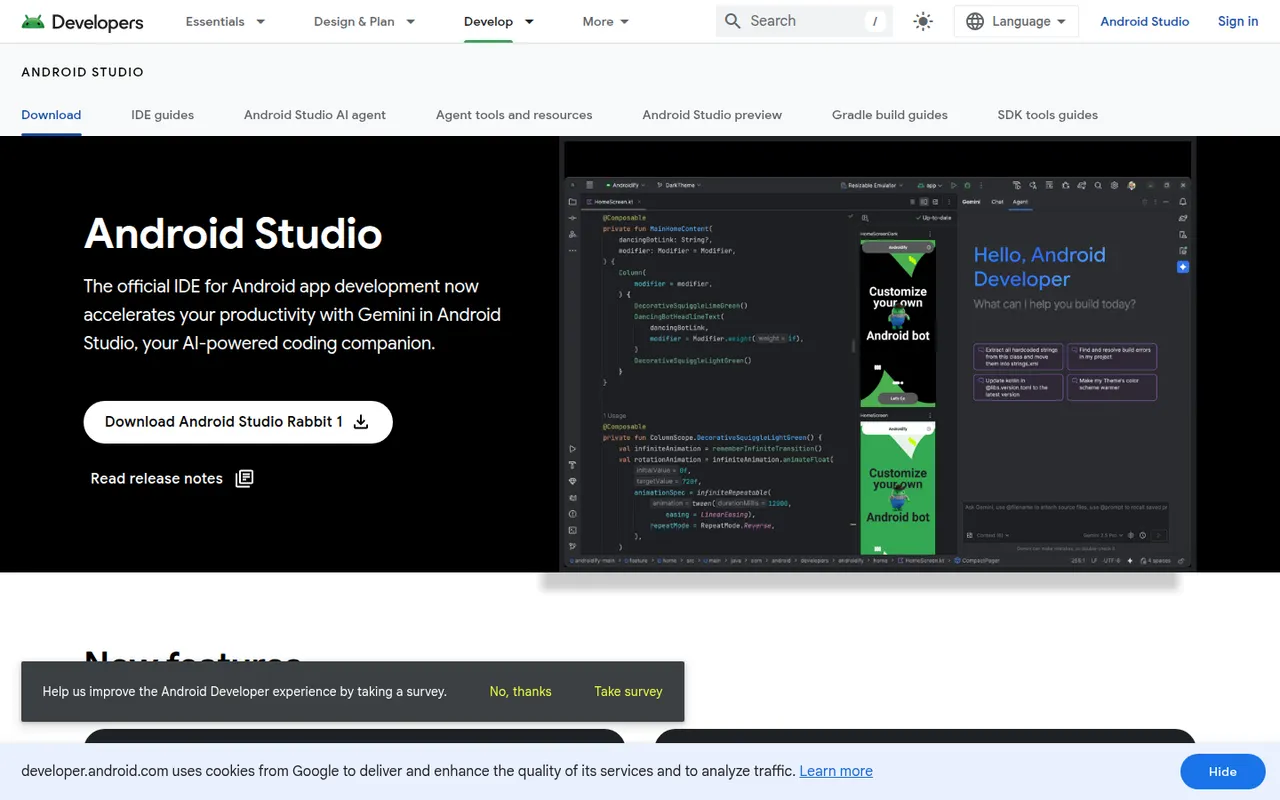
Cost / LicenseFreeProprietaryCategoriesPlatformsAndroid Studio is the official development environment for Android, built by Google on the IntelliJ platform. It provides Kotlin and Java editing, a visual layout editor, Jetpack Compose previews, an emulator, profilers and Gradle builds for phones, tablets, Wear OS, Android TV and cars. Gemini in Android Studio adds AI help for writing code and fixing errors. It is free on Windows, macOS, Linux and ChromeOS.
7 Android Studio alternativesPros
- Official, complete Android toolkit, free on all desktop systems
- Emulator, profilers and Compose previews built in
- Gemini helps write code and fix build errors
Cons
- Heavy on RAM and CPU, especially with the emulator running
- Gradle builds can be slow on large projects
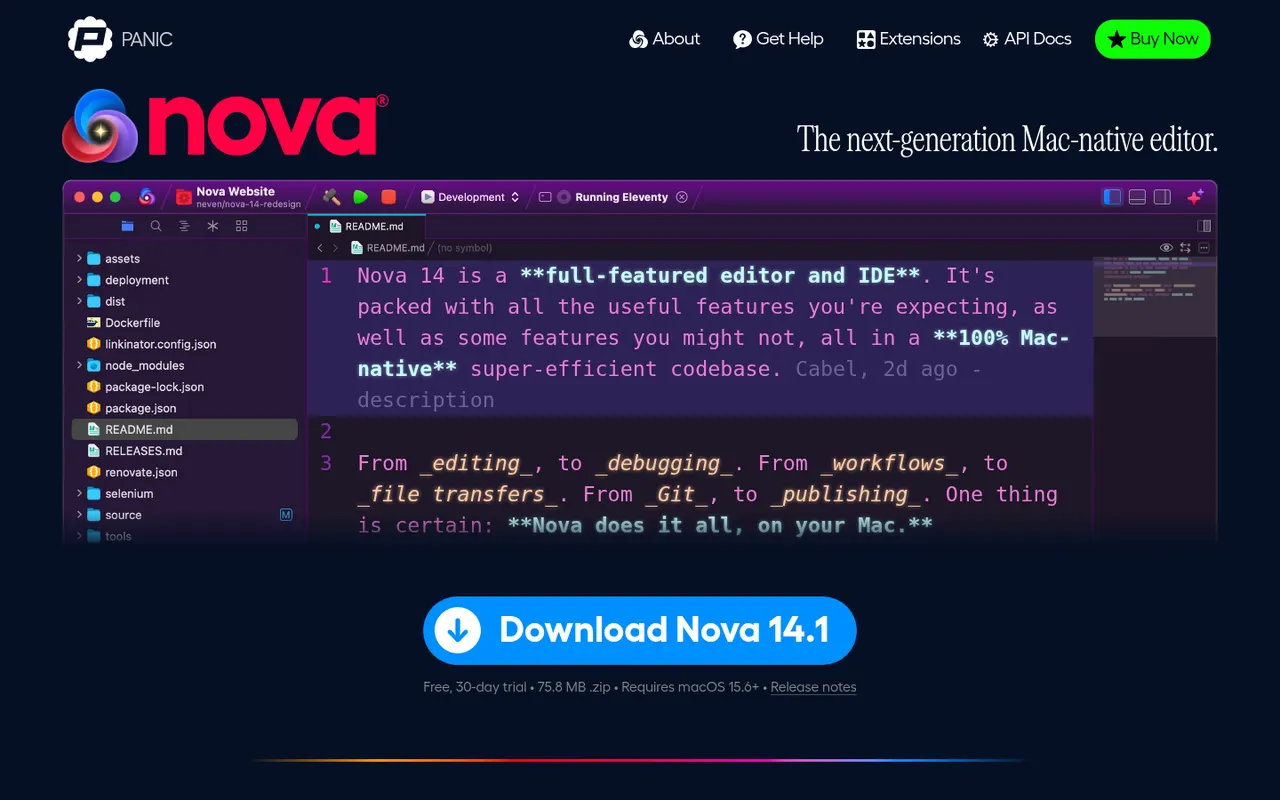
Cost / LicenseFreeProprietaryCategoriesNova is a native macOS code editor from Panic, the company behind Transmit and Coda. It pairs a Mac-style interface with language server support, Git source control, a built-in terminal, task runners and publishing to remote servers, and can be extended with JavaScript extensions from its library. Nova is a paid app with a free trial, aimed at web and app developers who prefer a fully native editor.
8 Nova alternativesPros
- Fully native Mac interface that feels fast and polished
- Built-in terminal, Git, task runners and remote publishing
- JavaScript extensions add languages and tools
Cons
- Available on macOS only
- Smaller extension library than VS Code
- Requires a paid license after the trial, while strong free editors exist
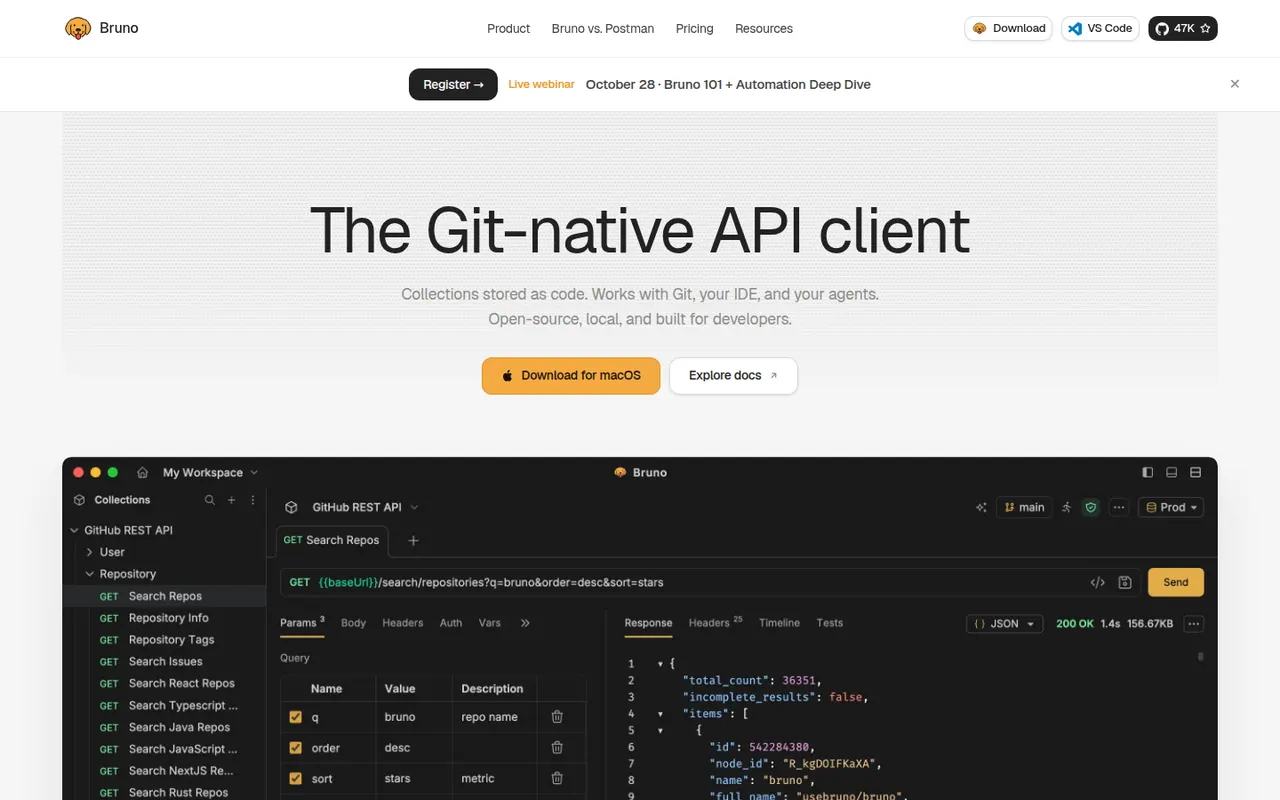
Cost / LicenseFree trialProprietaryCategoriesPlatformsBruno is an open source API client that keeps collections as plain-text files on your disk rather than in a vendor cloud. Requests live next to your code and can be versioned and reviewed with Git like any other file. It handles REST and GraphQL requests, environments, scripting and assertions, and works fully offline without an account. Paid editions add advanced Git tools, AI assistance and enterprise features.
6 Bruno alternativesPros
- Collections stored as plain-text files you can version with Git
- Works fully offline, with no account required
- Open source, with REST, GraphQL, scripting and assertions
Cons
- No built-in cloud sync: teams share collections through Git
- Advanced Git tools and AI features need a paid edition
- Smaller ecosystem than long-established API clients
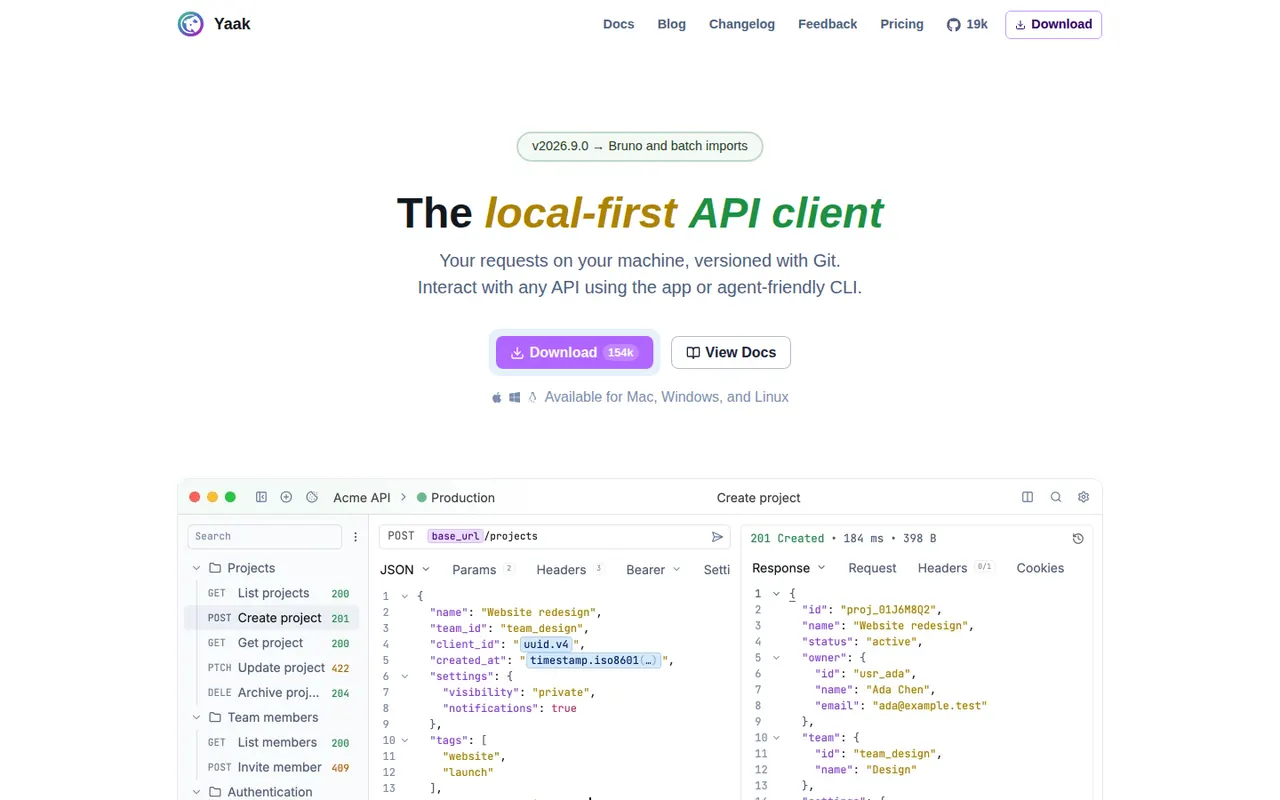
Cost / LicenseFreemiumOpen sourceCategoriesYaak is a desktop API client created by Gregory Schier, the original author of Insomnia. It handles REST, GraphQL, gRPC, WebSocket and server-sent event requests, stores them as files that work with Git, and supports plugins for auth, importers and template functions. No account is required and secrets can be encrypted. Yaak is open source under MIT and free for personal use, with a paid license for use at work.
6 Yaak alternativesPros
- Requests are stored as plain files that work well with Git
- No account needed, with optional encryption for secrets
- Fast, clean desktop app from the original author of Insomnia
Cons
- Use at work requires a paid license
- Younger project with a smaller plugin ecosystem than Postman
- Desktop only, with team sharing handled through Git rather than a cloud workspace
Cost / LicenseFreemiumOpen sourceCategoriesVercel is a cloud platform for deploying web apps, run by the company behind Next.js. Connecting a Git repository gives automatic builds, a preview URL for every pull request and delivery from a global edge network, with serverless and edge functions for dynamic code. It also offers analytics, storage integrations and AI tooling. A free Hobby plan suits personal projects; paid plans cover teams.
10 Vercel alternativesPros
- First-class Next.js support from the company that builds it
- Automatic builds and a preview URL for every pull request
- Global edge network with serverless and edge functions
Cons
- Usage-based costs can jump sharply when traffic spikes
- The free Hobby plan is limited to personal, non-commercial use
- Some features are tied to Next.js, which raises lock-in concerns
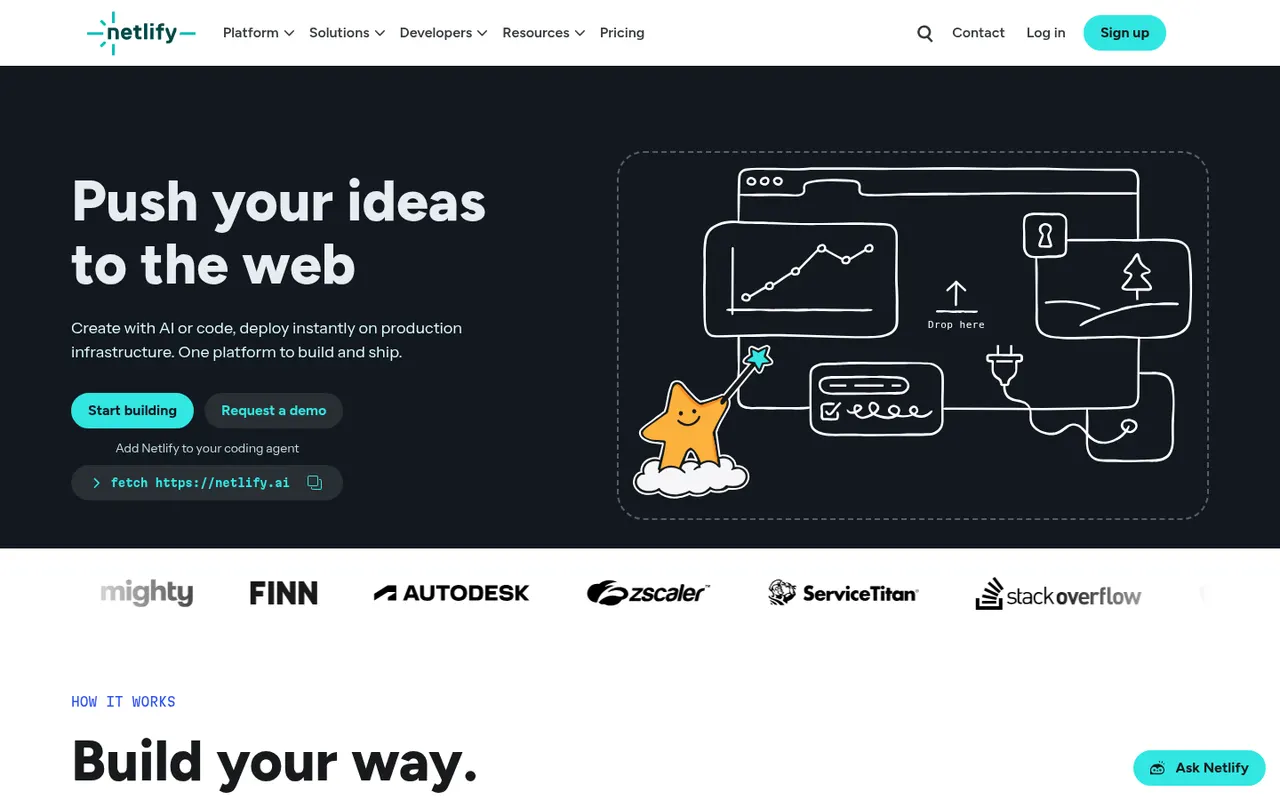
Cost / LicenseFreemiumProprietaryCategoriesPlatformsNetlify is a hosting and deployment platform that builds sites straight from a Git repository and serves them from a global network. Every pull request gets a deploy preview, and serverless functions, edge functions, form handling and build plugins cover dynamic needs without managing a server. It works with most frontend frameworks and static site generators, and offers a free plan alongside paid tiers for teams.
10 Netlify alternativesPros
- Deploy previews for every pull request, straight from Git
- Built-in forms, serverless and edge functions without managing servers
- Works with most frontend frameworks and static site generators
Cons
- Costs can rise quickly as traffic and build usage grow
- Less suited to long-running backends or heavy server workloads
Cost / LicenseFreemiumProprietaryCategoriesPlatformsHeroku is a platform as a service owned by Salesforce that runs applications in managed containers called dynos. Developers deploy with git push or from GitHub, get review apps for pull requests and attach add-ons such as Postgres and Redis. There is no free tier. Since 2026, Salesforce has kept Heroku in a sustaining engineering mode focused on stability and security rather than new features.
9 Heroku alternativesPros
- Famously simple deploys with git push or from GitHub
- Review apps for pull requests and a large add-on marketplace
- Mature platform with managed Postgres and Redis add-ons
Cons
- No free tier, and pricing is high for the resources provided
- In sustaining mode, with no major new features expected
Cost / LicensePaidProprietaryCategoriesPlatformsRender is a cloud application platform for hosting web services, static sites, background workers, cron jobs and managed Postgres and key-value databases. Apps deploy automatically from Git or a Docker image, with free TLS, custom domains, private networking and preview environments for pull requests. It is often chosen as a simpler alternative to Heroku, and free instances let you try services before upgrading.
10 Render alternativesPros
- Heroku-like simplicity for services, workers, cron jobs and databases
- Auto-deploys from Git or Docker with free TLS and private networking
- Preview environments for pull requests
Cons
- Free instances spin down when idle, which causes slow cold starts
- Costs add up as services and databases multiply
Cost / LicenseFreemiumProprietaryCategoriesPlatformsRailway is a deployment platform where apps, databases and workers sit on a visual canvas and talk over private networking. Services deploy from a GitHub repository, a Dockerfile or a template, and Postgres, MySQL, Redis or MongoDB can be added in a few clicks. Billing follows actual resource usage, and pull requests can spin up temporary environments. A trial with credits leads to a small free plan or paid tiers.
9 Railway alternativesPros
- Visual canvas makes multi-service architectures easy to follow
- Add Postgres, MySQL, Redis or MongoDB in a few clicks
- Temporary environments spin up for pull requests
Cons
- Usage-based billing makes monthly costs harder to predict
- Free plan is small once the trial credits run out
- Fewer regions and less control than the large cloud providers
Cost / LicenseFreemiumProprietaryCategoriesPlatformsCloudflare Pages builds sites from a Git repository or direct uploads and serves them from Cloudflare's global network. It provides preview URLs for every branch, custom domains with automatic TLS and Pages Functions for server-side code on Workers. The free plan covers many small sites. Cloudflare now recommends Workers with static assets for new projects, while existing Pages projects remain supported.
8 Cloudflare Pages alternativesPros
- Generous free plan for static and small sites
- Served from Cloudflare’s global network with automatic TLS
- Preview URL for every branch, plus Functions running on Workers
Cons
- Cloudflare now steers new projects toward Workers instead
- Workers runtime is not full Node.js, so some libraries need adapting
- Poorly suited to traditional backends or long-running processes
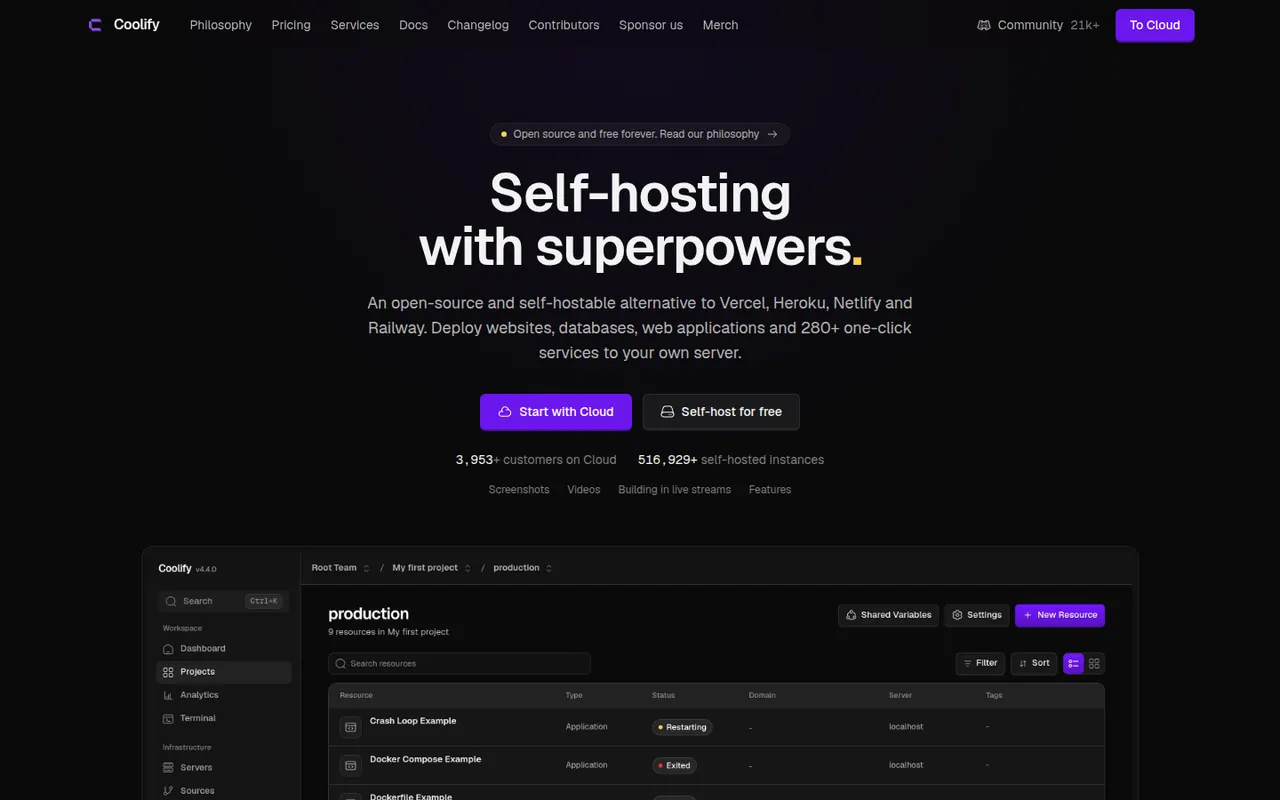
Cost / LicenseFreemiumProprietaryCategoriesPlatformsCoolify is an open source platform as a service you install on your own servers to deploy apps, databases and services. It builds apps from Git repositories, Dockerfiles or Docker Compose files, handles the reverse proxy and automatic SSL, and creates pull request previews. A catalog of one-click services covers common tools. Self-hosting is free; the paid Coolify Cloud hosts the control panel for you.
9 Coolify alternativesPros
- Free and open source, running on your own servers
- Deploys from Git, Dockerfiles or Docker Compose with automatic SSL
- One-click catalog for databases and common self-hosted tools
Cons
- You remain responsible for servers, backups and security
- Troubleshooting failed builds can require Docker and Linux knowledge
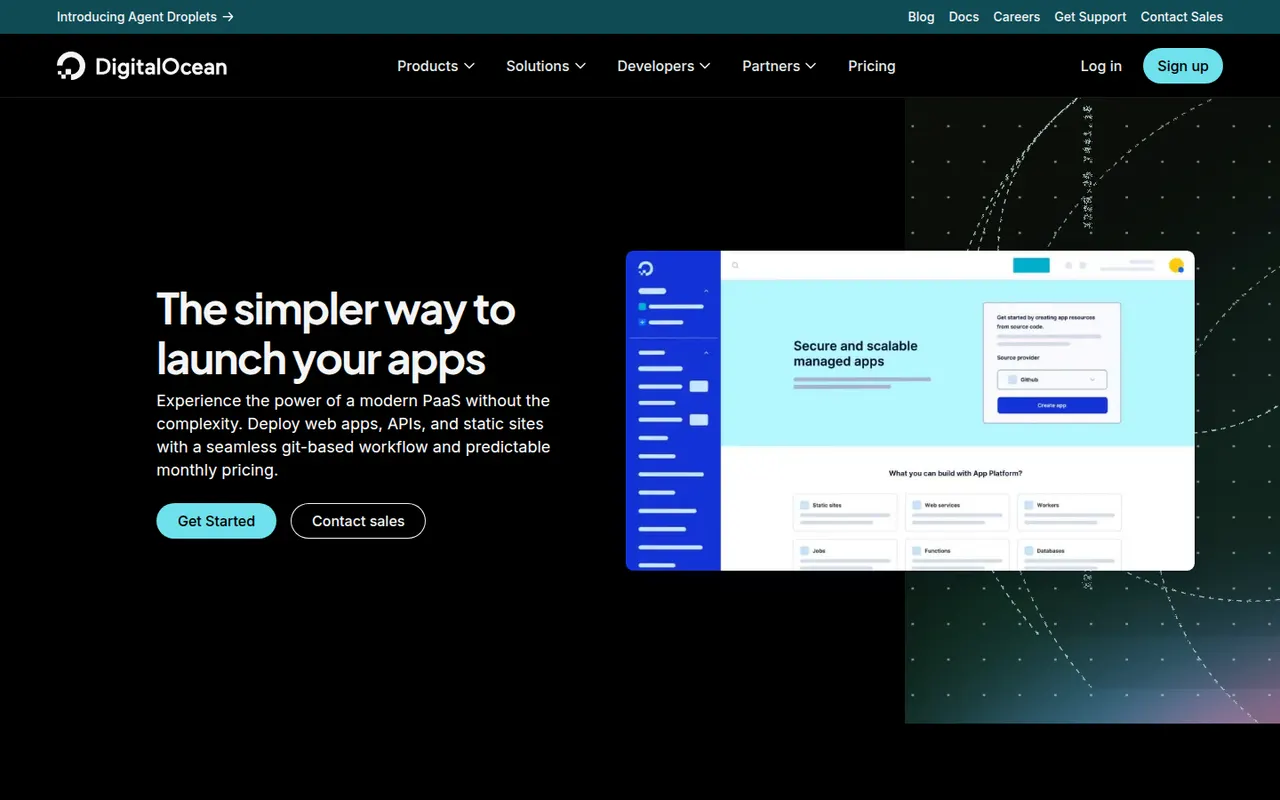
Cost / LicenseFreemiumOpen sourceCategoriesPlatformsDigitalOcean App Platform is a managed platform as a service that builds and runs web services, static sites, workers and jobs from a Git repository or a container image. It handles TLS, scaling and zero-downtime deploys, and connects to DigitalOcean managed databases and Spaces storage. It suits DigitalOcean users who want to deploy without managing Droplets, and static sites can be hosted for free.
10 DigitalOcean App Platform alternativesPros
- Simple deploys from Git or container images, with TLS and scaling handled
- Integrates with DigitalOcean managed databases and Spaces storage
- Static sites can be hosted for free
Cons
- Fewer services and regions than the largest cloud providers
- Costs more for the same resources than managing your own Droplet
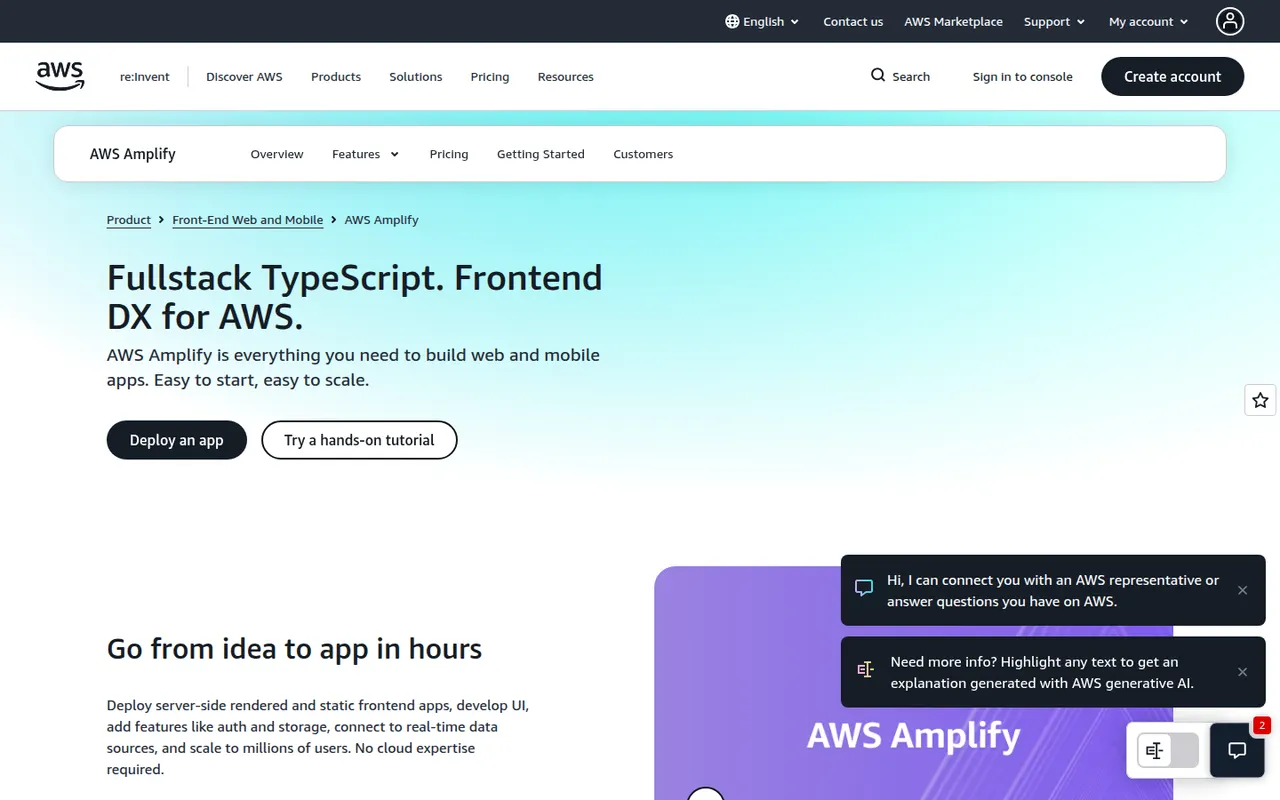
Cost / LicenseFreemiumProprietaryCategoriesPlatformsAWS Amplify is a set of tools and services from Amazon Web Services for building full-stack web and mobile apps. Amplify Hosting deploys frontends from Git with pull request previews and custom domains, while the backend side sets up authentication, data, storage and functions on AWS services, defined in TypeScript code. Its open source client libraries cover JavaScript, React Native, Swift, Android and Flutter.
12 AWS Amplify alternativesPros
- Git-based hosting with pull request previews and custom domains
- Sets up auth, data, storage and functions on AWS from TypeScript code
- Client libraries for JavaScript, React Native, Swift, Android and Flutter
Cons
- Ties your backend closely to AWS services
- Debugging often means digging into the underlying AWS consoles
- Usage-based AWS billing can be hard to predict
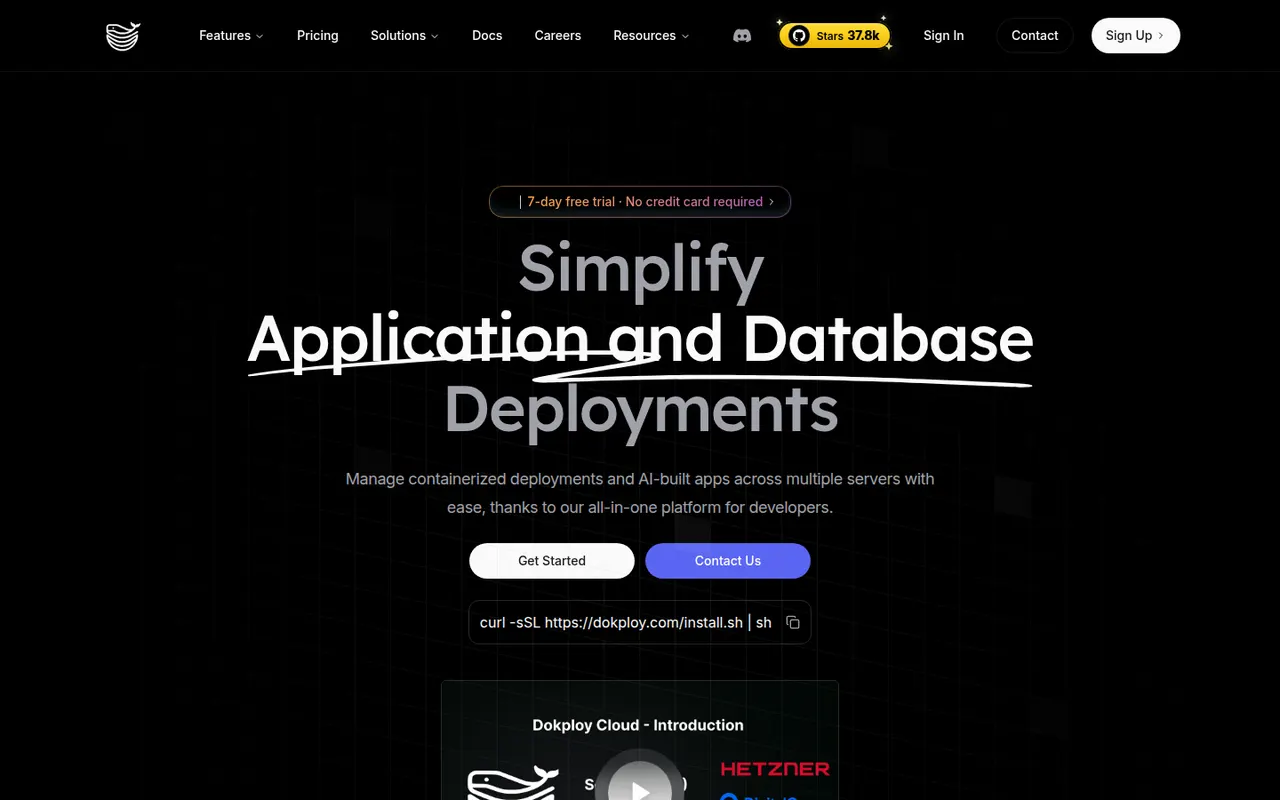
Cost / LicenseFreemiumProprietaryCategoriesPlatformsDokploy is an open source platform as a service for deploying applications and databases on your own servers. It builds from Git, Dockerfiles, buildpacks or Docker Compose, manages domains and certificates through Traefik, schedules database backups and can spread workloads across nodes with Docker Swarm. Templates cover popular self-hosted tools. The core is Apache-2.0 licensed, and a managed Dokploy Cloud exists.
8 Dokploy alternativesPros
- Apache-2.0 open source core you can run on your own servers
- Builds from Git, Dockerfiles, buildpacks or Docker Compose
- Scheduled database backups and multi-node setups with Docker Swarm
Cons
- Self-hosting leaves maintenance and security to you
- Younger project with a smaller community than more established tools
Cost / LicenseFreemiumOpen sourceCategoriesPlatforms