Apps with Dark mode
10 apps
Top Dark mode apps ranked by the community
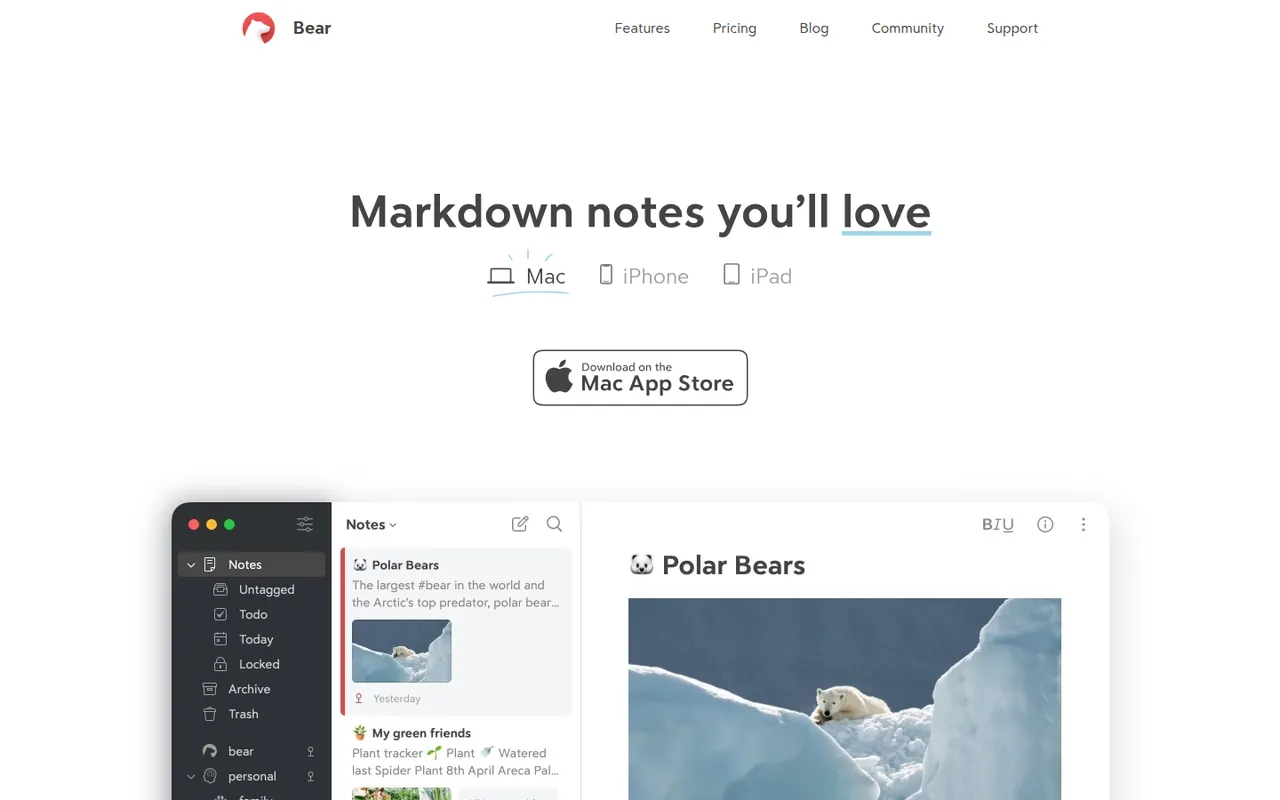
Bear is a writing and note-taking app for Mac, iPhone and iPad from Shiny Frog, built on Markdown with nested tags, links between notes and a choice of themes. The app is free to use on a single device, while Bear Pro adds iCloud sync across devices, OCR search in images and PDFs, and more export formats.
12 Bear alternativesPros
- Elegant Markdown editor with a choice of themes
- Nested tags and note links keep things organized without folders
- Native, fast apps designed for Mac, iPhone and iPad
Cons
- Apple only, with no Windows, Android or web version
- Sync across devices requires the Pro subscription
- No shared notes or real-time collaboration
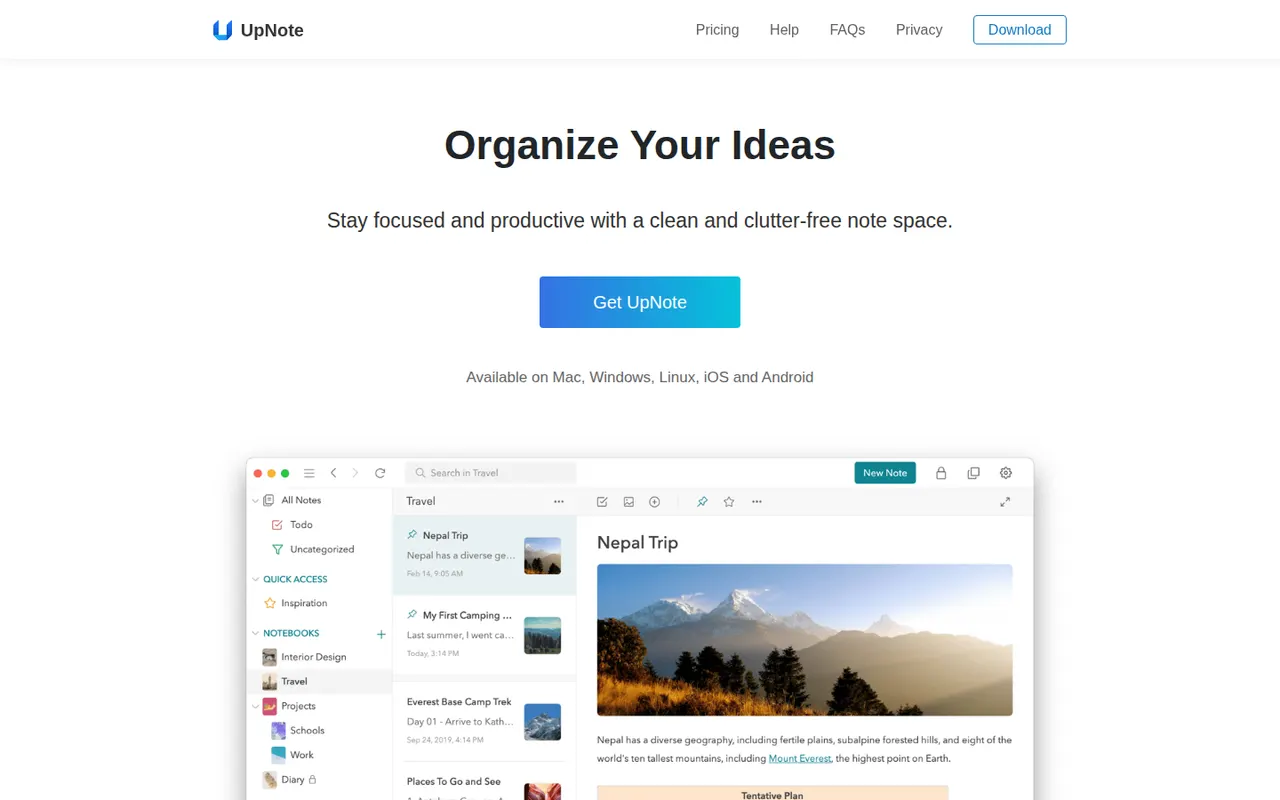
Cost / LicenseFreemiumProprietaryCategoriesUpNote is a note-taking app with a clean editor, notebooks, tags and links between notes, available on the web, Windows, Mac, Linux, iOS and Android. Notes are stored locally for offline use and synced across devices, with a web clipper and Markdown shortcuts. The free version is capped at a small number of notes, and Premium can be bought once or as a subscription.
11 UpNote alternativesPros
- Clean editor with notebooks, tags and links between notes
- Apps on every platform, including Linux and the web
- Premium is available as a one-time purchase
Cons
- The free version is capped at a small number of notes
- No shared notebooks or real-time collaboration
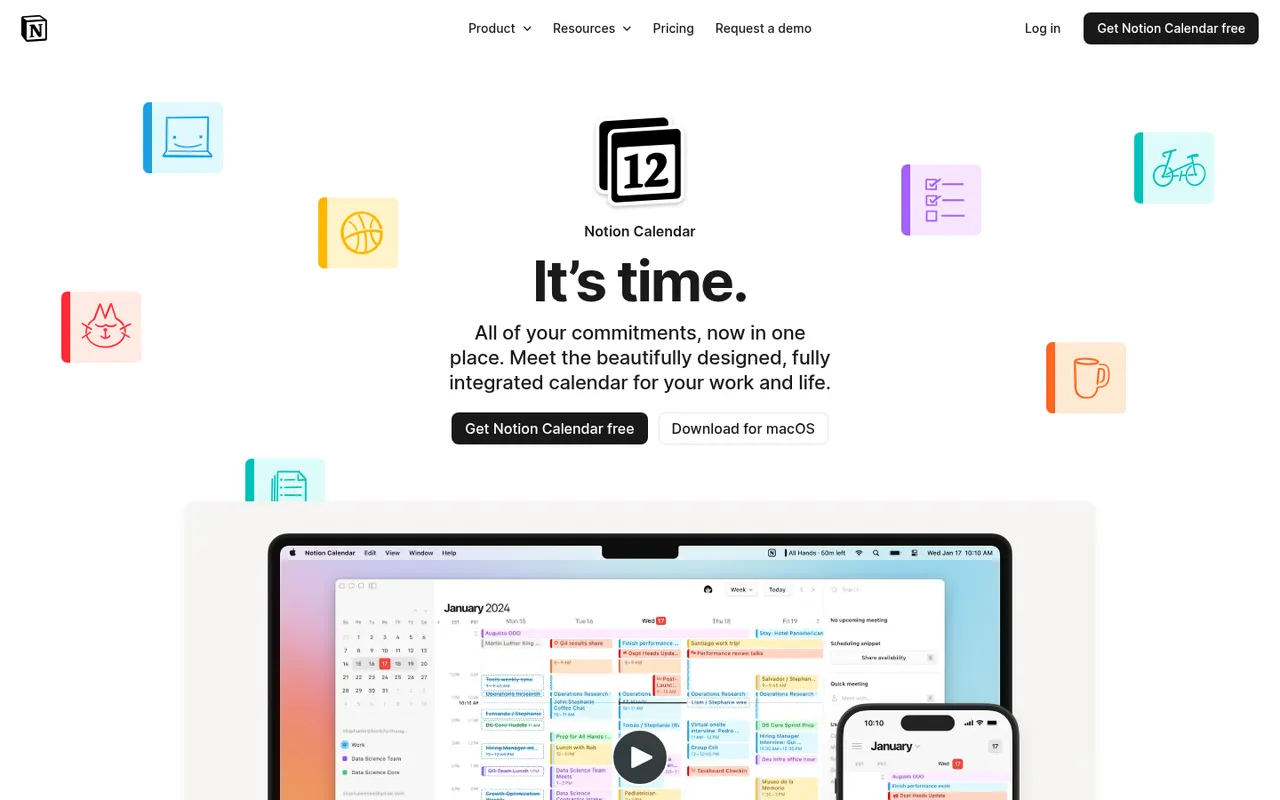
Cost / LicenseFreemiumProprietaryCategoriesNotion Calendar, formerly Cron, is a free calendar for desktop, web and iPhone that works on top of Google Calendar accounts and connects to Notion databases, so pages with dates appear next to meetings. It is designed for keyboard-heavy users, with many shortcuts, a menu bar for joining calls, multiple time zones and availability sharing.
8 Notion Calendar alternativesPros
- Free, fast and designed for keyboard use
- Shows dated Notion database pages next to meetings
- Handles multiple time zones and availability sharing well
Cons
- Built on Google Calendar accounts, a poor fit for Outlook or iCloud users
- Few planning features beyond the link with Notion
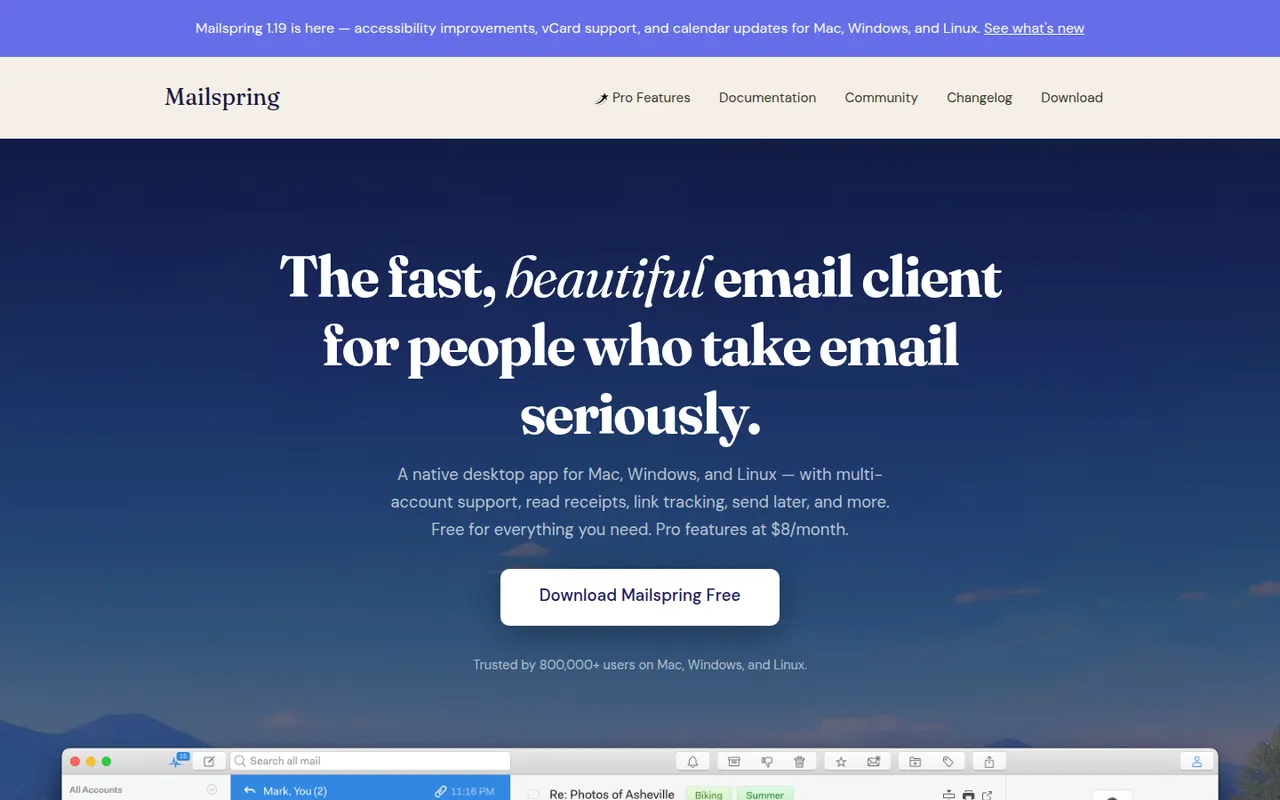
Cost / LicenseFreeProprietaryCategoriesMailspring is a free, open-source desktop email client for Windows, macOS and Linux that works with Gmail, Office 365, iCloud and any IMAP account. It offers a unified inbox, fast search, themes and templates, and runs its mail sync engine locally rather than in the cloud. An optional Pro subscription adds read receipts, link tracking, send later and reminders.
7 Mailspring alternativesPros
- Free and open source on Windows, Mac and Linux
- Sync engine runs locally rather than through a cloud service
- Unified inbox, themes and templates in a clean interface
Cons
- Send later, reminders and read receipts require Pro
- A Mailspring ID account is required even for the free version
- No mobile apps to go with the desktop client
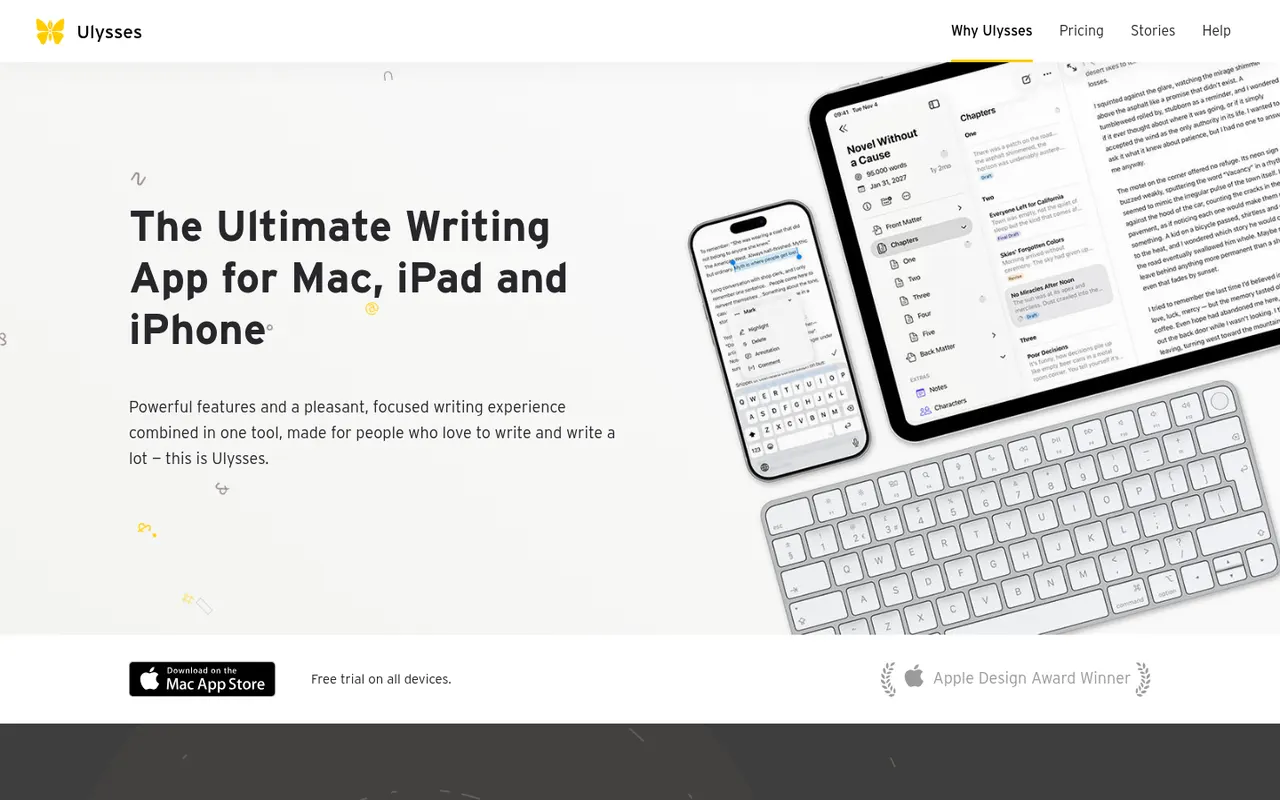
Cost / LicenseFreemiumOpen sourceCategoriesUlysses is a writing app for Apple devices made by the German company Ulysses GmbH. Texts live in a single library synced through iCloud, are written in a Markdown-based markup and can be exported to PDF, Word or ePub or published directly to WordPress, Ghost and other platforms. It suits bloggers, authors and students and is sold as a subscription after a free trial.
8 Ulysses alternativesPros
- Single library synced across Mac, iPhone and iPad via iCloud
- Publishes directly to WordPress, Ghost and other platforms
- Distraction-free writing with Markdown-based markup
Cons
- Only available on Apple devices
- Sold only as a subscription
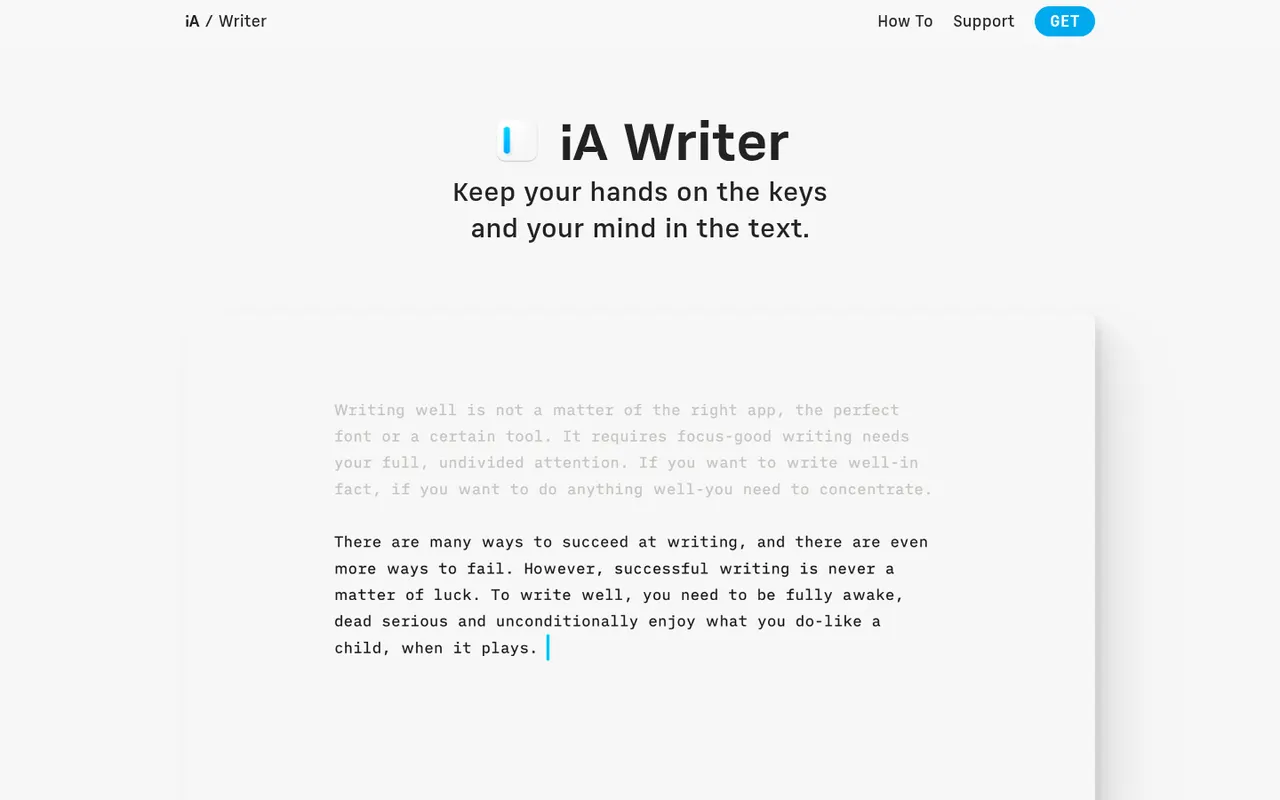
Cost / LicenseFree trialProprietaryCategoriesiA Writer is a minimalist Markdown editor from the design studio Information Architects. Its Focus Mode, syntax highlighting and style check help tighten prose, and it can mark text pasted from AI tools to keep track of what you wrote yourself. Files stay as plain text, locally or in iCloud and Dropbox, with export to HTML, PDF and Word. It is a one-time purchase per platform, after a free trial.
9 iA Writer alternativesPros
- Focus Mode and style check help tighten prose
- Plain-text Markdown files stored wherever you choose
- One-time purchase instead of a subscription
Cons
- A separate purchase is needed for each platform
- No real-time collaboration
- Formatting options are minimal by design
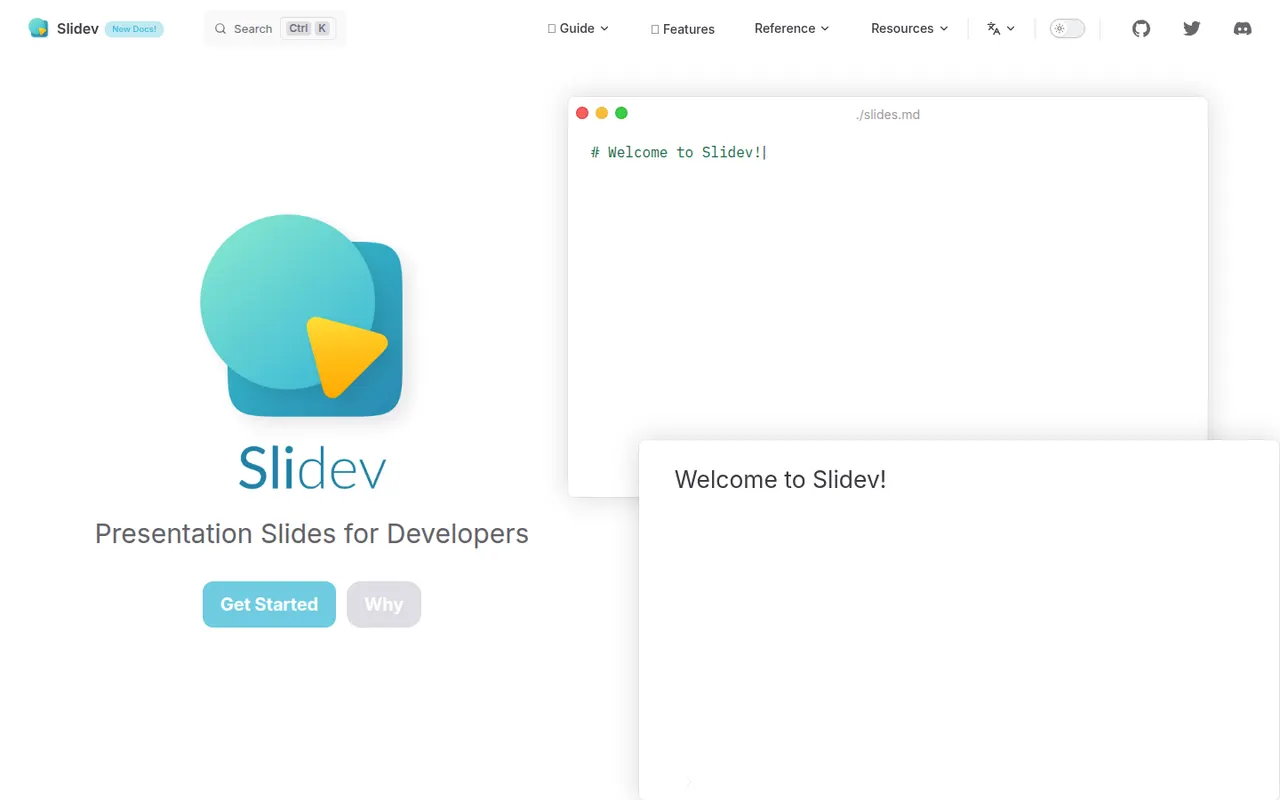
Cost / LicenseFree trialProprietaryCategoriesSlidev is an open source presentation tool that builds slide decks from a Markdown file, aimed at developers giving technical talks. It supports code highlighting, live code editing, Vue components, LaTeX, diagrams, themes and a presenter mode with notes, served locally and shown in the browser. Decks can be exported to PDF, PPTX or PNG, or built as a static site to host anywhere.
7 Slidev alternativesPros
- Slides written in Markdown are easy to keep in version control
- Code highlighting, live coding and Vue components suit technical talks
- Free and open source, with PDF, PPTX and static site exports
Cons
- Requires Node.js and comfort with code, so not suited to non-developers
- Custom layouts often mean writing CSS or Vue components
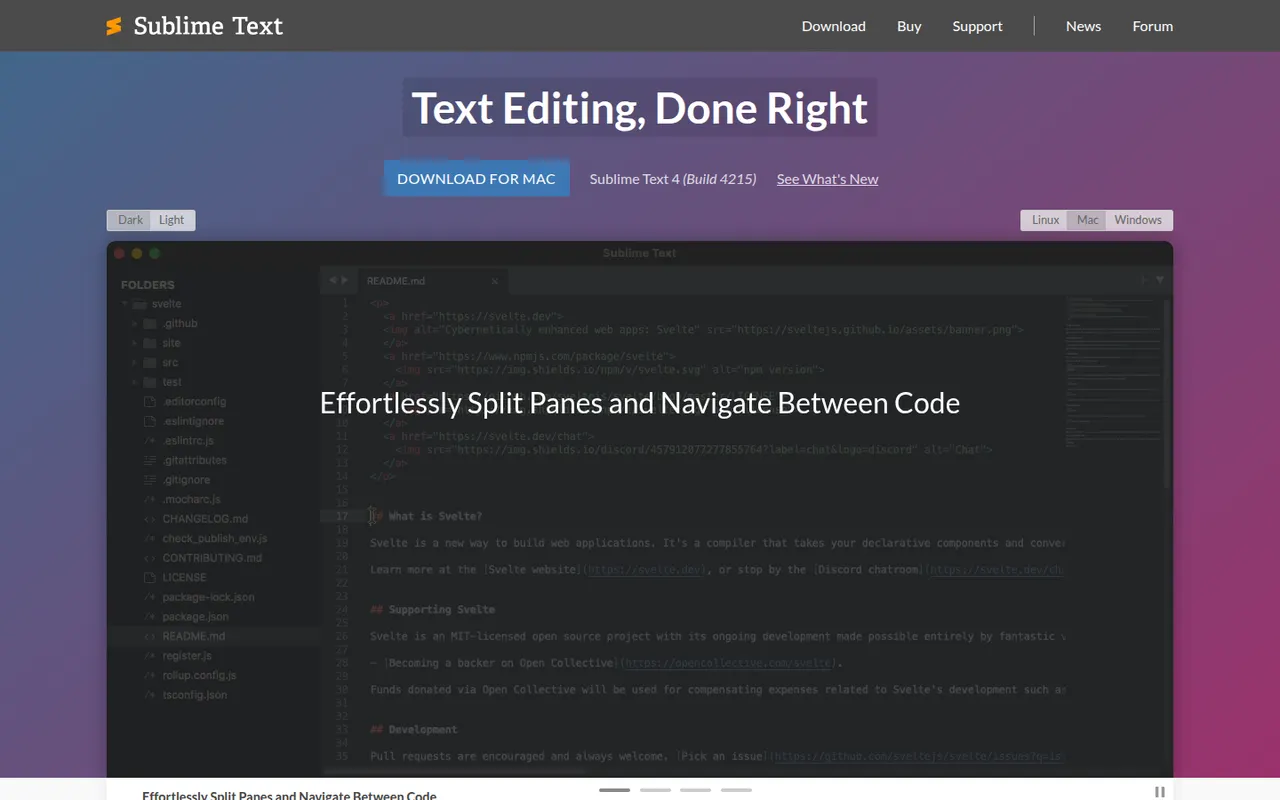
Cost / LicenseFreeOpen sourceCategoriesSublime Text is a cross-platform text and code editor from Sublime HQ, known for its speed and low resource use. Goto Anything, multiple cursors and a command palette make large files and projects quick to navigate. It is extended with Python plugins, usually installed through the community Package Control manager. It can be evaluated for free, but a license is required for continued use.
12 Sublime Text alternativesPros
- Extremely fast, even with very large files
- Multiple cursors and Goto Anything speed up navigation and edits
- Low memory use compared with Electron-based editors
Cons
- A license is required for continued use, with reminders during evaluation
- Fewer built-in IDE features, such as debugging, than VS Code
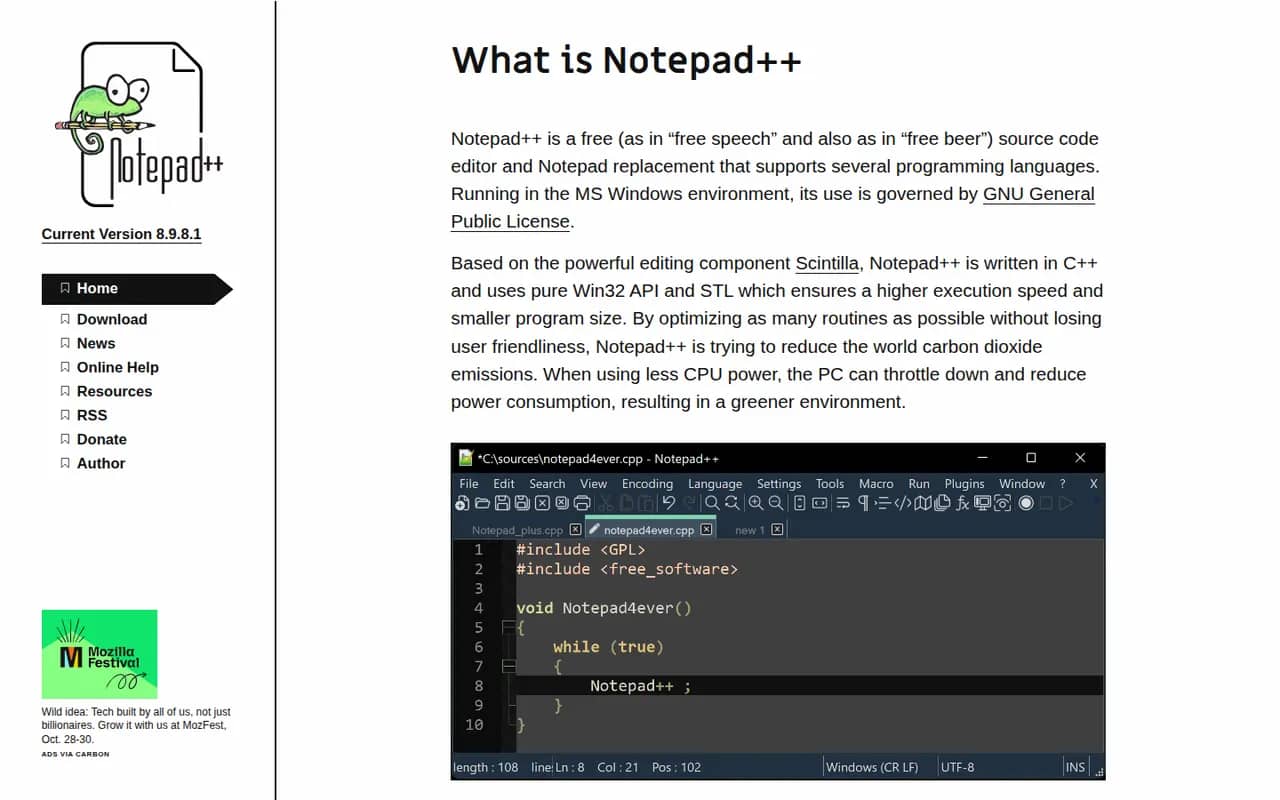
Cost / LicenseFree trialProprietaryCategoriesNotepad++ is a free source code editor for Windows and a popular replacement for the built-in Notepad. Written in C++ on the Win32 API and the Scintilla editing component, it starts quickly and stays light while offering syntax highlighting for dozens of languages, tabs, macros, regular expression search and replace, and a plugin manager. It is open source under the GPL and maintained by Don Ho.
7 Notepad++ alternativesPros
- Starts instantly and stays light on resources
- Syntax highlighting for dozens of languages, tabs and macros
- Free, open source and extendable through a plugin manager
Cons
- Windows only, with no native macOS or Linux version
- Lacks the debugging, Git and project tools of a full code editor
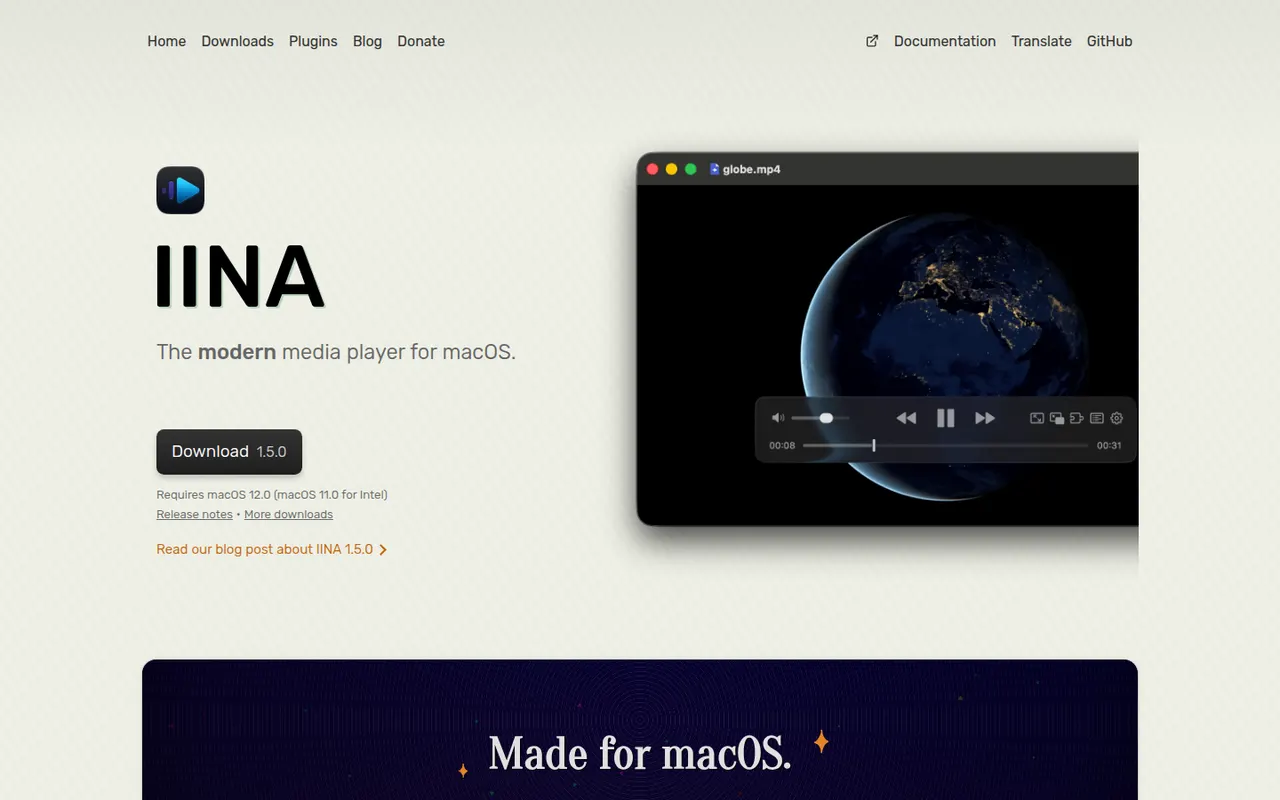
Cost / LicenseFreeOpen sourceCategoriesPlatformsIINA is a free, open source video player for macOS built on top of mpv. It wraps mpv's broad format support and hardware decoding in a native Mac interface with dark mode, Picture-in-Picture, trackpad gestures and Touch Bar controls. It can fetch subtitles from online sources, play YouTube and other web streams through youtube-dl compatible tools, and supports plugins written in JavaScript.
7 IINA alternativesPros
- Native macOS interface with Picture-in-Picture and trackpad gestures
- mpv engine plays almost any format with hardware decoding
- Fetches subtitles online and plays web streams
Cons
- Available only on macOS
- No media library management or media server features
Cost / LicenseFreeOpen sourceCategoriesPlatforms