Apps with Presenter view
5 apps
Top Presenter view apps ranked by the community
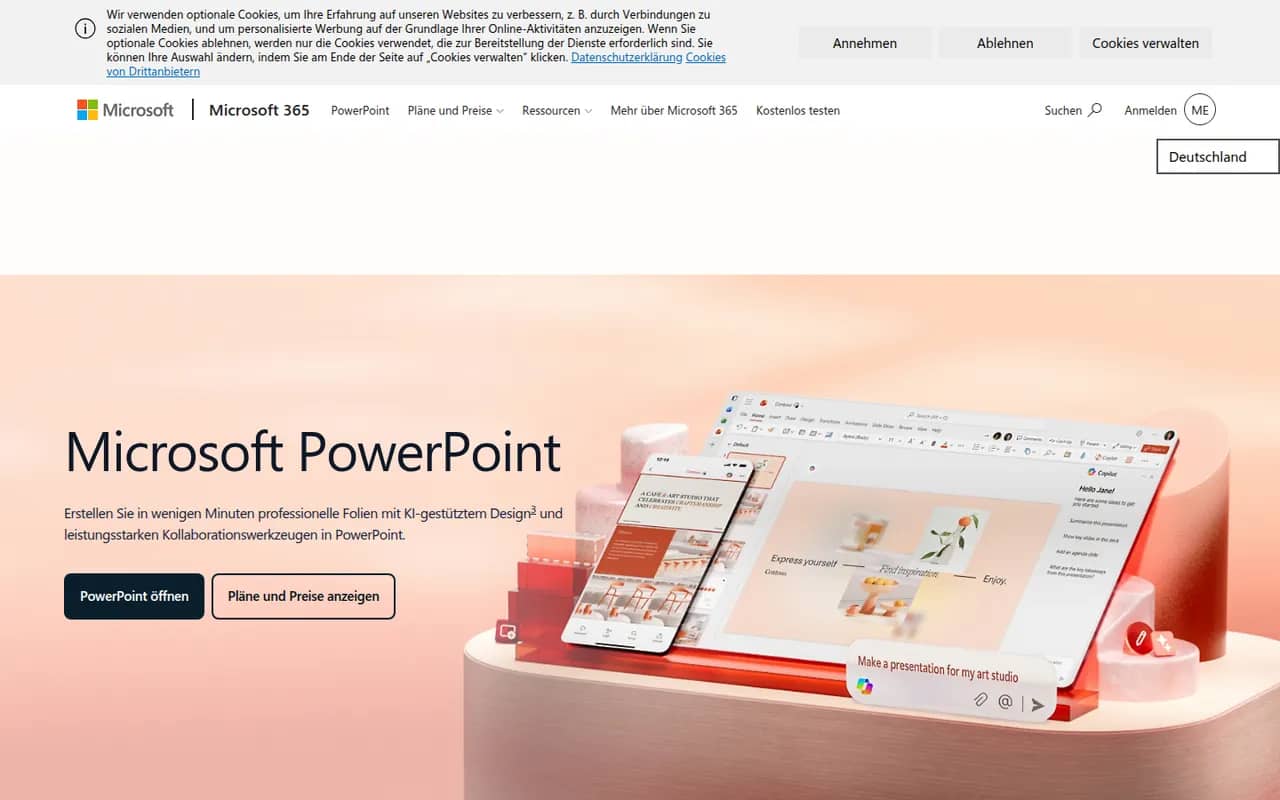
PowerPoint is the presentation app in Microsoft 365, whose .pptx format is the common exchange format for slides. It offers themes, animations and transitions, Designer layout suggestions, presenter view with speaker notes, live subtitles and recording, plus Copilot to draft decks in eligible plans. It runs on Windows, Mac, mobile and the web, where a free version is available.
10 Microsoft PowerPoint alternativesPros
- The .pptx format is the standard for exchanging slides
- Extensive control over animations, transitions and layouts
- Available on Windows, Mac, mobile and the web
Cons
- The full desktop app requires a Microsoft 365 subscription
- The free web version lacks many advanced features
- Copilot deck drafting is only available in eligible plans
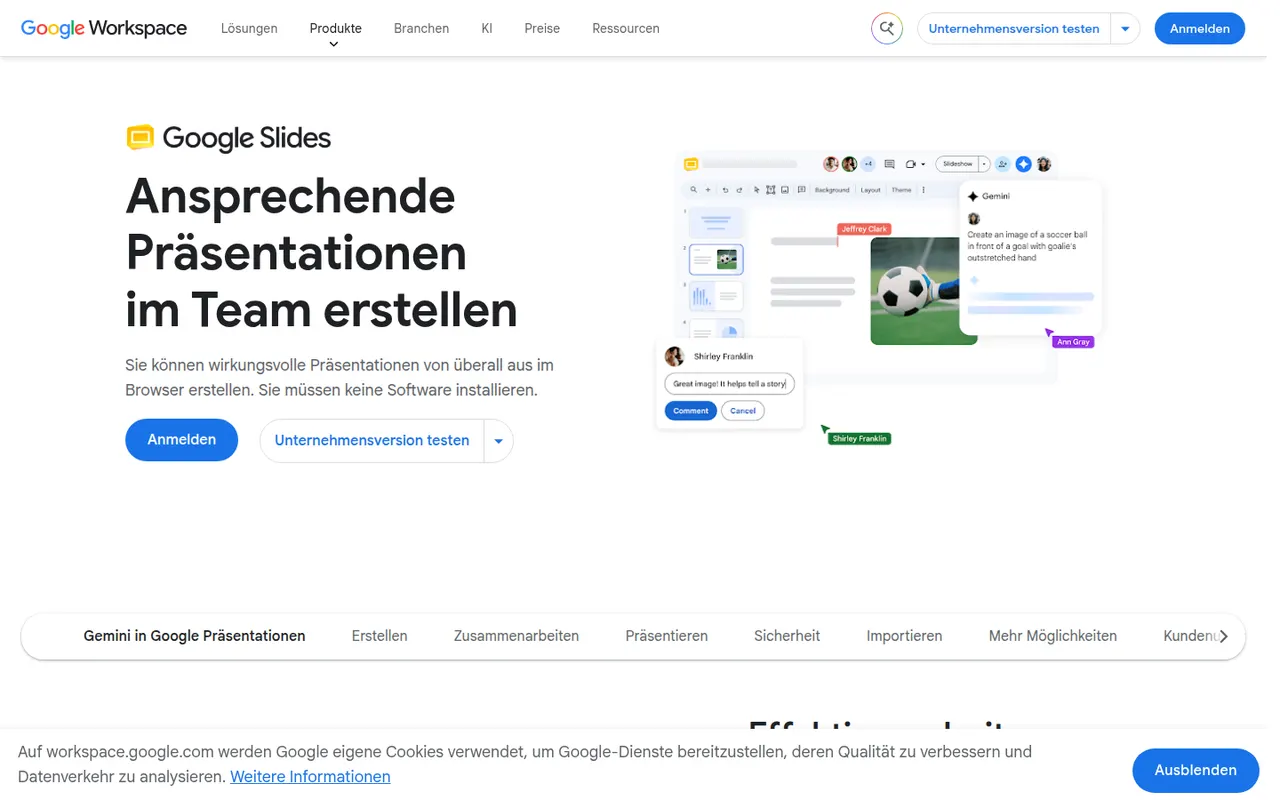
Cost / LicenseFreemiumProprietaryCategoriesGoogle Slides is Google's web-based presentation app, designed for building decks with teammates in real time. It includes themes, speaker notes and presenter view, works offline and imports and exports PowerPoint files. It is free with a Google account; paid Google Workspace plans add Gemini AI features such as generating images and slides.
9 Google Slides alternativesPros
- Real-time co-editing and comments work smoothly in the browser
- Free to use with any Google account
- Imports and exports PowerPoint files
Cons
- Fewer animation and design options than PowerPoint or Keynote
- Complex PowerPoint decks can lose formatting on import
- Gemini AI features require a paid Workspace plan
Cost / LicenseFreemiumProprietaryCategoriesKeynote is Apple's presentation app, free on Mac, iPhone and iPad and usable in a browser through iCloud.com. It is known for clean themes and smooth transitions such as Magic Move, and offers presenter view, live video feeds and remote control from an iPhone. Decks can be co-edited via iCloud and exported to PowerPoint, PDF or video.
9 Keynote alternativesPros
- Polished themes and smooth transitions such as Magic Move
- Free on Mac, iPhone and iPad, with iCloud sync
- Exports to PowerPoint, PDF and video
Cons
- No native apps for Windows or Android, only the iCloud web version
- PowerPoint exports can shift fonts, layouts and animations
- Fewer third-party add-ons and integrations than PowerPoint
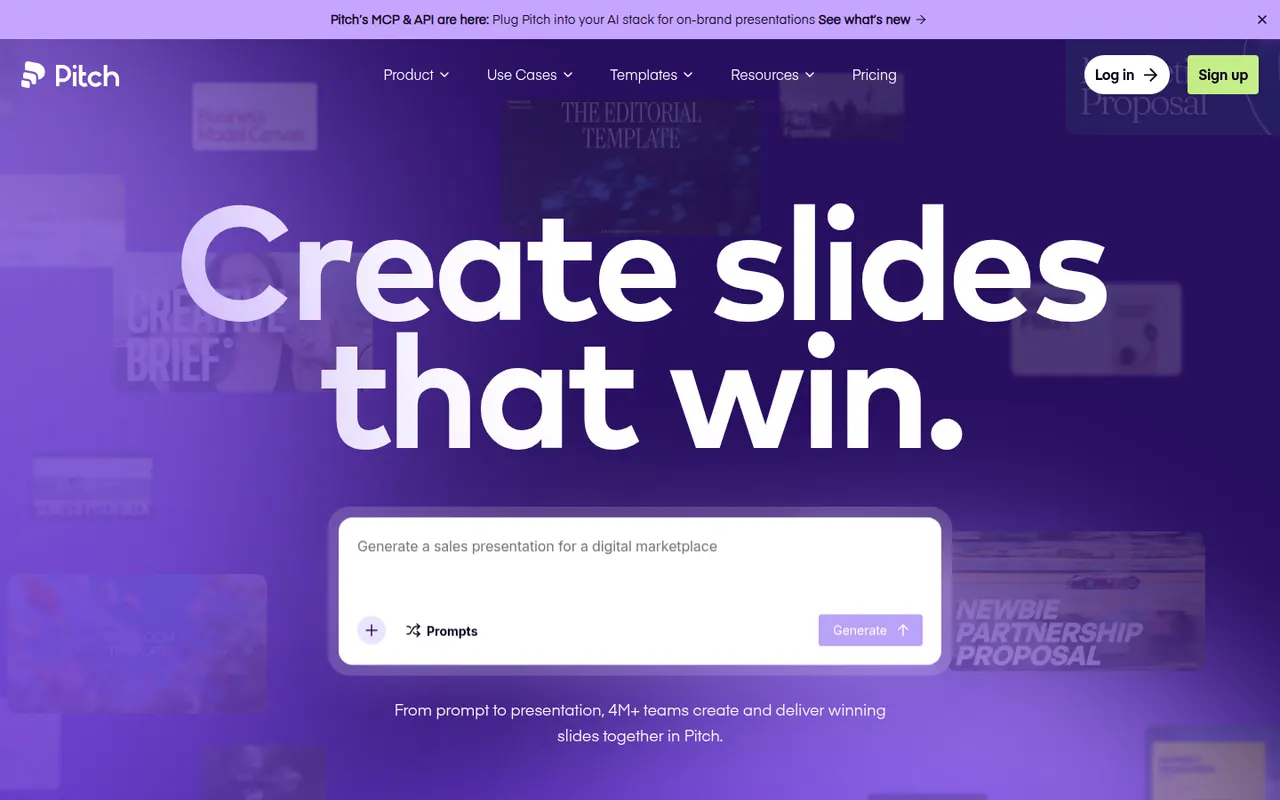
Cost / LicenseFreeProprietaryCategoriesPitch is a presentation tool from Berlin-based Pitch Software, built for teams that create decks together, from sales proposals to investor updates. It offers shared templates and brand settings, comments and slide assignments, link sharing with engagement analytics, and an AI agent that drafts decks from prompts and files. It runs in the browser, on desktop and on mobile, with a free plan and paid team tiers.
9 Pitch alternativesPros
- Built for decks made as a team, with comments and slide assignments
- Brand settings and shared templates keep decks consistent
- Link sharing with analytics shows how viewers engage
Cons
- Fewer advanced animation options than PowerPoint or Keynote
- Advanced team features are reserved for paid plans
- Exporting to PowerPoint may not keep every design detail
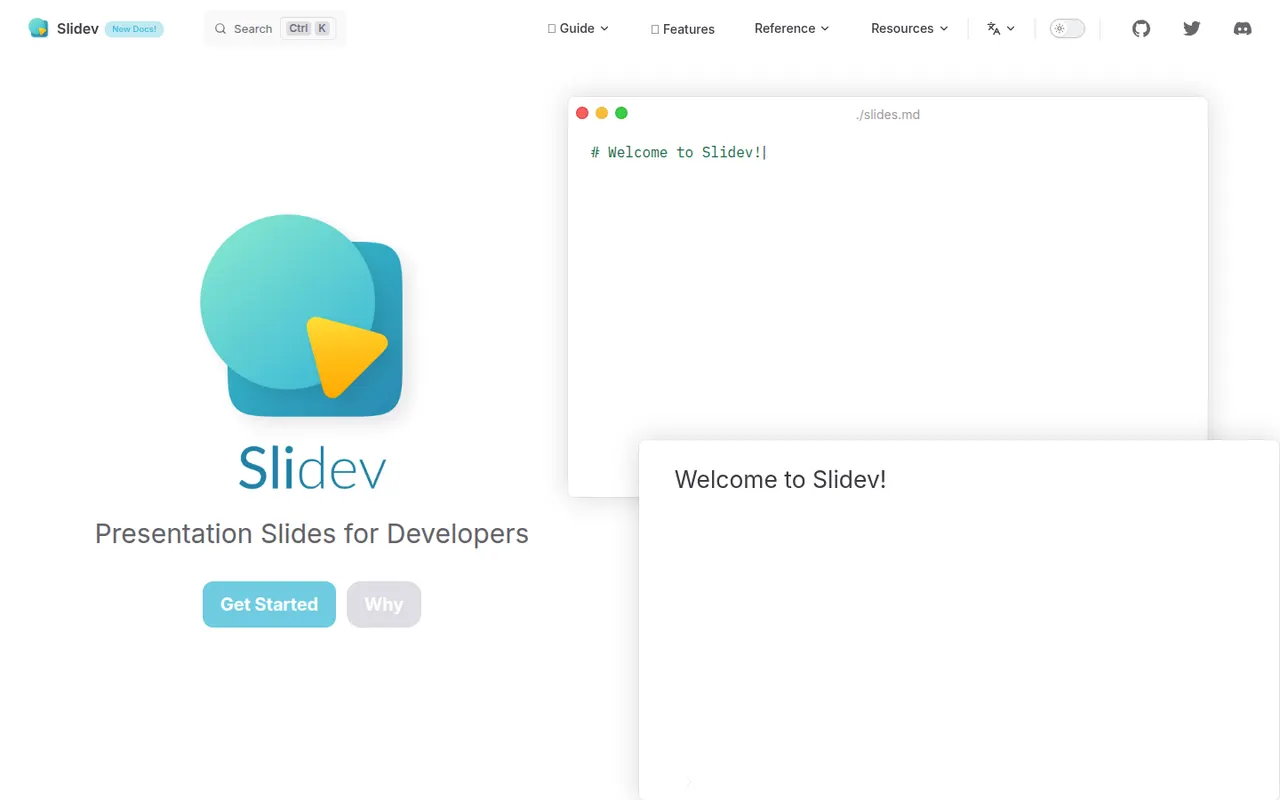
Cost / LicenseFreemiumProprietaryCategoriesSlidev is an open source presentation tool that builds slide decks from a Markdown file, aimed at developers giving technical talks. It supports code highlighting, live code editing, Vue components, LaTeX, diagrams, themes and a presenter mode with notes, served locally and shown in the browser. Decks can be exported to PDF, PPTX or PNG, or built as a static site to host anywhere.
7 Slidev alternativesPros
- Slides written in Markdown are easy to keep in version control
- Code highlighting, live coding and Vue components suit technical talks
- Free and open source, with PDF, PPTX and static site exports
Cons
- Requires Node.js and comfort with code, so not suited to non-developers
- Custom layouts often mean writing CSS or Vue components
Cost / LicenseFreeOpen sourceCategories