
Collaborative online presentations in your browser
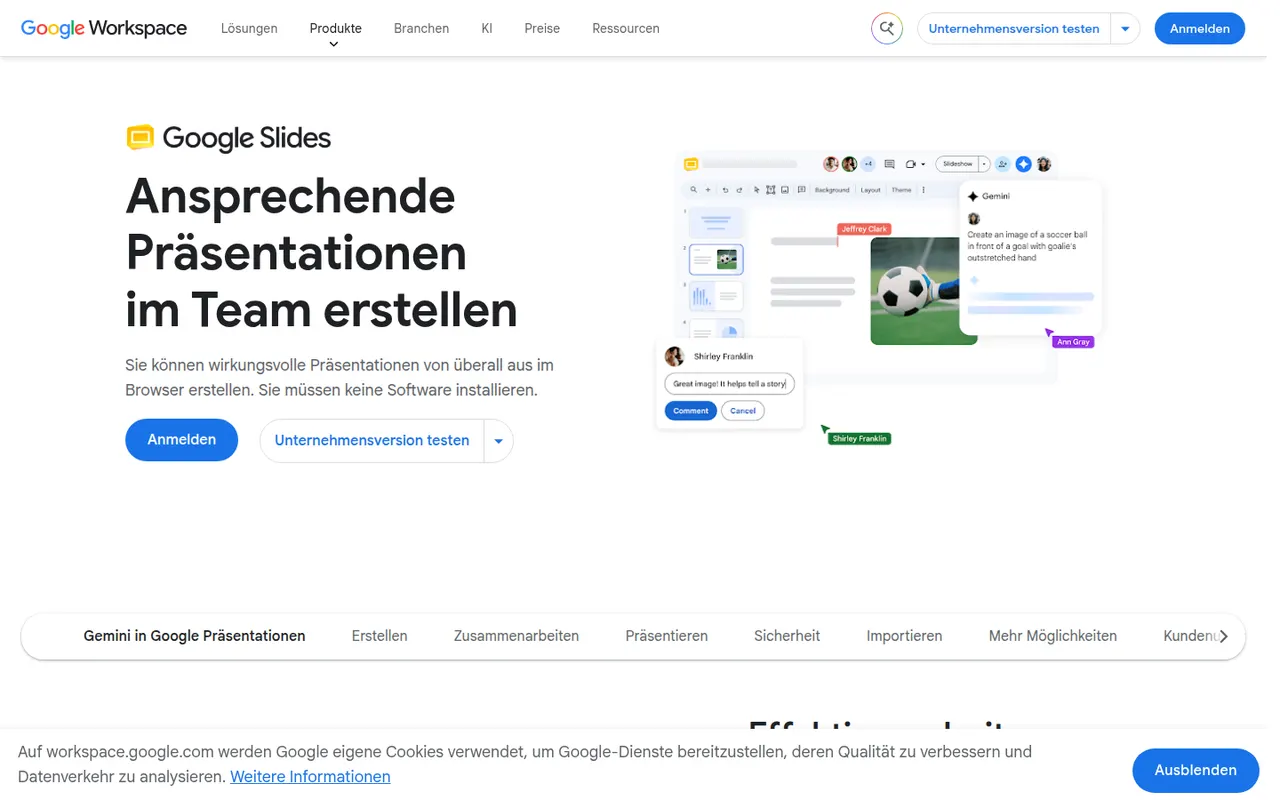
Google Slides is Google's web-based presentation app, designed for building decks with teammates in real time. It includes themes, speaker notes and presenter view, works offline and imports and exports PowerPoint files. It is free with a Google account; paid Google Workspace plans add Gemini AI features such as generating images and slides.
- features
- 6
- alternatives
- 9
- platforms
- 3
- Updated
- Oct 12, 2026
Features
Our take
Pros
- Real-time co-editing and comments work smoothly in the browser
- Free to use with any Google account
- Imports and exports PowerPoint files
Cons
- Fewer animation and design options than PowerPoint or Keynote
- Complex PowerPoint decks can lose formatting on import
- Gemini AI features require a paid Workspace plan
Editorial assessment by the Alternatives.tools team, based on what the product is known for. Not a user review.
Best Google Slides alternatives
See all 9 alternatives Microsoft PowerPointFreemium
Microsoft's presentation software for slides and slideshows
4.7(583.8K) · App Store KeynoteFree
Apple's free presentation app for Mac, iPhone and iPad
4.4(83.4K) · App Store CanvaFreemium
Browser-based design tool for social posts, slides and print
4.9(3.6M) · App Store PitchFreemium
Collaborative presentation software for teams and client pitches
4.7(46) · App Store SlidevFreeOpen source
Open source Markdown slides for developers, powered by Vue
49Kstars GammaFreemium
AI tool that generates presentations, documents and web pages
4.8(1.1K) · App Store
User reviews
No reviews yet. Be the first to share your experience with Google Slides.