Apps with Terminal integration
16 apps
Top Terminal integration apps ranked by the community
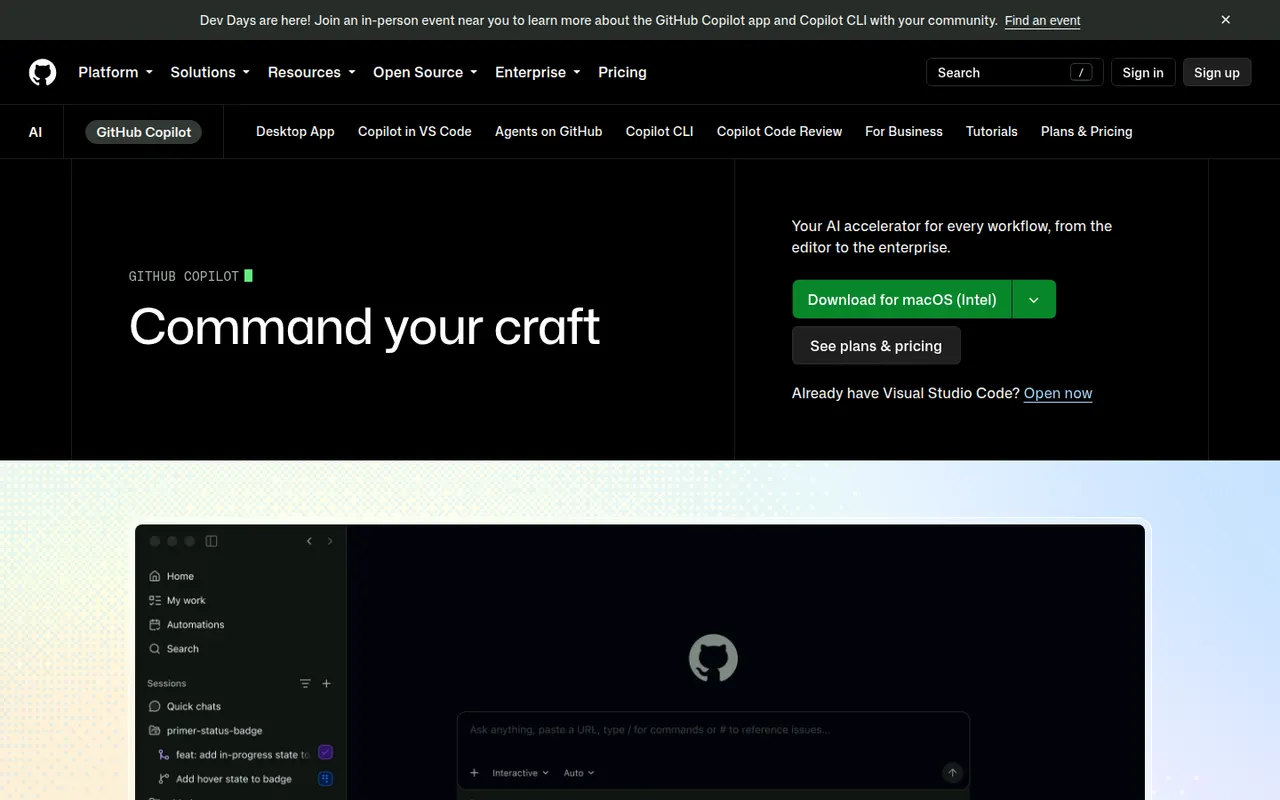
GitHub Copilot is GitHub's AI coding assistant. It suggests code as you type and offers chat in editors such as VS Code, Visual Studio, JetBrains IDEs, Xcode and Neovim, with a choice of models from several providers. Its coding agent can take a GitHub issue, work in the background and open a pull request, and Copilot also reviews pull requests and works in the terminal. A limited free plan is available.
10 GitHub Copilot alternativesPros
- Works in many editors, from VS Code to Xcode and Neovim
- Coding agent turns GitHub issues into pull requests
- Choice of models from several providers
Cons
- The free plan has tight monthly limits
- Premium requests can add extra costs on paid plans
- Agent features assume your code is hosted on GitHub
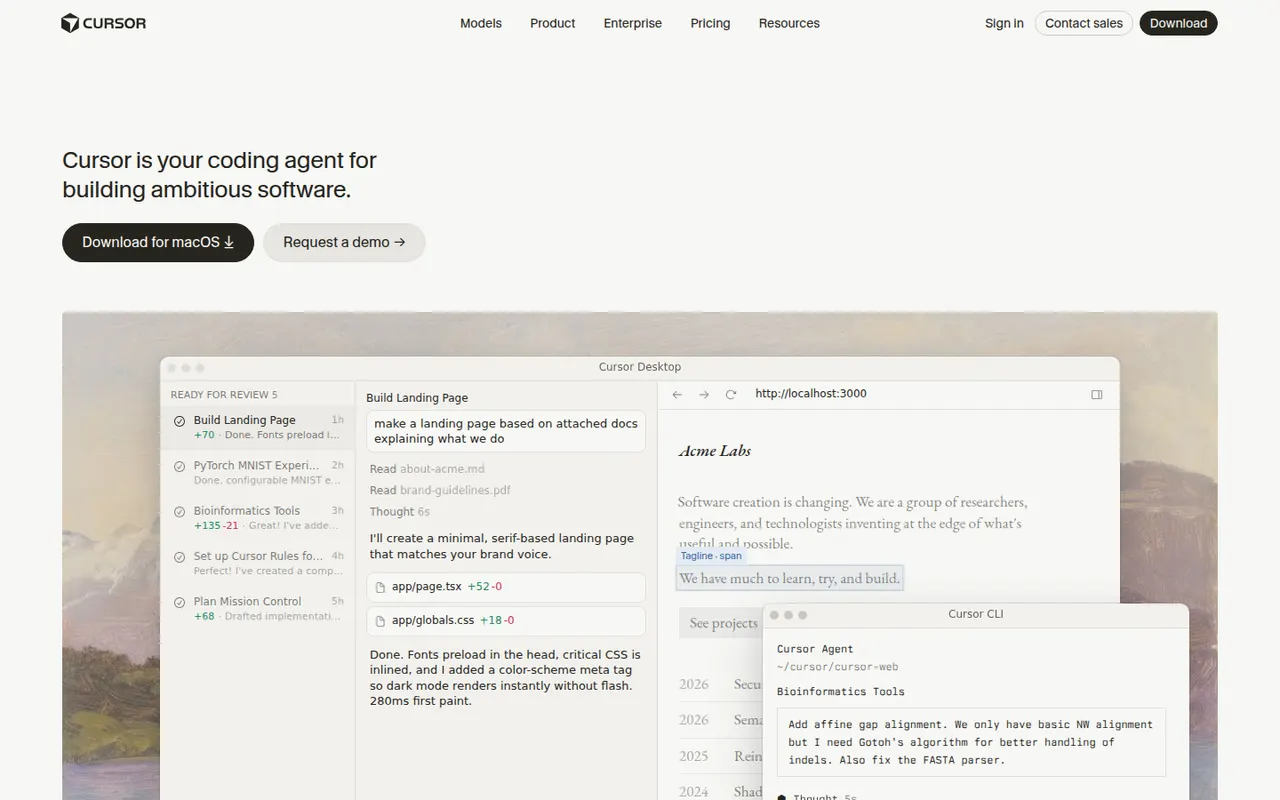
Cost / LicenseFreemiumProprietaryCategoriesCursor is a code editor from Anysphere, forked from VS Code, with AI integrated throughout the workflow. Its Tab model predicts multi-line edits, chat understands the whole codebase, and agent mode plans and applies changes across files while running terminal commands. Background agents can also work on tasks in the cloud. It stays compatible with VS Code extensions, themes and keybindings, and has a free Hobby plan.
12 Cursor alternativesPros
- Tab completion predicts multi-line edits as you type
- Agent mode applies changes across files and runs commands
- Keeps VS Code extensions, themes and keybindings
Cons
- Request limits and usage-based billing can be confusing
- As a VS Code fork, it can lag behind upstream updates
- The free Hobby plan is quickly limiting for daily work
Cost / LicenseFreemiumProprietaryCategoriesWindsurf is an AI code editor based on VS Code, created by the team behind Codeium and now owned by Cognition, the company behind Devin. Its Cascade agent understands the codebase, edits multiple files, runs terminal commands and remembers project context, while Tab suggests next edits as you type. Plugins also bring its features to JetBrains IDEs and other editors. A free plan is available.
12 Windsurf alternativesPros
- Cascade agent edits multiple files and runs commands
- Remembers project context across sessions
- Plugins bring its features to JetBrains and other editors
Cons
- Ownership changes have made its roadmap less predictable
- Credit-based limits can run out with heavy use
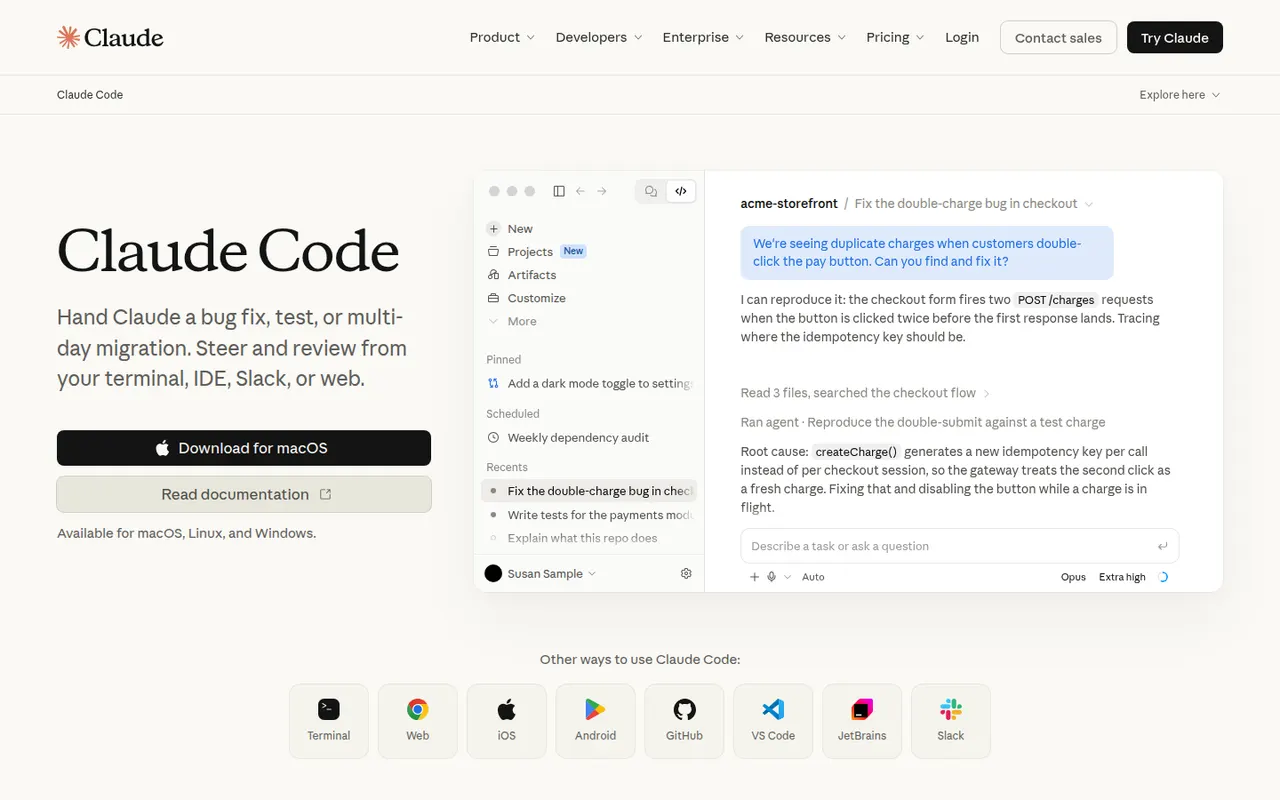
Cost / LicenseFreemiumProprietaryCategoriesClaude Code is an agentic coding tool from Anthropic. It runs in the terminal, in VS Code and JetBrains IDEs and on the web. It reads your codebase, edits files, runs commands and tests, and handles git workflows from natural-language requests. It can be extended with MCP servers, custom slash commands, subagents, hooks and plugins. Using it requires a paid Claude plan or API billing.
10 Claude Code alternativesPros
- Works across the whole codebase from the terminal
- Runs commands and tests, and handles git workflows
- Extensible with MCP servers, hooks, subagents and plugins
Cons
- Requires a paid Claude plan or API billing, with no free tier
- Heavy agentic sessions can hit usage limits or run up API costs
- Autonomous edits still need careful review before merging
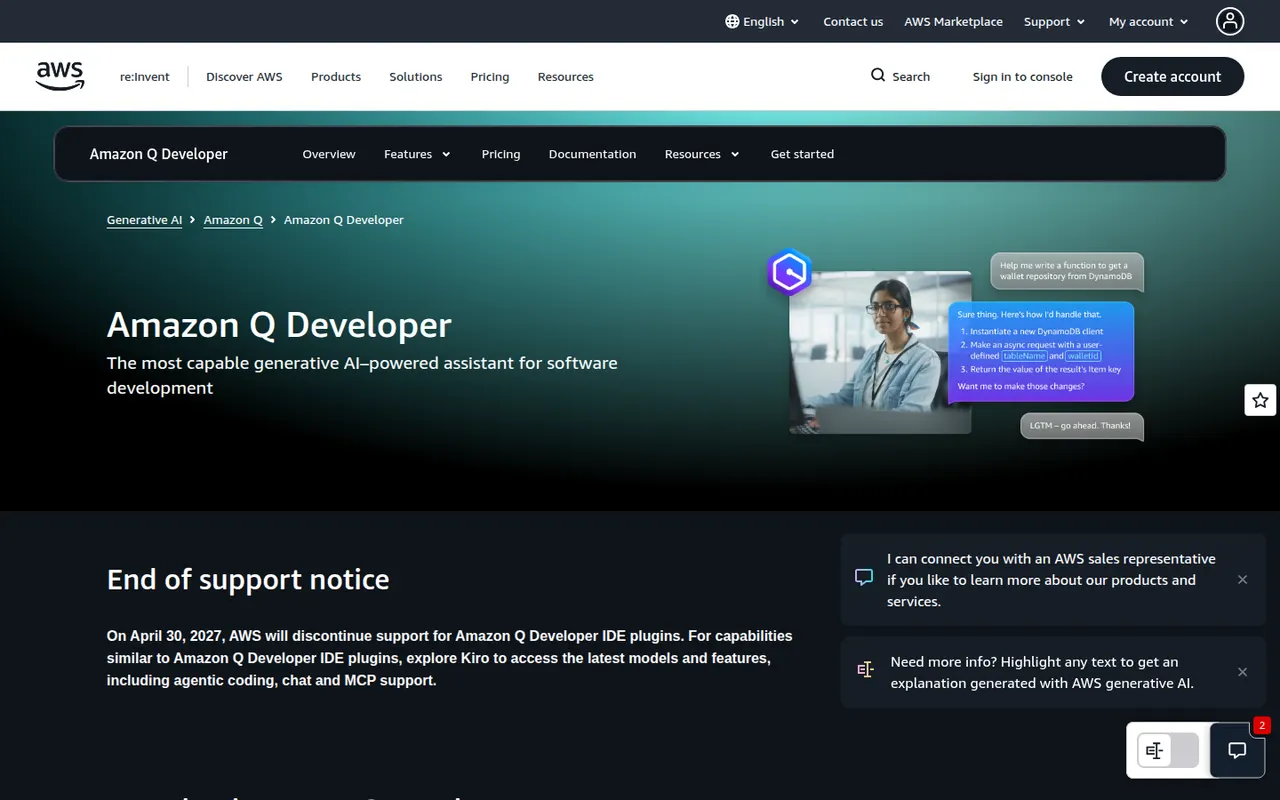
Cost / LicensePaidProprietaryCategoriesAmazon Q Developer is the generative AI assistant from AWS for software development. It offers inline code suggestions, chat and agents that implement features, write tests and documentation, review code and upgrade Java applications, in VS Code, JetBrains and Visual Studio and on the command line. It also answers questions about AWS resources in the console, with a free tier alongside the Pro plan.
8 Amazon Q Developer alternativesPros
- In-depth knowledge of AWS services and console resources
- Agents help upgrade Java applications
- Free tier, with VS Code, JetBrains and command-line support
Cons
- Most useful for teams already invested in AWS
- The free tier caps agent requests and code transformations
Cost / LicenseFreemiumProprietaryCategoriesCline is an open source AI coding agent that runs inside VS Code and compatible editors. It plans tasks, creates and edits files, runs terminal commands and can drive a browser to test web apps, asking for approval at each step unless you grant more autonomy. You bring your own API key for providers like Anthropic, OpenAI and Google or use local models, and MCP servers extend what it can do.
9 Cline alternativesPros
- Open source agent that runs inside VS Code
- Bring your own API key or use local models
- Asks for approval at each step, keeping you in control
Cons
- API costs can climb quickly on long agent tasks
- Step-by-step approvals can slow down routine work
Cost / LicenseFreemiumOpen sourceCategoriesAider is an open source command-line tool for pair programming with large language models. It maps your repository so the model understands the codebase, edits multiple files in place and commits each change to git with a descriptive message, which makes edits easy to review or undo. It works with models from Anthropic, OpenAI, Google, DeepSeek or local ones, accepts voice input and can lint and test after edits.
8 Aider alternativesPros
- Free and open source, and works with any model, including local ones
- Commits each change to git for easy review and rollback
- Repository map gives the model context across the codebase
Cons
- Terminal-only workflow is less approachable than IDE tools
- Model API costs are on you unless you run local models
- Results depend heavily on the model you choose
Cost / LicenseFreeOpen sourceCategoriesCodex is OpenAI's software engineering agent. Connected to a GitHub repository, it works on tasks in a cloud sandbox from ChatGPT and proposes pull requests. The open source Codex CLI runs locally in the terminal, and an IDE extension brings the same agent to VS Code-based editors. It can build features, fix bugs, answer questions about a codebase and review code. Access comes with paid ChatGPT plans or API billing.
8 OpenAI Codex alternativesPros
- Cloud tasks run in a sandbox and come back as pull requests
- Open source CLI for local work in the terminal
- Same agent across the cloud, the terminal and the IDE
Cons
- Requires a paid ChatGPT plan or API billing
- Cloud tasks depend on connecting your GitHub repository
- Changes still need careful review before merging
Cost / LicensePaidProprietaryCategoriesVisual Studio Code is a free source code editor from Microsoft that runs on Windows, macOS, Linux and in the browser. It combines IntelliSense completion, a built-in debugger, Git tools and an integrated terminal with a large extensions marketplace. It is built on the MIT-licensed Code - OSS project and integrates GitHub Copilot for AI chat and agent workflows.
12 Visual Studio Code alternativesPros
- Huge extensions marketplace for almost any language or tool
- Integrated terminal, debugger and Git tools
- Remote development over SSH, in containers and with WSL
Cons
- Official builds include Microsoft telemetry and proprietary components
- As an Electron app it uses more memory than native editors
- Large extension setups can slow it down
Cost / LicenseFreeOpen sourceCategoriesWebStorm is a JetBrains IDE dedicated to JavaScript and TypeScript, with built-in support for React, Angular, Vue, Node.js and common test runners. It provides smart completion, safe refactorings, a debugger for browser and Node code, and Git tools without extra plugins. WebStorm is free for non-commercial use, and a paid license is required for commercial work.
8 WebStorm alternativesPros
- Built-in support for React, Angular, Vue and Node.js
- Smart completion and safe refactoring for JavaScript and TypeScript
- Free for non-commercial use
Cons
- Commercial use requires a paid license
- Heavier than VS Code for quick edits
Cost / LicenseFreemiumProprietaryCategoriesNeovim is a community-driven fork of Vim that keeps modal editing while modernizing the codebase. It adds first-class Lua scripting, a built-in Language Server Protocol client, Tree-sitter syntax highlighting, an embedded terminal and an RPC API that lets other programs use it as an editing engine. It is free and open source, and popular with developers who build a customized, keyboard-driven setup.
12 Neovim alternativesPros
- Lua scripting makes configuration and plugins easier to write
- Built-in LSP client and Tree-sitter highlighting
- Fast, keyboard-driven editing that runs anywhere in a terminal
Cons
- Modal editing has a steep learning curve
- Turning it into a full IDE takes time and ongoing plugin maintenance
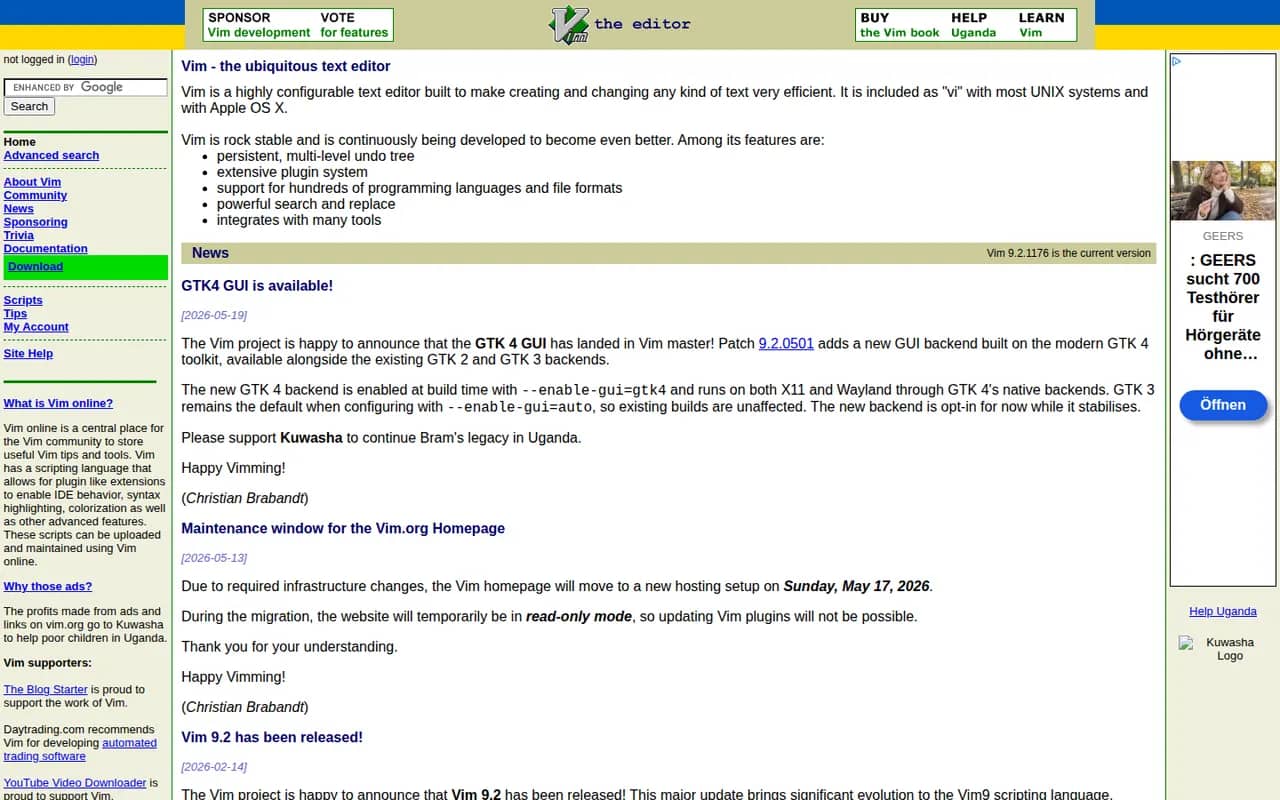
Cost / LicenseFreeOpen sourceCategoriesVim is a highly configurable modal text editor derived from the Unix vi editor, preinstalled on many Linux and macOS systems and available for Windows. Editing is driven by keyboard commands and motions, and behavior is extended with Vim script and a large ecosystem of plugins. Created by Bram Moolenaar and now maintained by its community, it is charityware that encourages donations to help children in Uganda.
7 Vim alternativesPros
- Preinstalled on most Linux and macOS systems
- Very efficient modal editing once motions become second nature
- Lightweight, fast and ideal over SSH
Cons
- Steep learning curve for newcomers
- Modern IDE features depend on plugins and configuration
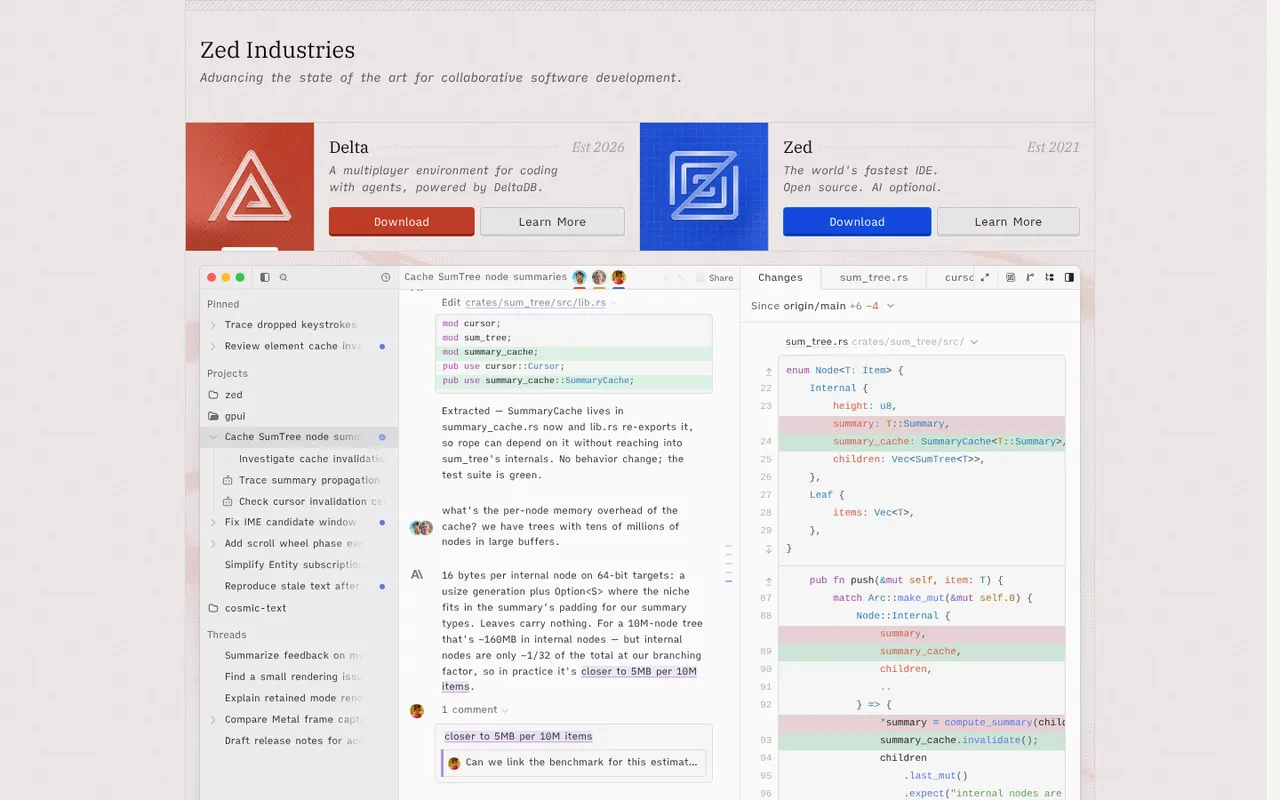
Cost / LicenseFreeOpen sourceCategoriesZed is a code editor written in Rust by the creators of Atom and Tree-sitter, with a GPU-rendered interface that stays fast on large projects. It includes multiplayer editing, an agent panel that works with several AI models, edit predictions, Git tools, remote development over SSH and an extensions registry. Zed is open source under the GPL and runs on macOS, Linux and Windows; paid plans cover hosted AI usage.
12 Zed alternativesPros
- GPU-rendered interface that stays fast on large projects
- Built-in multiplayer editing and an agent panel for several AI models
- Open source under the GPL
Cons
- Smaller extension ecosystem than VS Code
- Some IDE features are less mature than in established editors
- Hosted AI usage requires a paid plan
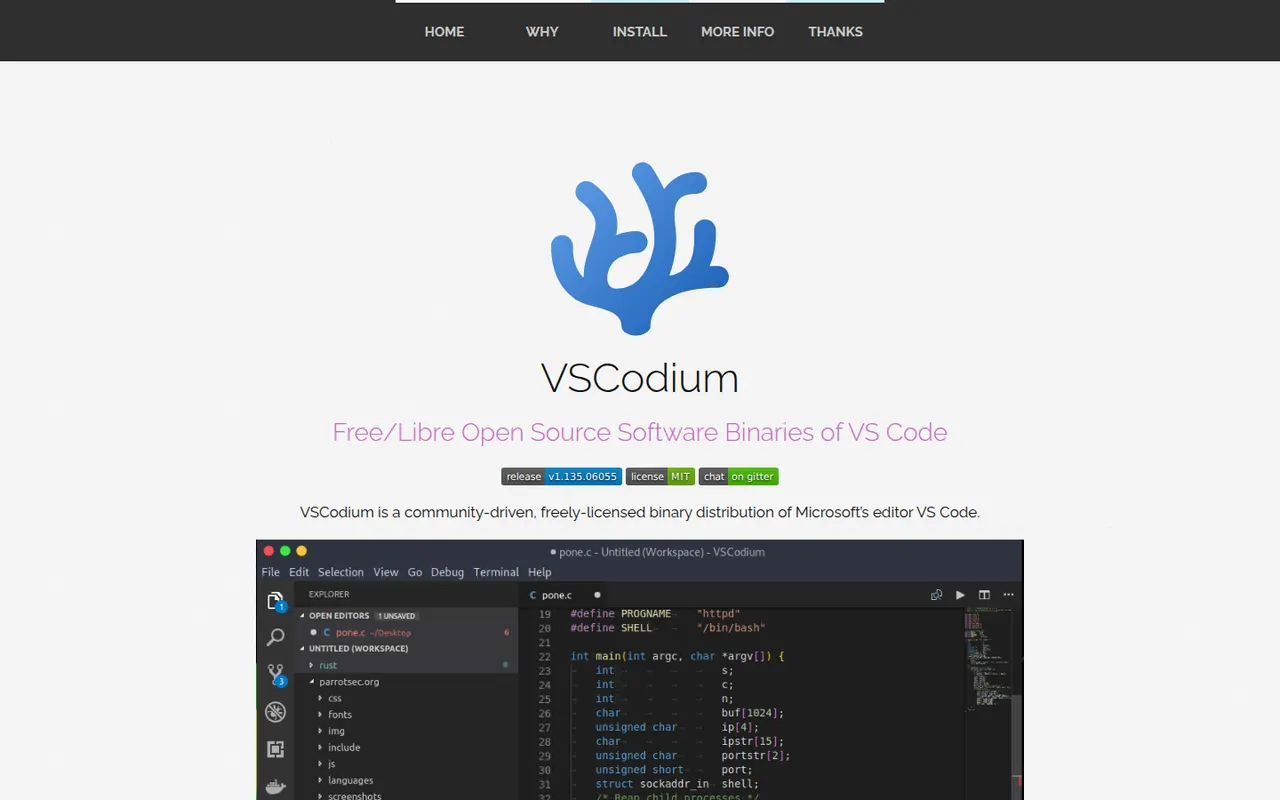
Cost / LicenseFreemiumOpen sourceCategoriesVSCodium is a community project that compiles the open source VS Code codebase into ready-to-use MIT-licensed binaries, with Microsoft telemetry disabled and branding removed. It offers the same editing experience, debugger, terminal and Git tools, and installs extensions from the Open VSX registry instead of the Microsoft marketplace. It suits developers who want the VS Code workflow in a fully open source package.
12 VSCodium alternativesPros
- The VS Code experience without Microsoft telemetry or branding
- Fully open source, MIT-licensed binaries
- Ready-made builds for Windows, macOS and Linux
Cons
- Open VSX lacks some extensions found in the Microsoft marketplace
- Microsoft extensions such as Pylance or Remote SSH are not officially usable
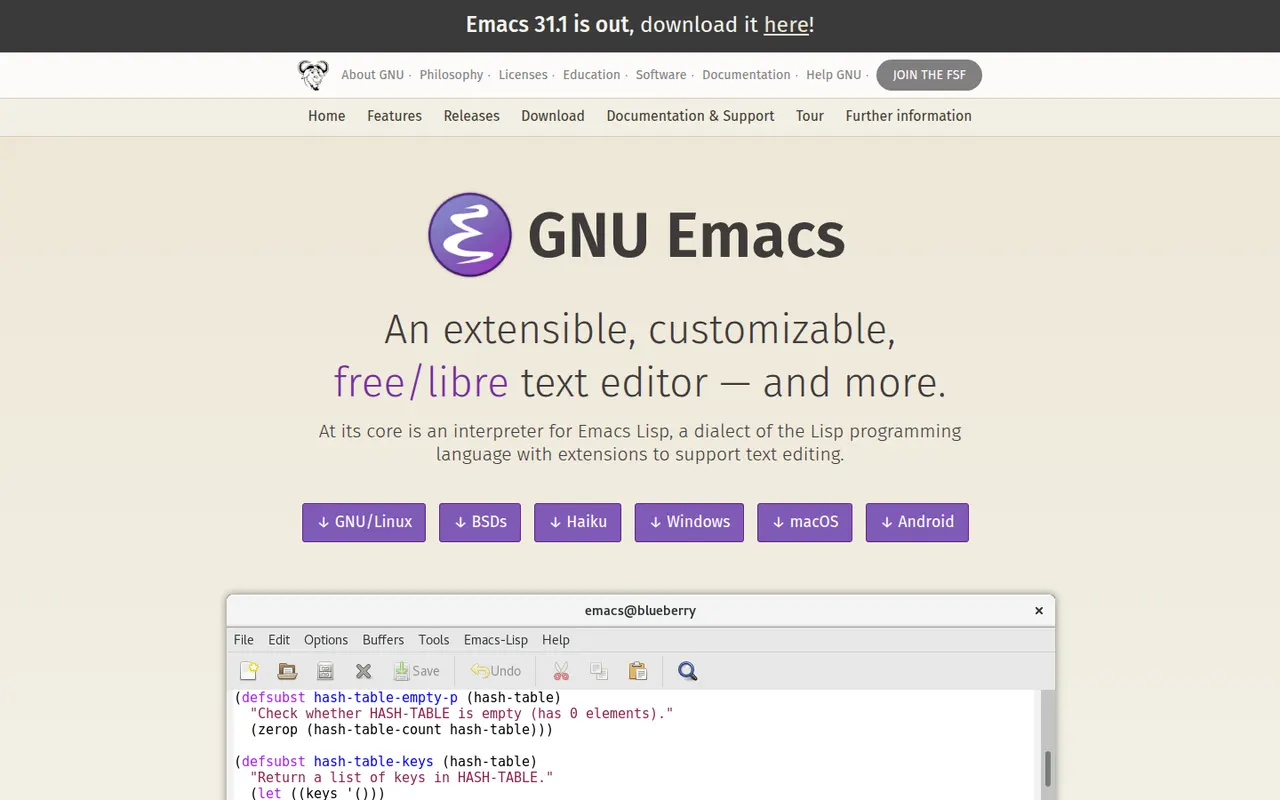
Cost / LicenseFreeOpen sourceCategoriesGNU Emacs is a free, extensible text editor built around an Emacs Lisp interpreter, so almost every part of it can be reshaped. It supports programming with language servers through Eglot, debugger integration and built-in shells, and many people also use it for Org mode notes and planning, email and file management. Packages install from ELPA archives. It is part of the GNU Project and licensed under the GPL.
7 GNU Emacs alternativesPros
- Almost every part can be reshaped with Emacs Lisp
- Org mode is a powerful system for notes, tasks and planning
- Huge package ecosystem through the ELPA archives
Cons
- Steep learning curve and unusual default keybindings
- Needs significant configuration to match a modern IDE
- Can slow down with heavy configurations or very large files
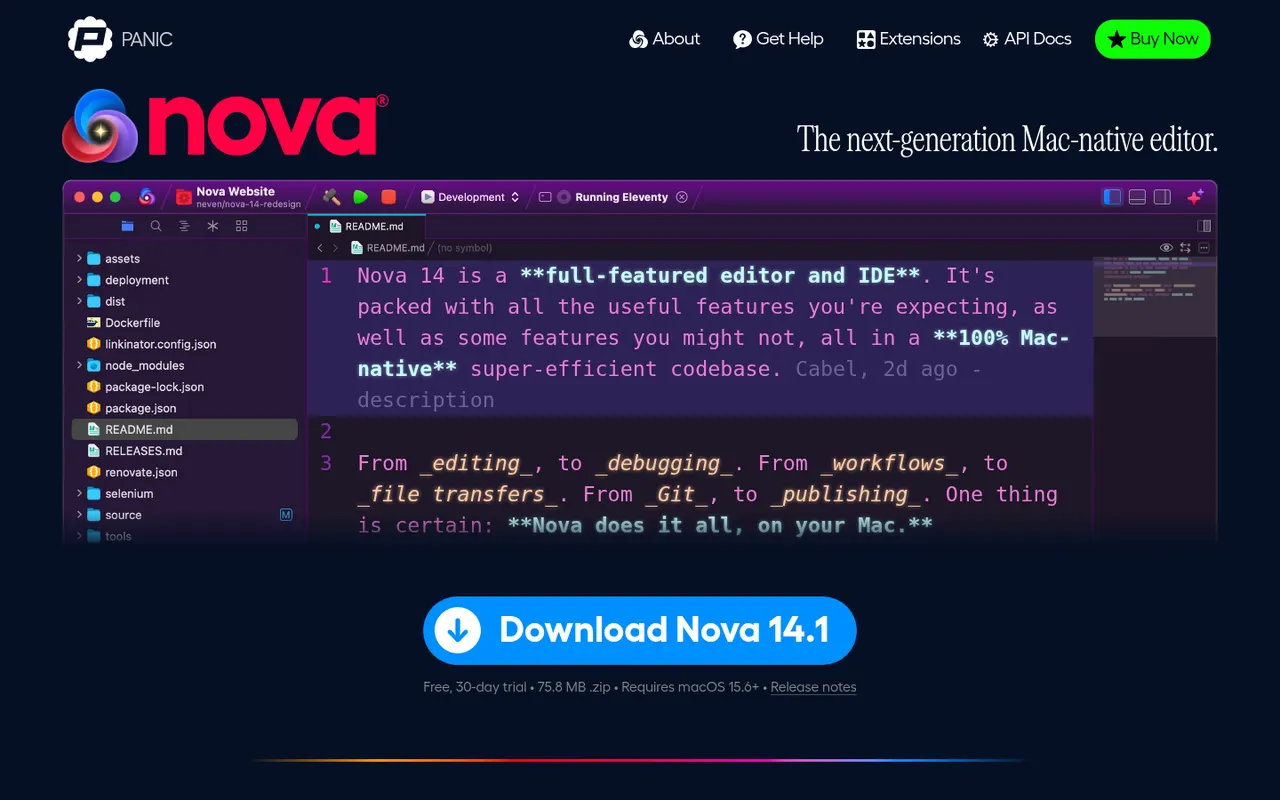
Cost / LicenseFreeOpen sourceCategoriesNova is a native macOS code editor from Panic, the company behind Transmit and Coda. It pairs a Mac-style interface with language server support, Git source control, a built-in terminal, task runners and publishing to remote servers, and can be extended with JavaScript extensions from its library. Nova is a paid app with a free trial, aimed at web and app developers who prefer a fully native editor.
8 Nova alternativesPros
- Fully native Mac interface that feels fast and polished
- Built-in terminal, Git, task runners and remote publishing
- JavaScript extensions add languages and tools
Cons
- Available on macOS only
- Smaller extension library than VS Code
- Requires a paid license after the trial, while strong free editors exist
Cost / LicenseFree trialProprietaryCategoriesPlatforms