
Xcode alternatives
Top Code Editors & IDEs like Xcode
The most popular alternative to Xcode is Visual Studio Code, which has a free version. Other great alternatives to Xcode are Android Studio, Cursor, IntelliJ IDEA, and Nova.
Most alternatives to Xcode are in the Code Editors & IDEs category, compared here by price, platform and features.
All Xcode alternatives
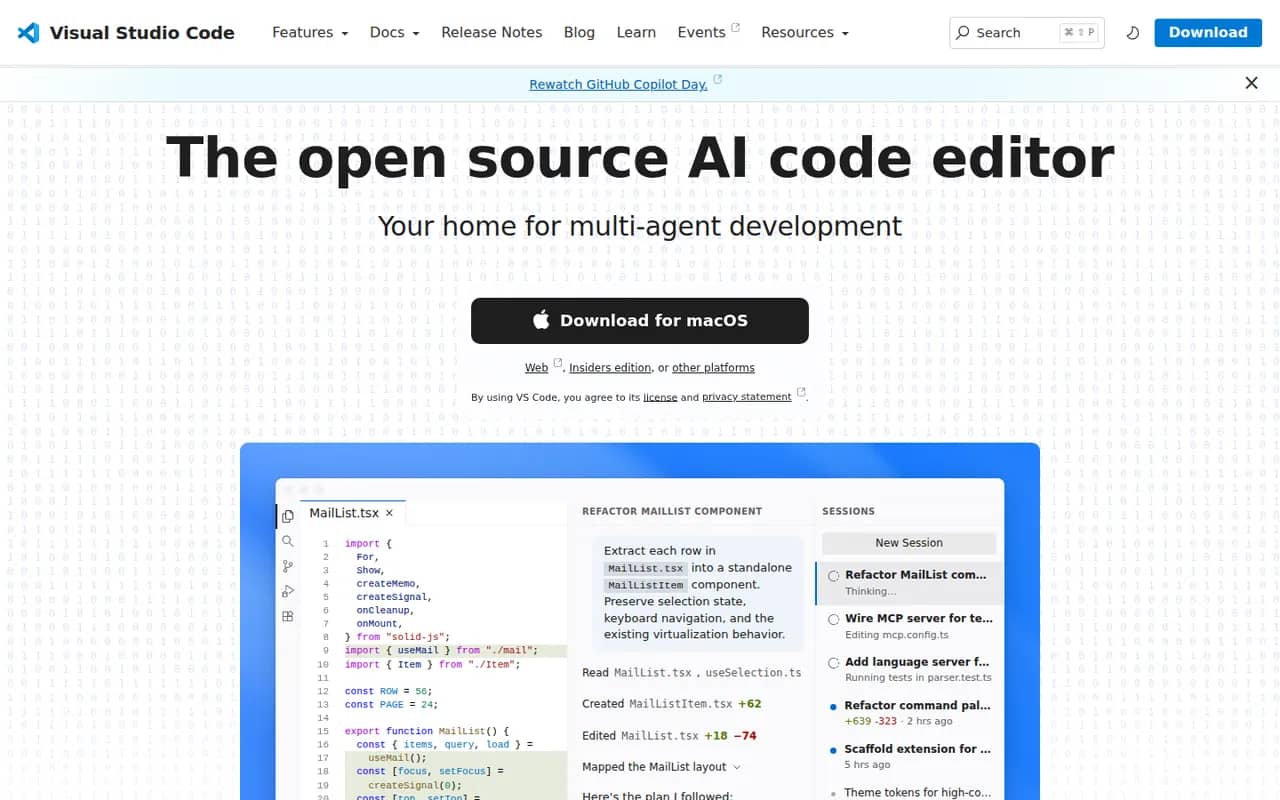
Visual Studio Code is a free source code editor from Microsoft that runs on Windows, macOS, Linux and in the browser. It combines IntelliSense completion, a built-in debugger, Git tools and an integrated terminal with a large extensions marketplace. It is built on the MIT-licensed Code - OSS project and integrates GitHub Copilot for AI chat and agent workflows.
12 Visual Studio Code alternativesPros
- Huge extensions marketplace for almost any language or tool
- Integrated terminal, debugger and Git tools
- Remote development over SSH, in containers and with WSL
Cons
- Official builds include Microsoft telemetry and proprietary components
- As an Electron app it uses more memory than native editors
- Large extension setups can slow it down
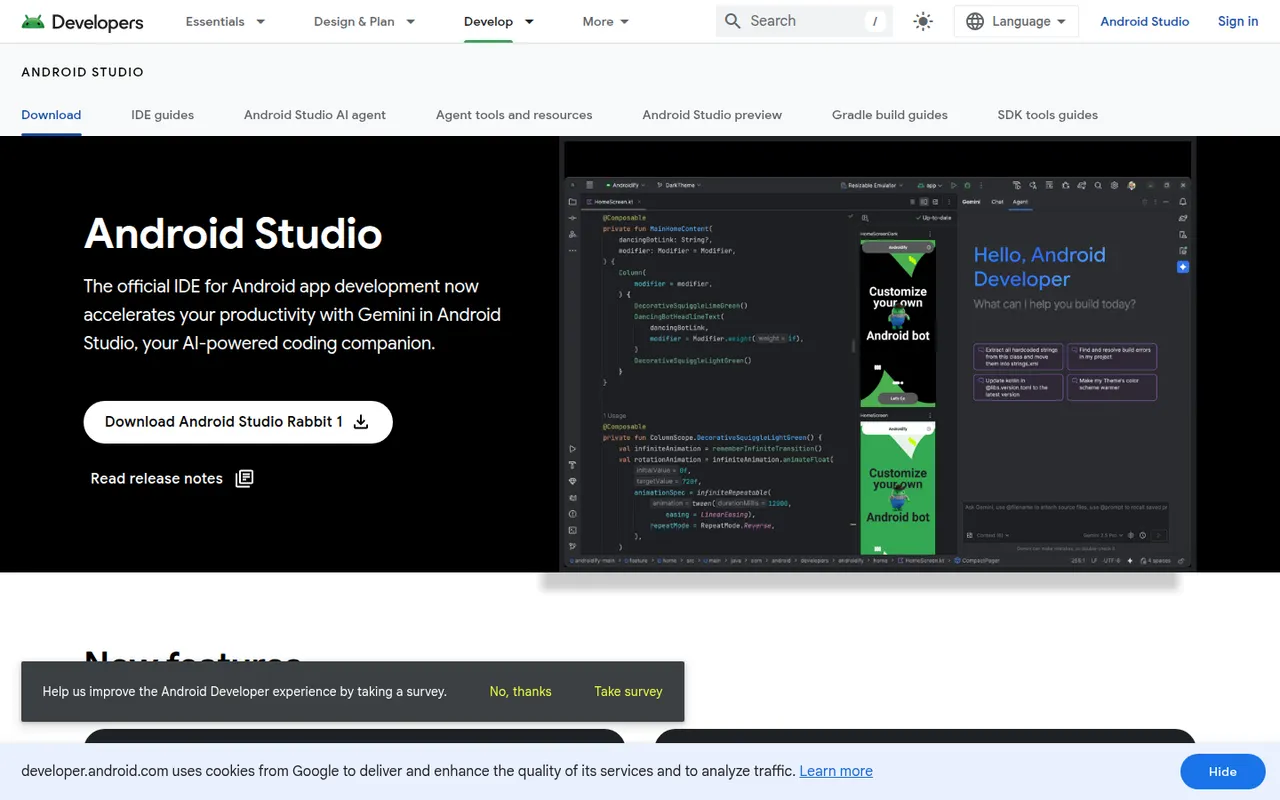
Cost / LicenseFreeOpen sourceCategoriesAndroid Studio is the official development environment for Android, built by Google on the IntelliJ platform. It provides Kotlin and Java editing, a visual layout editor, Jetpack Compose previews, an emulator, profilers and Gradle builds for phones, tablets, Wear OS, Android TV and cars. Gemini in Android Studio adds AI help for writing code and fixing errors. It is free on Windows, macOS, Linux and ChromeOS.
7 Android Studio alternativesPros
- Official, complete Android toolkit, free on all desktop systems
- Emulator, profilers and Compose previews built in
- Gemini helps write code and fix build errors
Cons
- Heavy on RAM and CPU, especially with the emulator running
- Gradle builds can be slow on large projects
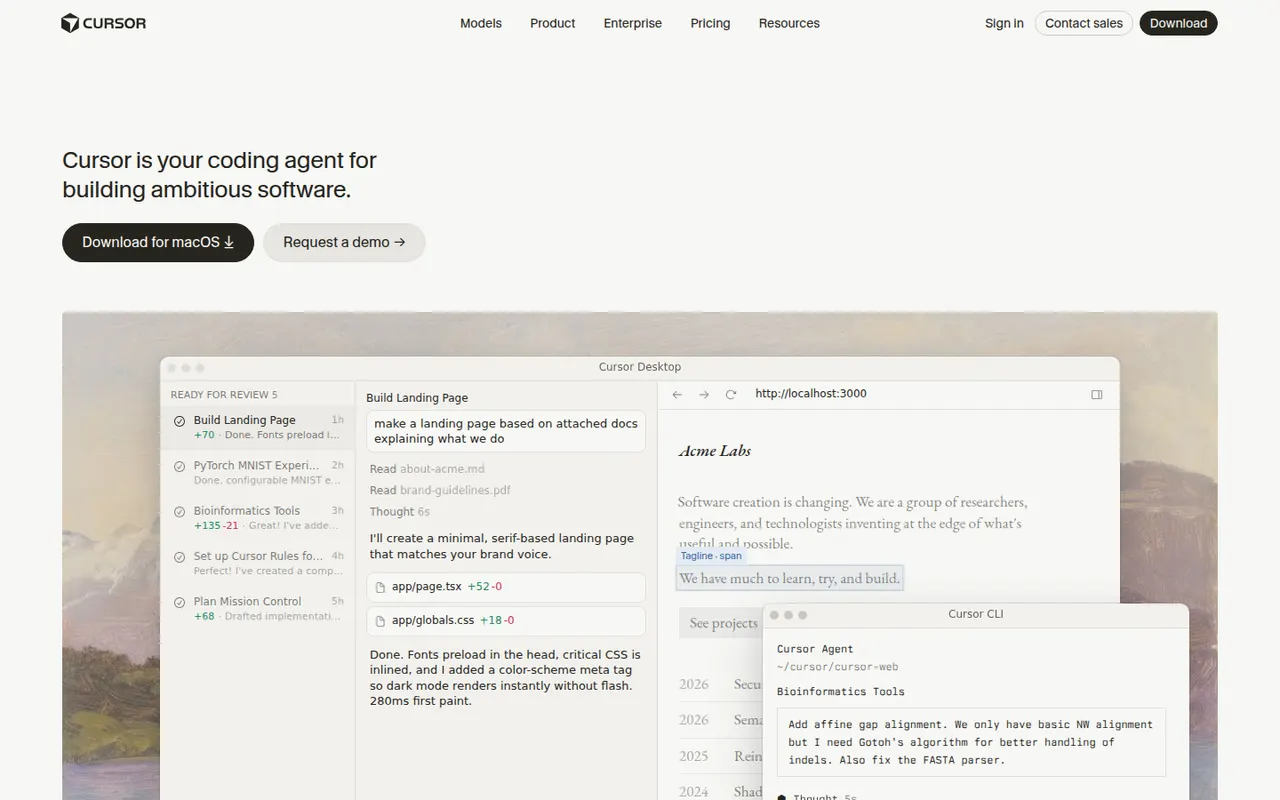
Cost / LicenseFreeProprietaryCategoriesCursor is a code editor from Anysphere, forked from VS Code, with AI integrated throughout the workflow. Its Tab model predicts multi-line edits, chat understands the whole codebase, and agent mode plans and applies changes across files while running terminal commands. Background agents can also work on tasks in the cloud. It stays compatible with VS Code extensions, themes and keybindings, and has a free Hobby plan.
12 Cursor alternativesPros
- Tab completion predicts multi-line edits as you type
- Agent mode applies changes across files and runs commands
- Keeps VS Code extensions, themes and keybindings
Cons
- Request limits and usage-based billing can be confusing
- As a VS Code fork, it can lag behind upstream updates
- The free Hobby plan is quickly limiting for daily work
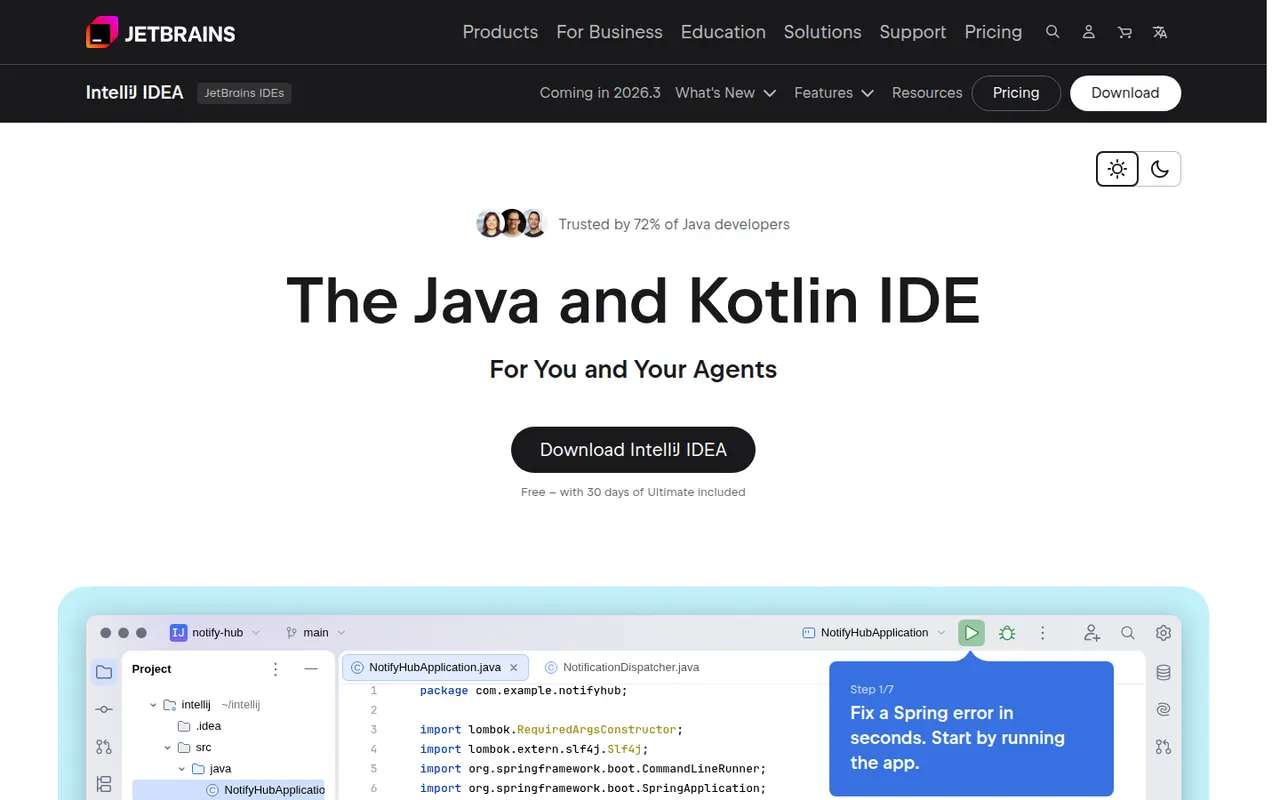
Cost / LicenseFreemiumProprietaryCategoriesIntelliJ IDEA is the JetBrains development environment for Java, Kotlin, Groovy and Scala, with deep code analysis, refactoring, a debugger and Maven and Gradle support. Since 2025 it ships as a single download: the core IDE is free, including for commercial work, and a subscription unlocks advanced Ultimate features for enterprise frameworks and web development. JetBrains AI tools are built in.
10 IntelliJ IDEA alternativesPros
- Deep code analysis and safe refactoring for Java and Kotlin
- The core IDE is free, including for commercial work
- Excellent Maven, Gradle and debugger integration
Cons
- Resource-hungry, with slow indexing on large projects
- Enterprise framework and web features require a subscription
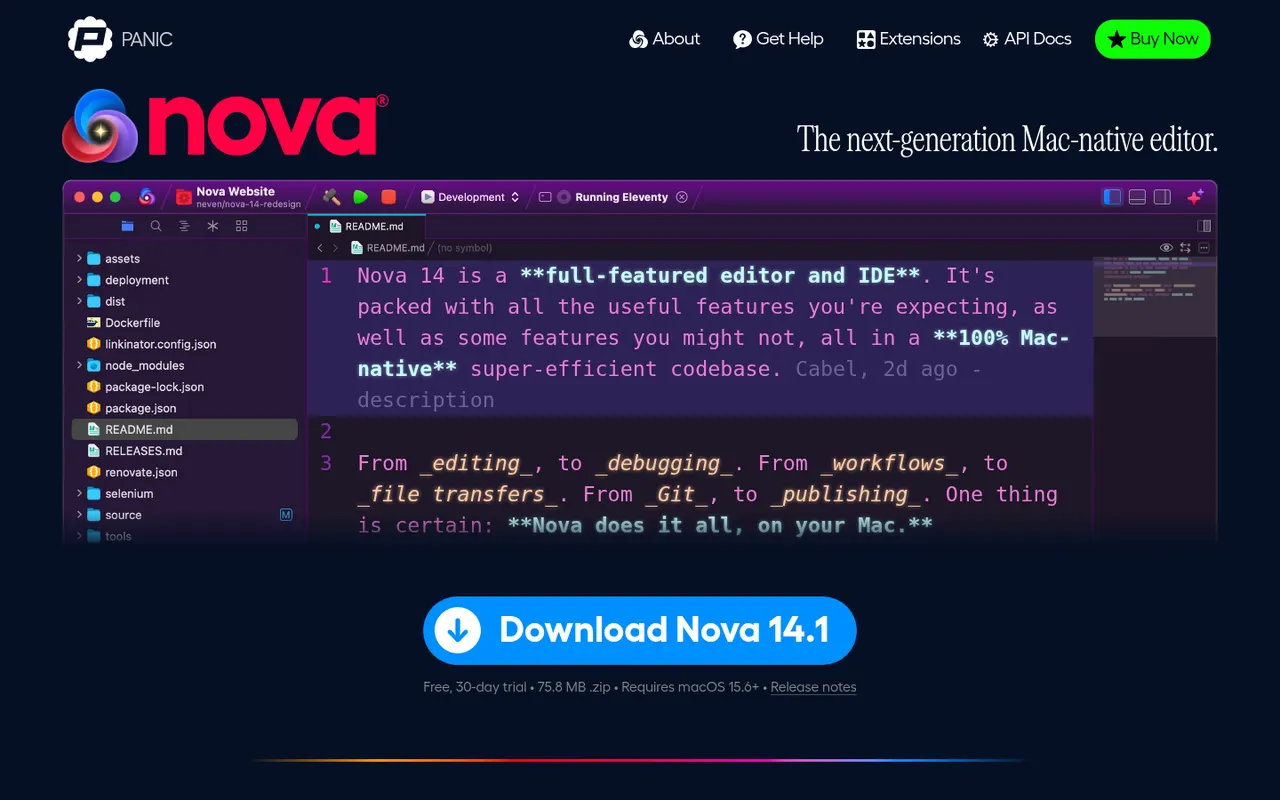
Cost / LicenseFreemiumProprietaryCategoriesNova is a native macOS code editor from Panic, the company behind Transmit and Coda. It pairs a Mac-style interface with language server support, Git source control, a built-in terminal, task runners and publishing to remote servers, and can be extended with JavaScript extensions from its library. Nova is a paid app with a free trial, aimed at web and app developers who prefer a fully native editor.
8 Nova alternativesPros
- Fully native Mac interface that feels fast and polished
- Built-in terminal, Git, task runners and remote publishing
- JavaScript extensions add languages and tools
Cons
- Available on macOS only
- Smaller extension library than VS Code
- Requires a paid license after the trial, while strong free editors exist
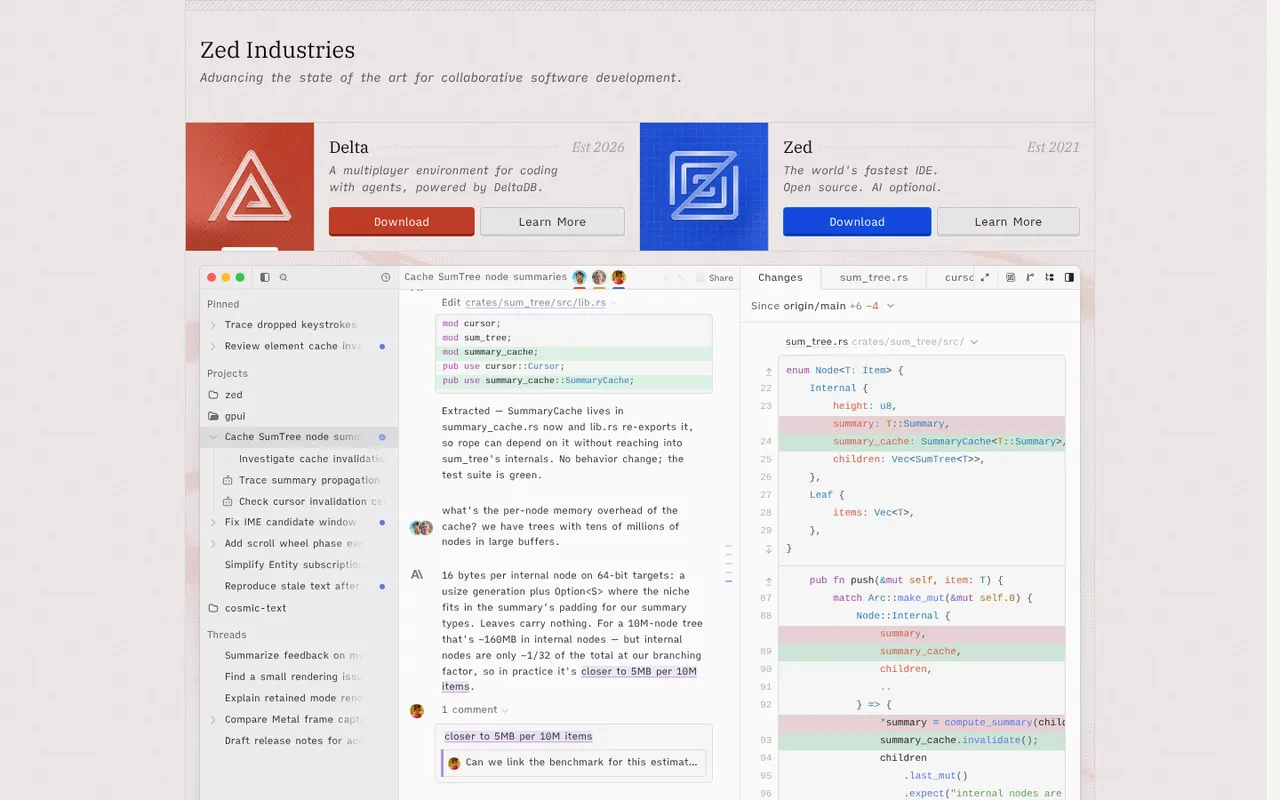
Cost / LicenseFree trialProprietaryCategoriesPlatformsZed is a code editor written in Rust by the creators of Atom and Tree-sitter, with a GPU-rendered interface that stays fast on large projects. It includes multiplayer editing, an agent panel that works with several AI models, edit predictions, Git tools, remote development over SSH and an extensions registry. Zed is open source under the GPL and runs on macOS, Linux and Windows; paid plans cover hosted AI usage.
12 Zed alternativesPros
- GPU-rendered interface that stays fast on large projects
- Built-in multiplayer editing and an agent panel for several AI models
- Open source under the GPL
Cons
- Smaller extension ecosystem than VS Code
- Some IDE features are less mature than in established editors
- Hosted AI usage requires a paid plan
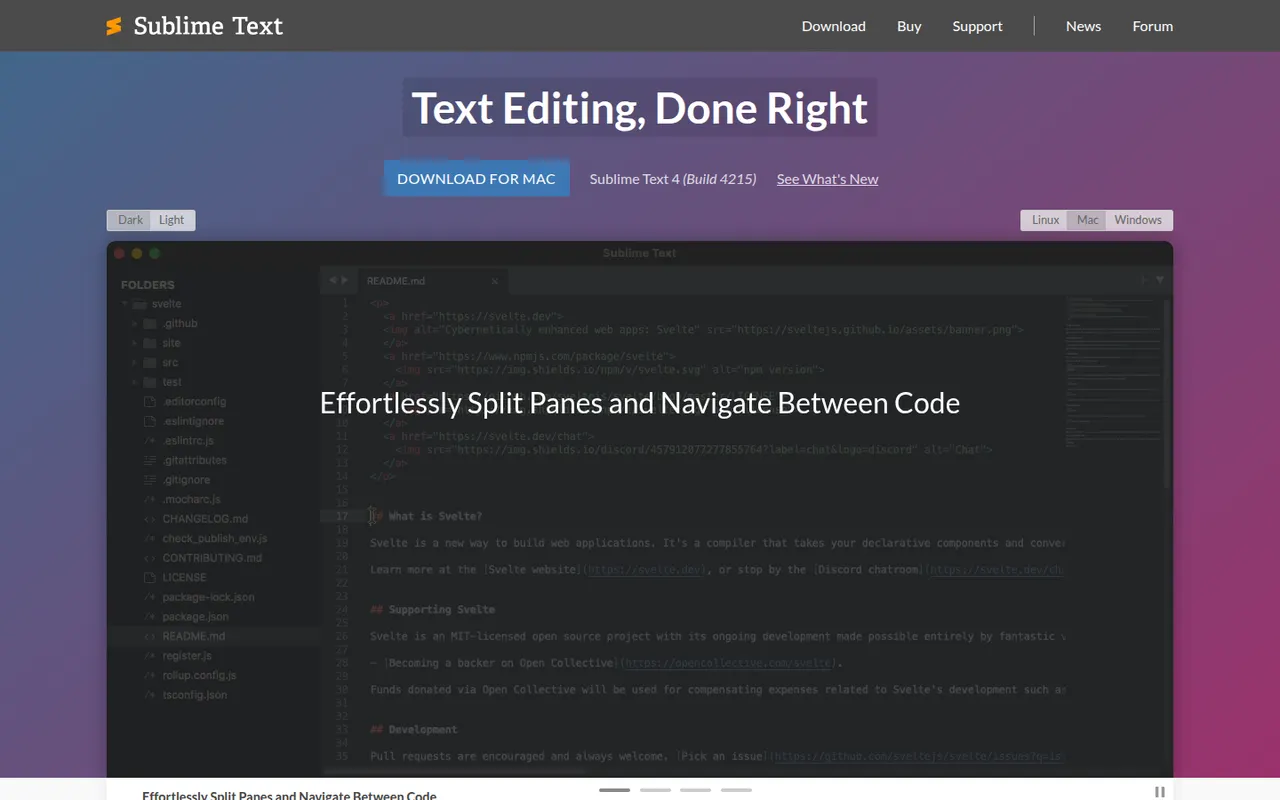
Cost / LicenseFreemiumOpen sourceCategoriesSublime Text is a cross-platform text and code editor from Sublime HQ, known for its speed and low resource use. Goto Anything, multiple cursors and a command palette make large files and projects quick to navigate. It is extended with Python plugins, usually installed through the community Package Control manager. It can be evaluated for free, but a license is required for continued use.
12 Sublime Text alternativesPros
- Extremely fast, even with very large files
- Multiple cursors and Goto Anything speed up navigation and edits
- Low memory use compared with Electron-based editors
Cons
- A license is required for continued use, with reminders during evaluation
- Fewer built-in IDE features, such as debugging, than VS Code
Cost / LicenseFree trialProprietaryCategories














Xcode vs its alternatives at a glance
Pricing, platforms and the key features of Xcode, compared with its most popular alternatives.
| App | Pricing | Platforms | AI assistant | Code completion | Debugger | Git integration |
|---|---|---|---|---|---|---|
 Xcode Xcode | Free | Mac | ||||
 Visual Studio Code Visual Studio Code | FreeOpen source | Web, Windows, Mac, Linux | ||||
 Android Studio Android Studio | Free | Windows, Mac, Linux | ||||
 Cursor Cursor | Freemium | Windows, Mac, Linux | ||||
 IntelliJ IDEA IntelliJ IDEA | Freemium | Windows, Mac, Linux | ||||
 Nova Nova | Free trial | Mac |
Xcode alternatives: frequently asked questions
What is the best alternative to Xcode?
The most popular alternative to Xcode is Visual Studio Code: Free, extensible code editor from Microsoft for most languages. Other great alternatives are Android Studio, Cursor, IntelliJ IDEA, and Nova.
Is there a free alternative to Xcode?
Yes, 5 alternatives are free or have a free plan, including Visual Studio Code, Android Studio, Cursor, and IntelliJ IDEA.
Is there an open source alternative to Xcode?
Yes, 2 open source alternatives are listed, including Visual Studio Code and Zed.
Is Xcode free?
Yes, Xcode is free to use.
Compare Xcode with its alternatives


Sponsored listings and products made by the publisher of this site are always labeled. How we rank · Know a good alternative? Submit it