Apps with Animation
11 apps
Top Animation apps ranked by the community
After Effects is Adobe's application for motion graphics, title animations, compositing and visual effects. It works with layers and keyframes, includes keying, motion tracking and rotoscoping tools, and supports a large ecosystem of plugins, scripts and templates. It is typically paired with Premiere Pro and sold through a Creative Cloud subscription for Windows and macOS.
8 Adobe After Effects alternativesPros
- Standard tool for motion graphics and compositing
- Huge ecosystem of plugins, scripts and templates
- Tight integration with Premiere Pro and other Adobe apps
Cons
- Steep learning curve for beginners
- Only available through a Creative Cloud subscription
- Demanding on hardware, with slow previews on complex projects
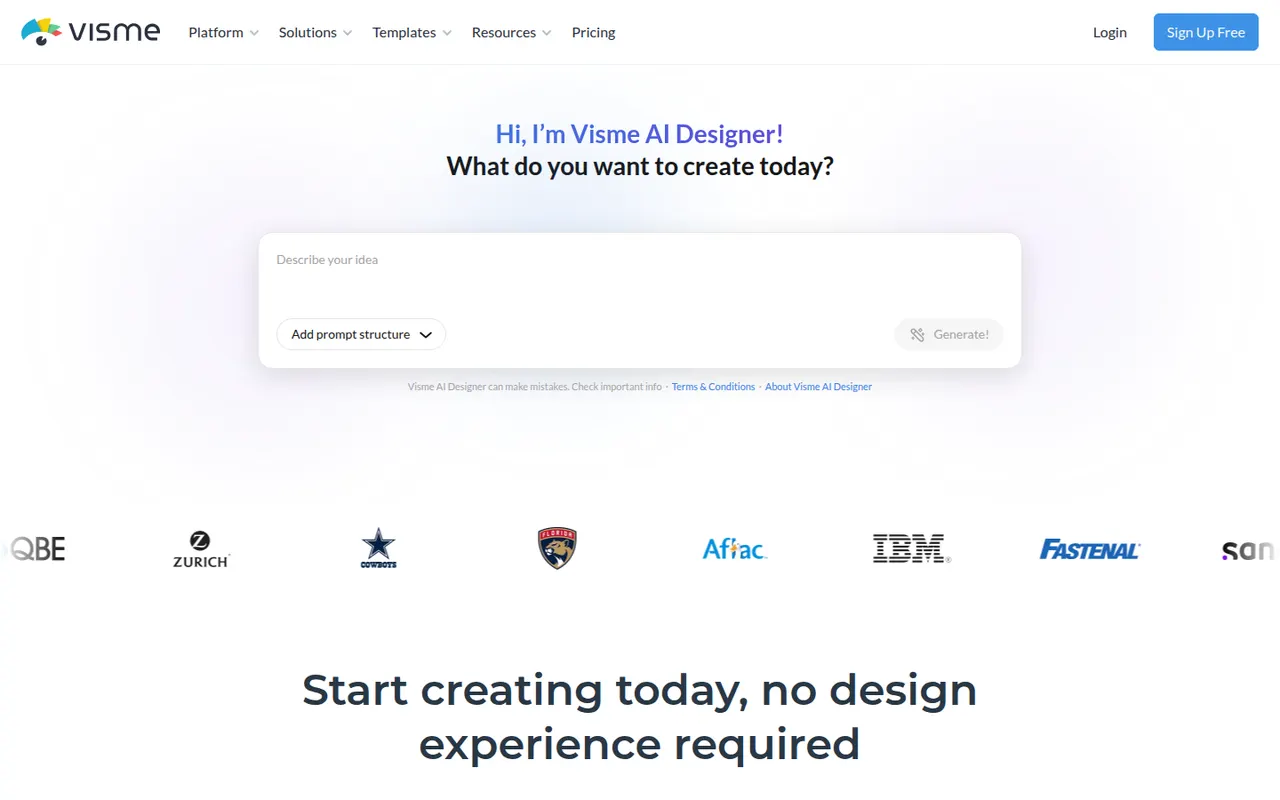
Cost / LicenseFree trialProprietaryCategoriesVisme is an online design tool for visual content that has to communicate data or ideas, such as presentations, infographics, reports, charts and social graphics. It offers templates, brand kits, animated and interactive elements, team workspaces and viewer analytics for shared projects. Marketing, training and communications teams use it in place of separate slide and graphics tools.
8 Visme alternativesPros
- Presentations, infographics, reports and charts in one tool
- Animated and interactive elements make content more engaging
- Viewer analytics show how shared projects are consumed
Cons
- Free plan is limited and adds Visme branding to designs
- Broad feature set comes with a learning curve
Cost / LicenseFreemiumProprietaryCategoriesPlatformsVistaCreate, formerly Crello, is an online graphic design editor owned by Vista, the printing company. It provides ready-made templates for social posts, ads, flyers and animated graphics, a stock library of photos, videos and illustrations, brand kits and a background remover. Finished designs can be ordered as prints through Vista, which makes it practical for small businesses.
6 VistaCreate alternativesPros
- Ready-made templates for social posts, ads and animated graphics
- Stock library of photos, videos and illustrations included
- Designs can be ordered as prints directly through Vista
Cons
- Fewer advanced and collaboration features than Canva
- Premium assets and features require a paid plan
- Limited control for detailed or precise design work
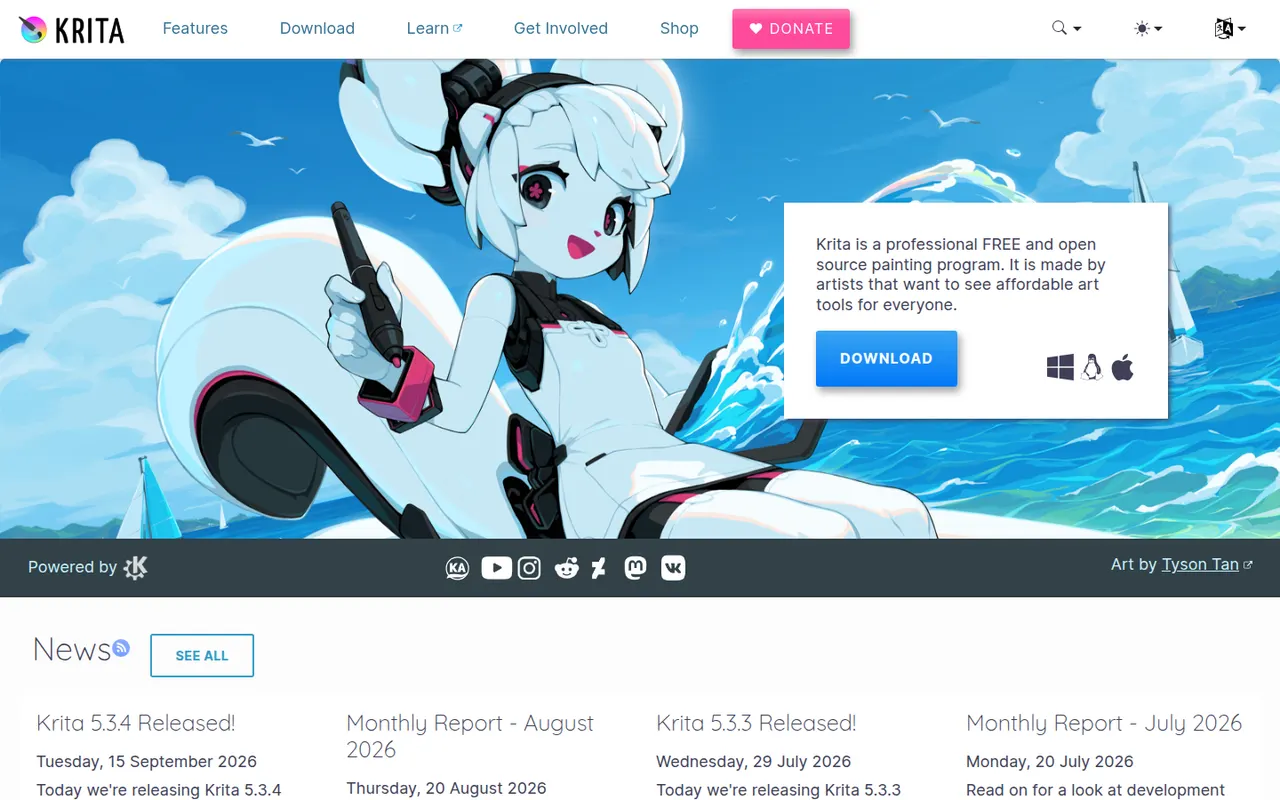
Cost / LicenseFreemiumProprietaryCategoriesKrita is a free, open source digital painting program developed by the KDE community for illustrators, comic artists, concept artists and texture painters. It offers customizable brush engines, a brush stabilizer, layers and masks, a wrap-around mode for seamless textures and frame-by-frame 2D animation. It runs on Windows, macOS and Linux, with a version for Android tablets and Chromebooks.
8 Krita alternativesPros
- Free, open source painting app with powerful brush engines
- Brush stabilizer and wrap-around mode for seamless textures
- Frame-by-frame 2D animation built in
Cons
- Not designed for photo editing
- Can be demanding on hardware with large canvases
- No version available for iPad
Cost / LicenseFreeOpen sourceCategoriesProcreate is a raster painting app built for iPad and Apple Pencil, used by illustrators, comic artists, letterers and hobbyists. It offers many customizable brushes, layers and blend modes, time-lapse recording of each artwork and Animation Assist for simple frame-by-frame animation. It is sold as a one-time purchase, and its developer has committed to keeping generative AI out of the app.
6 Procreate alternativesPros
- Responsive brush engine built for Apple Pencil
- One-time purchase with no subscription
- Time-lapse recording and Animation Assist built in
Cons
- Limited to iPad and iPhone, with no desktop version
- No vector tools for scalable artwork
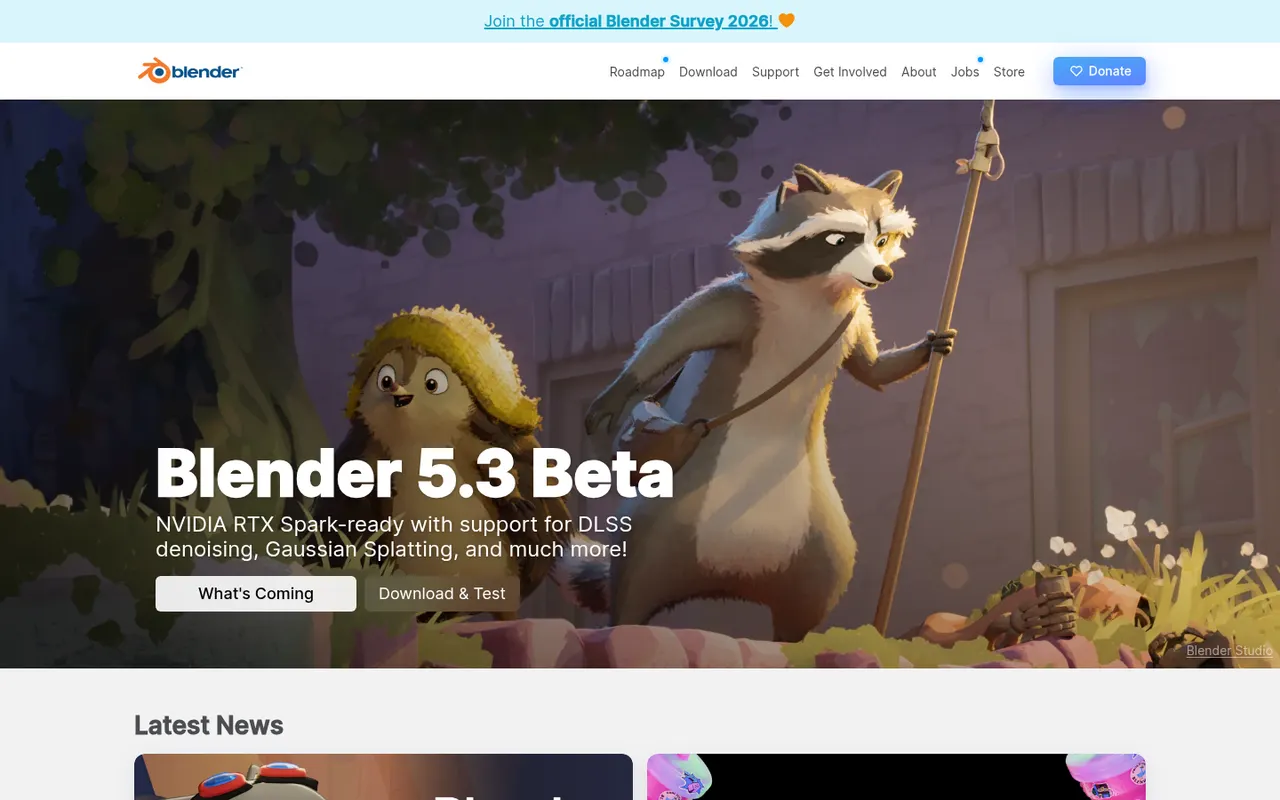
Cost / LicensePaidProprietaryCategoriesPlatformsBlender is a free, open source 3D creation suite covering modeling, sculpting, rigging, animation, simulation, rendering with Cycles and EEVEE, compositing and video editing. Its Grease Pencil tools also allow 2D animation inside a 3D space. Developed by the Blender Foundation and a large community, it is used by hobbyists, studios and game developers and can be extended with Python add-ons.
12 Blender alternativesPros
- Completely free and open source, with no license or subscription
- Covers modeling, sculpting, animation, rendering and video editing
- Large community with countless tutorials and Python add-ons
Cons
- Dense interface that takes newcomers time to learn
- Less established than Maya or 3ds Max in some studio pipelines
Cost / LicenseFreeOpen sourceCategoriesAutodesk Maya is a 3D application used in film, television and game studios for character animation, rigging, modeling, simulation and visual effects. It includes the Arnold renderer, Bifrost for procedural effects and simulations, and Python and MEL scripting for building custom pipelines. It runs on Windows, macOS and Linux, and free educational licenses are available to students.
6 Autodesk Maya alternativesPros
- Industry-standard tools for character animation and rigging
- Python and MEL scripting for building custom studio pipelines
- Runs on Windows, macOS and Linux, with free licenses for students
Cons
- Subscription pricing is steep for freelancers and small studios
- Dense interface with a long learning curve for beginners
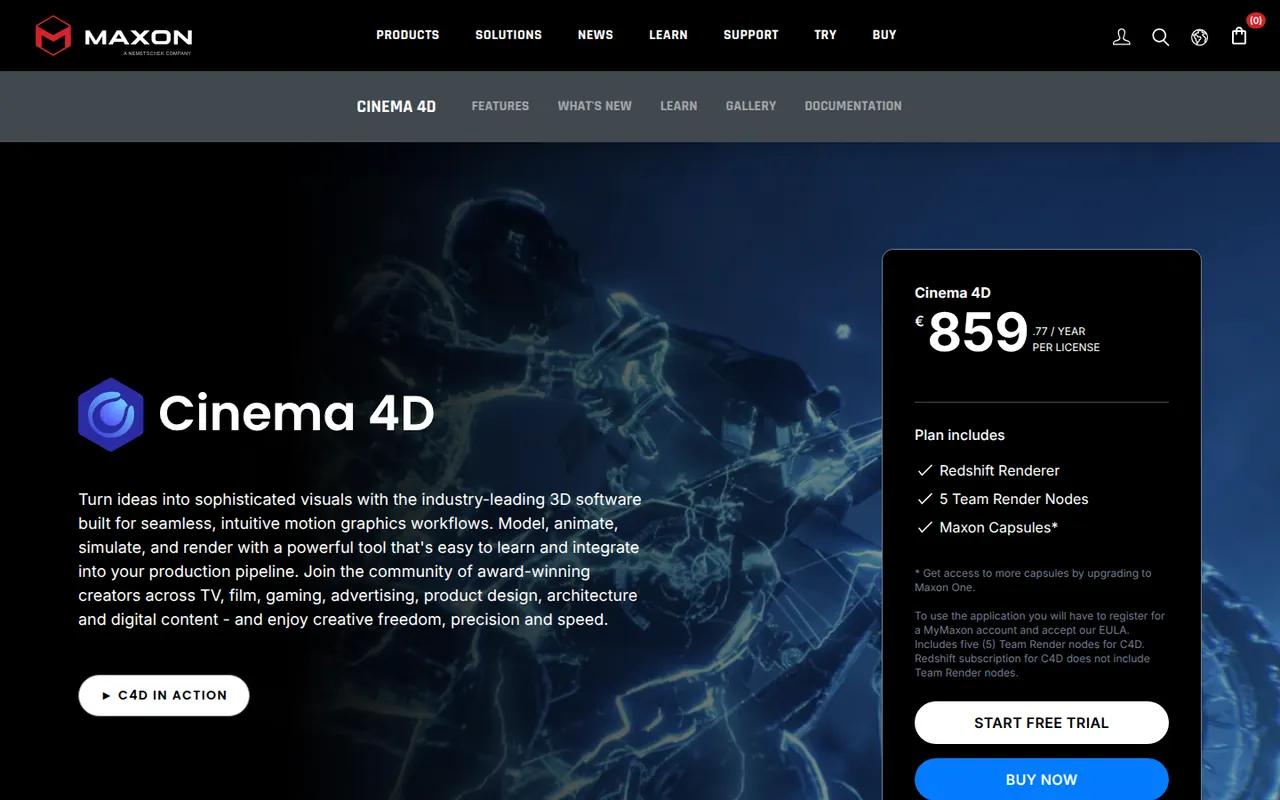
Cost / LicenseFree trialProprietaryCategoriesCinema 4D is a 3D application from Maxon known for its approachable interface and its MoGraph toolset for procedural motion graphics. Designers use it for broadcast graphics, product visuals, title sequences and abstract animation, often alongside After Effects. It integrates the Redshift renderer, simulation tools and character animation features, and runs on Windows and macOS.
8 Cinema 4D alternativesPros
- Approachable interface compared with most 3D suites
- MoGraph tools make procedural motion graphics fast to build
- Fits smoothly alongside After Effects for broadcast and title work
Cons
- Subscription pricing is costly for individual designers
- Runs on Windows and macOS only, with no Linux version
- Less common than Houdini or Maya for heavy simulation and film VFX
Cost / LicenseFree trialProprietaryCategoriesAutodesk 3ds Max is a 3D modeling, animation and rendering application for Windows, used for architectural and product visualization, interior design and game asset creation. It offers polygon and spline modeling, a modifier stack, the Arnold renderer and a large ecosystem of third-party plugins and renderers such as V-Ray and Corona. MAXScript and Python scripting support custom workflows.
9 Autodesk 3ds Max alternativesPros
- Deep modeling toolset built around a flexible modifier stack
- Huge plugin ecosystem, including the V-Ray and Corona renderers
- Long-standing standard for architectural visualization work
Cons
- Runs on Windows only, with no macOS or Linux version
- Subscription-only licensing is expensive for freelancers
- Steep learning curve and an interface that shows its age
Cost / LicenseFree trialProprietaryCategoriesPlatformsHoudini is a 3D animation and visual effects application from SideFX built on a node-based procedural workflow, where every step stays editable. Studios use it for simulations such as fire, smoke, fluids, destruction and crowds, and game developers use it to generate environments and assets procedurally. A free Apprentice edition allows non-commercial learning, alongside paid Indie and studio licenses.
7 Houdini alternativesPros
- Node-based procedural workflow keeps every step editable
- Leading toolset for fire, smoke, fluid and destruction simulations
- Free Apprentice edition for non-commercial learning
Cons
- One of the steepest learning curves among 3D applications
- The free edition watermarks renders and is non-commercial only
- Overkill for simple modeling or quick motion graphics jobs
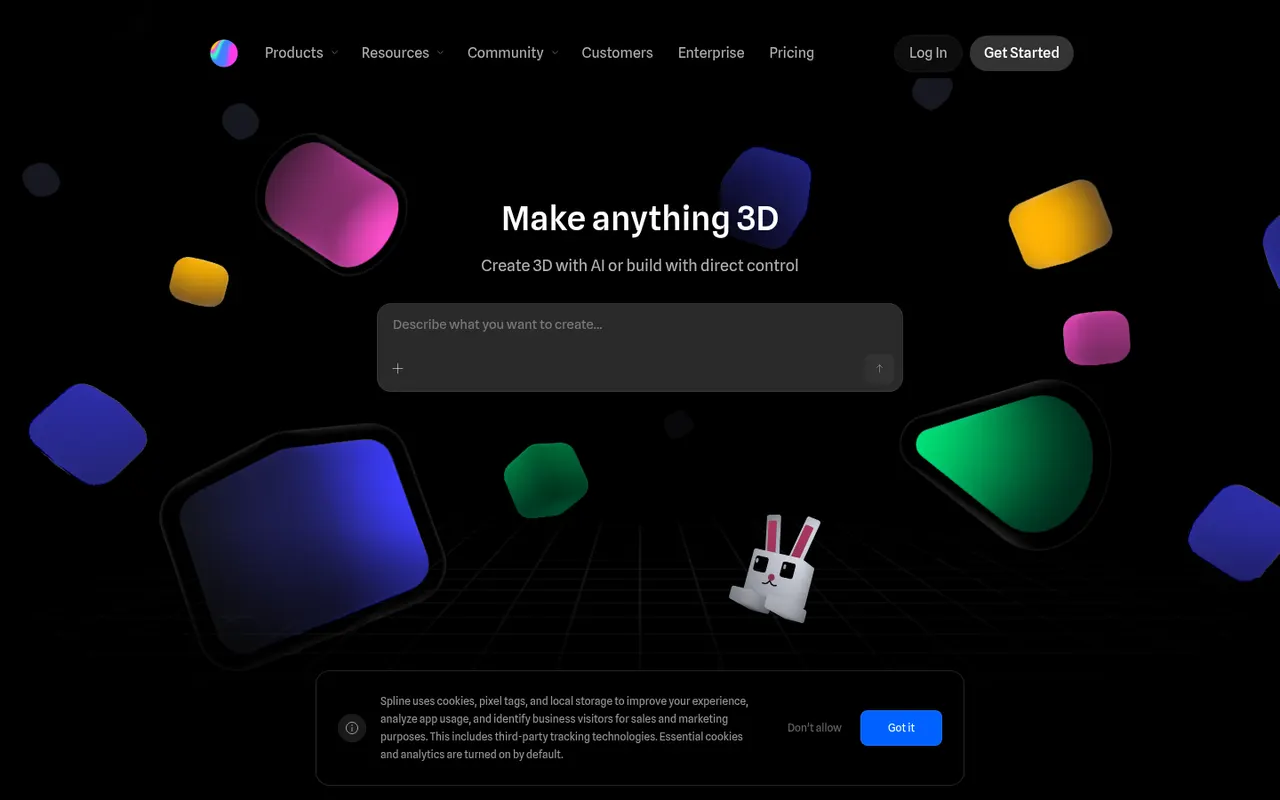
Cost / LicenseFreemiumProprietaryCategoriesSpline is a collaborative 3D design tool that runs in the browser, aimed at designers who want to create interactive 3D scenes, animations and interface elements without learning traditional 3D software. Scenes can react to hover, scroll and clicks, and can be exported as embeddable web code, images or videos, or used in Framer, Webflow and React projects. Teams edit files together in real time.
8 Spline alternativesPros
- Lets designers create 3D scenes without traditional 3D software
- Interactive states respond to hover, scroll and clicks
- Exports to web embeds, Framer, Webflow and React projects
Cons
- Complex scenes can weigh down web pages and slow loading
- Less capable than full 3D suites for detailed modeling
- Advanced exports and team features require a paid plan
Cost / LicenseFreemiumProprietaryPlatforms