
Spline alternatives
Top 3D Modeling & Animation like Spline
All Spline alternatives
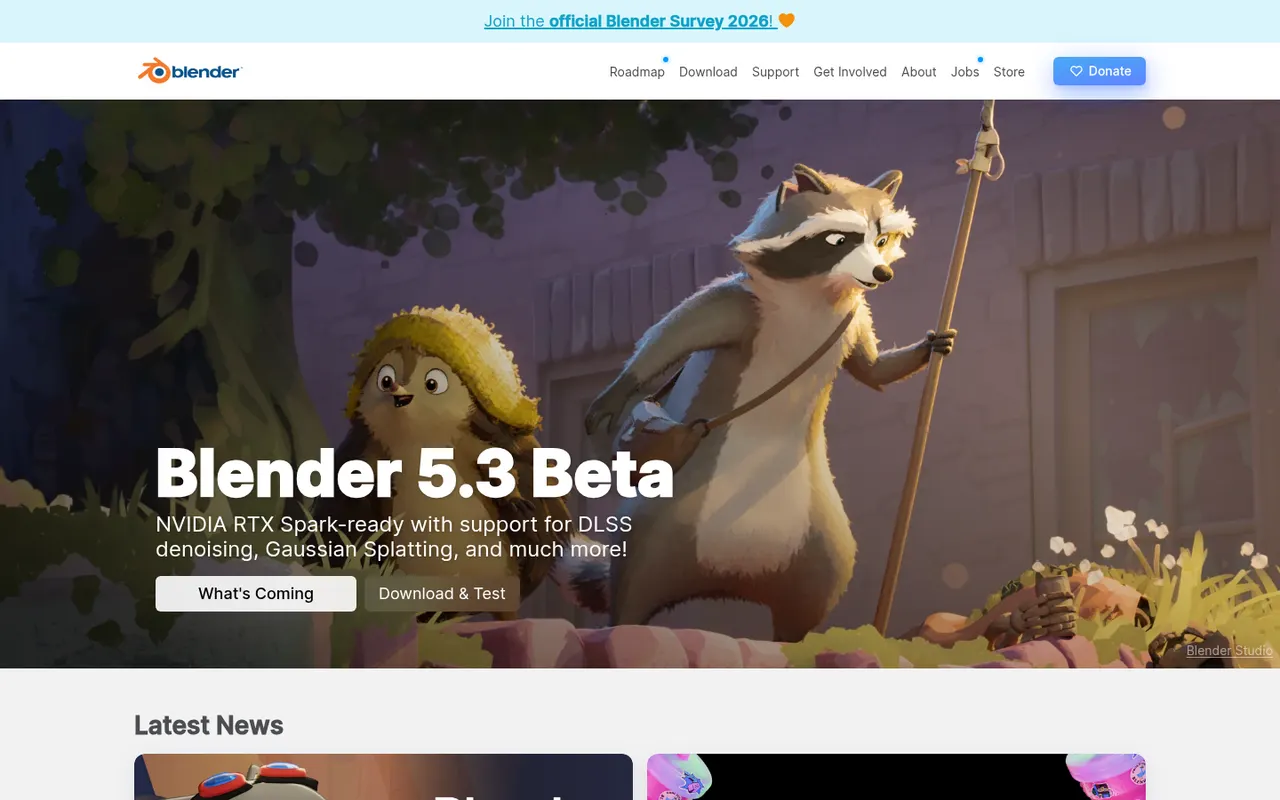
Blender is a free, open source 3D creation suite covering modeling, sculpting, rigging, animation, simulation, rendering with Cycles and EEVEE, compositing and video editing. Its Grease Pencil tools also allow 2D animation inside a 3D space. Developed by the Blender Foundation and a large community, it is used by hobbyists, studios and game developers and can be extended with Python add-ons.
12 Blender alternativesPros
- Completely free and open source, with no license or subscription
- Covers modeling, sculpting, animation, rendering and video editing
- Large community with countless tutorials and Python add-ons
Cons
- Dense interface that takes newcomers time to learn
- Less established than Maya or 3ds Max in some studio pipelines
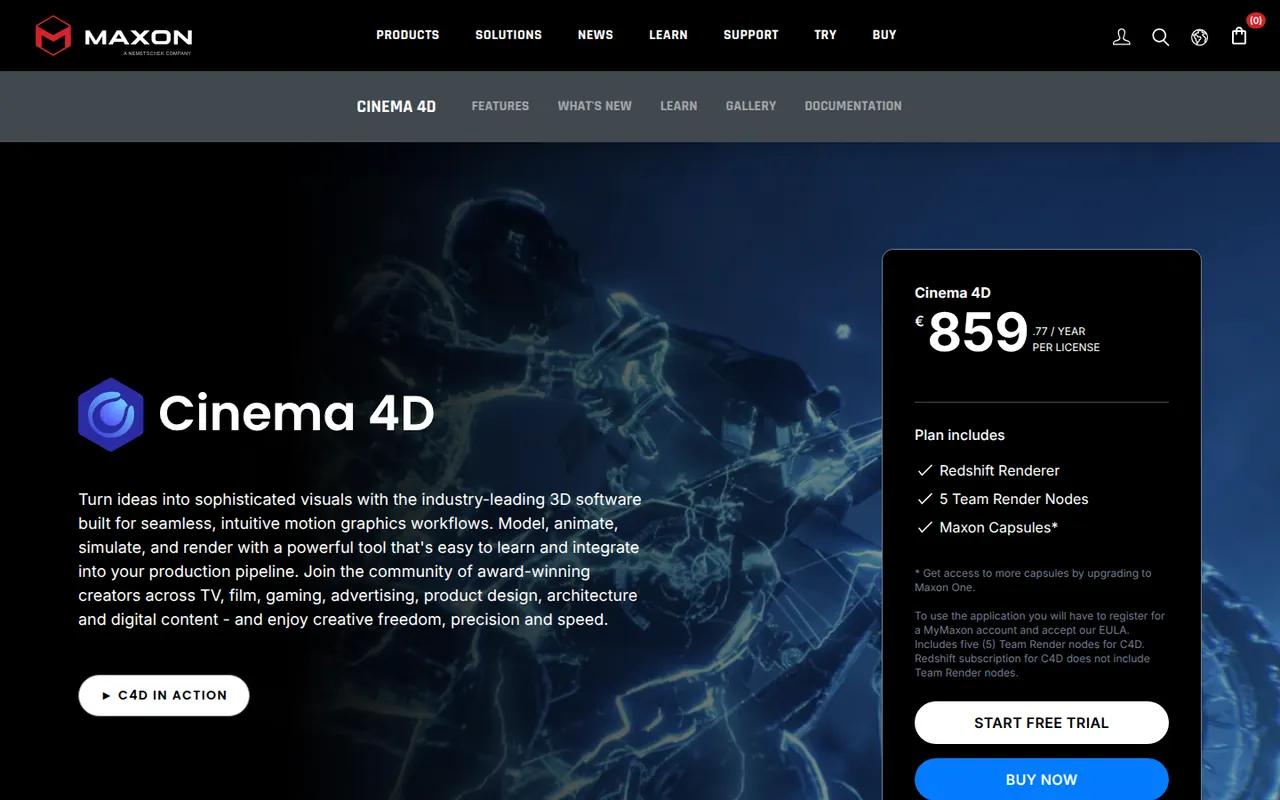
Cost / LicenseFreeOpen sourceCategoriesCinema 4D is a 3D application from Maxon known for its approachable interface and its MoGraph toolset for procedural motion graphics. Designers use it for broadcast graphics, product visuals, title sequences and abstract animation, often alongside After Effects. It integrates the Redshift renderer, simulation tools and character animation features, and runs on Windows and macOS.
8 Cinema 4D alternativesPros
- Approachable interface compared with most 3D suites
- MoGraph tools make procedural motion graphics fast to build
- Fits smoothly alongside After Effects for broadcast and title work
Cons
- Subscription pricing is costly for individual designers
- Runs on Windows and macOS only, with no Linux version
- Less common than Houdini or Maya for heavy simulation and film VFX
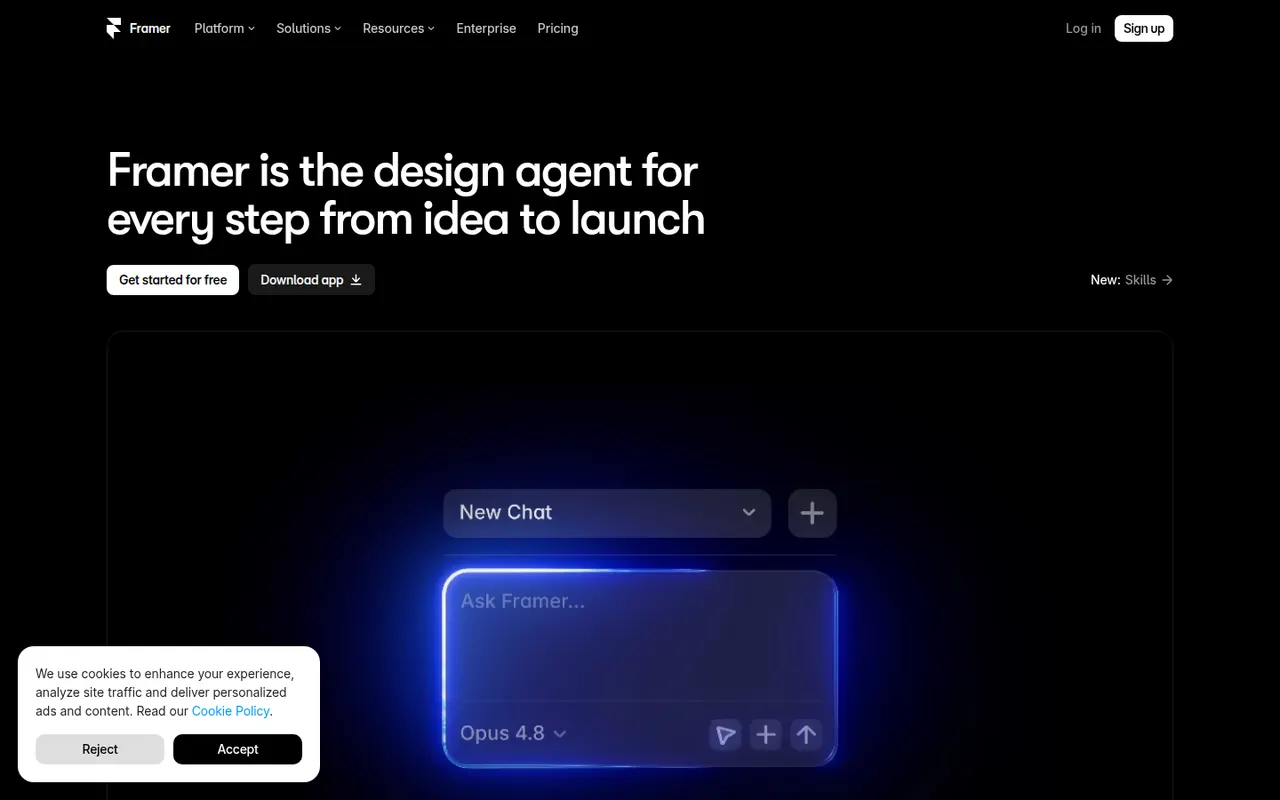
Cost / LicenseFree trialProprietaryCategoriesFramer is a website builder that works like a design tool: you lay out pages on a canvas, add animations and effects, then publish directly with hosting included. It offers a CMS, localization, built-in analytics and AI features that can generate a starting layout from a prompt. Designers and startups use it for landing pages, portfolios and marketing sites.
12 Framer alternativesPros
- Design-tool canvas with fine control over layout and animation
- Publishing and hosting included in one step
- Built-in CMS, localization and analytics
Cons
- Paid plans get costly as sites grow
- Learning curve for people new to design tools
- Sites stay hosted on Framer, with no official code export
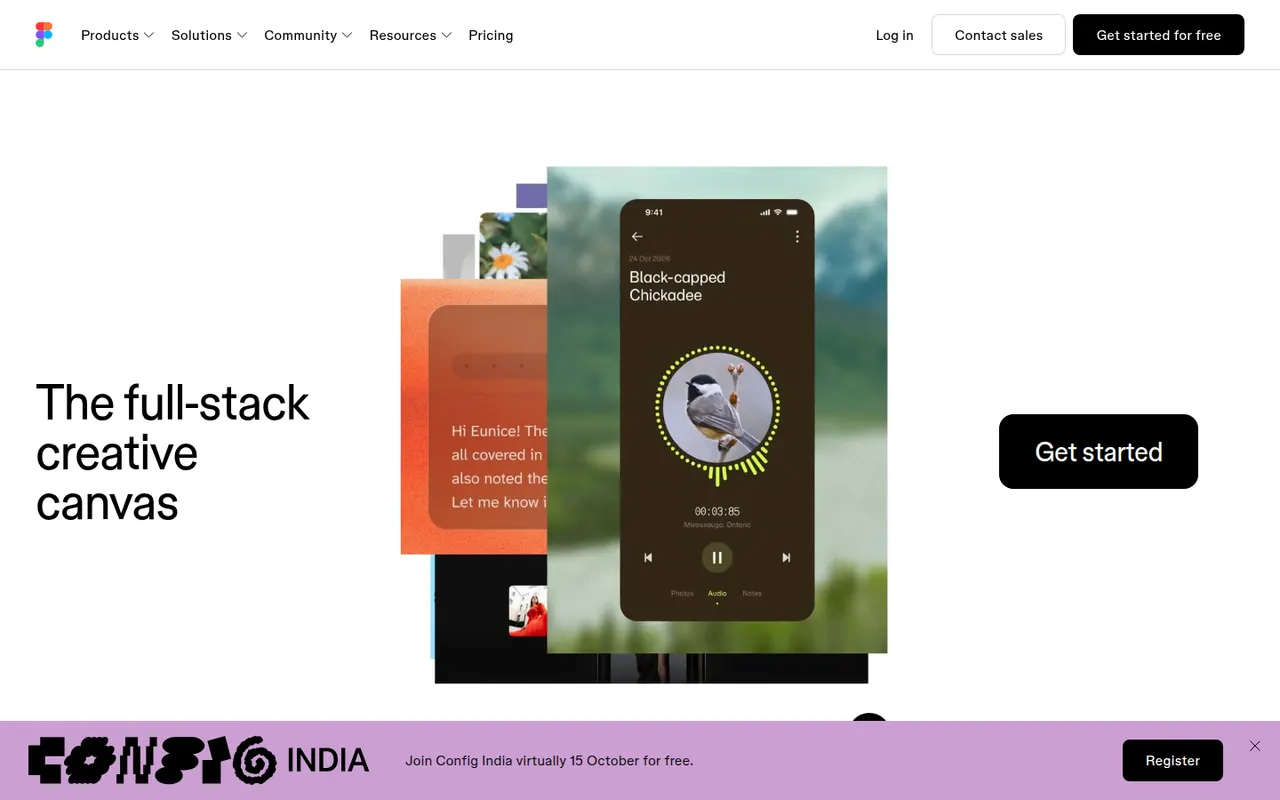
Cost / LicenseFreemiumProprietaryCategoriesFigma is a design platform for user interfaces, websites and apps where teams edit the same file in real time from the browser or the desktop app. It covers vector design, interactive prototypes, shared component libraries and variables for design systems, and Dev Mode for developer handoff. Plugins, FigJam whiteboards and AI features extend it for product and design teams.
12 Figma alternativesPros
- Real-time multiplayer editing in the browser or desktop app
- Components and variables make design systems manageable
- Huge ecosystem of plugins and community files
Cons
- Paid seats add up quickly for growing teams
- Most work requires an internet connection
- Large files can become slow and memory-hungry
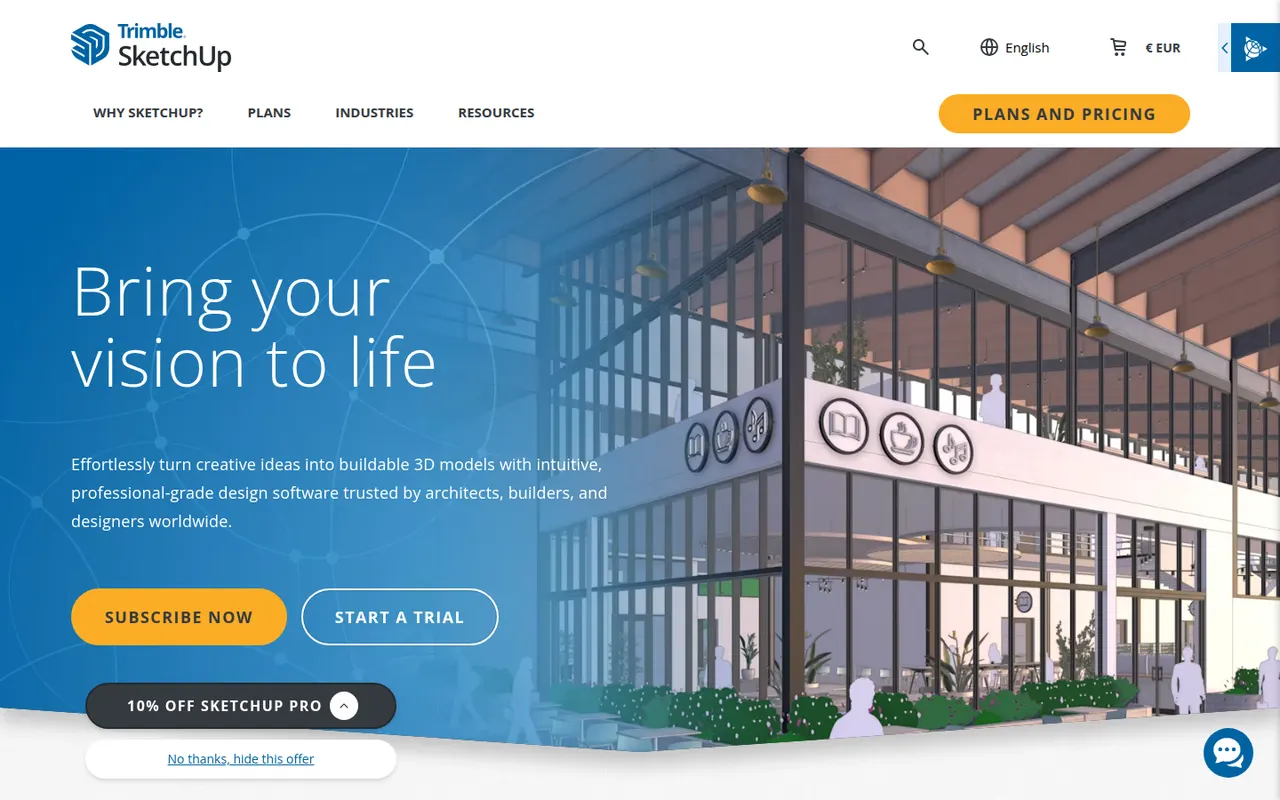
Cost / LicenseFreemiumProprietaryCategoriesSketchUp is a 3D modeling tool from Trimble built around simple push-pull geometry, used by architects, interior designers, landscape designers and woodworkers. The 3D Warehouse offers a large library of ready-made models, and the Extension Warehouse adds plugins for rendering, layout and analysis. A free web version exists for personal use; paid plans add the desktop app, LayOut for 2D drawings and the iPad app.
8 SketchUp alternativesPros
- Push-pull modeling is quick to pick up for beginners
- 3D Warehouse offers a vast library of ready-made models
- Extensions add rendering, layout and analysis tools
Cons
- The free web version is limited to personal use
- Struggles with complex curved and organic shapes
- The desktop app and LayOut require a paid subscription
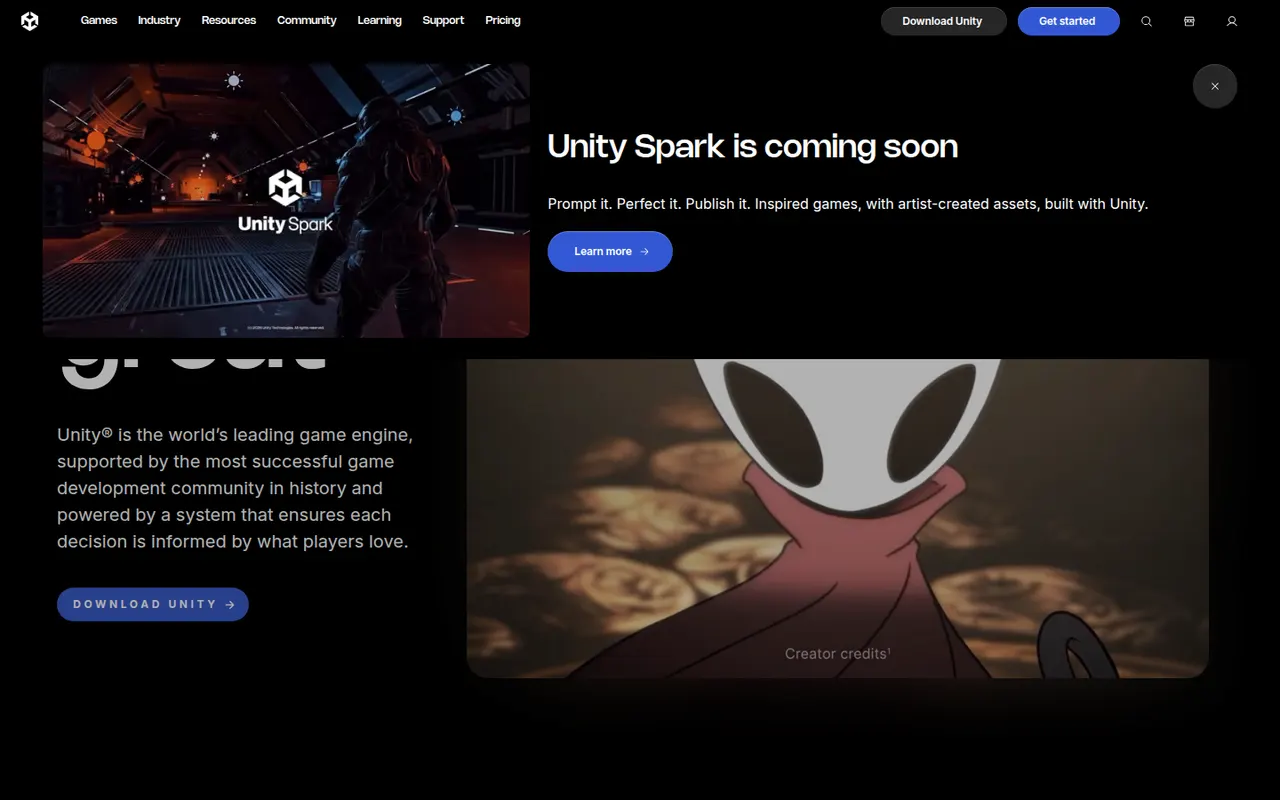
Cost / LicenseFreemiumProprietaryCategoriesUnity is a game engine and editor used to build 2D, 3D, mobile, console, VR and AR games and interactive applications, scripted in C# or with its built-in visual scripting. It exports to a wide range of platforms, from phones and PCs to consoles and headsets, and the Asset Store offers ready-made tools, models and templates. A free Personal plan exists, with paid Pro and Enterprise tiers above a revenue threshold.
8 Unity alternativesPros
- Exports to almost every platform, from phones to consoles and headsets
- Huge Asset Store, extensive documentation and a large community
- C# scripting plus visual scripting, for both 2D and 3D
Cons
- Past licensing changes have shaken trust among developers
- Editor can feel heavy and slow on large projects
- Paid tiers become mandatory above a revenue threshold
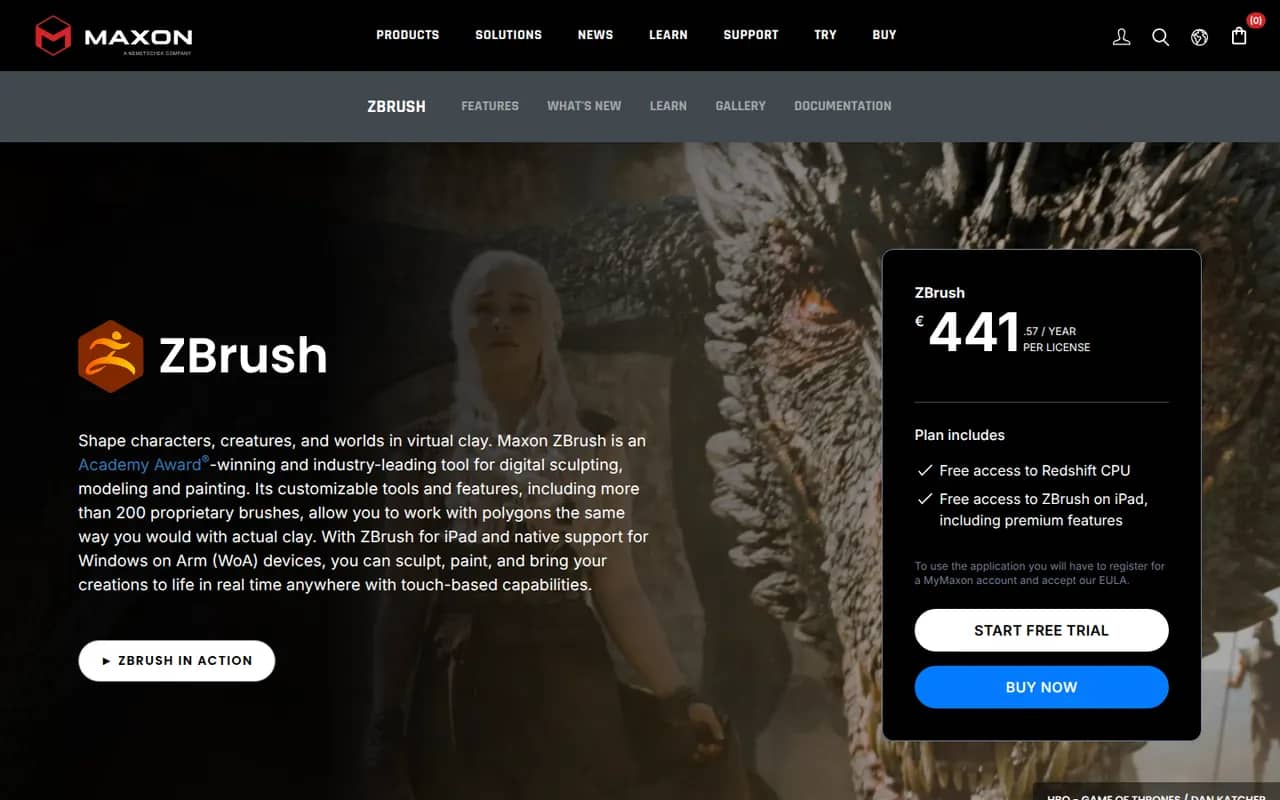
Cost / LicenseFreemiumProprietaryCategoriesZBrush is a digital sculpting and painting application used for characters, creatures, collectibles and 3D-printed figures in film, games and toy design. It handles models with millions of polygons using brush-based sculpting, DynaMesh, ZRemesher retopology and Polypaint for surface color. Created by Pixologic and now owned by Maxon, it runs on Windows and macOS, and an iPad version is also available.
6 ZBrush alternativesPros
- Handles models with millions of polygons smoothly
- DynaMesh and ZRemesher speed up sculpting and retopology
- Reference tool for character and creature sculpting
Cons
- Unconventional interface that takes a long time to master
- Not a full 3D suite, so animation and scene work need other tools
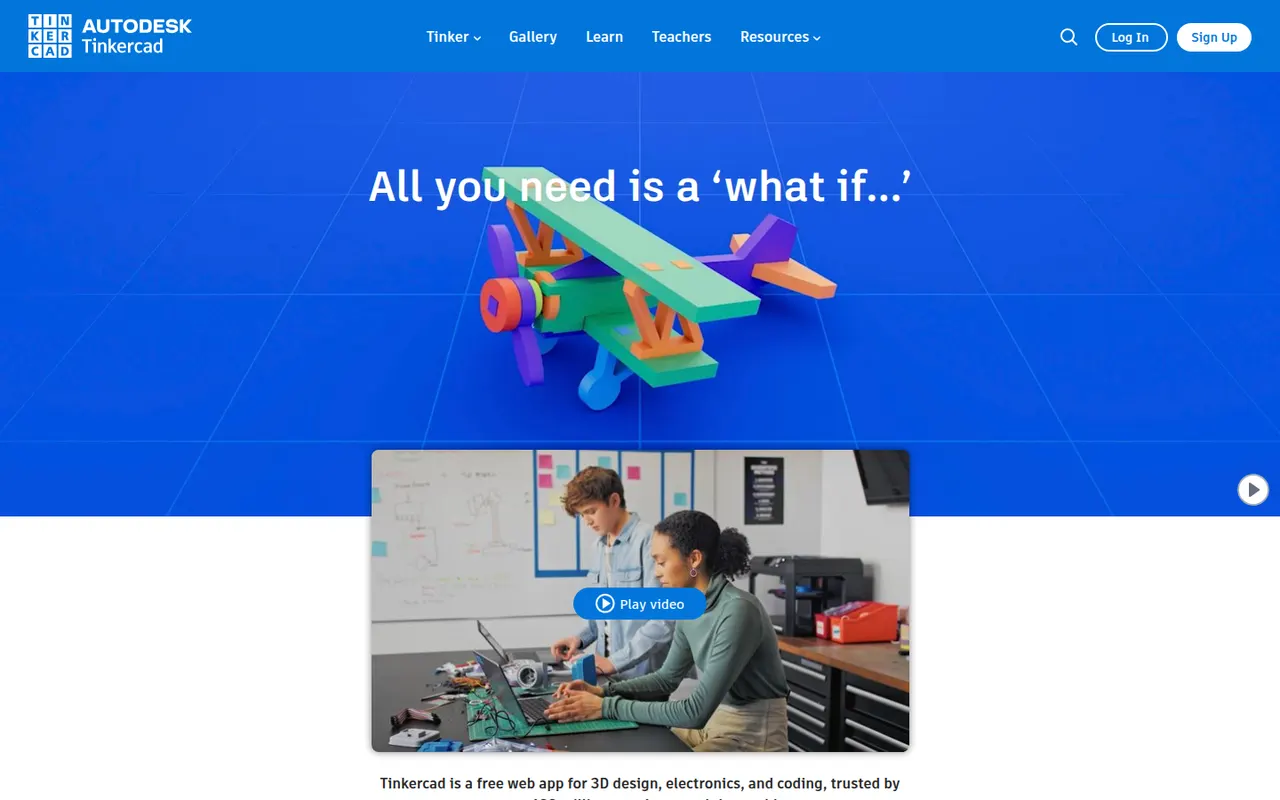
Cost / LicenseFreemiumProprietaryCategoriesTinkercad is a free web app from Autodesk that teaches 3D design by combining basic shapes, making it a common first step into CAD for students, teachers and 3D printing hobbyists. Besides 3D modeling, it includes Circuits for simulating Arduino and electronics projects and Codeblocks for creating designs with block-based code. Classroom tools let teachers manage students, and an iPad app is available.
6 Tinkercad alternativesPros
- Completely free and runs in the browser
- Shape-based modeling is ideal for first steps in 3D design
- Circuits simulates Arduino and electronics projects
Cons
- Too basic for complex or precise engineering models
- Needs an internet connection and an Autodesk account
Cost / LicenseFreeProprietaryCategories
















Spline vs its alternatives at a glance
Pricing, platforms and the key features of Spline, compared with its most popular alternatives.
| App | Pricing | Platforms | Animation | Integrations | Real-time collaboration | Templates |
|---|---|---|---|---|---|---|
 Spline Spline | Freemium | Web | ||||
 Blender Blender | FreeOpen source | Windows, Mac, Linux | ||||
 Cinema 4D Cinema 4D | Free trial | Windows, Mac | ||||
 Framer Framer | Freemium | Web, Windows, Mac | ||||
 Figma Figma | Freemium | Web, Windows, Mac | ||||
 SketchUp SketchUp | Freemium | Web, Windows, Mac, iPhone |
Spline alternatives: frequently asked questions
What is the best alternative to Spline?
The most popular alternative to Spline is Blender: Free and open source 3D suite for modeling, animation and rendering. Other great alternatives are Cinema 4D, Framer, Figma, and SketchUp.
Is there a free alternative to Spline?
Yes, 7 alternatives are free or have a free plan, including Blender, Framer, Figma, and SketchUp.
Is there an open source alternative to Spline?
Yes, one open source alternative is listed: Blender.
Is Spline free?
Spline has a free plan, with paid plans that unlock more features.
Compare Spline with its alternatives


Sponsored listings and products made by the publisher of this site are always labeled. How we rank · Know a good alternative? Submit it