
Tinkercad
Free browser-based 3D design, electronics and coding app for beginners
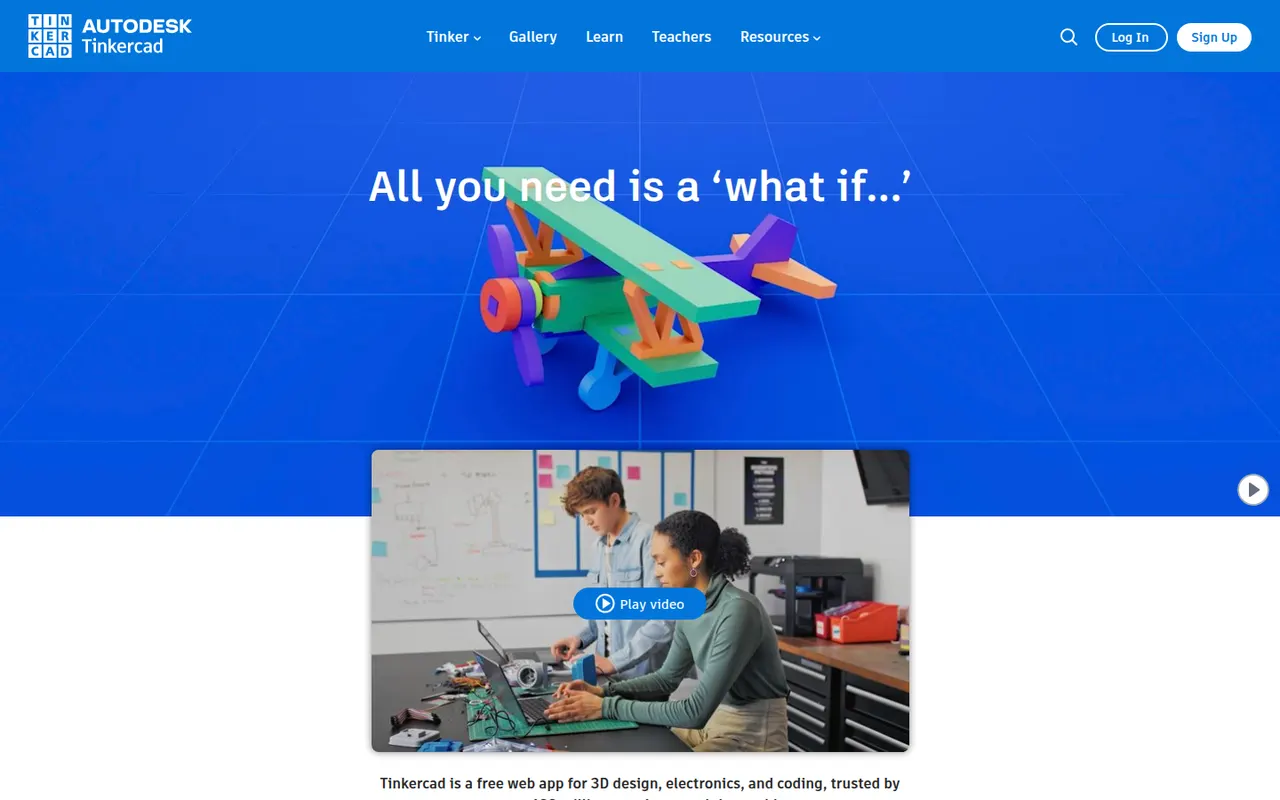
Tinkercad is a free web app from Autodesk that teaches 3D design by combining basic shapes, making it a common first step into CAD for students, teachers and 3D printing hobbyists. Besides 3D modeling, it includes Circuits for simulating Arduino and electronics projects and Codeblocks for creating designs with block-based code. Classroom tools let teachers manage students, and an iPad app is available.
- features
- 3
- alternatives
- 6
- platforms
- 2
- Updated
- Oct 12, 2026
Features
Our take
Pros
- Completely free and runs in the browser
- Shape-based modeling is ideal for first steps in 3D design
- Circuits simulates Arduino and electronics projects
Cons
- Too basic for complex or precise engineering models
- Needs an internet connection and an Autodesk account
Editorial assessment by the Alternatives.tools team, based on what the product is known for. Not a user review.
Best Tinkercad alternatives
See all 6 alternatives SketchUpFreemium
Push-pull 3D modeling tool for architecture, interiors and woodworking
4.5(18K) · App Store Autodesk FusionFreemium
Cloud-connected CAD, CAM and simulation for product design and manufacturing
 OnshapeFreemium
Cloud-native CAD platform with built-in version control and collaboration
3.5(412) · App Store FreeCADFreeOpen source
Open source parametric 3D CAD modeler for engineering and makers
34.2Kstars BlenderFreeOpen source
Free and open source 3D suite for modeling, animation and rendering
 SplineFreemium
Browser-based 3D design tool for interactive web experiences
User reviews
No reviews yet. Be the first to share your experience with Tinkercad.