Apps with Rendering
7 apps
Top Rendering apps ranked by the community
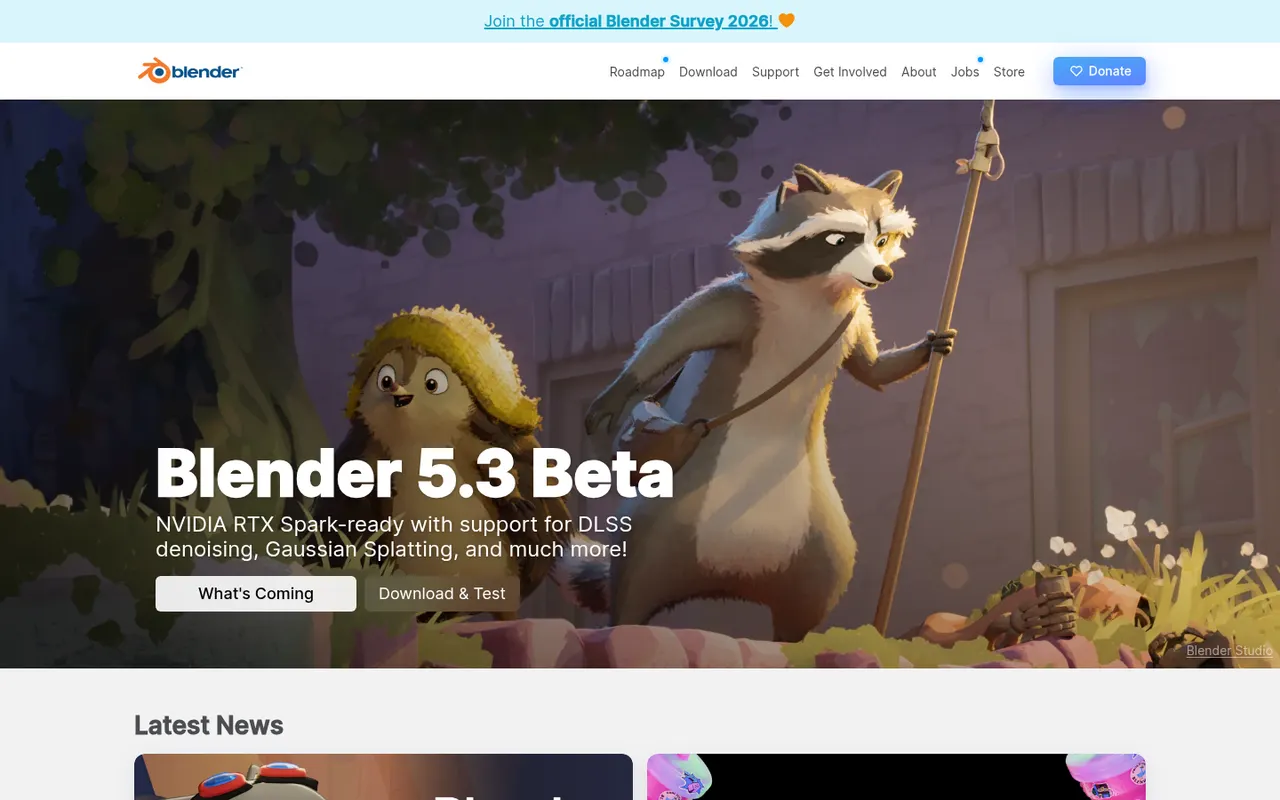
Blender is a free, open source 3D creation suite covering modeling, sculpting, rigging, animation, simulation, rendering with Cycles and EEVEE, compositing and video editing. Its Grease Pencil tools also allow 2D animation inside a 3D space. Developed by the Blender Foundation and a large community, it is used by hobbyists, studios and game developers and can be extended with Python add-ons.
12 Blender alternativesPros
- Completely free and open source, with no license or subscription
- Covers modeling, sculpting, animation, rendering and video editing
- Large community with countless tutorials and Python add-ons
Cons
- Dense interface that takes newcomers time to learn
- Less established than Maya or 3ds Max in some studio pipelines
Cost / LicenseFreeOpen sourceCategoriesAutodesk Maya is a 3D application used in film, television and game studios for character animation, rigging, modeling, simulation and visual effects. It includes the Arnold renderer, Bifrost for procedural effects and simulations, and Python and MEL scripting for building custom pipelines. It runs on Windows, macOS and Linux, and free educational licenses are available to students.
6 Autodesk Maya alternativesPros
- Industry-standard tools for character animation and rigging
- Python and MEL scripting for building custom studio pipelines
- Runs on Windows, macOS and Linux, with free licenses for students
Cons
- Subscription pricing is steep for freelancers and small studios
- Dense interface with a long learning curve for beginners
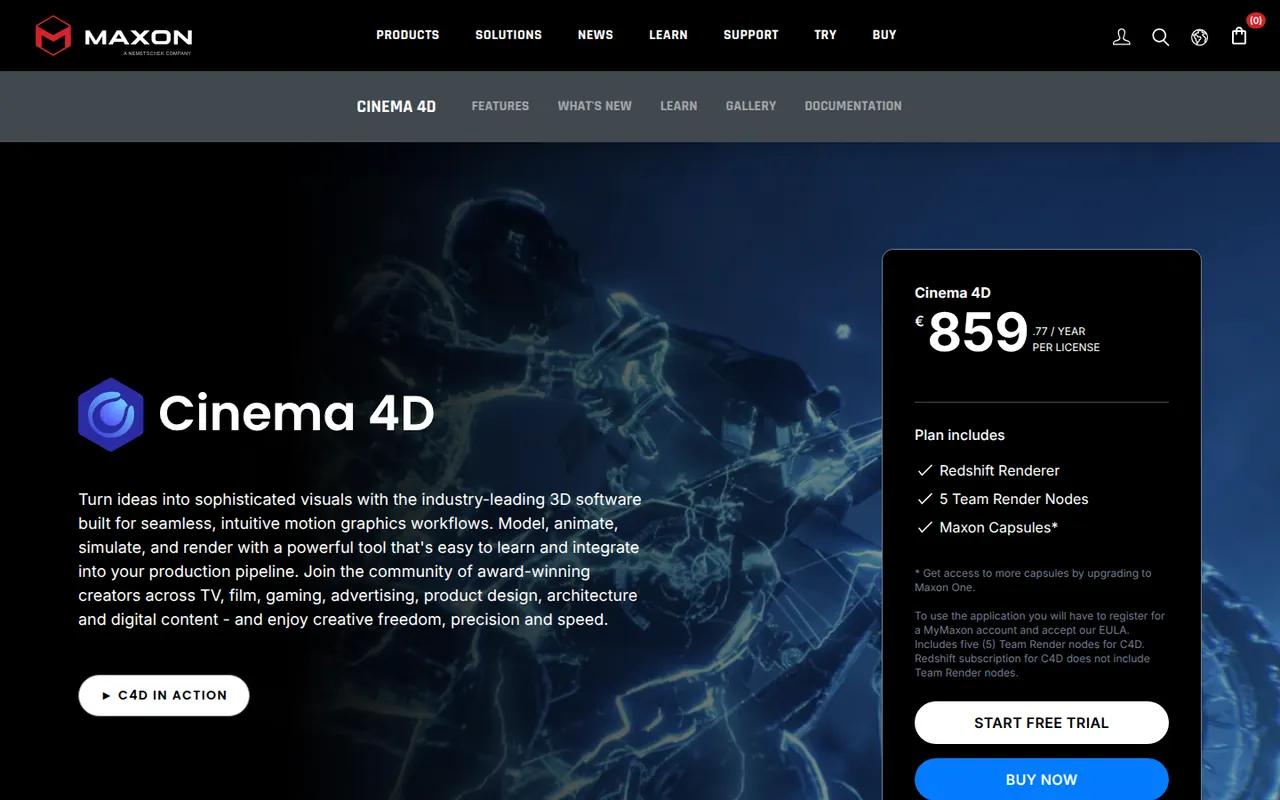
Cost / LicenseFree trialProprietaryCategoriesCinema 4D is a 3D application from Maxon known for its approachable interface and its MoGraph toolset for procedural motion graphics. Designers use it for broadcast graphics, product visuals, title sequences and abstract animation, often alongside After Effects. It integrates the Redshift renderer, simulation tools and character animation features, and runs on Windows and macOS.
8 Cinema 4D alternativesPros
- Approachable interface compared with most 3D suites
- MoGraph tools make procedural motion graphics fast to build
- Fits smoothly alongside After Effects for broadcast and title work
Cons
- Subscription pricing is costly for individual designers
- Runs on Windows and macOS only, with no Linux version
- Less common than Houdini or Maya for heavy simulation and film VFX
Cost / LicenseFree trialProprietaryCategoriesAutodesk 3ds Max is a 3D modeling, animation and rendering application for Windows, used for architectural and product visualization, interior design and game asset creation. It offers polygon and spline modeling, a modifier stack, the Arnold renderer and a large ecosystem of third-party plugins and renderers such as V-Ray and Corona. MAXScript and Python scripting support custom workflows.
9 Autodesk 3ds Max alternativesPros
- Deep modeling toolset built around a flexible modifier stack
- Huge plugin ecosystem, including the V-Ray and Corona renderers
- Long-standing standard for architectural visualization work
Cons
- Runs on Windows only, with no macOS or Linux version
- Subscription-only licensing is expensive for freelancers
- Steep learning curve and an interface that shows its age
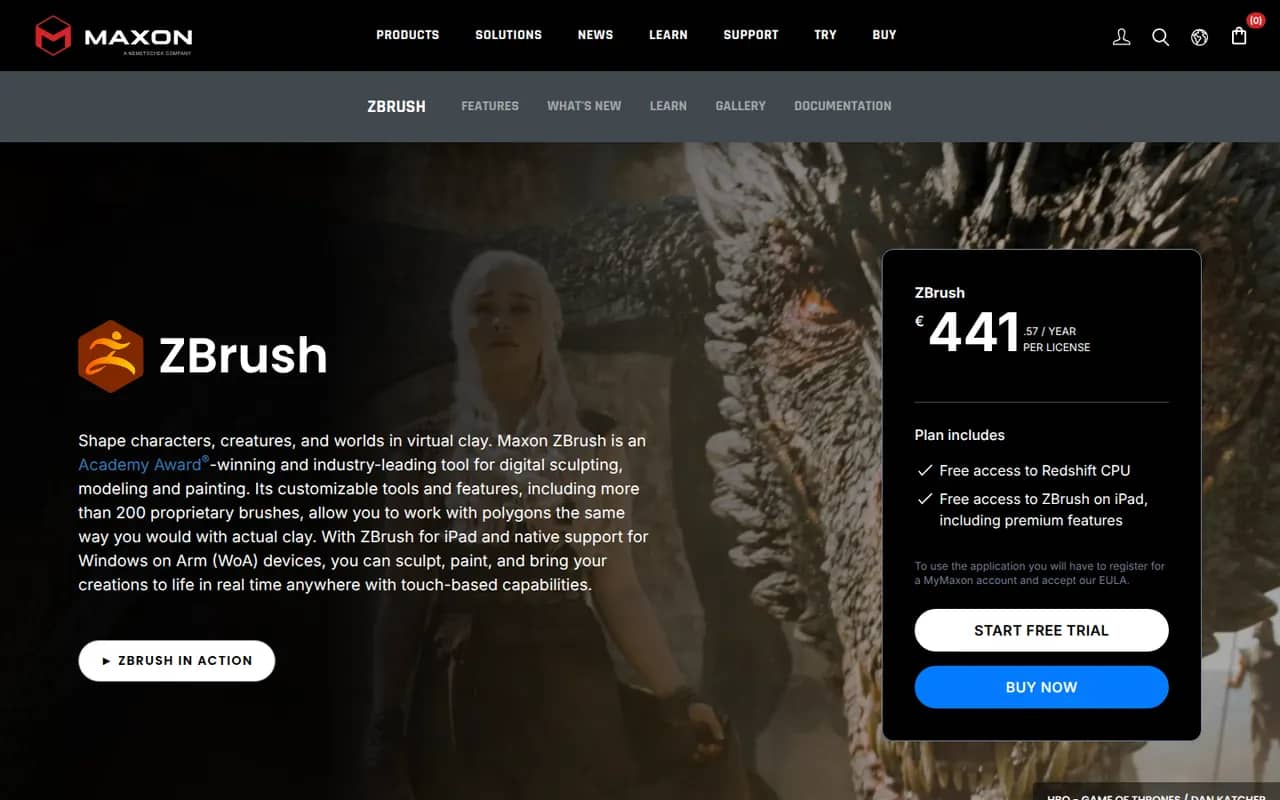
Cost / LicenseFree trialProprietaryCategoriesPlatformsZBrush is a digital sculpting and painting application used for characters, creatures, collectibles and 3D-printed figures in film, games and toy design. It handles models with millions of polygons using brush-based sculpting, DynaMesh, ZRemesher retopology and Polypaint for surface color. Created by Pixologic and now owned by Maxon, it runs on Windows and macOS, and an iPad version is also available.
6 ZBrush alternativesPros
- Handles models with millions of polygons smoothly
- DynaMesh and ZRemesher speed up sculpting and retopology
- Reference tool for character and creature sculpting
Cons
- Unconventional interface that takes a long time to master
- Not a full 3D suite, so animation and scene work need other tools
Cost / LicenseFreemiumProprietaryCategoriesHoudini is a 3D animation and visual effects application from SideFX built on a node-based procedural workflow, where every step stays editable. Studios use it for simulations such as fire, smoke, fluids, destruction and crowds, and game developers use it to generate environments and assets procedurally. A free Apprentice edition allows non-commercial learning, alongside paid Indie and studio licenses.
7 Houdini alternativesPros
- Node-based procedural workflow keeps every step editable
- Leading toolset for fire, smoke, fluid and destruction simulations
- Free Apprentice edition for non-commercial learning
Cons
- One of the steepest learning curves among 3D applications
- The free edition watermarks renders and is non-commercial only
- Overkill for simple modeling or quick motion graphics jobs
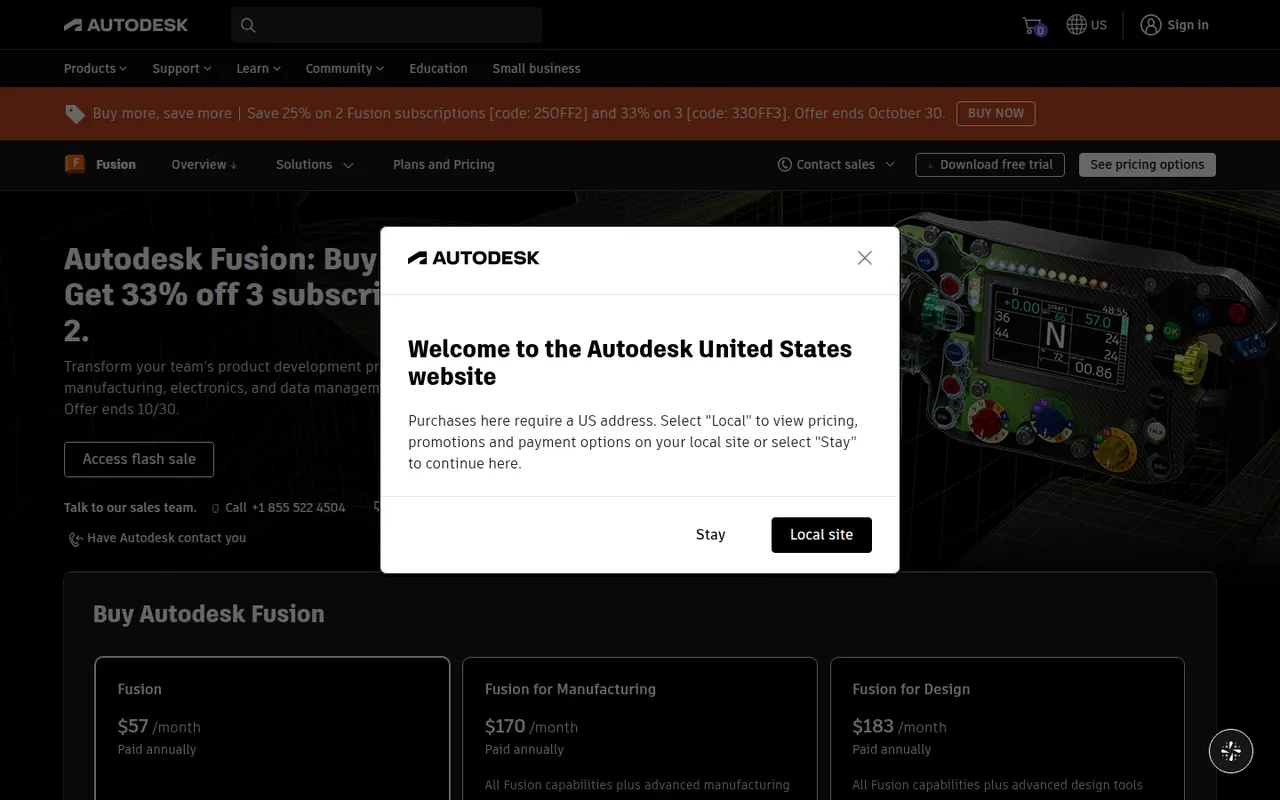
Cost / LicenseFreemiumProprietaryCategoriesAutodesk Fusion, formerly Fusion 360, is a product design and engineering platform that combines parametric and freeform 3D modeling, simulation, generative design, electronics design and CAM toolpaths for CNC machining. Projects are stored in the cloud with version history and team sharing. It is used by engineers, makers and small manufacturers, and a free personal-use license with reduced features is available.
6 Autodesk Fusion alternativesPros
- CAD, CAM, simulation and electronics design in one application
- Cloud storage with version history makes sharing designs simple
- Free personal-use license is a good fit for hobbyists and makers
Cons
- The free personal license is non-commercial and has reduced features
- Cloud-based file storage limits offline work and control over files
- Available on Windows and macOS only, with no Linux version
Cost / LicenseFreemiumProprietaryCategories