Apps with Meeting recording
8 apps
Top Meeting recording apps ranked by the community
Microsoft Teams combines persistent team chat, channels, video meetings, webinars and calling in one app tied to Microsoft 365. Files live in SharePoint and OneDrive and can be co-edited in Word, Excel or PowerPoint without leaving the conversation. It suits organizations already standardized on Microsoft 365, and Copilot adds meeting recaps and chat summaries on eligible licenses.
12 Microsoft Teams alternativesPros
- Chat, meetings and calls in one app tied to Microsoft 365
- Co-edit Word, Excel and PowerPoint files without leaving a conversation
- Enterprise-grade admin, security and compliance controls
Cons
- Can feel heavy and slow, especially on older machines
- Channels, chats and files can be confusing to navigate
- Less appealing outside a Microsoft 365 environment
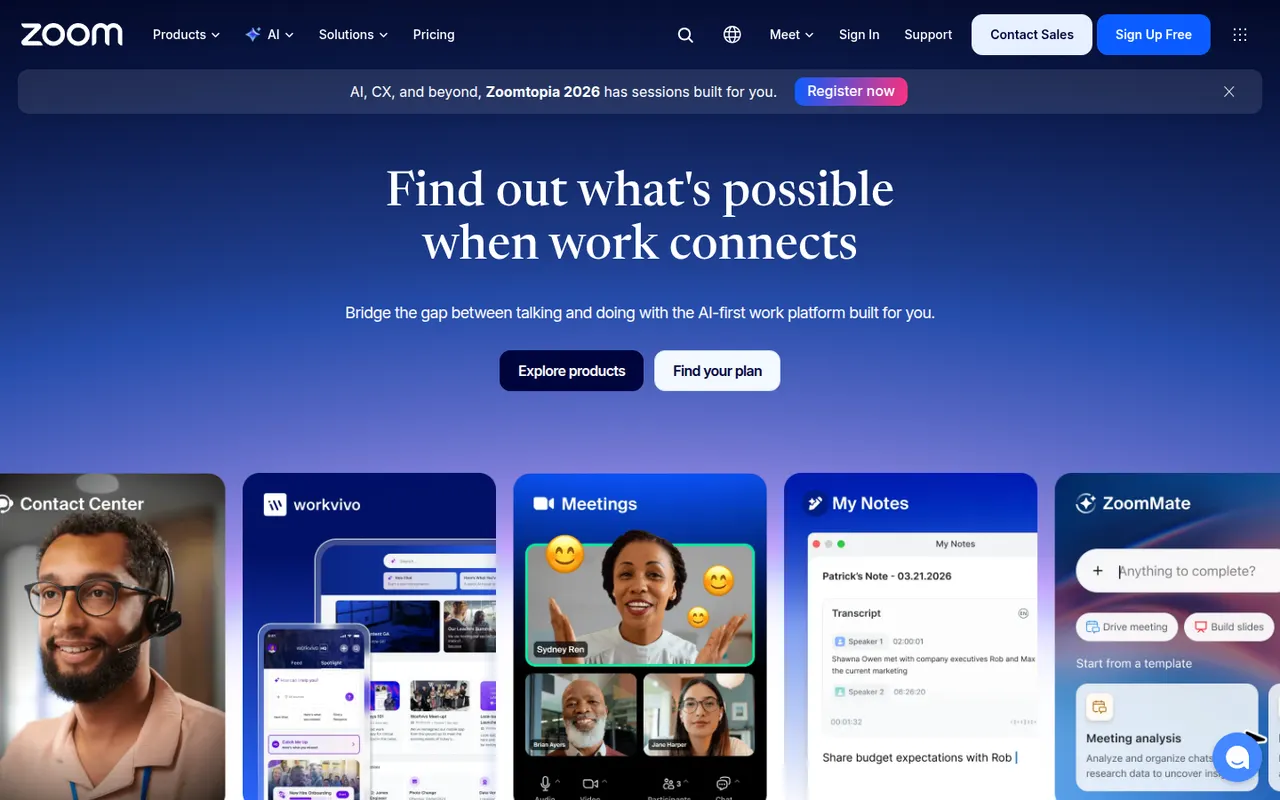
Cost / LicenseFreemiumProprietaryCategoriesZoom is a video conferencing service used for team meetings, classes and large webinars, with screen sharing, recording, breakout rooms and virtual backgrounds. The Zoom Workplace suite adds team chat, phone, whiteboards and docs, and AI Companion can summarize meetings and draft follow-ups on paid accounts. A free plan covers short meetings with a limited number of participants.
9 Zoom alternativesPros
- Reliable video quality, even on modest connections
- Breakout rooms, webinars and recording cover most meeting needs
- Widely known, so guests rarely need help joining
Cons
- Free meetings are capped in length and participants
- AI Companion requires a paid account
- Has faced privacy and security criticism in the past
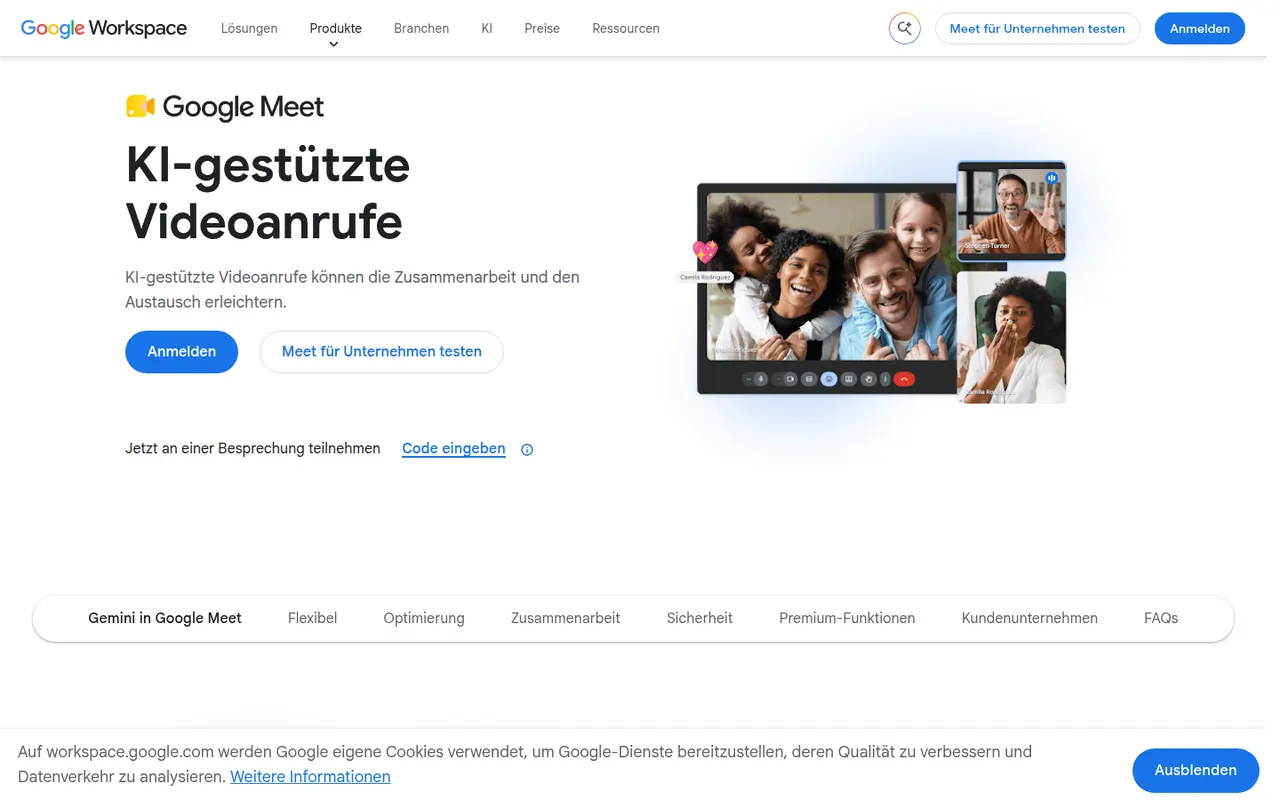
Cost / LicenseFreemiumProprietaryCategoriesGoogle Meet is Google's video meeting service, usable directly in the browser or in mobile apps without installing software. It integrates with Google Calendar and Gmail for scheduling and joining, and offers screen sharing, live captions, background effects and noise cancellation. Recording, breakout rooms and Gemini note-taking need a paid Workspace plan; personal accounts can host shorter group calls for free.
8 Google Meet alternativesPros
- Joins directly from the browser with nothing to install
- Tight integration with Google Calendar and Gmail
- Live captions and noise cancellation built in
Cons
- Recording and breakout rooms require a paid Workspace plan
- Free group calls have a time limit
- Fewer advanced webinar features than dedicated platforms
Cost / LicenseFreemiumProprietaryCategoriesWebex is Cisco's collaboration suite covering video meetings, team messaging, webinars and cloud calling, built with large enterprises and their security requirements in mind. Meetings can be end-to-end encrypted, and an AI Assistant provides summaries, noise removal and real-time translation. Webex also integrates with Cisco's meeting room hardware, and a free plan is available for basic meetings.
8 Webex alternativesPros
- Enterprise-grade security with end-to-end encrypted meetings
- AI Assistant provides summaries and real-time translation
- Integrates with Cisco meeting room hardware
Cons
- Interface can feel complex compared with simpler meeting apps
- Free plan is limited to basic meetings
Cost / LicenseFreemiumProprietaryCategoriesWhereby is a Norwegian video meeting service where each host gets a permanent room link that guests open in their browser, with no download or account needed. It offers screen sharing, recording, breakout groups and in-room integrations with tools like Miro and Google Docs, which suits small teams, coaches and online consultations. Developers can also embed Whereby video rooms in their own apps through its API.
8 Whereby alternativesPros
- Permanent room links that guests open without an account
- Nothing to install, since meetings run in the browser
- API to embed video rooms in your own apps
Cons
- Less suited to large meetings or webinars than bigger platforms
- Fewer enterprise admin controls than Zoom or Teams
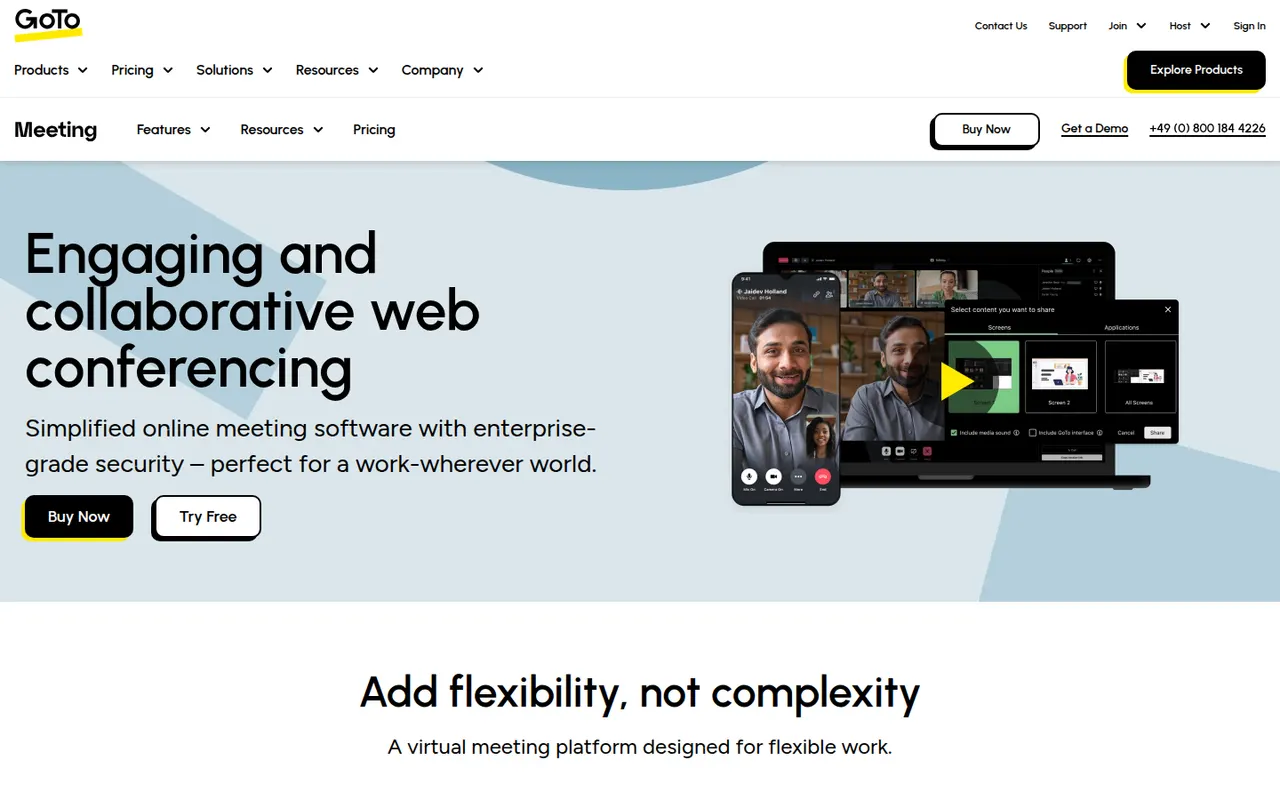
Cost / LicenseFreemiumProprietaryCategoriesGoTo Meeting is a video conferencing service from GoTo, the company formerly known as LogMeIn. It covers business meetings with screen sharing, recording, drawing tools, breakout rooms and calendar integrations, and can be joined from a browser or from desktop and mobile apps. It fits companies already using other GoTo products, such as GoTo Connect for business phone or GoTo Webinar.
8 GoTo Meeting alternativesPros
- Dependable business meetings with drawing tools and recording
- Join from a browser or from desktop and mobile apps
- Fits well alongside GoTo Connect and GoTo Webinar
Cons
- Interface feels dated next to newer meeting apps
- Less widely used than Zoom or Teams, so guests may be unfamiliar
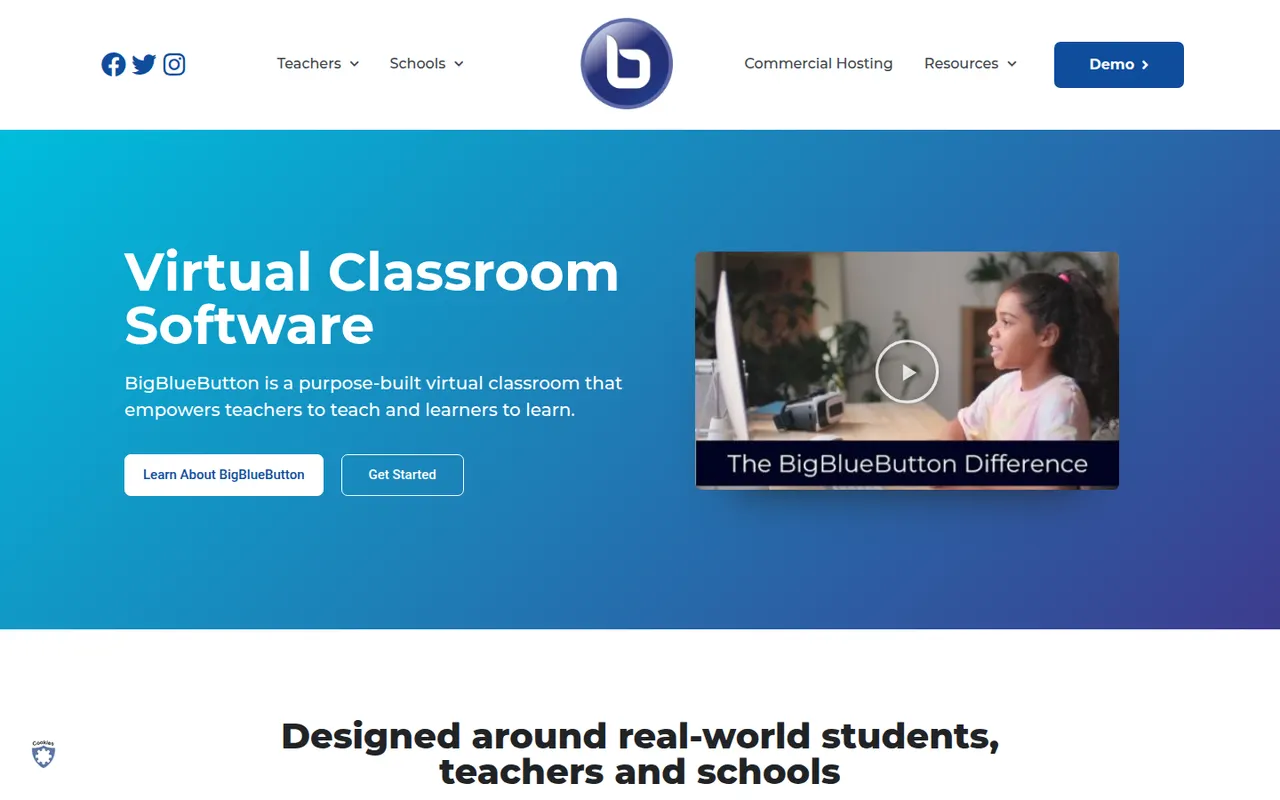
Cost / LicenseFree trialProprietaryCategoriesBigBlueButton is an open-source web conferencing system designed for online teaching. It includes a multi-user whiteboard, shared notes, polls, breakout rooms, screen sharing and recordings that can be replayed later. Schools and universities typically self-host it or use a hosting provider, and it plugs into learning management systems such as Moodle, Canvas and Sakai.
8 BigBlueButton alternativesPros
- Designed for teaching, with whiteboard, polls and breakout rooms
- Integrates with Moodle, Canvas and other learning platforms
- Free and open source, with recordings that can be replayed later
Cons
- Self-hosting requires a dedicated server and admin skills
- Interface feels dated next to Zoom or Teams
- Less suited to business meetings than to online classes
Cost / LicenseFreeOpen sourceCategoriesPlatformsLivestorm is a French video engagement platform for webinars, virtual events and online meetings that run entirely in the browser. It covers the whole event workflow: registration pages, email reminders, polls, Q&A, on-demand replays and attendee analytics, with integrations for CRMs and marketing tools. A free plan allows short sessions, and paid plans add longer events and automation.
8 Livestorm alternativesPros
- Runs entirely in the browser for hosts and attendees
- Covers the full webinar flow from registration to replays
- CRM and marketing integrations plus attendee analytics
Cons
- Free plan is limited to short sessions
- Paid plans get expensive for larger audiences
Cost / LicenseFreemiumProprietaryCategoriesPlatforms