Apps with Virtual backgrounds
3 apps
Top Virtual backgrounds apps ranked by the community
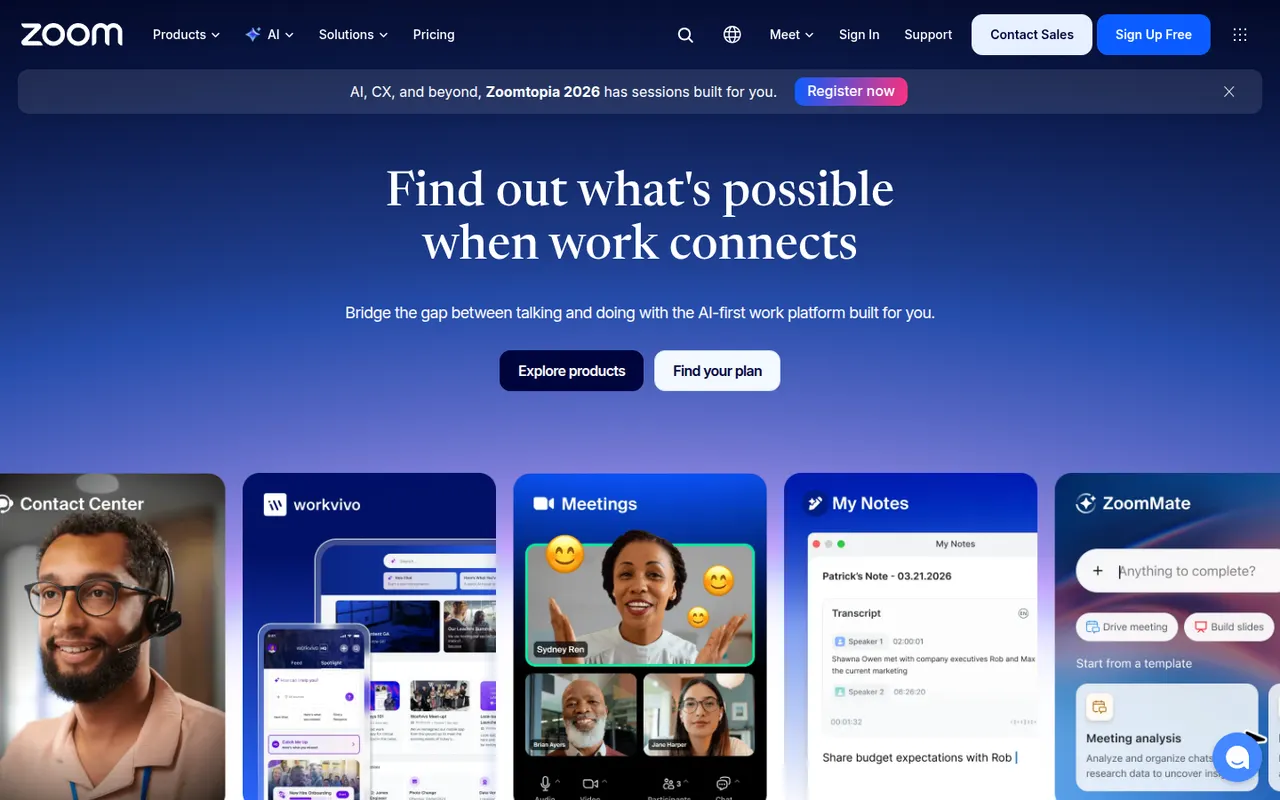
Zoom is a video conferencing service used for team meetings, classes and large webinars, with screen sharing, recording, breakout rooms and virtual backgrounds. The Zoom Workplace suite adds team chat, phone, whiteboards and docs, and AI Companion can summarize meetings and draft follow-ups on paid accounts. A free plan covers short meetings with a limited number of participants.
9 Zoom alternativesPros
- Reliable video quality, even on modest connections
- Breakout rooms, webinars and recording cover most meeting needs
- Widely known, so guests rarely need help joining
Cons
- Free meetings are capped in length and participants
- AI Companion requires a paid account
- Has faced privacy and security criticism in the past
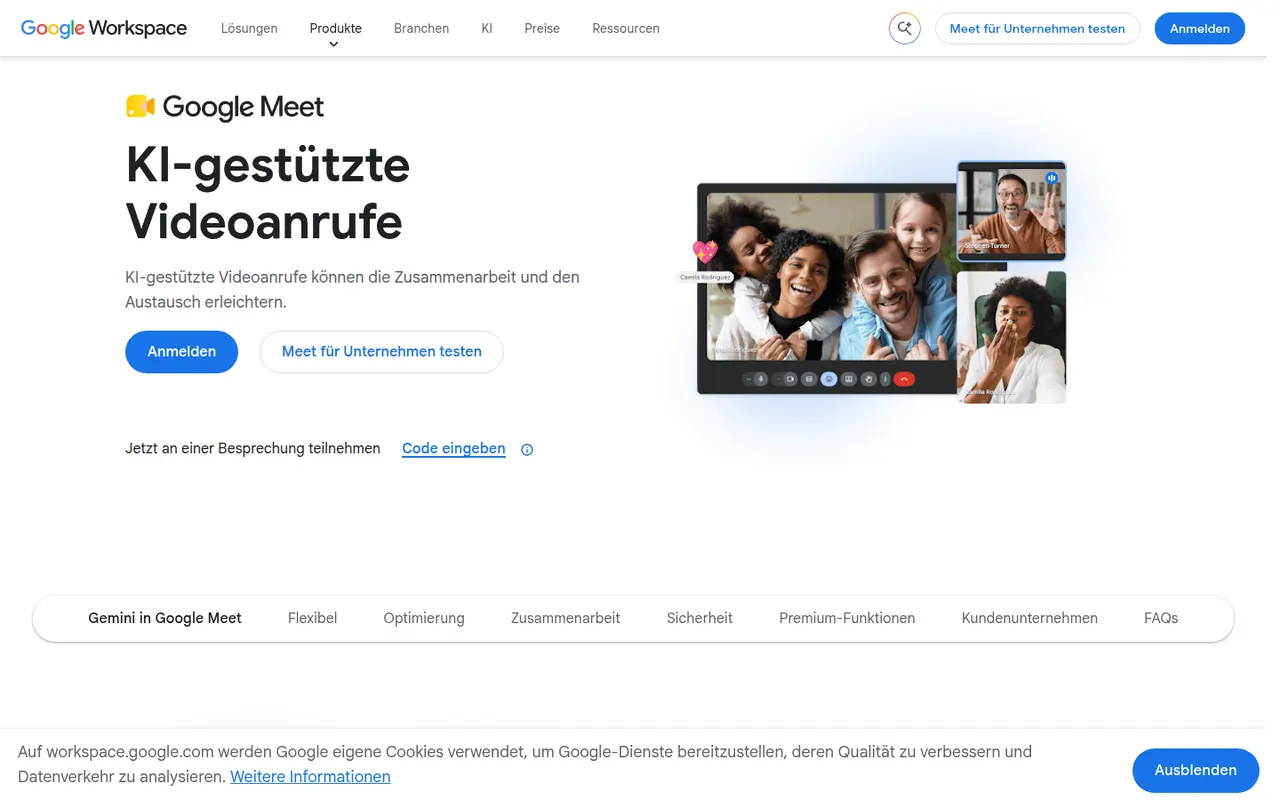
Cost / LicenseFreemiumProprietaryCategoriesGoogle Meet is Google's video meeting service, usable directly in the browser or in mobile apps without installing software. It integrates with Google Calendar and Gmail for scheduling and joining, and offers screen sharing, live captions, background effects and noise cancellation. Recording, breakout rooms and Gemini note-taking need a paid Workspace plan; personal accounts can host shorter group calls for free.
8 Google Meet alternativesPros
- Joins directly from the browser with nothing to install
- Tight integration with Google Calendar and Gmail
- Live captions and noise cancellation built in
Cons
- Recording and breakout rooms require a paid Workspace plan
- Free group calls have a time limit
- Fewer advanced webinar features than dedicated platforms
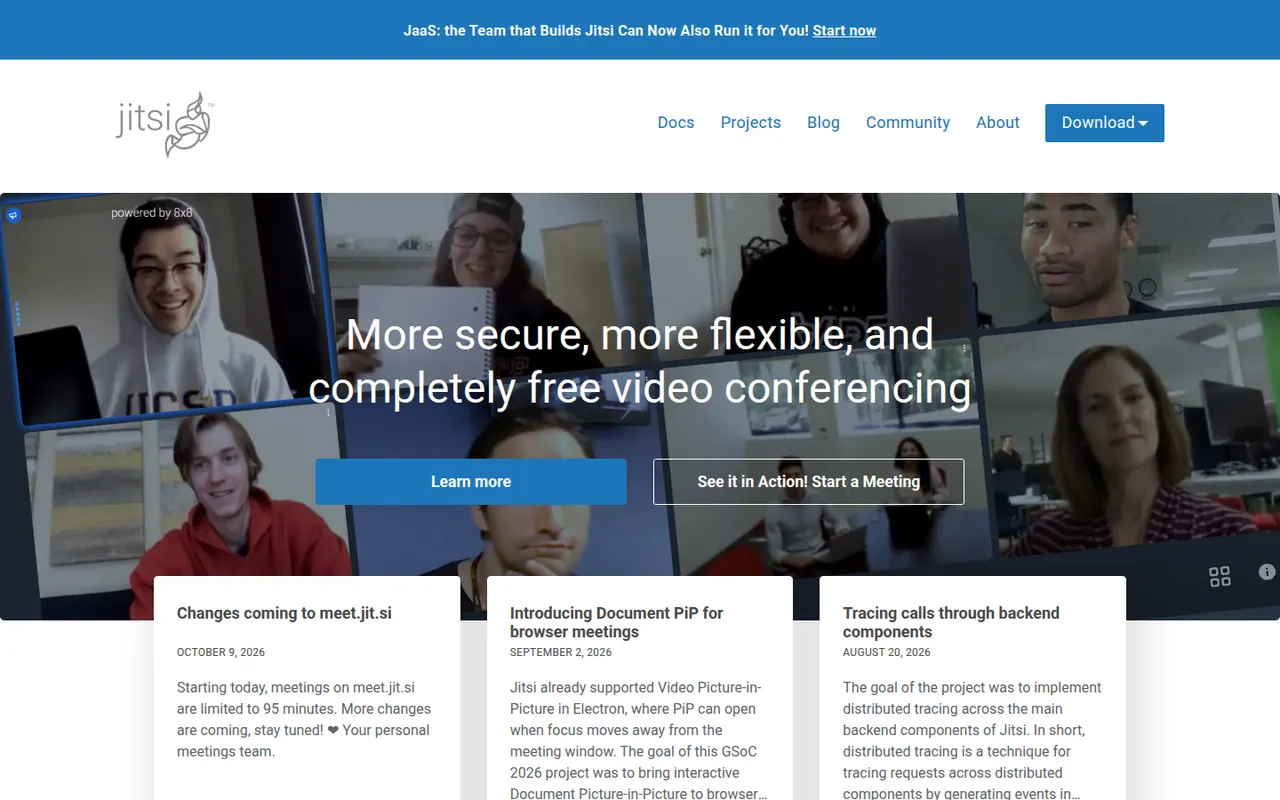
Cost / LicenseFreemiumProprietaryCategoriesJitsi Meet is an open-source video conferencing app that runs in the browser, with mobile and desktop apps as well. Anyone can host meetings for free on the public meet.jit.si service or deploy their own server for full control. It includes screen sharing, chat, breakout rooms, background blur, live streaming to YouTube and optional end-to-end encryption. The project is maintained by 8x8.
9 Jitsi Meet alternativesPros
- Free meetings on meet.jit.si, with guests joining from the browser
- Open source and self-hostable for full control
- Optional end-to-end encryption and live streaming to YouTube
Cons
- Call quality can degrade with many participants
- Fewer admin and scheduling features than commercial suites
- Self-hosting at scale needs tuning and plenty of bandwidth
Cost / LicenseFreeOpen sourceCategories