Apps with Daily planning
7 apps
Top Daily planning apps ranked by the community
Microsoft To Do is a free task manager, the successor to Wunderlist, that syncs lists, reminders and recurring tasks across devices with a Microsoft account. Its My Day view helps pick what to tackle today, lists can be shared with family or colleagues, and flagged Outlook emails and Planner tasks show up next to personal to-dos.
9 Microsoft To Do alternativesPros
- Completely free with a Microsoft account
- My Day view keeps daily planning simple
- Flagged Outlook emails and Planner tasks appear next to your to-dos
Cons
- No board or timeline views for organizing projects
- Few integrations outside the Microsoft ecosystem
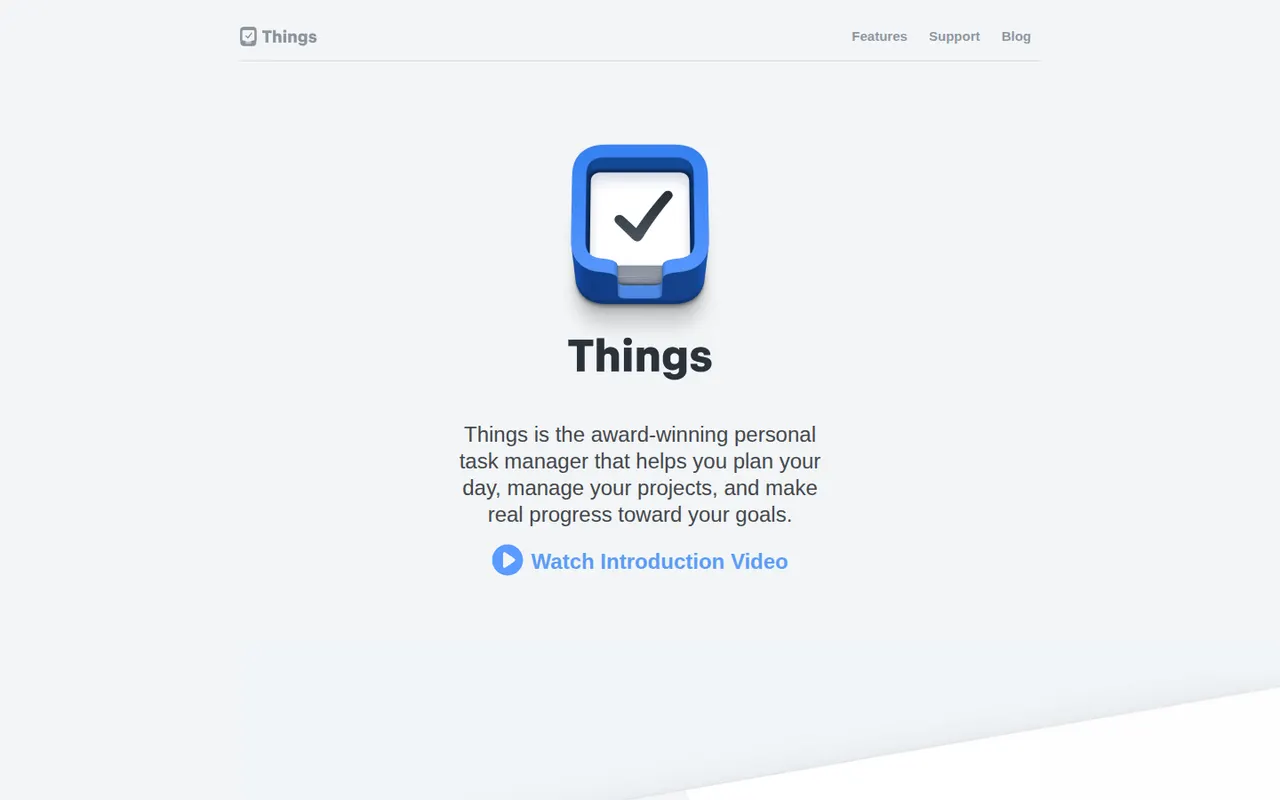
Cost / LicenseFreeProprietaryCategoriesThings is a personal task manager from Cultured Code, built exclusively for Apple devices with a clean, focused design. Tasks flow through Inbox, Today, Upcoming and Someday lists and can be grouped into projects and areas, with Things Cloud syncing everything for free. The apps are one-time purchases rather than a subscription, and there is no web or team version.
11 Things 3 alternativesPros
- Clean, focused design that makes planning pleasant
- One-time purchase instead of a subscription
- Free Things Cloud sync across Apple devices
Cons
- Apple-only, with no Windows, Android or web version
- No collaboration or shared lists
- Mac, iPhone and iPad versions are sold separately
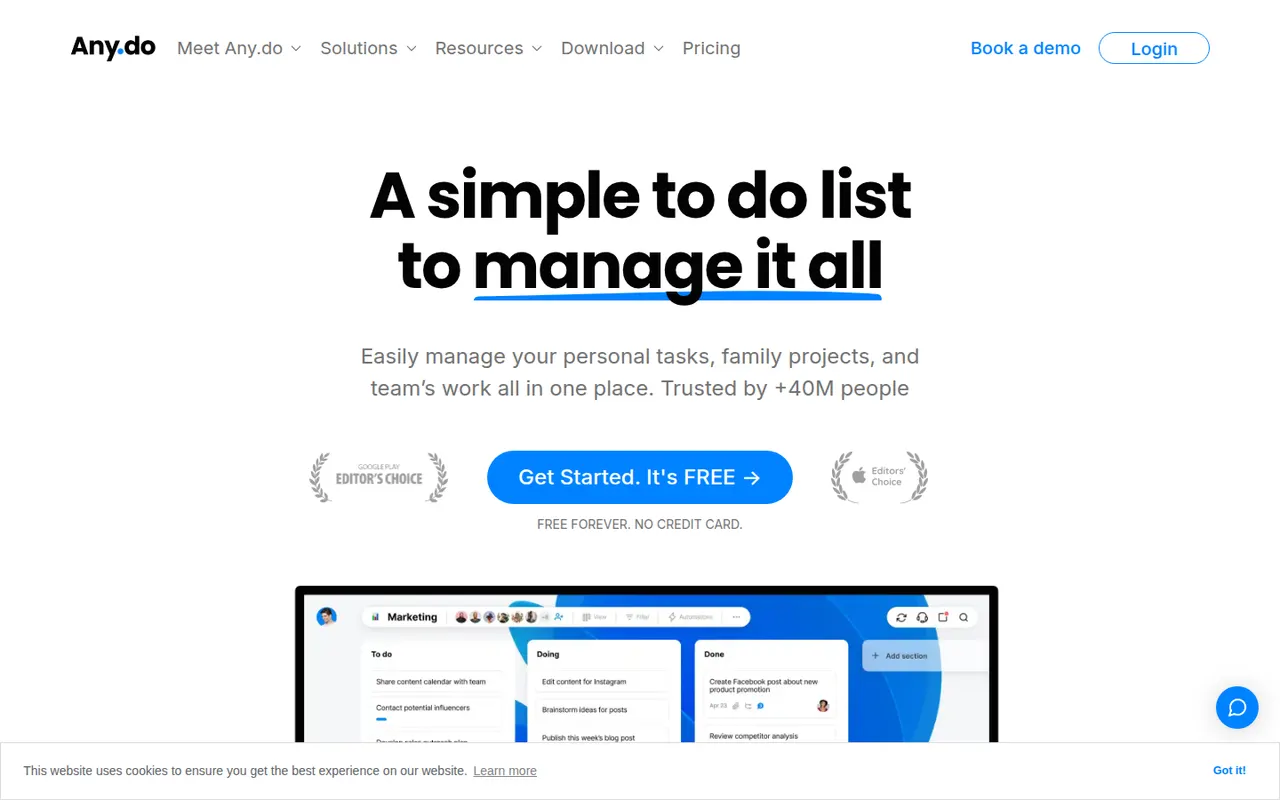
Cost / LicensePaidProprietaryCategoriesAny.do is a task manager and daily planner that brings lists, reminders and a calendar together, with a planning routine to review what lies ahead each day. It syncs across mobile, desktop and the web, can send reminders through WhatsApp, and offers shared spaces for families and small teams on paid plans.
10 Any.do alternativesPros
- Lists, reminders and calendar combined in a clean app
- Daily planning routine helps review the day ahead
- Reminders can be delivered through WhatsApp
Cons
- Many useful features sit behind the Premium subscription
- Less suited to complex projects than full task managers
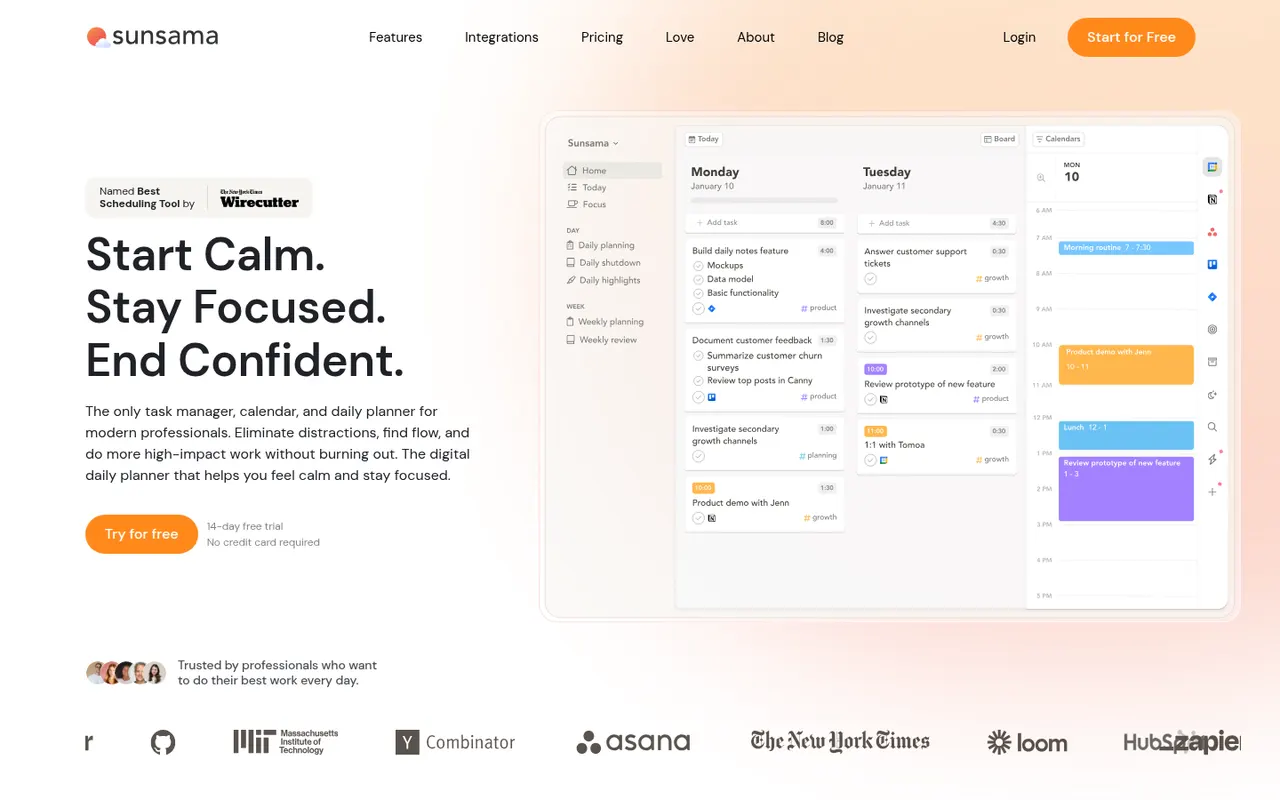
Cost / LicenseFreemiumProprietaryCategoriesSunsama is a daily planner for professionals who want a calmer workday. Each morning it walks you through picking tasks from Asana, Trello, Jira, Gmail, Slack and other tools, estimating their duration and dragging them onto your calendar, then closes the day with a shutdown ritual and a short review. There is no free plan beyond the trial.
9 Sunsama alternativesPros
- Guided morning planning ritual encourages realistic workdays
- Pulls in tasks from Asana, Trello, Jira, Gmail and Slack
- Daily shutdown and review help prevent overwork
Cons
- No free plan and a high subscription price
- The daily ritual can feel like overhead on busy days
- Built for individuals rather than team planning
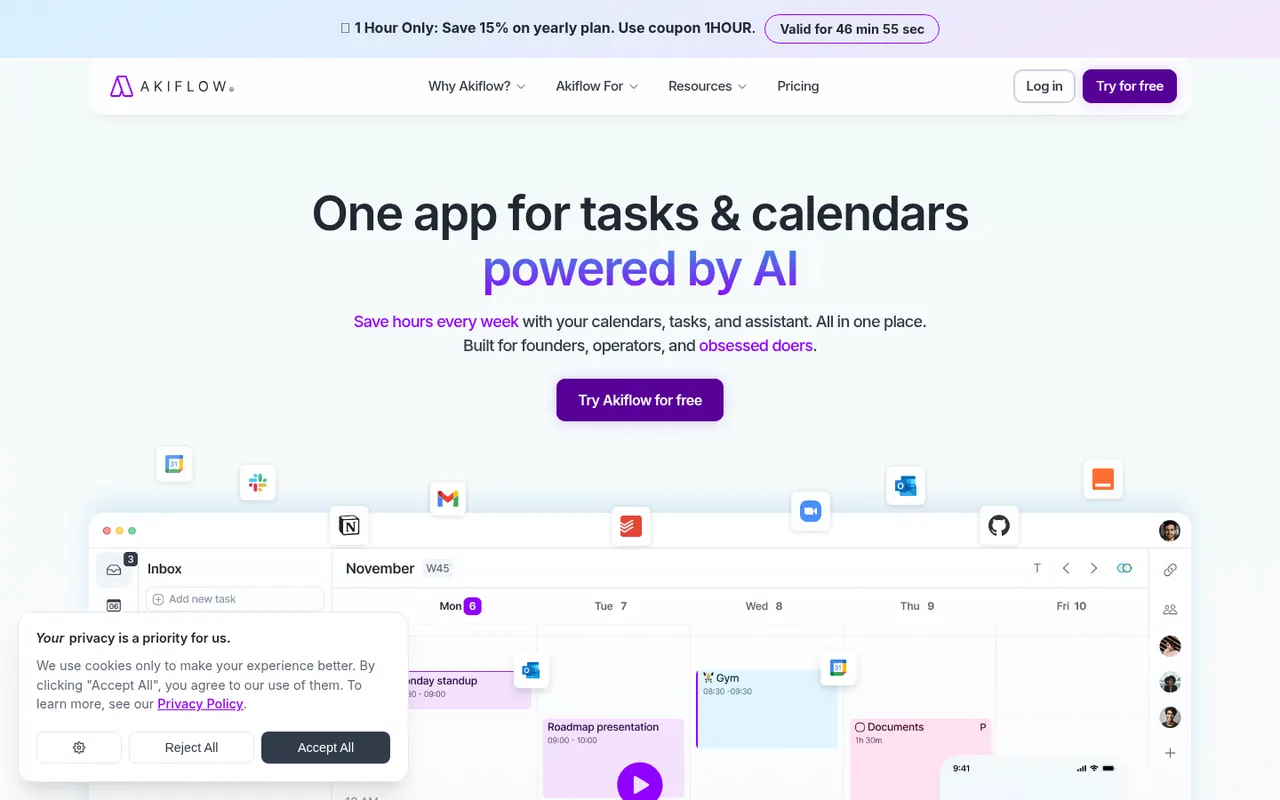
Cost / LicenseFree trialProprietaryAkiflow collects tasks from email, Slack, Notion, Asana, Todoist and other tools into one inbox, then lets you time-block them on your calendar with drag and drop. A command bar with natural language input and keyboard shortcuts suits people who live in their calendar and juggle many meetings and sources of work.
9 Akiflow alternativesPros
- Pulls tasks from email, Slack, Notion and more into one inbox
- Drag-and-drop time blocking straight onto your calendar
- Command bar and keyboard shortcuts make capture very fast
Cons
- No free plan, and the subscription is on the expensive side
- Connecting every source and building the habit takes time
- Not designed for team project management
Cost / LicenseFree trialProprietaryAmazing Marvin is a personal task manager whose features, called strategies, are switched on one by one, from time blocking and Pomodoro to habit tracking, rewards and procrastination helpers. It suits people who have struggled with rigid to-do apps, including people with ADHD, and runs on the web, desktop and mobile after a free trial.
8 Amazing Marvin alternativesPros
- Strategies let you switch on only the features you need
- Tools against procrastination and ADHD-friendly planning
- Combines time blocking, Pomodoro and habit tracking
Cons
- The sheer number of options can be overwhelming at first
- Interface feels less polished than mainstream to-do apps
- No free plan after the trial
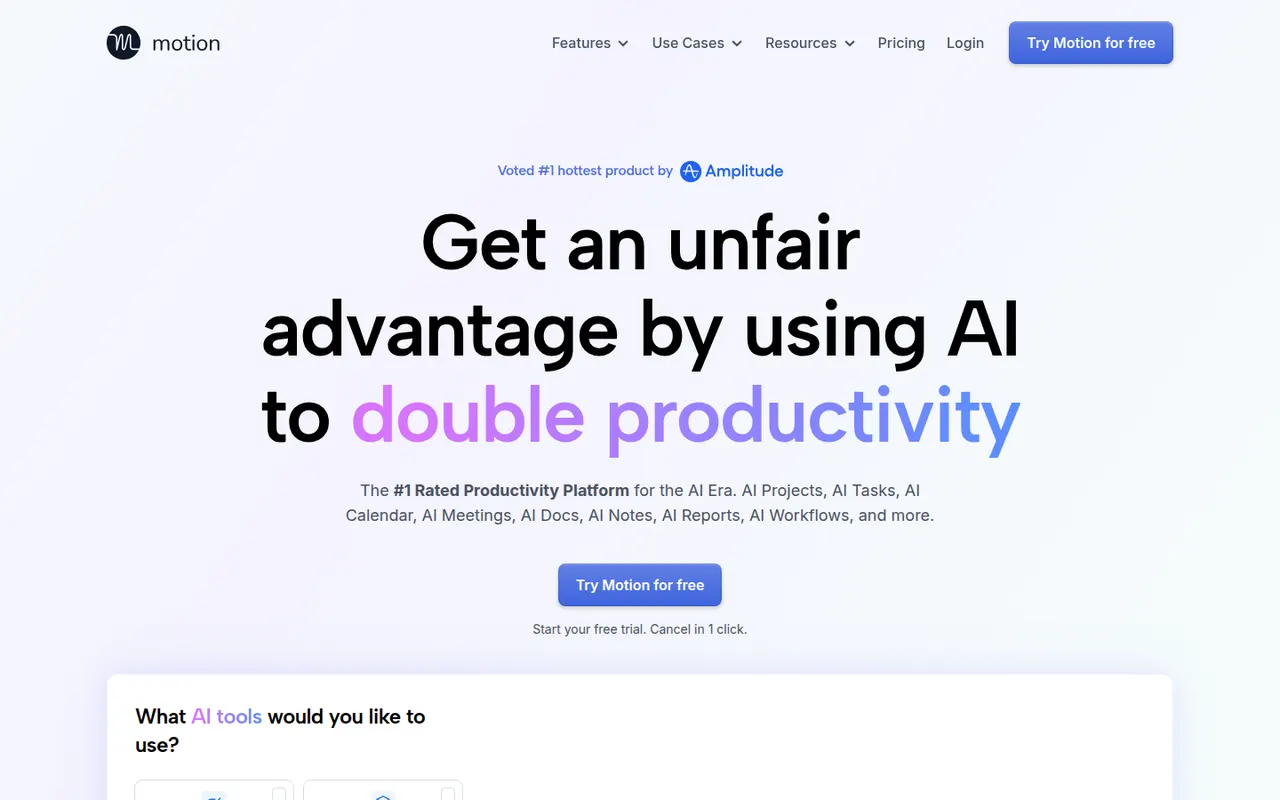
Cost / LicenseFree trialProprietaryCategoriesMotion is a planning tool that uses AI to place tasks on your calendar automatically based on deadlines, priorities and meetings, and reshuffles the plan when things change. It combines a calendar, task manager, project views and booking pages, and has expanded into AI agents and docs for teams. Access starts with a free trial rather than a free plan.
11 Motion alternativesPros
- AI places tasks around meetings and deadlines automatically
- Replans the day when priorities or meetings change
- Combines calendar, tasks, projects and booking pages
Cons
- No free plan, only a trial
- Priced well above traditional calendar and to-do apps
- Handing your schedule to an algorithm can feel hard to control
Cost / LicenseFree trialProprietary