
Motion alternatives
Top Scheduling & Calendars like Motion
The most popular alternative to Motion is Reclaim.ai, which has a free version. Other great alternatives to Motion are Akiflow, Sunsama, ClickUp, and Todoist.
Most alternatives to Motion are in the Scheduling & Calendars category, compared here by price, platform and features.
All Motion alternatives
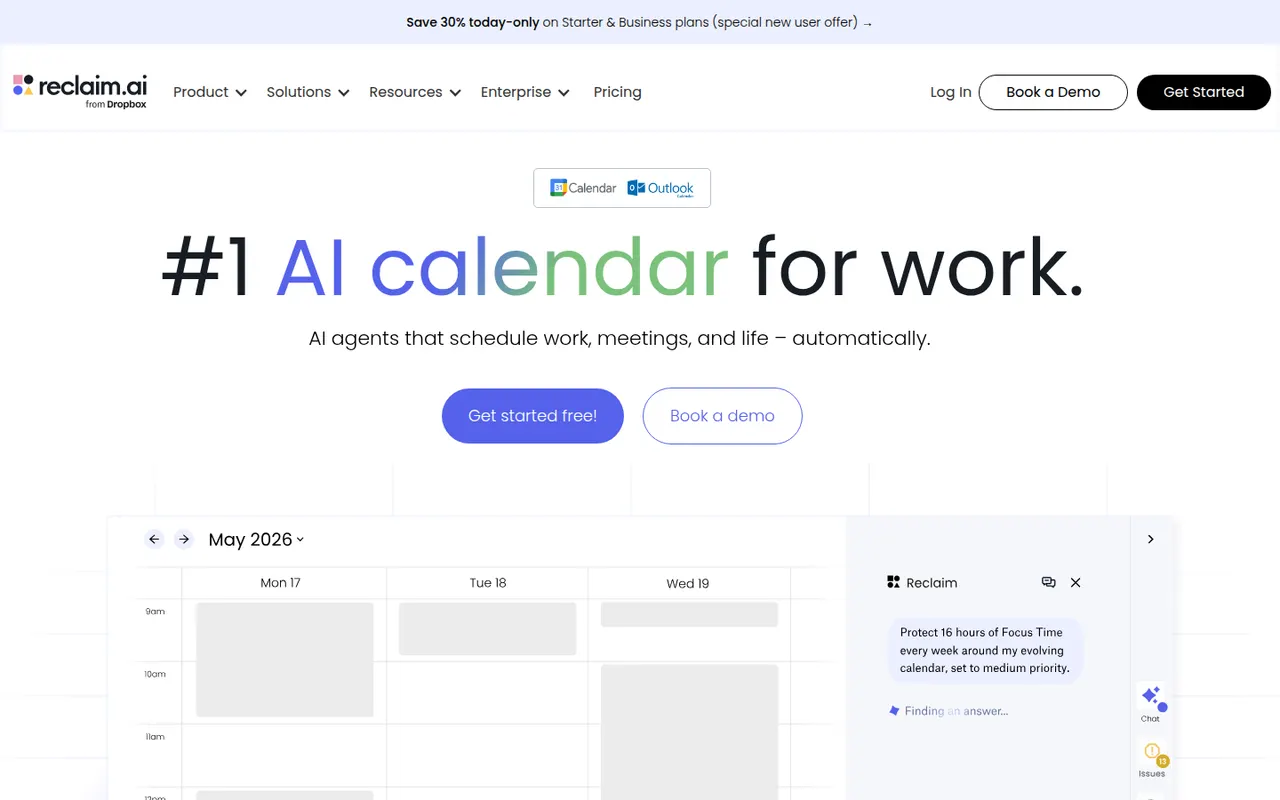
Reclaim.ai is a scheduling assistant for Google Calendar and Outlook that automatically blocks time for tasks, recurring habits, focus time and breaks, then adjusts those blocks as meetings move. It syncs tasks from Asana, Todoist, Jira, ClickUp and Linear, offers scheduling links and time analytics, and has been part of Dropbox since 2024.
9 Reclaim.ai alternativesPros
- Automatically protects time for tasks, habits, focus and breaks
- Time blocks adjust automatically as meetings move
- Syncs tasks from Asana, Todoist, Jira, ClickUp and Linear
Cons
- Works only with Google Calendar and Outlook
- Heavy automatic blocking can clutter shared calendars
- Advanced features and team analytics require paid plans
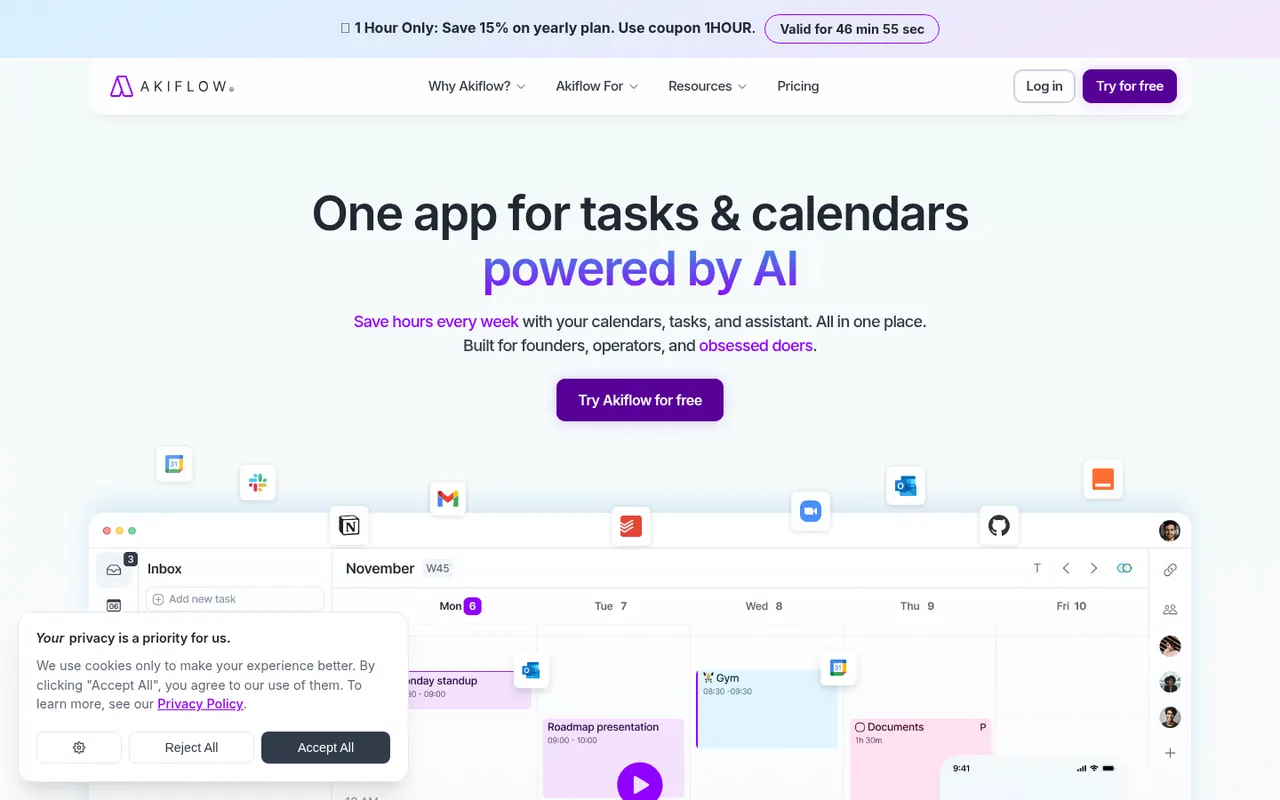
Cost / LicenseFreemiumProprietaryCategoriesPlatformsAkiflow collects tasks from email, Slack, Notion, Asana, Todoist and other tools into one inbox, then lets you time-block them on your calendar with drag and drop. A command bar with natural language input and keyboard shortcuts suits people who live in their calendar and juggle many meetings and sources of work.
9 Akiflow alternativesPros
- Pulls tasks from email, Slack, Notion and more into one inbox
- Drag-and-drop time blocking straight onto your calendar
- Command bar and keyboard shortcuts make capture very fast
Cons
- No free plan, and the subscription is on the expensive side
- Connecting every source and building the habit takes time
- Not designed for team project management
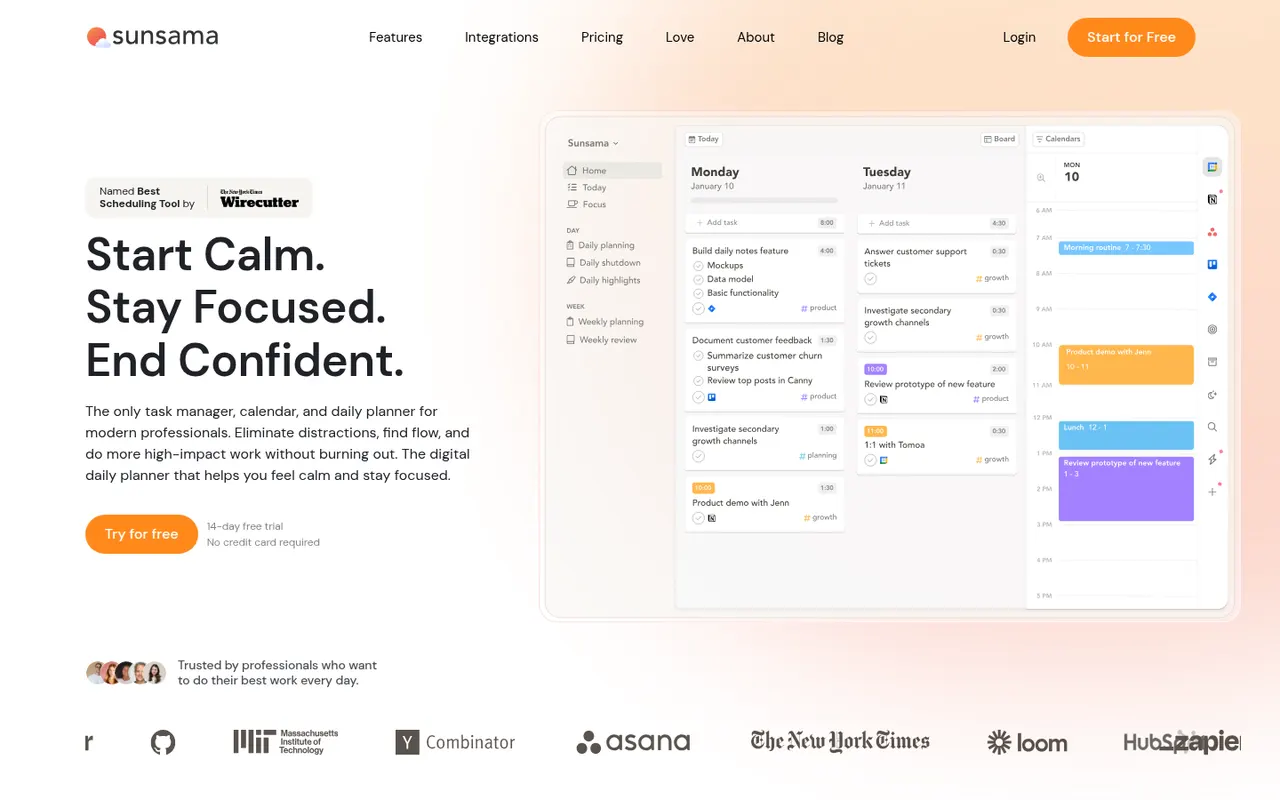
Cost / LicenseFree trialProprietarySunsama is a daily planner for professionals who want a calmer workday. Each morning it walks you through picking tasks from Asana, Trello, Jira, Gmail, Slack and other tools, estimating their duration and dragging them onto your calendar, then closes the day with a shutdown ritual and a short review. There is no free plan beyond the trial.
9 Sunsama alternativesPros
- Guided morning planning ritual encourages realistic workdays
- Pulls in tasks from Asana, Trello, Jira, Gmail and Slack
- Daily shutdown and review help prevent overwork
Cons
- No free plan and a high subscription price
- The daily ritual can feel like overhead on busy days
- Built for individuals rather than team planning
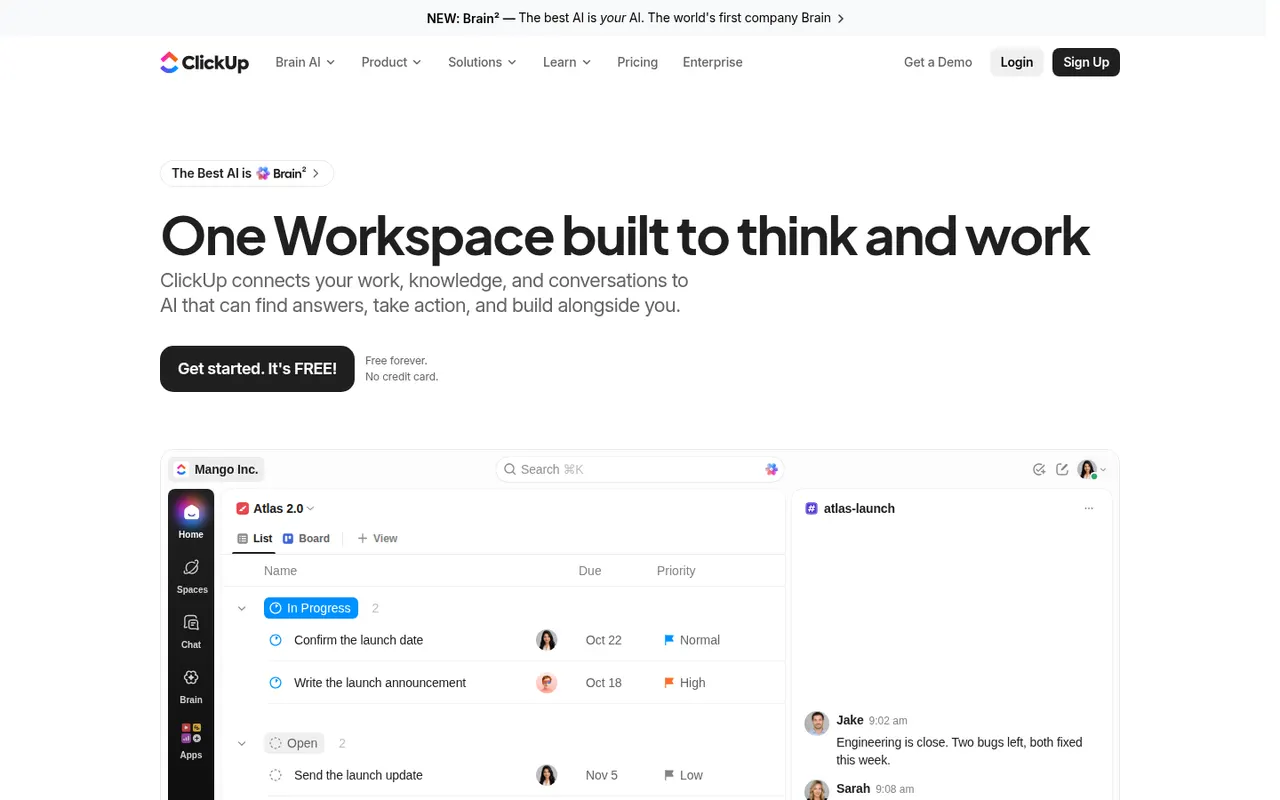
Cost / LicenseFree trialProprietaryClickUp combines tasks, documents, whiteboards, goals, chat and time tracking in a single workspace, with more than a dozen views including list, board, Gantt and calendar. Its depth and customization appeal to teams that want to replace several tools at once, and ClickUp Brain adds AI search, writing and summaries across the workspace.
12 ClickUp alternativesPros
- Tasks, docs, whiteboards, goals and chat in a single workspace
- More than a dozen views, from list and board to Gantt and calendar
- Deep customization of fields, statuses and automations
Cons
- The sheer number of features creates a steep learning curve
- The interface can feel slow and cluttered in large workspaces
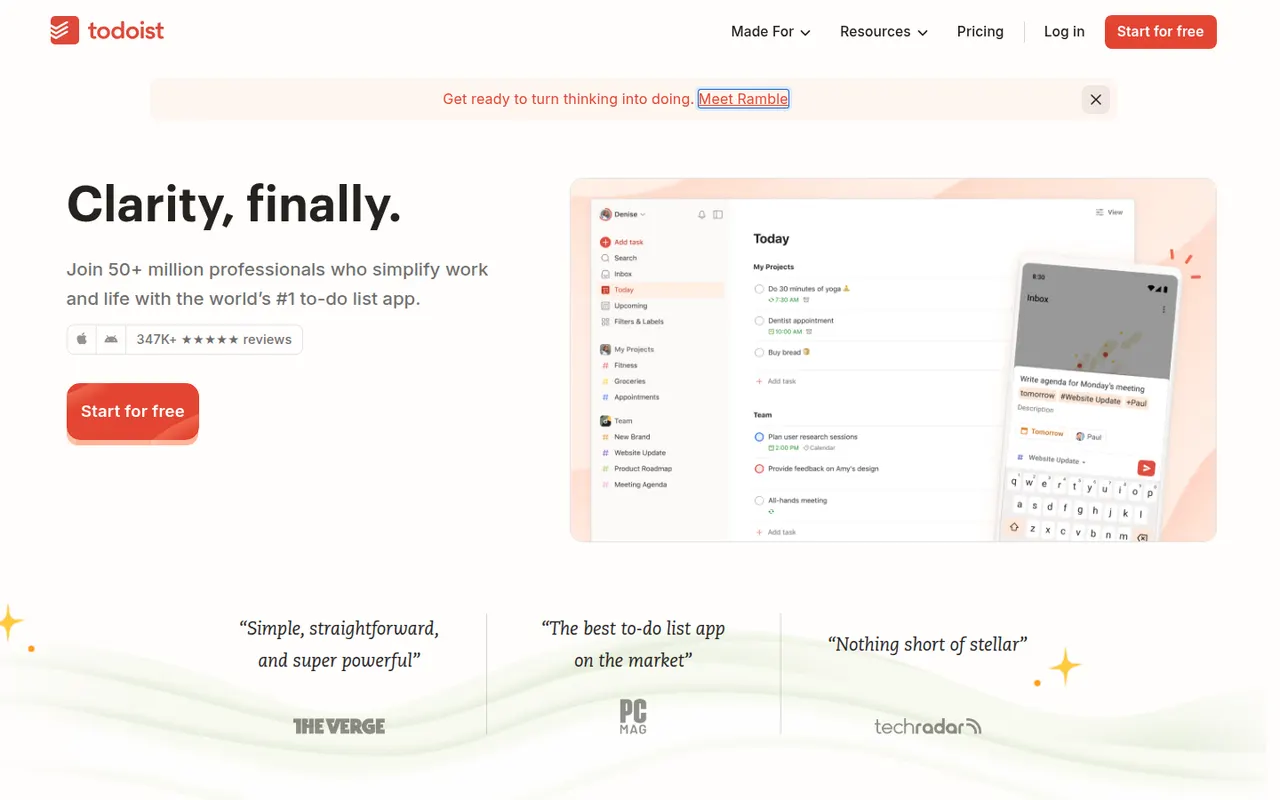
Cost / LicenseFreemiumProprietaryCategoriesTodoist is a task manager by Doist that captures tasks quickly with natural language dates, such as every Monday at 9am, and organizes them into projects, sections, labels and filters. It runs on almost every platform, offers list, board and calendar layouts, supports shared projects for small teams and integrates with calendars, email and many other apps.
12 Todoist alternativesPros
- Fast natural language capture for dates and recurring tasks
- Runs on almost every platform with reliable sync
- Projects, labels and filters scale from simple to complex lists
Cons
- Several useful features are limited to paid plans
- Collaboration is basic for larger team projects
- No built-in time tracking without integrations
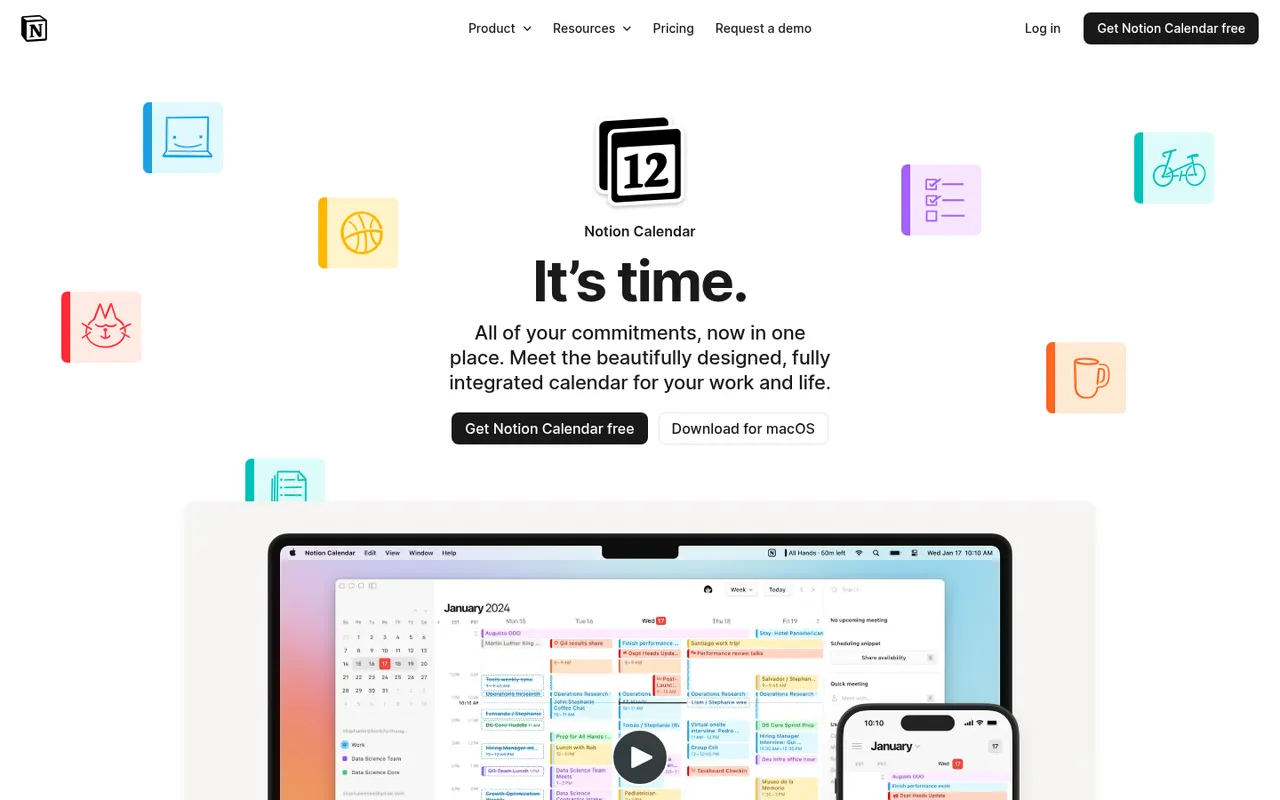
Cost / LicenseFreemiumProprietaryCategoriesNotion Calendar, formerly Cron, is a free calendar for desktop, web and iPhone that works on top of Google Calendar accounts and connects to Notion databases, so pages with dates appear next to meetings. It is designed for keyboard-heavy users, with many shortcuts, a menu bar for joining calls, multiple time zones and availability sharing.
8 Notion Calendar alternativesPros
- Free, fast and designed for keyboard use
- Shows dated Notion database pages next to meetings
- Handles multiple time zones and availability sharing well
Cons
- Built on Google Calendar accounts, a poor fit for Outlook or iCloud users
- Few planning features beyond the link with Notion
Cost / LicenseFreeProprietaryCategoriesAmazing Marvin is a personal task manager whose features, called strategies, are switched on one by one, from time blocking and Pomodoro to habit tracking, rewards and procrastination helpers. It suits people who have struggled with rigid to-do apps, including people with ADHD, and runs on the web, desktop and mobile after a free trial.
8 Amazing Marvin alternativesPros
- Strategies let you switch on only the features you need
- Tools against procrastination and ADHD-friendly planning
- Combines time blocking, Pomodoro and habit tracking
Cons
- The sheer number of options can be overwhelming at first
- Interface feels less polished than mainstream to-do apps
- No free plan after the trial
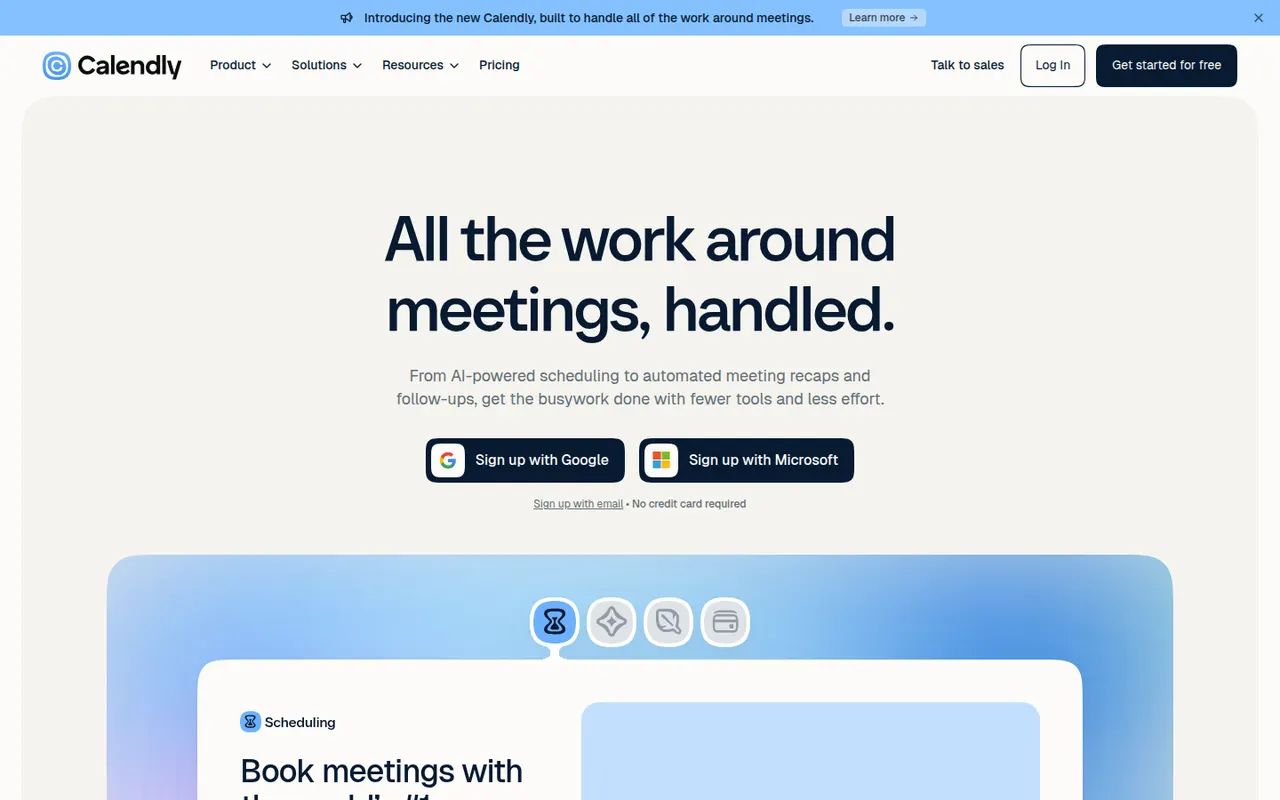
Cost / LicenseFree trialProprietaryCategoriesCalendly lets people book time with you through a shareable link that reflects your real availability across Google, Outlook and iCloud calendars. Teams can distribute meetings round robin or book them collectively, collect payments with Stripe or PayPal, and send automatic reminders and follow-ups. It targets sales, recruiting and customer success teams and connects to CRMs such as Salesforce and HubSpot.
12 Calendly alternativesPros
- Booking links reflect real availability across several calendars
- Round-robin and collective scheduling for teams
- CRM integrations with Salesforce and HubSpot
Cons
- The free plan is restrictive, with key features on paid tiers
- Costs add up for teams that need routing and CRM features
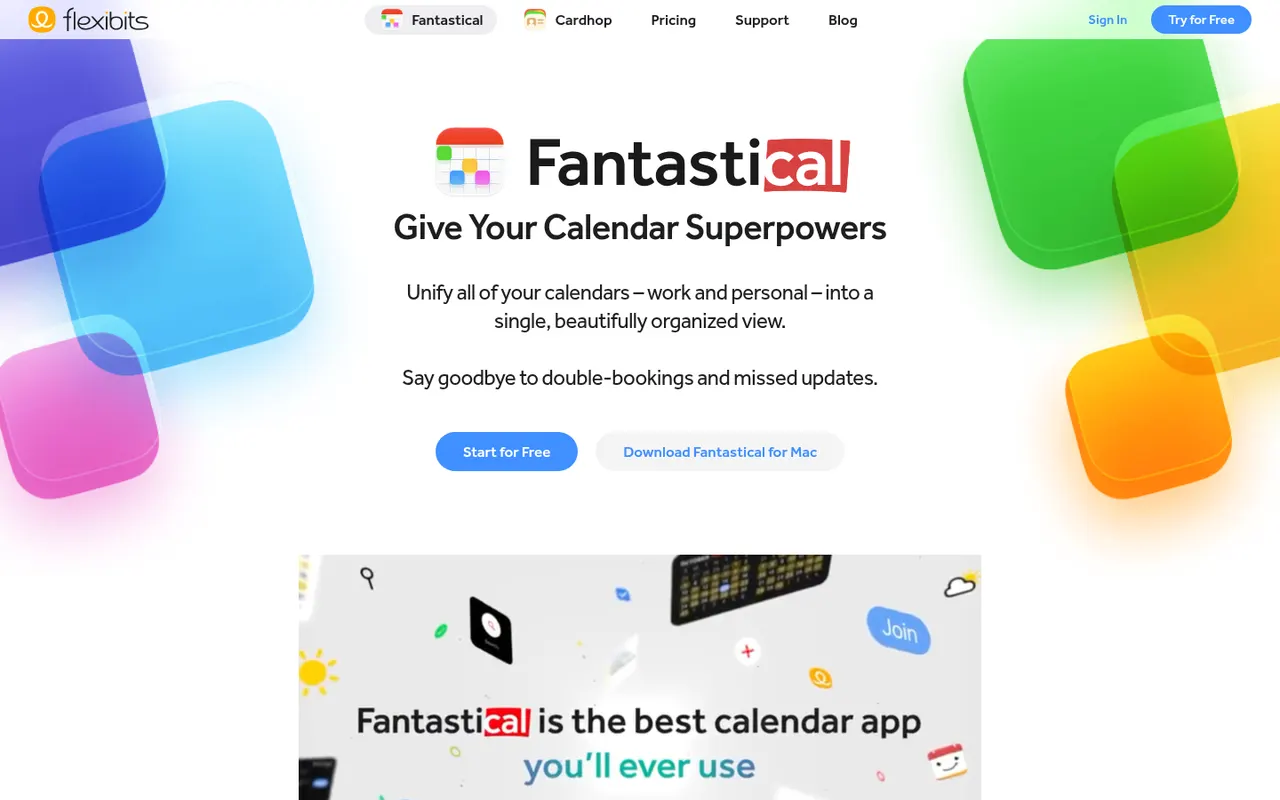
Cost / LicenseFreemiumProprietaryCategoriesPlatformsFantastical is a calendar app from Flexibits, first built for Apple devices and now also available on Windows, that creates events and reminders from plain sentences such as lunch with Sam Friday at noon. It combines Google, iCloud and Exchange calendars, adds calendar sets, weather and meeting proposals, and a Premium subscription unlocks Openings booking pages.
8 Fantastical alternativesPros
- Natural language input turns plain sentences into events
- Combines Google, iCloud and Exchange calendars in one view
- Calendar sets switch between work and personal contexts
Cons
- Many features require a Premium subscription
- No Android app, unlike most rival calendar apps
Cost / LicenseFreemiumProprietaryCategoriesGoogle Calendar is a free calendar service tied to your Google account, with shared calendars, event invitations, events detected from Gmail and Google Meet links added to meetings. Appointment schedules provide simple booking pages, and Google Workspace accounts add features such as focus time, working locations and room booking.
12 Google Calendar alternativesPros
- Free and tightly integrated with Gmail and Google Meet
- Calendar sharing and event invitations are easy to manage
- Appointment schedules provide simple booking pages
Cons
- Advanced appointment schedule options require a paid Workspace plan
- No official desktop app, only web and mobile
Cost / LicenseFreeProprietaryCategoriesSavvyCal is a scheduling tool built around the experience of the person booking: invitees can overlay their own calendar on your availability to spot a time that works for both. It supports personal and team links with round-robin, preferred time slots, buffers and frequency limits, and integrates with Google, Outlook, Zoom and Zapier.
8 SavvyCal alternativesPros
- Invitees can overlay their own calendar to find a common slot
- Preferred slots, buffers and frequency limits give fine control
- Polished booking experience for both sides
Cons
- Web only, with no mobile apps
- Smaller integration catalog than the largest schedulers
- Team features require a paid plan
Cost / LicenseFreemiumProprietaryCategoriesPlatforms






















Motion vs its alternatives at a glance
Pricing, platforms and the key features of Motion, compared with its most popular alternatives.
| App | Pricing | Platforms | AI assistant | Booking pages | Calendar view | Daily planning | Time blocking |
|---|---|---|---|---|---|---|---|
 Motion Motion | Free trial | Web, Windows, Mac, iPhone, Android | |||||
 Reclaim.ai Reclaim.ai | Freemium | Web, Browser extension | |||||
 Akiflow Akiflow | Free trial | Web, Windows, Mac, iPhone, Android | |||||
 Sunsama Sunsama | Free trial | Web, Windows, Mac, iPhone, Android | |||||
 ClickUp ClickUp | Freemium | Web, Windows, Mac, Linux, iPhone, Android | |||||
 Todoist Todoist | Freemium | Web, Windows, Mac, Linux, iPhone, Android, Browser extension |
Motion alternatives: frequently asked questions
What is the best alternative to Motion?
The most popular alternative to Motion is Reclaim.ai: AI scheduling that protects time for tasks, habits and breaks. Other great alternatives are Akiflow, Sunsama, ClickUp, and Todoist.
Is there a free alternative to Motion?
Yes, 8 alternatives are free or have a free plan, including Reclaim.ai, ClickUp, Todoist, and Notion Calendar.
Is there an open source alternative to Motion?
No open source alternative to Motion is listed yet.
Is Motion free?
Motion is a paid app that offers a free trial.
Compare Motion with its alternatives


Sponsored listings and products made by the publisher of this site are always labeled. How we rank · Know a good alternative? Submit it