Apps with Plugins & extensions
75 apps
Top Plugins & extensions apps ranked by the community
Autodesk Maya is a 3D application used in film, television and game studios for character animation, rigging, modeling, simulation and visual effects. It includes the Arnold renderer, Bifrost for procedural effects and simulations, and Python and MEL scripting for building custom pipelines. It runs on Windows, macOS and Linux, and free educational licenses are available to students.
6 Autodesk Maya alternativesPros
- Industry-standard tools for character animation and rigging
- Python and MEL scripting for building custom studio pipelines
- Runs on Windows, macOS and Linux, with free licenses for students
Cons
- Subscription pricing is steep for freelancers and small studios
- Dense interface with a long learning curve for beginners
Cost / LicenseFree trialProprietaryCategoriesCinema 4D is a 3D application from Maxon known for its approachable interface and its MoGraph toolset for procedural motion graphics. Designers use it for broadcast graphics, product visuals, title sequences and abstract animation, often alongside After Effects. It integrates the Redshift renderer, simulation tools and character animation features, and runs on Windows and macOS.
8 Cinema 4D alternativesPros
- Approachable interface compared with most 3D suites
- MoGraph tools make procedural motion graphics fast to build
- Fits smoothly alongside After Effects for broadcast and title work
Cons
- Subscription pricing is costly for individual designers
- Runs on Windows and macOS only, with no Linux version
- Less common than Houdini or Maya for heavy simulation and film VFX
Cost / LicenseFree trialProprietaryCategoriesAutodesk 3ds Max is a 3D modeling, animation and rendering application for Windows, used for architectural and product visualization, interior design and game asset creation. It offers polygon and spline modeling, a modifier stack, the Arnold renderer and a large ecosystem of third-party plugins and renderers such as V-Ray and Corona. MAXScript and Python scripting support custom workflows.
9 Autodesk 3ds Max alternativesPros
- Deep modeling toolset built around a flexible modifier stack
- Huge plugin ecosystem, including the V-Ray and Corona renderers
- Long-standing standard for architectural visualization work
Cons
- Runs on Windows only, with no macOS or Linux version
- Subscription-only licensing is expensive for freelancers
- Steep learning curve and an interface that shows its age
Cost / LicenseFree trialProprietaryCategoriesPlatformsSketchUp is a 3D modeling tool from Trimble built around simple push-pull geometry, used by architects, interior designers, landscape designers and woodworkers. The 3D Warehouse offers a large library of ready-made models, and the Extension Warehouse adds plugins for rendering, layout and analysis. A free web version exists for personal use; paid plans add the desktop app, LayOut for 2D drawings and the iPad app.
8 SketchUp alternativesPros
- Push-pull modeling is quick to pick up for beginners
- 3D Warehouse offers a vast library of ready-made models
- Extensions add rendering, layout and analysis tools
Cons
- The free web version is limited to personal use
- Struggles with complex curved and organic shapes
- The desktop app and LayOut require a paid subscription
Cost / LicenseFreemiumProprietaryCategoriesZBrush is a digital sculpting and painting application used for characters, creatures, collectibles and 3D-printed figures in film, games and toy design. It handles models with millions of polygons using brush-based sculpting, DynaMesh, ZRemesher retopology and Polypaint for surface color. Created by Pixologic and now owned by Maxon, it runs on Windows and macOS, and an iPad version is also available.
6 ZBrush alternativesPros
- Handles models with millions of polygons smoothly
- DynaMesh and ZRemesher speed up sculpting and retopology
- Reference tool for character and creature sculpting
Cons
- Unconventional interface that takes a long time to master
- Not a full 3D suite, so animation and scene work need other tools
Cost / LicenseFreemiumProprietaryCategoriesHoudini is a 3D animation and visual effects application from SideFX built on a node-based procedural workflow, where every step stays editable. Studios use it for simulations such as fire, smoke, fluids, destruction and crowds, and game developers use it to generate environments and assets procedurally. A free Apprentice edition allows non-commercial learning, alongside paid Indie and studio licenses.
7 Houdini alternativesPros
- Node-based procedural workflow keeps every step editable
- Leading toolset for fire, smoke, fluid and destruction simulations
- Free Apprentice edition for non-commercial learning
Cons
- One of the steepest learning curves among 3D applications
- The free edition watermarks renders and is non-commercial only
- Overkill for simple modeling or quick motion graphics jobs
Cost / LicenseFreemiumProprietaryCategoriesFreeCAD is a free, open source parametric 3D modeler for mechanical engineering, product design, architecture (BIM) and 3D printing. It is organized into workbenches for part design, sketching, assemblies, technical drawings, finite element analysis and CAM, and can be fully scripted in Python. Version 1.0, released in 2024, added a built-in assembly workbench and fixes for the topological naming problem.
6 FreeCAD alternativesPros
- Free and open source parametric CAD with no license fees
- Workbenches cover parts, assemblies, drawings, FEM and CAM
- Fully scriptable in Python for automation and custom tools
Cons
- Interface feels less polished than commercial CAD packages
- Workflows differ between workbenches, which slows down learning
Cost / LicenseFreeOpen sourceCategoriesUnity is a game engine and editor used to build 2D, 3D, mobile, console, VR and AR games and interactive applications, scripted in C# or with its built-in visual scripting. It exports to a wide range of platforms, from phones and PCs to consoles and headsets, and the Asset Store offers ready-made tools, models and templates. A free Personal plan exists, with paid Pro and Enterprise tiers above a revenue threshold.
8 Unity alternativesPros
- Exports to almost every platform, from phones to consoles and headsets
- Huge Asset Store, extensive documentation and a large community
- C# scripting plus visual scripting, for both 2D and 3D
Cons
- Past licensing changes have shaken trust among developers
- Editor can feel heavy and slow on large projects
- Paid tiers become mandatory above a revenue threshold
Cost / LicenseFreemiumProprietaryCategoriesUnreal Engine is a real-time 3D engine from Epic Games used for games as well as virtual production, architectural visualization and automotive design. It offers Blueprints visual scripting alongside C++, Nanite geometry, Lumen dynamic lighting and export to PC, consoles and mobile. Its source code is available on GitHub under Epic's license; use is free until revenue thresholds trigger royalties or seat fees.
9 Unreal Engine alternativesPros
- Top-tier visuals with Nanite geometry and Lumen lighting
- Blueprints let designers build logic without writing C++
- Full source code access on GitHub
Cons
- Demanding hardware requirements and very large project sizes
- Steep learning curve, especially on the C++ side
- Royalties or seat fees apply past revenue thresholds
Cost / LicenseFreemiumSource availableCategoriesGodot is a free, open source game engine released under the MIT license, with no royalties or fees. It provides dedicated 2D and 3D renderers, a scene and node system, its own Python-like GDScript language plus C# support, and a lightweight editor for Windows, macOS and Linux. Games export to desktop, mobile and the web, while console ports go through third-party partners. It is backed by the Godot Foundation.
7 Godot Engine alternativesPros
- MIT licensed, with no royalties, fees or revenue thresholds
- Lightweight editor with a dedicated 2D renderer, not 3D in disguise
- Easy-to-learn GDScript, C# support and a clean scene and node system
Cons
- Console ports have to go through third-party partners
- Asset store and third-party ecosystem are smaller than Unity’s
- High-end 3D rendering still trails Unreal and Unity
Cost / LicenseFreeOpen sourceCategoriesDefold is a free game engine first released by King and now maintained by the independent Defold Foundation. It is known for small build sizes and fast iteration, uses Lua for scripting and exports to Windows, macOS, Linux, iOS, Android and HTML5, with console support available to approved developers. Its source code is public on GitHub under the Defold License, a permissive license with some restrictions.
7 Defold alternativesPros
- Free to use with no royalties, backed by an independent foundation
- Small build sizes and fast iteration, ideal for mobile and web games
- Lightweight Lua scripting and broad export targets including HTML5
Cons
- Smaller community and fewer tutorials than Unity or Godot
- 3D tooling is basic, as the engine shines mostly in 2D
- No visual scripting, so coding in Lua is required
Cost / LicenseFreeSource availableCategoriesRPG Maker is a long-running series of tools for making Japanese-style 2D role-playing games without programming. Recent versions such as RPG Maker MZ provide tile-based map editors, a database for characters, items and battles, an event system for story logic and bundled art and music, with JavaScript plugins for deeper customization. Each version is sold as a one-time purchase.
6 RPG Maker alternativesPros
- Makes classic Japanese-style RPGs possible without programming
- Bundled tilesets, characters and music to start right away
- JavaScript plugins allow deeper customization in recent versions
Cons
- Locked into the classic tile-based JRPG style
- Default assets are widely recognized, so games can look generic
- Each new version is a separate purchase
Cost / LicenseFree trialProprietaryCategoriesWordPress is a free, open source content management system that you install on your own web hosting. Its block editor handles pages and posts, and thousands of themes and plugins add features such as forms, SEO tools or an online store. Because it is self-hosted, you keep full control over your files, your data and your choice of host.
9 WordPress alternativesPros
- Thousands of themes and plugins for almost any need
- Full control over files, data and choice of host
- Free and open source, with a huge community
Cons
- You handle hosting, updates, backups and security yourself
- Plugin sprawl can slow sites and introduce vulnerabilities
- Block editor takes time to master for complex layouts
Cost / LicenseFreeOpen sourceCategoriesPlatformsWordPress.com is the hosted version of WordPress run by Automattic, so you get the WordPress editor, themes and blogging tools without managing a server. Free sites use a wordpress.com address, while paid plans add custom domains, plugins, e-commerce and more storage. It suits bloggers and small businesses who want WordPress without handling updates, backups and security themselves.
11 WordPress.com alternativesPros
- WordPress without managing servers, updates or backups
- Free plan to start a blog quickly
- Same WordPress editor, themes and blogging tools
Cons
- Installing plugins requires a paid plan
- Free sites show ads and use a wordpress.com address
- Less control over hosting than self-hosted WordPress
Cost / LicenseFreemiumProprietaryCategoriesShopify is a hosted commerce platform for creating an online store, selling on social networks and marketplaces, and taking payments in person with its point-of-sale app. It handles hosting, checkout, inventory and shipping, while a large app store and theme marketplace extend what a store can do. It scales from first-time sellers to large brands on the Shopify Plus tier.
12 Shopify alternativesPros
- Hosting, checkout, payments and security are handled for you
- Huge app store and theme marketplace
- Sells online, on social channels and in person with its POS app
Cons
- Monthly app subscriptions quickly raise the total cost
- Extra transaction fees apply when not using Shopify Payments
- Checkout customization is limited outside Shopify Plus
Cost / LicenseFree trialProprietaryCategoriesWooCommerce is a free, open source plugin that adds a full online store to a WordPress site: products, cart, checkout, taxes, shipping and orders. Because it runs on your own hosting, you control the code and data, and a large catalog of free and paid extensions covers payment gateways, subscriptions, bookings and more. It is a natural choice for shops that already use WordPress.
12 WooCommerce alternativesPros
- Free plugin that turns a WordPress site into a full store
- Huge catalog of extensions for payments, subscriptions and bookings
- Full control over code, data and hosting
Cons
- Hosting, security and updates are your responsibility
- Paid extensions add up for features many stores need
- Performance needs tuning as catalogs and traffic grow
Cost / LicenseFreeOpen sourceCategoriesPlatformsPrestaShop is an open source e-commerce application written in PHP and created in France. You install it on your own server and extend it with modules and themes from its marketplace, covering payment methods, shipping carriers, marketing and multilingual catalogs. It suits merchants who want a full-featured store that they, or an agency, host and customize.
8 PrestaShop alternativesPros
- Free and open source, with full ownership of your store
- Large marketplace of modules and themes
- Widely used in Europe, with many local payment and carrier modules
Cons
- Many essential modules are paid, so costs add up
- Hosting, updates and technical upkeep are your responsibility
- Major version upgrades can break existing modules
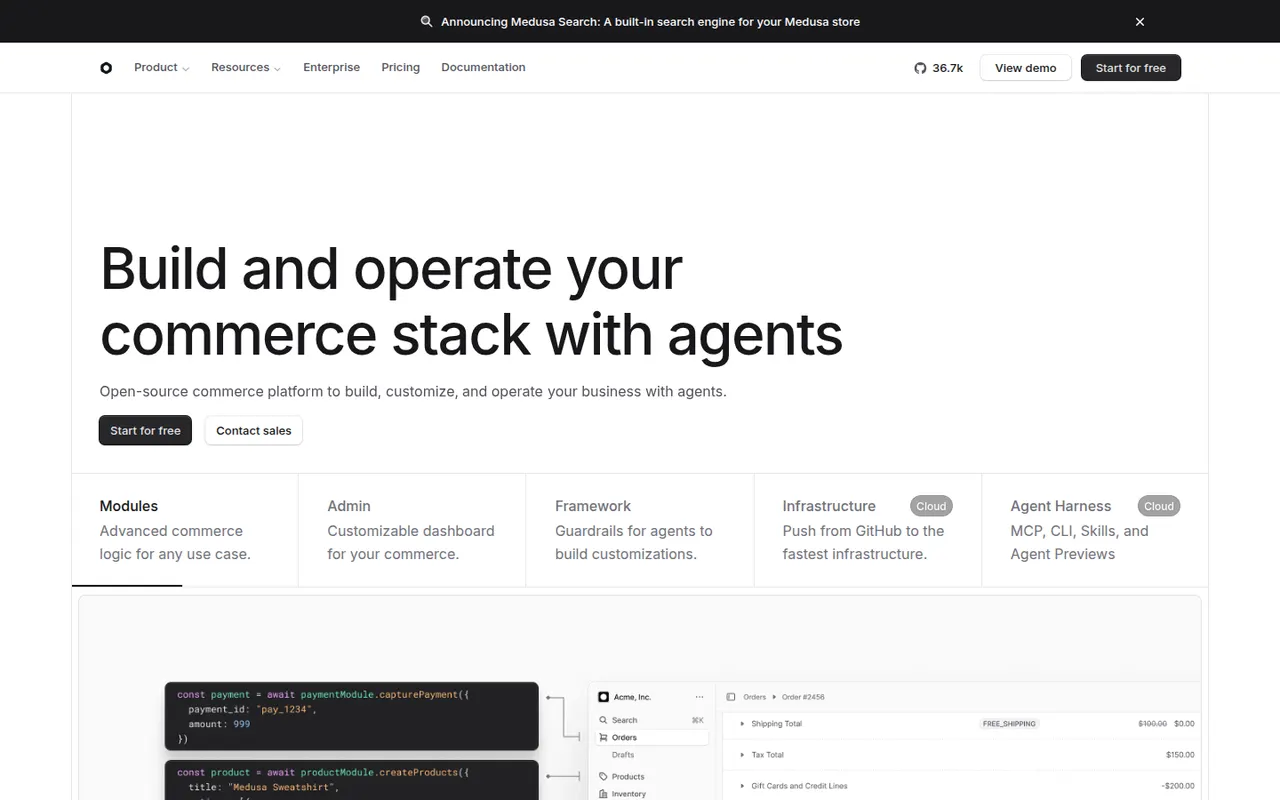
Cost / LicenseFreeOpen sourceCategoriesPlatformsMedusa is an open source commerce platform for developers who want to build a custom store or marketplace rather than adapt a hosted product. It provides modular back-end building blocks for products, carts, orders, payments and fulfillment, an admin dashboard and APIs that any front end can consume. It can be self-hosted for free or deployed on the managed Medusa Cloud.
6 Medusa alternativesPros
- Modular back end for building custom stores and marketplaces
- Open source and free to self-host, with a managed cloud option
- Admin dashboard and APIs work with any front-end framework
Cons
- Needs developers, so it is not a ready-made store for non-technical merchants
- Smaller plugin ecosystem than Shopify or WooCommerce
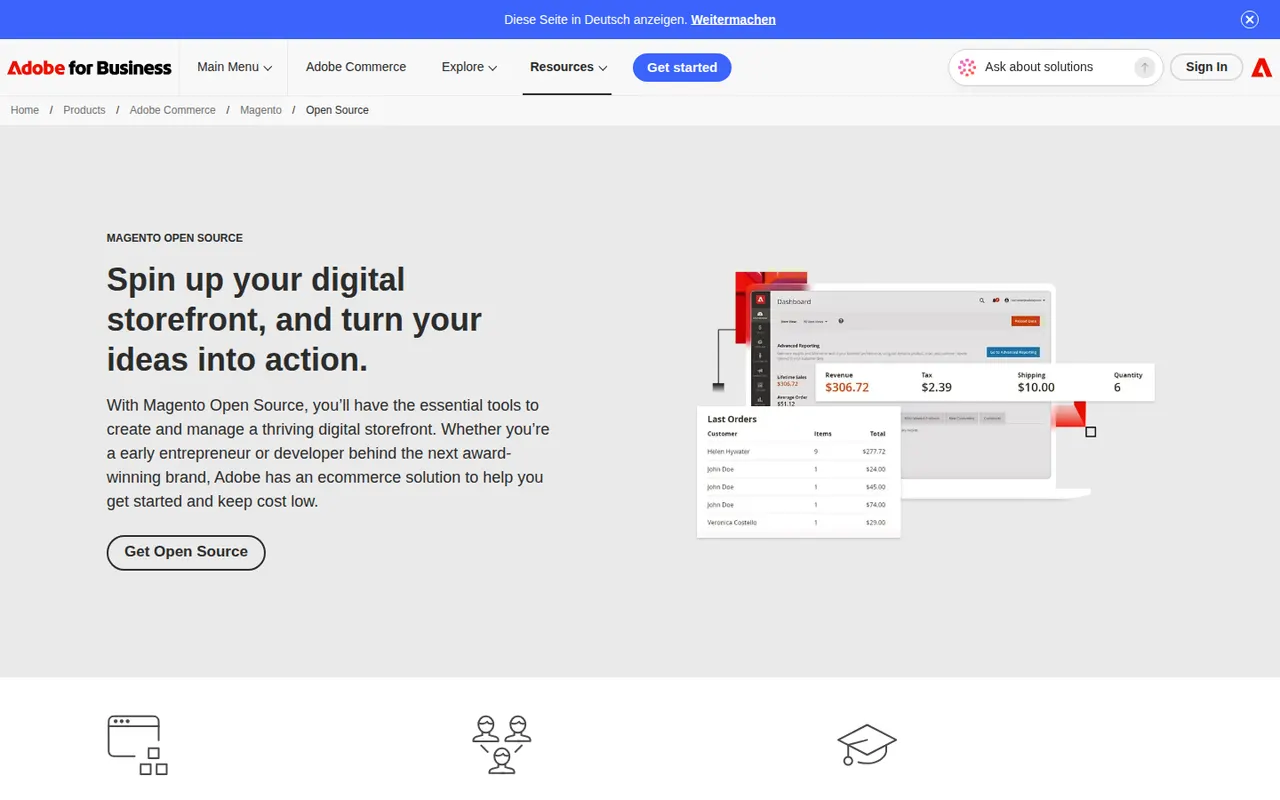
Cost / LicenseFreemiumOpen sourceCategoriesPlatformsMagento Open Source is the free, self-hosted edition of the Magento e-commerce platform, maintained by Adobe alongside its paid Adobe Commerce product. Written in PHP, it supports multiple stores, languages and currencies, complex catalogs and a large ecosystem of extensions and agencies. It is suited to merchants with development resources who need deep customization.
6 Magento Open Source alternativesPros
- Handles complex catalogs, multiple stores, languages and currencies
- Large ecosystem of extensions and specialized agencies
- Free and open source, with full control over code and hosting
Cons
- Resource-hungry, so it needs well-tuned hosting to perform well
- Development and maintenance require experienced PHP developers
- Some advanced features are reserved for the paid Adobe Commerce
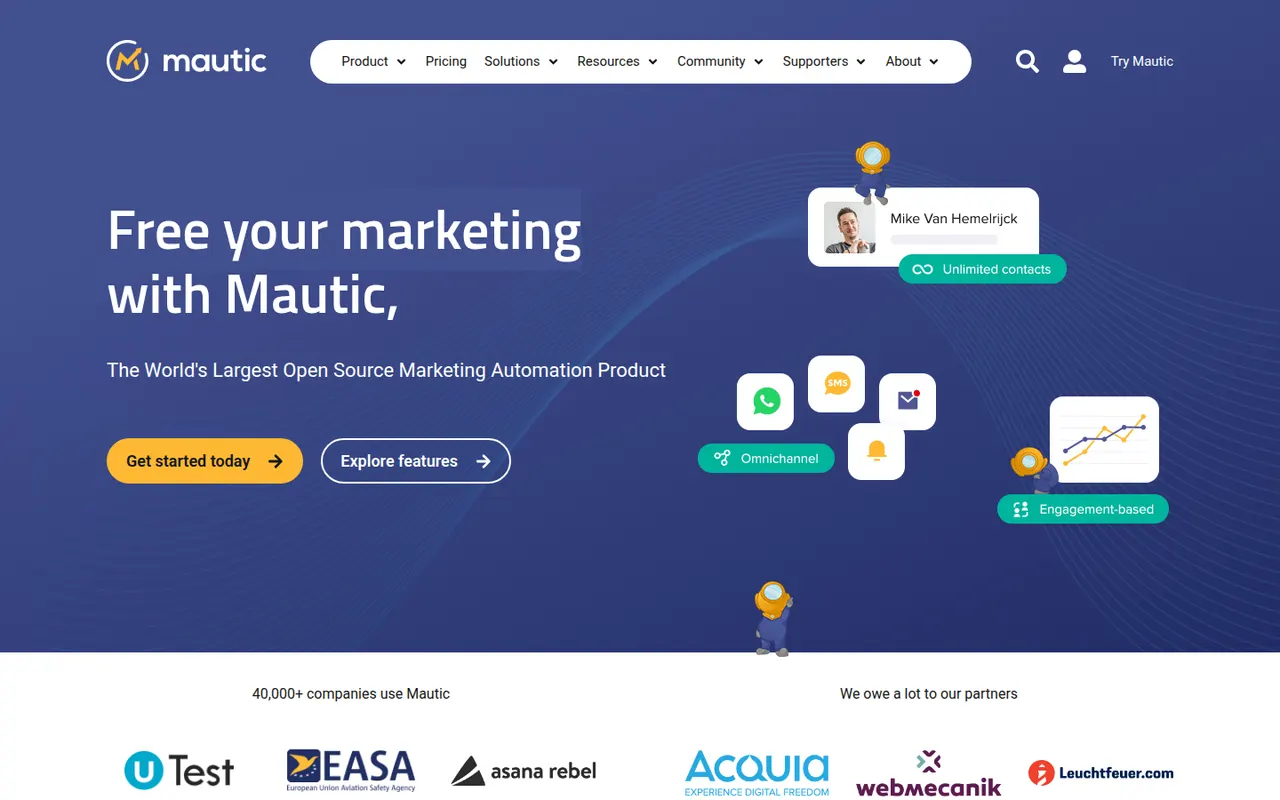
Cost / LicenseFreeOpen sourceCategoriesPlatformsMautic is an open source marketing automation platform for running email campaigns, landing pages, forms, lead scoring and multi-step customer journeys. Self-hosting it keeps contact data on your own infrastructure, and its plugin system connects it to CRMs and other tools. It suits organizations with technical resources that want an alternative to proprietary automation suites.
7 Mautic alternativesPros
- Free and open source marketing automation
- Contact data stays on your own infrastructure
- Campaign builder with lead scoring, forms and landing pages
Cons
- Installation and maintenance require technical skills
- Needs a separate sending service for good deliverability
- Interface is less polished than commercial automation suites
Cost / LicenseFreeOpen sourceCategoriesPlatformsMatomo, formerly Piwik, is an open source analytics platform that you can self-host for free or use as a hosted cloud service. It offers reports comparable to Google Analytics, including goals, e-commerce tracking and custom dimensions, while keeping all data under your control, and it can be configured to track without cookies. Premium plugins add heatmaps, session recordings, funnels and A/B testing.
11 Matomo alternativesPros
- Free to self-host with full ownership of your data
- Reports comparable to Google Analytics, including e-commerce
- Can be configured for cookieless tracking
Cons
- Self-hosting means managing updates and database performance
- Heatmaps, recordings and funnels are paid plugins
- Interface feels dated next to newer analytics tools
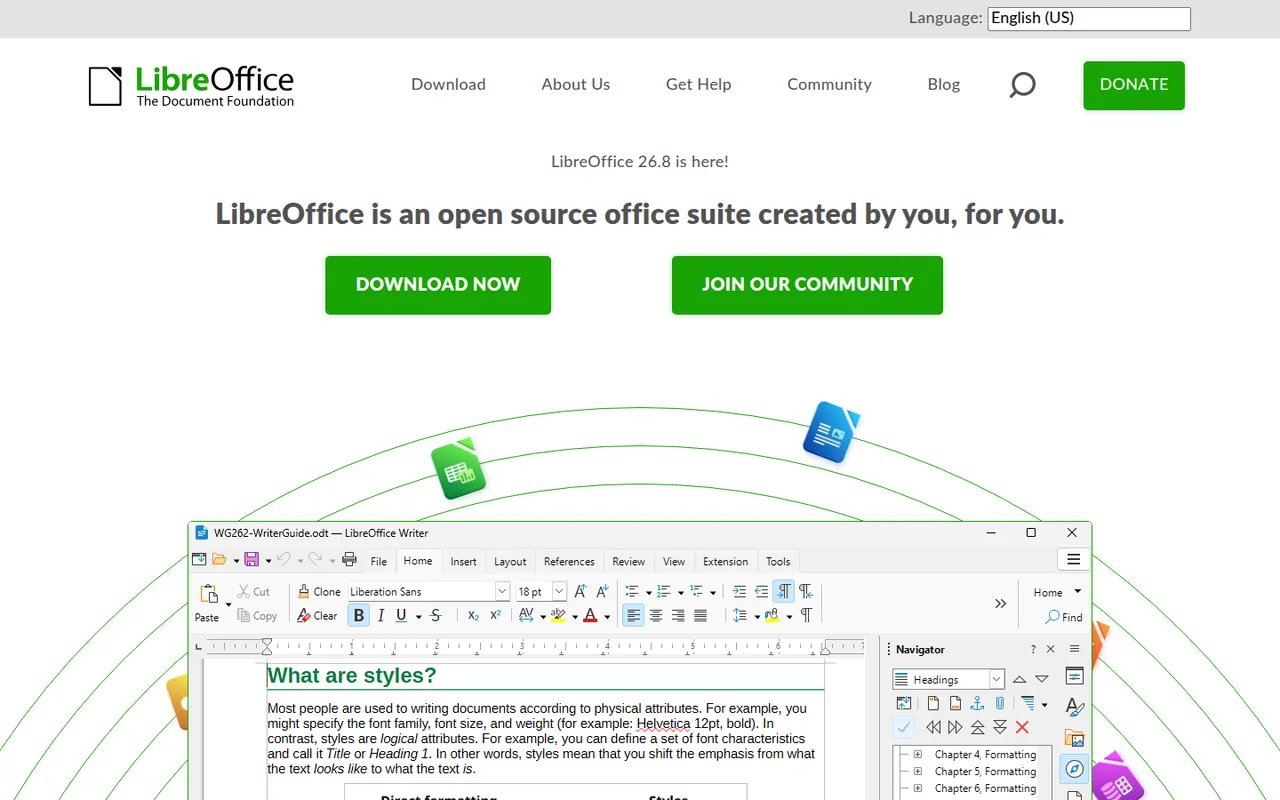
Cost / LicenseFreemiumOpen sourceCategoriesPlatformsLibreOffice is a desktop office suite maintained by The Document Foundation, with Writer, Calc, Impress, Draw, Base and Math. It uses the OpenDocument format natively and opens and saves Microsoft Office files. It is free for any use, works fully offline and can be extended with community extensions and templates.
12 LibreOffice alternativesPros
- Free for any use, with no account or subscription
- Full suite with Writer, Calc, Impress, Draw and Base
- Native OpenDocument support and fully offline use
Cons
- Interface feels dated next to Microsoft 365
- Complex Office files can lose formatting
- No real-time collaboration in the desktop apps
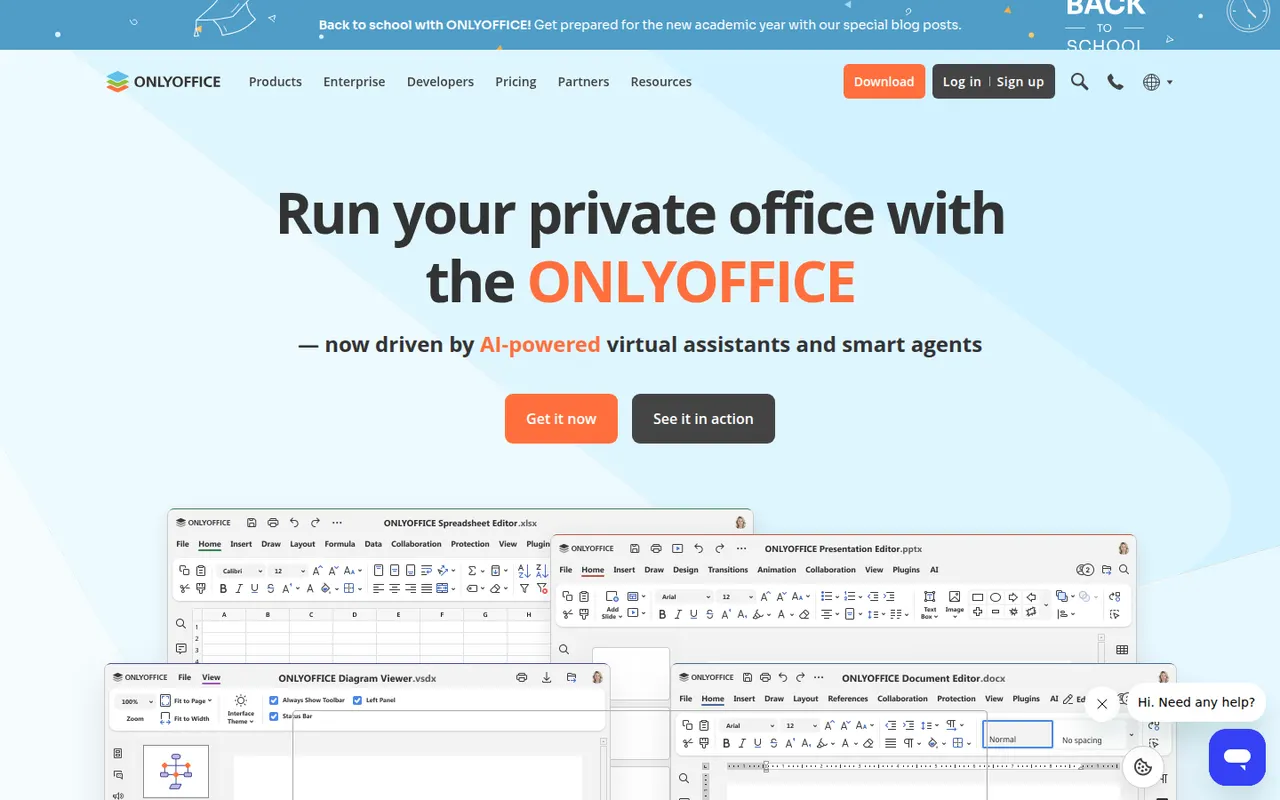
Cost / LicenseFreeOpen sourceONLYOFFICE is an office suite from Ascensio System with editors for documents, spreadsheets, presentations, PDFs and forms, built around Microsoft Office formats. The desktop and mobile apps are free, and the online editors can be self-hosted or integrated into Nextcloud and other platforms, with paid cloud and enterprise editions. It supports real-time co-editing, plugins and AI assistants.
12 ONLYOFFICE alternativesPros
- Strong compatibility with Microsoft Office formats
- Free desktop and mobile apps, plus self-hostable online editors
- Real-time co-editing and Nextcloud integration
Cons
- A self-hosted server needs technical setup
- Enterprise features and support require paid editions
- Fewer advanced features than Microsoft Office
Cost / LicenseFreemiumOpen sourceMicrosoft Excel is the spreadsheet in Microsoft 365, used in many organisations for budgets, financial models and data analysis. It offers hundreds of functions, pivot tables, charts, Power Query for importing and cleaning data, VBA macros and Python in Excel, plus Copilot in eligible plans. It runs on Windows, Mac, mobile and the web, where a free version is available with a Microsoft account.
8 Microsoft Excel alternativesPros
- Standard tool for financial models and business analysis
- Power Query, pivot tables and macros handle complex data work
- Huge range of functions, templates and learning resources
Cons
- Full desktop features require a Microsoft 365 subscription
- The free web version lacks many advanced desktop features
- Advanced features have a steep learning curve
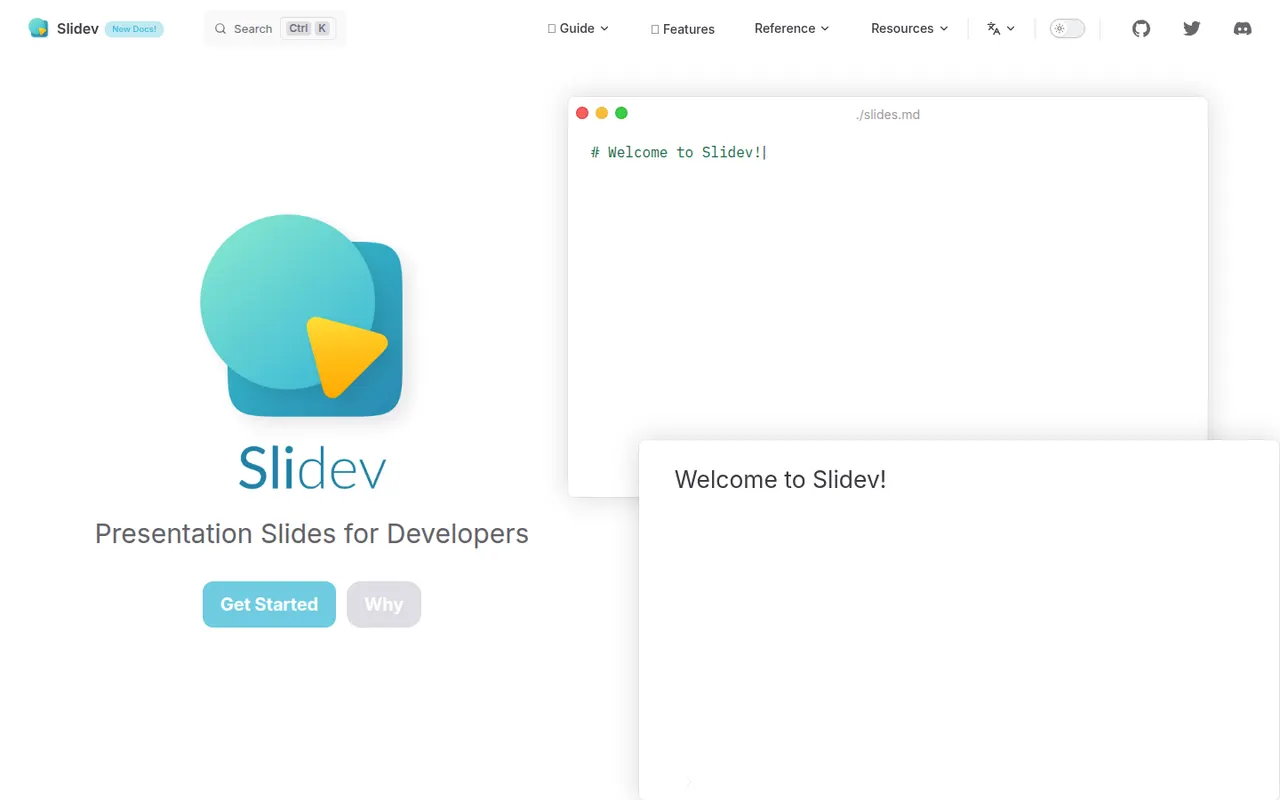
Cost / LicenseFreemiumProprietaryCategoriesSlidev is an open source presentation tool that builds slide decks from a Markdown file, aimed at developers giving technical talks. It supports code highlighting, live code editing, Vue components, LaTeX, diagrams, themes and a presenter mode with notes, served locally and shown in the browser. Decks can be exported to PDF, PPTX or PNG, or built as a static site to host anywhere.
7 Slidev alternativesPros
- Slides written in Markdown are easy to keep in version control
- Code highlighting, live coding and Vue components suit technical talks
- Free and open source, with PDF, PPTX and static site exports
Cons
- Requires Node.js and comfort with code, so not suited to non-developers
- Custom layouts often mean writing CSS or Vue components
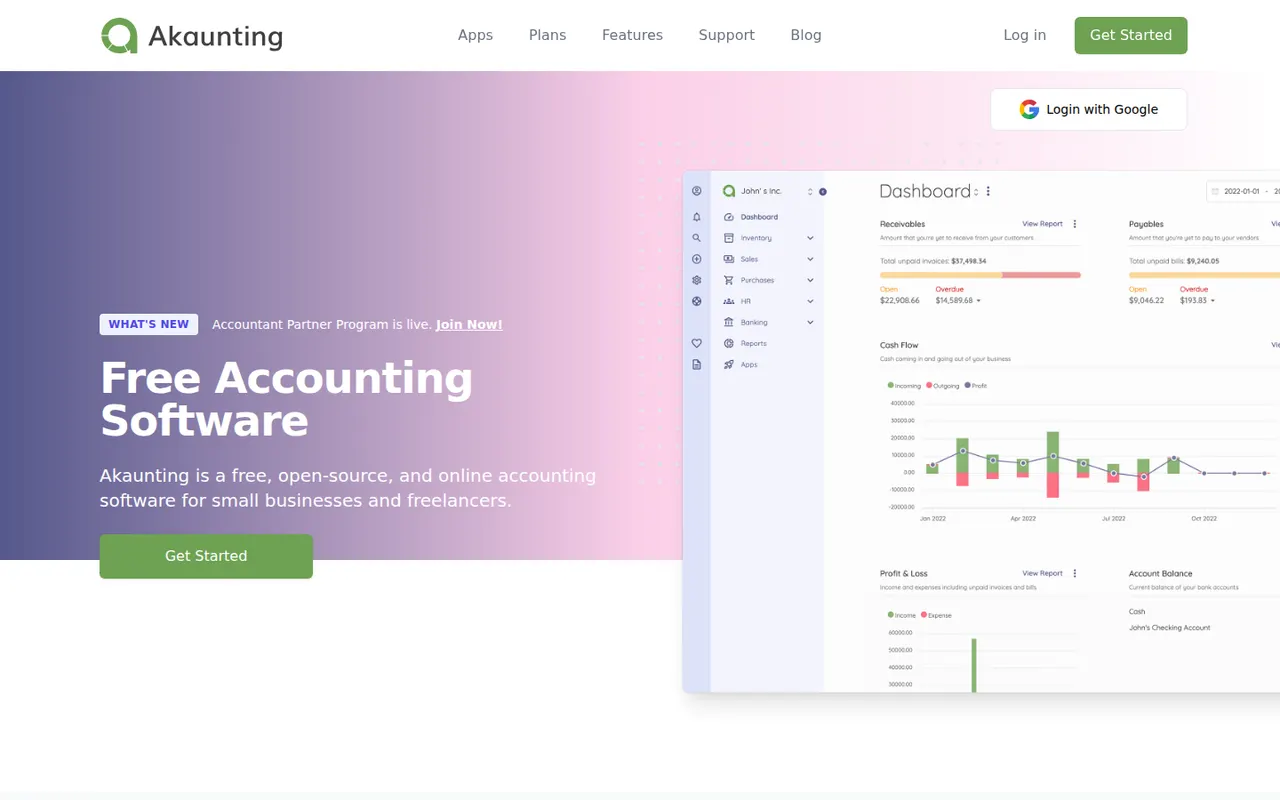
Cost / LicenseFreeOpen sourceCategoriesAkaunting is web-based accounting software for small businesses and freelancers that can be installed on your own server or used in the cloud. The core handles invoices, bills, expenses, customers, vendors, multiple currencies and reports, while paid apps from its marketplace add features such as payroll, inventory and bank feeds. Its source code is published under the Business Source License.
8 Akaunting alternativesPros
- Can be self-hosted on your own server or used in the cloud
- Core covers invoices, bills, expenses and multiple currencies
- Marketplace apps add payroll, inventory and bank feeds
Cons
- Many useful features are paid add-ons from the marketplace
- Business Source License code is not open source in the strict sense
- Self-hosting requires technical skills to install and maintain
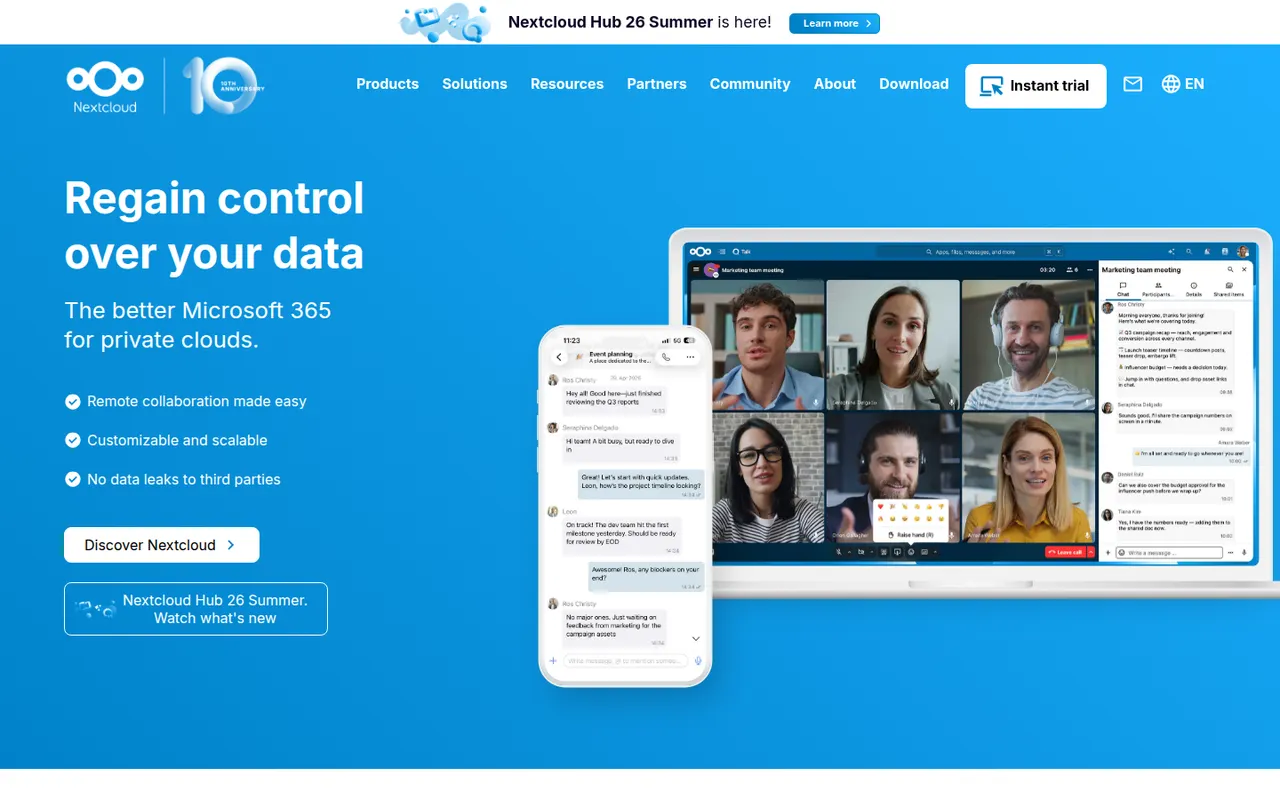
Cost / LicenseFreemiumSource availableCategoriesPlatformsNextcloud is an open source platform you install on your own server to sync and share files, keeping data under your control instead of with a third-party cloud. Beyond file storage with desktop and mobile clients, its app store adds calendars, contacts, video calls (Talk), online office editing and many other extensions. Self-hosting is free, and Nextcloud GmbH sells enterprise support.
12 Nextcloud alternativesPros
- Keeps files on your own server instead of a third-party cloud
- App store adds calendars, contacts, Talk calls and office editing
- Desktop and mobile clients for every major platform
Cons
- Installing, securing and updating the server is your responsibility
- Performance can be sluggish without careful server tuning
- Quality varies across third-party apps
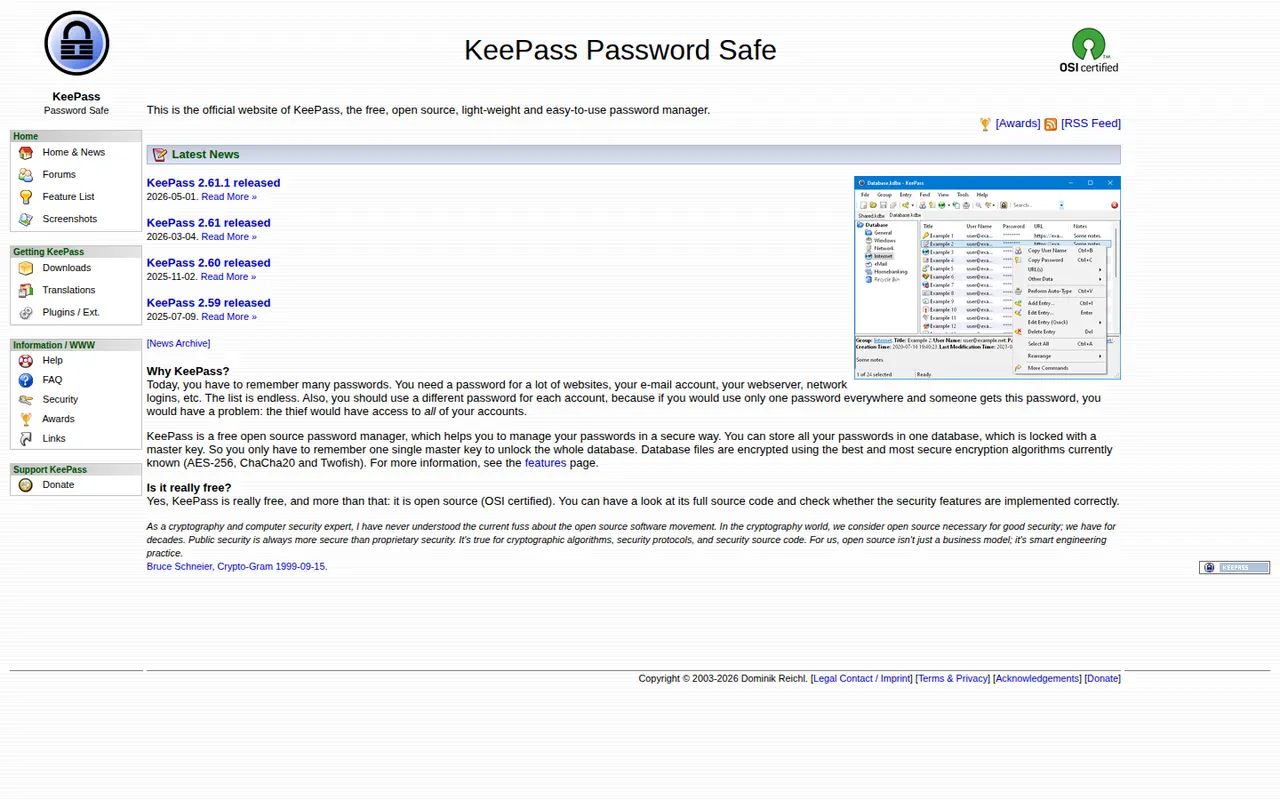
Cost / LicenseFreemiumOpen sourceCategoriesKeePass is a free and open source password manager for Windows that stores credentials in a local encrypted database file, with no account or cloud service required. Auto-Type fills logins in any application, plugins add sync and import options, and its KDBX file format is supported by many compatible apps on macOS, Linux, Android and iOS.
8 KeePass alternativesPros
- Free, open source and fully offline, with no account
- Auto-Type fills logins in any application
- The KDBX format works with many compatible apps on other platforms
Cons
- The official app runs on Windows only
- Dated interface that feels technical for beginners
- Sync and browser integration rely on plugins or third-party apps
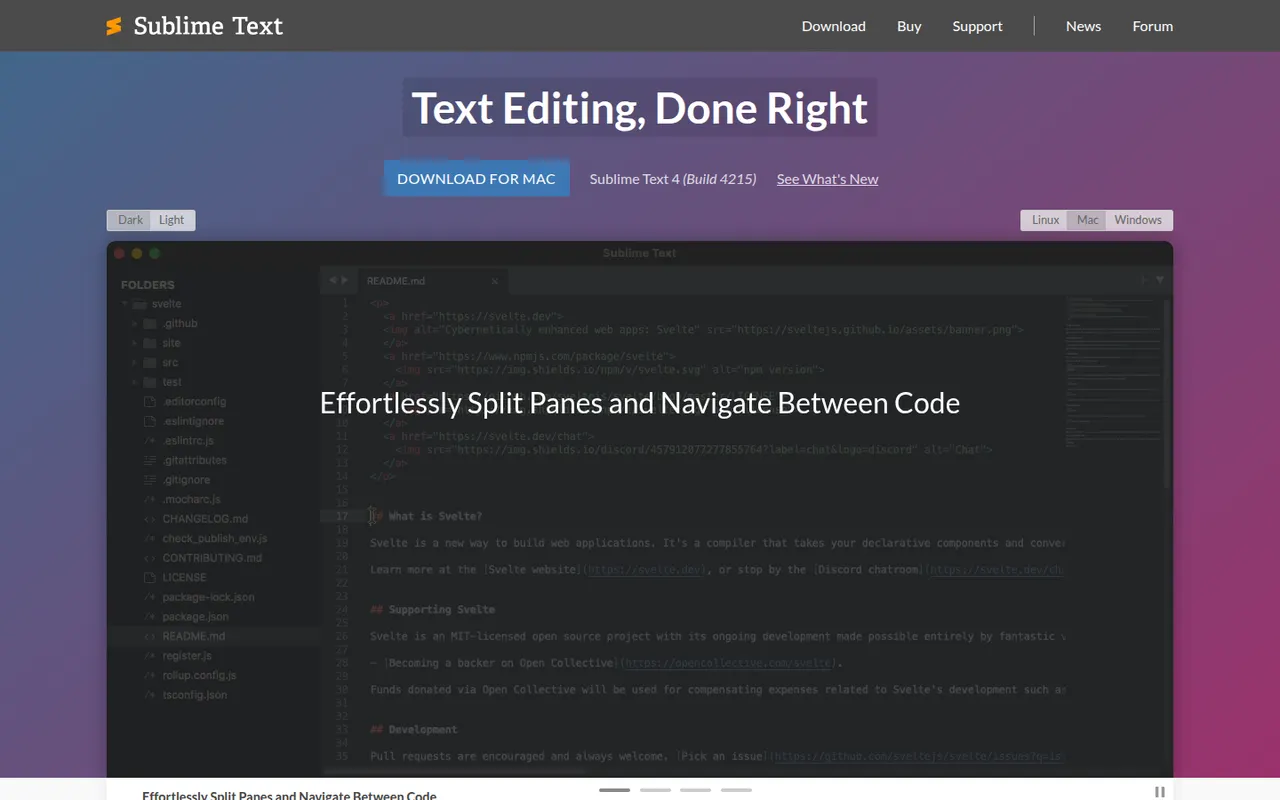
Cost / LicenseFreeOpen sourceCategoriesPlatformsSublime Text is a cross-platform text and code editor from Sublime HQ, known for its speed and low resource use. Goto Anything, multiple cursors and a command palette make large files and projects quick to navigate. It is extended with Python plugins, usually installed through the community Package Control manager. It can be evaluated for free, but a license is required for continued use.
12 Sublime Text alternativesPros
- Extremely fast, even with very large files
- Multiple cursors and Goto Anything speed up navigation and edits
- Low memory use compared with Electron-based editors
Cons
- A license is required for continued use, with reminders during evaluation
- Fewer built-in IDE features, such as debugging, than VS Code
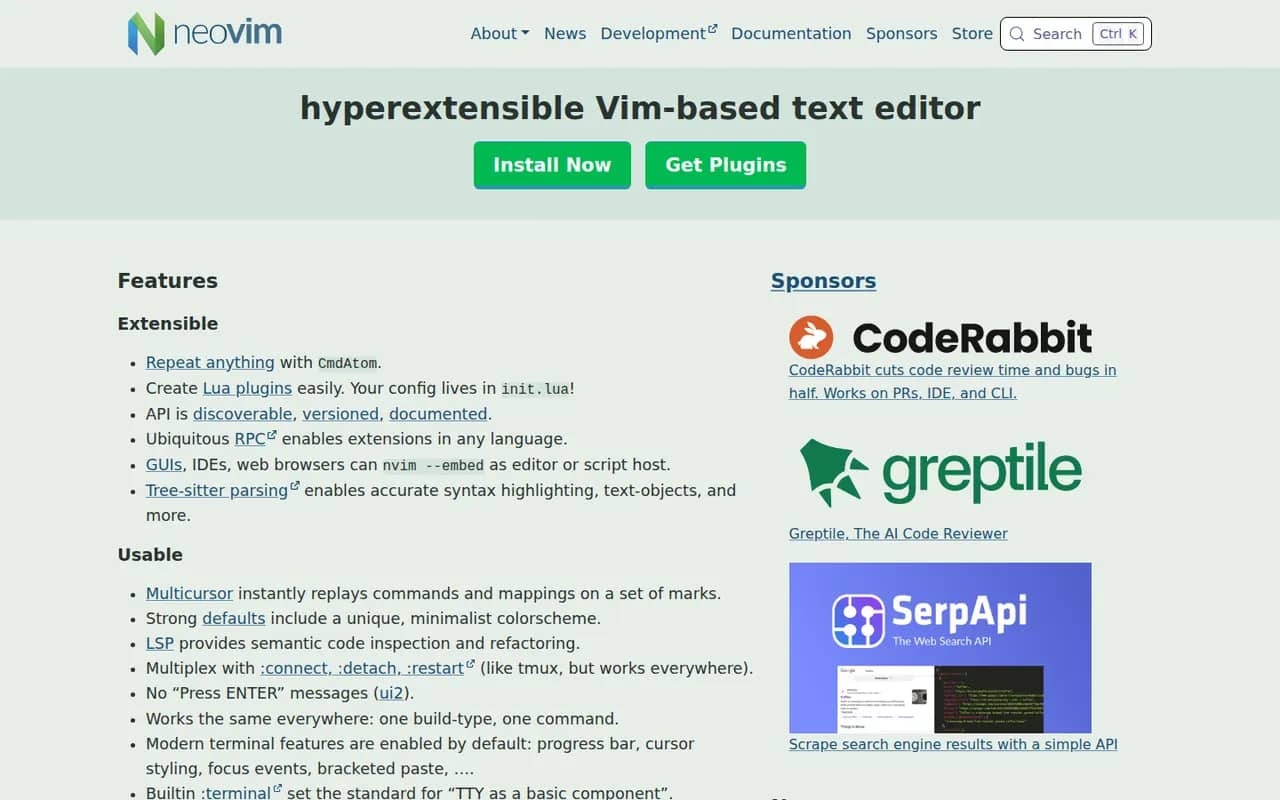
Cost / LicenseFree trialProprietaryCategoriesNeovim is a community-driven fork of Vim that keeps modal editing while modernizing the codebase. It adds first-class Lua scripting, a built-in Language Server Protocol client, Tree-sitter syntax highlighting, an embedded terminal and an RPC API that lets other programs use it as an editing engine. It is free and open source, and popular with developers who build a customized, keyboard-driven setup.
12 Neovim alternativesPros
- Lua scripting makes configuration and plugins easier to write
- Built-in LSP client and Tree-sitter highlighting
- Fast, keyboard-driven editing that runs anywhere in a terminal
Cons
- Modal editing has a steep learning curve
- Turning it into a full IDE takes time and ongoing plugin maintenance
Cost / LicenseFreeOpen sourceCategories