Apps with Photo backup
8 apps
Top Photo backup apps ranked by the community
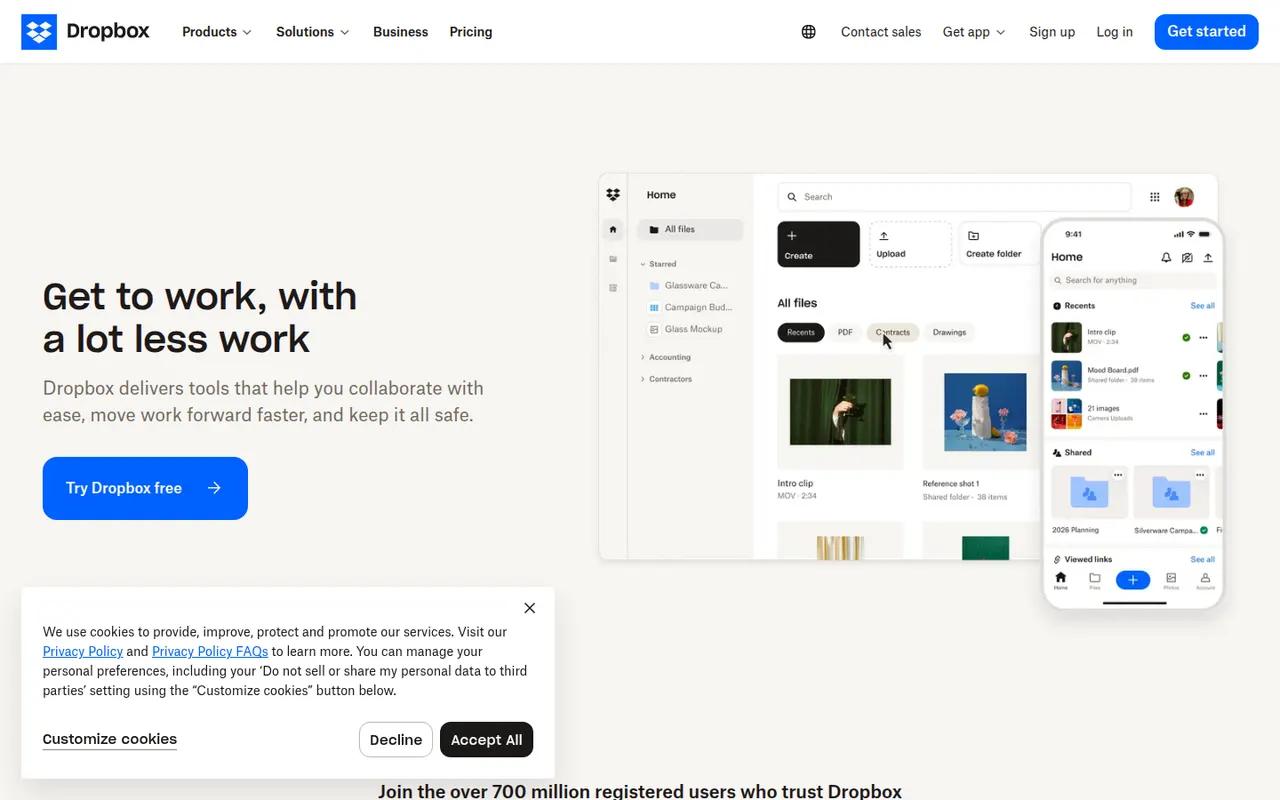
Dropbox keeps a folder in sync across your devices and lets you share files or folders with a link, including with people who have no account. It runs on Windows, macOS and Linux as well as mobile, keeps previous versions of files and can back up phone photos automatically. Paid plans add more storage, large file transfers and team administration.
12 Dropbox alternativesPros
- Reliable, fast sync across Windows, macOS, Linux and mobile
- Share files by link, even with people who have no account
- Version history and automatic photo backup included
Cons
- The free plan offers little storage and limits linked devices
- Files are not end-to-end encrypted on standard plans
Cost / LicenseFreemiumProprietaryCategoriesOneDrive is Microsoft's file storage service, built into Windows and included with Microsoft 365 subscriptions. It syncs folders across devices, can back up the Desktop, Documents and Pictures folders, and lets several people edit Word, Excel and PowerPoint files at the same time. A Personal Vault adds an extra verification step for sensitive files.
12 OneDrive alternativesPros
- Built into Windows and File Explorer, with files on demand
- Real-time co-editing of Word, Excel and PowerPoint files
- Storage comes bundled with Microsoft 365 subscriptions
Cons
- Windows nudges you into folder backup, which can relocate files unexpectedly
- No official Linux client
- The free plan offers little storage
Cost / LicenseFreemiumProprietaryCategoriesMEGA is a cloud storage service from New Zealand that encrypts files on your device before upload, with keys derived from your password. It offers sync clients for Windows, macOS and Linux, mobile apps with camera uploads, encrypted share links and built-in chat and video meetings. A free plan is available alongside paid plans with more storage and transfer quota.
11 MEGA alternativesPros
- Files are encrypted on your device before upload
- Clients for every major desktop and mobile platform
- Built-in encrypted chat and video meetings
Cons
- Transfer quotas can slow down downloads on free accounts
- Losing both your password and recovery key means losing your data
Cost / LicenseFreemiumProprietaryCategoriespCloud is a Swiss cloud storage service that mounts your storage as a virtual drive on Windows, macOS and Linux, so files stay online until you open them. It includes link sharing, automatic phone photo backup, file history and a built-in media player. The paid pCloud Encryption add-on provides client-side encryption, and storage is sold as a subscription or a one-time lifetime plan.
12 pCloud alternativesPros
- Virtual drive saves local disk space on Windows, macOS and Linux
- One-time lifetime plans as an alternative to subscriptions
- Swiss provider with a built-in player for music and video
Cons
- Client-side encryption is a paid add-on
- Collaboration and office editing are limited next to Google Drive or OneDrive
Cost / LicenseFreemiumProprietaryCategoriesSync.com is a Canadian cloud storage service with end-to-end encryption, which means the company cannot read the files you store. It syncs folders on Windows and macOS, backs up photos from iOS and Android, keeps previous file versions and offers share links with optional passwords and expiry dates. Business plans add team folders and admin controls.
11 Sync.com alternativesPros
- Zero-knowledge encryption means the provider cannot read your files
- Share links with optional passwords and expiry dates
- Version history and photo backup from iOS and Android
Cons
- No desktop client for Linux
- Syncing and uploads can be slower than with mainstream services
- Few integrations with third-party apps
Cost / LicenseFreemiumProprietaryCategoriesProton Drive is the encrypted cloud storage service of Proton, the Swiss company behind Proton Mail. Files and file names are end-to-end encrypted, the apps are open source and files can be shared through password-protected links. It offers desktop sync on Windows and macOS, mobile photo backup and a free plan, with more space in Proton's paid bundles.
12 Proton Drive alternativesPros
- Files and file names are end-to-end encrypted
- Open source apps from a Swiss privacy-focused company
- Password-protected share links and mobile photo backup
Cons
- No desktop app for Linux
- Fewer third-party app integrations than mainstream clouds
- The free plan offers limited storage
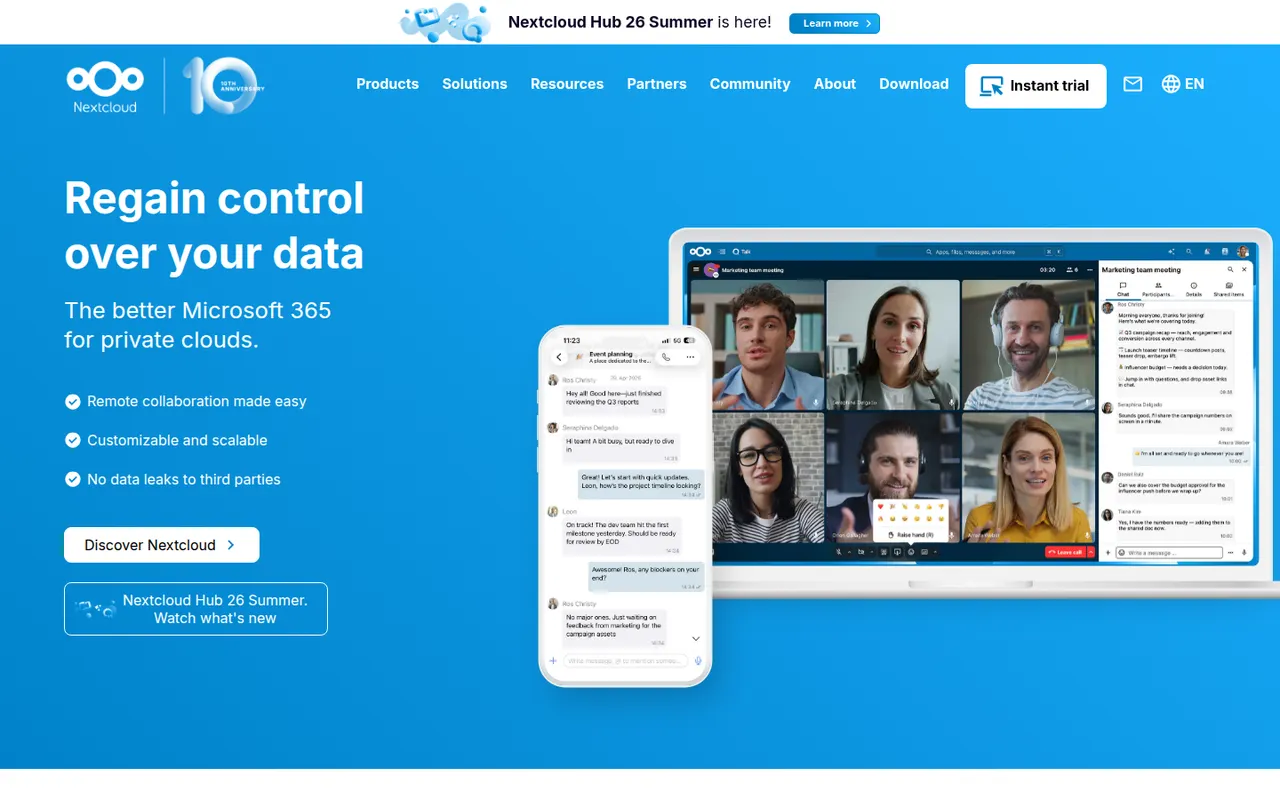
Cost / LicenseFreemiumOpen sourceCategoriesNextcloud is an open source platform you install on your own server to sync and share files, keeping data under your control instead of with a third-party cloud. Beyond file storage with desktop and mobile clients, its app store adds calendars, contacts, video calls (Talk), online office editing and many other extensions. Self-hosting is free, and Nextcloud GmbH sells enterprise support.
12 Nextcloud alternativesPros
- Keeps files on your own server instead of a third-party cloud
- App store adds calendars, contacts, Talk calls and office editing
- Desktop and mobile clients for every major platform
Cons
- Installing, securing and updating the server is your responsibility
- Performance can be sluggish without careful server tuning
- Quality varies across third-party apps
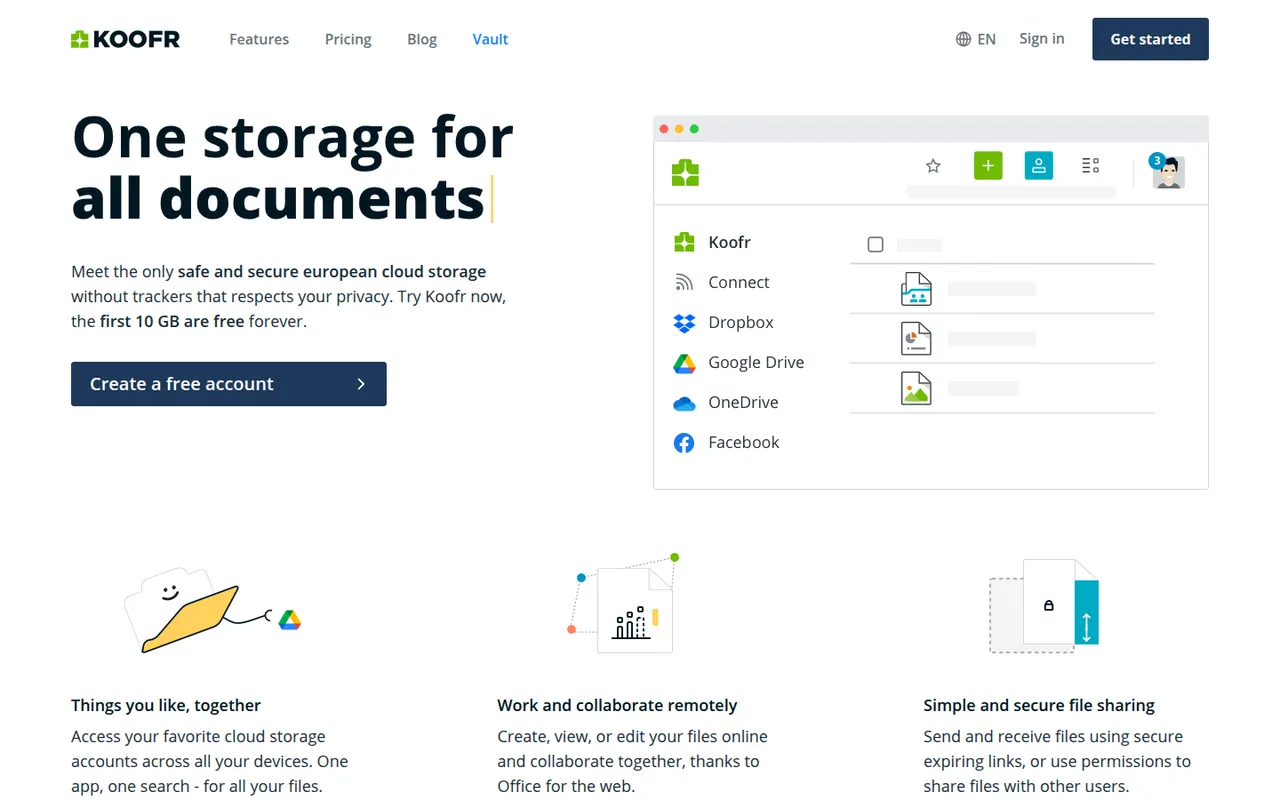
Cost / LicenseFreemiumOpen sourceCategoriesKoofr is a privacy-focused cloud storage service from Slovenia that keeps data in the EU. Besides its own storage, it can connect Dropbox, Google Drive and OneDrive accounts so you can browse and move files between them in one place. It has desktop sync apps, mobile photo backup, share links and Koofr Vault, an open source end-to-end encrypted folder.
9 Koofr alternativesPros
- Data stays in the EU with a privacy-focused European provider
- Connects Dropbox, Google Drive and OneDrive in one interface
- Koofr Vault adds an open source end-to-end encrypted folder
Cons
- Standard storage is not end-to-end encrypted outside Vault
- Fewer collaboration features than the big cloud providers
Cost / LicenseFreemiumProprietaryCategories