Apps with Large file transfer
2 apps
Top Large file transfer apps ranked by the community
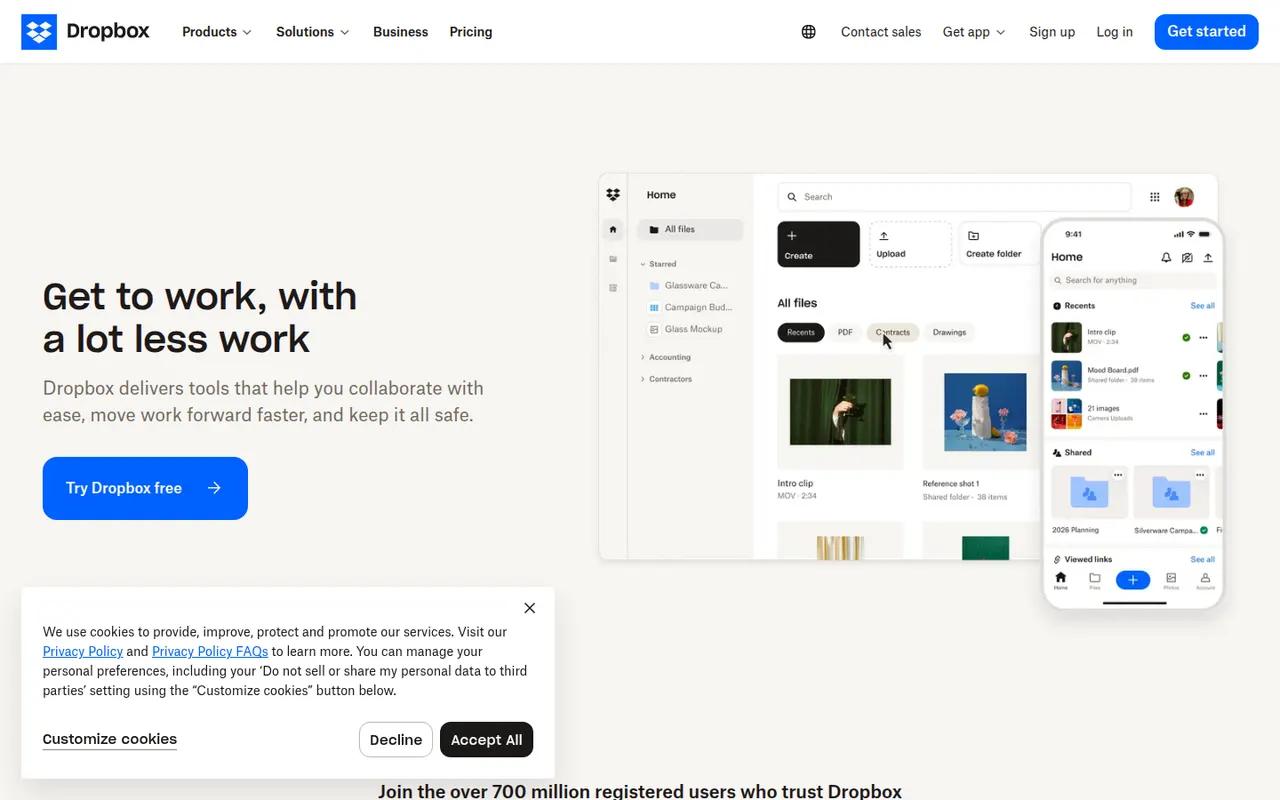
Dropbox keeps a folder in sync across your devices and lets you share files or folders with a link, including with people who have no account. It runs on Windows, macOS and Linux as well as mobile, keeps previous versions of files and can back up phone photos automatically. Paid plans add more storage, large file transfers and team administration.
12 Dropbox alternativesPros
- Reliable, fast sync across Windows, macOS, Linux and mobile
- Share files by link, even with people who have no account
- Version history and automatic photo backup included
Cons
- The free plan offers little storage and limits linked devices
- Files are not end-to-end encrypted on standard plans
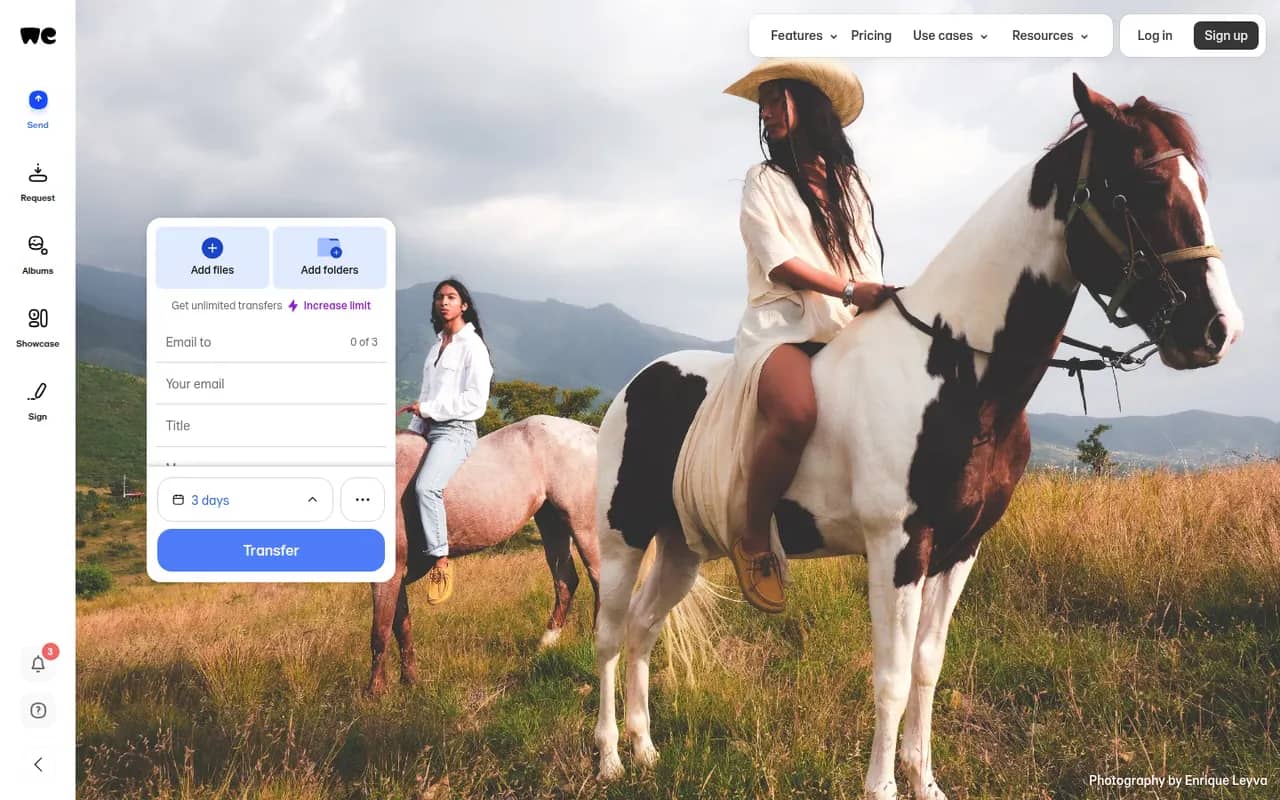
Cost / LicenseFreemiumProprietaryCategoriesWeTransfer is a file transfer service for sending large files and folders by email or with a download link that expires after a set period. Recipients do not need an account to download. The free plan has size and transfer limits, while paid plans raise them and add password protection, longer storage and customizable transfer pages.
8 WeTransfer alternativesPros
- Send large files without the recipient needing an account
- Very simple interface: a transfer takes a few clicks
- Paid plans add passwords and customizable transfer pages
Cons
- Free transfers expire quickly and have size limits
- Not a sync or storage service for ongoing file management
- The free plan shows ads
Cost / LicenseFreemiumProprietaryCategories