
File sync and sharing across computers, phones and the web
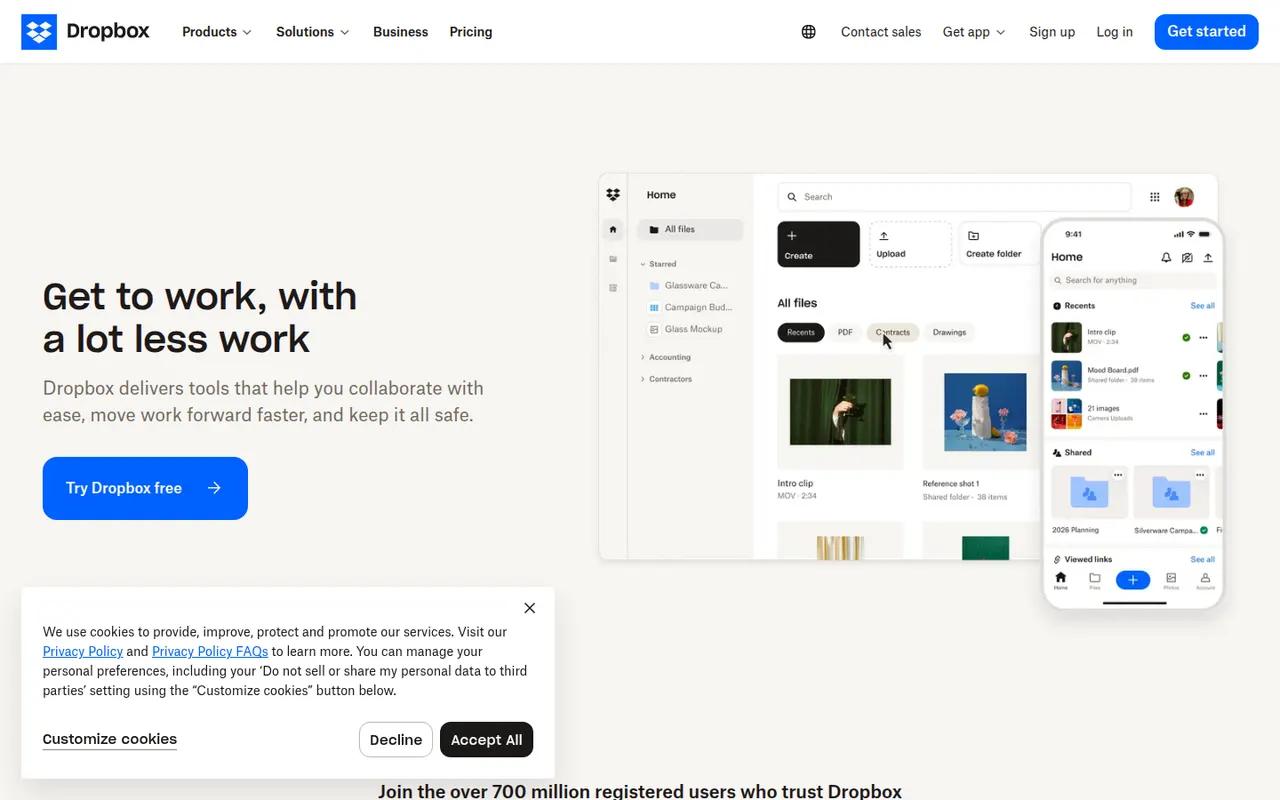
Dropbox keeps a folder in sync across your devices and lets you share files or folders with a link, including with people who have no account. It runs on Windows, macOS and Linux as well as mobile, keeps previous versions of files and can back up phone photos automatically. Paid plans add more storage, large file transfers and team administration.
- features
- 6
- alternatives
- 12
- platforms
- 6
- Updated
- Oct 12, 2026
Features
Our take
Pros
- Reliable, fast sync across Windows, macOS, Linux and mobile
- Share files by link, even with people who have no account
- Version history and automatic photo backup included
Cons
- The free plan offers little storage and limits linked devices
- Files are not end-to-end encrypted on standard plans
Editorial assessment by the Alternatives.tools team, based on what the product is known for. Not a user review.
Best Dropbox alternatives
See all 12 alternatives Google DriveFreemium
Cloud storage tied to Google Docs, Sheets and Gmail
4.8(7.9M) · App Store OneDriveFreemium
Microsoft's cloud storage, built into Windows and Microsoft 365
4.7(487.8K) · App Store BoxFreemium
Cloud content management and file sharing for businesses
4.8(916.1K) · App Store pCloudFreemium
Swiss cloud storage with a virtual drive and lifetime plans
4.7(8.2K) · App Store WeTransferFreemium
Send large files to anyone with a simple download link
4.8(79K) · App Store iCloud DriveFreemium
Apple's cloud storage for files across Mac, iPhone and iPad
User reviews
No reviews yet. Be the first to share your experience with Dropbox.