Apps with Pivot tables
4 apps
Top Pivot tables apps ranked by the community
Microsoft Excel is the spreadsheet in Microsoft 365, used in many organisations for budgets, financial models and data analysis. It offers hundreds of functions, pivot tables, charts, Power Query for importing and cleaning data, VBA macros and Python in Excel, plus Copilot in eligible plans. It runs on Windows, Mac, mobile and the web, where a free version is available with a Microsoft account.
8 Microsoft Excel alternativesPros
- Standard tool for financial models and business analysis
- Power Query, pivot tables and macros handle complex data work
- Huge range of functions, templates and learning resources
Cons
- Full desktop features require a Microsoft 365 subscription
- The free web version lacks many advanced desktop features
- Advanced features have a steep learning curve
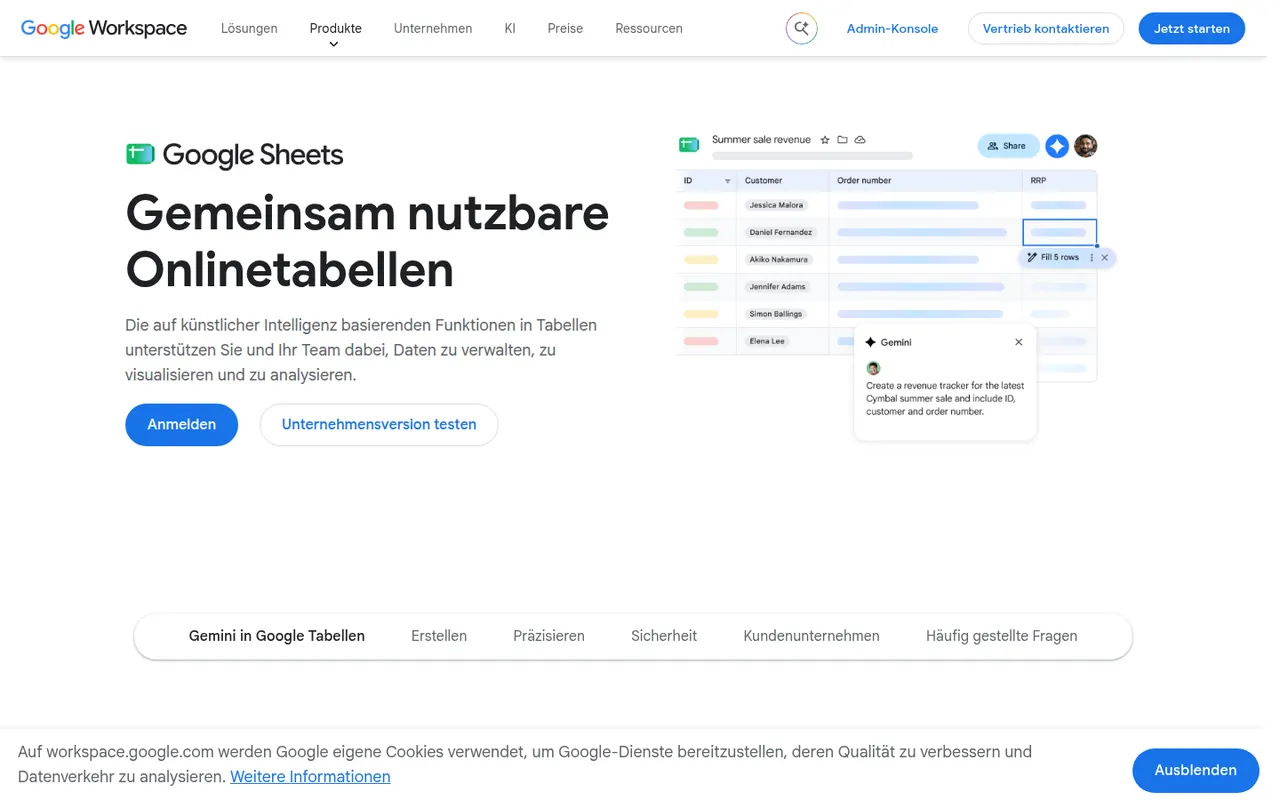
Cost / LicenseFreemiumProprietaryCategoriesGoogle Sheets is Google's browser-based spreadsheet, made for working on the same file with others at the same time. It supports formulas, pivot tables, charts, connected data sources and add-ons, and Apps Script can automate tasks or link sheets to other Google services. It is free with a Google account; Gemini AI features and business controls come with paid Google Workspace plans.
11 Google Sheets alternativesPros
- Real-time co-editing works smoothly in the browser
- Free with a Google account, with easy sharing and comments
- Apps Script and add-ons automate tasks across Google services
Cons
- Slows down noticeably with very large datasets
- Fewer advanced analysis features than desktop Excel
- Gemini features require a paid Google Workspace plan
Cost / LicenseFreemiumProprietaryCategoriesNumbers is Apple's free spreadsheet app for Mac, iPhone and iPad, also available in the browser on iCloud.com. Instead of one large grid, each sheet is a free-form canvas where tables, charts, text and images can be placed side by side. It includes several hundred functions, pivot tables and real-time collaboration through iCloud, and can import and export Excel files.
7 Numbers alternativesPros
- Free on Apple devices, with a browser version on iCloud.com
- Free-form canvas mixes tables, charts and text on one sheet
- Polished templates produce good-looking sheets with little effort
Cons
- Fewer advanced functions and analysis tools than Excel
- Excel files with macros or complex formatting do not convert cleanly
- No native apps for Windows or Android
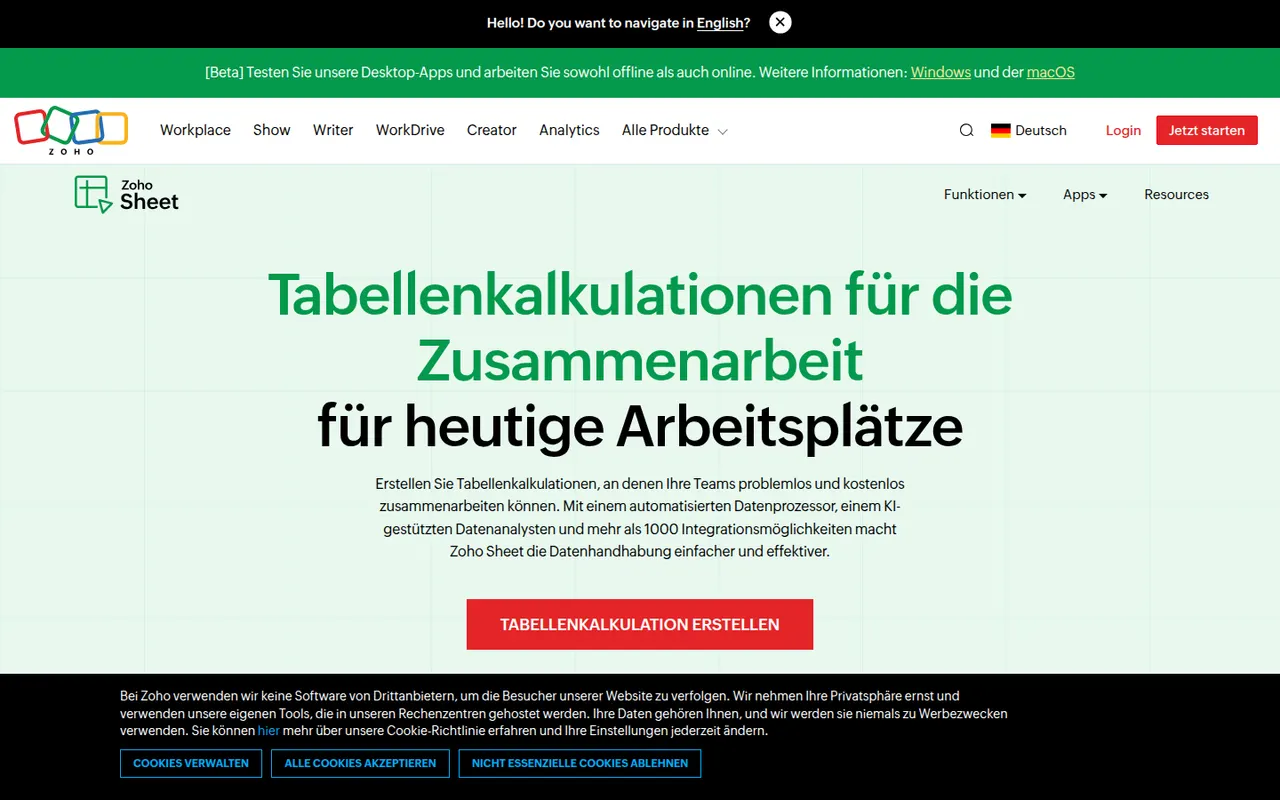
Cost / LicenseFreeProprietaryCategoriesZoho Sheet is a cloud spreadsheet from Zoho for building and sharing spreadsheets with real-time co-editing, comments and cell-level change history. It handles pivot tables, data cleaning and imports from Excel and CSV files, while the Zia assistant suggests charts and answers questions about the data. It is free for individuals and part of paid Zoho Workplace plans for businesses.
8 Zoho Sheet alternativesPros
- Free for individuals, with real-time co-editing and comments
- Cell-level change history makes edits easy to trace
- Zia assistant suggests charts and answers questions about the data
Cons
- Fewer add-ons and third-party integrations than Google Sheets
- Most valuable for companies already using the Zoho ecosystem
Cost / LicenseFreemiumProprietaryCategories