
Tuta alternatives
Top Email Clients & Providers like Tuta
The most popular alternative to Tuta is Proton Mail, which has a free version. Other great alternatives to Tuta are Fastmail, Gmail, HEY, and Zoho Mail.
Most alternatives to Tuta are in the Email Clients & Providers category, compared here by price, platform and features.
All Tuta alternatives
Proton Mail is an end-to-end encrypted email service based in Switzerland. Messages between Proton users are encrypted automatically, emails to others can be password-protected, and stored mail uses zero-access encryption so Proton cannot read it. Its apps are open source, paid plans add custom domains and more addresses, and it is part of a suite with Proton Calendar, Drive, VPN and Pass.
9 Proton Mail alternativesPros
- End-to-end and zero-access encryption protect stored mail
- Based in Switzerland, with open source apps
- Part of a suite with Proton Calendar, Drive, VPN and Pass
Cons
- Free plan is tight on storage and addresses
- Using IMAP clients requires Proton Mail Bridge and a paid plan
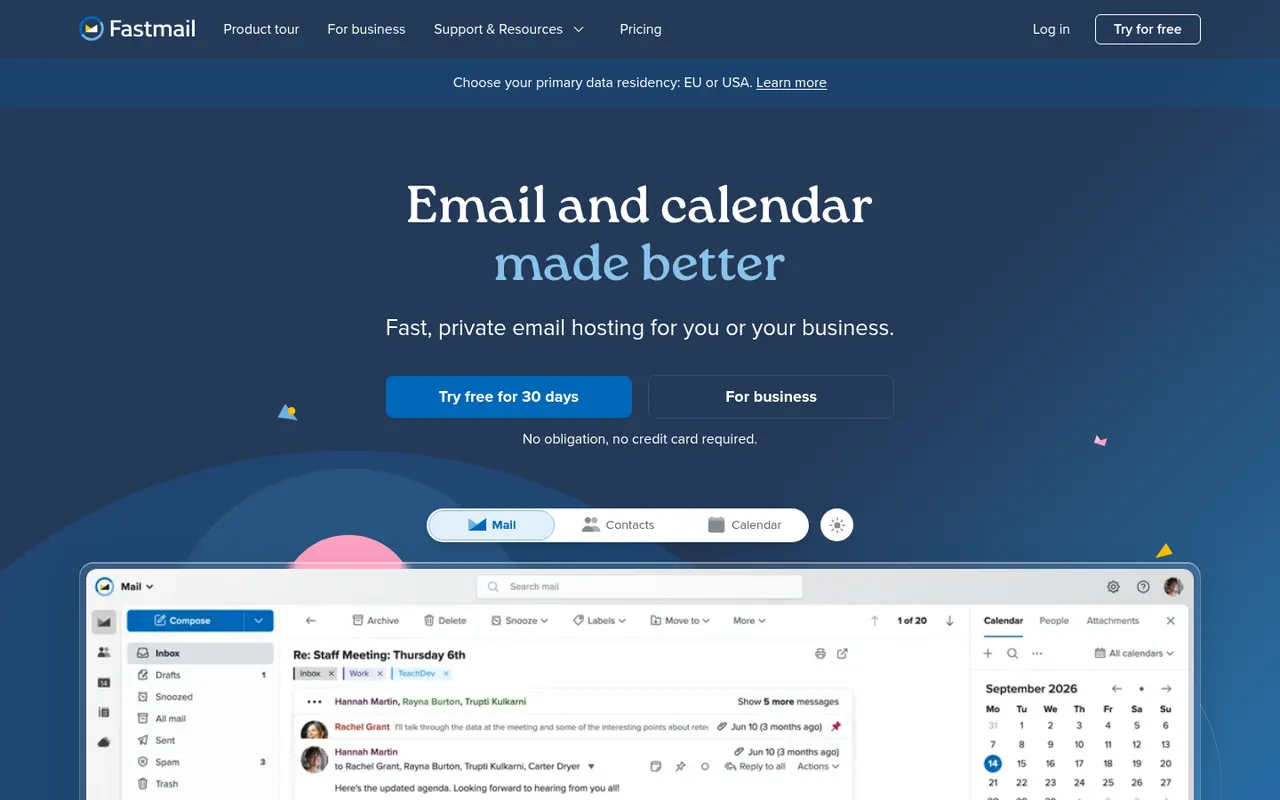
Cost / LicenseFreemiumOpen sourceCategoriesFastmail is an independent email provider from Australia that bundles email, calendar and contacts with no ads. It supports custom domains, aliases and Masked Email addresses generated through its 1Password integration, and works with any client via IMAP, CalDAV and CardDAV. Fastmail also led the creation of JMAP, an open standard for faster email sync. It is paid, with a free trial.
9 Fastmail alternativesPros
- Ad-free service funded by subscriptions rather than advertising
- Masked Email addresses through the 1Password integration
- Standard IMAP, CalDAV and CardDAV work with any client
Cons
- No free plan beyond the trial
- No end-to-end encryption like Proton Mail or Tuta
- Fewer collaboration tools than Google Workspace or Microsoft 365
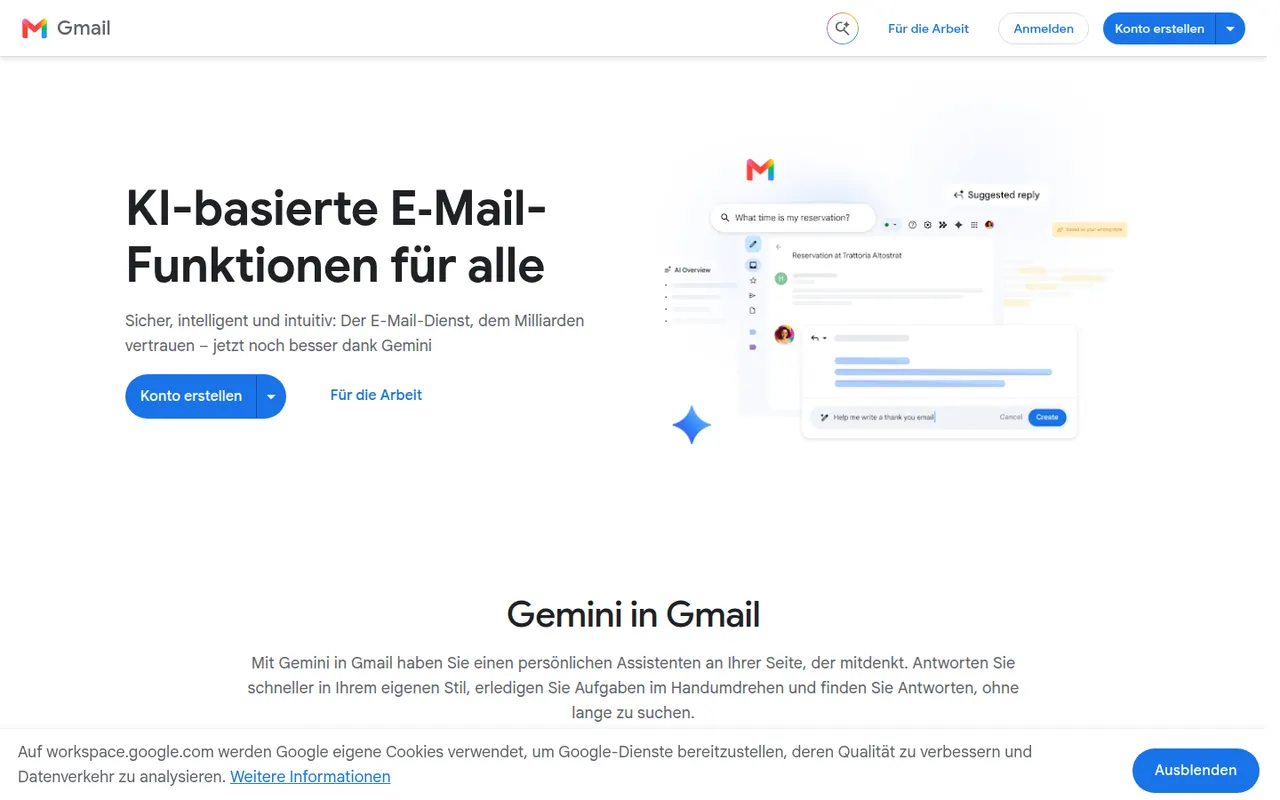
Cost / LicenseFree trialProprietaryCategoriesGmail is Google's email service, used through the web and mobile apps or any IMAP client. It offers automatic spam filtering, labels and inbox categories, fast search, scheduled sending and close links with Calendar, Drive and Meet. Personal accounts are free and share storage with Drive and Photos, while Google Workspace adds custom domains and admin tools; Gemini can draft and summarize emails.
12 Gmail alternativesPros
- Excellent spam filtering and fast search
- Tight links with Google Calendar, Drive and Meet
- Free personal accounts on web, mobile and any IMAP client
Cons
- Free storage is shared with Drive and Photos and fills up quickly
- Google’s data practices raise privacy concerns
- Custom domains require a paid Google Workspace plan
Cost / LicenseFreemiumProprietaryCategoriesHEY is a paid email service from 37signals, the makers of Basecamp, that rethinks how mail is triaged. First-time senders must be approved in the Screener, newsletters go to The Feed, receipts to the Paper Trail, and spy pixels are blocked automatically. It includes a calendar and supports custom domains for businesses, but works only with HEY addresses rather than existing Gmail or IMAP accounts.
9 HEY alternativesPros
- Screener lets you approve first-time senders before they reach you
- Spy pixels in emails are blocked automatically
- The Feed and Paper Trail set newsletters and receipts aside
Cons
- Works only with HEY addresses, not existing Gmail or IMAP accounts
- Opinionated workflow that doesn’t suit everyone
- No free plan beyond the trial
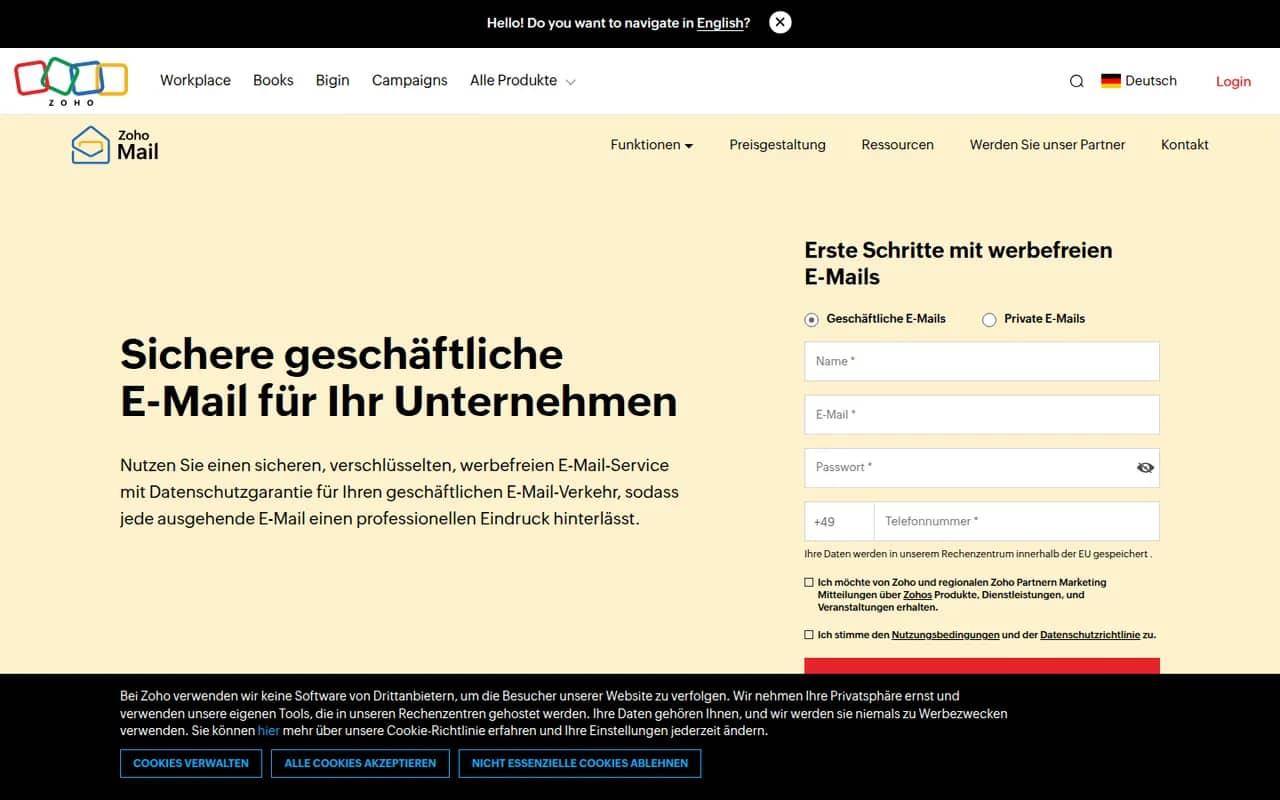
Cost / LicenseFree trialProprietaryCategoriesZoho Mail is an ad-free business email service from Zoho that hosts mailboxes on your own domain, with calendar, contacts, tasks and notes included. Admins get a control panel for users, security policies and retention, and the service integrates with Zoho's office, CRM and collaboration apps through Zoho Workplace. A free plan is available for small teams, with paid plans adding more storage and features.
8 Zoho Mail alternativesPros
- Ad-free business email on your own domain, with a free plan
- Admin console for users, security policies and retention
- Integrates with Zoho’s office, CRM and collaboration apps
Cons
- Free plan lacks IMAP and POP access for desktop clients
- Interface feels less polished than Gmail or Outlook
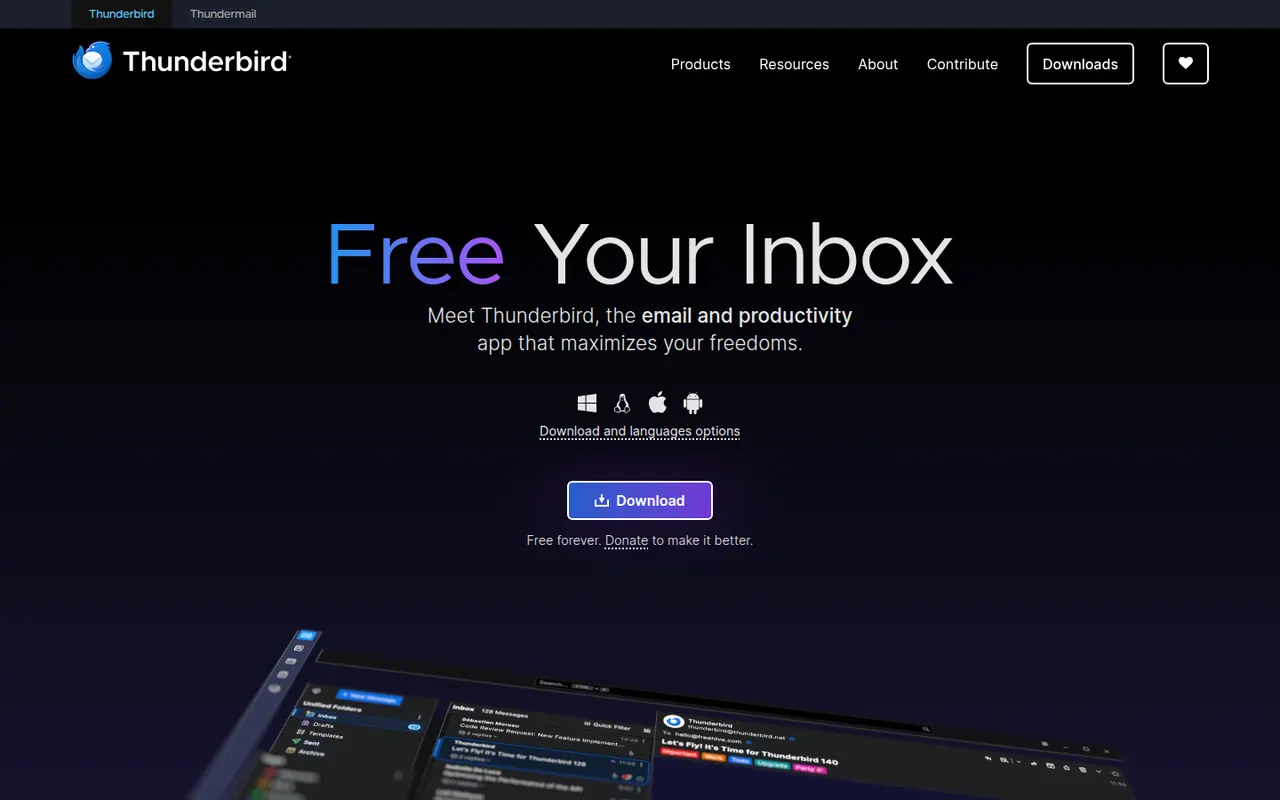
Cost / LicenseFreemiumProprietaryCategoriesThunderbird is a free and open-source email client for Windows, macOS and Linux, with an Android app based on K-9 Mail. It manages multiple accounts in a unified inbox and includes a calendar, address book, chat and built-in OpenPGP encryption. Add-ons and themes customize it extensively, and it is developed by MZLA Technologies, a Mozilla Foundation subsidiary funded by user donations.
9 Thunderbird alternativesPros
- Free and open source, funded by donations rather than ads
- Built-in OpenPGP encryption, calendar and address book
- Highly customizable with add-ons and themes
Cons
- Interface feels busier than minimalist modern clients
- Getting the most out of it takes some setup and add-ons
Cost / LicenseFreeOpen sourceCategoriesMicrosoft Outlook is an email and calendar app available on Windows, Mac, mobile and the web, used with Outlook.com, Exchange and Microsoft 365 accounts as well as Gmail and other IMAP services. It combines mail with calendars, contacts and tasks, supports shared mailboxes and scheduled sending, and integrates with Teams for meetings. Copilot can draft replies and summarize threads on eligible plans.
12 Microsoft Outlook alternativesPros
- Email, calendar, contacts and tasks in one app
- Shared mailboxes and Teams integration for businesses
- Available on Windows, Mac, mobile and the web
Cons
- The move from classic to new Outlook on Windows has been disruptive
- Free Outlook.com accounts show ads
- Copilot features require an eligible paid plan
Cost / LicenseFreemiumProprietary
















Tuta vs its alternatives at a glance
Pricing, platforms and the key features of Tuta, compared with its most popular alternatives.
| App | Pricing | Platforms | Calendar view | Custom email domain | Email aliases | End-to-end encryption | GDPR compliant |
|---|---|---|---|---|---|---|---|
 Tuta Tuta | FreemiumOpen source | Web, Windows, Mac, Linux, iPhone, Android | |||||
 Proton Mail Proton Mail | FreemiumOpen source | Web, Windows, Mac, Linux, iPhone, Android | |||||
 Fastmail Fastmail | Free trial | Web, iPhone, Android | |||||
 Gmail Gmail | Freemium | Web, iPhone, Android | |||||
 HEY HEY | Free trial | Web, Windows, Mac, Linux, iPhone, Android | |||||
 Zoho Mail Zoho Mail | Freemium | Web, iPhone, Android |
Tuta alternatives: frequently asked questions
What is the best alternative to Tuta?
The most popular alternative to Tuta is Proton Mail: Encrypted email from Switzerland with a free plan. Other great alternatives are Fastmail, Gmail, HEY, and Zoho Mail.
Is there a free alternative to Tuta?
Yes, 5 alternatives are free or have a free plan, including Proton Mail, Gmail, Zoho Mail, and Thunderbird.
Is there an open source alternative to Tuta?
Yes, 2 open source alternatives are listed, including Proton Mail and Thunderbird.
Is Tuta free?
Tuta has a free plan, with paid plans that unlock more features.
Compare Tuta with its alternatives


Sponsored listings and products made by the publisher of this site are always labeled. How we rank · Know a good alternative? Submit it